Key Takeaways
Your visual style should serve the song, not compete with it. Start with a clear creative brief, generate small tests, and export versions that fit where your audience watches.
- Match cinematic, abstract, or animated visuals to the song’s emotional core.
- Study tempo, vocals, structure, and energy before planning scenes.
- Keep colors, subjects, motion, and character details consistent.
- Generate a first pass, then revise prompts and edit clips with care.
- Export separate versions for vertical, square, and horizontal platforms.
Match the visual style to the song and audience
The best guide to ai music video visual styles starts with the audio itself. A slow vocal track may need space and emotional detail, while a fast electronic track can support sharper cuts and responsive motion. Think about what your viewers should feel after the first few seconds, then choose visuals that help create that response.
A useful visual style reference can help you compare cinematic realism, abstract motion, and animated graphics before you commit to one direction. You do not need to force one style across every song, but you do need a clear reason for the choice.
Use cinematic visuals for narrative and emotional tracks
Cinematic visuals work well when the lyrics suggest a person, place, conflict, or change. You can build a simple story around a performer walking through a city, returning to a familiar room, or moving through a landscape that shifts with the song’s emotional arc. Keep the plot readable even when the visuals stay poetic.
Use wider shots to establish place, medium shots for action, and close-ups when the vocal becomes personal. A cinematic music video guide can help you think through lighting, camera movement, and scene composition without turning the video into a literal lyric-by-lyric reenactment.
Choose abstract visuals for atmosphere and experimentation
Abstract visuals suit songs where texture, rhythm, and tone matter more than a defined story. Waves, particles, glass, smoke, ink, fabric, and geometric forms can change with the music while leaving room for the listener’s own interpretation. This approach also reduces the continuity burden that comes with recurring actors or locations.
Start with two or three visual motifs rather than generating a new idea for every beat. An abstract music video workflow offers a useful way to think about color, repetition, audio response, and short looping sections.
Use animated styles for character-led and playful concepts
Animation gives you room to build a memorable character, a stylized setting, or a playful performance that would be expensive to stage in live action. It works especially well for upbeat songs, children’s educational content, fantasy themes, and tracks built around a strong persona.
Choose a visual language early. Flat 2D shapes, soft 3D forms, anime-inspired movement, and graphic animation each create a different relationship between the character and the music. Keep the character’s silhouette and key clothing details simple enough to survive repeated generations.
Consider platform, audience, and viewing format
A visual idea that works in a widescreen player may fail in a vertical feed. Check where your audience will see the video, how quickly they decide whether to keep watching, and whether important action sits near the edges of the frame. Your style choice should support that viewing context from the first shot.
For a practical comparison, use this quick guide before you write prompts:
| Visual direction | Strong fit | Main risk |
|---|---|---|
| Cinematic | Narrative lyrics and emotional performances | Inconsistent characters or locations |
| Abstract | Instrumentals, electronic tracks, and mood pieces | Too much variation without a visual system |
| Animated | Character-led, playful, or fantasy songs | Drifting designs between scenes |
| Performance | Singer-focused promotional clips | Repetitive framing |
The table is a starting point, not a rulebook. If your chorus needs a clear emotional payoff, cinematic scenes may work better than a busy abstract sequence, even when the song is electronic.
Prepare the audio and creative direction
Good output begins with usable audio and a short, specific plan. Before you generate anything, listen for the intro, verses, chorus, bridge, instrumental breaks, and ending. Mark the moments where the visual energy should change.
You can also read a song-to-video creation guide for a broader look at preparing existing tracks and connecting audio mood to visual direction. Keep your first concept narrow enough that you can test it quickly.
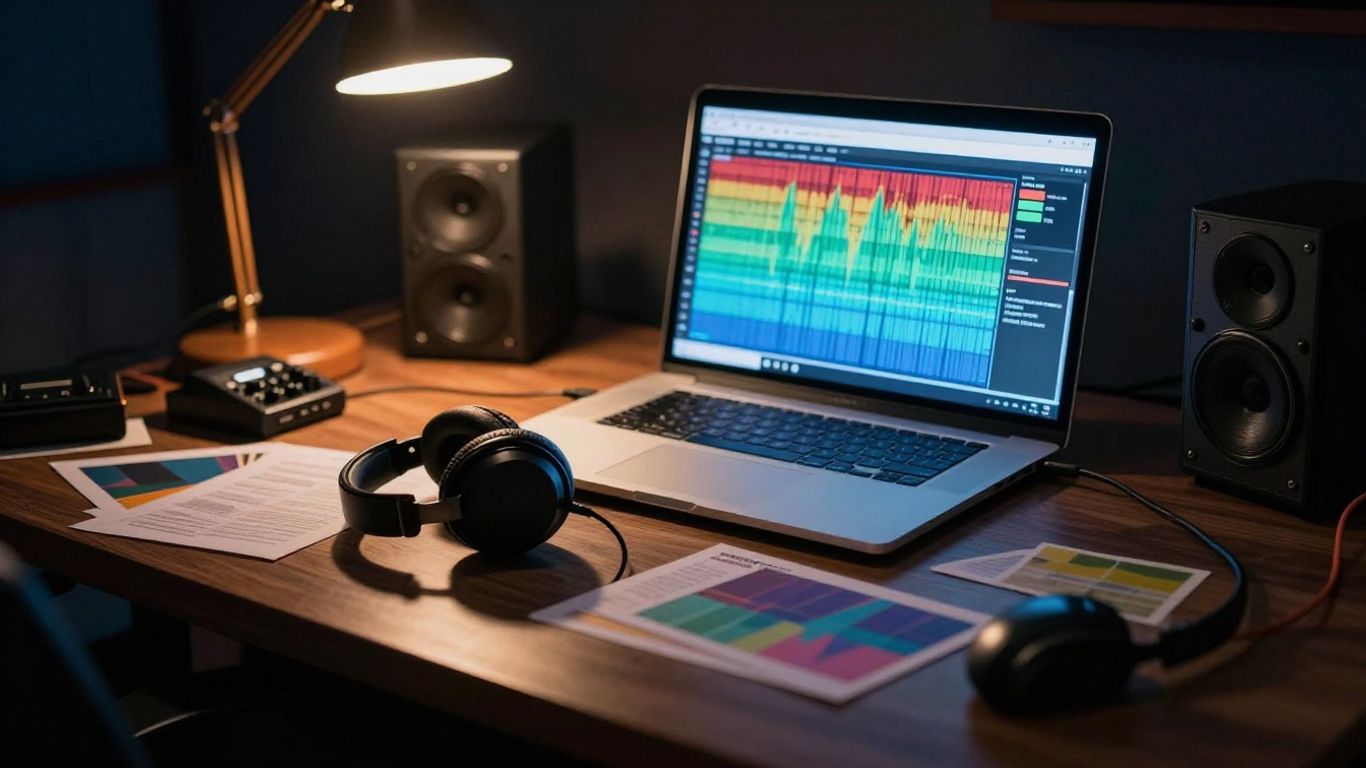
Start with a finished song or upload an MP3 or WAV file
Use a finished song when you already know the vocal performance, arrangement, and length you want to publish. MP3 and WAV files are common starting points for audio-to-video workflows, so check the file before uploading it and remove accidental silence or clipping where possible.
If you want one workflow for both song creation and video, CREATUS.AI can generate a song from a prompt or turn uploaded audio into a music video. Its documented video inputs include MP3 and WAV files, which gives you a clear starting point for testing a visual style.
Identify the song’s mood, tempo, and structural changes
Write down three mood words, the approximate tempo, and the sections that change energy. Notice where the vocals become dense, where an instrumental takes over, and where a repeated phrase might benefit from a recurring image.
Do not treat these notes as technical decoration. They tell you whether a cut should feel slow and floating, tight and rhythmic, or deliberately still. The more precise your listening notes, the less you rely on random prompt changes later.
Define the visual concept before generating scenes
Describe the video in one sentence before you generate a clip. For example: “A lonely dancer moves through a flooded apartment as warm light gradually replaces blue shadow.” That sentence gives you a subject, setting, movement, and emotional direction without prescribing every frame.
Keep a separate list of details that must remain stable. You might include the performer’s age, hairstyle, clothing colors, location, time of day, and camera distance. This small reference helps you compare generations instead of judging each clip in isolation.
Create a brief with colors, subjects, camera movement, and pacing
A useful brief turns a vague mood into decisions you can repeat. Include the dominant palette, main subjects, lighting, camera behavior, transition style, and rough shot length. You can also state what should not appear, such as extra characters, text overlays, or sudden changes from day to night.
Keep the brief short enough to use while working. A compact version might contain:
- Two or three dominant colors.
- One main subject and one supporting setting.
- A camera movement such as tracking, orbiting, or a locked-off shot.
- A pacing plan for verses, choruses, and instrumental breaks.
After you write it, test the brief against the song’s first thirty seconds. If the visual idea already feels too busy, simplify it before generating a full sequence.
Build a cinematic AI music video
Cinematic work depends on continuity as much as spectacle. You are asking generated scenes to feel as though they belong to the same film, even when each clip is made separately. Establish the visual rules first, then spend your effort on moments that move the song forward.
Use a cinematic video planning guide when you need to connect story, pacing, aspect ratio, and final export choices. A strong concept can still fail if the shots do not share a visual grammar.
Design a narrative around the lyrics or song structure
You do not need to illustrate every lyric. Instead, identify the song’s central tension and let the visuals develop it across sections. A verse can introduce a situation, the chorus can repeat or intensify a visual action, and a bridge can change the location, color, or point of view.
For instrumental tracks, use the arrangement as your story outline. A quiet opening may establish place, a rising section may introduce movement, and a final refrain may return to an earlier image with a changed emotional meaning.
Plan establishing shots, performance shots, and transitions
Create a shot list before generating clips. Establishing shots orient the viewer, performance shots connect the video to the artist or character, and transitions help the sequence move between locations or emotional states.
Keep the transition logic simple. A match cut between circular shapes, a repeated hand movement, or a camera move into darkness can connect scenes more naturally than a new effect on every edit. Let the song’s structure decide when the viewer needs a reset.
Use lighting, lens choices, and camera movement consistently
Pick a lighting direction and repeat it. You might use soft window light for verses, harder side light for the chorus, and a warmer practical glow near the ending. Lens language matters too: wide views create space, while closer views make the performer feel more exposed.
Write those choices into your prompts in plain terms. “Slow handheld push-in, shallow depth of field, warm side light” gives you a more repeatable target than “make it cinematic.” Consistency beats spectacle when several generated clips need to sit beside one another.
Avoid continuity problems between generated scenes
Continuity breaks often appear in small details: a jacket changes color, a room flips its layout, or a performer’s hand holds an object that was never introduced. Generate reference images or short tests for the main character and location before you attempt the most complicated scene.
Review clips in sequence, not only as individual images. If a mismatch does not affect the story, you may be able to hide it with a cutaway, silhouette, close-up, or brief transition rather than regenerating the entire section.
Create an abstract AI music video
Abstract videos give you freedom, but freedom still needs boundaries. Without a small set of visual rules, the result can feel like unrelated clips placed over a song. Choose a few materials, colors, and movement types, then vary them in response to the arrangement.
A beat-reactive visual approach can help you connect rhythm and motion while keeping the imagery nonliteral. This style is especially useful when you want the music to remain the main subject.

Translate rhythm and emotion into shapes, textures, and motion
Map musical qualities to visible behavior. Low tones might become broad, slow forms, while percussion could appear as sharp pulses, fragments, or quick changes in scale. A vocal line can guide flowing movement, soft distortion, or a gradual shift in texture.
Start with physical references that a generator can depict clearly. Liquid metal, translucent fabric, colored powder, reflective glass, and paper cutouts are easier to direct than a vague request for “energy.” Keep each material visible long enough for the viewer to recognize it.
Use audio-reactive visuals for beats and energy changes
Audio-reactive motion should respond to meaningful events, not every tiny fluctuation. Reserve stronger scale changes, flashes, or camera shifts for the kick, snare, chorus entrance, or major drop. The quieter sections can breathe with slower movement and longer shots.
Make a rough beat map while listening. Mark the moments where the music changes direction, then align visual transitions with those points. This creates rhythm without turning the entire video into a constant strobe.
Develop a controlled color and texture system
Choose a base color, an accent color, and one neutral tone. Add a small group of textures that can recur across the song, such as grain, ripples, chrome, or paper fibers. Repetition makes an abstract video feel designed rather than accidental.
You can shift the palette by section instead of changing it randomly. For example, the verse may stay muted, the chorus may introduce the accent color, and the bridge may drain the image before the final return.
Balance visual variety with repetition and musical flow
Variation keeps attention, but repetition gives the audience something to remember. Bring back a shape or texture at the chorus, then alter its speed, scale, or color so it feels connected to the song’s progression.
Watch the full draft with the audio at normal volume. If every moment demands attention, remove some motion. A few calm passages can make the next visual change feel much stronger.
Create an animated AI music video
Animation lets you build a complete visual world without depending on realistic locations or live performers. The tradeoff is that characters, props, and environments need clear design rules. If those rules change from shot to shot, the viewer notices before the story has time to land.
For a focused workflow, see this animated music video guide, which covers visual styles, input choices, output formats, and character-led concepts. Keep the first project modest so you can spend time on timing and consistency.
Choose between 2D, 3D, anime-inspired, and motion-graphic looks
Select the format based on the song and the amount of movement you need. 2D can feel graphic and direct, 3D can provide depth and camera movement, anime-inspired design can support expressive characters, and motion graphics can keep the focus on typography-free shapes and transitions.
Do not mix these looks casually. A hybrid can work, but you should define which visual language leads and which one appears only at selected moments, such as a chorus change or instrumental break.
Develop consistent characters, environments, and props
Create a small reference sheet for every recurring character. Record the silhouette, hair, clothing, colors, facial features, and important accessories. Do the same for locations and props that return across multiple scenes.
Keep the number of recurring elements low. One character, one main environment, and a few recognizable props are easier to maintain than a crowded cast moving through several complex settings.
Match animation timing to vocals, lyrics, and instrumental sections
Let movement follow the song’s phrasing. A character can begin an action before a vocal line, complete it on the final word, and hold still during a short pause. Instrumental sections can carry larger gestures, camera moves, or changes in the environment.
For repeated choruses, reuse a recognizable action with a small change. That visual repetition helps the audience understand the structure without requiring literal captions or constant cuts.
Simplify complex scenes to improve visual consistency
Crowds, elaborate costumes, transparent objects, and fast interactions create more opportunities for errors. Start with a clear foreground subject and a calm background. Add complexity only when it supports the song or marks a major transition.
If a scene keeps failing, reduce the number of moving parts rather than adding longer prompts. A simple silhouette walking through colored light can be more effective than a crowded battle that never holds together.
Generate and refine the video with an AI workflow
Treat generation as a series of tests rather than one final command. First confirm that the visual idea works, then check motion, continuity, and timing. This keeps revisions focused and prevents you from spending time polishing a concept that does not fit the song.
CREATUS.AI documents a workflow that starts with a song or uploaded audio, continues with visual style selection, and produces a synchronized music video. Its available visual styles include cinematic, animated, abstract, lyric video, and performance directions.
Select a visual style and output aspect ratio
Choose the style before writing detailed prompts, then select the format where the video will be watched. A vertical frame needs centered subjects and taller compositions, while a horizontal frame gives you more room for environments and side-to-side action.
If you plan to publish in more than one format, keep the key subject near the center during generation. You may still need separate reframing, but the main action will have a better chance of surviving each crop.
Generate a first pass to test pacing and style consistency
Your first pass should answer practical questions: Does the video change when the song changes? Does the chosen style remain recognizable? Do the clips feel too slow, too frantic, or unrelated?
Do not judge the draft only by its strongest frame. Watch it from start to finish with the audio, and mark the exact seconds where the rhythm, composition, or continuity breaks. Those notes become your revision plan.
Revise prompts for composition, motion, and scene continuity
Change one variable at a time when possible. If the subject is correct but the camera is wrong, revise the camera instruction instead of replacing the entire concept. If the motion works but the character changes, strengthen the reference details and simplify the action.
Use concrete language for placement, speed, lighting, and direction. Short prompts with stable details are often easier to compare than long paragraphs filled with competing ideas.
Combine generated clips into a complete music video
Arrange clips against the song’s sections, then trim them to the musical phrases rather than forcing every generated shot into the edit. Use cutaways to cover continuity issues and leave enough room for the chorus or final image to feel earned.
Before exporting, check the audio start point, clip order, transitions, and ending. A clean final hold or fade can make the video feel finished even when the visual style remains experimental.
Export the video for each publishing platform
Exporting is part of the creative plan, not a final technical chore. The frame shape changes how you compose faces, hands, text-free subjects, and environmental details. Make a platform version after the master edit rather than squeezing one crop into every feed.
CREATUS.AI lists 9:16, 1:1, and 16:9 output formats for its music video workflow. That range lets you plan one core concept and adapt it to several publishing contexts.
Use 9:16 for TikTok, Instagram Reels, and YouTube Shorts
Vertical video works best when the main action stays in a tall central area. Keep faces, performers, and important gestures away from the extreme top and bottom edges, where interface elements may cover them.
Use a strong visual change early, then let the song’s hook guide the next few cuts. A short vertical version can use the chorus or most recognizable section instead of repeating the entire track.
Use 1:1 for square social media posts
Square video gives you a balanced frame for portraits, centered characters, abstract forms, and compact performance shots. It can be easier to adapt than vertical or horizontal because the subject has similar space on every side.
Review the crop at small size before publishing. Fine texture may disappear, while a clear silhouette or strong color block can remain readable on a phone.
Use 16:9 for YouTube and standard video players
Horizontal video gives cinematic scenes more room to breathe. Use the width for establishing shots, movement across a room, or layered backgrounds that would feel cramped in a vertical frame.
Keep the strongest action visible even when the viewer watches on a smaller screen. A wide composition should still have a clear subject and a readable visual path.
Check synchronization, resolution, captions, and branding before publishing
Watch each export all the way through. Check that the audio remains aligned, the resolution matches the platform, and any captions or logos stay inside safe areas. Listen for clipped audio and inspect the first and last seconds, where export problems can be easy to miss.
A final checklist is useful when you publish several versions:
- Confirm the correct aspect ratio and resolution.
- Check audio sync from the opening frame to the ending.
- Review captions, credits, and brand elements for placement.
- Watch the file on both a phone and a larger screen.
Then compare the exported files, not just the editing preview. Small crop or sync problems often appear only after the final render.
Conclusion
A strong AI music video comes from a clear match between sound, visual style, and viewing format. Choose the right visual language, prepare a focused brief, test small generations, and refine only what weakens the song. With that process, cinematic, abstract, and animated approaches can each produce a video that feels intentional rather than automatically assembled.
Frequently Asked Questions
What visual style is best for an AI music video?
Choose cinematic visuals for narrative or emotional songs, abstract visuals for atmosphere and experimentation, and animated visuals for character-led or playful concepts. The song’s mood, structure, audience, and platform should guide the decision.
Can you make an AI music video from an existing song?
Yes. You can use a finished audio file, commonly in MP3 or WAV format, then plan visuals around its tempo, mood, vocals, and structural changes.
How do you keep AI music video scenes consistent?
Repeat stable details for characters, locations, lighting, colors, and camera language. Generate reference tests first, simplify complex scenes, and use cutaways to hide small continuity errors.
Should abstract music videos follow the beat?
They should respond to meaningful musical events, such as a chorus entrance, drop, or major rhythm change. Constant motion can become tiring, so quieter sections should have room to breathe.
Which aspect ratio should you use for short-form video?
Use 9:16 for TikTok, Instagram Reels, and YouTube Shorts. Keep the main subject near the center and protect important action from interface areas near the top and bottom.
How long should an AI music video be?
Use the full song for a primary release when the visual concept supports it. For social platforms, shorter edits built around the hook or chorus can be easier to watch and share.
Do you need video editing experience to make an AI music video?
Basic editing skills help, but you can begin with a simple workflow: prepare the audio, define the visual direction, generate clips, arrange them to the song, check the export, and revise the weak sections.
Start Creating Your Video
When you are ready to test a song-to-video workflow, start creating with CREATUS.AI and turn an existing track or text idea into a shareable music video.