Key Takeaways
Creating compelling music videos has moved from expensive studio sets to accessible digital workflows. Here are the core pillars for building your own project.
- Define your mood before starting audio generation.
- Master the integration of prompt-based song creation.
- Align visual transitions with the song rhythm manually.
- Use specific aspect ratios for different social platforms.
- Export at max resolution for crisp playback quality.
Defining the creative concept
Identifying the target audience and platform
Pinpointing who will watch your content dictates everything from pacing to color grade. If you focus on short-form platforms like TikTok, you need to capture attention within the first three seconds by leaning into high-energy visuals. When preparing for YouTube, you have more room for a slower, narrative-driven structure that allows the viewer to sit with the song.
Establishing song mood and genre parameters
Your chosen genre serves as the skeletal structure for the entire production. A dark ambient track requires muted, slower visual shifts, while an upbeat pop song demands fast cuts and vibrant color palettes. You can try experimenting with different descriptors in your prompt until you find a chord progression that truly matches your intended vibe.
Drafting lyrics and descriptive prompts for initial synthesis
Precise lyrics provide the necessary context for the AI to understand the emotional arc of your composition. Include specific details about tempo, style, and instrumentation in your initial descriptions to ensure the final output feels cohesive. Avoid over-complicating your prompts, as cleaner instructions usually yield more coherent results.
Generating professional-grade audio
Inputting text prompts for song architecture
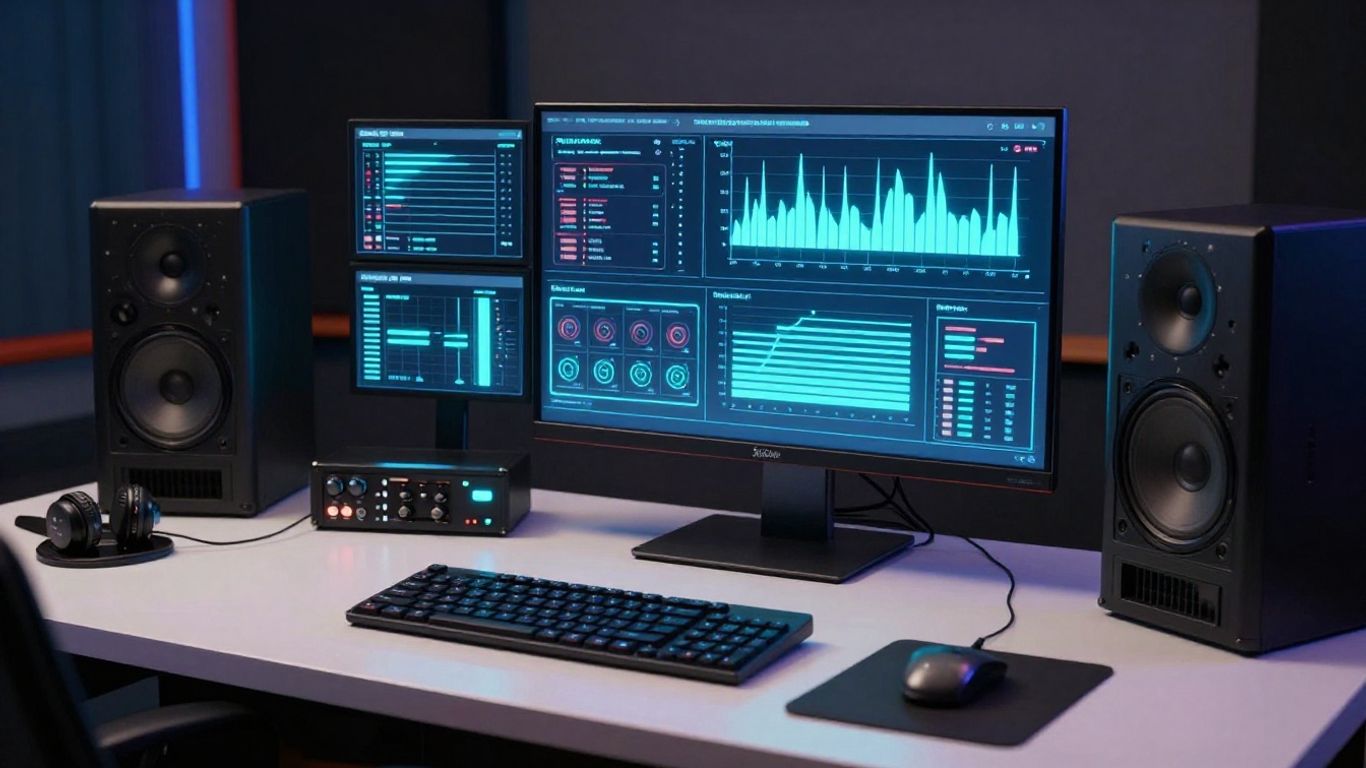
Start by describing the core musical elements like beats per minute and primary instruments to build a solid foundation. You should leverage the Creatus AI Music Video Generator to go from a simple text description to a full, high-quality audio track without needing external production tools. This streamlined approach allows you to focus on the creative direction rather than complex mixing techniques.
Customizing vocal styles and instrumentation
Selecting the right vocal texture changes how the audience connects with your lyrics. Whether you choose a raspy rock voice or a clean operatic style, ensure the vocal energy aligns with the heavy parts of your composition. You can adjust the prominence of certain instruments to avoid cluttering the soundscape during the build-up.
Reviewing and exporting the raw audio file for post-production
Listen to your generated track at different volumes to ensure frequencies remain balanced across various playback devices. Once satisfied, export your audio as a high-bitrate file so the visual synchronization process remains accurate. Use the table below to compare how different output formats handle the various file types you might export.
| Format | Best For | Resolution | Quality |
|---|---|---|---|
| WAV | Professional | Studio | Lossless |
| MP3 | Distribution | Standard | Compressed |
| OGG | Streaming | Variable | Efficient |
Selecting compelling visual styles

Matching visual aesthetics to track tempo and rhythm
Visuals must breathe with the music to feel cohesive rather than disjointed. Fast edits should occur precisely on beat hits to maintain a dynamic flow that keeps the viewer engaged. If the song dips in energy, let the visuals linger on a single frame to provide a moment of respite.
Utilizing different visual modes for narrative impact
Choosing between realistic cinematography and abstract animation fundamentally alters the tone of your video. Realism often works best for storytelling approaches, while abstract modes excel at highlighting the technical mastery of the Creatus AI Music Video Generator when the goal is a purely sensory experience. Mixing these modes in moderation can highlight specific song sections effectively.
Balancing abstract artistic elements with storytelling scenes
Integrate your scenes carefully to ensure the narrative remains clear while the background visual effects add depth and texture to the experience.
Use consistent character design and color themes to bridge the gap between abstract clips and direct scenes. This continuity makes the transitions between surreal sequences and grounded moments feel intentional for the audience.
Technical configuration for multi-platform distribution
Selecting the correct aspect ratios for vertical versus horizontal delivery
Vertical video serves as the standard for mobile-first audiences watching on TikTok or Instagram. For horizontal platforms like YouTube, full 16:9 renders provide a theater-like experience that rewards viewers watching on monitors or TV screens.
- Check platform specs before finalizing export settings.
- Ensure your framing accounts for UI overlays like caption boxes.
- Test the render on a mobile device for readability.
- Confirm that the audio levels are consistent across versions.
These checks ensure your content appears professional regardless of where it is consumed.
Understanding resolution requirements for social media platforms
Quality standards differ significantly between platforms, and failing to hit these markers can lead to aggressive compression. Always aim to export at the highest supported resolution to protect the visual fidelity of your transitions and effects. Uploading a lower-quality file forces the platform to resize your video, often introducing artifacts.
Managing export file formats for optimal playback quality
Standardize your export workflow to include universally accepted containers like MP4. This stability ensures that the video plays immediately without buffering or encoding errors across different apps. Take time to verify that your frame rate is locked to avoid jitter during fast-paced segments.
Optimizing the AI generation workflow
Streamlining the transition from audio creation to video rendering
Reducing the number of tools in your pipeline keeps your creative focus sharp and minimizes sync errors. By keeping your generation inside one ecosystem like the Creatus AI Music Video Generator, you decrease the risk of file conversion issues. This efficiency allows you to iterate faster on your visual concepts when real-time feedback indicates a need for change.
Troubleshooting common synchronization issues in AI outputs
Drift happens when the video renderer struggles with subtle rhythm shifts in the audio track. To fix this, manually verify the timestamp of key drops and adjust your visual triggers to force alignment where the automated process stumbles. Consistent naming conventions for your audio stems will also help you track which parts need manual recalibration.
Integrating AI-generated music videos into broader content marketing strategies
Your music video serves as a powerful anchor for social campaigns, but it should function as part of a larger ecosystem. Use the B2B tech marketing agency approach to segment your content so that your videos reach the right viewers at the right time. By treating each short clip as a piece of a larger promotional puzzle, you gain far more utility than from a single, static video release.
Conclusion
You have the capability to produce professional-grade visuals without the overhead of traditional studios by leveraging AI as your primary tool. By focusing on rhythm, consistency, and proper delivery formats, you build a sustainable workflow that allows your music to shine on every screen.
Frequently Asked Questions
How long should an AI music video be?
Keep your video focused on the song length, typically between two and four minutes for optimal viewer retention and engagement.
Can I edit the video after it is generated?
Yes, most platforms provide either a built-in editor or allow you to export the clip into professional software for further adjustments.
Does the rhythm match the visuals perfectly?
High-end generators use advanced tempo detection to align transitions, though you may occasionally need to provide manual prompts for specific drops.
Which license do I need for my music?
Ensure you understand the terms of service for your AI tool, as some subscriptions grant you commercial rights while others remain restricted to personal use.
Can I include my own footage?
Most workflows permit uploading personal video assets, providing a blend of your own footage and AI-generated elements for a personalized feel.
Will the video look better in 4K?
Yes, higher resolutions significantly help with complex animations and detailed textures, making them ideal for platform-based distribution where quality matters.
Is it hard to learn these tools?
Most modern platforms offer intuitive interfaces that allow beginners to produce high-quality results within their very first session without needing prior video editing skills.