Ever wanted to make a music video that looks like it came straight out of a movie, but without the Hollywood budget? You’re in luck. With the rise of AI, creating an ai cinematic music video is more accessible than ever. You can go from a simple idea to a finished visual masterpiece right from your computer. Let’s explore how you can do this.
Key Takeaways
- You can now generate a complete song with AI vocals and a matching music video all within one tool, simplifying the whole process.
- Creating an ai cinematic music video involves writing a text prompt for the song, picking a visual style, and then refining scenes with more specific descriptions.
- Achieving that film-quality look means paying attention to lighting, atmosphere, color, and making sure the camera moves smoothly and the scenes make sense together.
- There are different AI tools out there; some focus just on making music, others just on videos, but tools that do both in one workflow are a big deal.
- This technology is great for independent musicians, social media creators, and even businesses looking for unique ways to promote their content.
Understanding AI Cinematic Music Video Creation
The Two-In-One Workflow Advantage
Creating a music video used to mean juggling multiple tools and skills. You’d need one program for music, another for editing, and maybe even more for visual effects. This process was time-consuming and often expensive.
Now, AI offers a streamlined approach. Some platforms combine music generation with video creation in a single workflow. This means you can write a song idea and get a finished music video without switching between different software. It’s a significant time and cost saver for creators.
From Text Prompt to Finished Video
Imagine describing your song and its mood, and then seeing a video come to life. That’s the core of AI music video creation. You start with a simple text prompt, detailing the genre, tempo, or even specific lyrical ideas.
The AI then composes original music, complete with AI-generated vocals, or it can work with audio you provide. Once the music is ready, the AI analyzes it to generate synchronized visuals. This entire process can take just minutes, turning your audio idea into a visual story.
Key Features for Visual Storytelling
AI tools bring several features that help you tell your story visually. You can select from various styles, from cinematic and realistic to abstract or animated. Many platforms also offer specific modes, like performance or lyric videos.
- Audio-reactive visuals: The video elements sync directly with the music’s beat and mood.
- Character consistency: Keep the same characters or subjects appearing throughout your video.
- Multi-format export: Get your video ready for any platform, whether it’s TikTok, YouTube, or Instagram.
The goal is to make professional-looking videos accessible. You don’t need a film crew or a massive budget anymore. AI handles the heavy lifting, letting you focus on the creative vision. This technology is changing how independent artists and content creators produce visual content, making it easier than ever to create stunning videos.
These tools are designed to be intuitive. You can generate a video from a text prompt or upload your own audio file. The AI analyzes the music’s tempo, energy, and structure to create matching visuals. This makes the entire process feel more collaborative, like working with a digital director. You can even find platforms that offer advanced editing features for more fine-tuned control.
Crafting Your AI Cinematic Music Video
Generating Original Music with AI Vocals
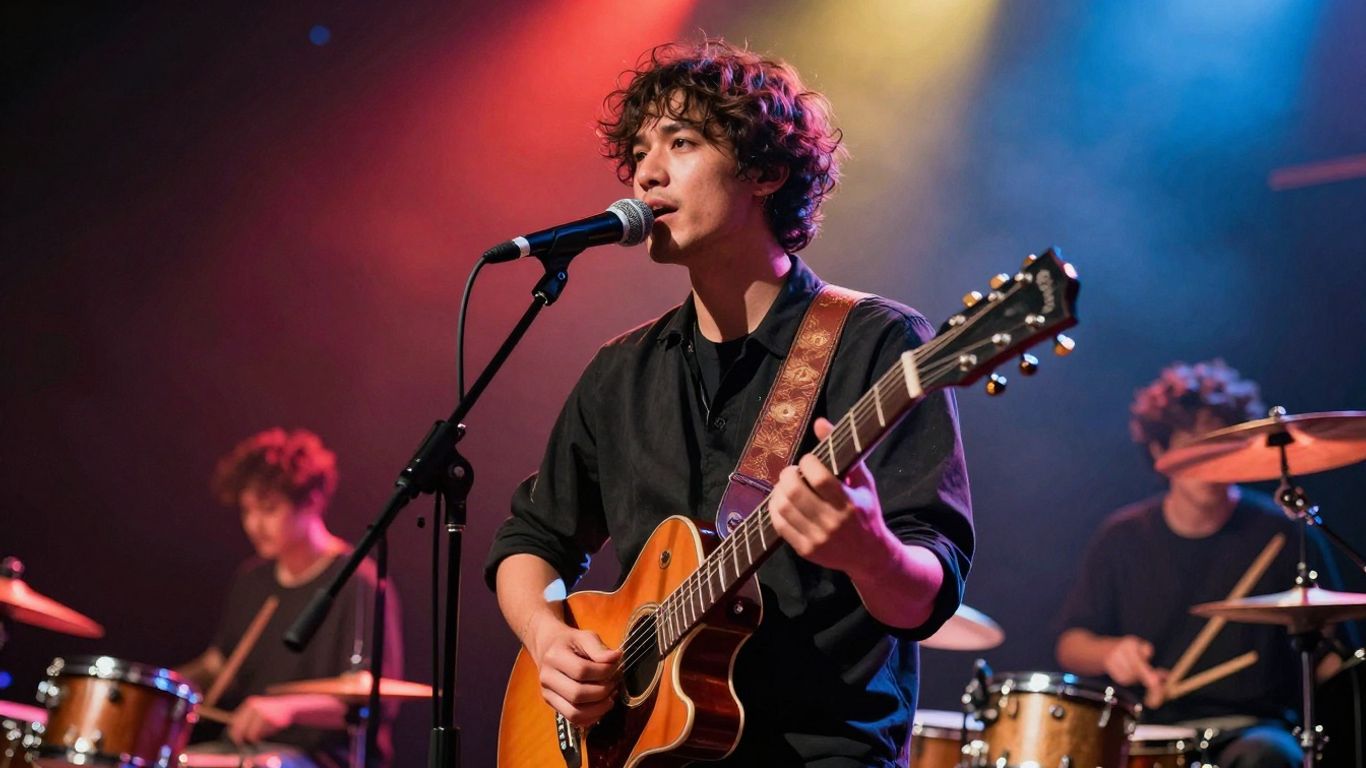
Forget spending weeks on a track. You can now create original songs with AI vocals directly within the platform. Simply provide a text prompt detailing the genre, mood, tempo, and even lyrics you envision. The AI then composes the music and generates singing vocals, giving you a complete song ready for visuals. This process removes the need for music production skills, letting you focus on the creative vision.
Selecting Visual Styles and Themes
Once you have your audio, it’s time to bring it to life visually. You’ll choose from a range of pre-set visual styles that can dramatically alter the feel of your video. Think about the mood of your song – is it an epic landscape, a gritty urban scene, or something more abstract? Selecting the right style is key to matching the audio’s energy. You can explore options that lean towards cinematic realism or more stylized, artistic interpretations.
Refining Scenes with Specific Prompts
While the AI handles the heavy lifting, you still have control. You can refine individual scenes or the overall video using specific text prompts. Want a sweeping aerial shot over mountains at golden hour, or a rain-soaked city street at night? Describe these elements, and the AI will work to incorporate them. This iterative prompting allows you to guide the AI towards your desired aesthetic and narrative. It’s like directing a film, but with text commands. You can also experiment with different visual styles to see what best fits your track, perhaps trying a cinematic drone footage look for one section and a different approach for another.
The power here is in the direct translation of your ideas into both sound and vision. You don’t need to be a musician or a filmmaker to start. The AI acts as your collaborator, taking your initial concepts and building them into a cohesive audio-visual experience. This makes professional-looking music videos accessible to everyone.
Here’s a look at how the workflow typically progresses:
- Upload or Generate Audio: Start with your existing track or use the AI to create a new song from a text prompt.
- Select Visual Style: Choose from a variety of cinematic, abstract, or performance-based visual themes.
- Prompt for Specifics: Use text descriptions to guide the AI on scene content, mood, and camera angles.
- Generate and Refine: Let the AI create the video, then iterate with new prompts to adjust or improve scenes.
- Export: Download your finished video in formats suitable for any platform, from TikTok to YouTube. This streamlined process means you can go from a simple idea to a finished music video without needing multiple complex software applications. It’s a significant step up from traditional methods, offering a free AI music video generator experience that’s both powerful and accessible.
Achieving Film-Quality Visuals
Making your AI music video look like it belongs on the big screen involves paying attention to the details. It’s about more than just generating random images; it’s about crafting a visual experience that matches the mood and energy of your music. Think about how professional films use light and shadow to tell a story. You can do the same with AI tools.
Leveraging Lighting, Atmosphere, and Color
Realistic lighting is key to a cinematic feel. When you’re prompting your AI, describe the light sources and how they interact with the scene. Are you going for a soft, golden hour glow, or harsh, dramatic shadows? Specifying details like "volumetric light shafts" or "silhouette against a bright sky" can make a big difference.
Color grading also plays a huge role. Think about the emotional impact of different color palettes. A warm, saturated look might suit an upbeat track, while cool, desaturated tones could work for something more somber. The right combination of light and color sets the entire mood.
Implementing Dynamic Camera Motion and Depth
Static shots can feel flat. To add cinematic flair, describe camera movements in your prompts. Instead of just saying "camera moves," try "slow dolly push in" or "sweeping crane shot rising." These specific instructions help the AI understand the kind of movement you’re looking for.
Consider how depth can make your scenes more immersive. AI tools that can create a sense of multi-layer depth will make your visuals feel more professional. This is especially important for narrative-driven videos or performance pieces where you want the viewer to feel present in the scene. You can explore different camera techniques to enhance your artistic vision.
Ensuring Motion Stability and Scene Coherence
Nothing breaks the cinematic illusion faster than shaky or inconsistent visuals. You want your video to flow smoothly from one scene to the next. Look for AI tools that are known for their temporal consistency, meaning they can maintain a stable look across longer sequences.
Flickering frames or jarring changes in texture can pull viewers out of the experience. By focusing on tools that produce stable compositions, you ensure a polished final product. This attention to detail is what separates a good AI music video from a truly film-quality one. A polished video can really delight your fans.
Platform Capabilities and Competitive Landscape
When you’re looking at AI tools for making music videos, you’ll find a lot of different options out there. Some platforms focus on just one part of the process, like generating video from audio, while others try to do it all. It’s important to know what each tool can do so you can pick the right one for your project.
Comparing AI Music Video Generators
Many tools now offer AI video generation, but not all are built for music videos specifically. Some are general-purpose video makers, while others, like Neural Frames, are designed with musicians in mind. These specialized platforms often have features like audio-reactive visuals and beat syncing built-in. Others, like Pika or Runway, are powerful video generators that can be adapted for music videos, but might require more manual work to sync with your audio.
Key Differentiators in the Market
What really sets these platforms apart? For starters, some offer a complete workflow from text to song to video, all in one place. This means you don’t have to jump between different apps. Others focus on specific visual styles or advanced features like character consistency.
Here’s a quick look at what some platforms offer:
- Integrated Workflow: Tools that handle both music creation and video generation.
- Audio Reactivity: Visuals that dynamically respond to your music’s tempo, beat, and mood.
- Visual Styles: A range of pre-set looks, from cinematic to abstract.
- Export Options: Support for various aspect ratios suitable for different social media platforms.
The market is moving fast, with new features and improvements appearing regularly. Keeping an eye on updates can help you find the best tools for your creative needs.
Integrated Workflows vs. Specialized Tools
Do you want a single tool that does everything, or do you prefer to use specialized software for each step? An integrated workflow, like what Creatus AI offers, can save you time and hassle. You can generate a song with AI vocals and then immediately turn it into a music video without switching platforms. On the other hand, specialized tools might offer deeper control or higher quality in their specific area. For example, you might use a dedicated AI music generator and then import the audio into a powerful video generator like those reviewed in this guide for more fine-tuned visual editing.
Target Audience and Use Cases
This AI music video tool is built for a range of creators, from solo artists to marketing teams. You can use it to bring your musical ideas to life visually, no matter your experience level.
Empowering Independent Musicians
If you’re an independent musician, you know how expensive music videos can be. This platform lets you create professional-looking visuals without needing a big budget or a film crew. You can generate original songs with AI vocals and then turn them into music videos, all in one place. It’s a way to get your music noticed on platforms like YouTube and social media.
Enabling Content Creators for Social Media
Content creators on platforms like TikTok, Instagram Reels, and YouTube Shorts need a constant stream of engaging visuals. This tool allows you to quickly produce short, eye-catching music videos that sync with trends or your own original audio. You can experiment with different styles and themes to keep your audience interested. The ability to export in multiple formats (9:16, 1:1, 16:9) makes it easy to adapt content for any platform.
Applications for Businesses and Marketers
Businesses can use this technology for various marketing needs. Imagine creating custom background music and accompanying visuals for product videos or promotional campaigns. You can generate unique audio tracks and then produce videos that match your brand’s aesthetic. This is a cost-effective way to produce advertising content that stands out. You can even create short, impactful videos for social media ads, targeting specific audiences with tailored content [ec34].
Technical Aspects of AI Video Generation
Understanding the technical side of AI video generation helps you make better creative choices. You’re not just typing prompts; you’re interacting with complex models. These systems process your input and translate it into moving images.
Supported Input and Output Formats
When you create an AI music video, you’ll be working with specific file types. For audio, you can usually upload MP3 or WAV files. If you’re generating the music within the same platform, you’ll start with text prompts or lyrics. The output is where you have options. Most platforms let you export in common aspect ratios like 16:9 for YouTube, 9:16 for social media shorts, and 1:1 for square posts. You’ll typically get MP4 files, which are widely compatible. Some advanced tools might also offer XML exports for further editing in professional software.
The Role of AI Models in VFX
AI models are the engine behind these videos, especially for visual effects (VFX). Techniques like latent diffusion are common. This means the AI works in a compressed space, not directly with pixels, making it more efficient. These models interpret your text prompts and audio cues to generate coherent scenes. They handle everything from character consistency to environmental details, aiming for a film-like quality. The sophistication of the underlying models directly impacts the final visual fidelity and realism you can achieve.
Exporting for Multiple Platforms
Getting your finished video ready for different platforms is straightforward. You’ll choose your desired aspect ratio during the export process. This ensures your video looks correct whether it’s on a desktop monitor or a mobile screen. For instance, a 16:9 export is standard for YouTube, while 9:16 is perfect for TikTok or Instagram Reels. Some platforms also offer different quality settings, allowing you to balance file size with visual detail. You can often export in high definition, like 4K, for maximum impact. This flexibility means your AI-generated music video is ready for almost any online destination without needing extra conversion steps.
The core of AI video generation lies in its ability to interpret abstract concepts and translate them into visual sequences. This involves sophisticated algorithms that understand relationships between text, audio, and visual elements, creating a dynamic and responsive output.
Dive into the cool stuff behind how AI makes videos! We’ll break down the tricky parts of AI video creation so it’s easy to get. Want to see this magic in action? Visit our website to learn more and try it yourself!
Wrapping Up: Your Music, Your Visuals, Made Easy
So, there you have it. Creating music videos that look like they belong on the big screen used to be a huge undertaking, costing a fortune and needing a whole team. Now, you can actually do it yourself, right from your computer. Tools like Creatus AI, and others we’ve looked at, let you go from a simple idea to a finished song and video without needing to be a pro musician or a video editing wizard. You type, it creates. You upload, it syncs. It’s pretty straightforward. Give it a try for your next track. You might be surprised at what you can make.
Frequently Asked Questions
Can I really make a whole music video just by typing?
Totally! You can describe your song idea, and the AI can whip up a song with singing vocals. Then, it turns that song into a music video. It’s like telling a story with words and getting a movie back!
Do I need to be a pro at making music or videos?
Nope, not at all! This is designed for everyone. You don’t need fancy music software or video editing skills. Just type your ideas, and the AI handles the tricky parts.
What makes these AI videos look like they’re from a movie?
It’s all about how the AI creates the visuals. Think cool lighting, realistic shadows, and smooth camera movements, just like in movies. It makes the video feel more dramatic and engaging.
Can I use the videos I make on TikTok or YouTube?
You bet! The videos can be made in different shapes and sizes, like the tall ones for TikTok and Reels, or the wider ones for YouTube. So, they’re ready for wherever you want to share them.
Are there other tools like this out there?
There are tools that make songs with AI, and others that make videos from audio. But this one is special because it does both – makes the song AND the video – all in one place. It saves you from jumping between different apps.
Who is this kind of tool good for?
It’s awesome for musicians who want cool music videos without spending a ton of money. It’s also great for people who make videos for social media, or even businesses that need quick promotional clips with custom music.