Key Takeaways
Creating music videos requires a systematic approach to technical and artistic choices. These core points explain how to handle the production process from initial audio to final social media export.
- Define the visual concept by analyzing the underlying frequency and rhythm of your track.
- Use dedicated audio models for song generation to maintain high fidelity.
- Configure visual styles based on target emotional tone and desired texture complexity.
- Check audio reactivity settings to ensure visual transitions align with beat drops.
- Export files using specific aspect ratios to maximize engagement on different feeds.
Defining the aesthetic for abstract music videos
The role of abstract visuals in modern music production
Abstract imagery communicates mood without the constraints of literal storytelling. It allows the music to serve as the primary focus while supporting your brand with high-value digital art. You can use these video formats to stand out in crowded feeds where viewers quickly scroll past standard performance clips.
Identifying the right visual motifs: from fluid motion to geometric patterns
Selecting motifs begins with your song’s primary energy profile. Faster, aggressive tracks work best with sharp geometric patterns and glitchy transitions. Melodic, slower tracks benefit from liquid or organic fluid motions that shift slowly across the frame.
Determining visual pacing based on song genre and mood
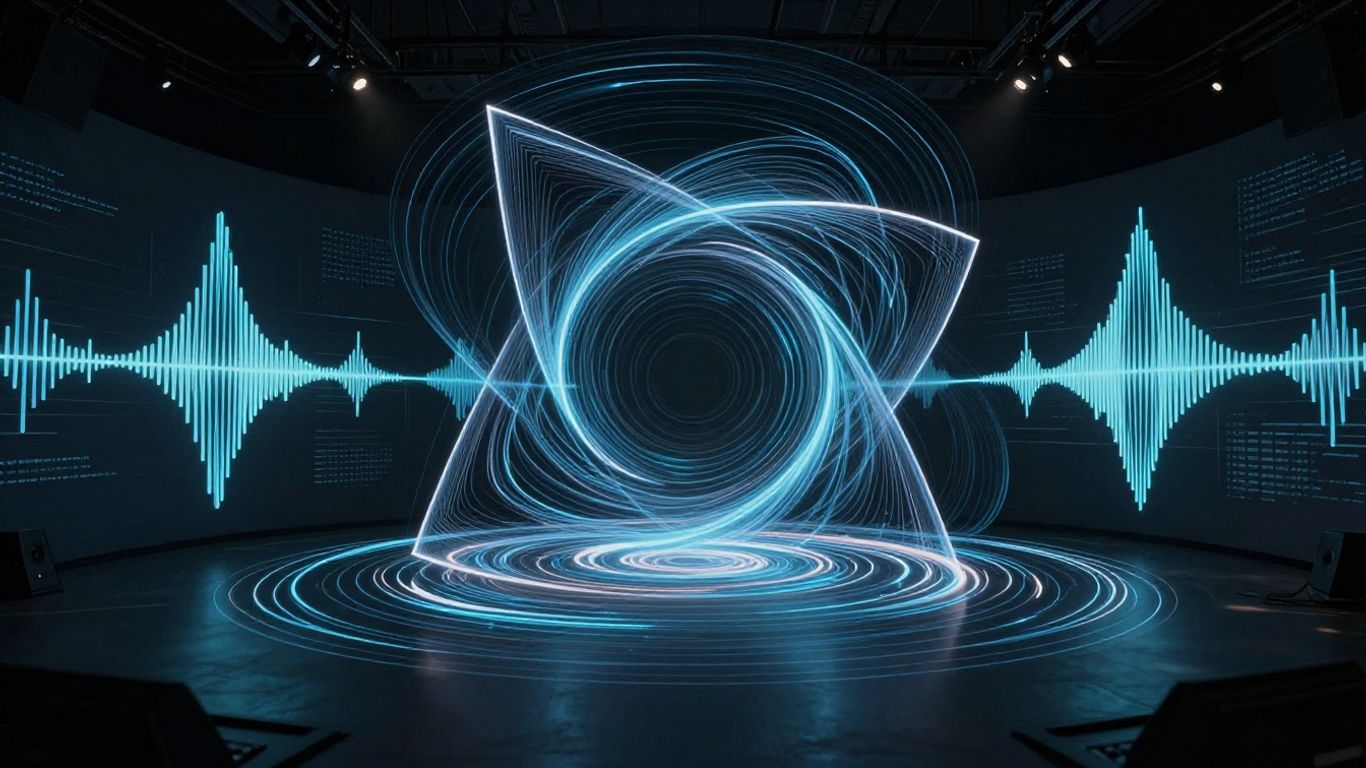
Your pacing follows the natural structure of the audio waveform. High-energy electronic music needs rapid visual cuts and shifting shapes to remain interesting. Ambient or lo-fi tracks perform better with long-form sequences where the motion feels like a slow, hypnotic respiration.
Why abstract storytelling elevates listener focus on the audio
Abstract content minimizes the viewer’s urge to watch for specific narrative beats. By removing people and objects, you force the audience to process the sound alongside visuals without distraction. This tightly synchronized audio-visual experience creates a deeper connection to the music.
Generating your audio foundation
Utilizing text-to-song models for original compositions
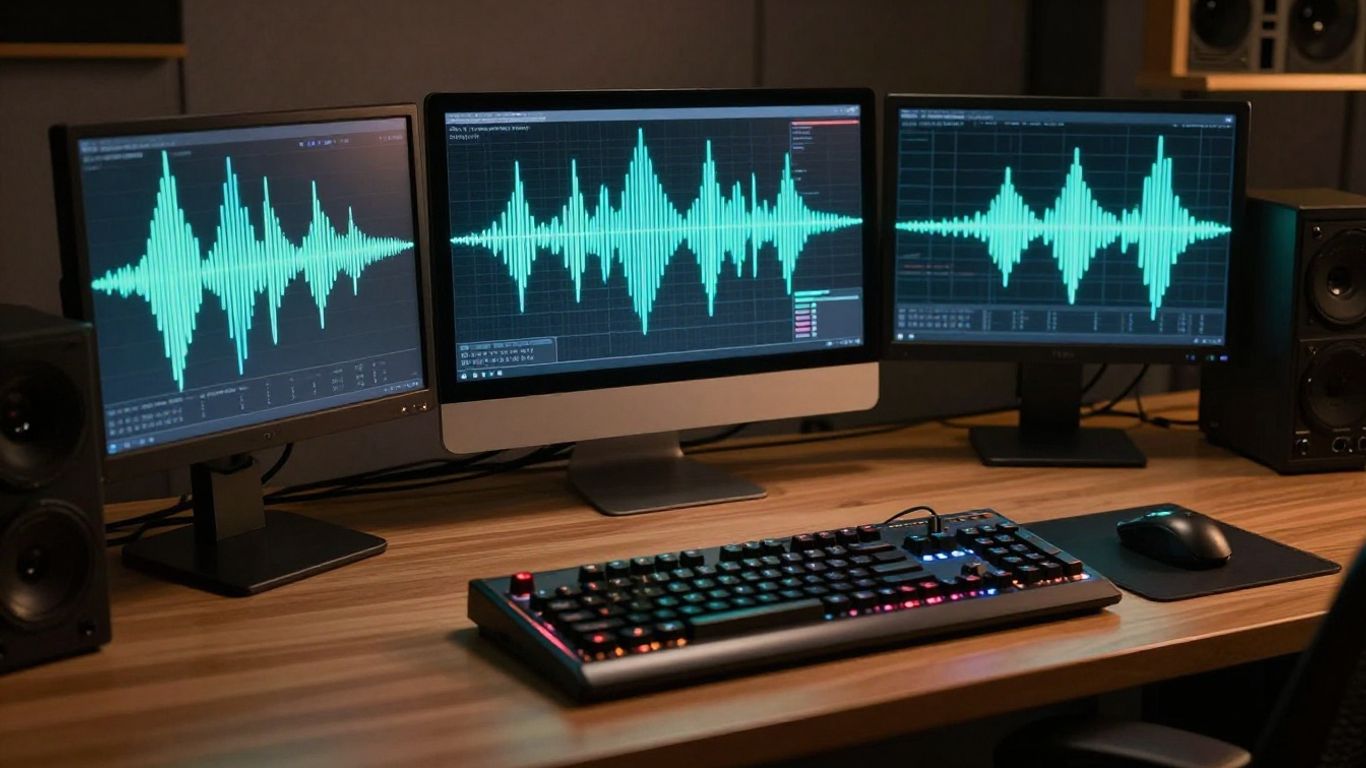
Modern text-to-song models provide a clean base for your projects. You translate basic mood and genre descriptors into full tracks. This saves time compared to manual recording while providing high-quality files ready for visual analysis.
Crafting prompts for instrumental versus vocal tracks
Instrumental tracks require prompts that focus on texture and frequency range. If you have song lyrics, specify the vocal tone and cadence clearly. Providing clear structural details prevents the model from injecting unnecessary elements that could complicate your final mix.
Matching song duration to your intended video loop
Short loops work best for social media platforms like TikTok. Aim for fifteen to thirty seconds to maintain high loop rates. If you choose a long-form track, ensure you have sufficient visual variations to avoid repetitive patterns that bore viewers.
Importing external high-fidelity audio files for analysis
High-fidelity inputs allow your AI tool to map audio samples with accuracy. Platforms like freebeat.ai offer effective ways to process these files directly for visual generation. Ensure your uploaded audio stays clean and free of background noise that could trigger false visual triggers.
Selecting and customizing abstract visual styles
Navigating visual presets for non-narrative content
Most generators provide presets that act as aesthetic anchors. Pick a preset that aligns with your desired color temperature. You can often tweak these settings to prioritize either static imagery or fluid movement.
Configuring color palettes to reflect emotional tone
Colors dictate how a viewer feels about your track. Warm palettes feel intimate and soft, whereas cold palettes feel professional and modern. Use tools like Animator Hub to experiment with different visual identities without filtering your creative output.
Understanding how AI interprets texture-based prompts
Prompts focusing on surface materials lead to more interesting frames. Describe textures like glass, liquid metal, or silk when instructing the model. This creates depth that keeps the visual field looking expensive and detailed even without complex scene changes.
Balancing static imagery with dynamic generative motion
Finding the right balance creates visual stability for the eye. The table below displays how different style choices impact your final output.
| Style Category | Emotional Tone | Motion Priority |
|---|---|---|
| Organic Fluid | Peaceful | Smooth Flow |
| Glitch Data | Intense | Rapid Shifts |
| Geometric Grid | Cold/Modern | Precise Movement |
Using these combinations makes it easier to build videos that match your artistic style. You can adjust the intensity of the motion relative to the underlying beat of your song.
Executing the AI generation workflow
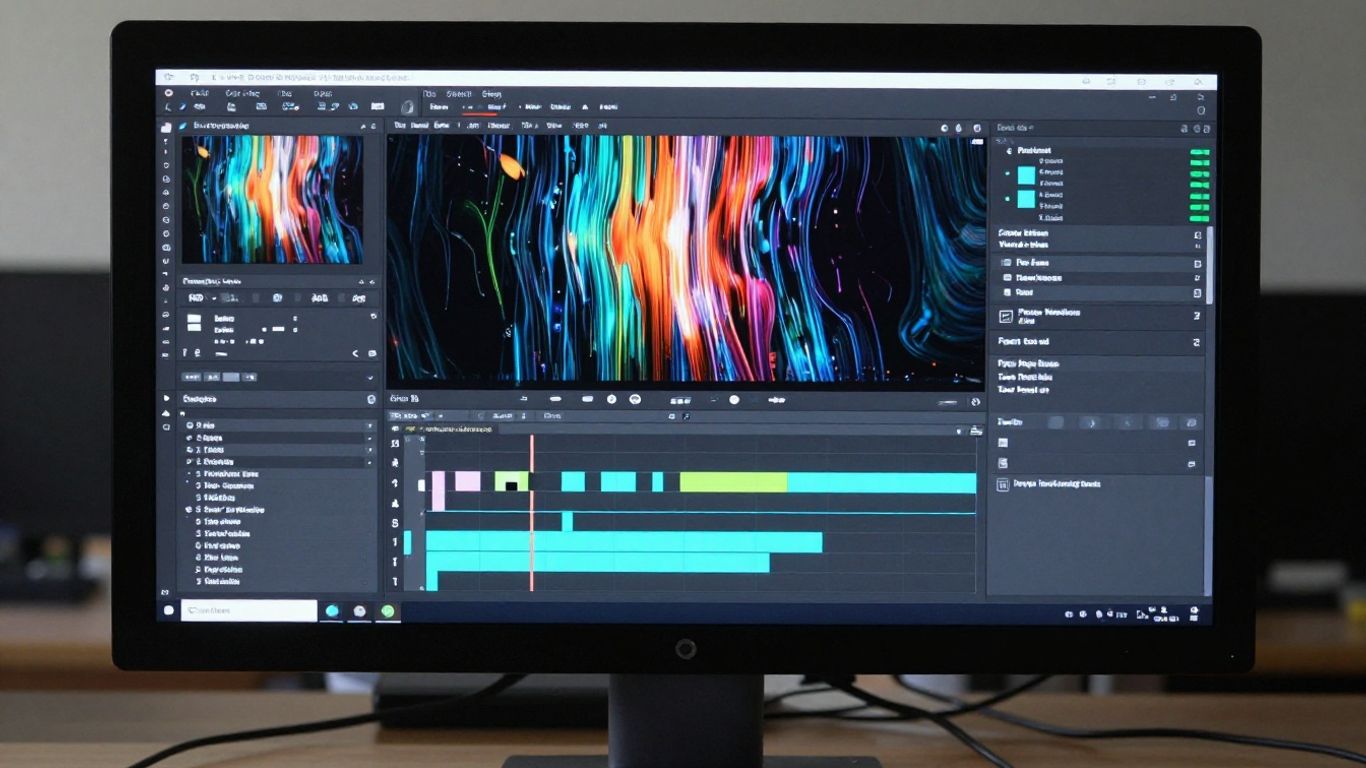
Setting up a unified audio-to-video workflow
Unified workflows minimize time spent on external software. Products like Neural Frames help you combine audio-to-video tasks effectively. This allows you to monitor sync issues while the video generates.
Uploading source tracks and configuring analysis settings
Upload your audio and verify the BPM detection. Most tools offer an option to visualize the waveform before starting the generation. Tuning these parameters early leads to accurate results on your first batch.
Iterating on initial generations to refine visual flow
Expect the first few results to require adjustments. Use the feedback loop provided by the generator to change your prompt or motion weight. Each iteration brings the video closer to what you hear in the audio file.
Managing system capacity for complex abstract visuals
Complex scenes take longer to process and can tax your hardware or system resources. Keep visual elements distinct to ensure smooth frame generation. Avoid overcrowding your settings if you work with high-resolution output files.
Fine-tuning motion and audio reactivity
Adjusting beat-synced triggers for smooth transitions
Beat-sync tools translate rhythmic energy into visual motion. You define the intensity at which the visuals react to a drum kick or a synth swell. Small adjustments here prevent the video from becoming chaotic during high-energy segments.
Modifying motion sensitivity thresholds for specific instrumentals
General sensitivity settings may miss quiet details in your instrumental. Increase the sensitivity during quieter bridge sections to ensure the visuals stay active. This process involves testing the output for a few seconds to see if the motion stays aligned with your audio markers:
- Observe the scene transitions during song builds.
- Adjust the sensitivity lower if the image jumps too quickly.
- Boost reactivity if the video remains stagnant at low volumes.
- Verify that every main beat triggers a distinct visual cue.
These steps ensure that your video feels alive and responsive throughout the entire duration.
Managing scene changes to avoid visual fatigue
Visual fatigue happens when scenes change faster than a viewer can process. Space out your major scene swaps according to your song structure. Use smooth fades instead of hard cuts to keep the experience polished.
Reviewing coherence between rhythmic peaks and visual movement
Final reviews look at how your video handles song climaxes. The visuals should reach their highest complexity point when the beat drops. If they do not align, re-run the generation with modified markers for better alignment.
Exporting and optimizing for social platforms
Choosing the appropriate aspect ratio for vertical and horizontal feeds
Vertical video is essential for mobile-first audiences. Your tool must handle 9:16 export formats to ensure your music lands accurately on major social platforms. Never force a horizontal clip into a vertical frame, as it cuts out the most interesting visual detail.
Balancing file quality with platform-specific upload limits
Social platforms compress uploaded videos, which can ruin subtle visuals. Keep your export file size within the recommended limits to avoid excessive post-upload compression. This keeps your abstract art clear and free of artifacts.
Preparing 9:16 files for TikTok, Reels, and Shorts performance
Your 9:16 files must look sharp even at lower resolutions. Ensure your textures are contrast-rich to maintain readability on small screens. Using AI Lover alongside other tools allows creators to manage their media content in one secure environment.
Ensuring 16:9 exports maintain visual sharpness for YouTube audiences
YouTube audiences expect higher bitrate files for their larger screens. Use a 16:9 export setting for this audience and check your sharpening settings. Test the final file playback on a large monitor before distributing it to your community.
Conclusion
Producing abstract music videos has reached a point where anyone can succeed with the right workflow. By choosing the correct audio settings and refining your motion sensitivity, you generate professional visual art that matches your sound exactly. Consistent experimentation with prompts will improve your results over time, allowing your content to reach its target audience with maximum impact.
Frequently Asked Questions
Can I make a music video without any professional video editing skills?
Yes, AI tools handle the scene generation and editing processes for you, removing the need for manual work.
What file formats will work best for these videos?
MP3 and WAV are standard for audio, and MP4 is the most compatible choice for the finished video output.
Does background music choice change the visual style significantly?
Yes, the rhythm and frequency of your music dictate how the visual patterns form, move, and react to the audio.
How long should an AI music video be?
For social media platforms, short loops between fifteen and thirty seconds are usually the most effective for audience engagement.
Is it possible to customize the colors of the generated visuals?
Yes, most generators allow you to adjust color palettes or specify colors within your text prompts.
Can I use these videos on any social media platform?
Yes, provided you export them in the specific aspect ratios required by the platforms you intend to use.
What happens if the visuals do not match the beat?
You can adjust the audio reactivity sensitivity or manually recalibrate the beat triggers to align the motion with the music.