Key Takeaways
You can move from a song idea to a shareable video without treating audio and visuals as separate projects.
- Start with a text prompt, lyrics, or an existing MP3 or WAV file.
- Review the song before asking for visuals.
- Match the visual style and aspect ratio to the track and platform.
- Regenerate scenes when pacing, mood, or performance feels wrong.
- Keep human judgment in the process, especially for lyrics and final edits.
Understand how CREATUS.AI music videos work
CREATUS.AI music videos follow a two-stage process: make or provide the audio, then turn it into a synchronized video. That structure keeps the song at the center instead of treating music as an afterthought. You can begin with a rough idea or bring a finished track, depending on where you are in your project.
The workflow suits short social clips as well as longer music pieces. It also gives you a practical way to test a concept before spending time on detailed production.
The two-part workflow: song generation and video creation
The first stage turns a text description or lyrics into a complete song with AI-generated singing vocals. The second stage accepts that song, or an uploaded audio file, and analyzes its tempo, mood, energy, and structure before producing synchronized visuals.
That separation gives you a useful checkpoint. Listen to the audio first, then decide whether the voice, pacing, and emotional tone support the video idea.
When to generate a new song versus upload audio
Generate a new song when you have a theme, a mood, or a few lyric lines but no finished recording. Upload audio when your track already has the performance, arrangement, or mix you want to keep.
A finished song can also be a better starting point for a release campaign. You can focus your time on selecting scenes, formats, and moments that help listeners stay with the track.
Supported inputs and outputs
The basic inputs are text prompts, lyrics, MP3 files, and WAV files. Outputs include vertical, square, and horizontal videos, so you can plan for more than one destination from the beginning.
| Input or output | What it is used for | Best planning question |
|---|---|---|
| Text prompt | Starting a new song idea | What should the song feel like? |
| Lyrics | Giving the song words and direction | Which lines deserve visual focus? |
| MP3 or WAV | Turning existing audio into video | Which section should lead the edit? |
| 9:16, 1:1, or 16:9 | Preparing video for different platforms | Where will people watch it? |
This gives you a straightforward production path rather than a long list of technical settings. For a visual overview of the process, see this music video workflow walkthrough.
Who can benefit from the workflow
Independent musicians can use the process to pair releases with visuals, while producers can present instrumentals in a more engaging format. Content creators, marketers, bands, hobbyists, and beginners can also use it when they need a usable result without music production or video editing experience.
The right fit depends on your expectations. It works well when speed and clear direction matter more than manual control over every frame.
Create a song with AI singing vocals
A strong song usually starts with a clear brief, not a long paragraph full of unrelated ideas. Give the generator enough information to set direction, then listen carefully to what it returns. AI singing vocals can give a rough concept a complete musical shape, but you still need to judge whether the result sounds right for your purpose.
Keep the first prompt focused. You can always revise the idea after hearing the initial track.
Turn a rough idea into a useful text prompt
Start with the central idea, the intended listener, and the feeling you want the song to carry. A prompt such as “late-night electronic track about leaving a familiar city, restrained verses and an open chorus” gives clearer direction than a list of disconnected adjectives.
You can also mention whether the song should feel intimate, energetic, playful, tense, or reflective. Specific emotional direction helps you assess the result against a real creative goal.
Include genre, mood, tempo, and lyrics
Genre sets broad musical expectations, while mood and tempo guide the energy of the track. Lyrics give the vocal performance a subject and a rhythm, even when you only have a short verse and chorus.
Try to specify these elements in a compact order: genre, mood, tempo, theme, then lyrics. If the words matter, keep the most important lines simple enough to sing clearly.
Review the generated track before making a video
Listen for vocal clarity, unwanted wording, uneven sections, and a chorus that arrives at the right time. You should also check whether the song has enough contrast between its parts to support changing visuals.
Do not send every first draft straight into video generation. A short review now can save credits and prevent you from building scenes around a weak vocal take or an unclear lyric.
Use existing MP3 or WAV files when appropriate
An existing MP3 or WAV file is the practical choice when the song has already been recorded, mixed, or released. Uploading your own audio lets the visual process follow the performance you actually want people to hear.
Before uploading, check the file from beginning to end and choose the section that matters most. If you are preparing a release campaign, this quick creation guide can help you move from an audio idea to a shareable result.
Turn audio into a synchronized music video
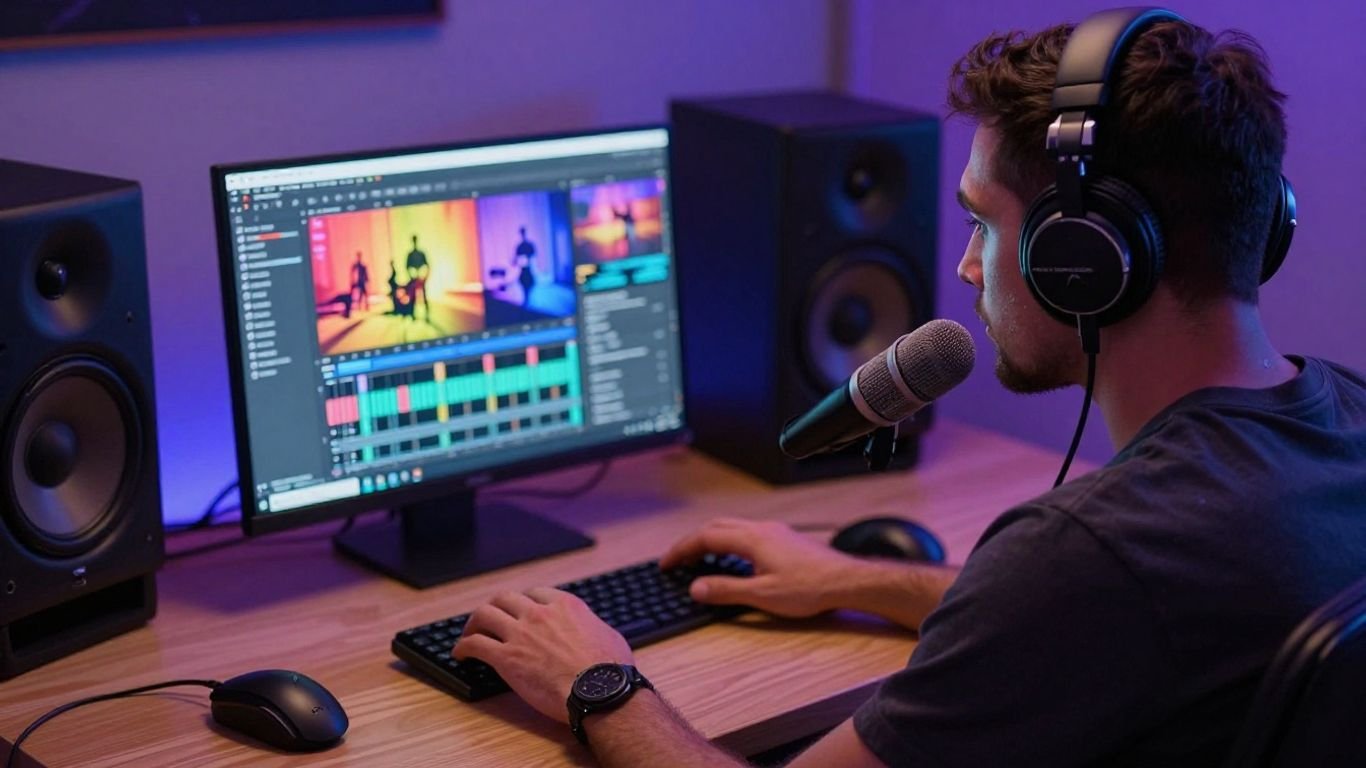
The visual stage works best when you treat the audio as the timeline. Tempo, energy, mood, and song structure all affect how quickly scenes should change and what kind of movement feels natural. A good result does not require every beat to have a new image, but it should feel connected to the track.
Start with a visual concept that can survive the full length of the song. Repetition can work when it feels intentional, while random changes usually make the video feel loose.
Upload the track or select an AI-generated song
You can continue with the song made in the first stage or upload an MP3 or WAV file from your own library. In both cases, the audio acts as the source for the visual timing.
Give the track a clean listen before you begin. Note the intro, verse, chorus, bridge, and ending so you know where a major visual shift might help.
Match visuals to tempo, mood, and song structure
Fast tracks can support sharper movement and more frequent transitions, while slower songs often benefit from longer shots and gradual changes. The mood should guide color, setting, lighting, and character behavior rather than appearing only as a label in the prompt.
A useful test is to mute the video after generation. If the sequence still feels frantic, flat, or emotionally misplaced without the audio, the visual plan may need another pass.
Choose between cinematic, animated, abstract, and lyric styles
Cinematic visuals can suit narrative songs, animated visuals can support character-led ideas, abstract visuals can keep attention on atmosphere, and lyric styles can put the words in front of the viewer. Performance styles work when the singer or character should remain the main focus.
Choose one primary style before adding variation. This visual style guide explains how style, tempo, mood, and structure can work together without making the video feel scattered.
Regenerate when the visuals do not fit the music
Regeneration is useful when the scenes ignore a major change in the song, the subject shifts too much, or the visual energy does not match the audio. Treat the first version as a test of the concept, not as a final verdict.
Change one variable at a time when possible. A new style, a clearer visual prompt, or a different song section can tell you more than changing everything at once.
Select the right format for each platform
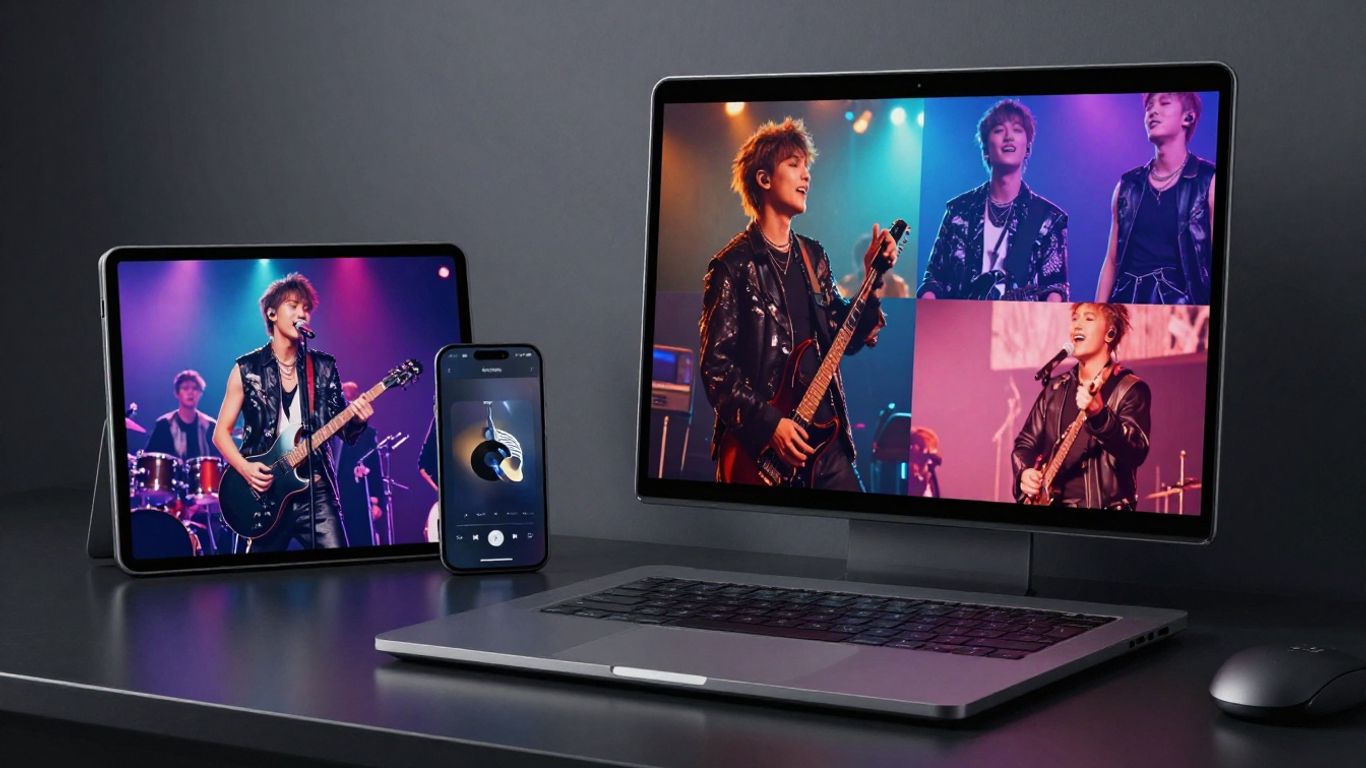
Aspect ratio affects composition, cropping, and how much visual information fits on screen. Choose the destination before you generate whenever possible, especially if a face, character, or lyric treatment needs to stay visible. One song can support several exports, but each version should still feel deliberately framed.
The three common choices are vertical 9:16, square 1:1, and horizontal 16:9. They serve different viewing habits and should not be treated as interchangeable crops.
Use 9:16 for TikTok, Reels, and Shorts
Vertical 9:16 fills a phone screen and gives you room to keep a central performer or character visible. Place important action near the middle and avoid relying on details that may sit close to the top or bottom interface areas.
This format is useful for hooks, chorus clips, and short promotional edits. It also makes the first few seconds especially important because viewers can move on quickly.
Use 1:1 for social media feeds
Square 1:1 offers a balanced frame for feed posts and can work well when the subject needs equal space on both sides. It is a practical choice for cover-style visuals, lyric moments, and short announcements.
Keep the composition simple. A crowded square frame can lose its focal point when viewed at a small size.
Use 16:9 for YouTube and standard video
Horizontal 16:9 gives you more room for environments, group performances, and wider scenes. It can also make narrative movement easier to follow when the subject travels across the frame.
Use this format when the video will sit on a channel page or play on a larger screen. Check that the opening still works when watched from a distance.
Plan one project around multiple exports
Design the main subject and key action so they can survive all three formats. Keep faces, lyrics, and important objects away from extreme edges, then review each export instead of assuming the crop will be perfect.
A simple export plan might look like this:
- 9:16 for a short hook or chorus clip.
- 1:1 for a feed post or release announcement.
- 16:9 for the full video and channel upload.
This approach reduces repeated work while leaving room to correct framing for each platform. You can also review a practical guide to multi-format music videos before starting the project.
Improve the quality of your CREATUS.AI music videos
Better results usually come from better decisions before generation, not from adding more effects afterward. Give the visuals a consistent subject, setting, and emotional direction so each scene feels connected to the same song. Then judge the result as a viewer who has never seen the prompt.
Small changes can improve the whole piece. A clearer opening, fewer competing visual ideas, or a stronger chorus moment may matter more than extra detail in every scene.
Write prompts with a clear visual direction
Describe the subject, setting, lighting, movement, color range, and camera feel in plain language. If the song is intimate, a crowded action scene may work against it even if the individual images look attractive.
Keep the prompt aligned with the song brief. When the audio says one thing and the visuals suggest another, viewers notice the mismatch quickly.
Choose visuals that support the song’s message
A visual should add context, mood, or a memorable image to the music. For a song about distance, you might use empty rooms, night travel, or separated figures, while a celebratory track may need movement, color, and shared space.
Avoid adding visual events only because they look impressive. The strongest scenes usually make the lyric, emotion, or performance easier to feel.
Check pacing, transitions, and vocal alignment
Watch the video with sound and look for scene changes that arrive too early or too late. If a character appears to sing, check whether the mouth movement and vocal phrase feel reasonably aligned.
Also inspect transitions at the start and end of sections. A clean change at a chorus or bridge can make a generated sequence feel much more intentional.
Create alternate versions for testing
Make a few controlled variations rather than many unrelated versions. Change the visual style, opening scene, or aspect ratio while keeping the song and central concept stable.
You can then compare retention, comments, or simple viewer reactions. Testing is most useful when each version has a clear reason for being different.
Decide whether CREATUS.AI fits your workflow
The combined workflow is most useful when you want to move from a text idea or existing audio to a shareable video without switching between separate production stages. It is less suited to projects that require detailed timeline editing, exact shot control, or a fully manual post-production process.
Look at the full path from idea to export, not just the first generation. Your decision should reflect the amount of control you need and how often you plan to produce.
Compare its combined workflow with separate music and video tools
A single workflow can reduce file handling and repeated setup when you need both a song and matching visuals. Separate tools may make more sense when one part of your project needs specialist control that an automated process does not provide.
Ask yourself where your time goes now. If moving audio between apps is the main friction, a combined process may be useful; if detailed editing is the main priority, you may still want a manual finishing stage.
Evaluate the free tier and paid plans
A free tier gives you a way to test the process before committing to regular production. Review the current credit limits, export conditions, and plan terms before you build a larger publishing schedule.
Paid plans may matter when you need repeated generations, commercial rights, or watermark removal. Check the live pricing information rather than relying on an old comparison.
Consider its broader AI workspace and integrations
The wider CREATUS.AI ecosystem includes more than 35 AI tools and 90+ business integrations. That may be useful if your work already includes other AI tasks and you prefer to keep related projects in one workspace.
The value depends on your actual routine. A broad workspace helps most when you will use several tools, not when you only need one occasional video.
Recognize the limits of automated music video production
Automation can produce a strong starting point, but it does not remove the need for taste, review, and revision. Generated vocals may need checking, visual continuity can vary, and an automatically timed sequence may still miss the emotional point of a lyric.
Set a realistic finish line. If the video supports the song, holds attention, and fits the platform, it may be ready to share after a sensible review. If the project demands exact performance direction or frame-level control, plan for additional editing outside the generator.
Take the Next Step
If you have a song idea or an existing track, try the two-part process with CREATUS.AI and judge the result against your own creative brief. You can start with a small clip, review the audio and visuals, then decide whether the workflow belongs in your regular production routine. You can also start creating when you are ready to test a real project.
Conclusion
CREATUS.AI music videos are easiest to approach as a connected audio and visual workflow: define the song, review the track, guide the visuals, and export for the place where people will watch. Clear prompts and thoughtful revisions will usually matter more than adding complexity, so start with one focused idea and improve it through listening and viewing.
Frequently Asked Questions
What should you prepare before making a music video?
Prepare a finished audio file or a clear song idea, plus a basic sense of mood, subject, and intended platform. Knowing the key lyric or chorus moment also helps you plan the visual focus.
Can you make a video from an existing song?
Yes. Many workflows accept an MP3 or WAV file, analyze the audio, and generate visuals that follow its timing, mood, and structure.
Which aspect ratio should you choose first?
Choose 9:16 for vertical short-form platforms, 1:1 for square feed posts, and 16:9 for standard horizontal video. If you need several versions, plan the composition so the main subject survives each crop.
How do you make visuals match a song?
Start by identifying the tempo, emotional tone, sections, and important lyrics. Then choose movement, color, settings, and transitions that support those musical changes.
Are lyric videos useful for social media?
They can be useful when the words are a major reason people will watch or share the clip. Keep the text readable, limit the amount shown at once, and make sure the timing follows the vocal line.
Should you regenerate a weak first version?
Yes, if the pacing, style, subject, or emotional tone does not fit the track. Change one or two variables at a time so you can tell which adjustment improved the result.
Do AI music videos replace human editing?
Not always. Automated generation can handle much of the initial work, but human review remains useful for continuity, lyric accuracy, pacing, framing, and final platform preparation.