Key Takeaways
- Creatus handles text-to-song and video creation in one workspace.
- You can produce full tracks with lyrics and vocal performances.
- Supported platforms include vertical 9:16 and standard 16:9 formats.
- The workflow allows for custom MP3 or generated audio imports.
- No technical editing knowledge is required to build professional clips.
Getting started with the Creatus AI interface
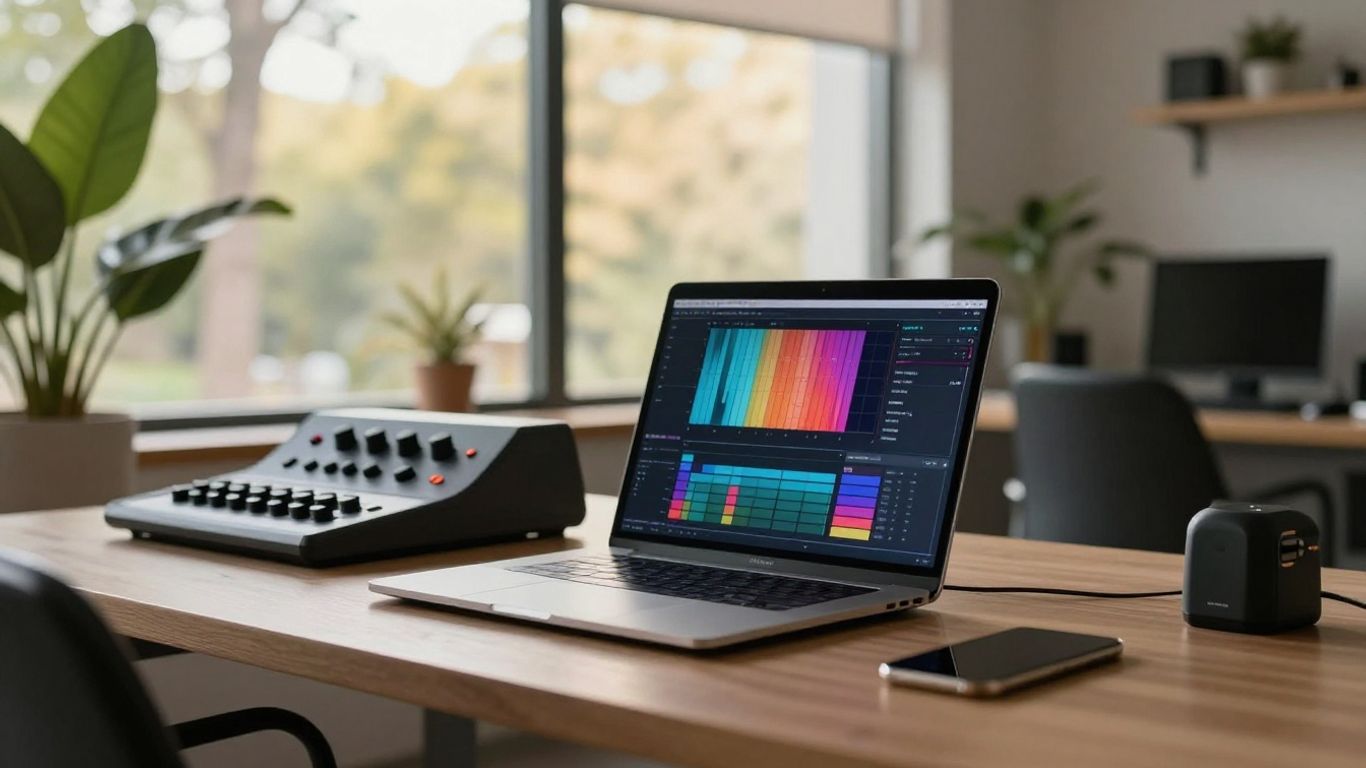
Setting up your profile allows you to jump into the dashboard where every tool lives. You get access to a suite of features designed for creators who need high-quality output without complex render chains. Getting the right setup from the start helps you maintain a professional setup for your creative output.
Creating your account to access the dashboard
Signing up takes seconds and provides immediate access to the full model library. You verify your email, log in, and find the music tools ready for your first project.
Navigating the AI music and video tool selection
Everything is organized by function so you find your target tool fast. You focus on the task, whether that is song generation or aligning visuals to a track.
Understanding accessibility and the free tier features
New users can experiment with the platform at no cost. This tier lets you gauge how the models perform and check if they fit your creative needs before moving to paid alternatives.
Utilizing the broader Creatus AI workspace integration
Connecting your music projects to the AI-native workspace ensures your content stays in one environment. You find that managing files becomes simpler when they share a common interface.
Generating original songs with AI text-to-music
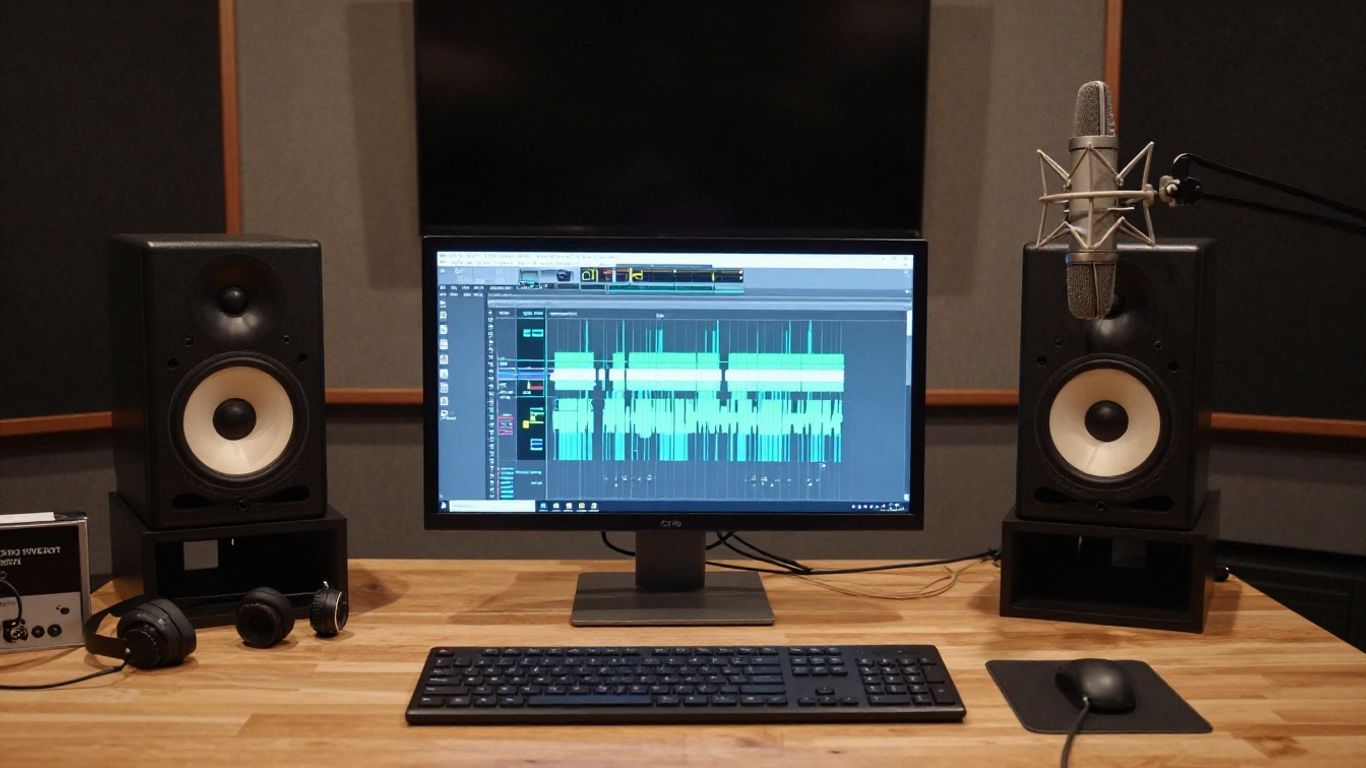
You type your ideas, and the engine interprets your genre, mood, and tempo. This process removes the need for expensive software or years of hardware learning. You control the narrative by adjusting the parameters until the output feels right.
Crafting effective text prompts for genre and mood
Your prompts determine the outcome of the generation phase. Be specific about the energy you want, whether it needs a fast uptempo beat or a slow cinematic feel.
Converting lyrics into singing vocal performances
Beyond just ambient sound, the engine fills your track with expressive vocals. You hear how these elements blend as the generator builds a full performance based on your text input.
Reviewing and iterating on AI-generated song compositions
Listen to the raw output to see if it matches your vision. You adjust prompt words to steer the composition until the result fits the mood perfectly.
Saving your audio projects for video production
Once the audio is finished, store it to the project library. This saves the state of your work and lets you pull that track into your next animation sequence whenever you need it.
Converting audio files into synchronized music videos
Uploading your own sounds gives you extra control over the final video structure. You pull your work from your local drive and let the platform handle the technical synchronization.
Uploading custom MP3 and WAV files to the platform
Click the upload button to bring your external music onto the site. The system standardizes these files to match the frame requirements of your chosen video output.
Connecting generated songs to the video production workflow
Link your projects to the production studio where visuals become the focus. You avoid file conversion hassles when working with AI music videos generated in the app.
Enabling automated synchronization for sound and mood
| Feature | Functionality | Format Support |
|---|---|---|
| Sync Engine | Beats match visuals | MP3 and WAV |
| Style Library | Thematic adjustments | All aspect ratios |
| Render Speed | Fast processing | 9:16 and 16:9 |
This table shows how the platform handles your media. You take advantage of these settings to ensure the visuals hit every major change in your audio track.
Processing tracks for high-energy visual alignment
When the track tempo increases, the system reacts by speeding up cuts. Your viewers gain a more immersive experience as the images change with the rhythmic pulses.
Selecting visual styles and artistic parameters
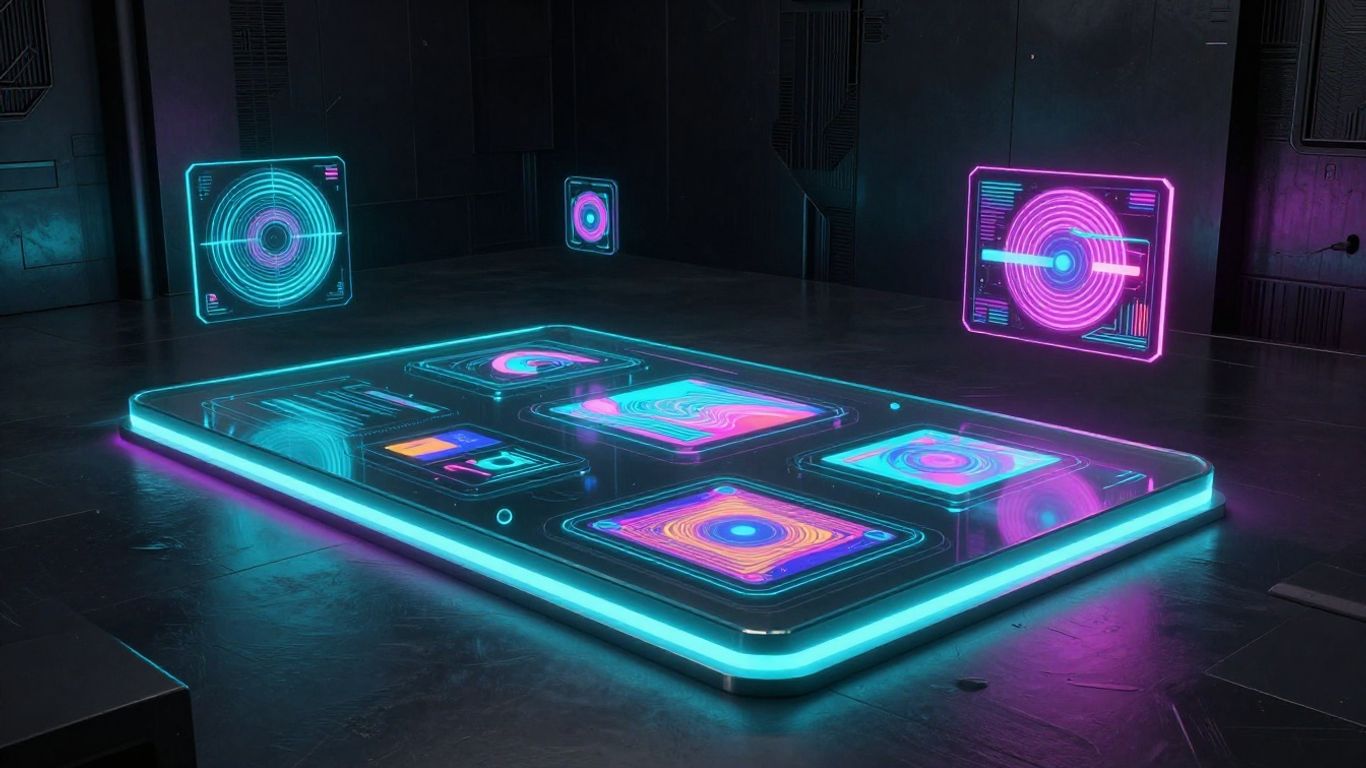
You choose the look of your clip before the final render. Different filters range from gritty cinematic looks to smooth animated styles suited for social feeds.
Choosing from available visual themes and templates
- Select a style from the provided library.
- Preview the effect on a static sample frame.
- Apply the theme to your full audio track.
- Tweak specific color grades for balance.
These simple steps get your visuals ready for prime time. You find that having a structured template simplifies the choice between aesthetic directions.
Adjusting aesthetic settings for cinematic impact
You tweak the contrast and brightness to get that professional sheen. Fine adjustments turn a generic render into a unique piece that stands out on your profile.
Previewing video output based on input audio
Watch a short clip to confirm the alignment works as intended. You identify any spots that need a tweak before you commit to the full video generation process.
Managing visual consistency across generated clips
Keep your project style locked so your audience recognizes it as yours. Maintaining a consistent vibe makes your content page look clean and deliberate.
Exporting and publishing your creative content
Preparing your files for the world ensures you hit the right specs for your intended platform. Proper settings avoid the dreaded compression that often ruins high-quality clips.
Configuring output for 9:16 vertical video formats
Vertical layouts dominate mobile viewership and are ideal for quick clips. You ensure your focus stays in the middle of the frame for optimal viewing on phone screens.
Setting up 1:1 and 16:9 aspect ratios for different platforms
Choose 1:1 for static squares if you need feed-friendly content. If you plan to put your work on a traditional screen, go with the 16:9 view for a wider cinematic perspective.
Preparing files for direct social media distribution
Follow the social media marketing standards to make sure your uploads clear local review. You save time by choosing the exact pixel dimensions required by your service of choice.
Managing download quality and storage options
Keep your files in the cloud to manage your assets efficiently. You manage your library with branded invoicing in mind if you track costs for your professional business.
Optimizing your workflow for social media growth
Growing your reach means being smart with your time and output. You use this guide to structure your development timeline and ensure you always have fresh media ready for your followers.
Balancing AI-generated content with branding needs
Add your own personality to what the generator produces to maintain your brand voice. You keep your content authentic even when the heavy production is handled by the platform.
Leveraging the single-platform workflow for faster delivery
Being able to go from prompt to video in one place saves your schedule. You generate AI videos faster by avoiding the constant export and re-import cycles required by old software.
Using varied export formats for multi-platform reach
Repurpose your clips across different sites by exporting in multiple ratios. You save work while reaching diverse groups across your different social channels.
Applying best practices for repetitive promotional campaigns
Keep a bank of successful prompts and styles to speed up future renders. You build a repeatable system that gives you professional quality for your routine promo posts.
Conclusion
Creating music videos no longer requires a production studio or an expensive team. You focus on the idea, while the platform handles the complexity of syncing and generation. Start with your next song concept and watch it turn into a visual reality.
Frequently Asked Questions
What audio formats work best?
Common standard files including MP3 and WAV are fully supported for all projects.
Do I need to be a video editor?
No professional training is needed to make these clips. You rely on the system to perform the technical alignment for you.
Can I use these on any platform?
All generated files are ready for any digital space provided the sizing matches the requirements.
Is the content safe to share?
You hold the rights to your generated work and can post it freely to your profile.
Can I change the visual theme later?
You pick a theme before generation, so test your styles on a short preview first.
Are there mobile apps accessible?
Everything is accessed through the web browser on your computer or phone.
How does the tool match the beat?
An internal sync engine monitors the rhythm to trigger visual changes at every beat.