Key Takeaways
You can move from a rough idea to a shareable song and video without traditional production skills. Keep the first project simple, review each result, and improve one variable at a time.
- Start with a clear genre, mood, tempo, and audience.
- Use text-to-song for new audio and audio-to-video for existing tracks.
- Match the visual style and aspect ratio to the song and platform.
- Review synchronization, continuity, captions, rights, and export quality.
- Treat AI as a fast production assistant, not a replacement for your taste.
Understand the AI song and video creation workflow
A complete AI music project usually has two stages: generating or preparing the audio, then creating visuals that follow it. You provide the direction, listen for what works, and make decisions at each stage. This beginners guide to ai song and video creation works best when you treat the process as a series of small creative choices.
What AI can generate for a complete music project
AI tools can help produce a full song from a description, lyrics, or a rough concept. Depending on the tool, the result may include melody, instrumentation, arrangement, and singing vocals. Video tools can then turn the finished audio into scenes, animated performers, abstract motion, lyric treatments, or other visual sequences.
For a broader introduction, read this AI music video guide before you start. It explains the basic types of generators and the decisions you will make during production.
The difference between text-to-song and audio-to-video tools
Text-to-song tools begin with language and return audio. You might describe a genre, tempo, mood, vocal approach, or lyric idea, then review several musical interpretations. Audio-to-video tools begin with an MP3 or WAV and use the track as the foundation for visual timing and mood.
Keeping those roles separate helps you choose the right workflow. If you already have a finished song, skip song generation and spend your time directing the visuals instead.
When to use original ideas, lyrics, or uploaded audio
Use a short idea when you want the system to help with both words and music. Bring your own lyrics when the message, rhyme, or personal detail matters more than speed. Upload an existing MP3 or WAV when the audio is already finished or comes from a collaborator.
Your input also affects your control. A loose description gives the tool room to interpret, while specific lyrics or an uploaded track gives you a firmer starting point.
How AI fits into a beginner-friendly production process
A beginner-friendly workflow has a clear handoff between audio and video. First, define the song, then generate or upload the audio, select a visual direction, review the result, and export a version for the intended platform. You do not need to solve every production problem before making a first pass.
The best habit is to save your prompts, lyrics, audio versions, and export settings. That record makes it easier to repeat a good result or understand why a later version changed.
Plan your song and visual concept
A little planning keeps the generator from making too many unrelated decisions. You do not need a full screenplay, but you should know who the song is for and what the viewer should feel. A clear concept also makes revisions faster because you can compare every result against the same target.
Define the genre, mood, tempo, and audience
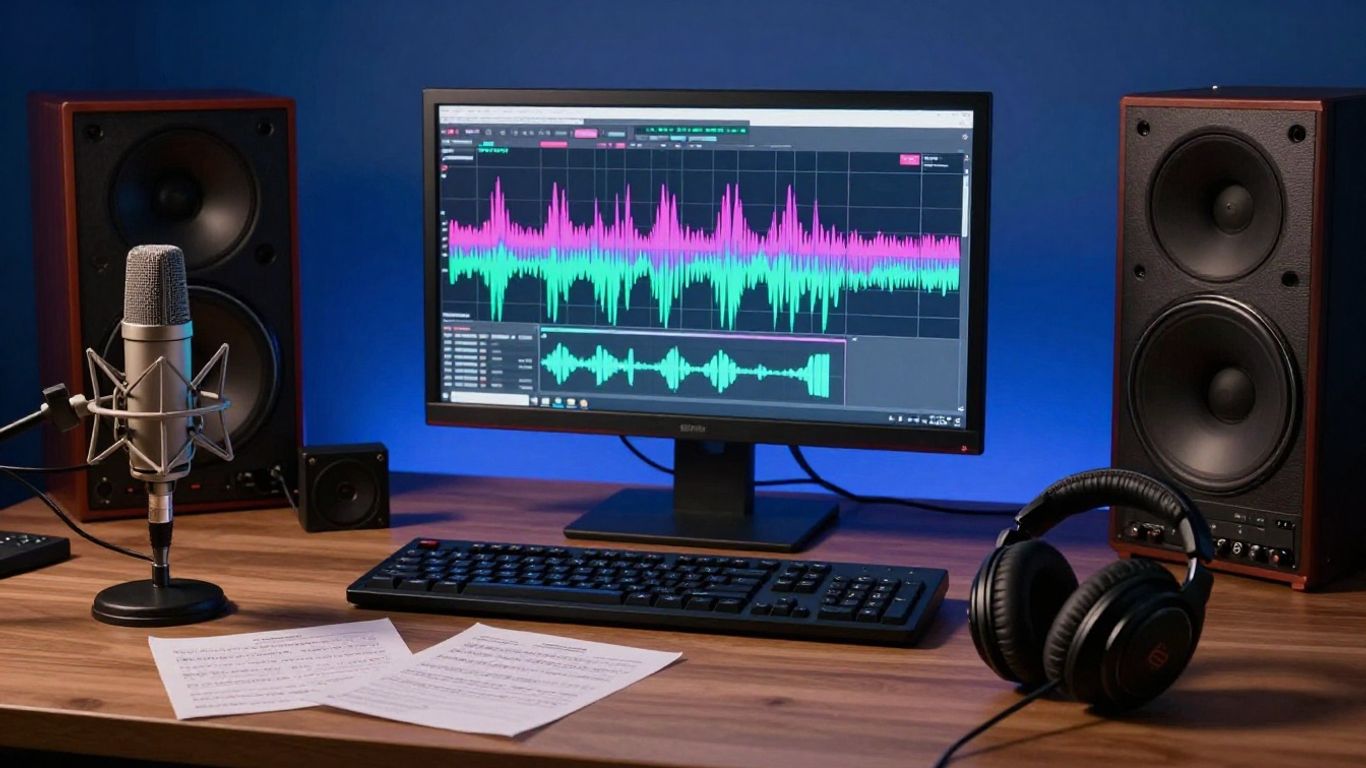
Start with four practical details: genre, emotional tone, approximate tempo, and audience. “Upbeat pop” is a start, but “bright indie pop, warm female vocals, 118 BPM, hopeful mood, made for a summer travel clip” gives the system more useful direction.
Think about the listener’s setting too. A song for a dance clip needs a different pace and hook from a reflective track for a long-form video.
Write a useful song prompt or starting lyric
A good prompt gives the generator a compact brief rather than a long paragraph of vague adjectives. Include the subject, genre, vocal character, instruments, tempo, song structure, and emotional turn if those details matter. If you have lyrics, mark sections such as verse, pre-chorus, chorus, and bridge.
This AI song writing tutorial offers a practical way to move from lyrics and style choices to a complete vocal track. Keep your first prompt readable so you can tell which change improved the result.
Match the visual direction to the music
The video should respond to the song instead of competing with it. A gentle acoustic track may suit intimate close-ups, slow camera movement, and soft natural light, while a high-energy electronic track can support rapid cuts, bold color, and rhythmic motion.
Choose a visual idea that can survive repetition. One consistent character, location, or color family often feels more deliberate than a collection of unrelated impressive shots.
Choose the platform and aspect ratio before generating
Decide where the first version will appear before you generate it. Vertical video fills a phone screen, square video suits some social feeds, and horizontal video gives YouTube viewers a wider frame. The choice affects framing, subject placement, and how much detail viewers can see.
Use this simple reference when planning your export:
| Format | Best starting point | Framing priority |
|---|---|---|
| 9:16 | TikTok, Reels, Shorts | Keep the subject centered vertically |
| 1:1 | Square social posts | Use a compact central composition |
| 16:9 | YouTube and standard video | Allow wider movement and scenery |
The table is a starting guide, not a rule. If you plan to reuse the video, keep important faces, lyrics, and props away from the edges so they survive a crop.
Generate a song with AI
Song generation is mostly an exercise in direction and selection. Your first output gives you information about how the tool interpreted your words, not a final verdict on the idea. Listen for the hook, vocal delivery, arrangement, and moments where the lyrics stop sounding natural.
Turn a text prompt into a song with vocals
Enter the core idea in plain language, then specify the musical details that matter most. A prompt can ask for a genre, mood, tempo, instruments, vocal style, and lyrical subject. Some systems return a complete track with AI singing vocals, while others focus on instrumental material.
For another perspective on prompts and vocal generation, see this AI song creation guide. Start with one strong concept instead of combining several unrelated genres in the same request.
Guide the structure, instrumentation, and performance style
Give the song a shape if you know what you want: verse, chorus, second verse, bridge, and final chorus. Name only the instruments that support the idea, such as muted guitar, analog bass, brushed drums, or spacious synthesizers. You can also describe performance choices, including intimate, theatrical, restrained, or energetic vocals.
Specific guidance helps, but too many demands can pull the result in different directions. Put your non-negotiable details first and leave room for the arrangement to breathe.
Review the first result and identify what needs changing
Listen once for the overall feeling and again with notes. Check whether the chorus arrives soon enough, whether the vocal fits the words, and whether the arrangement changes when the story changes. Do not revise everything at once.
Use a short review list so your next prompt has a clear purpose:
- Keep the chorus melody, but simplify the verse.
- Change the vocal tone without changing the tempo.
- Replace one distracting instrument with a quieter texture.
- Rewrite lines that sound cramped or unclear.
After the review, choose the single change most likely to improve the track. This keeps version comparisons useful and prevents you from losing the qualities that already work.
Improve lyrics, arrangement, and consistency through new versions
Make one new version for lyric edits, another for instrumentation, and another for vocal performance when possible. Compare them at the same volume and note which version has the strongest opening, chorus, and ending. Save the prompt that produced each useful result.
A lyrics-to-song guide can help you adjust rhyme, meter, section labels, and phrasing for vocal synthesis. Small wording changes often affect the rhythm more than beginners expect.
Turn the song into an AI music video
Once the audio feels stable, treat it as the timing map for the video. The beat, verses, chorus, and transitions give you natural points for scene changes. Your aim is not to illustrate every lyric literally, but to create visuals that stay in the same emotional lane.
Upload an MP3 or WAV file for video generation
Prepare a clean MP3 or WAV with the intended beginning and ending. Remove accidental silence, clipped audio, or an unfinished count-in before uploading. If you are using a generated song, export the version you actually want to visualize rather than a temporary draft.
An audio-to-video workflow can analyze elements such as tempo, mood, energy, and song structure. That gives the visuals a useful timing reference, though you should still review the finished scenes for pacing.
Select visuals that match the song’s mood and energy
Choose a visual style based on the track’s movement, not just its genre label. A slow song may benefit from restrained camera motion and longer shots, while a dense beat can support faster scene changes and stronger color contrast.
This song-to-video workflow covers the handoff from audio preparation to synchronized visuals. Use it as a check when your first video feels attractive but disconnected from the music.
Use cinematic, animated, abstract, lyric, or performance styles
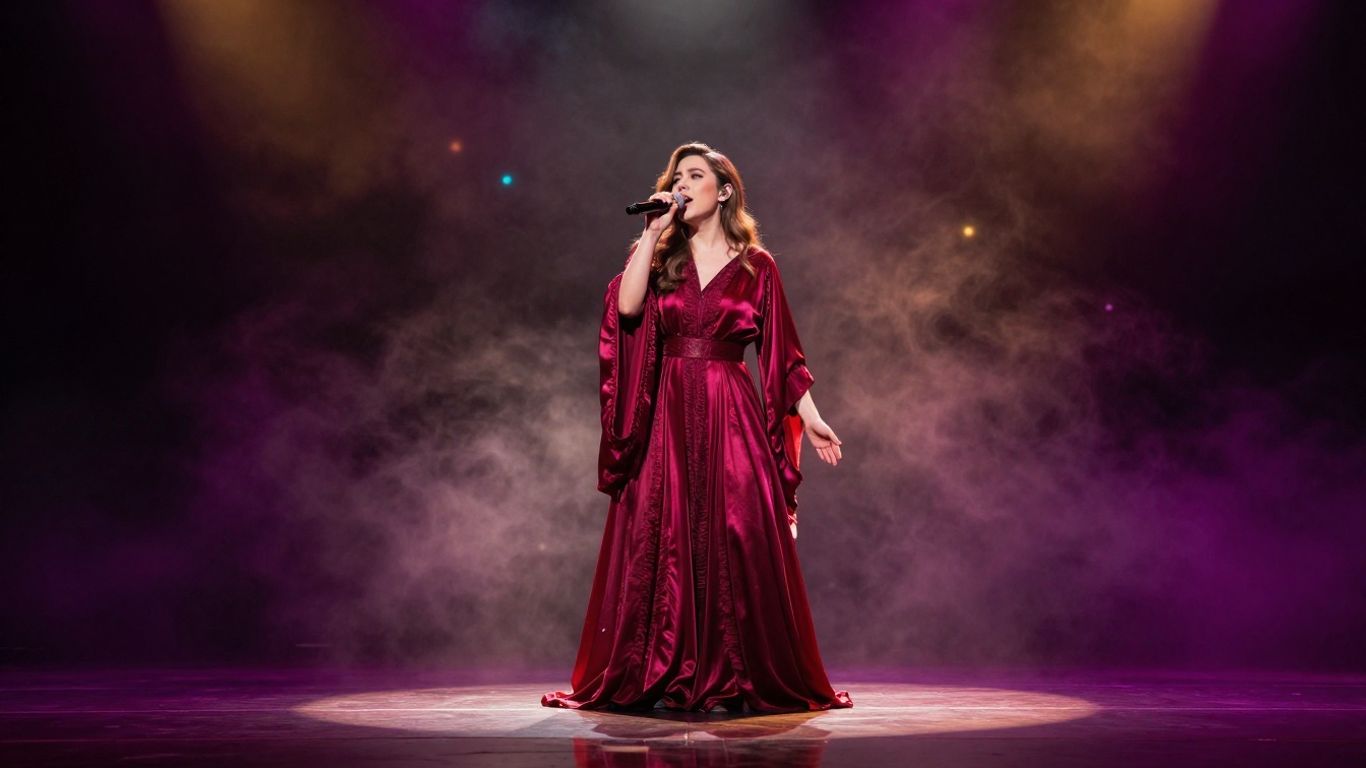
Cinematic visuals can suggest a story, animated scenes can create a distinct world, and abstract motion can follow rhythm without literal characters. Lyric videos put the words forward, while performance styles focus attention on a singer or central figure.
Pick one primary style for the first render. Mixing every available mode often makes the video feel inconsistent, especially when the character design or lighting changes between scenes.
Keep scenes synchronized with the song structure
Let the intro establish the setting, use verses for movement or story details, and reserve the chorus for the clearest visual payoff. A bridge can change location, lighting, or camera distance before the final chorus returns to the main idea.
Use the AI video workflow for a practical sequence from song generation through synchronization. If a scene does not support the rhythm or emotional turn, replace it even if the individual frame looks good.
Create a music video with Creatus AI
Creatus AI Music Video Generator combines text-to-song generation with AI singing vocals and audio-to-music-video production in one workflow. You can begin with a song idea, generate a full track, and then turn that audio into a synchronized music video. You can also bring an existing track into the video stage.
Generate a song and video in one workflow
Type a song idea that includes the genre, mood, tempo, lyrics, or rough direction you want. The tool produces a complete song with AI-generated singing vocals, after which you can select a visual style and generate the video without switching between separate song and video tools.
The Creatus AI Music Video Generator is designed around this combined path. It suits a first project when you want to test an idea from audio through shareable video in one place.
Upload an existing track instead of creating a new song
You do not have to generate new audio for every project. Upload an MP3 or WAV when you already have a finished song, instrumental, demo, or track made elsewhere. The video stage can then use that file as the basis for its synchronized visuals.
This option is useful for musicians who want to keep control of the audio while using AI for the visual production. Check the file before upload so the timing starts exactly where you expect.
Select 9:16, 1:1, or 16:9 for the intended platform
Choose 9:16 for TikTok, Instagram Reels, and YouTube Shorts, 1:1 for square social posts, or 16:9 for YouTube and standard horizontal video. Picking the format early helps the generator frame the singer and important action for the screen you have in mind.
If you expect to publish in several places, make the primary version first. Then review every alternate crop rather than assuming one export will work equally well everywhere.
Download and share the finished video
Review the complete track and video before downloading. Check that the visual pacing follows the audio, the subject remains recognizable, and the file opens correctly on your target platform.
Creatus provides a free tier, while paid plans include commercial rights and watermark removal according to the supplied product information. Read the current plan and terms details before using a project for paid work, and keep your source audio and prompt files.
Choose the right AI tools for your workflow
The right tool depends on where you want control. A song-focused generator may be enough when audio is your main deliverable, while a video-focused system makes more sense when you already have music. An all-in-one workflow reduces handoffs, but a multi-tool process can give you more specialized choices.
When an all-in-one tool is the simplest option
Choose an all-in-one tool when you are starting with a concept and want to reach a shareable video quickly. Fewer transfers mean fewer chances to lose audio versions, aspect-ratio settings, or visual direction. It is also easier to learn one interface while you are still forming your process.
That simplicity matters most for short social projects and early experiments. You can always move to a more specialized setup after you know which part of production needs finer control.
How Creatus compares with song-focused tools such as Suno and Udio
Suno and Udio are song-focused tools that generate music from text prompts, including vocals, but they do not provide video generation in the same product workflow according to the supplied comparison material. Creatus combines text-to-song generation with audio-to-music-video production, so it covers both stages in one tool.
The practical difference is the handoff. If you choose a song-focused platform, you will need a separate video process; if you choose a combined workflow, you can move from the track to synchronized visuals without changing tools.
When dedicated video tools offer more visual control
A dedicated video tool may suit you when the visual result matters more than speed or when you need detailed shot direction. You might want to manage individual clips, revise a specific scene, or build a more involved narrative outside an automated music-video workflow.
For broader AI video education, this video creation academy provides background on generative video, animation, and custom workflows. Use that kind of learning resource when you want to expand beyond a simple song-to-video pipeline.
Compare free plans, paid limits, watermarks, and export options
Free access can be enough for testing prompts, but review the limits before you build a publishing schedule. Compare credits, clip or song duration, output resolution, watermarks, commercial rights, and supported formats rather than comparing monthly prices alone.
| Check | Why it matters | Question to ask |
|---|---|---|
| Free credits | Lets you test the workflow | How many full generations are included? |
| Watermarks | Affects public presentation | Are they removed on a paid plan? |
| Commercial rights | Affects client and monetized work | What usage is permitted? |
| Export formats | Affects platform reuse | Are 9:16, 1:1, and 16:9 available? |
Plan around the limits you will actually meet. A cheaper plan is not useful if it blocks the format, rights, or duration your project requires.
Polish, publish, and manage your AI-created content
Generation gives you a working asset, not automatically a finished release. Set aside time to inspect the audio, watch the full video, and test the export on the platform where you will publish. A few careful checks can make a rough result feel much more intentional.
Check audio quality, synchronization, and visual continuity
Listen for clicks, abrupt volume changes, clipped endings, and vocals that become difficult to understand. Then watch for scene changes that arrive too early, characters that change appearance, or lighting that jumps without a reason.
Make a short correction list and fix the most visible problem first. Small focused revisions usually produce a cleaner result than regenerating the entire project without a specific goal.
Adapt one video for TikTok, Reels, Shorts, and YouTube
Create a separate export for each major frame shape when possible. Reframe the subject for vertical viewing, check whether captions remain readable, and shorten the opening if the platform rewards an immediate hook. Horizontal YouTube versions can keep more scenery and slower visual development.
Watch each export on a phone as well as a desktop. A detail that looks clear in an editing window may disappear on a small screen.
Add branding, captions, thumbnails, and metadata
Add your artist name, handle, or label mark where it does not cover the subject. Captions help viewers follow the lyrics with sound off, while a clear thumbnail gives the video a recognizable entry point in a feed.
Write a direct title and description that match the song. Keep hashtags relevant, and save the final caption, thumbnail, and export settings with the project files.
Review copyright, licensing, and platform usage rights before publishing
Confirm that you have permission to use uploaded audio, lyrics, portraits, samples, and any reference material. Read the generator’s current terms for ownership, commercial use, attribution, watermarks, and restrictions on distribution.
If your work involves subscriptions, digital services, or international sales, this AI monetization compliance guide gives useful context for taxes and platform obligations. Legal rules vary by location, so get professional advice when the release has significant commercial or contractual consequences.
Try Creatus AI with 25 free credits to test a song-to-video workflow, then check the current plan terms before publishing commercial work.
Conclusion
You can make a strong first AI song and video by giving the process clear direction, keeping your inputs organized, and revising with purpose. Start with one audience, one musical idea, and one visual style, then improve the result through careful listening and viewing.
Frequently Asked Questions
Do you need music experience to create an AI song?
No. You can begin with a plain-language idea, lyrics, or a description of the sound you want. Music knowledge can help you give more precise direction, but it is not required for a first project.
What should you include in an AI song prompt?
Include the genre, mood, approximate tempo, vocal approach, key instruments, subject, and desired structure. Add only the details that matter most so you can understand how each revision affects the result.
Can you use your own lyrics with an AI music tool?
Yes, many song generators accept original lyrics or a starting lyric. Format the sections clearly and review the generated phrasing, since the system may compress, repeat, or reinterpret lines.
What audio files are commonly used for AI music videos?
MP3 and WAV are common inputs for audio-to-video generation. Use the cleanest finished version you have and remove unwanted silence or clipping before upload.
Which aspect ratio is best for a music video?
Use 9:16 for TikTok, Reels, and Shorts, 1:1 for square social posts, and 16:9 for YouTube or standard horizontal viewing. Choose based on your main platform and reframe other versions afterward.
How do you keep AI video scenes consistent?
Use a stable visual concept, repeat important character and setting details, and avoid changing styles between every scene. Review the full sequence instead of judging shots only as separate images.
Can AI-generated music be used commercially?
That depends on the tool’s current terms, your inputs, and the rights attached to any samples, lyrics, voices, or reference material. Read the license carefully and keep records of your source files and plan.