Key Takeaways
AI video generation allows you to replace static visuals with dynamic content tailored to your specific musical rhythm. This guide covers how to integrate these tools into your live performance workflow without needing a background in animation.
- Synchronize your visual playback with your set’s BPM and energy.
- Use AI tools to generate bespoke visuals for custom tracks.
- Maintain a theme across your performance materials and social channels.
- Export video assets in formats that suit both LED walls and phones.
- Streamline your setup by using platforms that offer integrated production features.
Adopting AI music videos for live performances
When you integrate motion into your live sets, you create an immersive sensory experience that keeps your crowd locked in. You do not need to rely on generic stock footage or pre-packed visual loops anymore. By starting with a defined creative vision, you can use generative models to create a backdrop that reacts to your sound in real-time.
Enhancing audience engagement with dynamic visuals
Live sets often suffer when the stage feels static. Using technology like TwoShot helps your stage react to bass drops and BPM shifts, keeping the visual energy matched to your set. When your crowd sees the screen pulse perfectly with your mix, they connect deeper with your performance.
Overcoming traditional production budget constraints
Creating professional visuals often costs thousands in design fees. With dedicated generative assistants, you can produce hundreds of unique assets without needing a professional creative team. This allows independent artists to maintain a high-level presence on a fraction of the budget.
Shifting from static backdrops to generative storytelling
Instead of just showing patterns, you are now creating a narrative element that follows your musical arc. You can prompt the AI to illustrate specific themes during intros, transitions, and climactic finale moments. This turns your technical performance into a visual show that feels like a cohesive piece of art.
Leveraging AI to maintain a professional performance aesthetic
Keeping a clean and consistent style across your stage displays build audience trust. Your visuals define your unique visual performance identity, signaling to the club that you are a high-end act. Utilizing consistent tools ensures every element your fans see reflects your professional level.
Generating custom visuals for your live DJ sets
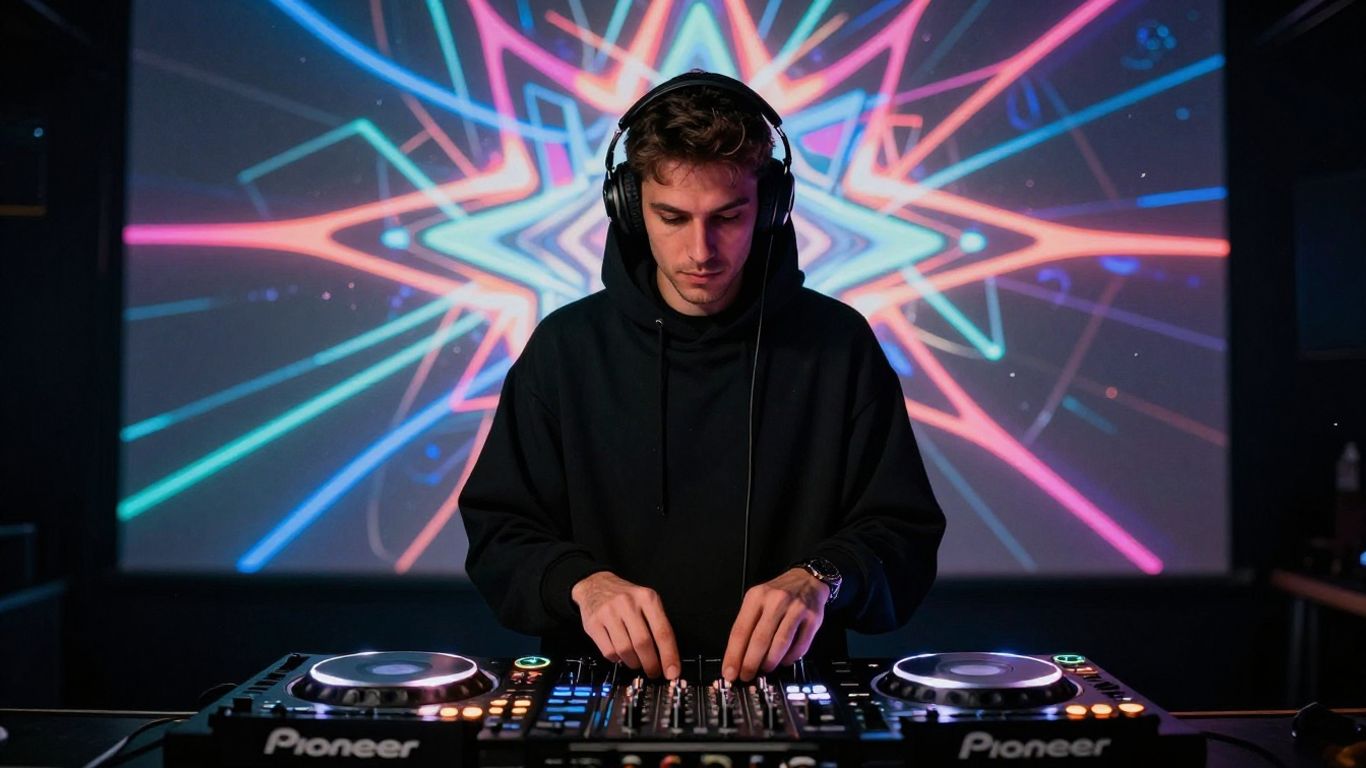
Custom content serves as your signature. When you can generate visuals that incorporate your branding or album art, you stop being just another name on a bill. You become a multimedia act that fans recognize instantly.
Turning original tracks into unique video content
If you produce your own music, you already have the stems that drive these models. Platforms like CREATUS.AI work well for this, as they handle the conversion of audio into matching video clips. You simply upload your WAV files and set the visual parameters.
Selecting visual styles that align with your musical genre
Your genre dictates the color palette, frame rate, and movement speed of your visuals. For house tracks, you might lean toward liquid simulations or bright light flashes. For darker tech-house, you might opt for geometric patterns or architectural noir textures that feel more intense.
Using text-to-song AI for custom intro and transition tracks
Sometimes a set needs a specific bridge that you have not finished recording. Text-to-song tools bridge this gap, letting you generate custom intros or transition drops in seconds. This ensures you always have a unique track for special events or festival sets.
Matching visual pacing to the energy of your set
Visuals must shift speed alongside your pitch. If you are trending toward high-energy upbeat transitions, your background should mirror that with rapid-fire cuts. If you are playing a mellow evening opening set, keep your visual flow slow and atmospheric to avoid overwhelming the early arrivals.
Integrating AI visuals into streaming platforms
Streaming to Twitch or YouTube requires a different approach from playing a physical venue. Your audience is looking at a phone or monitor, meaning your visual framing must fit their screen perfectly. Make sure your setup integrates well with broadcasting software like OBS to maintain high fidelity.
Syncing visual content for Twitch and YouTube streams
Your bitrate matters when you stream audiovisual content. Optimize your export settings so your AI-generated loops do not pixelate under the heavy compression streaming sites apply. Use a stable codec and a consistent frame rate to ensure the visuals remain fluid for every viewer.
Managing video assets for seamless transitions
Organize your clips into playlists or hotkeys. Having your video files ready in a folder structure allows you to trigger relevant clips exactly when you need them. This avoids dead air and keeps your stream feeling professional and polished.
Leveraging visual loops for long-form broadcasts
Long sets need content that can loop without an obvious skip point. Choose generative models that allow for seamless looping or cross-fading frames. This creates an eternal motion effect that feels natural rather than robotic or looped.
Ensuring technical compatibility with third-party broadcast software
Test your assets before you go live. Many VJ tools like Resolume or VDMX accept specific formats, so verify your exports match what your software handles best. This proactive testing prevents system crashes during the most critical moments of your set.
Branding your set through AI-generated aesthetics
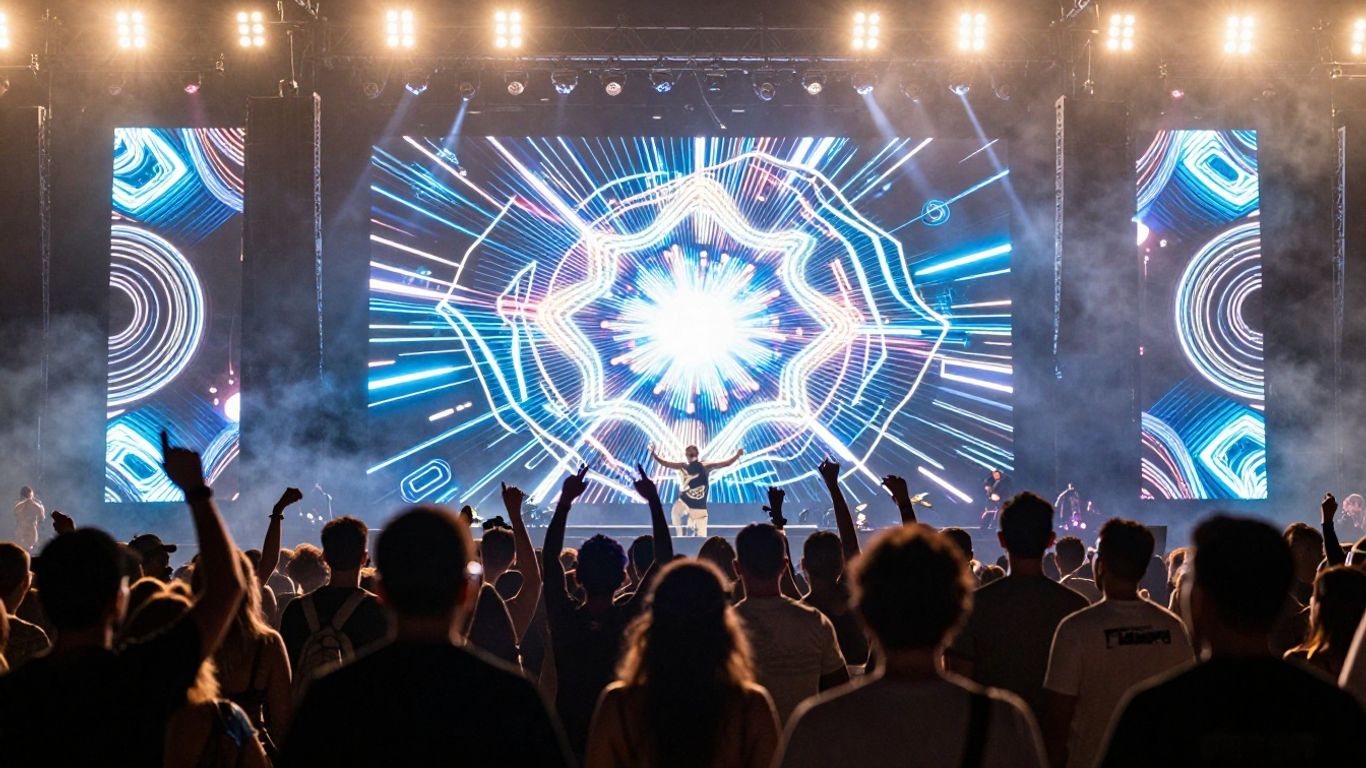
Consistent design choices allow fans to spot your sound in a crowd. By using AI, you keep your aesthetic fresh while maintaining a distinct look that stays across your album covers, social media, and live shows. Creating consistent branding is easier when you own the visual source data.
Building consistent thematic choices for artist branding
Choose two or three "brand colors" and stick to their spectrum in your AI prompts. This keeps your output recognizable. Whenever you generate a new clip, the software acts as your intern, maintaining your aesthetic standards while you focus on the music.
Creating recurring visual motifs that define your identity
Recurring shapes or stylized character models make people remember you. If your project has a specific mask, logo, or mascot, use those as visual anchors in your prompts. This makes every show feel like a continuation of the same story.
Customizing AI outputs to reflect a specific DJ style
Whether your style is minimal and sleek or maximalist and distorted, your AI should be a direct reflection of that. Edit your prompts to capture the essence of your music. If you need a more edgy or explicit tone, Animator Hub offers tools that allow for unfiltered video generation and character creation to match your brand’s unique energy.
Differentiating your live stream from generic, non-branded visuals
Many DJs use stock clips that every other person plays. By making your own media from scratch, you ensure that no one else is playing the same background as you. This exclusivity separates you from casual performers and builds your authority as a serious artist.
Optimizing AI video formats for performance venues
Venue specs vary wildly, and you need to be prepared for the worst-case setup. Always communicate with the VJ or tech lead at the venue to know the resolution required for their screen. A 9:16 vertical video might work great on social but look terrible on a wide-format LED wall.
Configuring aspect ratios for venue-specific LED screens
Most clubs use wide ratios like 21:9 or 32:9. Standard 16:9 exports will leave black borders unless you adjust them. Use editing tools to re-crop your AI visuals to fit these extreme wide formats for maximum impact.
Preparing 9:16 and 16:9 assets for social media promotion
Your social media presence needs content at different sizes. You need a fast workflow to render versions of your visuals for TikTok and Instagram Reels while maintaining your full-width video for YouTube. Batch generation is key here.
Scaling visual resolution for high-clarity live projection
Resolution matters when the screen is twenty feet tall. Aim to export in at least 4K to avoid artifacts. If your AI platform only does 1080p, you might need to use an upscaler to get the clean output required for top-tier club projections.
Managing file formats and sizes for reliable real-time playback
Large files often choke VJ hardware. It is often a tradeoff between visual quality and performance. Use professional formats like DXV for Resolume or ProRes for standard systems to maintain playback speed without overloading the processor.
Streamlining your production workflow with all-in-one tools
Managing a folder of clips gets messy quickly. You need an environment where you can generate, organize, and store your media without jumping between ten different platforms. An integrated ecosystem saves your time and sanity.
Reducing post-production time with integrated generation workflows
Stop waste-time navigating through multiple tools to edit one video. Focus on platforms that combine text-to-song and image-to-video capabilities in one interface. This streamlines how you build effective demand generation by getting quality content out of your studio and onto social platforms every single day.
Benefits of combining song creation and video production in one platform
When you use a platform that builds both the song and the visual asset simultaneously, they stay synchronized by default. You avoid errors caused by exporting to one format and importing to another. This efficiency is the difference between having content ready for a set or scrambling at the last minute.
Scaling content production efficiently across multiple live gigs
Use a spreadsheet to track what video files correspond to which track in your set. This makes gig preparation easier as you repeat the process. Below is an example of a workflow tracker you can use to manage your media assets.
| Track Name | Visual Theme | Aspect Ratio | Target Platform |
|---|---|---|---|
| Acid Peak | Neon Grunge | 21:9 | Club LED |
| Sunset Vibe | Soft Particles | 9:16 | Reels |
| Main Stage Drop | Fractal Storm | 16:9 | YouTube |
Moving beyond standard stock loops with unique, proprietary media assets
Your proprietary assets ensure your artist brand stays truly yours. Stacking up a library of custom renders gives you a massive advantage over competitors. When you use proprietary AI tools to render high-frequency content, you become the standard-bearer for your genre rather than a follower.
Conclusion
By adopting AI in your visual workflow, you ensure your sets are prepared for the future of digital performance. You save vast amounts of time and budget, allowing your artistic identity to grow alongside your music. Start small with one or two clips, refine your style, and watch how your audience response shifts when their experience is as dynamic as the tracks you spin.
Frequently Asked Questions
Do I need to be a professional video editor to use these AI tools?
No, most modern AI music video generators are built for musicians and DJs without any editing background. You can generate custom clips by providing simple text prompts or uploading your own audio tracks.
Can I use these visuals on large LED screens in clubs?
Yes, provided you generate your content in high resolution like 4K and format the aspect ratio correctly. Always check the venue’s specific screen dimensions before your performance.
What file format is best for live VJ software?
Most professional VJ software prefers formats like DXV, ProRes, or H.264, depending on the playback engine. Always verify the software’s recommendations to ensure smooth playback without dropped frames.
How do I make my AI visuals loop naturally?
Many AI generators feature a "seamless loop" option that analyzes the metadata to cross-fade the beginning and end. If this is not built-in, you can use simple video editing software to create a smooth transition between frames.
Can I use these generated videos on platforms like TikTok and Instagram?
Absolutely, creating vertical 9:16 videos is a primary feature of most AI generators. These platforms are optimal for repurposing your set clips to reach new audiences.
How does AI know how to sync visuals to my music?
These tools utilize audio-reactive AI models that analyze the tempo, rhythm, and structural changes within your file. They automatically frame the visual intensity to match the energy of your mix.
Will my AI visuals look different from other DJs who use the same tools?
Yes, your output will be unique if you use specific style prompts, upload your own base images or logos, and configure color palettes to match your brand. The customization options allow artists to avoid generic outputs.