Key Takeaways
Creating professional visuals no longer requires a film crew or deep savings. These five points summarize how you can advance your music brand using modern tools.
- Generate full songs or music videos using text prompts
- Sync visual elements automatically to your audio rhythm
- Repurpose content across vertical and horizontal social formats
- Maintain consistent visual styles across entire release cycles
- Bypass expensive production stages by using AI automation
Streamlining the music video production workflow
Managing a video production often feels heavy for an independent artist. You used to balance shooting schedules, finding locations, and managing editors. Modern software allows you to handle these parts much faster on your own.
Reducing technical barriers for musicians
Most artists struggle with expensive editing software that requires years of study to master. You can now move past this bottleneck. Platforms like CREATUS.AI simplify your process by letting you generate music and visuals in one place without needing complex training. This saves you from juggling multiple apps for one release.
Simplifying the jump from audio to video
Turning your sound into a visual narrative happens through direct analysis. The software reads your song structure to match visual beats to your melody. This ensures your video feels like a natural extension of your audio rather than a separate, detached layer.
Minimizing the time between song completion and distribution
Speed matters when you need to maintain momentum. You want your content ready the moment you finish your track. By cutting out the lengthy post-production phase, you can release high-quality content much sooner. This keeps your audience engaged rather than waiting for months for a single video.
Producing professional visual assets on a budget
Traditional music videos cost thousands of dollars, pushing many artists away from the medium entirely. That cost structure is a thing of the past. You can create eye-catching, professional results by keeping your production lean and smart.
Eliminating the need for specialized film crews
Lighting, camera operators, and talent are usually the most expensive items on your list. You can remove those costs by treating the generation software as your primary crew. This single-person workflow is affordable AI music video creation at its best, letting you scale your output without recurring personnel costs.
Accessing diverse visual styles and high-end aesthetics
Whether you need a gritty aesthetic or a polished, futuristic look, these tools give you broad creative reach. You can experiment with different styles that would normally require a massive budget to rent or construct. This allows your visual brand to match your song genre perfectly every time.
Scaling video output to support frequent release schedules
Consistency wins on social platforms. When you need to put out content every week, you cannot rely on high-budget filming. Here is how the production time breaks down compared to traditional filming methods:
| Production Stage | Traditional Film | AI-Assisted Output |
|---|---|---|
| Concept Development | 2 weeks | 10 minutes |
| Asset Filming | 3 days | 0 minutes |
| Editing and Syncing | 1 week | 5 minutes |
The data shows that automating your workflow changes how frequently you provide value to your fans. You gain more output without burning through your savings or time. Once you find a rhythm, you can plan out an entire month of content in just one afternoon.
Optimizing music videos for cross-platform promotion
Each social media site demands a different look and size. You must ensure your final product fits the specific container it lands in.
Scaling content for 9:16 vertical feeds
Platforms like TikTok and Instagram Reels favor vertical video. You must prioritize this format as it reaches your casual listeners fastest. Tools that allow for direct 9:16 exports save you from having to crop and lose visual fidelity.
Adapting visual assets for 1:1 square layouts
Square videos remain popular on main social grid views. They offer a center-focused look that helps your avatar or main character stand out. These assets work well for announcement posts where you want to keep the focus tight and symmetric.
Creating standard 16:9 cinematic experiences for streaming platforms
YouTube still serves as the primary hub for your longer music videos. You should use a cinematic 16:9 ratio to fill the screen correctly. This provides your dedicated fans with a deeper, more immersive viewing experience.
Leveraging AI for conceptual song-to-video creation
Your inspiration starts with an idea, not a complex technical draft. You can describe your mood or scene, and the software handles the rest.
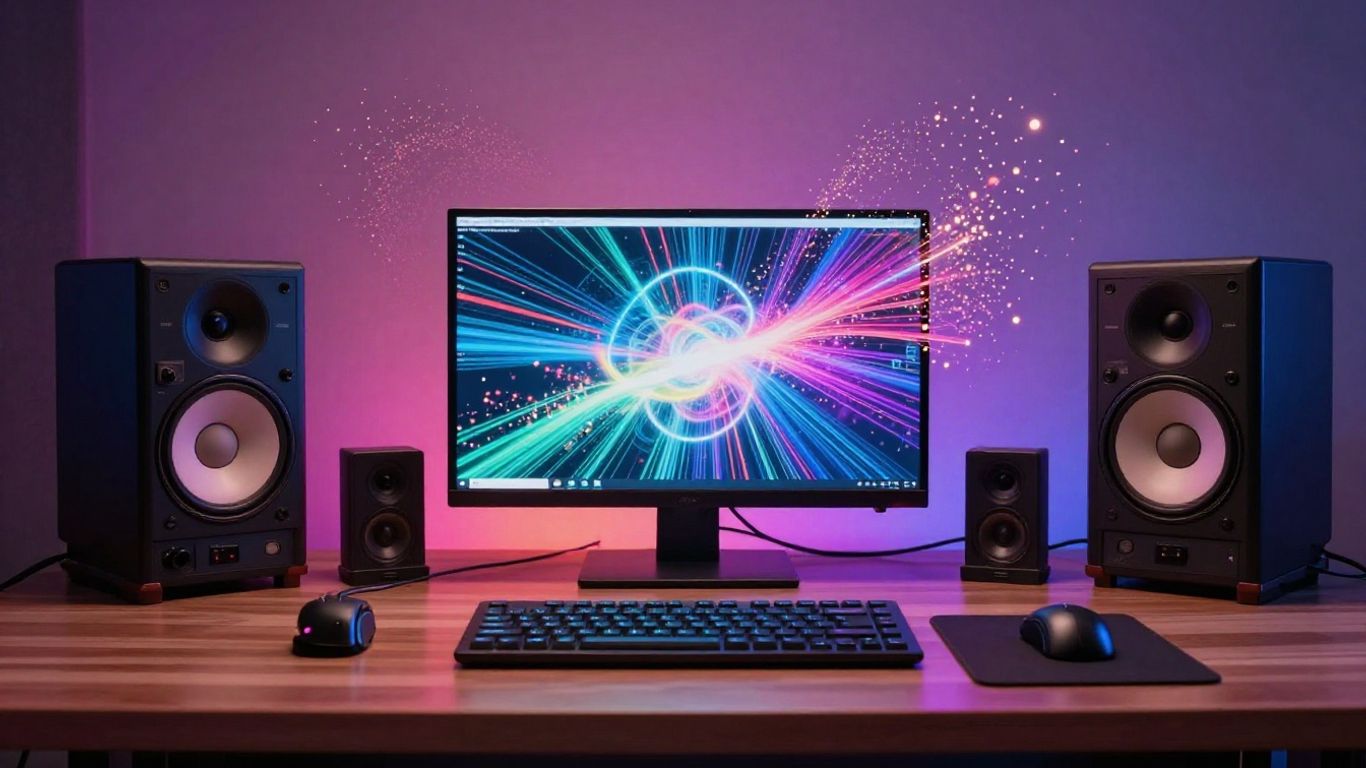
Defining song mood and lyrics through text prompts
Starting with a text description allows you to capture your artistic intent fast. If you want a neon city vibe or a calm forest atmosphere, you just type it in. The platform uses this description to build the initial visual frame before you add your audio track.
Ensuring visual synchronization via real-time audio analysis
Sync is the most important metric for viewer retention. When your visuals snap to the beat, the feeling becomes much more authentic. This automatic mapping keeps the energy consistent with your music.
Iterating on visual concepts before final production
Experimentation is free and instant. You can adjust your prompts if the first pass does not feel right. This flexibility is how you reach a result that truly resonates with your artistic vision. If you need a more guided experience, follow this ai video production guide to refine those final edits.
Driving listener engagement through audio-reactive content
Active visuals keep people watching until the end of your track. You want to make sure your video maintains energy where it matters most.
Enhancing visual impact during high-energy track segments
Dynamic changes in color and movement can highlight your chorus or drops. You can structure your visual flow to ramp up intensity during these peak moments. This keeps your listeners locked into the track from the start until the final note.
Utilizing tempo-tracking visuals to improve viewer retention
Visuals that mirror the tempo of your bassline feel satisfying. When the movement perfectly tracks your speed, the viewer gets a subconscious reinforcement of the rhythm. This keeps the attention firmly glued to the screen.
Testing multiple visual treatments to determine audience preference
- Try a moody, dark visual for your first version
- Generate a bright, high-energy version for contrast
- Post both as snippets to see which style wins
- Use the winner for your official release
You will learn quickly which versions draw in your specific fan base. By observing their feedback, you can adjust your next project to suit their taste more effectively.
Building a cohesive artist brand with AI tools
Your brand needs a clear, recognizable look that sticks in the memory of your audience. Repeating visual motifs helps people identify your sound just by seeing your clips.
Establishing a signature visual style for music visualizers
Consistent color filters and scene settings act like a personal logo. When fans see your new cover or video, they should instantly recognize the artistic fingerprint you built behind the curtain. This creates a strong emotional connection.
Aligning visual narratives with specific lyrical themes
Your story should support what you say in your verses. Use your tools to pick themes that highlight the meaning of your lyrics. This adds another layer of depth to your storytelling and keeps your fans coming back for more.
Maintaining stylistic consistency over an entire album release cycle
An album should feel like one large package rather than a collection of random files. You can carry your visual style through every single track with ease. By applying the same parameters to your visuals, your album will feel polished and intentional. To get more expert tips on content strategy, look toward Generative Engine Optimization for advice on how your videos get found online.
Conclusion
Transforming your music into a visual medium is vital for modern growth. By integrating these tools, you save time while keeping your creative output professional and distinct. You now have the power to define your visual presence, iterate on your ideas, and reach your audience across all platforms without waiting on outside help.
Frequently Asked Questions
Do I need to be a video editor to use these AI generators?
No, most modern platforms focus on intuitive steps like simple prompts and drag-and-drop audio uploads, which removes the need for technical editing skills.
Can I use these generated videos for commercial release?
Commercial rights vary by platform provider, so always check the agreement on your chosen service to ensure you own the output for your professional music releases.
How long does it usually take to create one video?
For a standard pop track or instrumental, you can typically produce the video portion in under five minutes, depending on the number of scenes and the complexity of your prompts.
Will my music sound different after adding a visual layer?
Adding an AI-generated visual layer does not alter your audio file quality. The AI is designed specifically to analyze your existing track to synchronize visuals to it.
Can these tools create vertical videos for my mobile feed?
Yes, most professional generators allow you to pick your output format, including the 9:16 vertical ratio favored by major social media platforms.
Do I need to provide high-quality audio files for the best results?
Using clean, high-bitrate files like WAV or MP3 will help the AI accurately read your tempo, lyrics, and song structure for a better sync effect.
Will these tools work for any music genre?
These systems are generally built to analyze audio regardless of genre, so they should work for electronic, hip-hop, indie, and many other musical styles effectively.
Ready to get started? Check out our AI music video generator to turn your songs into visual stories today.