Key Takeaways
Gen Z musicians use AI music video tools to move from rough audio to shareable visual content with less money and fewer production steps.
- Short-form clips are a primary entry point for testing songs and visual ideas.
- Independent artists value speed, low cost, and control over experimentation.
- Workflows usually begin with a text prompt, an existing audio file, or both.
- Tool choice depends on whether you need song generation, audio-reactive visuals, or broader video production.
- You still need to review quality, rights, originality, and export terms before publishing.
How Gen Z musicians are using AI music video tools
Gen Z musicians and AI music video tools are closely connected through short-form discovery and low-cost experimentation. You can test a song idea visually before committing to a full shoot, then turn the strongest direction into several social assets. The result is less about replacing artistic judgment and more about making visual development accessible earlier in the process.
Turning song ideas into finished visual concepts
A rough hook, lyric, or mood can become a starting point for a visual treatment. You might test a performance setting, animated sequence, abstract style, or lyric-led approach before deciding what fits the track. This gives you something concrete to review with collaborators instead of discussing a vague idea.
The strongest results usually come when you give the system a clear emotional direction and then edit the output with your own taste. AI can offer several starting points, but your choices about pacing, color, characters, and story still shape the identity of the release.
Creating promotional clips for TikTok, Reels, and Shorts
Short-form platforms reward frequent, readable moments rather than one expensive video that appears once. You can pull a chorus, beat drop, or memorable lyric into a vertical clip and test it as part of a release campaign. A useful TikTok music video guide can help you think through the difference between a full video and a clip built for a fast scroll.
Keep the opening visually clear. A viewer should understand the mood quickly, even with the sound low or muted, while the audio gives the clip its reason to keep playing.
Testing genres, moods, and visual identities at low cost
You can compare several visual directions without booking a location, hiring a crew, or buying new equipment. That matters when you are still deciding whether a track belongs beside glossy pop imagery, rough documentary footage, animation, or a darker club aesthetic.
Treat each version as a test, not a final answer. Save the prompts, audio version, and export settings so you can tell which choices produced a useful result and which only looked interesting for a few seconds.
Repurposing existing audio into platform-ready videos
Existing tracks, demos, and instrumentals give you a second entry point. Instead of generating new music, you can start with audio you already made and build visuals around its tempo, mood, and structure. This approach is useful when the song is finished but the visual campaign has not started.
A good workflow creates several cuts from the same source: a vertical teaser, a square feed asset, and a longer horizontal version. You should still check that each edit has a sensible beginning and ending rather than simply cropping one export repeatedly.
What drives adoption among independent artists
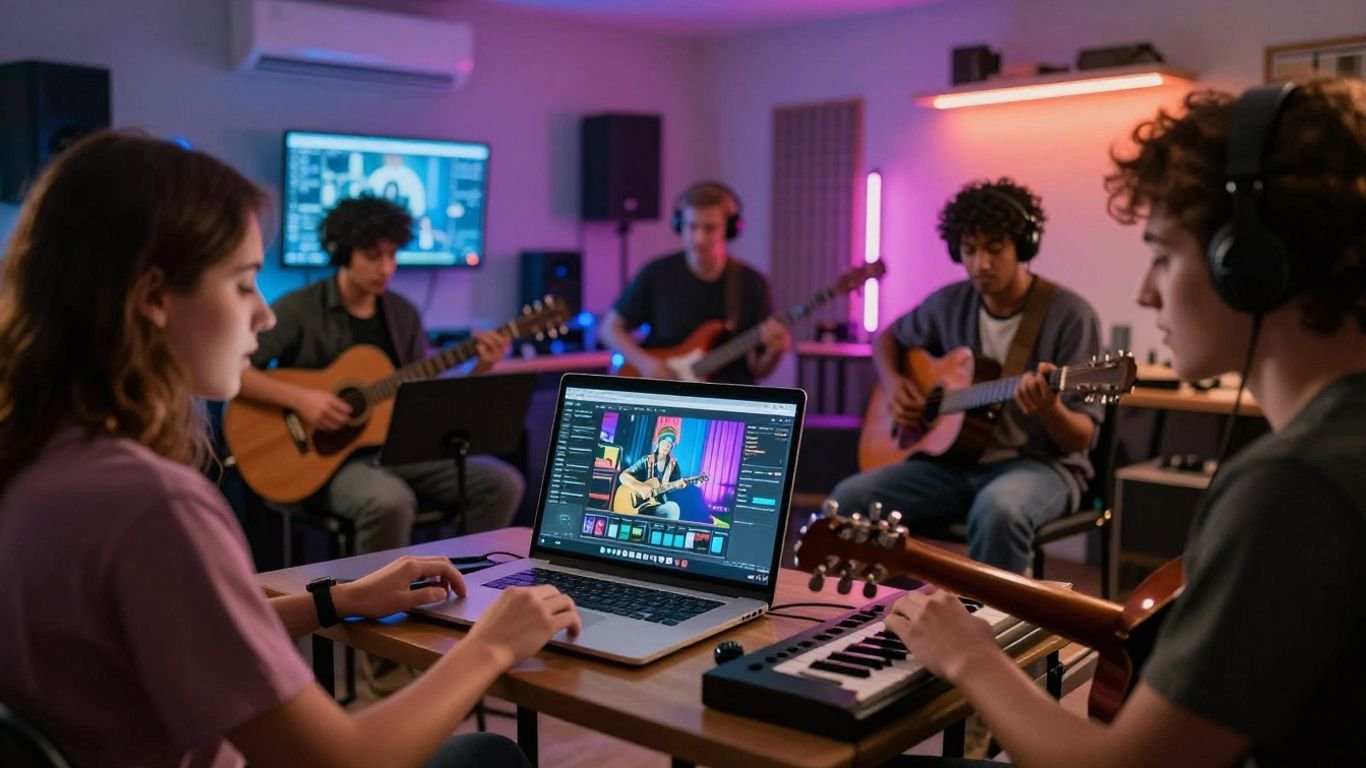
Independent artists often work without a label-funded video budget or a dedicated editor. AI tools fit that reality because they let you test ideas from a laptop and publish more often. The adoption pattern is best understood as practical experimentation, not automatic trust in every generated result.
Lower production costs and fewer technical barriers
A conventional music video can require a producer, camera operator, location, lighting, editing, and several rounds of revisions. A generator does not remove every production decision, but it can reduce the number of tools and skills needed for an initial visual. That makes it easier to decide whether a song deserves a larger investment.
You can also compare the economics directly. Free access may be enough for rough tests, while paid plans matter when you need more exports, fewer restrictions, or commercial usage terms.
Faster publishing for short-form content cycles
A song can need several pieces of content before and after release day. When you can make a visual draft quickly, you have more time to test hooks, revise captions, and schedule posts instead of spending the whole window on one edit.
Speed only helps when your review process stays short and deliberate. Set a limit for revisions, select the strongest moments, and publish only versions that support the song rather than filling a feed with near-duplicates.
Control over experimentation without a full production team
You can keep the creative process close to the music. Try different prompts, references, and pacing choices yourself, then bring in outside help only when you need polish or a larger campaign. This is especially useful for artists whose visual language changes from release to release.
The lower the cost of a test, the easier it is to reject a weak idea early.
That principle protects your time. Cheap generation is valuable because it gives you permission to discard work, not because every output deserves publication.
Access to visuals for demos, beats, and unfinished tracks
Producers and songwriters often need a visual before a track has a final mix. A temporary visual can help you present a beat, collect feedback, or give a collaborator a stronger sense of the intended atmosphere. It can also reveal that a section feels repetitive or lacks a clear visual turn.
Do not present a demo visual as a finished statement unless that is your intention. Labeling the stage of the work keeps expectations clear and protects the difference between exploration and release material.
The workflows musicians are adopting
Most workflows fall into two paths: you generate audio and visuals together, or you upload a track and build visuals from it. The first path reduces tool switching, while the second protects the sound you have already made. Both work best when you plan the destination before you generate anything.
Generating a song and video in one platform
Creatus documents a two-in-one workflow that combines text-to-song generation with AI singing vocals and audio-to-music-video production. You can begin with a text description or lyrics, generate a complete song, choose a visual style, and produce a synchronized video in the same workflow.
That setup suits early-stage ideation because the audio and visual steps stay connected. You still need to listen closely to the song and check whether the generated visuals match its actual structure rather than assuming the first result is ready.
Uploading MP3 or WAV files for audio-reactive visuals
Uploading an existing MP3 or WAV file lets you keep control of the recording while using AI for the visual layer. The system can analyze tempo, mood, energy, and structure, then produce visuals that respond to the track. This is a natural fit for producers who already have a mix or instrumental they want to present.
You should upload the cleanest version available. A distorted preview, unfinished vocal take, or low-quality bounce can affect what the visual system reads from the song.
Matching video formats to social platforms
Format choice should happen before export, not after you have made one master file. Vertical video suits TikTok, Reels, and Shorts; square video fits many social feeds; horizontal video remains useful for standard YouTube viewing.
A simple planning table keeps the output tied to its purpose:
| Destination | Useful format | Primary check |
|---|---|---|
| TikTok, Reels, Shorts | 9:16 vertical | Keep the subject readable on a phone |
| Social feeds | 1:1 square | Protect the central action from cropping |
| YouTube | 16:9 horizontal | Give scenes room to breathe |
The format does not fix a weak concept, but it prevents avoidable cropping and framing problems. Watch each export on the device and platform where people will see it.
Reviewing and refining outputs before publishing
The first render is a draft. Review sync, character consistency, transitions, lyric accuracy, visual artifacts, and whether the strongest musical moments receive enough attention. Then revise only the parts that affect the viewer’s experience.
For a practical step-by-step reference, use this DIY music video guide before you generate a larger batch. You can also keep a short checklist: listen without watching, watch without sound, inspect the first three seconds, and confirm the final export plays correctly.
How AI music video tools compare
The main difference between tool categories is where you start and how much control you want later. Some platforms generate a song and video together, while others focus on one stage of the process. Comparing them by workflow is more useful than comparing them by novelty.
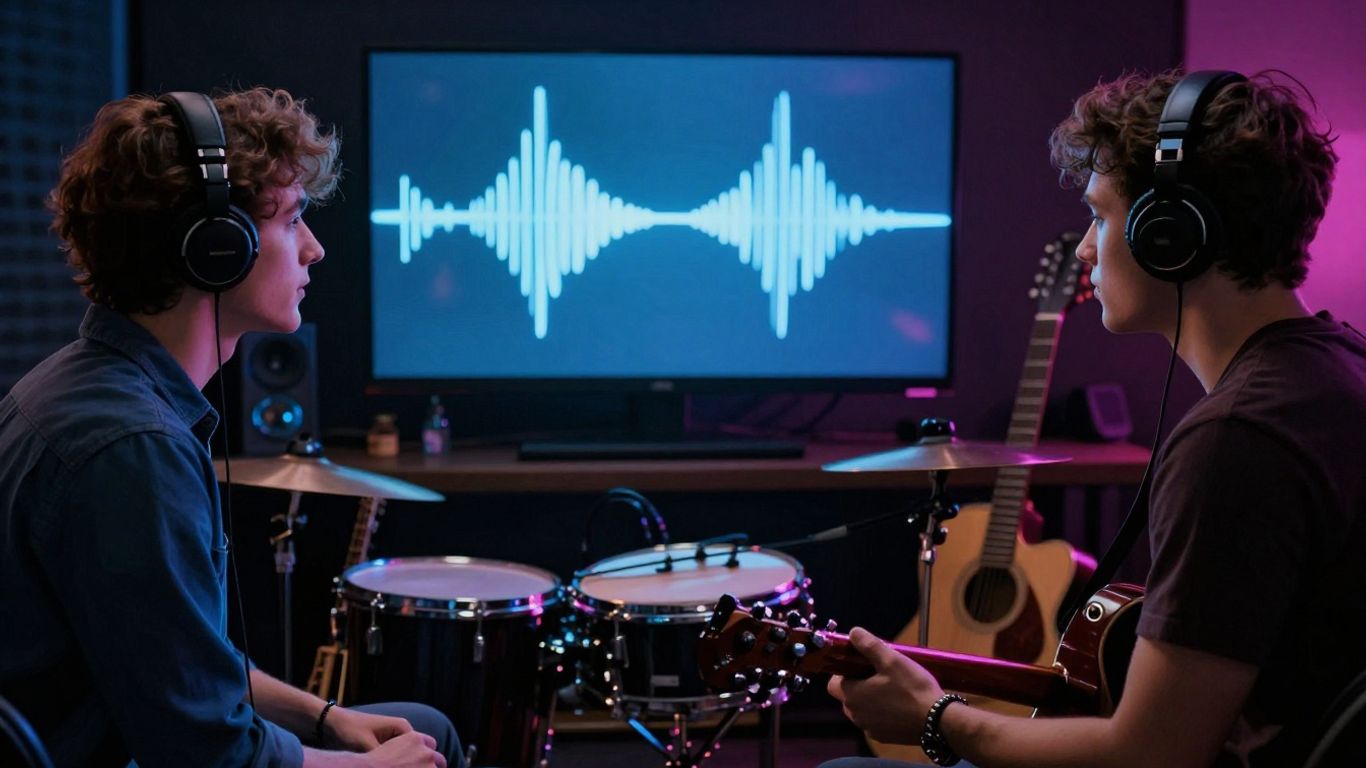
Two-in-one platforms such as Creatus
A two-in-one platform can generate a full song with AI singing vocals and turn an uploaded or generated audio file into a synchronized music video. The documented workflow supports 9:16, 1:1, and 16:9 output, so you can prepare versions for several platforms without moving between separate song and video tools.
This category is a fit when your priority is a short path from idea to shareable asset. It may be less suitable when you want detailed, frame-by-frame control over every visual decision.
Dedicated song generators such as Suno and Udio
Dedicated song generators focus on creating music from text prompts. The source material describes Suno as producing full songs with vocals, while Udio is described as a strong competitor with more control over music generation. Neither is documented here as providing video generation, so you would need a separate visual step.
That separation can still make sense when the audio matters more than speed or when you already have a preferred video workflow. You gain a clearer division between music production and visual production, but you also add another handoff.
Audio-to-video tools such as Neural Frames and Revid.ai
Audio-to-video tools begin with a track rather than a blank music prompt. Neural Frames is described as offering audio-reactive visuals, a frame-by-frame editor, timeline control, and 4K export. Revid.ai is described as focusing on fast beat-synced video generation, lyric captions, and multi-format export.
Choose this category when your recording is already stable and your main need is visual response to the audio. The tradeoff is that song creation remains outside the workflow.
General-purpose video platforms such as InVideo and LTX Studio
General-purpose video platforms can support music video work without being built specifically around music. InVideo is described as a general AI video platform with music video capability, a Magic Box editing feature, a free plan, and a broad template library. LTX Studio is described as an AI video production platform with MP3 and OGG support and a focus on cinematic production.
These tools may suit a wider campaign that includes non-music footage. If beat response and song structure are your top concerns, compare the amount of music-specific control before you commit.
Where adoption patterns vary by use case
Adoption looks different depending on what you are trying to publish. A solo artist may need a campaign system, while a producer may only need a clean visual for an instrumental. The AI music video use cases guide gives a useful framework for separating these needs instead of treating every creator as the same.
Solo artists creating release campaigns
You may use AI for cover-adjacent motion, announcement clips, lyric snippets, and a longer release video. The value comes from building a consistent group of assets around one song, not from generating unrelated scenes every day.
Keep a shared visual direction across the campaign. Repeating a color range, character, setting, or movement style can make separate clips feel connected even when they were generated at different times.
Producers showcasing beats and instrumental tracks
Producers often need to make a beat legible without adding a vocalist or narrative. Audio-reactive movement, abstract scenes, and controlled performance imagery can give listeners a reason to stop and hear the arrangement.
Your visual should leave space for the music. If every frame is crowded with effects, the viewer may remember the motion but miss the bass line, melody, or drum pattern you want to sell.
Bands and labels producing promotional assets
Bands and labels tend to value volume, consistency, and approval control. AI can help produce early visual directions or a set of promotional clips, but the final review still needs to account for artist identity, campaign rules, and the expectations of multiple stakeholders.
A shared folder with approved prompts, references, and export rules can reduce confusion. Treat generated material as part of the campaign system, not as an isolated experiment by one team member.
Content creators building recurring music content
Content creators may publish music-led clips as a recurring format rather than promoting one release. They need repeatable prompts, dependable aspect ratios, and a process that keeps each episode recognizable without making every video identical.
Batch your tests around a single theme, then keep only the strongest variations. This gives you a practical content library while leaving room for new sounds and visual changes.
Limits and decision criteria for responsible use
AI can shorten production, but it does not guarantee a good song, believable performance, or coherent video. You remain responsible for what you publish and for the promises you make about the work. A clear review standard matters more than a long feature list.
Evaluating vocal, lyric, and visual quality
Listen for awkward phrasing, unstable vocals, repetitive lyrics, and changes in tone that do not fit the song. On the visual side, check faces, hands, objects, motion, scene continuity, and sync. A technically clean export can still feel generic if the visual choices have no connection to the track.
Ask whether the result adds meaning or simply adds movement. If it does not strengthen the song’s mood, story, or performance, return to the concept instead of piling on effects.
Checking ownership, licensing, and platform requirements
Read the tool’s current terms before commercial release, especially when you use generated vocals, uploaded audio, portraits, or recognizable references. Confirm that you have permission to use every input and that the plan you chose covers your intended use.
The same careful habit applies outside music production: compare documentation and testing when evaluating a methylene blue supplier, review GMP insights when assessing manufacturing claims, and check the terms behind any service you pay for, from an IPTV service to subscription management. These examples are unrelated to your track, but the decision rule is the same: verify the terms instead of trusting a headline.
Balancing speed with originality and artistic direction
Fast generation can tempt you to accept the first recognizable result. Resist that shortcut. Give the tool a specific visual point of view, then change the output through selection, editing, sequencing, and your own references.
Your artistic direction stays central when you decide what belongs in the final cut. AI is most useful as a source of options and rough material, not as a substitute for taste or responsibility.
Choosing free tiers, paid plans, and export capabilities
Start with a free tier when you are testing a workflow, but check credit limits, watermarks, resolution, commercial rights, and export formats before planning a public campaign. Paid access only makes sense when it removes a limitation that affects your actual release.
You can use this natural-fibre cover guide as an unlikely but useful reminder of the same buying habit: assess the material, care requirements, and long-term fit rather than choosing on price alone. For music tools, replace those checks with input support, output quality, privacy, rights, and revision capacity.
Try a Music Video Workflow
If you want to test a song-to-video process without assembling several separate tools, start with a small project and review the result carefully. You can also start creating after you have chosen the audio, format, and visual direction that fit your release.
Conclusion
Gen Z musicians and AI music video tools fit together because they make visual testing faster, cheaper, and more accessible, but the strongest work still depends on human choices about sound, identity, rights, and timing.
Frequently Asked Questions
Why are Gen Z musicians using AI music video tools?
They use them to test visual ideas, produce short-form content, support unfinished tracks, and publish more often without a full production crew.
Do musicians need an existing song to make an AI music video?
No. Some workflows begin with a text prompt or lyrics, while others begin with an uploaded recording such as an MP3 or WAV file.
Which video format works best for TikTok, Reels, and Shorts?
Vertical 9:16 is generally the most suitable format for those platforms, though you should check framing and safe areas before publishing.
Can AI music video tools replace a professional video shoot?
They can support early concepts and lower-budget releases, but they do not automatically replace the direction, performance, continuity, and polish of a professional production.
What should you check before publishing AI-generated music content?
Review audio and visual quality, input permissions, ownership terms, commercial rights, platform rules, export settings, and any watermark or credit requirements.
Are AI music videos useful for instrumental tracks?
Yes. Producers can use audio-reactive or mood-matched visuals to present beats and instrumentals while keeping the music as the main focus.
How can an artist keep AI-generated videos original?
Start with a specific point of view, use references that fit your own identity, reject generic outputs, and make deliberate choices during selection, editing, and sequencing.