Key Takeaways
When you need to create content for social platforms, choosing the right platform determines your efficiency. These primary points summarize how you can effectively use current tools to produce music videos.
- Automated song generation helps you bypass the costs of traditional music production.
- Beat-synced visual generation ensures your content remains engaging for short-form platforms.
- Advanced audio-reactive tools provide the precision necessary for professional, high-concept music clips.
- Leveraging integrated workflows reduces the time spent switching between separate audio and video applications.
- Evaluating specific tool capabilities allows you to match your technical requirements with the right software.
1. Creatus for all-in-one song and video generation
The 0382 architecture simplifies production by combining audio and visual tools in one interface. You avoid the need to manage two or three separate subscriptions by using a single platform for your creative needs. Providing users with integrated song creation means you can go from a text prompt to a finished video file in minutes, perfect for maintaining a constant posting schedule on social media.
Because this tool handles the song composition and the video output simultaneously, your workflow remains fast and manageable. You upload your own audio or generate new tracks with specific vocal qualities, allowing for consistent branding across your library. The platform provides exports specifically optimized for common social media aspect ratios.
| Feature | Capability | Best Use Case |
|---|---|---|
| Music Generation | Text-to-song with vocals | Fast song ideas |
| Video Visuals | Audio-to-video sync | Music promo clips |
| Export Format | 9:16, 1:1, 16:9 | Platform versatility |
Using a unified tool like this is a smart way to manage your creative output. You spend less time navigating software and more time publishing content. These integrated solutions represent a significant shift for independent creators who need efficiency without sacrificing quality.
2. Neural Frames for technical, audio-reactive control
Advanced creators often require precise alignment between visual frames and specific audio transients. This platform offers deep control, allowing you to manipulate every scene with specific frame-by-frame edits. If your music relies on heavy drops or subtle rhythmic changes, you can use these tools to anchor your visuals exactly where the music demands it.
This approach differs from automated generators because it gives you the final say on the visual narrative. You can layer multiple AI models to define the aesthetic, moving far beyond standard visualizers. Your audience will notice when the video reacts correctly to the tempo, lending a professional polish that manual editing rarely achieves.
If you are serious about audio-reactive visuals, this tool provides the technical depth required. While the learning curve is slightly higher than basic generators, the output quality justifies the investment. You gain complete agency over your brand presentation.
3. Freebeat for AI-directed storytelling
Storytelling requires more than just pulsing lights or abstract patterns. This platform uses an AI director that manages camera pacing and scene progression automatically. It detects changes in your song structure, switching scenes at the bridge or chorus without requiring manual input from you.
- Upload your finished track.
- Choose a storytelling mode.
- Adjust the AI character parameters.
- Generate the complete video.
By keeping characters consistent throughout the clip, you successfully build a narrative arc that viewers actually follow. This feature is particularly helpful when your song lyrics tell a story that needs to be mirrored by the visual imagery. You get a video that feels planned and intentional.
Your ability to use a virtual frontman who actually lip-syncs ensures high engagement. When your character matches the phonemes of your lyrics, the viewer stays focused on your message. It effectively turns your casual upload into a structured musical performance.
4. Revid for fast, beat-synced short-form content
Short-form content requires speed, and this tool focuses on rapid output for platforms like TikTok. It generates visuals by analyzing your audio file’s beat and mood, producing a ready-to-use file instantly. You spend minimal time in the editor once the generation process finishes.
This platform excels at matching the energy of a track to the visual pacing. When your music is fast and aggressive, the video cuts match that intensity automatically. It is a highly efficient way for artists to populate their profiles with fresh content without needing hours of editing time.
Many creators use these tools to leverage short-form discovery while managing other parts of their business. The automation allows you to focus on your songwriting rather than the technicalities of video production. You get a consistent stream of content that fits perfectly in a vertical feed.
5. Plazmapunk for artistic visual model variety
Visual variety is key when you want to avoid a generic look across your music catalog. This platform offers access to several distinct AI models, allowing you to style your videos from cinematic realism to highly stylized animation. You can select the model that matches the vibe of your song perfectly.
Each model reacts to your audio in different ways, which lets you experiment with how the video feels. You might choose a high-contrast style for a bass-heavy track or an ethereal, slow-moving aesthetic for an ambient piece. It gives you deep creative freedom to define your visual signature.
By regularly changing the underlying model, you keep your viewers interested. They stop expecting the same look every time they see your name on their feed. It remains a powerful tool for artistic visual variety, ensuring your music videos reflect the unique nature of each individual recording.
6. InVideo for modular, template-based production
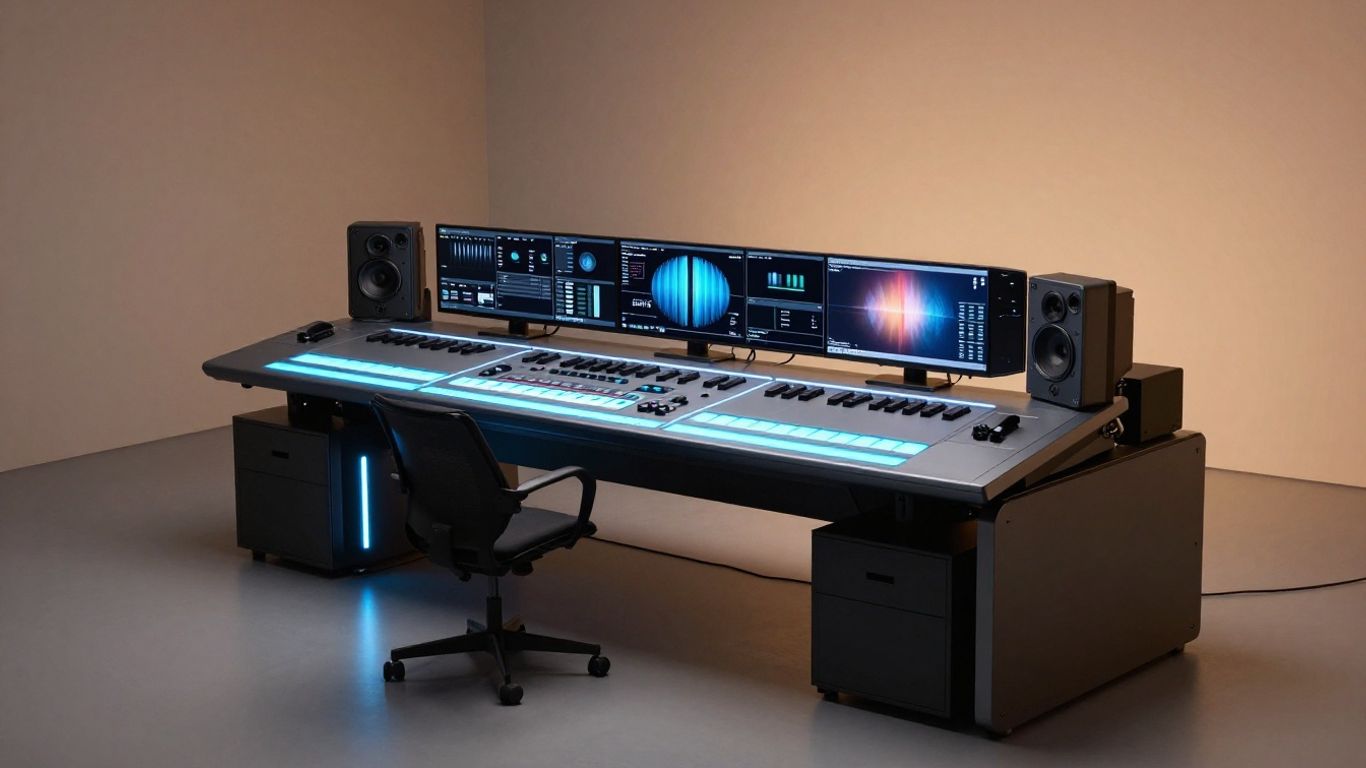
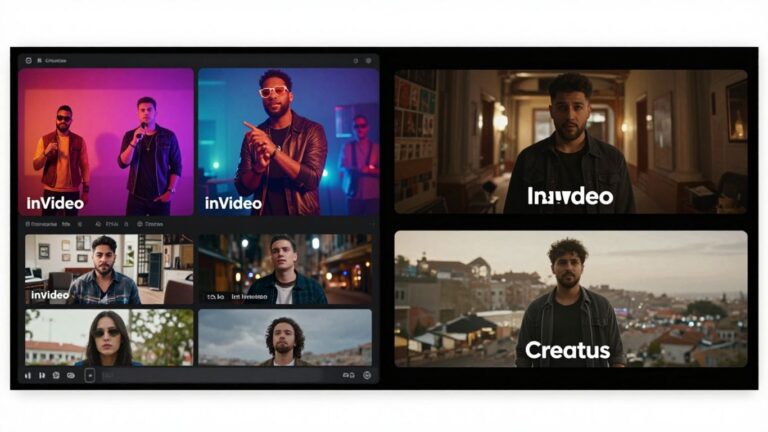
Templates offer a structure that helps when you lack specific assets to build a video from scratch. These tools use a modular approach, where you swap in your audio and allow the system to fill in the visual gaps using stock or AI-generated clips. It provides a solid baseline if you are not sure where to start.
This method is highly scalable for social media managers who handle multiple accounts at once. You can standardize your branding across different tracks by applying identical template structures. It effectively removes the blank-page syndrome that hinders many creators.
While the automation is high, you retain the ability to tweak individual scenes and text overlays. This flexibility ensures you can add your necessary details like song titles or call-to-action buttons. It remains a reliable way to produce a high volume of visual content quickly.
7. TopMediai for photo-to-video music visualization
Sometimes you only have a single high-quality photo to represent your new track. This tool transforms a static image into a dynamic video, applying movement and synchronization to your audio. It creates a focal point that holds your listener’s attention better than a static loop.
This approach works well for simple promotional releases where the focus remains on the audio. You generate a sense of motion that makes your static cover art feel like a living part of the song. It is an excellent middle ground between a simple waveform visualizer and a full-scale narrative video.
Use this when a quick, high-impact visual is necessary but your budget or timeline is tight. Your audience gets an engaging experience that is significantly more polished than a standard image post. It provides essential visual context for your music releases.
8. Vidnoz for avatar-based performance options
Avatars provide a virtual representation that can perform as your frontman in promotional clips. This tool gives you several styles to choose from, each capable of lip-syncing to your uploaded audio. You reach an audience by creating a face that the listeners associate with your sound.
This is useful when you want to keep your own identify private or simply want a stylistic performance. The AI handles the mouth shapes and body movements, saving you from filming your own performance footage. It offers a consistent presence across multiple video releases for the same song.
Many users find this approach helps in creating social-friendly clips that attract views. You produce high-energy visual segments that move and sing along with your track. It acts as an effective proxy for a real-life music video production.
9. MakeSong for narrative and lip-sync integration
Narrative videos allow you to tell a complex story that matches the themes in your songwriting. This tool manages the integration of lyrics and lip-syncing within a multi-scene structure that follows a story path. You move beyond simple performance by creating sequences of clips that link together.
This is particularly helpful for songwriters who treat their releases as deep, thematic statements. You control the narrative as the song progresses, ensuring the video matches the emotional arc of your lyrics. It is a powerful way to make your music feel more substantial and artistic.
Because the lip-sync is integrated with the narrative, you avoid the drift that happens in simpler programs. The output feels like an actual short film rather than a series of generated clips. You build a deeper emotional connection with your audience through thoughtful visual pacing.
10. MusicCreator.ai for specialized audio visualizers
Specialized visualization tools focus on turning your sound waves into interesting geometric art. This tool produces visuals that move strictly based on the rhythm and volume of your provided track. It works exceptionally well for electronic music where the pulse is the main feature of the song.
Unlike narrative generators, this focuses on technical synchronization. Every peak in your waveform is visible in the video, providing a direct visual representation of the auditory intensity. This makes it perfect for beatmakers and DJs who need clean visuals for their social platforms.
These visualizers serve as a minimalist way to support your track without distracting from the music itself. You highlight your mixing ability by letting the rhythm dictate the movement on screen. It is a clean, professional choice for showcasing your instrumentals in a crowded feed.
Conclusion
Selecting the best software among various AI music video generators for tiktok compared is a matter of matching your specific production style with the appropriate feature set, whether you prioritize automated narrative tools or precise frame-by-frame synchronization.
Frequently Asked Questions
Do these platforms require video editing skills?
Most current tools require no prior experience because the AI handles the synchronization, scene selection, and pacing based on your audio track, though intuitive interfaces make further refinements possible.
Can I export videos directly to TikTok?
Yes, these tools provide standard aspect ratios such as 9:16 which is the baseline requirement for vertical social media platforms, allowing for a seamless transition from generation to sharing.
How does the AI know when to change scenes?
Automation uses beat detection and structural analysis to identify bars, verses, and choruses, allowing the software to trigger visual cuts that align naturally with the music’s cadence.
Is it possible to use my own photos as visual assets?
Many platforms support image uploads where the software applies motion or audio-reactive effects, transforming your static cover art into a dynamic visual representation for promotional use.
Will these tools work for instrumentals?
Visualization tools often perform better with instrumentals by relying heavily on rhythmic transients and volume levels to trigger visual changes directly linked to the track’s energy.
How accurate is the lip-syncing?
Performance-oriented tools use phoneme-level mapping to ensure that digital characters match the vocal patterns of your uploaded audio, often achieving accuracy rates that mimic real-life performance.
Can I generate the song and the video together?
Integrated workflows allow you to use a single platform to create a complete audio file from a prompt and then immediately apply visual generation to that audio, saving significant time overall.