So, you’re curious about what resolution you can expect from AI-generated music videos, right? It’s a question on a lot of creators’ minds as this tech gets better. We’re going to break down what you can realistically get, what factors actually matter for quality, and how these tools are changing the game for making music visuals. Let’s get into it.
Key Takeaways
- Many AI music video tools can output in 4K, but some might just be upscaling lower-resolution footage. Always check the specifics.
- Video quality isn’t just about pixels; how well the visuals sync with the music’s beat and rhythm is super important for making it feel professional.
- Some platforms offer a combined workflow, letting you create both the song and the video in one place, which is a big time-saver.
- You generally own the rights to AI-generated music videos, but you’re responsible for any copyrighted material you use in the process.
- Tools like Creatus AI offer a full song-to-video package, while others like Neural Frames focus on advanced video control and 4K exports, each with different strengths for your workflow.
Understanding AI Music Video Resolution Capabilities
When you’re looking at AI music video generators, resolution is a big part of the picture, but it’s not the only thing. You’ll see terms like 4K thrown around, and it’s good to know what that actually means for your video.
Native 4K Versus Upscaled Output
Some tools can create videos in true 4K resolution right from the start. This means the AI is generating each frame at that high pixel count. Others might take a lower-resolution video and simply enlarge it to 4K. This is called upscaling. While upscaled video can look better than standard HD, it won’t have the same crispness and detail as native 4K. Always check if a platform offers native 4K export or if it’s just stretching existing footage. You want the sharpest possible image for your music video.
Factors Beyond Raw Resolution
Resolution is important, but it’s only one piece of the puzzle. You also need to consider how consistent the motion is between frames. Flickering or jerky movements can really pull you out of the video, no matter how many pixels it has. The AI’s ability to maintain character and style throughout the video also matters a lot. A video that looks great for a few seconds but then changes style or has characters morphing isn’t ideal. Think about the overall visual quality, not just the pixel count.
Assessing Video Quality Metrics
To really judge the quality, look at a few key things. How well does the video sync up with the music’s beat and tempo? This audio-reactive aspect is vital for music videos. Also, consider the visual realism – how good is the lighting and the textures? A video that balances good resolution with smooth motion and accurate synchronization will always feel more professional. You can explore tools that focus on these aspects to get a better final product, like Neural Frames for advanced control.
High quality in AI music videos isn’t just about 4K. It’s a mix of clear visuals, steady motion, and making sure the video matches the music’s rhythm. A 1080p video that’s perfectly synced can often look better than a 4K video that’s all over the place.
Key Features of AI Music Video Generators
When you’re looking at AI tools to make music videos, a few things really stand out. These aren’t just about making pretty pictures; they’re about how the visuals work with your sound. You’ll want to pay attention to how well they can sync up with your music and keep things looking consistent.
Audio-Reactive Visuals and Beat Synchronization
This is where the magic happens. Good AI generators don’t just slap visuals over your song. They actually analyze the audio to make the video react to what’s going on. This means cuts happen on the beat, scenes shift with the energy, and effects might even pop up with the vocals or a big drop. The goal is for the video to feel like it’s truly part of the music, not just a backdrop. Some tools go deep, breaking down your song into stems like drums, bass, and vocals to make the visuals respond to specific parts of the mix.
Character and Style Consistency
One of the trickier parts of AI video is keeping things looking the same from one scene to the next. You don’t want your main character suddenly changing appearance halfway through the video. The best generators work hard to maintain character and style consistency. This means if you set a specific look or character, it should stick around. This is important for creating a cohesive narrative or visual theme for your music.
Export Formats for Various Platforms
Once you’ve made your masterpiece, you need to get it out there. AI music video generators should offer flexible export options. This means you can get your video in formats ready for different social media platforms. Think vertical 9:16 for TikTok and Reels, square 1:1 for Instagram feeds, and standard 16:9 for YouTube. Having these options ready to go saves you a lot of time in post-production and makes sure your video looks good wherever you share it. You can find tools that offer various export options to fit your needs.
AI Music Video Generation Workflows
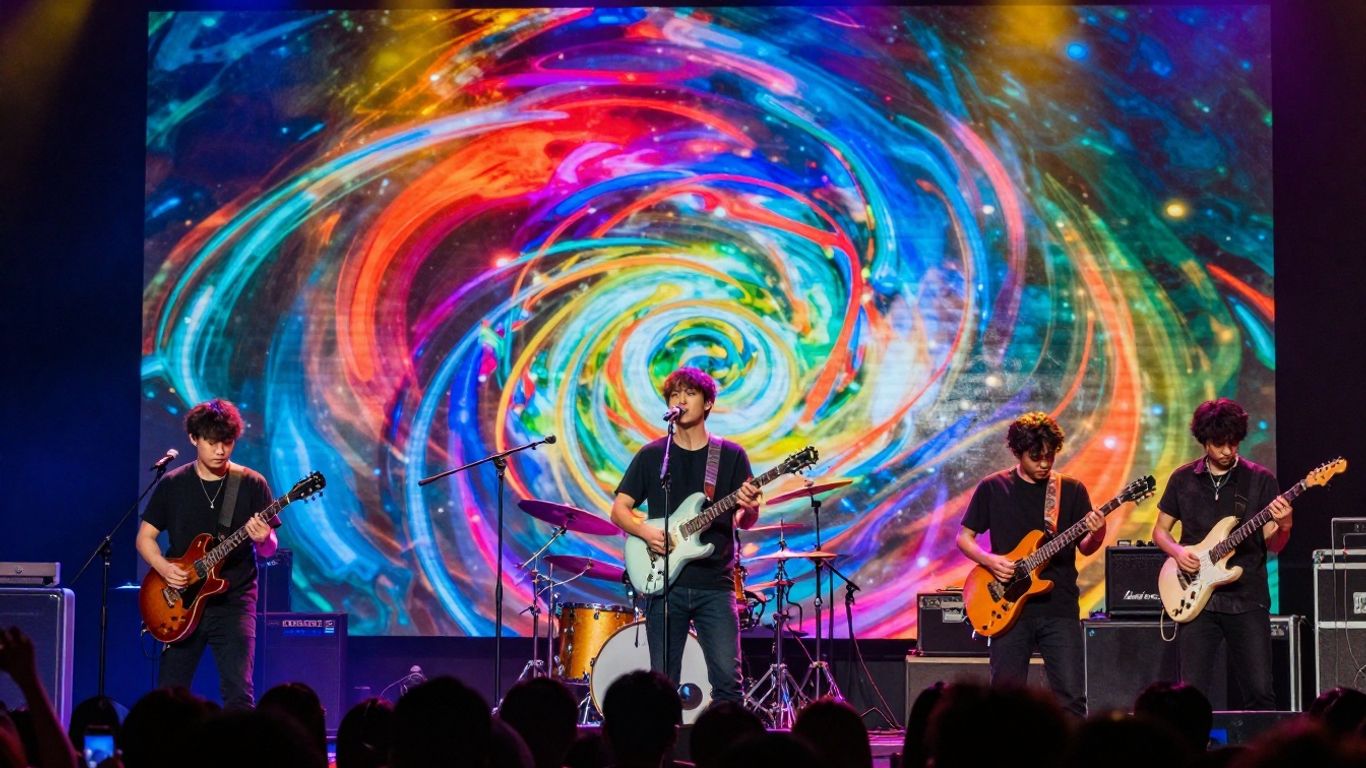
Creating an AI music video involves a few different approaches, depending on how much control you want and whether you’re starting from scratch or have a song already.
Integrated Song and Video Creation
Some platforms let you do everything in one place. You can describe your song idea, and the AI generates both the music and the video. This is a straightforward way to get a complete package quickly. It’s ideal if you’re just starting out or need a fast turnaround. This workflow eliminates the need to switch between different tools for music and visuals, streamlining the entire process.
Dedicated Video Generation from Audio
If you already have a song, you can use tools that focus solely on creating the video. You upload your track, and the AI analyzes its beats, mood, and energy to generate synchronized visuals. This gives you more control over the final look and feel. You can often fine-tune the output by adjusting styles or adding specific prompts.
Controlling Visuals Through Prompts and Editing
Many AI video generators allow you to guide the visuals with text prompts. You can describe scenes, characters, or styles you want to see. Some advanced tools even offer frame-by-frame editing or timeline control, giving you granular command over every aspect of the video. This level of control is great for achieving a very specific artistic vision. You can also use these tools to refine existing AI-generated clips or swap out elements to better match your music.
The key is to find a workflow that matches your creative needs. Whether you want a fully automated process or detailed control, there’s an AI approach for you. Don’t be afraid to experiment with different platforms to see what fits best.
Evaluating AI Music Video Quality
When you’re looking at AI-generated music videos, quality isn’t just about how many pixels are on the screen. You need to consider a few things to really judge if a video looks good and works well with the music.
The Role of Frame Consistency and Motion
Think about how smooth the video looks. If frames are jumpy or characters flicker, it breaks the illusion. Good AI video generators maintain consistent motion and stable visuals from one frame to the next. This makes the video feel more polished and professional, even if it’s not in 4K.
Visual Realism and Lighting Accuracy
Does the video look believable? This involves how the AI handles lighting, shadows, and textures. Realistic lighting makes scenes feel more grounded. Consistent character appearance across different shots also adds to the realism. You want the visuals to match the mood of your music.
Balancing Resolution with Synchronization
High resolution is nice, but it’s not everything. A video that’s perfectly synced to the beat, with visuals changing at the right moments, often feels higher quality than a sharp but poorly timed one. You should look for tools that balance clear visuals with accurate audio-reactive elements. A 1080p video with great beat sync can be more impactful than a 4K video that feels off. For a deeper look at how different tools handle these aspects, you can check out comparisons of AI music visualization tools.
Ultimately, the best AI music videos feel cohesive. They blend technical quality, like resolution and smooth motion, with creative alignment to the music’s rhythm and mood. It’s the combination that makes a video stand out, not just one single feature.
Platform Specifics for AI Music Videos
Different AI music video generators offer unique features and output capabilities. Understanding these differences helps you choose the right tool for your project.
Creatus AI: Integrated Song and Video
Creatus AI stands out by combining song creation and video generation in one place. You can start with a text prompt to generate an original song with AI vocals, then turn that song into a music video. This workflow means you don’t need separate tools for music and visuals. It supports multiple export formats, including 9:16 for TikTok and 16:9 for YouTube [385b].
Neural Frames: Advanced Control and 4K Exports
Neural Frames focuses on giving you granular control over your video output. It offers modes like Autopilot for quick generation, a Frame-by-Frame Editor for detailed adjustments, and a Text-to-Video Editor. This platform integrates advanced AI models to ensure character consistency and audio-reactive visuals. You can export your videos in 4K, making them suitable for high-definition displays.
Freebeat: Multi-Model Rendering and Optimization
Freebeat AI is known for its ability to combine multiple AI models for rendering. This approach can lead to more consistent and high-quality visual output. The platform often emphasizes beat synchronization and offers features like lip-syncing and storyboard editing. It’s designed to optimize the video generation process for various platforms, including TikTok and YouTube [5c77].
When evaluating these platforms, consider not just the advertised resolution but also how well the visuals sync with your music and maintain visual coherence throughout the video. A 1080p video with perfect beat sync might look better than a poorly synced 4K video.
Commercial Use and Rights for AI Music Videos
Ownership of AI-Generated Content
When you create music videos using AI tools, you generally own the rights to the visuals you produce. Platforms like Neural Frames explicitly state that you retain full commercial rights. This means you can use, distribute, and monetize your AI-generated videos without the platform claiming a share of your revenue. However, remember that you are responsible for having the rights to the music itself. This could be your own original recordings, licensed tracks, or music generated from commercial-tier AI music services.
Monetization on Platforms Like YouTube and TikTok
You can typically monetize your AI-generated music videos on major platforms. YouTube and TikTok generally don’t flag AI visuals for copyright issues; the risk comes from the audio. If your music is cleared, your video should be fine for monetization. YouTube allows AI-generated content as long as it reflects creative choices, avoiding penalties for low-effort "AI slop." TikTok’s Creator Rewards program also accommodates labeled AI content. You might need to disclose AI-generated content if it could be mistaken for real footage, but stylized or abstract videos usually don’t require a label.
Copyright Considerations for AI Visuals
While AI-generated visuals themselves don’t typically infringe copyright, the music you use is a different story. Always ensure you have the proper licenses for any audio incorporated into your video. Some AI music generators offer commercial rights on their paid tiers, which is what you’ll need for monetized releases. Free tiers often restrict commercial use. It’s also worth noting that some platforms, like Spotify, now require disclosure for AI-assisted or fully AI-generated content through distributor credits. This disclosure helps maintain compliance without blocking monetization.
You are responsible for ensuring you have the rights to the music used in your AI-generated videos. The AI tool provides the visuals; you must clear the audio.
Here’s a quick look at what you can do with AI-generated videos:
- Monetize: Use them on platforms like YouTube and TikTok for ad revenue.
- License: Sell or license your videos to brands or clients.
- Distribute: Upload them as Spotify Canvases or use them in promotional materials.
Always check the specific terms of service for both your AI video generator and your music source to understand usage rights fully. Finding suitable music for commercial use can be done on various platforms, so do your research to license the ideal tracks.
| Platform | Monetization Allowed? | Disclosure Required? (Visuals) | Music Rights Responsibility |
|---|---|---|---|
| YouTube | Yes | If mistaken for real footage | User |
| TikTok | Yes | If mistaken for real footage | User |
| Spotify Canvas | Yes | Yes (if AI-assisted/gen) | User |
Thinking about using AI-made music videos for your business? We’ve got the details on what you can and can’t do. Make sure you understand the rules before you start using these cool videos for your projects. Want to learn more about how to use AI music videos the right way? Visit our website today!
So, What Resolution Are We Talking About?
Look, when it comes to AI music videos, the resolution isn’t always a straightforward "4K and done." Some tools can give you that, sure, but often it’s more about how well the visuals match the music. You might get a super sharp 1080p video that feels way better than a blurry 4K one. Tools like Creatus are pushing things forward by handling both the song and the video in one go, exporting in formats like 9:16 for TikTok or 16:9 for YouTube. It’s not about replacing high-end studios yet, but it’s definitely making it easier for anyone to get a decent-looking video out there without needing a film degree. Just check the export options for the platform you’re using, and remember that good sync often matters more than just raw pixels.
Frequently Asked Questions
What’s the deal with resolution for AI music videos?
Most AI music video tools can create videos in pretty good quality, often aiming for 4K. Some might just make the video bigger (upscale), while others create it in 4K from the start. The important thing is that the video looks clear and sharp, not just the number of pixels.
Can AI make music videos that actually match the beat?
Totally! Many AI tools are designed to make your video’s visuals move with the music. They can sync up scene changes, effects, and movements to the rhythm and tempo of your song, making it feel really connected.
How do I actually make an AI music video?
It’s usually pretty straightforward! You might type in an idea for a song and the AI creates it, then turns that song into a video. Or, you can upload your own song, and the AI will make visuals for it. Some tools let you describe exactly what you want the video to look like, too.
What makes an AI music video look ‘good’?
It’s more than just resolution. Think about how smoothly the video moves, if the characters or scenes look consistent, and how well the visuals match the music’s energy. A video that’s in sync and looks realistic or stylish often feels higher quality, even if it’s not technically 4K.
Can I use AI music videos for my band or business?
Yep, you usually can! Most AI music video generators let you own the rights to what you create, so you can use them on platforms like YouTube or TikTok and even make money from them. Just make sure you have the rights to the music you use.
Are there AI tools that can make both the song and the video?
Yes! Some cool tools, like Creatus AI, can actually create a whole song from your text idea and then turn that song into a music video, all in one place. This makes the whole process much simpler because you don’t have to switch between different apps.