Key Takeaways
You can move from a written song idea to a shareable music video without a traditional production setup. The best results come from clear prompts, a suitable format, and a careful review before publishing.
- Start with genre, mood, tempo, and a clear song concept.
- Use lyrics or a plain-language description as your starting point.
- Upload MP3 or WAV audio when you already have a track.
- Match the visual style and aspect ratio to your audience.
- Check plan limits, editing needs, and usage rights before commercial release.
What CREATUS.AI music does
CREATUS.AI music combines text-to-song generation with audio-to-music-video production in one workflow. You can begin with a text idea or an existing audio file, then move from sound to synchronized visuals. The process is aimed at creators who want a practical route from concept to shareable content.
From text prompts to complete songs
You can describe a genre, mood, tempo, lyric idea, or general concept in plain language. The system uses that input to compose a complete song with AI-generated singing vocals, so you do not need music production experience to begin. For a wider view of the process, this AI song guide covers song concepts, lyrics, and prompt choices.
The quality of your starting idea still matters. A short prompt can work, but a few concrete details give the generator more direction and make the result easier to judge.
AI singing vocals and song structure
A generated track includes a vocal performance rather than only an instrumental bed. You should listen for whether the vocal tone, pacing, sections, and energy fit the idea you gave it, especially if the song will support a public release.
Treat the first generation as a working version. You may need to revise the lyrics or change the mood description before the track feels consistent from opening to final chorus.
Turning songs or uploaded audio into videos
You can use an AI-generated song or upload your own MP3 or WAV file for video generation. The system analyzes tempo, mood, energy, and song structure, then creates a synchronized music video with a selected visual style.
That makes the workflow useful even when the audio already exists. A music video workflow can help you plan the move from a finished track to visuals without switching between separate production tools.
How to create a song with CREATUS.AI
Start with the sound, not the video. Decide what the track should feel like, what the vocal should do, and who will listen to it. Once the audio has a clear direction, the later visual choices become much easier.
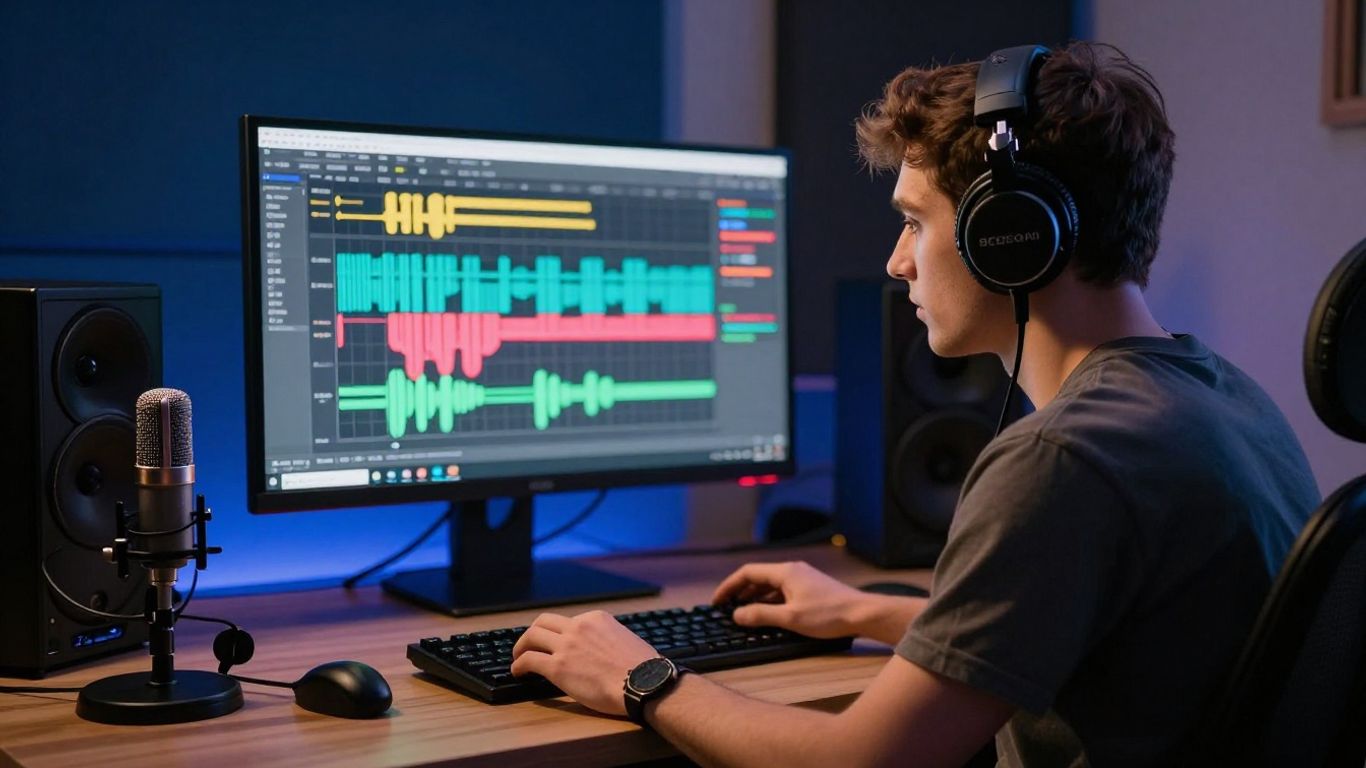
Define the genre, mood, and tempo
Name the genre and give it a mood that can be heard, such as warm, tense, playful, or subdued. Add a tempo direction when rhythm matters, and mention the main instruments if you already know the arrangement you want.
Avoid stacking unrelated references into one sentence. A focused description gives the generated song a more coherent starting point.
Add lyrics or describe the song concept
You can enter lyrics or describe the subject of the song if you are still developing the words. Explain the central situation, point of view, and emotional movement rather than relying on a vague theme.
For example, a prompt about leaving a small town after a difficult year gives the song a clearer narrative than a prompt that only says “sad pop song.” Keep the language direct so the vocal phrasing has a readable foundation.
Review the generated track before making a video
Listen to the complete track before you spend credits on visuals. Check the hook, vocal delivery, transitions, and overall length, then decide whether the song actually supports the video you have in mind.
A quick review can save time later. Listen before you render so you can fix an audio problem while it is still inexpensive to change.
How to turn audio into a music video
Once the audio works, treat the video as an extension of its structure. A quiet introduction may need restrained motion, while a dense chorus can support stronger visual changes. You are not just adding decoration; you are giving the listener a visual path through the track.
Upload MP3 or WAV files
Prepare a clean MP3 or WAV file with the version you want to publish. If you are using an existing song, check the opening, ending, and overall loudness before uploading so the generated timing follows the intended edit.
The same step works for an AI-generated song or a track made elsewhere. Keeping one final audio version prevents the visuals from drifting away from the soundtrack.
Choose a visual direction for the track
Select a visual style that fits the music and your audience. Available directions include cinematic, animated, abstract, lyric video, and performance approaches, so the right choice depends on whether the track needs a story, atmosphere, or visible singer.
You can also use the AI music video generator when you want one workflow for the song and its visuals. Choose a style with enough room for the song to breathe rather than selecting the most elaborate option by default.
Match visuals to tempo, mood, and song structure
The audio analysis helps align visuals with tempo, mood, energy, and structure. You should still check whether the visual changes feel appropriate for the intro, verses, chorus, and ending.
Use this simple planning guide before generation:
| Audio quality | Useful visual direction | Review question |
|---|---|---|
| Soft or slow | Cinematic or restrained animation | Does the motion leave space for the vocal? |
| Bright and rhythmic | Animated or performance style | Do changes follow the song’s energy? |
| Dense or atmospheric | Abstract or layered visuals | Does the image support rather than distract? |
The table is a starting point, not a fixed rule. A gentle track can still use performance visuals, and a fast track can benefit from a calmer opening if that contrast serves the song.
Generate and review the synchronized video
Generate the video, then watch it from beginning to end with the audio on. Look for timing that feels late, visual repetition, awkward transitions, or scenes that do not fit the lyrics or mood.
If the result misses the tone, change the visual direction or revise the source audio rather than trying to solve every issue after export. A practical video walkthrough can also help you check the main stages in order.
How to write better CREATUS.AI music prompts
Good prompts reduce guesswork. They tell the generator what the track should sound like, how the performance should feel, and how the words should move through the song. You do not need technical music vocabulary, but you do need specific choices.
Include genre, instrumentation, and vocal style
State the genre, the key instruments, and the vocal style in one compact description. You might ask for a mellow electronic track with soft synths, restrained drums, and an intimate lead vocal, rather than only naming the genre.
These details guide the arrangement and performance without forcing you to write a full production brief. If the vocal should feel raw, smooth, bright, low, or conversational, say so plainly.
Use clear descriptions for mood and energy
Describe how the song should move emotionally. Words such as reflective, urgent, playful, dark, or triumphant are more useful when paired with a situation or energy level.
Compare “quiet verses that build into an open, energetic chorus” with “make it emotional.” The first phrase gives the track a path, while the second leaves too much open to interpretation.
Structure lyrics for verses, choruses, and bridges
Mark the sections of your lyrics so the song has a readable shape. Clear labels help separate the main idea from the repeated hook and give the vocal performance a stronger sense of progression.
A simple structure might include two verses, a repeated chorus, and a short bridge. Keep each section focused, and avoid packing too many unrelated ideas into one lyric block.
Refine prompts when the first result misses the brief
Change one or two variables at a time when the first result is close but not right. If the mood works but the vocals feel too forceful, revise the vocal direction instead of replacing the entire prompt.
Keep notes on what changed between versions. That makes the process more deliberate and helps you return to a useful combination of genre, energy, instrumentation, and lyrics.
How to choose the right video format
The aspect ratio affects how your video appears on a phone, feed, or standard player. Choose the destination before generation when possible, because a composition that works in a wide frame may feel cramped in a vertical one.
Use 9:16 for TikTok, Reels, and Shorts
Choose 9:16 for vertical feeds such as TikTok, Instagram Reels, and YouTube Shorts. Keep the main singer, subject, or action near the center so it remains visible when platform controls cover parts of the frame.
Vertical framing works especially well for close performance shots and simple, direct compositions. Review the crop before sharing because small edge details may disappear.
Use 1:1 for square social media posts
A 1:1 video suits square social posts and gives you equal height and width. It can work well for album-style artwork, centered character performances, and visual loops that need a balanced frame.
Avoid placing important details too close to the edges. The square frame rewards a clear central subject and a limited number of competing elements.
Use 16:9 for YouTube and standard video
Use 16:9 for YouTube and other standard video players. The wider frame gives you more room for landscapes, multiple performers, scene changes, and visual storytelling across the width.
Check the opening seconds carefully. A wide composition can take longer to read, so the first scene should establish the subject and mood without unnecessary delay.
Plan one song for multiple platform exports
You can plan the song once and export versions for different destinations. The available output formats are 9:16, 1:1, and 16:9, which lets you adapt the same audio concept to several publishing contexts.
Before generating, list the versions you actually need:
- A vertical cut for short-form mobile feeds.
- A square cut for social posts and profile grids.
- A horizontal cut for YouTube or a standard player.
- A shorter excerpt for promotion when the full song is too long.
This list keeps the production plan realistic. You may still need to review each frame because a format change can alter the visual balance even when the soundtrack stays the same.
Practical ways to use CREATUS.AI music
The workflow suits more than a single finished release. You can use it to test a concept, support a campaign, or create a visual version of audio that would otherwise remain static. The right use depends on your audience and the amount of control you need.
Create release visuals for independent musicians
Independent musicians can pair a new track with a synchronized visual without arranging a full video shoot. Use the song’s mood and structure to set a consistent visual direction, then review the result as part of the release package.
A short excerpt can support launch posts, while a longer version gives listeners a fuller presentation. The video should still feel connected to the artist’s identity rather than looking like an unrelated template.
Produce short-form content for social media
Short-form content benefits from a strong opening and a clear visual subject. You can select a memorable section of a song, choose a vertical format, and use the visual result as a post, teaser, or repeatable content series.
Keep each clip focused on one idea. A simple performance moment or visual hook is often easier to understand than a compressed version of an entire story.
Build promotional music and videos for brands
Brands can use generated music and visuals for campaign concepts, product clips, or social posts when the creative brief is clear. Define the intended audience, tone, pacing, and placement before producing multiple versions.
Commercial use requires a separate rights check. Do not assume that a free output has the same permissions as content created under a paid plan.
Make intros, outros, and background tracks
Short audio pieces can support podcasts, educational videos, product content, or creator channels. For these uses, keep the arrangement less crowded so spoken content can remain understandable when the music sits underneath it.
Visual versions can also give an otherwise simple intro or outro a consistent identity. If you want a broader set of production ideas, this music video ideas guide offers useful directions for different creator formats.
What to consider before using CREATUS.AI music
A fast workflow does not remove the need for planning. You still need to decide how much creative control you want, what kind of editing the result may require, and where the final files will be used. A short test run can answer many of those questions before a larger project.
Understand the free tier and paid plans
The service offers a free tier, while paid plans add further access and can include commercial rights and watermark removal. Check the current plan details before starting a project with a firm publishing deadline.
Credit use, export access, and other limits can affect how many versions you can test. Read the pricing information that applies to your account rather than relying on an older tutorial.
Compare the all-in-one workflow with separate tools
An all-in-one workflow keeps song creation and video generation in one place. That can reduce file transfers and repeated setup, especially when you are moving from a prompt to a finished visual quickly.
Separate tools may still suit you if you need detailed timeline editing, precise mixing, or extensive scene control. Choose based on the work you actually need to do, not just the number of features listed on a page.
Review creative control and editing requirements
Generated content gives you a starting point, not a guarantee that every scene will match your brief. Watch the full result, note any weak transitions, and decide whether the available controls are enough for your intended release.
If you need frame-level edits or a highly specific performance, budget time for additional post-production. The simpler the brief, the more likely the first result will be usable with light adjustment.
Check usage rights for commercial projects
Review the current terms before using generated songs or videos in paid campaigns, client work, or monetized releases. Rights can depend on the plan, the source audio, and the way you combine generated material with your own assets.
Keep records of your prompts, uploaded files, plan status, and final exports. That basic documentation makes later questions about permissions easier to answer.
Start Your First Music Video
Choose a song idea, prepare your audio, and start creating a visual version that fits the platform where you plan to share it.
Conclusion
CREATUS.AI music gives you a direct route from a text idea or existing audio to a song and synchronized video, but your choices still shape the result. Use specific prompts, review the audio first, match the format to the destination, and confirm plan terms before publishing.
Frequently Asked Questions
Can you create a complete song from a text idea?
Yes. A text description can guide the genre, mood, tempo, lyrics, and general concept for a complete song with generated singing vocals.
What should a music prompt include?
Include the genre, mood, energy, instrumentation, vocal style, and any useful details about the song’s subject or structure.
Can existing audio become a music video?
Yes. An existing MP3 or WAV file can serve as the soundtrack for a video with visuals aligned to its tempo, mood, energy, and structure.
Which aspect ratio works best for short-form video?
A 9:16 vertical format is usually suited to TikTok, Instagram Reels, and YouTube Shorts, while 1:1 and 16:9 serve other publishing contexts.
Do AI-generated songs always need editing?
Not always, but you should review every result. Lyrics, vocal delivery, transitions, and visual timing may need changes before public release.
Can one song support several video formats?
Yes. You can prepare vertical, square, and horizontal versions, but each export should be checked because framing and visual balance may change.
What should you check before commercial use?
Review the current service terms, your plan permissions, the rights to any uploaded audio, and the requirements of the platform or client receiving the work.