Key Takeaways
AI music tools can help you move from a rough idea to a finished track and matching visuals. You still make the creative decisions, review every result, and confirm the rights before publishing.
- Start by deciding whether you need a song generator, production assistant, audio editor, or video tool.
- Use clear prompts that describe genre, mood, structure, tempo, audience, and format.
- Compare control, audio quality, exports, credits, and commercial terms rather than relying on a free plan alone.
- Keep source files, prompts, lyrics, and edit history for every release.
- Treat AI as part of your production process, not as a substitute for taste and judgment.
1. Understand what AI music production tools can do
AI music software now covers several separate jobs, from generating a first musical idea to preparing social video assets. The right tool depends on where you need help and how much control you want to keep. This complete guide to ai music production tools 2026 starts with the workflow, not the marketing label.
From song ideas to finished audio
You can begin with a short description, a lyric draft, a melody, or an existing recording. A generative system may return a full arrangement, while a production assistant may help with a narrower task such as sound selection or structure. Treat the first output as raw material and listen for the parts that deserve another pass.
A useful process separates inspiration from approval. Generate several directions, choose one that fits your audience, then edit the sections that feel repetitive, unclear, or emotionally flat.
AI vocals, lyrics, and instrumental generation
Some tools generate complete songs with singing vocals, while others focus on instrumentals, lyrics, melodies, or supporting parts. Your input can be a theme, a verse, a genre reference, or a description of the vocal delivery you want. Specific language usually gives you a more usable starting point than a single broad adjective.
Keep lyrics easy to pronounce and structured for performance. Mark verses, choruses, bridges, and repeated hooks so the system has a clear shape to follow. You should also check names, slang, and sensitive phrases by ear because generated pronunciation can change from one version to another.
Arrangement, mixing, mastering, and stem separation
Production tools can assist with arrangement decisions, mix balance, mastering, restoration, and the separation of a recording into stems. These functions serve different stages, so do not assume a song generator gives you the same control as an audio editor. If you need to replace a drum part or lower a vocal, confirm that the export provides the tracks you need.
Use automated processing as a starting point. Compare the result with the unprocessed file, check loud sections on headphones and speakers, and leave enough dynamics for the intended platform. A fast master is useful only when it still sounds clear and comfortable.
Audio-reactive visuals and music video creation
Music video tools can react to beats, lyrics, sections, or general audio energy. Some produce abstract motion, while others build scenes around characters, images, or a story prompt. Your choice should follow the song: a performance track may need a visible singer, while an ambient piece may work better with changing textures and camera movement.
Plan visual changes around the arrangement rather than cutting randomly to every beat. The strongest result usually has a stable visual idea, a few deliberate transitions, and enough repetition for the viewer to recognize the song.
2. Choose the right type of AI music tool
Start with the outcome you need, then choose the narrowest tool that can deliver it. A complete track, a clean master, and a vertical music clip are different jobs. The AI music workflow guide is a useful starting point if you want to map those jobs before paying for software.
Song generators for complete tracks
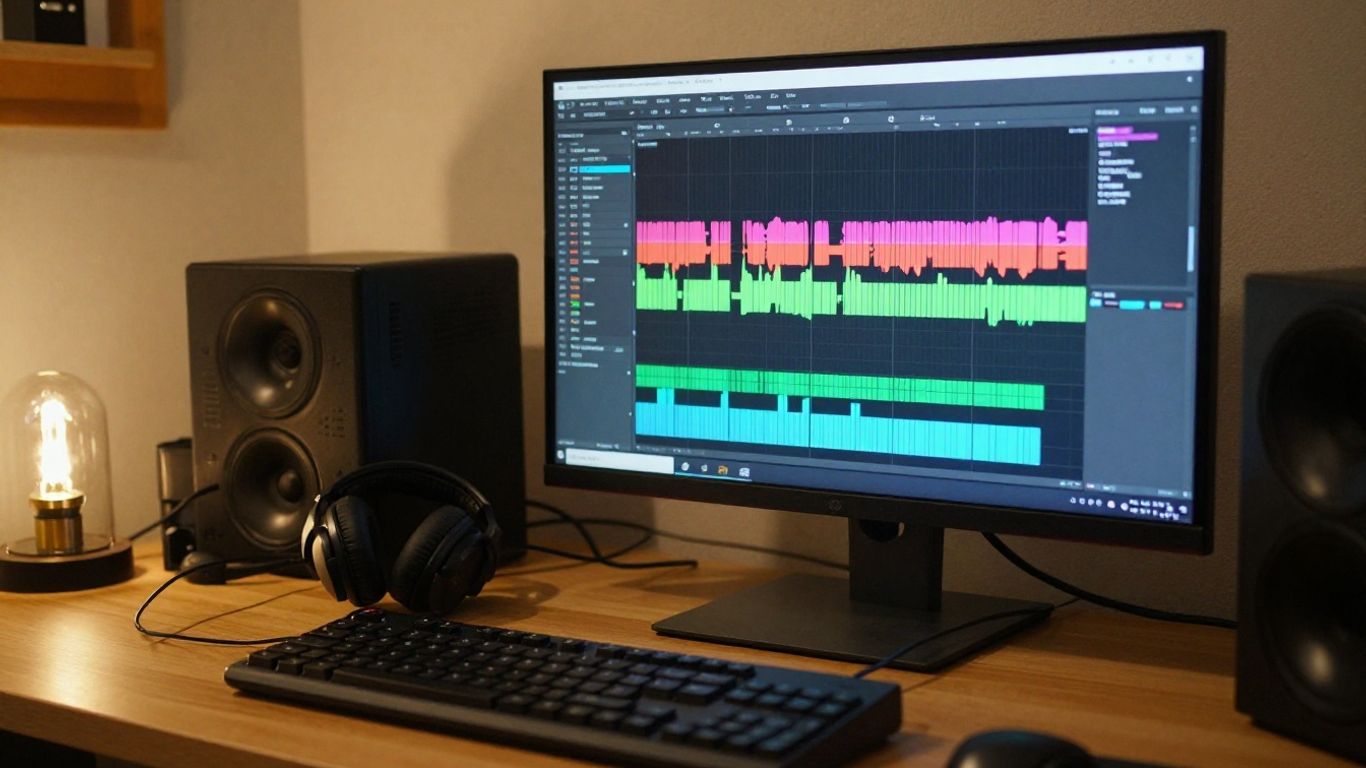
Song generators suit you when you have an idea but do not want to arrange every instrument manually. They can turn text or lyrics into a complete musical result, often with vocals or an instrumental bed. They are good for demos, creator content, drafts, and testing several directions quickly.
You give up some low-level control in exchange for speed. Check whether you can revise a section, extend a song, provide your own lyrics, or download separate audio parts before you commit to a platform.
Production assistants for arrangement and sound design
A production assistant fits a project that already has a musical identity. It may help you explore chords, arrange parts, select sounds, or organize a session without deciding the whole song for you. This approach works well when you want the result to retain your playing, singing, or detailed direction.
Use these tools inside a repeatable session structure. Name versions, save the original takes, and make one change at a time so you can tell whether a suggestion actually improved the track.
Tools for mixing, mastering, and audio repair
Audio-focused tools address problems that often appear after composition. They can help balance levels, reduce noise, repair artifacts, separate sources, or prepare a master. They will not fix a weak chorus or an unfocused lyric, so solve musical problems before technical ones.
A short comparison pass helps. Listen to the untreated and processed versions at the same loudness, then check the output on earbuds, a phone speaker, and your main monitoring setup.
Platforms for converting music into videos
Audio-to-video platforms start with a finished MP3 or WAV file and create visuals that follow it. They may offer characters, scenes, lyric timing, beat response, or several aspect ratios. This is often the quickest route when your audio is ready and your main need is a publishable visual asset.
Think about where the video will appear before you generate it. A vertical composition needs a different subject position from a widescreen video, and small captions or faces can become difficult to read after mobile compression.
All-in-one workspaces versus specialized apps
An all-in-one workspace reduces file transfers and subscription overlap. Specialized apps can provide deeper editing, more model choices, or a stronger result for one narrow task. Neither option wins for every project.
Choose an all-in-one setup when you value speed and a simple handoff from song to video. Choose separate tools when you already have a DAW, need detailed stem work, or want frame-level visual control.
3. Compare the leading AI music production platforms
Comparisons are useful only when you compare the same job. A platform that generates a complete song is not directly interchangeable with one that turns an existing track into visuals. The AI music tools comparison can help you sort platforms by creation stage, control, and output.
Suno and Udio for text-to-song creation
Suno and Udio are documented as text-to-song platforms that create full songs with vocals. Udio is also documented as offering more control over music generation, while neither platform provides video generation in the supplied product information. If you choose one for audio, plan a separate visual step.
Your test should use the same prompt, lyric length, and target genre on each platform. Compare vocal clarity, arrangement consistency, section transitions, and how easily you can revise a promising version.
Soundverse, Mubert, and Boomy for creator workflows
These names cover different creator needs. Soundverse is described as AI music generation for content creators with a focus on copyright-safe music, Mubert is associated with royalty-free background music for creators, and Boomy is a simple text-to-song platform focused on distribution to streaming platforms.
That difference matters when your goal is background audio rather than a front-and-center artist release. Read the current license for the exact plan you use, especially if a client will publish the track or run paid advertising with it.
Neural Frames, Freebeat, and Revid for music videos
Neural Frames is documented as an audio-to-video tool with frame-by-frame editing, timeline control, audio-reactive visuals, and 4K export. Freebeat focuses on AI music videos with lip-sync singing, performance modes, storyboard editing, and automatic shot planning. Revid focuses on beat-synced video, lyric captions, and short-form output.
The best fit depends on whether you value visual control, performance scenes, or quick social clips. Test a chorus and a verse rather than judging only a short preview, because synchronization problems often appear during section changes.
Creatus for text-to-song and audio-to-video production
Creatus combines text-to-song generation with AI singing vocals and audio-to-music-video production in one workflow. You can enter a song idea, generate a full track with vocals, or upload an MP3 or WAV file for video creation. The product information also documents exports in 9:16, 1:1, and 16:9 formats.
That combination can reduce tool switching when you need both a song and a shareable video. It does not remove the need to review the audio, refine the concept, or check the terms that apply to your release.
How pricing, controls, exports, and licensing differ
Price is only one part of the decision. Credits, generation limits, export settings, revision controls, watermarks, and commercial rights can change the real cost of a finished release. Use a consistent checklist when you compare plans.
| Factor | What to check | Why it matters |
|---|---|---|
| Audio control | Lyrics, revisions, stems, and extensions | Determines how much editing remains |
| Video output | Aspect ratios, resolution, and sync | Affects where you can publish |
| Usage rights | Personal, commercial, and client use | Protects your release plan |
| Billing model | Credits, subscription, and overages | Shows the cost of repeated attempts |
The table gives you a practical comparison frame, but current terms still need a direct review on each platform. Save the plan name and terms page with your project files before publishing.
4. Build an AI-assisted music production workflow
A reliable workflow keeps the creative brief, audio versions, and visual exports connected. You do not need to automate every stage. The point is to spend less time repeating setup work and more time making decisions about the song.
Define the genre, mood, audience, and output format
Write a one-paragraph brief before opening a generator. Include the genre, emotional direction, approximate tempo, vocal type, audience, song length, and intended platform. If you need a short vertical clip, say so early instead of forcing a long arrangement into a short edit.
Keep the brief specific but flexible. A reference to instrumentation, energy, and scene type usually gives more direction than a list of vague praise words.
Write effective prompts and provide usable lyrics
A useful prompt describes function, not just style. State what happens in the verses and chorus, identify the vocal delivery, and specify whether you want a sparse opening, a fuller chorus, or a strong final section. Provide lyrics with clear line breaks and avoid copying protected lyrics or asking for a named artist imitation.
Before generation, check that the words fit the intended rhythm. Shorter lines, repeated hooks, and clear section labels make revision easier.
Generate, review, and refine multiple song versions
Make several versions before you choose one. Review the opening, hook, vocal performance, transitions, ending, and any words that sound unclear. Do not keep a weak take simply because it took longer to produce.
Use this short review sequence:
- Listen once without stopping to judge the overall feeling.
- Mark sections that need a new generation or a manual edit.
- Check lyrics, pronunciation, timing, and unwanted artifacts.
- Compare the strongest versions at the same playback level.
After the list, save the selected audio with a clear version number and keep the rejected files in a separate folder. That small habit makes later revisions much less confusing.
Edit the audio with stems, effects, and mastering tools
Move into detailed editing only after the song has a stable structure. If stems are available, adjust the vocal, rhythm, or instrumental balance without rebuilding the entire track. Then apply effects and mastering with restraint.
Keep an untouched export beside every processed version. You may later need a quieter master, a clean instrumental, or a shorter edit for a different platform.
Turn the finished track into platform-ready visuals
Prepare the audio file, visual brief, aspect ratio, and any character or image references before starting video generation. Match scene changes to verses, choruses, breaks, and the ending. Review lip sync and the position of important subjects inside the frame.
A final pass should check mobile readability, audio sync, captions, cropping, and export quality. The music video production guide offers another way to think about beat response, short-form formats, and visual control.
5. Create a complete song and music video with Creatus
A two-stage process works well when you want one project to contain both audio and video. Start with the song idea, review the vocal track, then move into the visual treatment. This keeps the images tied to the actual arrangement instead of a generic mood board.
Generate a song with text prompts or lyrics
Creatus accepts a text description that can include a genre, mood, tempo, lyrics, or rough idea. The documented output is a complete song with AI-generated singing vocals. You do not need music production experience to start, but you should still review the result as a producer.
Give the prompt a clear structure. Mention the subject, emotional change, vocal character, and shape of the chorus so the first result has useful direction.
Use AI singing vocals for a finished vocal track
The product information describes AI singing vocals as part of the full-song output, rather than an instrumental-only result. Listen for pronunciation, timing, tone, and whether the vocal supports the lyric. If a phrase feels wrong, revise the text or generate another version instead of building visuals around it.
Keep the chosen vocal take and lyric source together. That makes later checks easier if you create a shorter edit or a second visual version.
Upload MP3 or WAV files for video generation
You can upload an MP3 or WAV file when the audio already exists. This lets you use a track made elsewhere and focus the next stage on synchronized visuals. Confirm that the upload plays from beginning to end before selecting a visual direction.
A clean file with a finished arrangement gives the video system better timing information. Remove accidental silence at the start and make sure the final file has the intended ending.
Match visual styles to the song’s mood and structure
Choose a visual idea that can survive the full length of the track. A character performance, a scene-based story, or a more abstract sequence can all work, but each needs consistent subject placement and pacing. Use the chorus for the clearest visual change and keep quieter sections less crowded.
You can use a portrait or a character from a library according to the supplied product information. Review each scene for continuity, especially when the song returns to a repeated chorus.
Export versions for TikTok, Instagram, YouTube, and Shorts
The documented export formats are 9:16, 1:1, and 16:9. Use vertical output for TikTok, Reels, and Shorts, square output for suitable social placements, and widescreen output for YouTube. Watch the same cut on a phone before you publish it.
Keep separate filenames for each ratio and preserve a master copy. If you plan client or commercial use, check the active plan terms before release.
6. Evaluate AI music tools for quality, cost, and control
A good evaluation uses a real project instead of a polished demo. Give each tool the same brief, the same approximate lyric length, and the same target output. Then score what affects your actual workflow.
Check audio quality, vocal realism, and musical coherence
Listen for stable pitch, believable phrasing, clean consonants, and a consistent relationship between vocal and instruments. Check whether the arrangement supports the lyric and whether the ending sounds intentional. One impressive chorus does not guarantee a coherent full track.
Use both focused listening and casual listening. Problems that seem minor in headphones can become obvious through a small speaker or after compression on a social platform.
Compare editing controls, iterations, and workflow speed
Count how many steps it takes to revise a chorus, replace a lyric, upload audio, or export another format. A tool that sounds good but makes every correction expensive may slow your project. Control is valuable when it removes a recurring problem, not when it adds menus you never use.
Run the same small test across your shortlist. Record generation time, failed attempts, revision options, and the amount of manual editing left afterward.
Review free plans, subscriptions, credits, and commercial terms
A free tier is useful for testing, but it may limit credits, resolution, watermarks, or permitted use. Paid plans can change commercial rights and export access, so read the current terms for the exact account level. Do not assume that paying automatically gives you every right you need.
If you work for clients, include subscription costs and revision credits in your estimate. Also keep a copy of the terms in your project archive because plan conditions can change.
Confirm export formats, resolution, and platform compatibility
Check whether the tool can export the file type, aspect ratio, resolution, and duration your channel requires. Audio may need a WAV master, while a social video may need a compressed MP4 in a vertical frame. Test the final file on the platform where it will appear.
Pay attention to cropping and captions. A video can be technically valid and still fail when the singer’s face, lyric text, or central action sits outside the safe area.
Decide when an all-in-one tool is more efficient
An all-in-one tool makes sense when you want to go from song idea to video without moving between separate subscriptions. It is less attractive when you need advanced mixing, detailed arrangement edits, or specialized visual compositing. Base the decision on the whole release process, not on the number of features in a sales page.
A simple pilot can answer the question. Make one short song, one full-length version, and one vertical video, then compare the total time and cost with your current setup.
7. Handle copyright, ownership, and responsible use
Legal treatment of generated music varies by jurisdiction and by the terms of the service you use. Ownership, human contribution, training data, voice rights, and commercial permission can all affect a release. You need a clear record of what you supplied and what the system produced.
Understand ownership of AI-generated songs and recordings
Do not assume that an AI-generated recording receives the same protection as a fully human-created work. Your lyrics, performance, arrangement choices, edits, and original source material may be treated differently from generated elements. Get legal advice for important commercial releases.
Separate ownership of the recording from rights in lyrics, samples, voices, and visual assets. Each part can have its own terms.
Check commercial-use rights before publishing
Read the plan terms before uploading a song to a streaming service, client campaign, advertisement, or monetized channel. Check whether the right applies to new generations only, whether attribution is required, and whether a paid plan must remain active. Keep the relevant page or agreement with your release notes.
The AI monetization compliance guide is useful for the business side of AI services, especially when payments, tax, and regional compliance affect your project. It does not replace the music platform’s own license.
Avoid unauthorized voices, samples, lyrics, and artist imitation
Use voices, recordings, lyrics, and images that you have permission to use. Do not request a living artist’s exact voice or identity, and do not upload material simply because you found it online. Build prompts around musical traits such as tempo, instrumentation, and emotional delivery instead.
Responsible use protects both your release and the people whose work may influence it. It also makes your process easier to explain to a client or audience.
Keep records of prompts, source files, and edits
Save the original lyric file, prompt versions, uploaded audio, generated outputs, edits, and export dates. Note which account or plan created each file. A basic folder structure can answer questions months after publication.
Record human decisions too. Your arrangement changes, vocal edits, visual selections, and final mix are part of the creative history of the work.
Plan for transparency and disclosure in professional releases
Decide how you will describe AI assistance before the release goes live. A short production note may be enough for one project, while a client contract may need a fuller description of tools, inputs, approvals, and permitted uses. Be accurate without making claims you cannot support.
Clear disclosure can prevent confusion about the recording and set expectations for collaborators. It also gives you a consistent policy for future releases.
Make Your First Music Video
When you have a finished track, start creating with a workflow that keeps the audio, visual brief, and export plan together. Test one short project first, then expand the process once you know where your review time goes.
Conclusion
AI music production works best when you treat it as a practical set of assistants rather than a one-click replacement for taste. Define the result, compare tools by the work they actually handle, review every generation, preserve your source files, and confirm rights before publishing. With that discipline, you can move from song idea to finished audio and platform-ready video with more control over time, cost, and quality.
Frequently Asked Questions
What are AI music production tools used for?
They can support songwriting, lyric and melody generation, vocals, arrangement, stem separation, mixing, mastering, audio repair, and music video creation. The exact functions depend on the tool.
Can AI generate a complete song with vocals?
Yes, some platforms generate a full arrangement with singing vocals from text, lyrics, or a rough song idea. Results vary, so listen for pronunciation, structure, and musical consistency.
Do AI music tools replace a digital audio workstation?
Not usually. They can provide fast material or automate selected tasks, while a DAW remains useful for detailed editing, arrangement, effects, mixing, and version control.
What should you include in an AI music prompt?
Describe the genre, mood, tempo, vocal delivery, instrumentation, song structure, subject, audience, and intended length. If you provide lyrics, use clear sections and readable line breaks.
Can you use AI-generated music commercially?
That depends on the platform’s current terms, your plan, the source material, and local law. Read the commercial-use license before publishing or licensing the recording.
How do you make an AI music video?
Start with a finished audio file or generate a song, then choose a visual concept, aspect ratio, character or scene direction, and synchronization method. Review the full export on the target device before posting.
How can you keep an AI music project organized?
Save prompts, lyric drafts, source audio, generated versions, edits, export settings, account details, and applicable terms. Use version numbers so you can trace the final result back to its inputs.