Key Takeaways
Creating music and video content has become significantly more accessible thanks to generative models. Take these points to heart when building your workflow.
- Integrated platforms combine audio and video creation to save time.
- Text-to-song models now produce full vocal tracks in seconds.
- Audio-reactive video tools link visual changes to rhythm and beat patterns.
- Professional composition tools offer granular control over song structure and instrumentation.
- Choosing the right tool depends on your specific creative goal and required output format.
1. Creatus AI for all-in-one song and video workflows
When you need to turn a text concept into a polished music video, having one platform manage every step keeps your momentum steady. Creatus AI stands out as an all-in-one workspace that bridges the gap between text-to-song creation and audio-to-video production.
Instead of jumping between different apps for audio rendering and video editing, you can handle both inside the same interface. This removes the need for subscription stacking while making the music video creation process much faster for solo creators.
You can input a description for your track, generate original music with vocals, and then convert that file into a synced music video. It supports common social media ratios, ensuring your content is ready for platforms like TikTok or YouTube shortly after the generation process finishes.
- Streamlines the entire production pipeline from prompt to video.
- Eliminates redundant tool hopping across multiple subscriptions.
- Supplies built-in AI singing vocals for custom tracks.
- Provides immediate export options for popular social media formats.
2. Suno for high-fidelity text-to-song generation
High-quality audio output often begins with Suno, a market leader in the text-to-song sector. When you type in a prompt detailing your desired genre, mood, or lyric ideas, the platform constructs a full composition with integrated vocals.
You get studio-grade audio that sounds professional right out of the box, which is a major help if you lack traditional recording equipment. Because of this high sound quality, many creators use it as their primary starting point for audio production.
While it focuses purely on audio, the clean results make it an ideal source file for video-only tools later on. If you want raw sound production power, look here first for your melodic foundations.
3. Udio for professional-grade vocal and instrumental control
Getting a specific sound often requires deeper adjustments to the vocal timbre or instrumental layering. Udio provides a robust set of controls where you can refine how voices and instruments interact during the generation process.
This platform excels when you have a clear vision for the harmonic structure of your song. You can manipulate the output to hit specific emotional notes, making it a favorite for those who treat AI as a collaborative partner in song construction.
Precision matters when building a complex arrangement that needs to fit a specific narrative aesthetic for your tracks. With granular control buttons, you can steer the generation process in ways that feel tailored to your specific artistic direction.
4. Neural Frames for granular audio-reactive video production
Visuals that move with your beat carry a distinct professional impact, and Neural Frames focuses specifically on this synchronization. By linking individual frames to your audio file, the output feels physically connected to your rhythm.
Instead of just playing a video over a track, the software allows you to control how the image evolves based on the intensity of the music. It gives you more command over the temporal aspect of the video than standard video generators.
This setup works best for creators who have an audio file ready and need a visualizer or cinematic performance that matches the pacing. It effectively turns your music into a sensory experience for the viewer.
5. Freebeat for AI-powered music video stories and performances
Storytelling in music videos requires character consistency and scene planning, which Freebeat handles through its internal director modes. The platform maps out shots and pacing automatically, helping you build a narrative performance without manual timing work.
If you want your video to feel like an actual concert or a scripted song performance, the automated shot planning saves hours of editing. It uses the beat of your song as a guide for when to cut between different camera angles or scenes.
This tool is useful for creators who want the output to feel like a complete performance on a stage. It prioritizes emotional continuity throughout the length of your track.
6. Revid.ai for rapid beat-synced social media asset creation
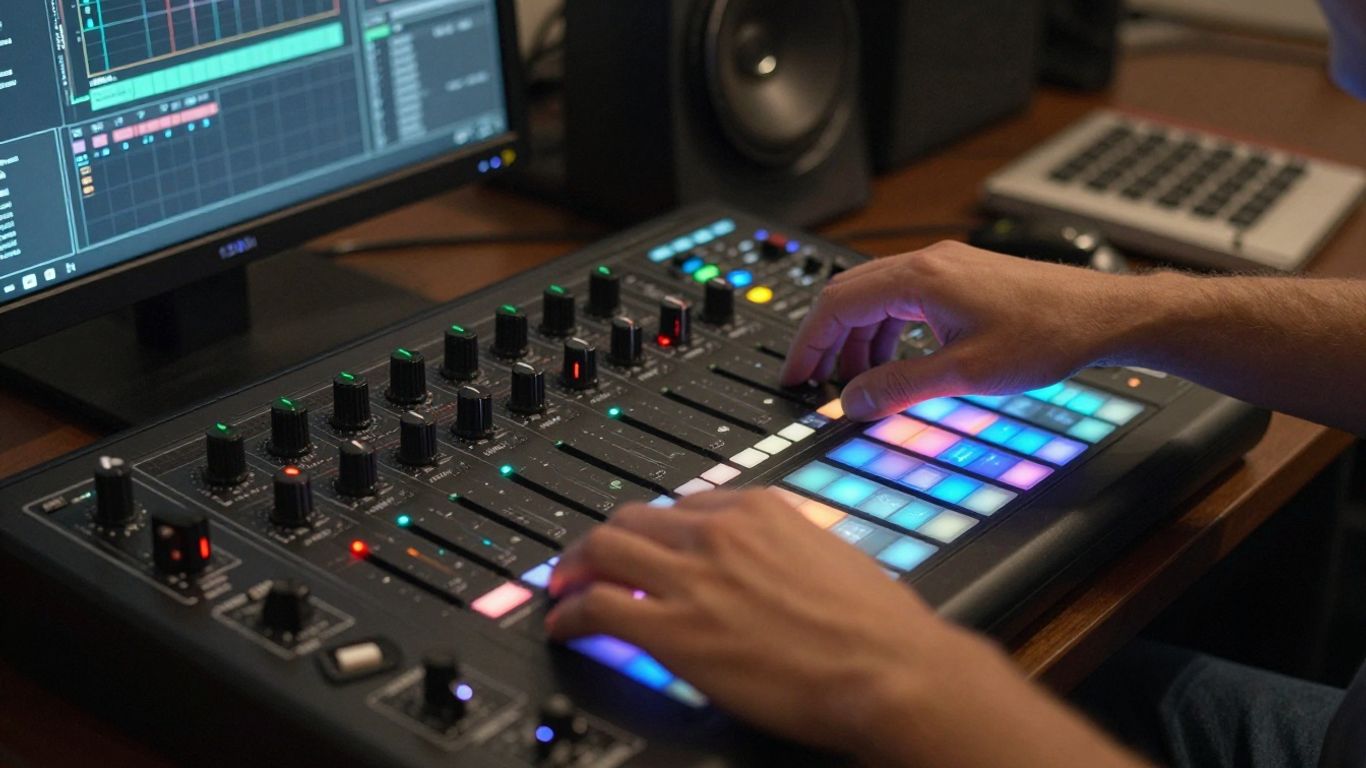
When you need daily social media content, speed is the most important constraint. Revid.ai specializes in generating beat-synced visuals from your audio files in a way that minimizes wait times.
It adds lyric captions automatically, which is nearly standard practice for short-form clips today. You produce the visuals, attach your audio, and get a shareable video piece designed for high-traffic mobile feeds.
This approach removes the friction from your daily content routine. It simplifies the technical side of video production so you can focus on writing and promoting your music consistently.
7. Plazmapunk for multi-model visual experimentation
Working with multiple style models allows you to see how your music translates through different aesthetic lenses. Plazmapunk lets you switch between various visual models, creating unique visualizers for a single track.
Because the platform offers scene scripting, you can experiment with how visual ideas shift as your song progresses. This gives you room to push the boundary of what traditional AI-assisted editing looks like.
If your project demands a specific, experimental look that typical generators cannot replicate, this versatility is quite useful. You can test these models to match your audio to a specific artistic style.
8. AIVA for advanced soundtrack and structural composition
Sometimes, you need a functional soundtrack rather than a lyrical radio song. AIVA provides a specific workflow for composing scores, orchestral pieces, and structural compositions.
It handles the logic of arrangement and harmonic progression differently than text-to-song models. This allows you to manage the individual arrangement of instruments, making it effective for background music and cinematic soundscapes.
Those who require a more formal approach to music composition will find the depth here sufficient. It treats the music in a way that aligns closely with traditional scoring and arrangement techniques.
9. TopMediai for transforming photos into music video content
If you have a set of photos and need to turn them into a story-driven video, TopMediai offers a specialized path. It takes your existing assets and applies animation and rhythm-based edits to turn static images into a dynamic music video.
This is useful when you have a specific artistic concept captured in photographs that you want to set to music. It serves as a bridge for creators who already have visual assets and want to integrate them with audio.
This tool is effective for adding a personal touch to your music videos from the start. It reduces the need for original film footage while still creating a compelling visual performance.
10. Key criteria for selecting the best AI tools for your music projects
Selecting the right suite of tools involves considering your budget, the depth of control you need, and the specific output formats your distribution channels demand. You should weigh these factors before committing your time to one platform.
| Tool Category | Best Use Case | Core Strength |
|---|---|---|
| Integrated | All-in-one production | Efficiency |
| Composition | Deep score editing | Harmonic control |
| Reactive | Beat-synced visuals | Pacing synchronization |
Think about whether you need to generate songs from scratch or just need visual help for existing tracks. If you are starting fresh, opting for an all-in-one solution is usually the best decision to streamline your workflow.
Never forget to check commercial rights for your final output. Most platforms have clear rules regarding licensing, so verifying these terms helps you keep your music release legal and ready for professional distribution.
Conclusion
Building your music production workflow requires a clear understanding of what each platform offers, whether you favor all-in-one generators or specialized video engines. By combining these tools effectively, you can produce professional tracks and music videos that capture your artistic vision while removing the technical barriers that often keep creators from releasing music at scale.
Frequently Asked Questions
How do I know which tool is right for my music?
Consider your primary goal, such as creating a new song from text or syncing existing video files to a beat, and match that need to platforms specialized in either song generation or visual customization.
Can AI-generated music be used for commercial projects?
Most platforms provide specific licensing terms for commercial use, so you should review the terms provided within each tool to ensure you have the proper rights for your intended release.
Do I need to be a skilled editor to make these videos?
No, most modern tools leverage automated directors or audio-reactive models that handle the timing and editing work for you automatically.
How much does it usually cost to start?
Many platforms offer free tiers with limited credits, which is a perfect way to experiment before you decide to upgrade to a paid subscription plan.
Can I use these for short-form social media clips?
Yes, almost all modern video generation tools support aspect ratios like 9:16, which is standard for apps like Instagram, TikTok, and YouTube Shorts.
What if I want to edit my vocals after generation?
Look for tools that support MIDI export or stem separation, as these features allow for deeper post-production editing even after the AI has generated the initial track.
Is there a difference between song generation and soundscape generation?
Yes, song generation tools focus on lyrical content and verse-chorus structures, while soundscape or composition tools are designed for ambient scores, orchestral arrangements, and background music.