Key Takeaways
Turning your music into professional-grade videos is now accessible for any independent creator using automated tools. Here is what you need to know about navigating the current software market:
- Automated AI tools handle both audio-to-video synchronization and full song generation in a single workflow.
- You can produce high-quality visual content without needing expensive production gear or traditional video editing experience.
- Many platforms offer free entry tiers, allowing you to test performance before committing to a paid commercial license.
- Audio-reactive visuals represent the standard, ensuring every beat and drop of your song matches the onscreen animation.
- Integrated workflows save significant time by bridging the gap between music production and promotional content creation.
1. Creatus.AI
If you need a complete production package, Creatus.AI stands out as a highly effective choice. It operates as a dual-function workspace, allowing you to generate full songs from text prompts while simultaneously creating music videos. This eliminates the need to jump between separate apps for your audio and your visual assets, streamlining your creative timeline significantly.
Because this tool features a wide range of stylistic options, you can tailor your video content to match your brand’s unique aesthetics. You can choose from various export formats, including 9:16 for vertical TikTok content or 16:9 for standard YouTube playback. This versatility makes it easy to satisfy different social media requirements without additional software.
Getting started cost nothing, as the platform provides 25 free credits upon sign-up, removing any financial barrier for hobbyists. You can produce vocals and visual performances directly from your browser in about a minute. The system also supports uploading your own portrait if you prefer to have a specific person appear as the singing avatar, providing a high degree of personalization for your releases.
2. Neural Frames
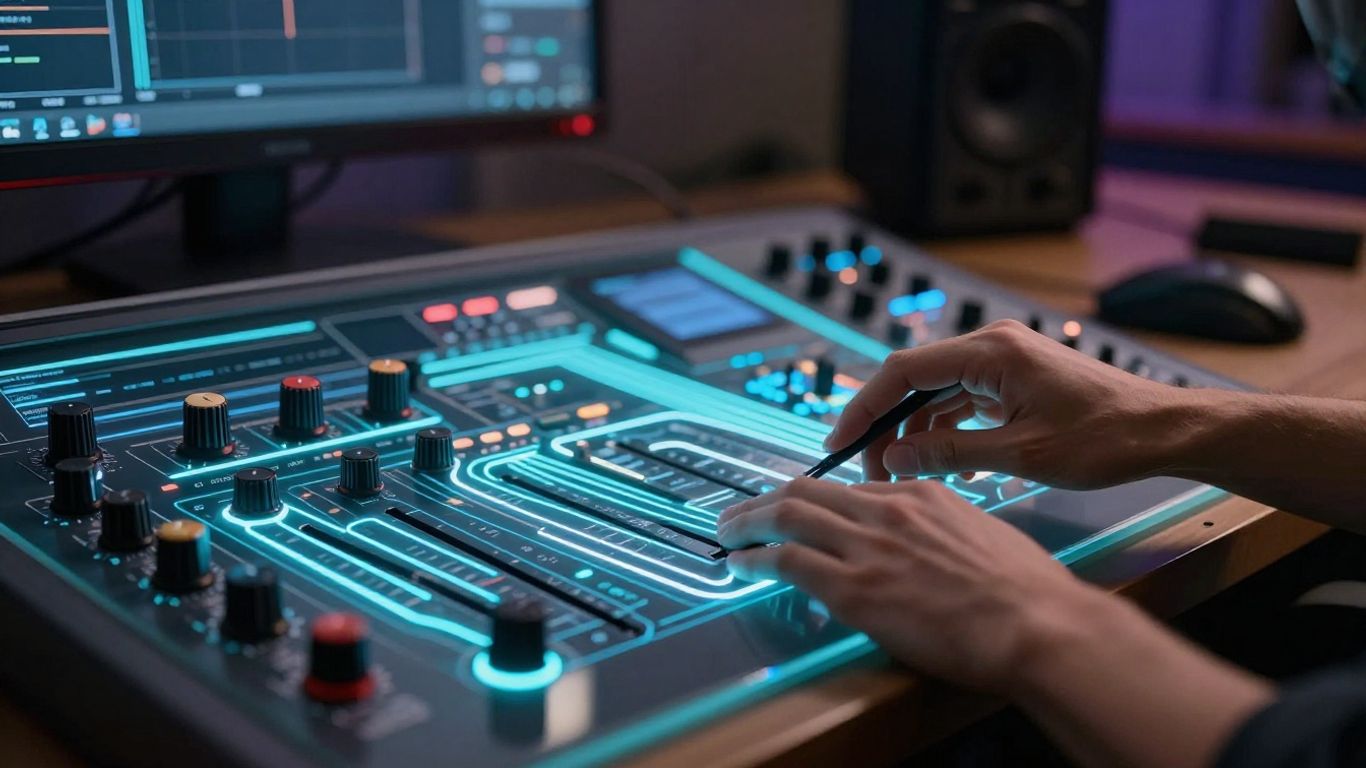
For those who prioritize visual precision, Neural Frames is a popular choice for creators who want deep control over their project. You can generate beat-synced visuals and refine your output with complex, frame-by-frame edits. This platform works well for artists who already have finished tracks and simply need to add video accompaniment.
| Feature | Capability | Best For |
|---|---|---|
| Audio Sync | High | Beat-synced visuals |
| Control | Advanced | Detailed editing |
| Export | 4K | Premium releases |
The platform relies on advanced models to interpret your music and create reactive animations that shift with the tempo. This level of technical responsiveness ensures that your content feels polished rather than just a loop over an audio waveform. It serves as a strong best ai for turning songs into videos solution for independent musicians who demand a cinematic finish.
Although it lacks a built-in text-to-song generator, its standalone performance in video production makes it a capable addition to any creator’s toolkit. Simply upload your MP3 files, describe your visual concept through natural language prompts, and the system handles the rendering process. You maintain control over how the story progresses shot by shot, ensuring the end product aligns with your artistic intent.
3. Freebeat
When your goal is to present a narrative or a performance, Freebeat offers specialized modes for music videos. It functions like a virtual director, which is useful when you want to avoid manual frame-by-frame adjustments. The tool analyzes song structure, allowing it to predict when to shift scenes or emphasize certain parts of your arrangement.
One significant advantage is the platform ability to handle persistent characters across an entire video. Whether you are aiming for a performance-focused stage look or a storytelling video, the software keeps your character consistent throughout the sequence. This is a common pain point in many other tools, so having stability in your visual focus helps keep the viewer engaged.
Lip-syncing serves as another key component of this tool, achieving phoneme-level accuracy that keeps the performance looking natural. You won’t have to worry about strange, drifting mouth movements typically found in lower-quality generators. By linking the music to the visuals, you get an end product that is ready for release on social platforms immediately after generation.
4. Revid.ai
If fast production is your primary requirement, Revid.ai provides a simplified process that puts efficiency first. The platform focuses heavily on beat-synchronized generation, transforming your audio into a finished video in a short burst of time. It remains a popular pick for creators who churn out frequent short-form content for Instagram Reels and TikTok.
- Rapid generation times for quick project turnarounds
- Integrated lyric caption tools for audience engagement
- Multi-platform format support for varied social feeds
This specific tool excels at handling the rhythm and energy of a track, ensuring your visuals update exactly when the beat hits. By automating the sync, it removes the tedium of manually aligning video clips with the drum hits in your mix. It provides a reliable pathway to get your song on the feed without spending hours on a timeline.
While the focus is clearly on the technical side of the video creation, the resulting aesthetic feels professional. You can quickly add text overlays if you want to feature lyrics, effectively making your post both a music video and a promotional asset for your new release. It streamlines the distribution cycle for producers who need high-frequency updates.
5. Plazmapunk
Plazmapunk offers an audio-reactive experience that favors abstract and stylistic visual representations. It is a suitable platform if your music fits better with experimental visuals rather than standard performance clips. By utilizing multiple underlying AI models, it creates a diverse array of video styles that can be easily customized.
Artists who focus on electronic or ambient tracks will find the audio-reactive capabilities particularly effective. The system translates the mood and energy of your track into digital scenes, making it a powerful visualizer. You are not forced into one specific aesthetic, which provides freedom when experimenting with your brand image.
Because the interface allows for scene scripting, you can influence how the video reacts to specific segments of your audio. You can set the system to output in various resolutions depending on where you plan to share the content. It occupies a niche but effective space in the creative workflow for those who lean into the visual arts as part of their audio presentation.
6. TopMediai
When you have existing resources like photos or storyboards, TopMediai becomes a helpful asset. It prioritizes the conversion of simple inputs into more complex video files. You can see a preview of your storyboard, which helps in planning how your images appear alongside your audio tracks.
This tool is useful for creators who want to use their own existing visual library rather than relying solely on generated imagery. Even if you lack advanced video editing expertise, the interface makes it simple to map your photos to the timeline. It provides a middle ground for those wanting creative control without the steeper learning curve of other professional suites.
Because the platform allows for theme customization, you can adjust the look of your output to ensure it remains consistent with your overall artistic style. It offers a practical alternative for musicians who have an established visual identity and simply need a way to combine it with a new release. The process is straightforward, allowing you to turn assets you likely already have into a shareable music video quickly.
7. Vidnoz
If you are searching for a free-friendly option, Vidnoz offers a suite of avatar and singer options that are useful for beginners. You can choose from a library of digital characters that perform based on your audio track. It manages to provide a surprising amount of variety in a straightforward, accessible package.
Because the tool is designed to be user-forward, you don’t need a deep understanding of AI to generate a video. You upload your file, select an avatar, and the system proceeds with the rendering. The interface is clean and doesn’t overwhelm you with unnecessary features, making it a solid choice for someone with a quick deadline.
While the free tier has some limitations on clip length and watermarking, it allows you to test the core features effectively. It represents a low-risk entry into the world of AI-assisted music video creation. You can create a professional-looking clip for your social media brand without significant prep time or financial investment.
8. MakeSong
MakeSong stands out by focusing on narrative and performance-based content, including features like dancing and lip-syncing. It is a good platform if you want to create a video where the AI character is the main event. It also offers specific tools geared toward kids’ music makers or storytellers.
Because it covers a wide spectrum from simple visualizations to narrative arcs, you can use it for many different types of creative projects. You can generate song ideas and let the platform create the corresponding choreography or performance, which is helpful if you have limited visual inspiration for your lyrics. These features simplify the creative process for artists who have not yet settled on their video direction.
While it is a newer player in the production space, it offers some fun capabilities for creating engaging, shareable content. If you are aiming for a playful or highly visual narrative style, this software offers a tailored workflow. It gives you the ability to bring your music to life visually through character-driven storytelling without needing a film studio.
9. MusicCreator.ai
This platform serves as a solid choice for audio-to-video conversion with enough flexibility for custom prompts. You can take your own audio and use the AI to generate visuals that fit the tone of the track. If you want to include custom watermarks or specific imagery, it handles those needs with ease.
Because the system is more visualizer-focused, it is a perfect solution for distributing instrumental beats or background music. It allows you to display sound waves or abstract animations that sync to your music, creating a polished, minimalist feel. It is well-suited for platforms that emphasize listening, like SoundCloud or YouTube music channels.
Overall, the platform focuses on utility and consistent output quality. For producers who need a reliable way to get their instrumentals on video, this tool is helpful for ensuring your content looks as professional as it sounds. You focus on the composition, while the platform ensures the video component satisfies your requirements.
10. InVideo
InVideo provides a broad-spectrum approach that fits many different video needs, including music videos. You can use their "Magic Box" editing to quickly draft projects, drawing on a massive library of templates. It is an excellent choice if you have a wide array of visual styles in mind and don’t want to be locked into one system.
Because it offers so much creative range, it works for everything from basic music videos to complex promotional documentaries. You have access to professional-grade tools that simplify the editing portion of your project, allowing you to swap scenes, add text, or incorporate stock footage as needed. It saves you from having to learn heavy software just to put a few clips together.
Even if you are new to the software, you can pull together a professional presentation in a short time. Its ability to integrate music with visual templates gives you many ways to represent your brand. For musical artists who need a high volume of varied content, this is a versatile engine for all your social video needs.
Conclusion
Choosing the right tool depends largely on whether you need simple visualizers or complex, character-driven performances synced perfectly to your audio. By experimenting with these platforms and their various features, you can easily bridge the gap between your music production and professional visual marketing. Leverage these automated resources to consistently share high-quality content that captures your audience’s attention across all your social platforms.
Frequently Asked Questions
Do I need editing skills to make these videos?
Most modern generators are built to remove the need for technical video editing expertise, allowing you to produce content by simply uploading your audio and following a few prompts.
Can I use my own music files with these tools?
Yes, the vast majority of these platforms support MP3 and WAV file uploads, enabling you to use your tracks directly regardless of whether they were AI-generated or recorded by hand.
Are these videos suitable for YouTube and TikTok?
These platforms provide various export formats, including vertical orientations optimized for social media apps and standard horizontal resolutions for traditional video sharing sites.
Can I make a music video without a vocal track?
Absolutely, many tools are designed specifically to sync visuals to instrumental beats or sound effects, making them ideal for producers focusing on music without lyrics.
Will the AI sync the visuals perfectly to my beat?
Advanced tools use audio-reactive models that detect BPM, bars, and energy levels to ensure the visuals respond precisely to your track, creating a synchronized effect throughout the video.
Are these platforms expensive to use?
Many tools offer a free tier with enough features for a beginner to generate solid content, while paid versions generally offer more advanced options like higher resolutions and commercial rights.
Can I customize the visual style of my video?
Almost every tool listed provides options to choose your aesthetic, whether you prefer cinematic narratives, animated performance, or abstract visuals that match your song’s mood.