Key Takeaways
Creating rap music videos with AI has become more accessible than ever, allowing solo creators to produce professional results without a film crew. By choosing the right platforms, you can generate high-quality audio and visuals faster than traditional methods.
- Integrated AI tools now handle both song generation and video production.
- High-fidelity singing models are essential for authentic hip-hop sound.
- Beat-reactive visuals ensure your video stays locked to the rhythm.
- Vertical video support is non-negotiable for mobile social media engagement.
- Consolidating your workflow into one platform saves significant time and subscription costs.
1. The landscape of AI tools for rap music production
Combining song generation with visual production
Modern creators are moving away from piecing together disparate music and video files. The most efficient approach involves using all-in-one AI production platforms that generate both the track and the visual components. This method allows you to iterate on your lyrics and visual style within a single, unified interface.
Evaluating the shift toward automated content creation
Automated production tools have significantly lowered the entry barrier for aspiring rappers. You no longer need expensive studio time or advanced editing software to push out consistent content. This shift in production standards means that the quality of your ideas and prompts now matters more than your technical background.
Differentiating between song-first and video-first platforms
Some tools focus purely on text-to-song generation, while others specialize in taking existing tracks and adding visual layers. Song-first tools prioritize vocal cadence and rhythm, whereas video-first platforms emphasize style transfer and character animation. You should decide whether you need an end-to-end song creator or a visualizer for tracks you have already recorded.
Understanding why rap necessitates specialized rhythmic visuals
Rap thrives on intense lyrical delivery and shifting energy, requiring visuals that react to the beat. Static images rarely hold attention in this genre because audience expectation is tied to dynamic movement and rhythm-synced transitions. Finding the best ai for rap music videos means selecting tools that prioritize motion and beat-sensing features.
2. Core features to look for in a rap video generator
Importance of high-fidelity AI singing vocals for hip-hop
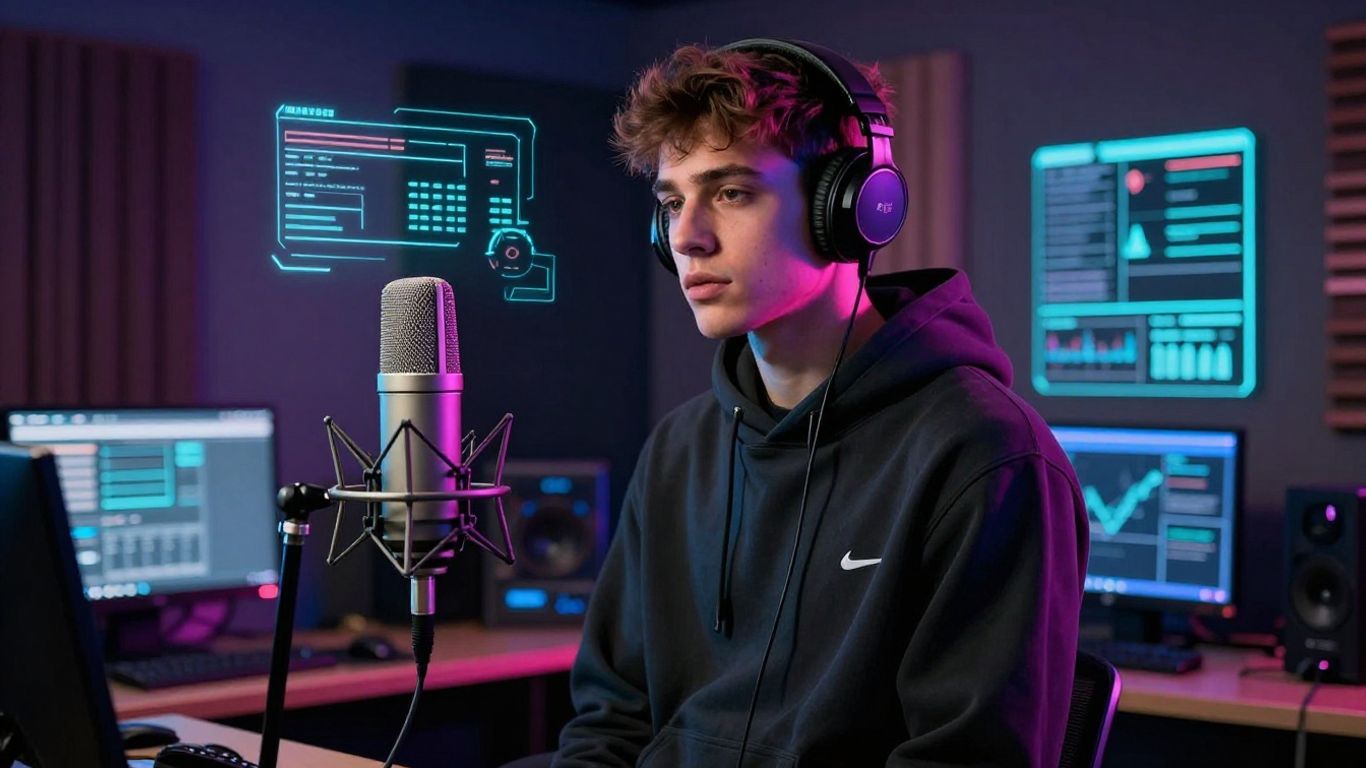
Authentic rap needs a vocal engine that can handle complex flow and rapid-fire delivery. Poor vocal generation sounds flat or robotic instead of punchy and rhythmic. Ensure your chosen AI can maintain the energy of your lyrics during the synthesis process.
Requirements for beat-reactive visual effects and animations
Visuals must shift in sync with your drum patterns or bass drops to keep your viewer engaged. Without beat reactivity, your video remains a disconnected slideshow rather than an immersive clip. Look for platforms that use audio-reactive visual technology to link scene changes directly to the music.
The necessity of accurate lip-sync and character performance
Your character’s mouth movements must match the pace of your rap to prevent the uncanny valley effect. Accurate lip-syncing gives your generated avatar a sense of presence and performance. This is particularly important for solo artists who want their persona to match their lyrical delivery.
Flexibility in aspect ratio support for social media platforms
Social media algorithms heavily favor vertical content on mobile devices. You should have the ability to switch between standard landscape, vertical, and square headers effortlessly. Having multi-format export options ensures your content fits perfectly on TikTok, Reels, and Shorts.
3. All-in-one solutions for rap content creators
Streamlining workflows with integrated song and video tools
Using separate applications for audio and video quickly becomes a logistical nightmare for busy creators. An integrated workspace keeps your project files organized in one place while synchronizing your creative process. Centralizing your production helps you maintain a consistent brand identity across every piece of content you release.
Benefits of using Creatus AI for end-to-end production
Creatus AI offers a streamlined solution that removes the friction of switching platforms during your creation process. You can generate a track from a simple text description and immediately convert it into a music video. This efficiency allows you to focus on developing your lyrics rather than troubleshooting software integrations.
Reducing subscription costs through consolidated platforms
Maintaining separate paid memberships for song generators and video editors is a drain on your creative budget. Consolidating your tools means you can invest those savings back into your promotion or gear. Many creators find that all-in-one platforms provide better value without sacrificing the quality of their creative output.
Accessibility for creators without music or video editing expertise
The democratized nature of these tools allows anyone to start creating instantly. You do not need a background in music production or Adobe Premiere to build high-quality clips. This accessibility empowers creators to focus purely on their artistic vision and message reach.
4. Tools for specialized visual effects and lip-syncing
Implementing advanced motion and scene scripting with specialized AI
For more complex music videos, you might need a platform that lets you script specific scenes. Some AI directors allow you to define the camera movement and character actions frame by frame. This provides the level of control necessary to tell a cohesive visual story alongside your lyrics.
Leveraging audio-reactive frame-by-frame editing for music videos
Editing at the frame level allows for precise timing between your audio and the visual environment. This technical control is useful when you want to highlight specific drops or lyrical cues in your rap. You can fine-tune the visuals to reflect the exact energy shift of your beat.
Using performance-based tools like Freebeat for stage simulation
You can use platforms like Freebeat to simulate a stage performance, which provides a professional frame for your music. These performance modes put your character in front of a crowd or in a controlled environment. A list of features found in these specific tools includes:
- Automated stage lighting and camera angle adjustment
- Integration with custom character files
- Syncing movement to song tempo and intensity
- Preset camera motions for dynamic stage presence
Producers often find that these tools reduce the need for manual animation work while providing a high-end cinematic feel.
Overcoming technical hurdles in automated lip-sync precision
Lip-sync issues often occur when the audio quality is poor or the generation engine lacks advanced timing models. Using cleaner source audio or high-quality generated tracks helps the AI align mouth shapes accurately. Proper lyric synchronization and beat alignment are the standards you should expect from any modern rap-focused tool.
5. Workflow strategy for professional rap video output
Choosing between text-to-music generation and manual audio uploads
Your workflow starts with your source material, which dictates the type of platform you should choose. Text-to-music is ideal for brainstorming and fast prototyping, while manual uploads allow you to build custom videos for songs you have already finished in a DAW. You should evaluate your production needs before committing to a specific workflow.
Optimizing lyrical prompts for better AI-generated vocal cadence
Prompting your generator requires clarity regarding the tempo, vocal style, and intended energy of your rap. If you want a fast-paced trap flow, mention the specific rhythm and lyrical structure in your initial setup. Providing clear structural guidelines for the AI leads to much more usable results.
Combining audio generation from tools like Suno or Udio with video generators
Many creators source their audio from dedicated song-making platforms to ensure top-tier musical quality before moving to a video tool. You can bring your audio to life by taking high-quality exports from specialized engines and feeding them into your video platform. This hybrid strategy allows you to capture the best of both musical and visual AI worlds.
Iterative prompting to maintain consistent visual branding
Consistency is the secret to building an audience through social media content. Use similar visual style prompts across all your clips to ensure your videos look like part of a unified project. Creating a distinct visual style will help your audience recognize your content immediately as they scroll.
6. Formatting and technical output for social media
Adapting visual content for TikTok, Instagram Reels, and YouTube Shorts
Platforms like TikTok and Shorts prioritize fast-paced, vertical content that respects mobile aspect ratios. Always export your final video specifically for these platforms to avoid awkward cropping or visual quality loss. Your social media strategy depends on these formats being native, easy to watch, and quick to consume.
Managing export resolution and frame rate requirements for mobile viewing
Mobile users expect crisp visuals even on smaller screens, so maintain at least 1080p resolution. High-quality exports at consistent frame rates prevent flickering or lagging when the AI renders your scenes. Use the following table as a quick reference for platform-specific technical requirements:
| Platform | Aspect Ratio | Min Resolution | Frame Rate |
|---|---|---|---|
| TikTok | 9:16 | 1080p | 30-60 fps |
| Instagram Reels | 9:16 | 1080p | 30-60 fps |
| YouTube Shorts | 9:16 | 1080p | 30-60 fps |
Selecting the right settings ensures your content displays smoothly and maintains clarity across all mobile devices.
Handling watermark-free high-quality exports for professional use
If you are using these videos for professional promotion, ensure your chosen tier allows for watermark-free exports. Professional-grade output is important when submitting content to music blogs or streaming curators. You should always opt for plans that prioritize clean, unbranded content suitable for public distribution.
Ensuring vertical video optimization for maximum algorithmic engagement
Vertical framing forces you to consider your visual composition differently, keeping the subject centered. Algorithms favor content that feels native to the app, so design your scene with vertical movement in mind. Proper optimization is a major factor in how your video performs on social feeds.
7. Choosing the right AI tool for your specific project
Balancing budget constraints with advanced feature requirements
Most platforms feature tiered subscription models, ranging from free basic generators to high-end enterprise tools. Assess whether you need commercial rights or advanced motion editing before committing to a higher price point. If your budget is tight, check if the tool offers free credits for new users to test compatibility.
Matching tool capabilities to your current production expertise
Beginners should focus on intuitive, prompt-based tools that handle the heavy lifting of scene design. Advanced users might prefer platforms that allow for manual control over shot composition and character rigging. You can find the right AI tools by selecting a platform that aligns with the amount of creative authority you want to exert.
Assessing the need for commercial rights and copyright-safe music
If you plan to monetize your music or videos, you must ensure you have full commercial rights to the generated tracks. Avoid platforms that rely on potentially infringing source samples in their generation process. Use trusted services that guarantee copyright-safe music generation for your professional peace of mind.
Planning for project scalability and potential enterprise-grade integration
Think about whether your project will grow from a single clip into an ongoing series or full studio production. API and enterprise-grade support can become essential as your output volume increases over time. You should verify provider features to ensure they can scale with your needs as a creator.
Conclusion
The right AI tool acts as an extension of your own musical voice, turning text or basic tracks into high-energy, synchronized music videos that resonate with your target audience. By prioritizing platforms like Creatus.AI that handle both audio and visual production, you remove the barriers between your ideas and your finished content. Keep experimenting with your prompts and visual styles, and you will eventually define a unique look that makes your rap music stand out online.
Frequently Asked Questions
Can I generate an entire music video from a simple text prompt?
Yes, many modern tools handle the entire process, from storyboarding and lyrical creation to generating visuals and audio, based entirely on a text description.
Do I need to be a professional video editor to use these AI tools?
No specialized editing skills are required for most platforms, as the AI manages orchestration, frame timing, and visual transitions automatically based on your music.
Will my AI-generated music and video be safe for commercial use?
It depends on the platform’s licensing terms, so always review the commercial rights and copyright policies of the specific tool before you decide to monetize your content.
Can I combine my own pre-recorded songs with AI visuals?
Most generators allow you to upload MP3 or WAV files, providing a way to integrate your original music into an AI-driven, beat-synced visual environment.
Which aspect ratio is best for promoting rap music?
Vertical (9:16) video is the current standard for promoting music on social platforms like TikTok and Instagram Reels because it fills mobile screens and performs better in algorithms.
How long does it usually take to create a high-quality AI music video?
Depending on the complexity of your prompts and the platform speed, you can typically produce a professional-looking music video in anywhere from a few minutes to an hour.
Are there free AI tools that provide decent results without watermarks?
Some platforms offer free tiers that allow for basic video creation, though watermark-free and high-resolution exports often require a subscription or the purchase of additional credits.