So, you’ve got a killer track but zero editing skills and no budget for a fancy video crew? No sweat. You can totally make an AI music video without needing to know your way around Premiere Pro or Final Cut. We’re talking about using smart tools that do the heavy lifting for you, turning your song into a visual spectacle with just a few clicks. It’s simpler than you might think, and honestly, pretty cool.
Key Takeaways
- You can create a music video using AI without needing any editing experience.
- AI tools can generate both the music and the visuals for your video.
- Many AI platforms offer pre-set visual styles to match your song’s mood.
- These tools often export videos in formats perfect for social media like TikTok and YouTube.
- The whole process can be done quickly, often in under 10 minutes, from song to finished video.
Understand the AI Music Video Creation Process
How AI Music Video Generators Work
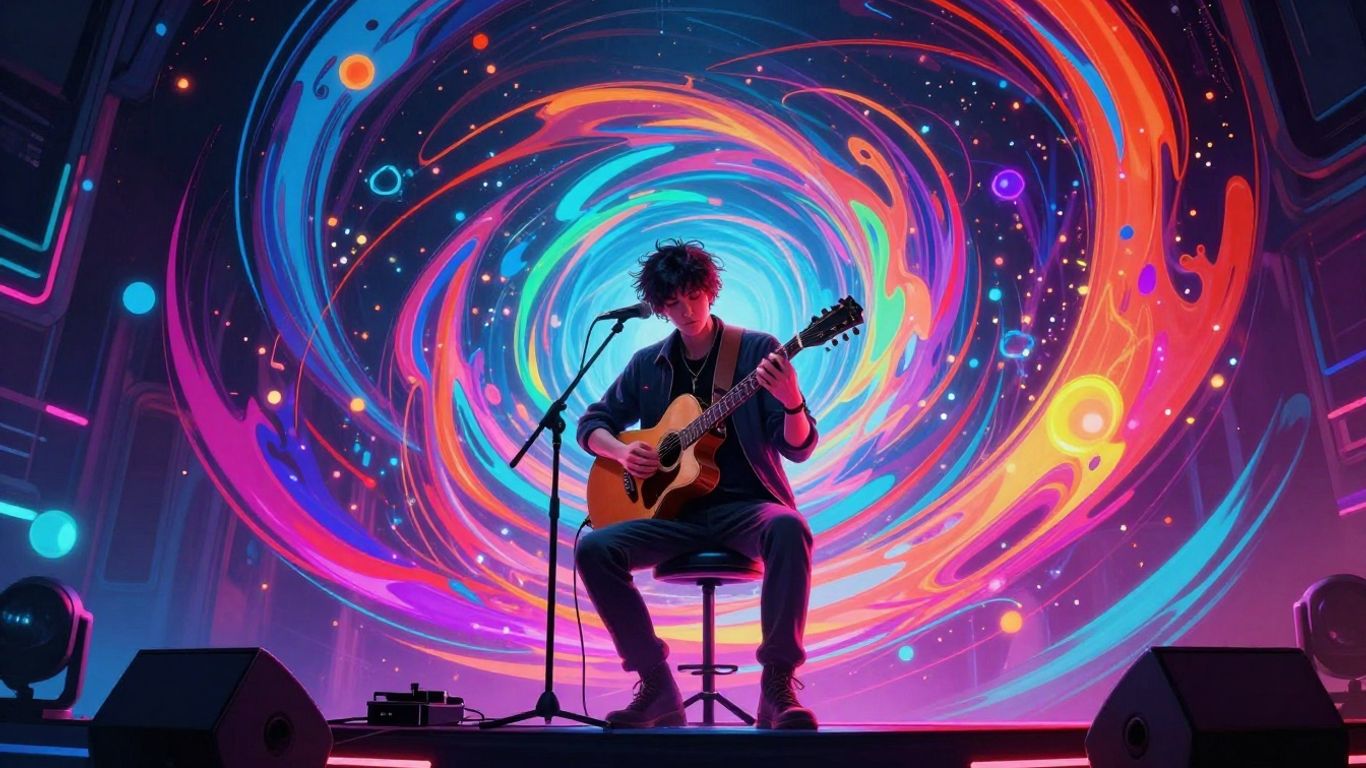
AI music video generators take your song and turn it into a visual story. They analyze the audio, looking at things like tempo, mood, and rhythm. Then, they create scenes and images that try to match what the music is doing. It’s like having a director who understands your song’s vibe without you having to explain it. This process uses complex algorithms to translate sound into visuals, often creating unique imagery for each part of the song. This technology encompasses various approaches to transform input into dynamic visual content.
Key Features of AI Music Video Tools
These tools often come with a set of features designed to make video creation simple. You can usually pick from different visual styles, like cinematic, animated, or abstract. Many tools also automatically sync visuals to your music’s beat and tempo. Some even offer lyric integration, burning the words directly onto the screen. You’ll find options for different video formats, ready for platforms like YouTube, TikTok, or Instagram. The goal is to give you a finished product without needing to edit anything yourself.
Benefits of AI for Music Videos
Using AI for music videos saves a ton of time and money. You don’t need expensive equipment or a film crew. It also removes the need for complex editing software and skills. This means you can create professional-looking videos much faster than traditional methods. AI significantly saves time and enhances the creative process, making it accessible for anyone with a song. It opens up visual creation to musicians who might not have a background in filmmaking.
The core idea is to bypass the traditional hurdles of video production. Think less about camera angles and lighting, and more about your music’s message and feel. AI handles the technical heavy lifting, letting you focus on the artistic side.
Generate Your Song with AI
You don’t need to be a musician to create a song for your video. AI tools can now generate original music and vocals from simple text prompts. This means you can get a complete track without touching an instrument or hiring a singer.
Using Text Prompts for Song Creation
Think of a text prompt like a recipe for your song. You tell the AI the genre, mood, tempo, and even some lyrical ideas. The AI then takes these instructions and builds a unique song. This is your chance to be the director of your own sonic landscape. It’s a straightforward way to get a starting point for your music.
AI Vocal Generation Capabilities
Many AI music generators don’t just create the music; they also add vocals. You can get AI-generated singing that matches the style and emotion of your track. Some tools even allow you to choose different vocal styles or upload your own voice for a more personal touch. This saves you the cost and effort of finding a vocalist.
Uploading Existing Audio Tracks
If you already have a song or a demo, you can use that too. AI video tools often let you upload your own audio files, like MP3s or WAVs. The AI will then analyze your track’s rhythm, energy, and structure. This analysis helps it create visuals that sync perfectly with your existing music. You can even use AI to generate background music if you need it for your video OpenMusic AI.
You can also use AI to generate background music if you need it for your video. This is a great option if you’re on a tight budget or need something quickly. Some tools even offer royalty-free music that you can use in your videos without any copyright issues.
Create Your Music Video Visually
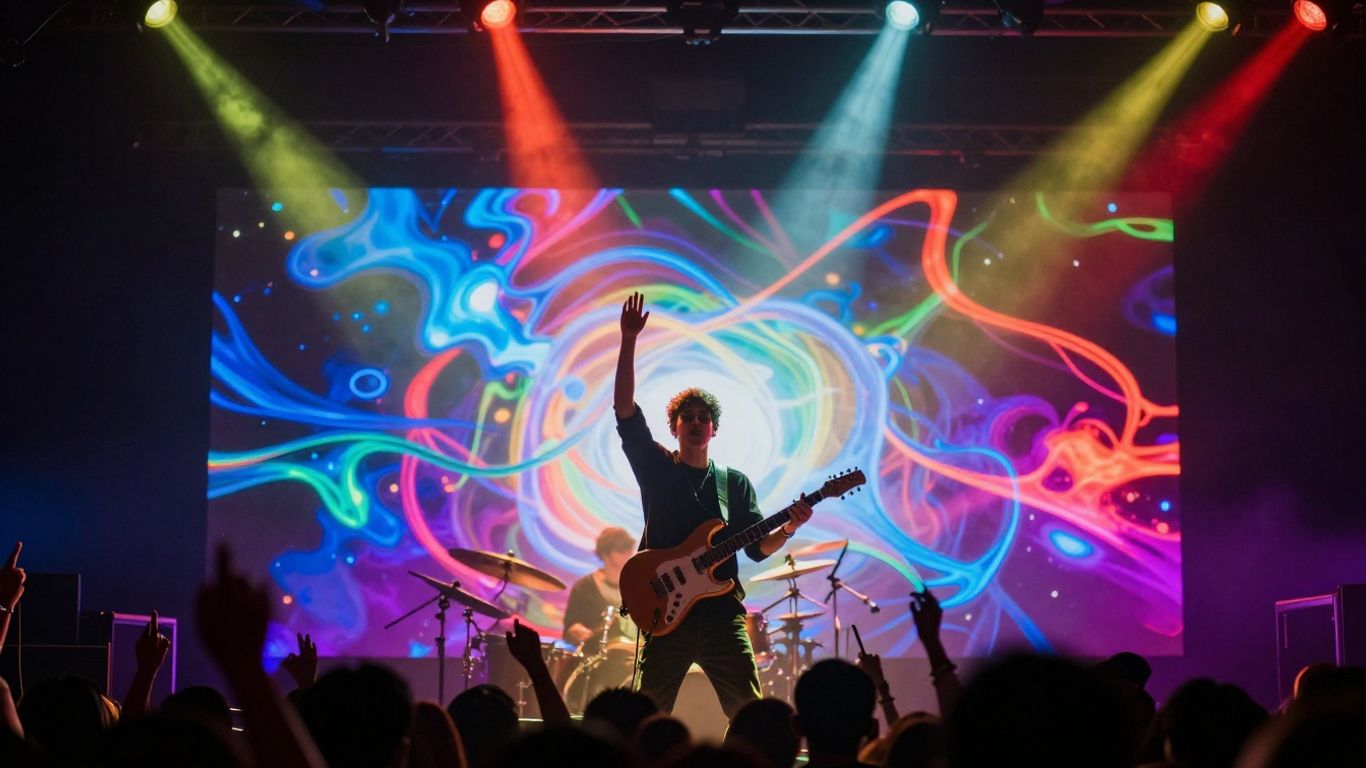
Now that you have your song, it’s time to give it some visuals. AI tools can handle this part too, letting you pick styles and generate scenes without touching editing software. You can create a video that matches your music’s vibe, even if you’ve never edited before.
Selecting Visual Styles for Your Video
Most AI video tools offer a range of visual styles. Think about the mood of your song. Is it energetic and futuristic, or more mellow and artistic? You can often choose from options like cinematic, animated, abstract, or even specific art styles like watercolor or anime. Picking the right style is key to making your video feel cohesive with your music. Experiment with a few to see what fits best.
AI-Driven Scene Generation
Once you select a style, the AI takes over to create the actual scenes. You usually provide your song, and the AI analyzes its rhythm, tempo, and energy. It then generates visuals that are meant to sync up with the music. Some tools let you input text prompts to guide the visuals further, like describing a specific scene or character you want to see. This process turns your audio into a dynamic visual experience.
Ensuring Visuals Match Audio Tempo and Mood
Getting the visuals to match your song’s tempo and mood is where the AI really shines. Tools like Freebeat are designed to sync video elements to the beat and energy shifts in your music. This means cuts, movements, and overall pacing of the video should align with your song’s structure. If your song has a big drop, the visuals should reflect that energy. If it’s a slow ballad, the visuals should be more subdued. This automatic synchronization saves you from manual editing.
The goal is to have the visuals feel like a natural extension of the music, not just a random collection of images. AI helps bridge that gap by analyzing the audio and generating corresponding visual cues. This makes the viewing experience more engaging and professional, even without traditional editing skills.
Export and Distribute Your Video
Once your AI-generated music video is ready, the next step is getting it out there. Most AI tools make this part pretty straightforward. You’ll typically have a few options for how to save your finished video.
Supported Video Output Formats
AI music video generators usually offer several common file formats. The most frequent is MP4, which works everywhere. You might also see options like MOV or even XML files if the tool is geared towards more advanced editing workflows. MP4 with H.264 encoding is your safest bet for broad compatibility.
Here are some typical export options:
- MP4: The standard for web and most devices.
- MOV: Often used by Apple devices, but widely supported.
- AVI: An older format, less common now but still an option.
- XML: For use in professional editing software, if you plan further edits.
Optimizing for Different Platforms
Think about where you want to share your video. YouTube, TikTok, Instagram Reels, and Facebook all have slightly different requirements. For instance, YouTube generally prefers a 16:9 aspect ratio, while TikTok and Reels thrive on 9:16 vertical video. Many AI tools let you choose your aspect ratio before exporting, so you can create versions tailored for each platform. This means your video will look good whether it’s on a desktop screen or a phone.
Consider these platform needs:
- YouTube (Standard): 16:9 aspect ratio, 1080p resolution (or higher).
- YouTube Shorts/TikTok/Reels: 9:16 aspect ratio, vertical format.
- Instagram Feed: 1:1 square or 4:5 aspect ratio.
Always check the specific upload guidelines for each platform you plan to use. Getting the format right the first time saves you from re-exporting later.
Monetizing AI-Generated Music Videos
If you plan to make money from your music video, you need to be aware of copyright and platform policies. Most AI tools grant you commercial rights to the videos you create, especially if you’re using a paid subscription. However, you are responsible for ensuring you have the rights to the music itself. If you used an AI song generator, check its terms for commercial use. Platforms like YouTube have their own monetization rules, and some may require you to disclose if your content is AI-generated. You can often monetize through ad revenue, fan donations, or by licensing your video to brands. For more on copyright-free music, check out Soundverse DNA.
Remember, you need the rights to the audio you use. The AI tool provides the video; you handle the music’s legal side. This might involve using copyright-free tracks or ensuring your AI-generated music allows for commercial use.
Choosing the Right AI Music Video Tool
With so many AI tools popping up, picking the right one can feel overwhelming. You need a tool that fits your workflow, budget, and creative goals. Let’s break down the main types of AI music video generators to help you decide.
All-in-One Song and Video Platforms
These platforms aim to handle everything from song creation to video production. They are great if you want a single place to work without switching between different apps. You can often generate a song using text prompts and then immediately create a video for it.
These tools are ideal for beginners or those who want the fastest path from idea to finished music video. They simplify the process significantly.
Tools Focused on Audio-to-Video Conversion
Other tools specialize purely in turning your existing audio into visuals. You upload your song, and the AI generates video clips that match the music’s tempo and mood. These are perfect if you already have your music ready and just need the visual component.
Some of these offer advanced features like beat-synced visuals or specific styles. You might find yourself spending a bit more time tweaking settings to get the exact look you want.
Evaluating Free vs. Paid AI Music Video Services
When looking at options, you’ll see a mix of free and paid services. Free tiers are fantastic for trying out tools or for simple projects. They often come with limitations like watermarks or lower export quality.
Paid services usually offer higher resolution, more features, and faster processing. Consider your budget and how often you’ll use the tool. For professional use or frequent creation, a paid subscription might be a better investment. Many services offer a free trial, so you can test them before committing.
Here’s a quick look at some options:
| Tool Type | Typical Cost | Effort Level | Output Quality | Best For |
|---|---|---|---|---|
| All-in-One (Song + Video) | $0 – $50/month | Low | High | All genres, quick turnaround |
| Audio-to-Video Only | $0 – $20/month | Medium | Medium-High | Existing tracks, atmospheric moods |
| Lyric Video Editors | $0 – $15/month | Medium | Medium | Lyric-focused songs, simple visuals |
| Static Image + Audio | $0 | Very Low | Low | Quick placeholders, minimal visual engagement |
The most straightforward way to create a music video without editing skills is to use an AI generator. You typically paste your lyrics, choose a visual style, upload your audio, and let the AI do the rest. This entire process can often be completed in under 10 minutes.
Leveraging AI for Maximum Impact
AI tools can do more than just generate basic videos. You can integrate them into your workflow to create something truly unique. Think about how different AI models can work together. You might use one tool to generate a song and another to create visuals, then combine them.
Integrating AI Tools into Your Workflow
Don’t just use AI for one step. Consider how different AI platforms can complement each other. For example, you could generate a song using a text-to-song AI, then take that audio and feed it into a dedicated music video generator. This approach lets you use the best tool for each part of the process. It’s about building a custom pipeline that suits your needs.
Creative Possibilities Beyond Basic Generation
AI can help you explore visual styles you might not have considered. You can experiment with abstract animations, realistic scenes, or even stylized character performances. The key is to push the boundaries of what you think is possible. Don’t be afraid to try unusual prompts or combine different visual elements. This experimentation can lead to surprisingly original results.
Staying Ahead with Evolving AI Technology
The AI landscape changes fast. New tools and features appear regularly. Keep an eye on updates from your favorite platforms and explore new services as they emerge. This way, you can always use the latest advancements to make your music videos stand out. Staying informed helps you maintain a creative edge.
Here’s a quick look at how AI tools are developing:
| Feature Category | Current Capabilities |
|---|---|
| Song Generation | Text-to-song, AI vocals, genre/mood control |
| Video Generation | Audio-reactive visuals, style selection, scene creation |
| Workflow Integration | All-in-one platforms, separate tool chaining |
| Output Formats | 9:16, 1:1, 16:9 for various platforms |
The real power of AI in music video creation comes from treating it as a collaborator, not just a button to press. Guide it, experiment with it, and combine its strengths with your own creative vision. This partnership is where the magic happens.
Consider platforms like OpenMusic’s AI Music Video Generator for transforming your audio into compelling visuals. For a more integrated experience, BeatViz AI offers a way to generate both music and video from your ideas.
Want to make your projects shine with smart technology? Using AI can really boost how well things turn out. It’s like having a super-smart helper for your tasks. Ready to see how AI can make a big difference for you? Visit our website to learn more and get started!
Wrap Up
So, you’ve seen how easy it is to get a music video made without needing to learn editing software or hire a crew. Tools like Creatus AI let you go from a song idea to a finished video in just a few steps. You can even upload your own tracks. It’s all about getting your music out there visually, and these AI options make it totally doable, even if you’re not a tech whiz. Give it a try and see what you can create.
Frequently Asked Questions
Do I really need zero editing skills to make an AI music video?
Totally! You can make a music video using AI without touching any editing software. Tools like Creatus AI let you type in your song idea, and they create both the music and the video for you. You just pick a style, and the AI does the rest. It’s like magic for making videos!
Can I make my own song and then turn it into a music video with AI?
Yep, you sure can. Some AI tools let you write your song idea, and they’ll make the music and vocals. If you already have a song, you can usually upload it as an MP3 or WAV file. Then, the AI will create cool visuals that match the beat and feel of your music.
What kind of visuals can AI create for my music video?
AI can whip up all sorts of visuals! You can pick styles like cinematic, animated, or even abstract looks. Some tools can even generate images that match your lyrics line by line, making your video tell a story. It’s all about matching the vibe of your song.
Can I use an AI-made music video on YouTube or TikTok and make money from it?
You bet! YouTube and TikTok are cool with AI-generated visuals. As long as you have the rights to the music you used (whether you made it with AI or uploaded your own), you can monetize your video. Just make sure you meet their requirements for subscribers and views.
Are there free AI tools to make music videos?
There are definitely free options to get you started! Many AI music video tools offer a free plan or free credits. These usually let you make shorter videos or have some limitations, but they’re perfect for trying things out or making quick clips. Paid plans often unlock more features and longer videos.
How do AI music video tools know what visuals to make for my song?
These tools are pretty smart! They analyze your song’s audio, looking at things like the rhythm, energy, and mood. If you give them lyrics, they use those too. Some even let you choose a specific style or theme. It all helps the AI create visuals that fit your music perfectly.