Key Takeaways
AI is becoming a practical part of independent music work, but your taste, judgment, and identity still set the direction.
- Use AI to generate options, not to replace your point of view.
- Build alternate songs and visual assets for specific audiences and platforms.
- Check licensing, ownership, disclosure, and commercial-use terms before release.
- Turn one finished track into a small library of useful campaign assets.
- Keep a repeatable workflow that leaves room for human performance and decisions.
AI-assisted songwriting will become part of the standard creative workflow
AI-assisted songwriting will feel less like a novelty and more like a fast studio assistant. You can use it to move past a blank page, test a chorus, or compare arrangements before you spend money on recording. The strongest results will come from treating generated material as raw material. Your taste still decides what deserves to stay.
From blank-page prompts to structured song development
A vague prompt may give you a starting mood, but a structured brief gives you something you can actually review. Describe the tempo, emotional turn, audience, point of view, and role of the chorus. Then ask for several directions rather than one finished answer, and keep notes on which ideas sound like you.
That process makes revision easier. You can reject a weak verse, keep a useful image, and rewrite the bridge around a real experience. For more practical songwriting workflows, this AI music creation guide offers a useful reference point.
Using AI for hooks, chord progressions, lyrics, and arrangement ideas
You can ask for hook variations, chord movement, lyric themes, or arrangement changes at different stages of a song. Each request should have a narrow job. Ask for a darker pre-chorus, a simpler bass movement, or a shorter hook instead of asking for an entire hit record.
The best use is comparison. Put three options beside your own draft and listen for the one that gives you a new angle without taking over the song.
Keeping an identifiable artist perspective in AI-assisted tracks
Your perspective lives in details that a prompt cannot fully supply: the way you phrase a line, the subjects you return to, the silence before a vocal enters, and the sounds you refuse to smooth out. Keep a personal reference folder with demos, field recordings, visual references, and phrases you actually use.
Your human point of view should remain easy to hear. If every decision could belong to any artist, the speed of the tool will not help people remember you.
When to use AI for exploration instead of final production
Use AI early when you need breadth, especially before arranging a full session or hiring collaborators. It can help you compare tempos, moods, and song structures while the cost of changing direction is still low. For the final recording, you may prefer your own performance, instruments, and production choices.
A simple test works well: if the generated part gives you a clear creative decision, keep working with it; if it merely fills space, replace it.
Personalized music generation will create more niche opportunities
Personalized music can help you speak to smaller groups without forcing every release into the same broad category. You might make a version for a local scene, a fan community, a game stream, or a particular mood. The opportunity is not endless variation for its own sake. It is making a listener feel that a song fits their context.
Building songs for specific audiences, moods, and communities
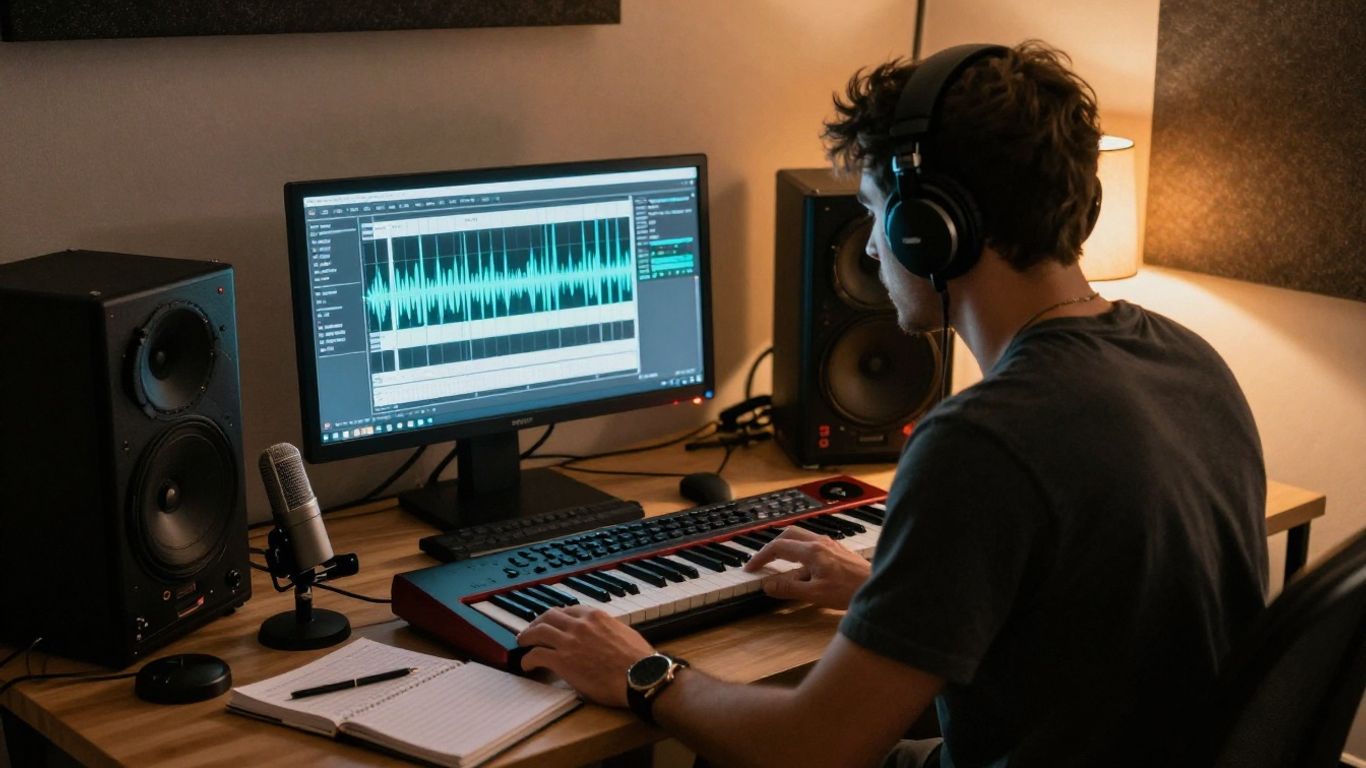
Start with a clear listener rather than a generic demographic. Write down what that person does while listening, what language they use, and what emotional job the song needs to perform. A late-night ambient track, a workout chant, and a fan-club anthem need different pacing and detail.
You can then make small releases for distinct communities and compare the response. Smaller audiences often give clearer feedback because they know exactly why the song matters to them.
Creating alternate versions for live shows, social clips, and playlists
One song can support several useful versions without losing its center. A live edit may need a longer intro, a social clip may begin at the hook, and a playlist version may benefit from a faster opening. Plan those changes before export so each version has a reason to exist.
Keep the central vocal idea and key lyric consistent. The variation should make the track more useful, not make your catalog difficult to follow.
Using language, genre, and cultural details without flattening the sound
Language and genre references need care. If you work with a community you do not belong to, ask people from that community to review the words, pronunciation, and context. Avoid treating cultural details as decorative ingredients.
Translation can also change rhythm and meaning, so test the vocal phrasing aloud. A technically accurate line may still sound unnatural when sung.
Balancing customization with a consistent artist identity
Set a few boundaries before you make alternate versions. Keep a recognizable vocal character, a limited group of recurring sounds, and a visual rule that links the releases. Your audience should understand the relationship between the versions even when the audience or language changes.
A useful catalog may include:
- A core version for streaming.
- A shortened version for social clips.
- A performance edit for shows.
- A community-specific version with reviewed language.
After the list, ask whether each version serves a real listening situation. If it does not, leave it unreleased.
AI music videos will make visual releases more accessible
A finished song now needs a visual plan even when you do not have a large production budget. Audio-to-video tools can help you move from a track to a usable release asset, but they do not decide what the song means. You still need a concept, a mood, and a reason for each visual choice.
Turning finished tracks into synchronized videos
Begin with the audio, then mark the moments that should change on screen: the first vocal entrance, the hook, the bridge, and the final release. This gives the video a basic rhythm before you choose scenes. If you are comparing workflows, this guide to audio-synced music videos explains why timing and format belong in the early plan.
CREATUS.AI can turn an uploaded song into a singing character music video and supports 9:16, 1:1, and 16:9 output. That makes it useful when you want one track to support several publishing destinations.
Choosing between lyric videos, visualizers, narratives, and performance concepts
Choose the format based on what your song needs. A lyric video puts the words forward, a visualizer gives atmosphere, a narrative adds a story, and a performance concept centers the artist or character. You do not need a plot for every release.
A clear visualizer can serve a moody instrumental better than a forced narrative. A song with a strong point of view may need lyrics or performance close to the center.
Producing vertical, square, and widescreen versions from one project
Plan for multiple frames at the start instead of cropping at the end. Keep faces, key movement, and important objects away from the edges so a vertical edit does not lose the subject. Exporting versions for different feeds also lets you test where the song gets the strongest response.
Use one visual system across the formats. Different framing is fine; a different identity in every crop is not.
Using audio-to-video tools without sacrificing creative direction
Give the tool specific visual instructions, then review every generated sequence for continuity, pacing, and unwanted details. You may need to replace a scene that technically follows the beat but weakens the lyric. Human review is where a generic output becomes a release you can stand behind.
A practical production checklist is to watch the video muted, listen without the video, and then watch both together. Each pass reveals a different problem.
Short-form content will influence how artists release music
Short-form video is now part of how many listeners encounter a song. That does not mean every track needs to sound like an advertisement. It means you should know which moment can make someone stop, listen twice, or follow the artist.
Designing songs around clips, hooks, and repeat listening
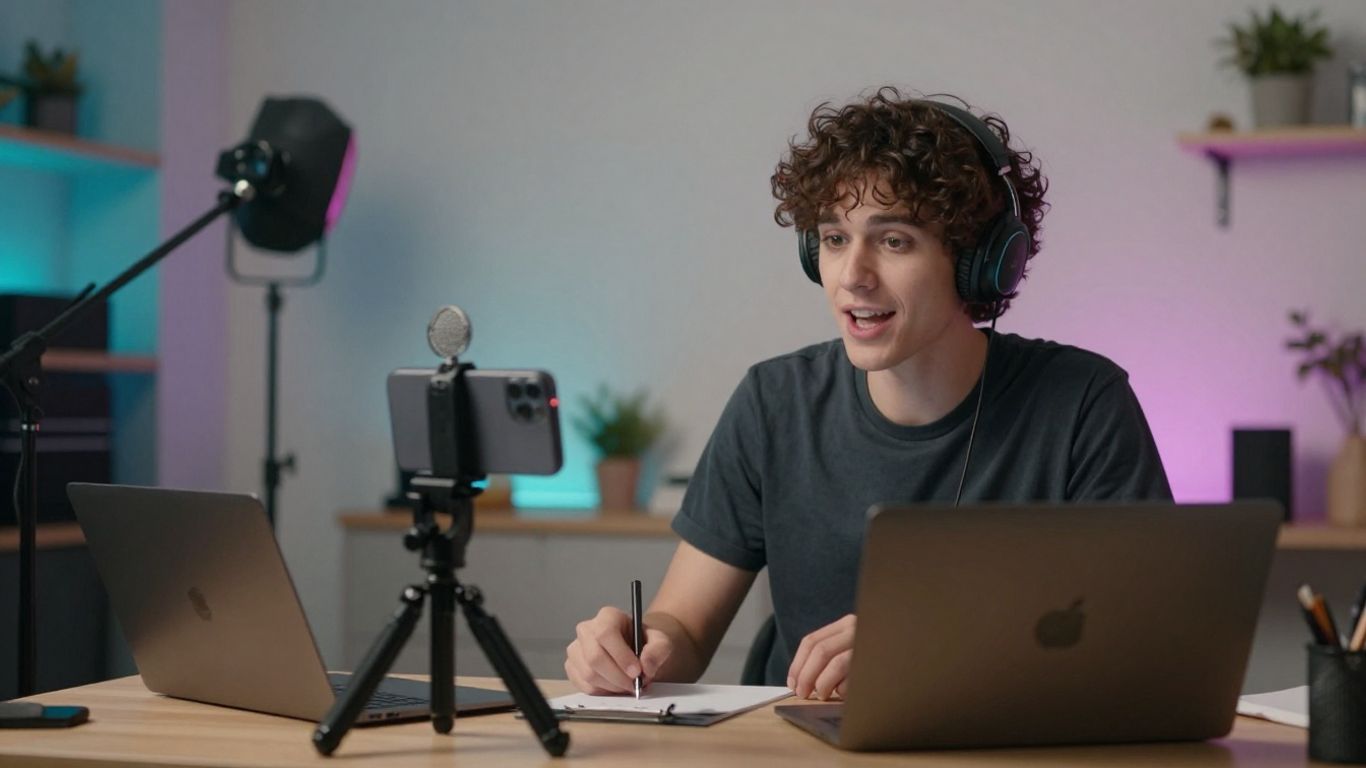
A strong clip usually has a clear entry point within the first few seconds. Write several possible openings while the song is still taking shape, then see which one carries emotion without extra explanation. Repetition should feel intentional, not like a loop added only to satisfy a platform.
You can also release a slower or instrumental excerpt if the main hook needs context. The clip is an invitation to the full song, not a substitute for it.
Creating multiple promotional assets from one release
Treat the release as a source file for a small asset set. One track can produce a performance clip, a lyric excerpt, a behind-the-scenes explanation, cover animation, and a short story about the song’s origin.
This indie music promotion guide is a useful prompt for planning those assets without turning your week into nonstop posting. Give every asset one job and one audience.
Matching visuals and edits to TikTok, Reels, and Shorts
Each platform rewards slightly different habits, but the basic editing rules travel well. Use a clear subject, cut on meaningful movement, and make the opening readable without sound when possible. Keep captions away from areas where interface controls may cover them.
Review the same clip on a phone before publishing. A composition that looks balanced on a monitor can feel crowded on a small screen.
Avoiding content overload and protecting audience attention
More posts do not automatically create more interest. Set a limit for each release, reuse only the strongest variations, and leave space between announcements. Your audience should not have to sort through ten nearly identical clips to find the song.
Track saves, comments, completion, and profile visits rather than chasing views alone. Those signals tell you whether the music earned attention.
Rights, licensing, and disclosure will become essential decisions
Legal questions should enter the workflow before publication, not after a track starts moving. AI output can involve tool terms, samples, likeness rights, vocal identity, and questions about human authorship. Rules vary by service and jurisdiction, so read the terms that apply to your exact plan.
Checking commercial-use terms for AI music tools
Check whether your plan permits commercial releases, client work, monetization, and paid advertising. Save the relevant terms and the date you reviewed them. Do not assume that a free tier and a paid tier grant the same rights.
If you use an uploaded recording, confirm that you control the recording and have permission for every identifiable contribution.
Documenting prompts, edits, samples, and human contributions
Keep a simple project log. Record the prompt, source files, generated versions, edits, session musicians, samples, and the points where you made creative choices. This will not settle every legal question, but it gives you a clear record of how the work came together.
A folder with dated exports is often enough. Make the habit routine before your catalog becomes large.
Managing ownership questions around vocals, likeness, and training data
A familiar voice or face can create risks even when the song itself is new. Avoid using a real person’s likeness or vocal identity without permission, and check whether any sample or reference material has restrictions. Training-data questions remain unsettled in many places, so do not make broad promises about ownership.
For a wider view of copyright concerns in AI music, read this copyright and AI music essay, then get advice for your own release when the stakes are high.
Deciding when and how to disclose AI use to listeners
Disclosure can be brief and specific. Say whether AI helped with lyrics, composition, vocals, visuals, or editing, and identify the human decisions that shaped the final work. Clear language builds credibility without making the tool the story.
Your disclosure policy should stay consistent across releases. Listeners are more likely to trust a process they can understand.
Independent artists will use AI to run leaner release campaigns
AI can reduce the cost of early decisions, which matters when you are paying for each recording session, design revision, and edit. The goal is not to publish unfinished work faster. It is to test ideas before you commit scarce money and time.
Replacing expensive early-stage production with rapid prototypes
Make rough versions of the cover concept, song arrangement, visual direction, and campaign language before booking final production. These prototypes let you hear and see the weak spots while changes are still cheap. Keep the final standard high even if the early stage becomes faster.
You can use rapid music prototypes to compare possible directions, then bring the strongest one to human collaborators for refinement.
Coordinating artwork, videos, captions, and promotional copy
Create a short release brief with the song’s central idea, audience, visual rules, approved phrases, and dates. Use it to guide artwork, video prompts, captions, and press copy. Consistency saves more time than producing every asset from scratch.
You can also study AI workflow lessons about clean data and governance, then apply the same discipline to your own folders, files, and approvals. The principle is simple: organized inputs make review faster.
Testing different songs and creative concepts before spending more
Test one variable at a time. Compare two hooks, two thumbnails, or two opening shots, and give each version enough exposure to produce a useful signal. Do not change the song, artwork, caption, and audience together, or you will not know what worked.
A small private listening group can catch problems that public metrics miss. Ask specific questions instead of requesting general opinions.
Measuring results with practical release KPIs
Choose metrics that connect to your actual goal. A release aimed at fan growth needs different measures from one aimed at bookings or licensing.
| Goal | Useful signal | What it tells you |
|---|---|---|
| Reach | Qualified views | Whether the opening finds the right people |
| Interest | Saves and repeat plays | Whether the song stays with listeners |
| Action | Profile visits and follows | Whether attention moves toward your artist page |
| Revenue | Sales, bookings, or licenses | Whether the campaign supports income |
After reviewing the numbers, keep the lesson rather than only the winning asset. You are building a better release process, not just grading one post.
Human differentiation will matter more as AI-generated music scales
When more people can produce polished drafts, polish alone becomes less persuasive. Your voice, story, live presence, and standards give listeners a reason to stay with you. AI can shorten the route from idea to asset, but it cannot supply a life that audiences recognize as yours.
Developing a recognizable voice, story, and visual identity
Choose a few recurring signals and use them with restraint. Those signals might include a vocal habit, a recurring subject, a color family, or a particular way of framing people. Your identity should be broad enough to grow and specific enough to recognize.
Keep a private style sheet for yourself and collaborators. It can prevent every new experiment from pulling the project in a different direction.
Combining AI speed with human performance and production choices
Let AI handle option-making where it saves time, then put your effort into the parts listeners feel most strongly. Perform the vocal, rewrite the line, play the imperfect guitar part, or make the mix leave more air. A fast draft becomes valuable when your decisions give it character.
Your limitations can be part of the sound. Do not remove every rough edge simply because a tool can.
Building trust through transparent creative processes
Tell people what you made and what the system helped with when that information affects how they hear the work. Show a short studio note, a before-and-after clip, or a plain explanation in the credits. You do not need to publish every prompt.
For broader guidance on human judgment in AI work, this AI and human expertise guide makes a useful case for keeping editorial control with people.
Creating a repeatable AI workflow that supports long-term growth
Write down your process from brief to release: idea generation, selection, human revision, recording, visual production, rights review, and publishing. Set a stopping rule for each stage so experimentation does not consume the schedule. Then review the workflow after every release.
You can test a release concept before committing to a larger production. The artists who benefit most will be the ones who use speed to make better choices, not merely more files.
Make Your Next Release
If you want to turn a song idea or uploaded track into a synchronized singing-character video, try Creatus with its available free credits, then choose the format that fits your next channel.
Conclusion
The ai music trends independent artists should watch are less about replacing musicians than changing the order of creative work: test sooner, personalize with care, build visuals from the same source, check rights early, and keep your human decisions visible in the finished release.
Frequently Asked Questions
Will AI replace independent songwriters?
AI may handle more early-stage options, but songwriting still depends on taste, lived experience, performance, and revision. Your point of view remains the part that makes a track distinct.
How should you start using AI in songwriting?
Begin with one narrow task, such as generating hook options or comparing arrangements. Review the results against your own brief, then rewrite or discard anything that does not fit your voice.
Can one song support several versions?
Yes. You can make edits for live performance, short-form clips, playlists, or specific communities. Keep a clear central idea so the versions still feel connected.
What should you check before releasing AI-assisted music?
Review commercial-use terms, uploaded-material permissions, vocal and likeness rights, sample licenses, and any disclosure expectations. Save a copy of the relevant terms and your project records.
How can you make an AI music video feel personal?
Choose a visual concept tied to the lyrics or your artist story, then review every scene for pacing and continuity. Replace generic moments with human performance, specific locations, or details that belong to your project.
Which short-form metrics matter most?
Completion, repeat listening, saves, profile visits, follows, and conversions usually tell you more than raw views. Select the measures that match the purpose of your release.
How much AI should you disclose to listeners?
Explain which parts involved AI, such as lyrics, composition, vocals, visuals, or editing, and state what you contributed. Keep the wording short, accurate, and consistent across releases.