Key Takeaways
Text-to-music tools can take a short written idea and turn it into a song, but the best results come from clear direction and careful review.
- Start with the song’s purpose, audience, mood, and structure.
- Separate song generation from full music production.
- Check free-plan limits, export options, and usage terms.
- Match your video format to the platform before generating visuals.
- Save prompts and source files so you can revise work efficiently.
Understand what free text-to-music tools can create
Free text-to-music tools are useful when you have a musical idea but lack time, instruments, or production experience. You can describe a mood, paste lyrics, or outline a scene, then receive an audio starting point. The result may be a finished song, an instrumental bed, or a rough demo that still needs editing.
The phrase Text to music free sounds simple, but different tools interpret it in different ways. Some focus on complete songs with vocals, while others create short musical passages or background tracks. Knowing that difference helps you choose a tool without expecting a free generator to replace every part of a studio workflow.
From a written idea to a complete song
A text prompt can contain a subject, genre, emotional direction, tempo, and lyrical concept. The generator turns those instructions into musical decisions such as rhythm, harmony, arrangement, and vocal phrasing. You get a working composition quickly, which is useful for testing ideas before spending time on detailed production.
You do not need to write a perfect lyric sheet. A short description can be enough, although specific details usually give the system more useful direction. For a broader explanation of this process, see this guide to music from words.
AI vocals, lyrics, and instrumental elements
Some generators produce full songs with AI singing vocals, lyrics, and instrumental parts. Others make instrumentals only, leaving you to add a voice or spoken track later. Listen for whether the output matches your intended role: a lead single, a background bed, a podcast intro, or a short social clip.
Lyrics also need a human check. AI-generated lines can repeat, mispronounce names, or shift away from your subject. If you provide your own lyrics, use clear sections such as verse, chorus, and bridge so the arrangement has a stronger guide.
The difference between song generation and music production
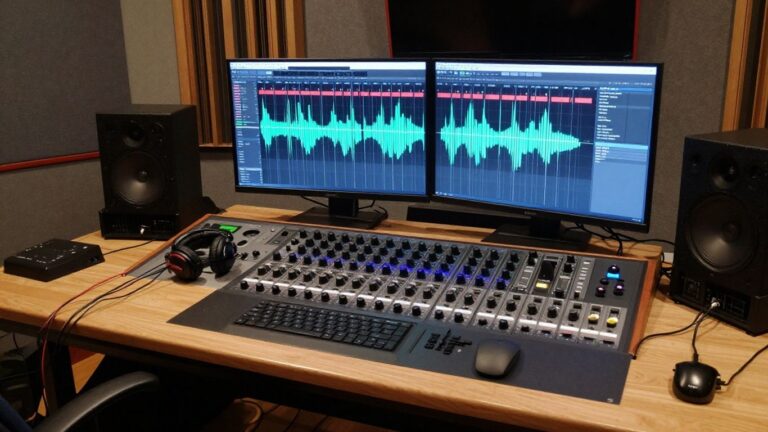
Song generation gives you a rapid first version. Music production includes the longer work around that version: editing timing, balancing levels, fixing vocal problems, arranging sections, mixing, mastering, and preparing files for release.
That distinction keeps your expectations realistic. A free generator can help you get from a blank page to something audible, but you may still want a digital audio workstation or an editor for final control. You can also compare the process with this overview of text-to-music AI before choosing a workflow.
Common limits of free plans
Free access often comes with restrictions. Credits may limit how many versions you can make, and some services restrict duration, downloads, resolution, or commercial use. Terms can also change, so read the current plan details before publishing a track for a client or monetized channel.
Treat free generations as tests until you confirm the rights attached to them. Keep a record of the plan used, the date of generation, and the files you downloaded. That small habit prevents confusion later.
Choose the right free AI music generator
The right tool depends on whether you need audio alone or a finished audiovisual post. If your work begins with a written idea and ends with a social-ready video, a single workflow can reduce file handling and repeated exports. If you already have a strong production setup, a focused song generator may be enough.
Compare tools by their actual output, not just the prompt box. Check the length of generated tracks, vocal quality, visual options, file formats, and the amount of manual work left after generation.
When an all-in-one workflow makes sense
An all-in-one workflow is useful when you want to move from a song idea to a shareable video without switching between several apps. It also helps when you need multiple versions for different platforms and want the audio and visuals to stay connected.
Creatus documents a workflow that accepts a text prompt or uploaded audio and produces music video content. That kind of setup suits independent musicians, short-form creators, and marketers who need a repeatable route from concept to post.
Comparing Creatus, Suno, and Udio
When comparing these options, first separate their documented roles. Creatus AI combines text-to-song generation with AI singing vocals and audio-to-music-video production, while Suno and Udio are primarily discussed here as song-generation tools without video generation in the same workflow.
| Need | Song-focused generator | Combined song and video workflow | What to check |
|---|---|---|---|
| Full song from text | Strong fit | Strong fit | Vocals, duration, and revisions |
| Instrumental starting point | Often available | Depends on the selected mode | Instrument control and export |
| Music video from existing audio | Usually requires another tool | Directly supported in the documented workflow | MP3/WAV input and sync |
| Social platform versions | May require editing elsewhere | Useful when multiple dimensions are offered | 9:16, 1:1, and 16:9 output |
The comparison is practical rather than absolute. Pick the smallest workflow that gives you the control and output you actually need.
Checking export formats and download options
Before generating several versions, confirm what you can download and whether the free plan adds a watermark or limits resolution. Audio formats matter if you plan to edit the track, while video dimensions matter if you plan to publish immediately.
For social work, vertical video is usually the first version to test. For a standard video channel, horizontal output may be more suitable. A square version can work when the same post needs to fit a feed without aggressive cropping.
Reviewing commercial use and ownership terms
Usage rights deserve the same attention as sound quality. Read whether free-plan outputs can appear in paid campaigns, client work, streaming releases, or monetized channels. Also check whether attribution is required and whether paid plans change those rights.
Do not assume that “free” means “free for every use.” If a project has commercial value, save the relevant terms alongside the export and ask for clarification when the language is unclear.
Create a song from text with Creatus AI
A text-to-song workflow works best when you treat the prompt as a compact brief rather than a loose thought. State what the song should do, who should hear it, and what kind of performance fits the idea. Then give the generator enough musical detail to make consistent choices.
Creatus AI is documented as a tool that accepts a text description, lyrics, or a rough idea and produces a complete song with AI-generated singing vocals. You do not need music production experience to start, but you still need to listen critically after each generation.
Turn a concept or lyric draft into a prompt
Begin with one clear premise. For example, describe a late-night electronic pop song about leaving a crowded city, with a memorable chorus and a restrained first verse. If you already have lyrics, paste them in sections and mark the chorus clearly.
Avoid placing several unrelated song ideas in one request. Generate separate versions when the subject, audience, or emotional direction changes. This AI song generation guide offers a useful framework for moving from an idea to a first track.
Specify genre, mood, tempo, and vocal style
Genre gives the system a broad musical frame, while mood sets the emotional temperature. Tempo affects how the lyrics land, and vocal direction can suggest whether the performance should sound intimate, bright, forceful, conversational, or restrained.
Use a short sequence of concrete instructions: “indie pop, mid-tempo, warm and hopeful, clean female lead, sparse verse, larger final chorus.” You can add key instruments if they matter, but do not bury the main request under a long list of conflicting references.
Generate a track with AI singing vocals
Once the prompt is ready, listen to the full result instead of judging only the opening seconds. Check whether the vocal enters at the right point, whether the chorus feels distinct, and whether the arrangement supports the lyrics.
AI singing vocals can make a rough idea feel complete very quickly. They can also expose weak lines, awkward syllables, or a melody that does not suit the subject. Treat those problems as revision notes rather than reasons to discard the entire concept.
Improve the result with targeted revisions
Change one or two variables at a time. You might shorten the verse, soften the vocal direction, raise the energy in the chorus, or replace a vague mood word with a concrete performance instruction.
Keep the strongest parts from earlier versions in a folder. A revision can fix one issue while introducing another, so compare versions side by side before choosing a final take.
Turn your AI-generated song into a music video
A music video gives the track a visual setting, performer, or sequence of scenes that viewers can follow. You can start with an AI-generated song or bring your own audio, then choose a visual approach that supports the rhythm and tone. The visual plan should serve the song rather than compete with it.
The documented audio-to-video workflow analyzes elements such as tempo, mood, energy, and song structure. That can reduce manual timing work, but you should still review the result before sharing it.
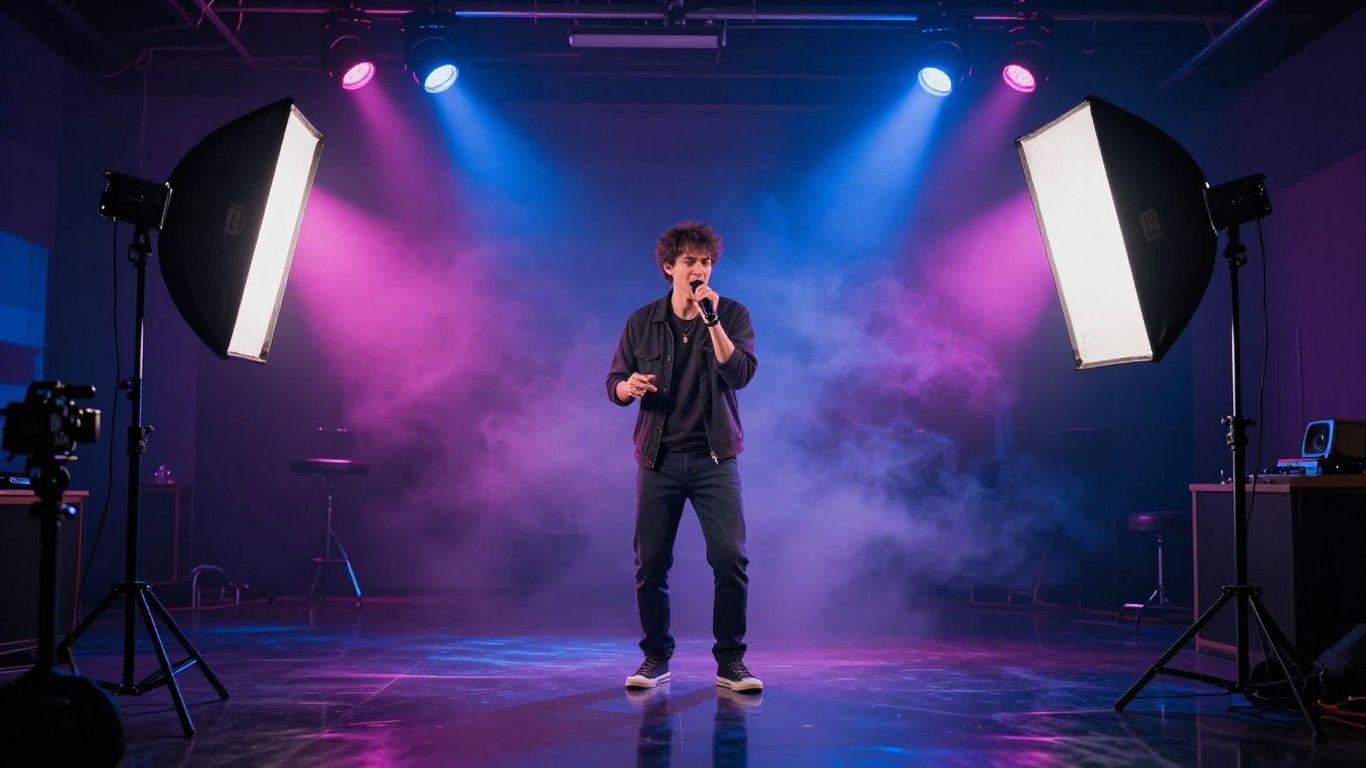
Upload MP3 or WAV audio
Prepare a clean audio file before you upload it. MP3 is convenient for quick sharing, while WAV is useful when you want to preserve more audio information during later editing. Name the file clearly and keep the original version unchanged.
Creatus AI supports MP3 and WAV uploads for video generation, so you can use an existing track instead of generating a new one. This is useful for demos, instrumentals, client audio, and songs made in another application.
Match visual styles to the song’s mood
Choose visual language that agrees with the audio. A slow reflective song may suit cinematic scenes or subdued animation, while a high-energy track may benefit from performance-focused movement, vivid color, or abstract visual changes.
Keep the number of visual ideas manageable. A video with one coherent visual direction often feels more intentional than a sequence of unrelated scenes, even when both were generated quickly.
Choose 9:16, 1:1, or 16:9 video dimensions
Select the format before you generate the video. Vertical 9:16 fits TikTok, Instagram Reels, and YouTube Shorts; 1:1 suits many social feeds; 16:9 works for standard YouTube and wider screens.
If you plan to publish in several places, decide which version matters most and check the framing there first. A subject placed near the edge in a horizontal composition may disappear when the scene is adapted for vertical viewing.
Review synchronization before exporting
Watch for moments where movement, scene changes, or character performance feel late or disconnected from the audio. Pay special attention to the first beat, chorus transitions, and any repeated visual loop.
A quick review on both a phone and a larger screen can reveal different problems. Use the music video workflow as a reference for thinking about audio, style, and platform dimensions together.
Write better prompts for text-to-music generation
A good prompt gives the generator a direction it can follow without turning into a technical specification. Start with the listener’s experience, then add only the musical details that affect the result. You can refine the prompt after hearing the first version.
Your goal is not to predict every note. It is to reduce ambiguity so the generator makes fewer choices that conflict with your intention.
Define the song’s purpose and audience
Say where the song will be used and who should respond to it. A short track for a product teaser needs a different structure from a personal ballad, a podcast opener, or a performance demo.
Purpose also helps determine length and energy. A social hook may need an immediate vocal line, while a longer listening track can afford an instrumental opening.
Combine genre details with emotional direction
Genre alone is too broad to guide a specific result. Pair it with emotional language and a visual or situational cue, such as “muted alternative rock for a rainy drive” or “bright dance pop for a summer launch clip.”
Avoid stacking styles that pull in opposite directions unless that tension is intentional. If you want a hybrid, explain which style leads and which one provides a secondary color.
Add structure, instrumentation, and vocal guidance
Structure makes your request easier to assess. Mention an intro, verse, pre-chorus, chorus, bridge, or outro when those sections matter, then name a few instruments rather than every possible sound.
You can also guide the voice by describing delivery, range, and intensity. Keep the instructions readable, and place lyric text in a separate block when the tool supports that format.
Avoid vague prompts and conflicting instructions
Words such as “good,” “epic,” or “cool” do not tell the generator enough on their own. Replace them with audible or performative details: soft drums, clipped vocal phrasing, wide synth pads, or a gradual increase in intensity.
A useful prompt usually includes these elements:
- The song’s subject and intended audience
- A primary genre and a clear mood
- Tempo or energy direction
- Vocal delivery and key instruments
- A simple section structure
After the list, turn the result into one readable brief and remove anything that fights with the main idea. Clarity usually helps more than length.
Use free AI music for real projects
AI-generated music can support small projects when you need speed, variations, or a visual concept before committing to a full production. It works particularly well for short social posts, campaign tests, demos, and early creative presentations. You still need to confirm rights before using an output commercially.
A broader AI video marketing guide can help you think about where music fits inside a repeatable content process. The music should support the message, timing, and audience rather than exist as decoration.
Create content for TikTok, Reels, and Shorts
Short-form video rewards an immediate opening and a clear visual subject. Start with the most recognizable musical moment, then keep the visual action simple enough to read on a phone.
Generate separate edits when needed instead of forcing one composition into every platform. Vertical framing, readable movement, and a strong first few seconds matter more than adding many scenes.
Produce promotional clips for releases and campaigns
A promotional clip can introduce a chorus, announce a release, or give a campaign a repeatable audio identity. Keep the message focused and avoid packing a full song into a video that only needs one memorable section.
If the music supports a business campaign, document the license and source files. For wider content planning, generative AI business lessons provide useful context about governance, data, and repeatable workflows.
Build lyric videos, visualizers, and performance concepts
Not every track needs a narrative video. A lyric video can prioritize readable text, a visualizer can follow rhythm and energy, and a performance concept can center on a singer or character.
Choose the format based on what viewers need to understand. If the lyrics carry the message, keep the screen calm enough for reading. If the beat is the main attraction, let movement and color respond without obscuring the subject.
Keep branding consistent across music videos
Use recurring colors, character choices, framing, and opening or closing treatments across a series. Consistency makes separate clips feel connected even when the songs differ.
Keep a small reference sheet with your preferred visual style, dimensions, and audience notes. It saves time when you create the next version or hand the project to another person.
Evaluate results and refine your workflow
The first output is a draft, not a verdict on the idea. Review the audio and video separately, then watch them together as a viewer would. A track can sound strong while the visuals feel repetitive, or a polished video can expose a weak vocal performance.
Use a short review process so you do not spend more time judging than creating. Save the useful parts, identify the largest problem, and make the next change with that problem in mind.
Check audio quality, lyrics, and vocal clarity
Listen with headphones and ordinary speakers. Check for clipped sound, muddy low frequencies, sudden volume changes, repeated phrases, unclear words, and pronunciations that change the meaning of a lyric.
Write down precise notes rather than “make it better.” “Bring the vocal forward in the chorus” gives you a clearer revision target than a general reaction.
Look for visual timing and distracting scenes
Watch the video once without pausing. Notice whether scene changes support the song’s sections, whether movement follows the energy, and whether any frame pulls attention away from the performer or message.
Then review the moments that felt wrong. A single distracting scene can weaken an otherwise usable short, so replacing it may be more effective than regenerating the whole video.
Know when to switch tools or edit manually
Switch tools when the output repeatedly misses a requirement that the current workflow does not support. Edit manually when the core song and visual direction work but a few transitions, crops, or audio levels need correction.
You do not need to treat one generator as a permanent home. A practical workflow can combine generation for speed with manual editing for control, especially when the work is client-facing.
Save prompts, source files, and final exports
Keep the prompt, lyric draft, generated audio, project settings, and exported video together. Use clear filenames with dates or version numbers so you can trace the final result back to its source.
Also save notes about the plan used and any rights information you relied on. That record makes future revisions easier and gives you a cleaner paper trail if the project becomes commercial.
Make Your First Video
When you are ready to move from a written idea to a song and then to a shareable visual, start creating with a workflow that keeps both stages together. Begin with a small test, review the output carefully, and scale up only when the format and rights fit your project.
Conclusion
Free text-to-music tools give you a fast way to test songs, vocals, arrangements, and video ideas, but strong results still depend on clear prompts and careful review. Define the purpose first, choose the right output format, check usage terms, and keep your source files organized so each version teaches you something useful.
Frequently Asked Questions
Can you make a complete song from text for free?
Many free tools can turn a description or lyric draft into a complete song, though free plans may limit credits, duration, quality, downloads, or usage rights.
Do text-to-music tools generate vocals?
Some tools generate AI singing vocals along with instrumental parts, while others focus on instrumentals. Check the feature list before you start.
Can you use your own lyrics?
Yes, many text-to-song workflows accept original lyrics. Clear section labels and natural line lengths can help the generated vocal follow your intended structure.
What should you include in a music prompt?
Include the purpose, audience, genre, mood, tempo or energy, vocal direction, key instruments, and basic song structure. Remove instructions that conflict with one another.
What audio files can be used for an AI music video?
Common supported inputs include MP3 and WAV, but each service sets its own limits for file size, length, and processing.
Which video dimension is best for social media?
Use 9:16 for TikTok, Reels, and Shorts, 1:1 for square social posts, and 16:9 for standard video platforms or wider screens.
Can AI-generated music be used commercially?
That depends on the service, plan, and current terms. Confirm commercial rights, attribution rules, watermark conditions, and ownership before using the music in paid work.