Key Takeaways
You can move from a song idea to shareable music video content with a clear prompt and a simple review process.
- Start with genre, mood, tempo, and a focused song concept.
- Use lyrics or a short description as the starting input.
- Check vocals, structure, visuals, and synchronization before export.
- Choose the aspect ratio based on where people will watch.
- Confirm audio rights and platform rules before publishing.
Understand what CREATUS.AI music generation includes
CREATUS.AI music generation combines text-to-song creation with audio-to-music-video production in one workflow. You can start with a text idea or lyrics, then move from the resulting audio to synchronized visuals. That makes the process useful when you want to test a musical concept without setting up separate production tools.
Text-to-song creation with AI singing vocals
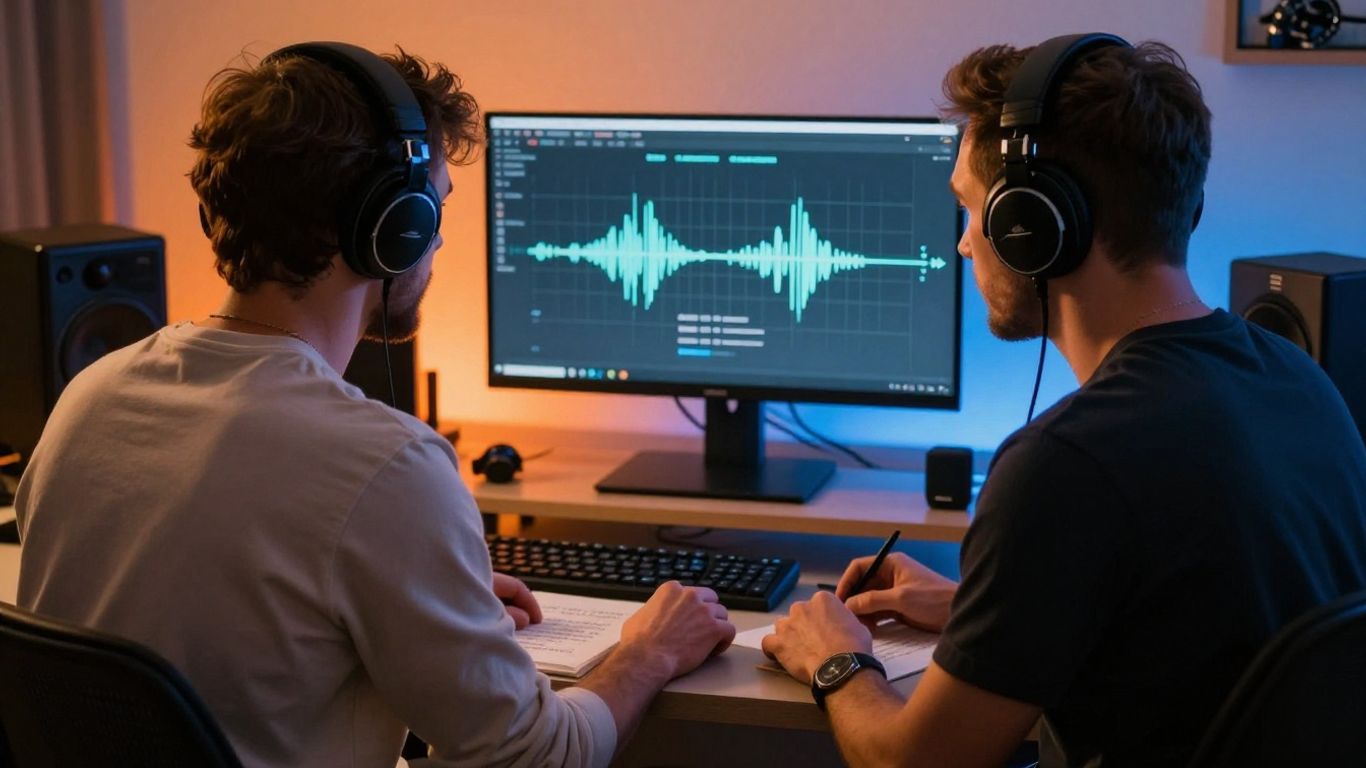
You begin with a description that can include genre, mood, tempo, lyrics, or a rough idea. The system composes original music and adds singing vocals, producing a complete song rather than an instrumental bed. You do not need music production experience to test a first version, though a clear prompt still gives you more control.
Audio-to-music-video generation
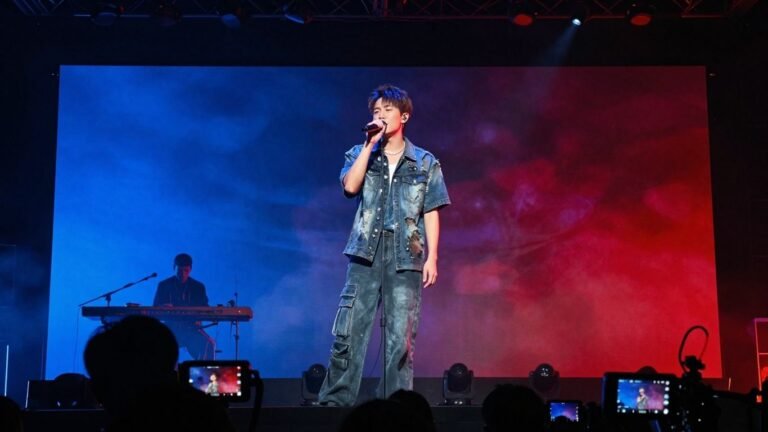
The video stage accepts a generated song or an uploaded audio file. The system analyzes tempo, mood, energy, and song structure, then creates synchronized visuals in a selected style. You can choose from options such as cinematic, animated, abstract, lyric video, or performance treatments.
Supported inputs and output formats
The workflow supports text prompts and lyrics for song generation, plus MP3 and WAV files for video generation. Video exports are available in 9:16, 1:1, and 16:9, so you can plan a single idea for several publishing contexts. A useful song and video guide can help you organize the steps before you start.
Who benefits most from the combined workflow
This setup fits independent musicians, beatmakers, short-form creators, bands, labels, marketers, agencies, and beginners. It is especially practical when you need promotional visuals but do not have a production budget or editing background. You still make the creative decisions, while the platform handles much of the first-pass generation.
Prepare a strong song prompt
A good prompt gives the generator a direction instead of a pile of disconnected adjectives. You do not need to write a long paragraph, but you should state what the song should feel like, how it should move, and what the listener should remember. Keep the central idea easy to identify.
Define the genre, mood, and tempo
Start with one main genre and a specific emotional direction. Add a tempo description such as slow, mid-tempo, or fast, and mention whether the track should feel intimate, tense, bright, heavy, or relaxed. Combining these details gives the composition a more useful frame than simply writing “make a good song.”
Add lyrics or describe the song concept
If you have lyrics, provide them in a readable structure with verses, a chorus, and a bridge when those sections matter. If you do not have lyrics, describe the subject, point of view, and main hook. A short concept about a late-night drive will usually guide the result better than a broad request for something catchy.
Specify vocal and instrumental preferences
Say whether you want a solo vocal, a duet, a soft delivery, or a forceful performance. You can also describe the instrumental palette, such as clean guitar, warm synths, piano, strings, or a heavy drum pattern. Keep the list selective so the main sound does not get buried.
Avoid vague prompts that produce inconsistent results
Vague prompts make it harder to compare one version with the next. Write the details that matter most first, then revise one or two variables at a time. A simple prompt checklist keeps your experiments consistent:
- Name the primary genre and emotional mood.
- State the subject, hook, or lyrical point of view.
- Describe the tempo and vocal delivery.
- List only the most important instruments or textures.
Use the same core idea when you generate another take, changing only the part you want to test. That gives you a clearer sense of why one result works better than another.
Create a song with CREATUS.AI
Once your prompt is ready, the song workflow is straightforward: enter the idea or lyrics, generate a version, listen closely, and revise where needed. You should treat the first result as a working draft rather than an automatic final. The CREATUS.AI workflow is designed to take you from a text prompt or your own audio toward a shareable music video.
Enter a concept or upload lyrics
Type a song idea when you want the system to develop the composition and vocals from a description. Upload or paste lyrics when the wording, story, or hook already matters to you. Before generating, check that your lyrics are formatted clearly and that the requested mood matches the subject.
Review the generated vocals and composition
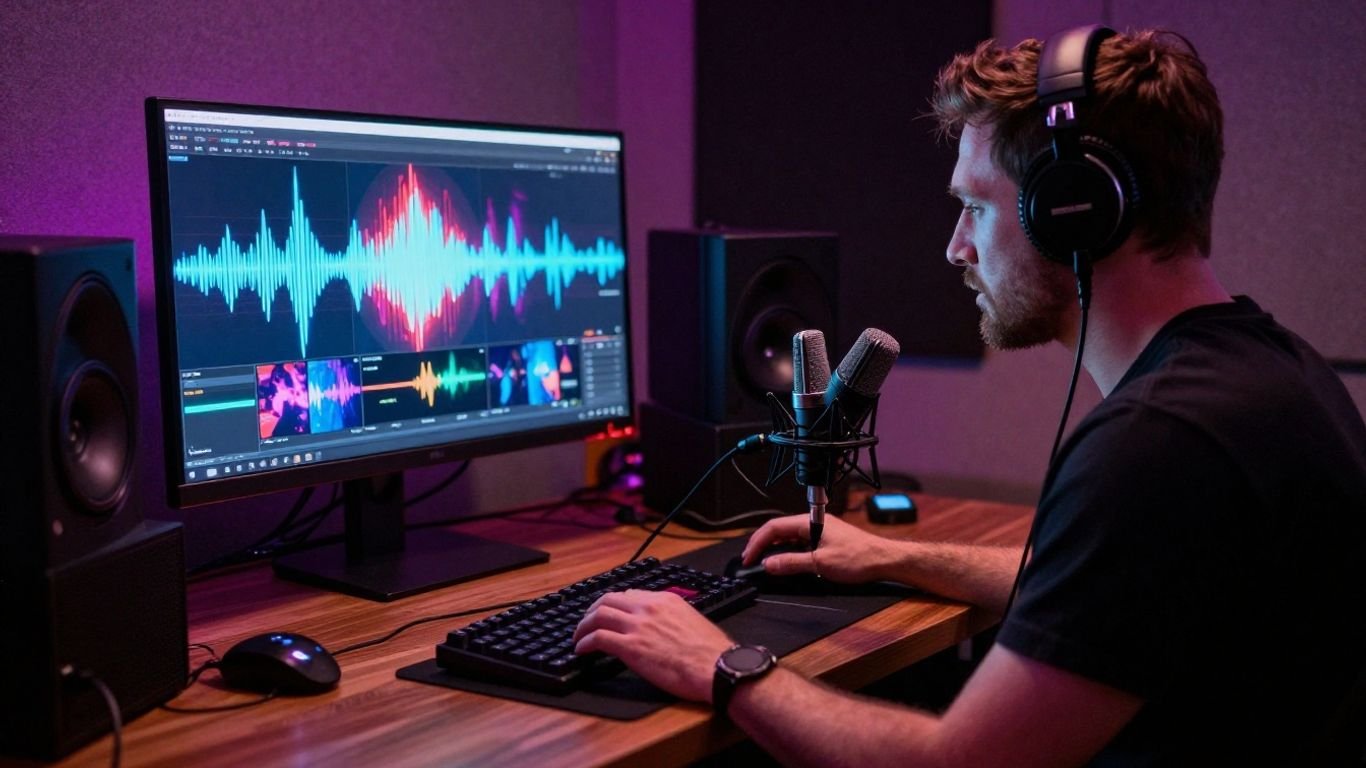
Listen for pronunciation, phrasing, vocal tone, and whether the chorus feels distinct from the verses. Then check the arrangement: does the opening arrive quickly enough, and does the energy fit the intended use? Write down the two or three changes that matter most instead of trying to correct everything at once.
Refine the prompt for another version
Refinement works best when you make targeted changes. You might keep the lyrics but ask for a warmer vocal, a faster tempo, or a less crowded arrangement. Small prompt changes matter because they make comparisons easier and help you learn which instructions affect the result.
Decide when to use an existing MP3 or WAV file
Use an existing MP3 or WAV track when the audio is already finished, when you are promoting an instrumental, or when another production process created the song. You can skip song generation and move directly to the video stage. Confirm that the file is clean, complete, and suitable for the visual concept you have in mind.
Turn the audio into a music video
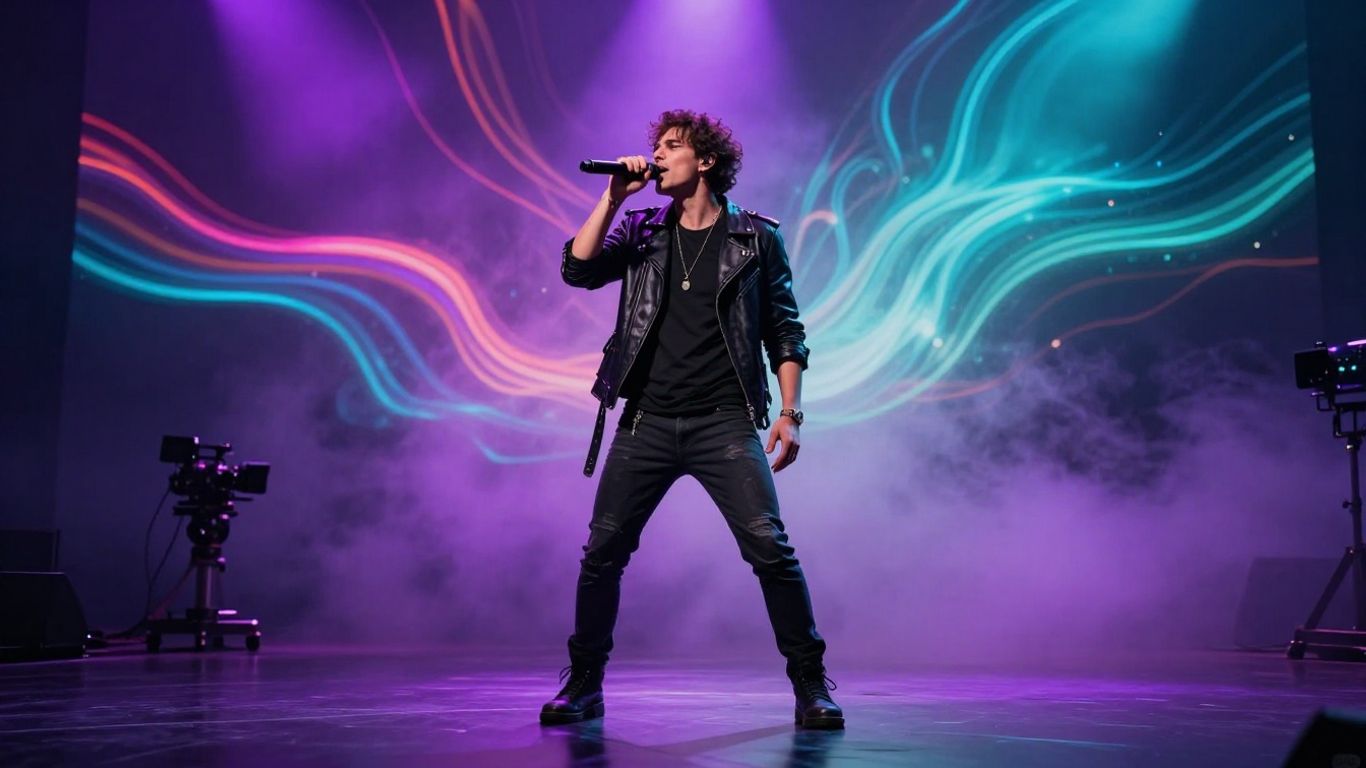
The audio becomes the organizing element for the visual stage. Before you generate, decide whether the video should follow a performer, build an abstract mood, display lyrics, or move through a cinematic sequence. The music video platform approach is useful when you want one project to hold both the track and its visual treatment.
Upload an MP3 or WAV track
Upload the completed track as an MP3 or WAV file, or use the song you just generated. Check the beginning and ending first, since a clipped intro or unexpected silence can affect the visual timing. A full, properly exported file gives the system a better foundation for analyzing the song.
Match the visual style to the song
Choose a visual style that supports the audio rather than competing with it. A performance treatment can suit a vocal-led track, while abstract or animated visuals may fit electronic music. Cinematic and lyric video approaches work well when you want a stronger story or a clear focus on the words.
Use tempo, mood, and structure to guide the visuals
Fast music can support quicker visual changes, while a slower song may benefit from longer shots and gradual movement. Let the chorus, bridge, and instrumental sections create visible shifts in pacing. This gives the video a shape that listeners can feel even when they are not watching every frame.
Check synchronization before exporting
Watch the first section, chorus, and final transition rather than checking only one moment. Look for visual changes that arrive late, lyric timing that drifts, or a final shot that ends before the audio does. Fixing these issues before export saves time and keeps the finished piece easier to share.
Choose the right format for each platform
Aspect ratio changes how your video feels on a phone, feed, or larger screen. Start with the platform that matters most, then make additional versions if the project has enough value to justify them. The right frame is not just a technical setting; it affects where you place the performer, lyrics, and strongest visual moment.
Use 9:16 for TikTok, Reels, and Shorts
Vertical 9:16 fills a phone screen and gives you room to place a central performer or character. Keep important faces and lyrics away from the top and bottom interface areas. If the song has a strong hook, bring the most readable visual idea into the opening seconds.
Use 1:1 for square social media posts
A square 1:1 version works well when the video will sit inside a social feed. Keep the main subject near the center and avoid relying on wide background details. This format can be a practical middle option when you want the same asset to work across several feed placements.
Use 16:9 for YouTube and standard video
Horizontal 16:9 gives you more room for scenery, group performances, and wider compositions. It suits standard video players and longer viewing sessions. Check that the visual idea still has enough movement and variation when it is displayed in a wider frame.
Adapt the visual concept to the platform’s viewing context
A clip made for quick phone viewing needs a clear first impression, while a longer horizontal video can take more time to establish its setting. Plan titles, lyrics, and focal points around the way people will encounter the video. If you need a broader workflow reference, the music video walkthrough covers prompt input, audio upload, visual style, and platform formats.
Evaluate CREATUS.AI against separate music and video tools
The main comparison is about workflow, not a universal ranking. CREATUS.AI combines text-to-song generation with AI singing vocals and audio-to-music-video production, while separate services may focus more deeply on one stage. Your choice should follow the amount of control, speed, and tool switching your project can handle.
Compare its combined workflow with Suno and Udio
Suno and Udio are positioned in the source material as music-focused tools for song generation. A combined workflow is more useful when you want to move from a song idea to synchronized visuals without changing platforms. A separate music tool may still suit you when audio generation is the only goal or when you already have a preferred video process.
Compare audio-reactive options with Neural Frames and Revid.ai
Neural Frames focuses on audio-to-video work and offers frame-by-frame editing, timeline control, audio-reactive visuals, and 4K export. Revid.ai focuses on beat-synced video generation, lyric captions, fast generation, and multi-format export. Those options may appeal when detailed visual control or short-form production matters more than generating the song in the same workflow.
Weigh convenience against advanced editing control
A single workflow reduces app switching and keeps the path from idea to export compact. More specialized tools can offer deeper timeline or scene control, but they may require more setup and another subscription. Decide whether your priority is a quick first-pass video or hands-on control over each visual beat.
Decide whether the free tier meets your needs
A free tier is useful for testing prompts, audio uploads, and export formats before you commit to a paid plan. Check how many generations your project needs and whether the plan includes the rights and export conditions you require. Treat free output as a trial of the workflow, not as proof that every project will fit within the same allowance.
Use the finished content responsibly
AI generation does not remove your responsibility as the publisher. You should review the audio and visuals, keep track of your source files, and read the current service terms before using a project for a client or commercial release. The try the generator link can be a starting point for testing the workflow, but your review process still matters.
Review AI-generated lyrics, vocals, and visuals
Listen for accidental wording, awkward pronunciation, repeated phrases, and visual details that do not fit your intended audience. Check that faces, hands, costumes, and scene changes look acceptable throughout the clip. Human review catches problems that an automated generation step may miss.
Confirm that uploaded audio is yours to use
Only upload audio you own or have permission to process. That includes vocals, samples, beats, recordings, and commissioned tracks. If several people contributed to the song, keep written permission or licensing records with the project files.
Check platform and commercial-use requirements
Read the current terms for the generator, your publishing platform, and any client agreement. Pay attention to commercial rights, attribution, watermarks, music licensing, and restrictions on recognizable people or protected material. Rules can differ between a personal post, a paid campaign, and a client deliverable.
Keep project files and approved exports organized
Save the prompt, lyrics, source audio, selected visual style, and final export together. Use clear filenames that include the version and aspect ratio. This makes it easier to revise a video, answer a rights question, or produce a new platform version without starting over.
Create Your Next Music Video
Start with one focused song idea, test the audio, and move it into a visual format that suits your audience. A careful review before publishing will give you more dependable results than adding complexity at the start.
Conclusion
Creating a song and synchronized music video works best when you treat the process as a short production pipeline: define the sound, review the audio, guide the visuals, select the right frame, and check your rights before sharing. With that order in place, you can turn a rough musical idea or existing track into a more complete piece of content.
Frequently Asked Questions
What should a song prompt include?
Include the genre, mood, tempo, subject, lyric direction, vocal style, and a few important instruments. Focus on the details that will change the result most.
Is it better to provide lyrics or a song concept?
Use lyrics when the wording and structure already matter. Use a concept when you want the system to develop the song around a theme, mood, or hook.
What audio files are commonly used for music videos?
MP3 and WAV are common choices because they preserve a complete soundtrack for visual timing. Use a clean, finished file without accidental silence or clipping.
How do you make visuals follow a song?
Choose a visual style that fits the track, then use its tempo, mood, energy, and structure to guide pacing. Review the chorus and transitions closely before export.
Which aspect ratio should you choose?
Use 9:16 for vertical short-form feeds, 1:1 for square social posts, and 16:9 for standard horizontal video. Start with the platform where the content matters most.
Should you review AI-generated lyrics and visuals?
Yes. Check language, pronunciation, repetition, visual continuity, faces, hands, and any details that could misrepresent your intended message.
Can you publish an AI-generated music video commercially?
That depends on the terms of the tools and assets involved. Review commercial-use permissions, music rights, platform rules, and any licenses for uploaded material before publication.