Key Takeaways
These tools cover different parts of AI audio and music creation, from text-to-song generation to beat-synced video. Choose based on whether you need sound, visuals, or both in one workflow.
- Text-to-song tools are useful when you need vocals and complete tracks from prompts.
- Audio-to-video tools work better when you already have a finished song.
- Free plans often include limits such as watermarks, short clips, or reduced exports.
- Visual control varies widely, so test a short sample before committing to a workflow.
- Your best ElevenLabs alternative free option depends on the final format and rights you need.
1. Creatus AI Music Video Generator
Creatus AI Music Video Generator combines text-to-song generation with audio-to-music-video production. You can enter a song idea, generate a full track with AI singing vocals, or upload an MP3 or WAV file for video creation. The workflow suits you when you want music and visuals without switching between separate apps.
You can select visual styles and export videos in 9:16, 1:1, or 16:9 formats. That gives you practical options for short-form feeds, square social posts, and standard video platforms. The service also offers a free tier, so you can test the workflow before paying.
If you want a music video workflow, this is the most direct starting point in the list. It is especially useful when you need a complete song with vocals and a synchronized video from the same project, rather than a voice track or visualizer alone.
2. Suno
Suno focuses on creating full songs from text prompts with vocals. You describe a genre, mood, lyrical direction, or rough musical idea, then use the result as an audio starting point. It fits you best when the song itself matters more than the accompanying visuals.
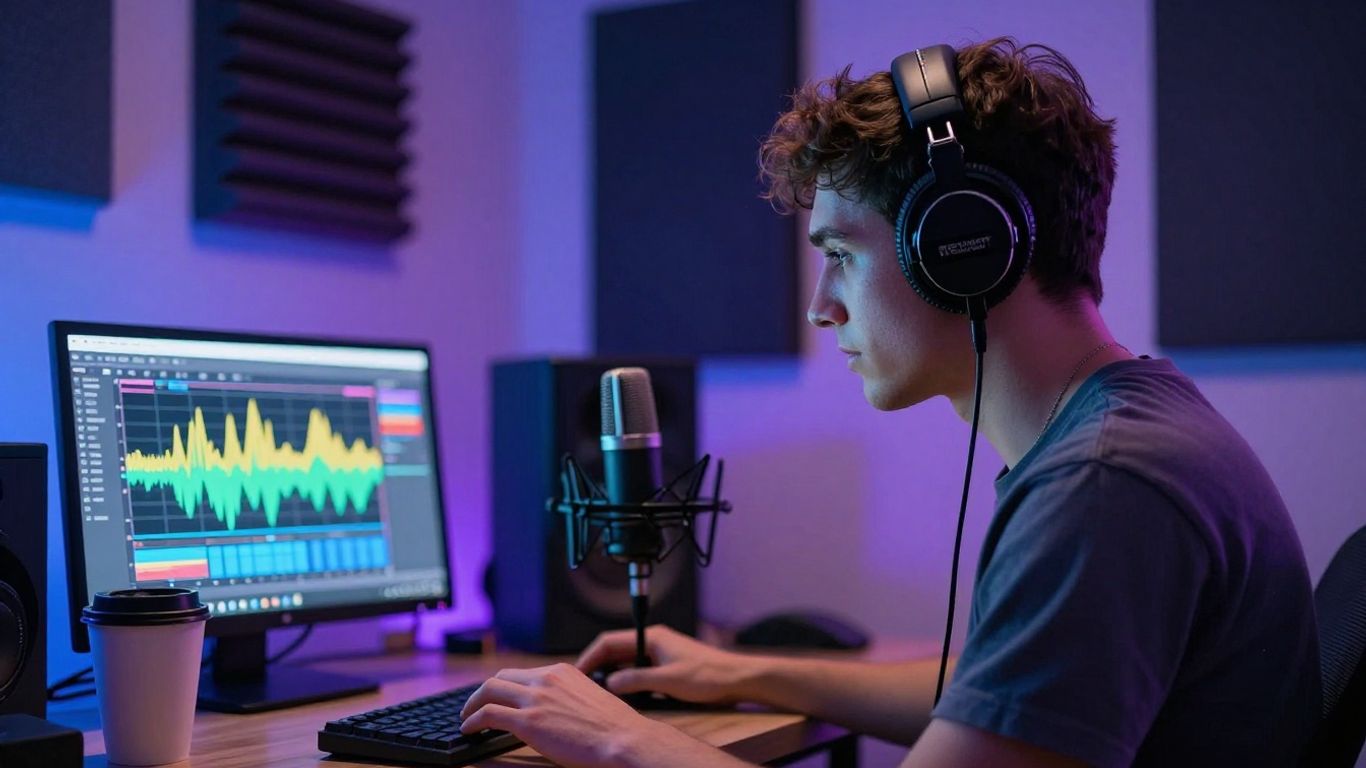
The main tradeoff is straightforward: Suno has no video generation capability. You would need another tool for scenes, captions, or audio-reactive visuals, so plan for an extra step if your finished project needs video.
| Tool role | Best fit | Extra step |
|---|---|---|
| Text-to-song | Full songs from prompts | Add video separately |
| Audio-to-video | Existing music | Start with an audio file |
| Voice generation | Spoken narration | Match visuals in an editor |
That division helps you compare tools fairly. If you only need a track for a podcast intro, social post, or demo, a song generator may be enough; if you need a finished music video, allow time for visual production afterward.
3. Udio
Udio is built around high-quality music generation with more control than a simple prompt-only workflow. You can use it when you want to shape the musical result more carefully and spend time refining the sound. It belongs on your shortlist if audio quality and control are the main decision points.
Udio does not generate video, so the output remains focused on music. You will need a separate video tool or editor for visual scenes, lyric treatments, and format changes. That separation can be useful if you already have a preferred video workflow.
For a broader comparison of song tools, this AI music tools guide can help you sort options by audio creation, copyright-safe use, and visual production. Keep your test consistent: use a similar prompt, listen on the device your audience uses, and compare the amount of manual cleanup required.
4. Soundverse
Soundverse focuses on AI music generation for content creators and places attention on copyright-safe music. It is a sensible option when you need background audio for videos, podcasts, or other content rather than a full visual production pipeline. The emphasis stays on music creation.
There is no video generation capability, so you should treat the result as an audio asset. You can then bring that file into your video editor, captioning tool, or visualizer. This approach gives you more freedom to choose how the finished visuals look.
You may also want to compare the best free song creators when budget matters. Check the license terms for the exact plan you use, especially if your project is commercial or will be distributed across several platforms.
5. Freebeat
Freebeat is an AI music video maker with some song generation. It supports lip-sync singing, story and stage performance modes, storyboard editing, and an AI director that plans shots and pacing automatically. Choose it when you want the visual performance to follow a music-first concept.
The platform is more focused on music video creation than on making songs from scratch. Its song generation is more limited than what dedicated song tools provide, so you may get better results by bringing in audio you already like. That keeps your attention on scenes, timing, and performance.
A practical test is to use one short song section and check whether the pacing matches your preferred style. If the automated direction gets close but not quite right, storyboard editing gives you a place to adjust the sequence before exporting the final version.
6. Revid.ai
Revid.ai focuses on beat-synced video generation from audio. It is aimed more at short-form content, making it useful when you need a quick visual post for a social feed rather than a long narrative video. You start with music and build the visual treatment around its rhythm.
The tool includes lyric captions and multi-format export, which can reduce the number of separate editing steps. It does not generate songs, so you need a finished audio file before you begin. That makes it a better match for an existing track than for a blank-page songwriting session.
The AI music video comparison offers another way to think about this distinction. Short-form work rewards speed and readable captions, while a longer music video usually needs more control over continuity, scenes, and visual pacing.
7. InVideo
InVideo is a general AI video platform that includes music video capability. Its Magic Box editing, free plan, and broad template library make it useful when you want familiar editing support around a song. It is not limited to music projects, which can be helpful when your channel also needs explainers, promos, or other video formats.
The tradeoff is specialization. A general-purpose editor may give you more templates and editing tools, but it may not offer the same music-specific timing or performance controls as a dedicated music video maker. Review a short export before building a larger project.
You can use a music video maker as a reference point when comparing general and specialized tools. Focus on the work you actually need: adding captions, arranging footage, resizing for social platforms, or generating visuals that follow the audio.
8. Vidnoz
Vidnoz focuses on free AI music video generation with multiple singer and avatar options. You can select a style and use the free tier to test character-led music clips. This suits you when an on-screen performer matters more than abstract or cinematic visuals.
The free plan has a one-minute clip limit and places a watermark on free exports. Those limits may be fine for a test, a short social post, or a concept preview, but they matter if you need a clean commercial deliverable. Check the current plan details before you build around the free export.
The online music video options show how avatar-led tools differ from audio-reactive editors. Pick the format first, then decide whether a singer, a character, or a purely visual treatment serves the song better.
9. TopMediai
TopMediai focuses on creating AI music videos from photos and audio. Its workflow includes photo-to-video creation, storyboard preview, and theme customization. Use it when you already have a strong image and want to turn that still asset into a music-led video.
The main limitation is reduced control over the final video output. Theme settings can guide the result, but they may not provide the detailed shot control you would expect from a full editor. Keep your source photo clear and test how the movement supports the audio.
For a wider view of AI music video tools, compare the amount of control each platform gives you after the first generation. Fast setup is useful, but revision time often decides whether a free tool remains practical for repeated work.
10. Neural Frames
Neural Frames focuses on audio-to-video creation rather than song generation. It includes a frame-by-frame editor, timeline control, audio-reactive visuals, and 4K export, with support for Kling, Seedance, and Runway models. It fits you when you already have music and want more control over the visual result.
The free tier lets you test the workflow, while paid plans provide access to the full feature set. The learning curve is steeper than with highly automated video makers, and there is no text-to-song capability. You trade some speed for more direct control over timing and visual behavior.
A focused process keeps the work manageable. Start with these checks before producing a full-length video:
- Confirm that the audio waveform stays aligned with the timeline.
- Test one visual section before building multiple scenes.
- Check the intended export resolution and aspect ratio.
- Review the result on both desktop and mobile playback.
This kind of test tells you whether detailed control is worth the extra setup. For more audio-focused research, you can also review free voice tools, while remembering that text-to-speech and music video production solve different problems.
Try Creatus Free
Start with a song idea or upload your own audio, then try it free to see how a single workflow handles vocals and music video production.
Conclusion
The right ElevenLabs alternative free tool depends on whether you need a song, a voice, a visualizer, or a complete music video. Song generators handle audio first, while beat-synced and audio-to-video tools begin with an existing track. Compare free limits, export needs, and revision control before choosing the tool you will use repeatedly.
Frequently Asked Questions
What is an ElevenLabs alternative free tool?
It is a free or free-tier service that can replace part of an audio creation workflow, such as voice generation, song creation, or music video production. The closest match depends on the result you need.
Can free AI tools create full songs?
Some tools can generate complete songs from text prompts, including vocals. Others create only instrumental audio, spoken voice, or visuals that react to an existing track.
Can AI music tools also make videos?
Some platforms combine audio and video creation, while others focus on only one side. Check whether the tool accepts audio uploads, generates scenes, supports captions, or exports the format you need.
Do I need musical experience to use these tools?
Usually, no. Most prompt-based services let you begin with a description, lyrics, mood, or genre, though better results often come from clear instructions and several short tests.
Are free AI music exports suitable for commercial work?
That depends on the provider and plan. Review ownership, commercial rights, watermarks, export limits, and any restrictions that apply to generated audio or video.
What should you compare before choosing a tool?
Compare the input type, generation scope, editing control, export formats, free limits, and licensing terms. Test the same short project across a few options so the differences are easier to judge.
Is a music generator the same as a voice generator?
No. A music generator creates songs or instrumental tracks, while a voice generator generally creates spoken audio or voice performances. Some workflows use both, followed by separate video editing.