Key Takeaways
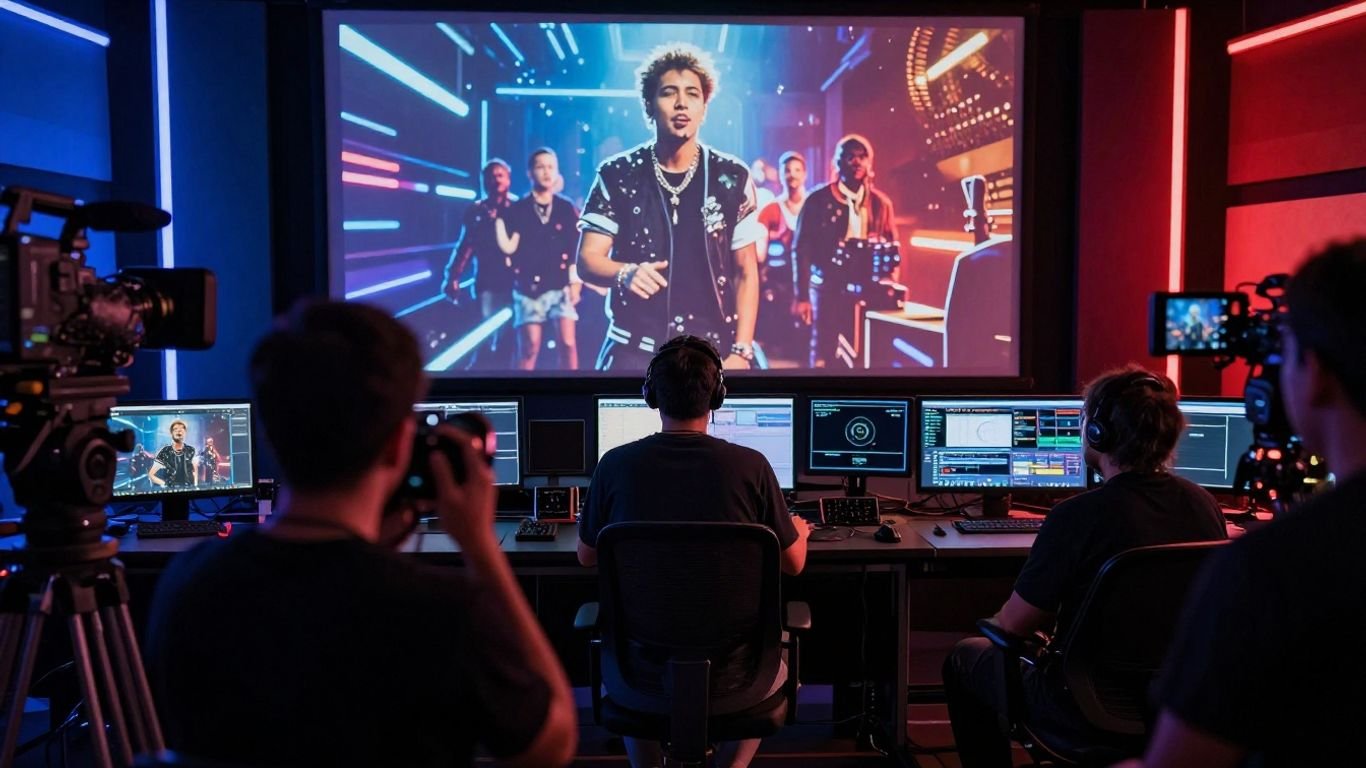
Record labels are using AI to make more visual content with smaller teams and shorter timelines. The best results still depend on clear creative direction, rights checks, and human approval.
- AI can reduce the cost of producing frequent release content.
- One song can support full videos, visualizers, lyric edits, and vertical clips.
- Audio-to-video tools can help synchronize visuals with a track’s structure and energy.
- Each platform needs the right aspect ratio, pacing, and length.
- Labels should measure both production efficiency and audience response.
1. Why record labels are adopting AI video workflows
Record labels manage many releases at once, and each release needs more than a single hero video. Artists now need short clips, lyric edits, visualizers, and platform-specific versions around the main launch. That pressure makes AI useful as a production aid, not as a replacement for artistic leadership. If you are studying how record labels are using ai for music videos, start with the workflow problem: labels need more output without multiplying every cost.
Reducing production costs for large release schedules
A traditional music video can involve location scouting, crew bookings, set design, editing, color work, and multiple rounds of revisions. AI can reduce the amount of manual work needed for early visual development and for lower-stakes promotional assets. You can test several directions before committing a full production budget.
The savings are most practical when a label needs supporting content rather than a single expensive centerpiece. A director may still lead the main video while a smaller team uses generated visuals for teasers, platform posts, or mood-led campaign pieces.
Creating more content from one song
A finished track can support a whole content package. You might use the chorus for a vertical performance clip, the verses for a lyric edit, and the instrumental sections for an abstract visualizer. This gives the campaign more entry points without asking the artist to return for a new shoot every week.
The key is to keep a recognizable visual thread across those assets. Repeated colors, character details, movement patterns, and editing rhythms can make separate clips feel like parts of one release rather than random posts.
Shortening the time from track delivery to campaign launch
Labels often lose time between receiving a master and publishing the first visual asset. AI video workflows can move concept testing, rough scene generation, and format preparation closer to the track delivery date. You can react to a release calendar while the audience is still paying attention.
That speed only helps when approvals are clear. Set a small review group, define what must be checked, and separate rough concept reviews from final delivery approvals.
Supporting artists with smaller visual production budgets
Emerging artists may have strong songs but limited money for locations, performers, and post-production. AI can give them a way to build a visual identity before they can afford a large shoot. It also lets you test whether a character, color system, or narrative idea connects with listeners.
Use that access responsibly. A lower budget should not mean lower standards for music rights, performer consent, or the artist’s control over how the work is presented.
2. How labels use AI across the music video production process
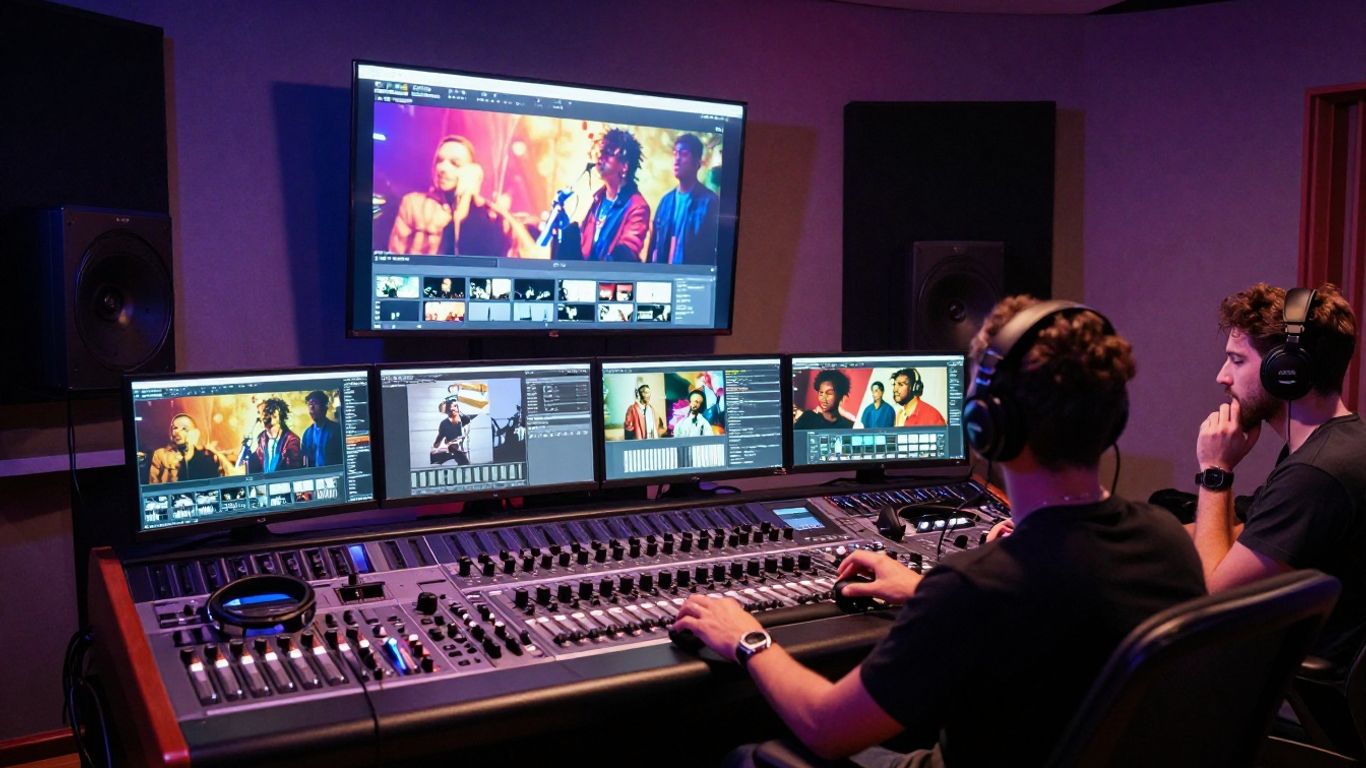
AI can appear at several points in a label’s video pipeline, from the first creative brief to the last export. You still need a person to decide what fits the artist, the song, and the campaign. The practical value comes from reducing repetitive production steps while keeping the central idea human-led.
Turning a song brief into visual concepts
Start with the song’s emotional center, audience, release date, and intended platforms. Add useful details such as tempo, lyrical themes, color preferences, performance references, and what the artist wants to avoid. This gives a visual system more direction than a vague request for something cinematic.
You can then ask for several concept routes rather than one finished answer. Compare a performance-led approach, a narrative approach, and a graphic or abstract approach before selecting a direction for storyboards.
Generating storyboards, scenes, and style references
Once you choose a direction, AI can help turn it into scene descriptions, shot ideas, and visual references. Treat those outputs as working material. Characters may change appearance, props may drift, and locations may lose continuity between shots.
A simple shot bible helps control the process. Record the character description, wardrobe, palette, lens feel, lighting, setting, and movement rules so every new generation starts from the same reference point.
Synchronizing visuals with tempo, mood, and song structure
Audio gives the edit a useful spine. A system can analyze tempo, mood, energy, and song structure, then generate or arrange visuals that follow changes in the track. You can use quieter verses for slower motion and reserve denser transitions for the chorus or instrumental peaks.
That synchronization should support the song rather than turn every beat into a visual effect. The strongest edits leave room for stillness, especially when the vocal or lyric needs attention.
Creating alternate cuts for different platforms
A label rarely needs one file only. You may need a horizontal version for YouTube, a square cut for social feeds, and a vertical edit for short-form discovery. Reframing is not just a matter of cropping; the subject, captions, pacing, and opening moment may all need adjustment.
A useful production brief names the destination before generation begins. For broader practical guidance, this AI music video workflow explains how concept development, synchronized visuals, and human direction can fit together.
3. The main types of AI music videos labels produce
Labels use several video types because each one serves a different campaign job. A full-length piece can establish the artist’s visual identity, while a short clip can create repeated points of contact across social feeds. You should choose the format based on the role it plays, not simply on what the tool can generate.
Full-length narrative and performance videos
A full-length AI video can follow a story, stage a performance, or combine both. It works best when you have a clear visual premise and enough time to review continuity across scenes. The artist’s presence may be literal, character-based, or expressed through a consistent visual world.
For a major release, treat generated footage as one part of the production. Live footage, designed graphics, and conventional post-production can sit alongside AI-generated scenes when that serves the song better.
Audio-reactive visualizers for streaming and promotion
Visualizers give a track a moving identity without requiring a complete narrative. Shapes, light, particles, environments, or character motion can respond to the audio’s energy. They are useful for streaming pages, premieres, playlist promotion, and moments when a label needs a visual asset quickly.
Keep the design readable at small sizes. A restrained palette and a clear focal point usually work better than constant motion that competes with the track.
Lyric videos and captioned short-form edits
Lyric videos place the words at the center, which makes typography, timing, and contrast the main concerns. Captioned edits can also help viewers follow a memorable line during a short social clip. You need accurate lyrics and a review process that catches spelling, timing, and punctuation errors.
Make the first seconds useful. A strong opening lyric, a recognizable vocal moment, or an immediate visual change gives viewers a reason to keep watching.
Vertical clips for TikTok, Reels, and YouTube Shorts
Vertical clips are often built around one hook, reaction, performance moment, or visual surprise. They should feel complete even when someone sees them outside the wider campaign. You can create several versions from the same source while changing the opening, caption placement, and duration.
A label can use a shared visual identity across those edits without repeating the exact same shot. This is where a planned asset library saves time and keeps the campaign coherent.
4. How a label can build an AI music video workflow
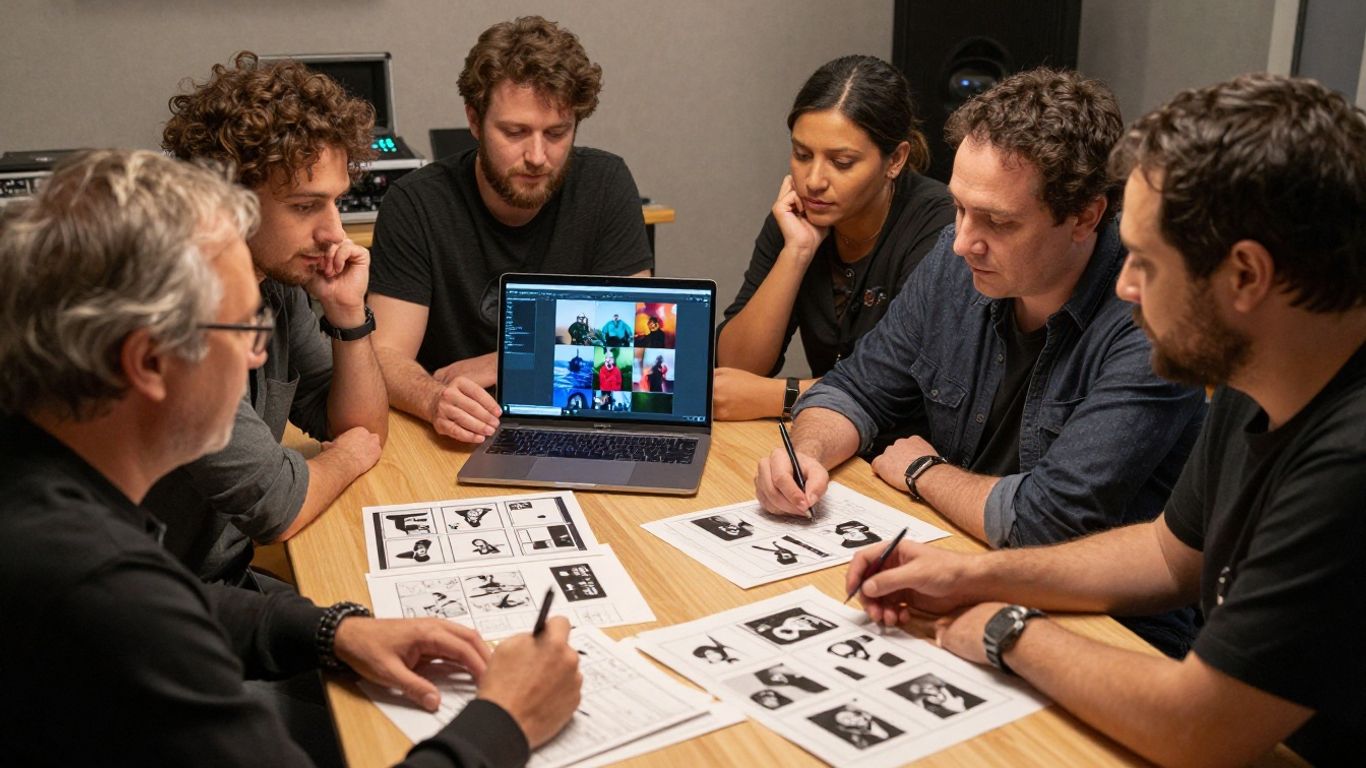
A reliable workflow begins with inputs and decisions, not with a generation button. You need the approved audio, the campaign objective, the intended audience, and a clear definition of success. Once those are set, tool selection and production become much easier to manage.
Starting with the track, lyrics, and campaign goals
Collect the final or clearly labeled working track, approved lyrics, artist references, and release information. Then decide whether the video should drive streams, introduce a character, support a live moment, or provide social content for a larger campaign.
Write the brief in plain language. Include the mood, story, visual boundaries, target platforms, required deliverables, and approval owners. That document becomes the reference point when generations start to drift.
Choosing between text-to-song and audio-to-video tools
Text-to-song tools begin with a description, lyric idea, or musical direction and produce a song. Audio-to-video tools begin with an existing track and create synchronized visual output. The right choice depends on whether the label is developing music, visualizing an approved master, or doing both in one workflow.
For an existing release, confirm that the system accepts the audio format you have and that the output matches the intended use. Avoid switching tools simply because the first result needs another revision; first check whether the problem is the brief, the source file, or the visual direction.
Matching visual formats to YouTube and social platforms
Choose aspect ratio and duration as part of the creative plan. Horizontal video gives you room for wider scenes, vertical video places more attention on a central figure, and square video can work well in feed environments. Captions and safe areas also change from one platform to another.
A practical delivery plan might look like this:
- One 16:9 version for the main YouTube release.
- Several 9:16 clips built around the strongest hooks.
- One 1:1 cut for feeds and artist profiles.
- Captioned versions for viewers watching without sound.
This list keeps the team from treating each export as an afterthought. It also makes budget discussions clearer because every requested file has a defined campaign purpose.
Reviewing, editing, and exporting the final assets
Generation is only the middle of the process. Review faces, hands, text, lyrics, continuity, pacing, and any visual detail that could create a rights or reputation problem. Then edit the strongest material into a finished cut instead of publishing the first acceptable output.
Use a shared naming system and retain the approved source files. The rights and ethics guide is useful when you are assessing copyright, monetization, platform requirements, and the balance between automated output and creative control.
5. Where tools such as Creatus fit into label workflows
A label can use a two-in-one tool when it wants to generate a song from text with AI singing vocals and turn audio into a music video in the same process. That can be useful for early campaign concepts, internal tests, and promotional assets built from an approved track. It does not remove the need for music supervision or final editorial review.
Combining AI song generation and video creation in one process
Creatus combines text-to-song generation with AI singing vocals and audio-to-music-video production. You can start with a song idea, generate a complete song, or bring existing audio into the video stage. For a label, the value is keeping those two steps in one workflow when a fast concept is more useful than a large production setup.
Use generated songs for approved concept work only when the label has decided how they fit its rights and release policies. For signed artists and commercial releases, keep ownership, consent, and credit decisions outside the generation step.
Uploading MP3 and WAV files for audio-to-video generation
The tool accepts MP3 and WAV uploads for video generation. That makes it suitable when you already have a track and want synchronized visuals rather than a new composition. You can prepare the audio first, then select a visual direction for the video stage.
Check that you are uploading the correct mix and version. A clean file naming system prevents an early demo, instrumental, or unapproved vocal take from entering the campaign folder.
Using cinematic, animated, abstract, and lyric-focused styles
Available visual styles include cinematic, animated, abstract, lyric video, and performance options. Choose the style based on the song’s job and the artist’s identity. A lyric-focused treatment may serve a vocal hook, while an abstract treatment may support an instrumental section without forcing a literal story.
Keep the style decision connected to the brief. A menu of options is helpful, but it should not replace a reason for choosing one visual language over another.
Exporting 9:16, 1:1, and 16:9 versions for distribution
The platform supports 9:16, 1:1, and 16:9 output formats. That gives you a practical starting point for vertical short-form platforms, square social feeds, and standard horizontal video. You still need to review each version because a subject that works in a wide frame may sit awkwardly in a narrow one.
This platform format guide offers a useful checklist for aspect ratios, audio inputs, export settings, and rights questions. Use it before production so the team knows what it must deliver.
6. The legal, creative, and operational risks labels must manage
AI can make production faster, but speed does not settle ownership or consent. Labels need a documented process for music, lyrics, voices, performers, images, and generated material. You should also make room for the artist’s opinion before a visual becomes part of a public campaign.
Confirming rights to music, lyrics, voices, images, and likenesses
Start by listing every input that enters the workflow. Confirm the label controls the audio and lyrics, the artist has approved any voice or likeness use, and any reference image is cleared for the intended purpose. Do not assume that having access to a file gives you permission to transform it.
Keep those records with the campaign assets. A rights log can include source files, permissions, model terms, approvals, and the person responsible for each decision.
Checking AI-generated content for copyright and ownership issues
Generated output can contain unexpected similarities, inaccurate text, or elements that create disputes after publication. Review the result for recognizable people, logos, artwork, locations, and other protected material. Also check the tool’s current terms before promising commercial use.
For broader industry context, this discussion of AI and music rights covers the tension between new production methods, compensation, and artistic control. Treat outside guidance as a starting point and get legal advice for a specific release.
Keeping human direction in the creative approval process
A person should approve the brief, the visual identity, the final edit, and the public use of the artist’s image. Human review catches problems that an automated check may miss, including a scene that conflicts with the artist’s values or a visual joke that changes the meaning of a lyric.
Give reviewers clear authority to reject or revise an output. That makes AI part of a managed production process instead of an unexamined publishing shortcut.
Protecting brand consistency across artists and campaigns
Each artist needs a visual rule set that can survive multiple formats and release cycles. Document approved colors, character details, typography, movement, references, and prohibited elements. Then review every generated asset against that guide before it enters the content calendar.
Consistency does not mean every clip should look identical. It means the audience can connect the visual choices to the same artist and campaign.
7. How labels should measure AI music video performance
Measure the workflow and the audience response together. A video that is cheap to produce but fails to hold attention may not be useful, while a modest clip that performs well can guide the next release. Compare results against the campaign goal rather than relying on views alone.
Comparing production time and cost against traditional workflows
Record the hours spent on briefing, generation, review, editing, rights checks, and export. Include subscriptions, credits, staff time, and revisions in the cost estimate. Then compare that total with a similar asset made through a conventional process.
You are looking for a repeatable production advantage, not a one-off low estimate. If AI saves generation time but creates heavy correction work, the workflow needs adjustment.
Tracking views, watch time, completion rate, and engagement
Views show reach, but watch time and completion rate tell you whether the edit holds attention. Likes, comments, shares, saves, and profile visits add context about audience response. Link those results to the hook, format, posting time, and campaign stage.
Set a baseline for comparable releases. That helps you separate the effect of the visual from the effect of the song’s existing audience or promotional support.
Measuring how different formats perform by platform
A vertical clip may perform well on one short-form platform while a longer horizontal cut works better on YouTube. Track each format separately instead of combining every upload into one result. Note the opening seconds, duration, caption treatment, and call to action for each version.
The comparison should lead to a production decision. If one format consistently holds attention, make it part of the default release package while still testing alternatives.
Testing visual styles before investing in larger productions
Use small releases to compare performance styles, animation, abstract motion, narrative scenes, and lyric-led edits. Keep the song and audience as consistent as possible so the visual treatment is the main variable. A simple test can show which direction deserves a larger budget.
This AI music video testing guide is a practical reference for social formats, synchronization, style choices, and platform-specific delivery. Use the results to refine the next brief, not to guarantee that one style will work for every artist.
Try the Workflow Yourself
If you want to test an integrated song and video process, start creating with a small concept, one approved track, and a clear delivery goal. Keep the first test focused so you can judge the output, review time, and audience response honestly.
Conclusion
AI gives labels a practical way to produce more music video assets around each release, but the strongest workflow still depends on human direction, careful rights review, and platform-aware editing. Start with a clear brief, test modestly, retain approval control, and measure what the process actually saves and what the audience actually watches.
Frequently Asked Questions
Can AI create a complete music video from a song?
Yes. Audio-to-video systems can analyze a track and generate visuals that follow its tempo, mood, energy, or structure. You still need to review the result and edit it for continuity, quality, and campaign fit.
Why would a record label use AI for music videos?
A label may use AI to reduce production time, create more promotional assets, test visual ideas, or support releases with smaller budgets. It can extend a campaign without requiring a new full-scale shoot for every piece of content.
What types of AI music videos work well for promotion?
Common options include full-length narrative videos, performance videos, audio-reactive visualizers, lyric videos, captioned edits, and vertical clips. The right choice depends on the song, audience, platform, and campaign objective.
Can one song be adapted for several social platforms?
Yes. You can create horizontal, square, and vertical versions, then adjust the framing, captions, opening, and duration for each platform. Treat each version as an edit with its own purpose rather than as a simple crop.
Do labels still need directors and editors?
Yes. Directors provide artistic judgment and continuity, while editors shape pacing, emphasis, and narrative clarity. AI can assist with production tasks, but human approval remains important for artist identity and public release decisions.
What rights should labels check before publishing an AI video?
Check rights for the music, lyrics, voices, likenesses, images, logos, reference materials, and generated output. Review the tool’s terms and platform rules, and get legal advice when ownership or commercial use is uncertain.
How should a label judge whether an AI video worked?
Compare production time and cost with a similar traditional asset, then track views, watch time, completion rate, engagement, shares, saves, and profile visits. Break results down by platform and visual style so the next production decision is based on useful evidence.