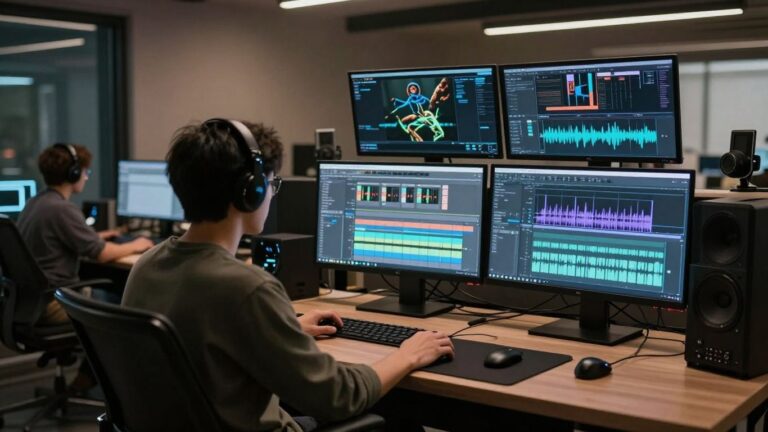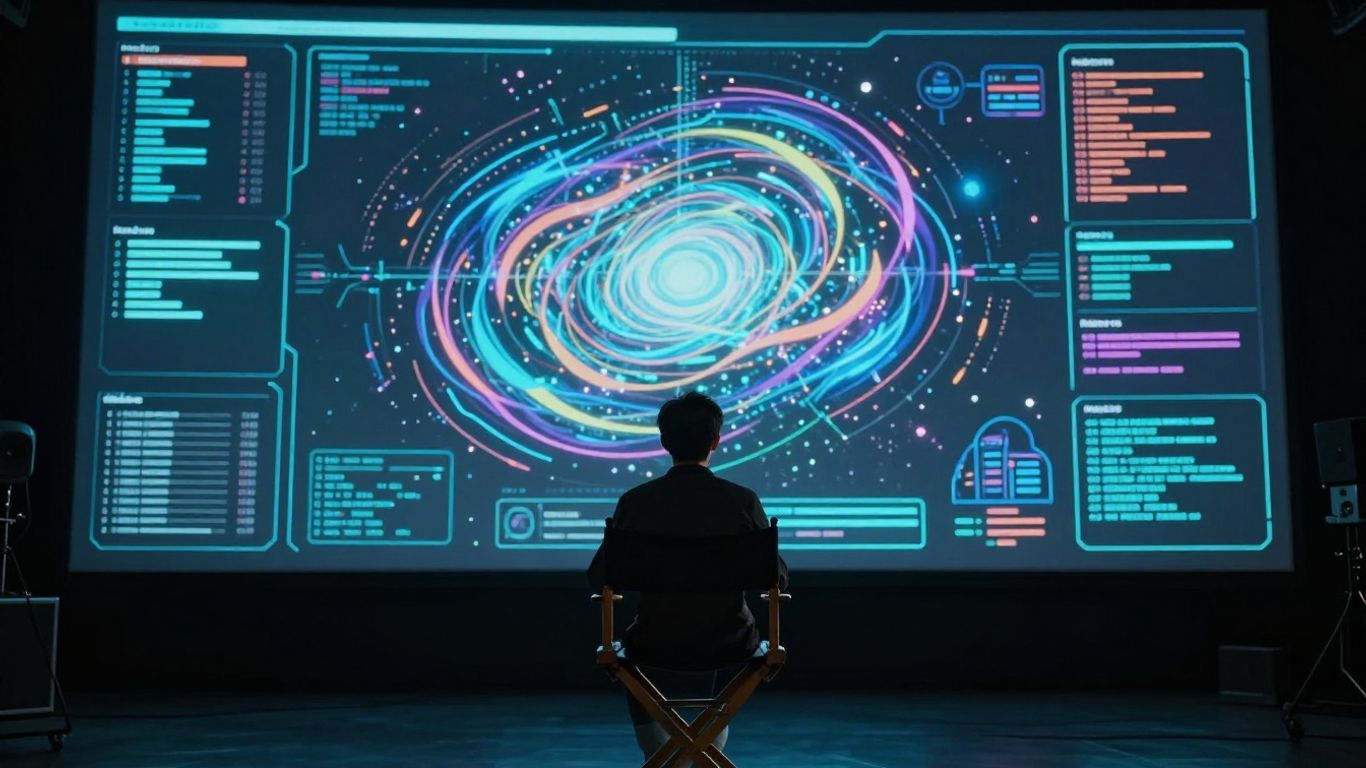
AI music video generators have made video production way more doable for everyday creators. Here’s what you need to remember:
Key Takeaways
- AI tools can turn your song ideas into videos without needing editing skills.
- You can create both the music and video in one place with some platforms.
- Most tools offer export formats for TikTok, YouTube, and Instagram.
- You still need to check copyright if you’re using samples or covers.
- AI videos are best for quick, budget-friendly content but may lack a personal touch.
Understanding AI Music Video Generation
What Is An AI Music Video Generator?
An AI music video generator is a tool that takes your song and turns it into a video. You don’t need a camera crew or complex editing software. Just give it your music, maybe a few ideas about what you want, and the AI creates visuals that sync up with the beat and mood of your track. It’s like having a virtual director and animator working for you.
These tools analyze your audio, looking at rhythm, energy, and even lyrics. Then, they generate scenes, motion, and effects that match what’s happening in the song. This process dramatically cuts down the time and cost associated with traditional music video production. It makes creating a visual for your music accessible to almost anyone. You can explore different visual styles and see what works best for your sound.
How AI Simplifies Video Creation
Making a music video used to involve a lot of technical skills and resources. You’d need to plan shots, film footage, and spend hours editing it all together. AI generators remove these hurdles. They automate the synchronization of visuals to your audio, so you don’t have to manually line up every cut or effect.
This means you can go from a finished song to a video ready for release much faster. It frees you up to focus on other aspects of your music career, like promotion or writing new songs. For independent artists, this simplification is a game-changer, allowing for more frequent content releases. You can even test out different visual concepts quickly to see what connects with your audience.
Key Features Of AI Music Video Tools
AI music video tools come with a range of features designed to make creation easier. Many offer automatic beat synchronization, ensuring your visuals hit on the right moments in the music. You’ll often find options for different visual styles, from cinematic looks to abstract animations, letting you match the video to your genre.
Some platforms also include features like automatic lyric generation or burn-in, which can be a big help. You can usually export your final video in various formats, optimized for platforms like YouTube, TikTok, and Instagram. Look for tools that offer control over character consistency and visual style. This helps maintain a cohesive look across your projects.
Here are some common features you might encounter:
- Audio Analysis: Detects rhythm, tempo, and energy.
- Visual Style Options: Pre-set looks or customizable aesthetics.
- Beat Synchronization: Aligns video cuts and movements with the music.
- Lyric Integration: Automatically adds or syncs lyrics.
- Multi-Format Export: Outputs for various social media platforms.
- Character/Scene Control: Ability to guide the AI on what to generate.
The core benefit is democratizing video creation. What once required a significant budget and technical team can now be achieved with a few clicks and a clear idea. This shift allows more artists to have a visual presence online without breaking the bank.
Evaluating AI Tools For Your Music Video
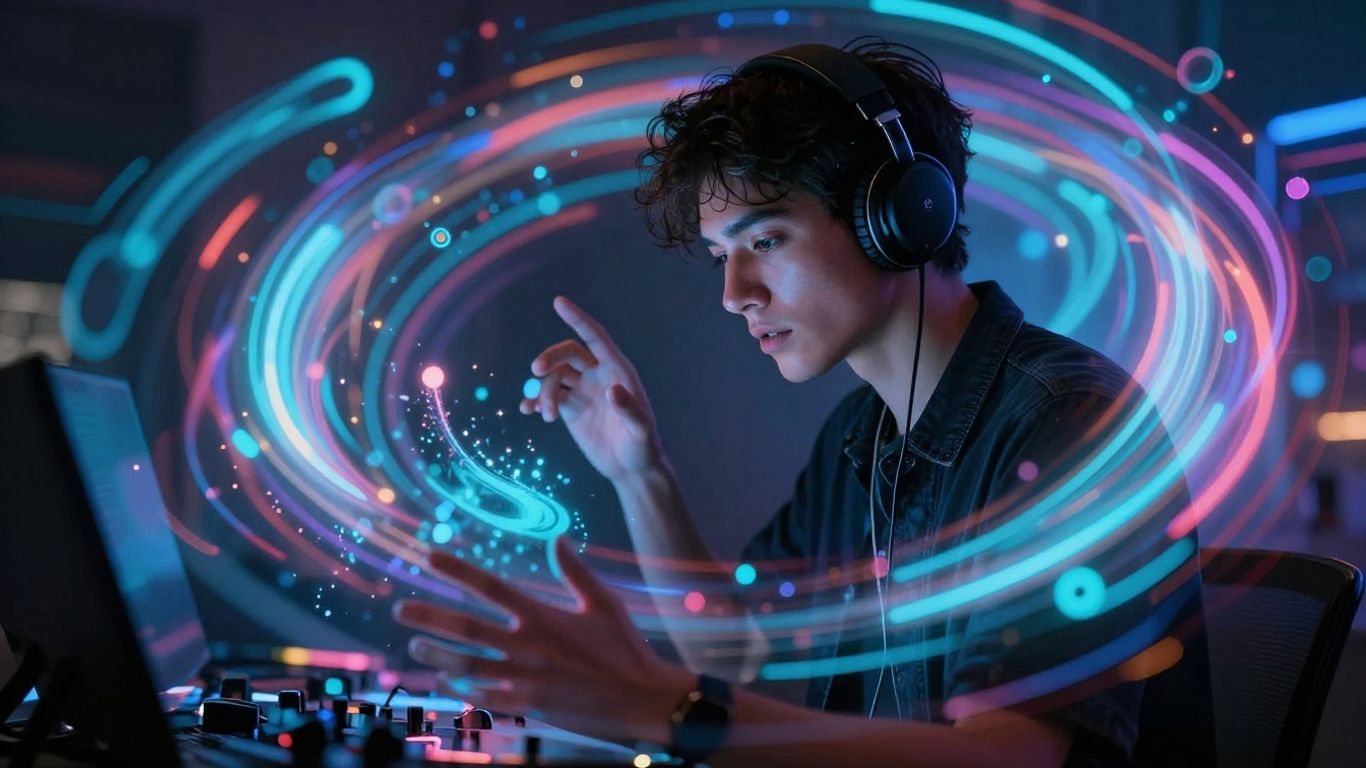
Integrated Song And Video Creation
Some AI tools try to do it all, offering both music generation and video creation in one package. This can be convenient, saving you from switching between different platforms. However, you need to ask if the quality of both aspects meets your needs. A tool that makes a decent song might produce a mediocre video, or vice versa. It’s a trade-off between convenience and specialized quality.
Audio-To-Video Focused Platforms
Other platforms focus solely on turning your existing music into a video. These tools often have a deeper understanding of how to sync visuals with audio. They might offer more advanced features for beat matching, mood detection, and even lip-sync accuracy. If you already have your music ready, these specialized tools could give you a more polished final product. Consider platforms like Revid.ai for this purpose.
Assessing Visual Style And Customization Options
When you’re looking at AI video tools, pay close attention to the visual styles they offer. Do they have options that match your genre and aesthetic? Beyond presets, check how much control you have. Can you tweak colors, camera angles, or character appearances? Some tools offer extensive customization, allowing you to guide the AI more precisely. Others are more hands-off, giving you less creative input but a faster output. Think about how much you want to direct the visuals yourself.
The best AI video tools will offer a balance between automated generation and user control. You want something that can produce impressive results quickly, but also allows you to fine-tune the output to match your unique vision. Don’t settle for a tool that forces you into a generic look if you’re aiming for something distinctive.
Here’s a quick look at what to consider:
- Visual Consistency: Does the AI maintain character and style throughout the video?
- Audio Sync: How well do the visuals match the beat, tempo, and mood of your song?
- Customization: Can you adjust elements like camera movement, lighting, and character actions?
- Output Quality: Does the tool produce high-resolution video suitable for platforms like YouTube or TikTok?
For musicians looking to improve their skills alongside their video production, resources like the Total Guitar Transformation Academy might offer a different kind of structured learning, though it’s unrelated to video creation itself.
Practical Considerations For AI Music Videos
Using AI for your music video brings up a few important things to think about before you dive in. You’ll want to make sure the final product fits your needs and can be used where you want it.
Copyright And Monetization On Platforms
Generally, AI-generated visuals won’t cause copyright issues on their own. Platforms like YouTube and TikTok primarily use audio systems for flagging content. This means the risk of copyright strikes usually comes from the music itself, not the visuals. If your track is clear, your video should be too. Monetization is typically fine as well, as long as your video reflects genuine creative choices. YouTube, for instance, allows monetization for AI content that shows effort, distinguishing it from low-effort "AI slop." TikTok’s Creator Rewards program also accommodates labeled AI content. Remember to disclose if your visuals could be mistaken for real footage, like deepfakes or synthetic recreations of artists. Stylized or abstract videos usually don’t require a label. You own the full commercial rights to videos created with tools like Neural Frames, allowing you to use them on platforms like YouTube, Spotify, and TikTok without issue.
Output Formats For Social Media
Think about where you plan to share your video. Many AI tools offer native 9:16 vertical output, which is perfect for TikTok, Instagram Reels, and YouTube Shorts. If a tool defaults to horizontal (16:9) output, you’ll need to manually reformat it for social media, which can be an extra step. Some platforms are built with short-form content in mind, providing optimized exports right away. This saves you time and ensures your video looks its best on mobile devices. Always check the export options to see if they match your intended platforms. Streamline your video production by choosing tools that align with your distribution strategy.
Understanding Generation Time And Quality
AI video generation can take time, and the quality can vary. Some tools are faster, producing videos in minutes, while others might take longer, especially for longer tracks or more complex scenes. The final output quality also differs between platforms. You might get cinema-quality renders ready for major platforms, or you might get something more basic. It’s worth looking at example videos from different generators to gauge their typical output. Consider running a few short test clips to see how long generation takes and if the quality meets your standards. You might find that some tools are better suited for quick, experimental content, while others are designed for more polished, professional results. Sometimes, importing LED displays might seem cheaper, but local distributors can offer better support and faster turnaround, which is a good analogy for choosing AI tools that offer reliable quality and timely output, rather than just a low initial cost buying locally.
The speed and quality of AI video generation are key factors. You need to balance how quickly you want content with how polished you need it to be. Don’t expect professional studio results instantly; there’s often a trade-off.
Here’s a quick look at what to expect:
- Speed: Ranges from a few minutes to several hours per video.
- Quality: Varies from basic animations to high-definition, cinematic visuals.
- Control: Some tools offer fine-tuning, while others are more automated.
- Cost: Free tiers often have limitations on speed, quality, or export options.
Who Benefits From AI Music Video Creation
AI music video generation isn’t just for a niche group anymore. It opens up possibilities for a wide range of creators and businesses.
Independent Musicians and Producers
If you’re an independent artist, you know how expensive music videos can be. AI tools let you create professional-looking visuals without a big budget or a film crew. You can finally give your tracks the visual treatment they deserve, making them more appealing on platforms like YouTube or Spotify Canvas. This technology makes it easier to experiment with different visual styles for your music, which can be a game-changer for emerging artists.
Content Creators and Social Media Teams
For content creators and social media managers, speed and volume are often key. AI can help you churn out engaging video content quickly. Imagine turning a simple audio clip into a dynamic visual for TikTok or Instagram Reels in minutes. This means you can keep your feeds fresh and experiment with more creative ideas without getting bogged down in complex editing software. It’s about making more content, faster.
Marketers and Agencies
Businesses and marketing agencies can also find AI music video tools incredibly useful. Need a unique soundtrack for a promotional video or a social media campaign? AI can generate custom music and accompanying visuals tailored to your brand’s message. This offers a cost-effective way to produce branded content that stands out. You can test different visual concepts for campaigns without the usual production overhead.
AI video tools are democratizing visual content creation. They lower the barrier to entry, allowing more people to express themselves visually, regardless of their technical skill or budget.
Here’s a quick look at who stands to gain:
- Independent Artists: Get professional music videos without high costs.
- Content Creators: Produce engaging social media visuals rapidly.
- Social Media Teams: Maintain a consistent flow of video content.
- Marketers: Create unique, branded video assets efficiently.
- Educators: Develop engaging music-based learning materials.
AI-driven video creation is making visual storytelling more accessible than ever before. It’s a tool that can help anyone working with audio bring their ideas to life visually, whether for promotion, audience growth, or pure creative exploration. The ability to generate experimental and abstract visuals also opens up new artistic avenues.
The Workflow: From Idea To Release
Getting your music video from a concept to a finished product involves a few key steps when you’re using AI tools. It’s about translating your musical ideas into compelling visuals. This process can be surprisingly straightforward, especially with integrated platforms.
Inputting Your Music And Ideas
First, you need to give the AI your song. Upload your audio file, whether it’s a WAV or MP3. If you’re also generating the music with AI, you’ll start with a text prompt. Describe the genre, mood, and any specific lyrical ideas you have. The more detail you provide upfront, the better the AI can understand your vision.
Directing Visuals And Storytelling
Once the music is loaded, you’ll guide the visual direction. Many tools offer different modes, like ‘Stage Performance’ for live-action feel or ‘Storytelling’ for a narrative. You might select visual styles, choose character types, or even input specific scene descriptions. Think about the emotional arc of your song and how you want the visuals to support it. Some platforms allow for more granular control, letting you adjust pacing or camera angles.
Refining And Exporting Your Video
After the initial generation, you’ll review the output. Most AI tools provide options to regenerate specific scenes or make adjustments. You can tweak lip-sync accuracy, character consistency, or visual effects. Once you’re happy with the result, you’ll export the video. Make sure to choose the correct format for your intended platform, whether it’s 9:16 for TikTok or 16:9 for YouTube. This final step gets your creation ready for the world to see.
The goal is to create a video that feels like a natural extension of your music, not just a generic visualizer. Focus on how the AI can help you achieve that specific feeling or story you want to tell.
Comparing AI Music Video Solutions
When you’re looking at AI tools for your music video, you’ll find a few main types. Some try to do everything, from making the song to generating the video. Others focus just on turning your existing music into visuals. It’s important to know what you need before you pick a tool.
All-In-One Versus Specialized Tools
All-in-one platforms aim to be your one-stop shop. They might offer song generation and then video creation from that song, all within the same interface. This can be super convenient if you’re starting from scratch. You don’t have to jump between different apps or subscriptions.
Specialized tools, on the other hand, do one thing really well. You might find a fantastic AI music generator, but then you’ll need a separate tool to make the video. Or you might find a video generator that works best with audio you’ve already produced. Choosing between them depends on whether you want a single workflow or the best possible results in each category.
Lip-Sync Accuracy and Character Consistency
For many artists, making sure the on-screen performance matches the vocals is key. Some AI tools are better than others at lip-syncing. You’ll want to look for platforms that specifically mention accurate lip-syncing or show examples of it working well.
Character consistency is also a big deal. If your video features a specific character or set of characters, you need them to look the same from scene to scene. Tools that allow you to lock in character details or use reference images will be more helpful here. This is something that Freebeat has focused on.
Cost-Effectiveness and Free Tiers
AI video tools come with a range of pricing. Many offer free tiers, which are great for testing the waters. These free versions usually have limitations, like watermarks, shorter video lengths, or fewer features.
Paid plans can vary widely. Some are subscription-based, while others might charge per video or per minute of generated content. Consider your budget and how often you plan to use the tool. A platform like Neural Frames offers a free tier to get you started.
Thinking about which AI tool is best for making music videos? It’s a big decision, and there are many options out there. We’ve looked at some of the top choices to help you figure out what works for you. Want to see which one comes out on top? Check out our full comparison on our website!
Conclusion
If you’re asking yourself, "should I use AI for my music video?"—the answer depends on your goals, time, and budget. AI tools like Creatus, Neural Frames, and Freebeat can handle everything from song creation to video export, no film crew needed. They’re fast, cheap, and pretty flexible, especially if you’re an indie musician or adult creator looking to keep control and privacy. But they’re not magic. You’ll still need to steer the visuals, check copyright, and pick the right formats for each platform. For most creators, especially if you don’t have a big team or budget, AI music video generators are worth a shot. Just keep your expectations real and use them as a tool—not a shortcut to viral fame.
Frequently Asked Questions
Can I use AI music videos on YouTube or TikTok?
Yes, you can upload AI music videos to YouTube and TikTok. Just make sure you have the rights to the music. The visuals alone don’t trigger copyright problems.
Do I need video editing skills to use these AI tools?
Nope. Most AI music video generators are made for beginners. You pick a style, upload your song, and the tool does the rest.
Are AI music videos free to make?
Some tools have free plans, but you’ll usually get watermarks or short clips. For full features and longer videos, you’ll need a paid plan.
How long does it take to make an AI music video?
Most videos are ready in a few minutes, but it can take longer if your song is long or you pick a complex style.
Can I sell or monetize my AI music video?
Yes, as long as you own the music or have permission. Make sure to check the terms of the AI tool and the platform where you upload.
Will AI videos look unique or will they all look the same?
You can pick from different styles, but many AI videos share a similar vibe. Adding your own ideas and tweaks helps make it stand out.