Key Takeaways
Creating professional music content today relies on accessible AI workflows that eliminate high production costs.
- Define your target genre and mood before initiating the AI generation process.
- Use specific textual descriptions to guide vocal styles and instrumental textures.
- Utilize a single workspace like the Creatus AI Music Video Generator to streamline song and video creation.
- Select aspect ratios tailored to the platform where your audience consumes content.
- Monitor your credit usage and iteration cycles to maintain a consistent output frequency.
Getting started with your music concept
You start by stripping away the complexity of traditional recording studios. You focus instead on the core feelings you want your track to transmit, whether that is high-energy dance or ambient downtempo. Establishing this foundation early helps the models interpret your intent accurately.
Identifying your genre and atmospheric mood
Your first move is specifying the sonic environment you want to create. Think about the tempo, key instruments, and overall vibe before you ever open an editor. When you have a clear picture of the rhythm, you make it much easier for the underlying models to pick up your cues.
Writing effective text prompts for AI song generation
Writing clear instructions matters because specificity drives predictability. Instead of using generic terms, describe the texture of the sound, such as synth-heavy beats or acoustic guitar layers. Fine-tuning your prompt language early allows you to achieve the exact quality of song you need without wasting time on trial-and-error generation.
Defining lyrical themes and song structure
Decide if your track needs a verse-chorus-verse structure or a more thematic progression. You map out the story you are telling through lyrics, or specify that you need purely instrumental work for background content. If you want a vocal performance, ensure your lyrical theme aligns with the intended mood to keep the final composition feeling authentic and cohesive.
How to generate original music with AI vocals
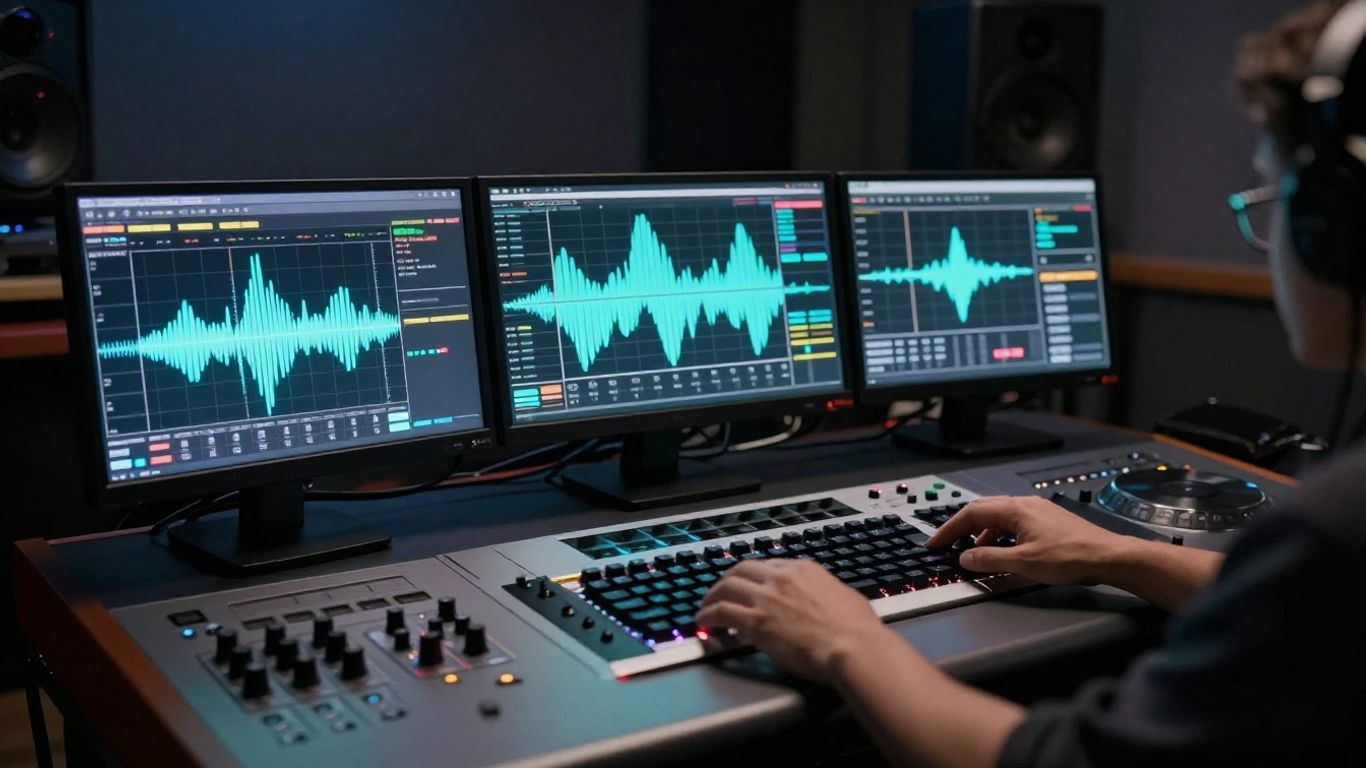
Generating audio files with a platform like the Creatus AI Music Video Generator simplifies the traditional multi-step production cycle. You input your text ideas, and the engine constructs a full song complete with generated singing, which saves you from hiring outside vocalists. This process works just as well for beginners as it does for advanced beat producers looking to prototype ideas quickly.
Navigating the text-to-song interface
Finding your way around the dashboard involves locating the text input field where you describe your song. You select the model settings that match your goal and initiate the process. It is important to stay organized here, as most platforms offer various MusicAI tools that serve different creative needs depending on your ultimate export requirements.
Refining vocal styles and instrumentals
After your initial draft is ready, you look at the results and decide if they feel correct. Some platforms allow you to cycle through different vocal timbres or adjust the intensity of certain instruments. This is where you test how different moods change the impact of your track before committing to a final version.
Uploading your own audio files for processing
You are not limited to content generated strictly within the application itself. If you already possess an MP3 or WAV file, you can bring it into the system to handle the visual component exclusively. This allows you to combine your pre-rendered studio tracks with advanced animation features found in an AI music generator.
Transforming audio into a cinematic music video
Visuals elevate your music from a background sound to an immersive experience. You want to align every scene change with the energy shifts of the audio, meaning the visuals should react to drops, crescendos, and quiet moments. The process involves treating the song structure like a map for the video generator.
Analyzing song structure for visual synchronization
Break your song into segments to identify where changes must occur. You want to align cuts with the beat to keep your audience engaged and maintain flow. Good practice involves documenting these key moments in a table to ensure you do not miss a major shift.
| Song Section | Intensity Level | Visual Priority |
|---|---|---|
| Intro | Low | Atmosphere |
| Chorus | High | Action |
| Outro | Fade | Stillness |
You interpret this table as you generate segments of video, ensuring the intensity of the imagery reflects the dynamics written into your track.
Choosing the appropriate visual art style
Select a style that reinforces your song’s identity. If you are creating high-energy dance content, fast-moving animated styles work well. For somber songs, you might prefer slow cinematic shots that emphasize depth. Your choice of aesthetic here is the primary driver of how the audience remembers your track.
Generating and iterating on the video sequence
Iterate until the synchronization feels natural to your ear. Because you can regenerate specific clips, you do not need to restart the entire sequence if one part misses the mark. You focus on iterating until your final sequence matches your vision perfectly, ensuring every beat has a corresponding visual beat.
Adjusting formats for social media distribution
Scaling your content means preparing it for different screens. You need to consider how people hold their phones versus how they view content on a desktop computer. Making these adjustments early prevents wasted effort later in your editing loop.
Selecting the optimal aspect ratio for your goals
Set your ratios before you hit export. You choose different canvas sizes based on which platform you target for a specific release.
- 9:16 for vertical mobile feeds
- 1:1 for square profile layouts
- 16:9 for widescreen cinematic views
Choosing the right size ensures your content looks professional on arrival. If you fail to prepare the correct ratio, your video might look cropped or stretched, which breaks the viewer experience completely.
Preparing files for TikTok, Reels, and YouTube Shorts
These platforms thrive on 9:16 vertical video. You design your scenes to keep the action in the center where it is most legible, as the bottom and top of the screen often contain UI elements that might obstruct your content.
Configuring standard 16:9 exports for YouTube
YouTube requires a horizontal landscape format to fill the display properly. You ensure your resolution meets the platform standard to avoid black bars at the sides. This InVideo AI configuration acts as the final step in getting your high-quality video ready for your channel.
Maximizing your production workflow for free
Efficient production relies on doing as much work as possible in a single environment. When you keep your files in one place, you spend less time moving assets around and more time experimenting with your creative output.
Navigating free tier capabilities and limits
Free accounts often come with specific monthly credit limits or watermark requirements. You keep track of how many clips you generate to ensure you do not run out of resources before a release deadline. Utilizing the freebeat AI toolset within its allowed thresholds is a smart way to maintain a steady loop of video production without costs.
Combining song and video creation in one workspace
Using an integrated AI music and video tool reduces friction significantly. You generate the audio, move immediately to the video editor, and refine your work without switching back and forth between different software windows. This unified interface keeps your focus entirely on the artistic outcome of your music.
Strategies for rapid content iteration and output
Keep your process moving by automating the repetitive parts, such as selecting styles after your first successful attempt. You save your most effective prompts in a notepad so you can replicate your successful visual styles for future tracks. Rapidly producing high-quality work allows you to see what engages your audience and refine your style for your next project.
Conclusion
By leveraging the right AI tools, you remove the barriers to producing high-quality music content from home. You now have the power to turn raw ideas into fully realized audiovisual experiences that look and sound professional across all major platforms. Keep experimenting with your prompts and visual styles as you find your unique creative voice.
Frequently Asked Questions
Can I use these generated music videos for commercial content?
Most platforms providing these generators allow for wide usage, but you should verify the specific account terms related to commercial rights in your agreement before you release anything for profit.
How does the AI know when to sync the video to the music?
Automated systems analyze the audio file for beat markers and energy shifts, which allows the software to program the visual transitions to happen at the exact timing of the music track.
Are there specific skills I need to learn to get good results?
While you do not need formal production experience, learning how to write detailed text prompts is the most effective way to improve the outcome of your audio and video generation.
Can I edit the video after the AI generates it?
Many platforms provide built-in editors where you can refine, trim, and replace scenes, though you should check if the platform offers a timeline-based editor for your specific needs.
How long does the generation process usually take?
Most modern generation platforms process your audio and video content in a matter of minutes, although the time can vary based on the length and complexity of your request.
Is it possible to use my own voice in these videos?
Some platforms include voice cloning features, while others focus on completely original instrumental performance, so you should look for options that support custom audio file uploads if you have vocal work already recorded.
What should I do if the AI output does not match my initial concept?
You should try modifying your descriptive adjectives and structural instructions in the prompt, as smaller tweaks to your inputs often produce significantly different and improved results on the next attempt.
Start Your Creative Journey
Ready to transform your ideas into professional sound and sight today? Explore the possibilities by visiting Creatus AI and start building your first original music video now.