Key Takeaways
AI can shorten the distance between a song idea and a finished music video, but your direction still shapes the result.
- You can generate songs, vocals, and synchronized visuals from simple inputs.
- Audio analysis helps match cuts, motion, and visual energy to a track.
- Integrated workflows reduce tool switching and lower production costs.
- Clear prompts and human review improve consistency and artistic control.
- Rights, consent, disclosure, and audience trust still require your attention.
How AI is reshaping the music video workflow
AI is changing music video production by connecting tasks that used to sit in separate applications. You can move from a rough song idea to music, visuals, revisions, and exports with fewer handoffs. The result is not automatic artistic quality, but a faster first version that gives you something concrete to judge.
From song concept to finished track
You can begin with a genre, mood, tempo, lyric idea, or short description instead of a finished studio session. The system turns those inputs into a starting point, which lets you test several directions before committing time to recording or arranging. This is useful when your concept is clear emotionally but still rough musically.
A practical workflow starts with one sentence about the song, followed by a few specific details about pace, subject, and vocal feeling. Treat the first output as a draft. Listen for the hook, structure, and tone, then revise the prompt rather than expecting one attempt to define the whole track.
Generating vocals, instrumentation, and arrangements
AI song tools can produce a complete song with singing vocals from text-based instructions. That gives you a fast way to test instrumentation, arrangement, and vocal placement before you hire performers or book a studio. You still need to review pronunciation, phrasing, emotional range, and whether the result fits your identity.
The useful shift is speed. You can compare a sparse electronic arrangement with a fuller pop treatment, then choose the version that supports the visual idea. Keep notes on what changed between prompts so your revisions become deliberate instead of random.
Turning audio into synchronized visuals
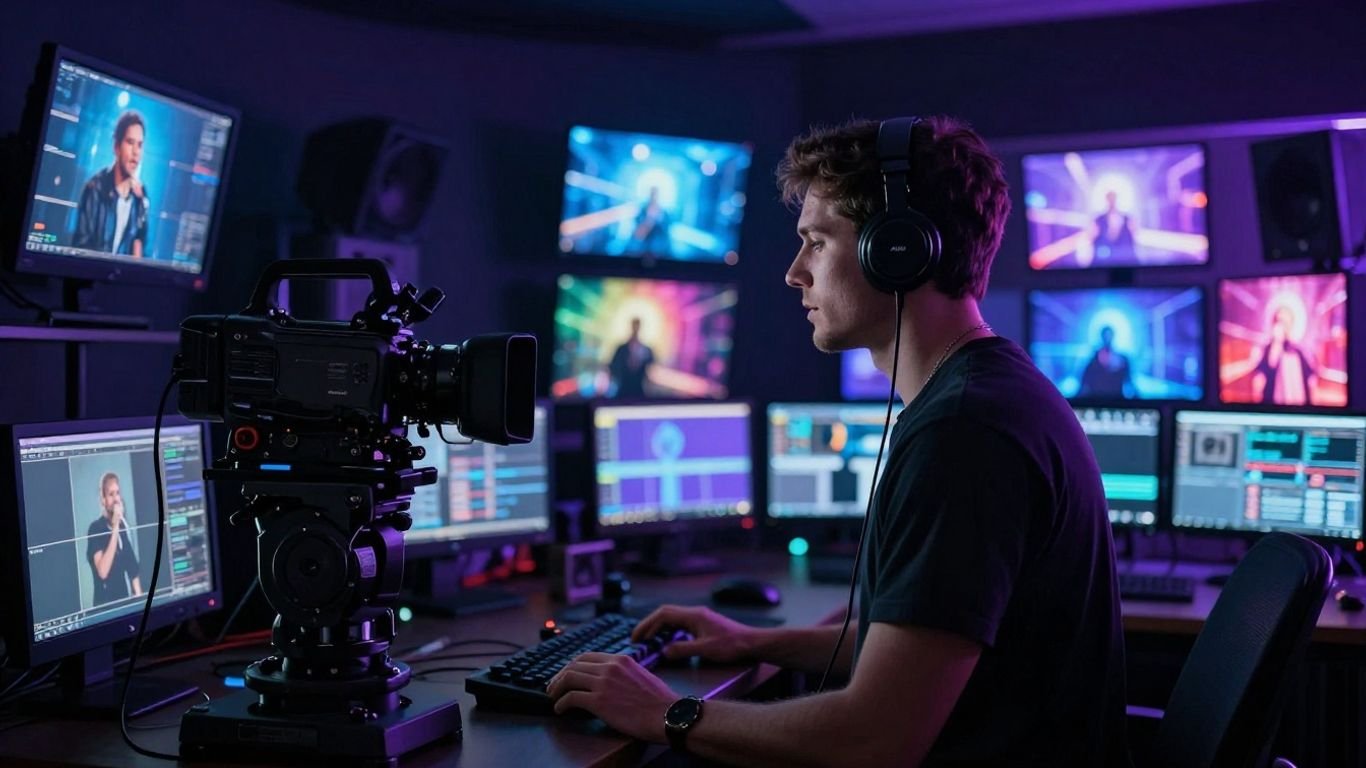
Audio-to-video systems analyze elements such as tempo, mood, energy, and song structure, then use that information to shape visual timing. Your chorus might receive more movement, while an intro or bridge receives slower scenes. This does not replace editing judgment, but it gives you a synchronized foundation much sooner.
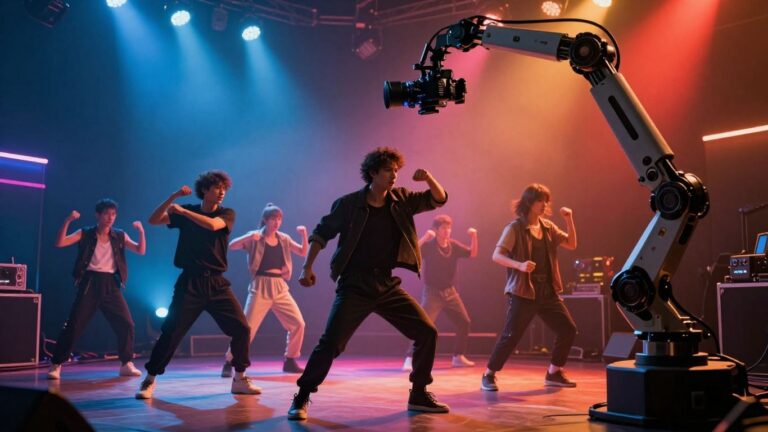
For a practical reference, music video directors working with AI still retain a central role in visual decisions, performance choices, and emotional pacing. The software handles pattern recognition; you decide what the patterns should mean for the song.
Reducing the need for separate production tools
A combined workflow can keep song generation and video generation in one place. The CREATUS.AI music video product accepts a text song idea or uploaded audio, then produces a synchronized music video with available visual styles. That setup reduces repeated downloads, account switching, and format confusion.
You should still keep your source audio, lyrics, prompts, and approved exports organized outside the platform. A simple folder structure protects your work and makes later revisions easier, especially when a release needs several edits.
How AI changes creative development
AI changes the early creative stage by making visual testing cheap and quick. You can compare moods, characters, settings, and pacing before anyone builds a set or shoots footage. The strongest results come when you use those options as references for decisions, not as a substitute for having a point of view.
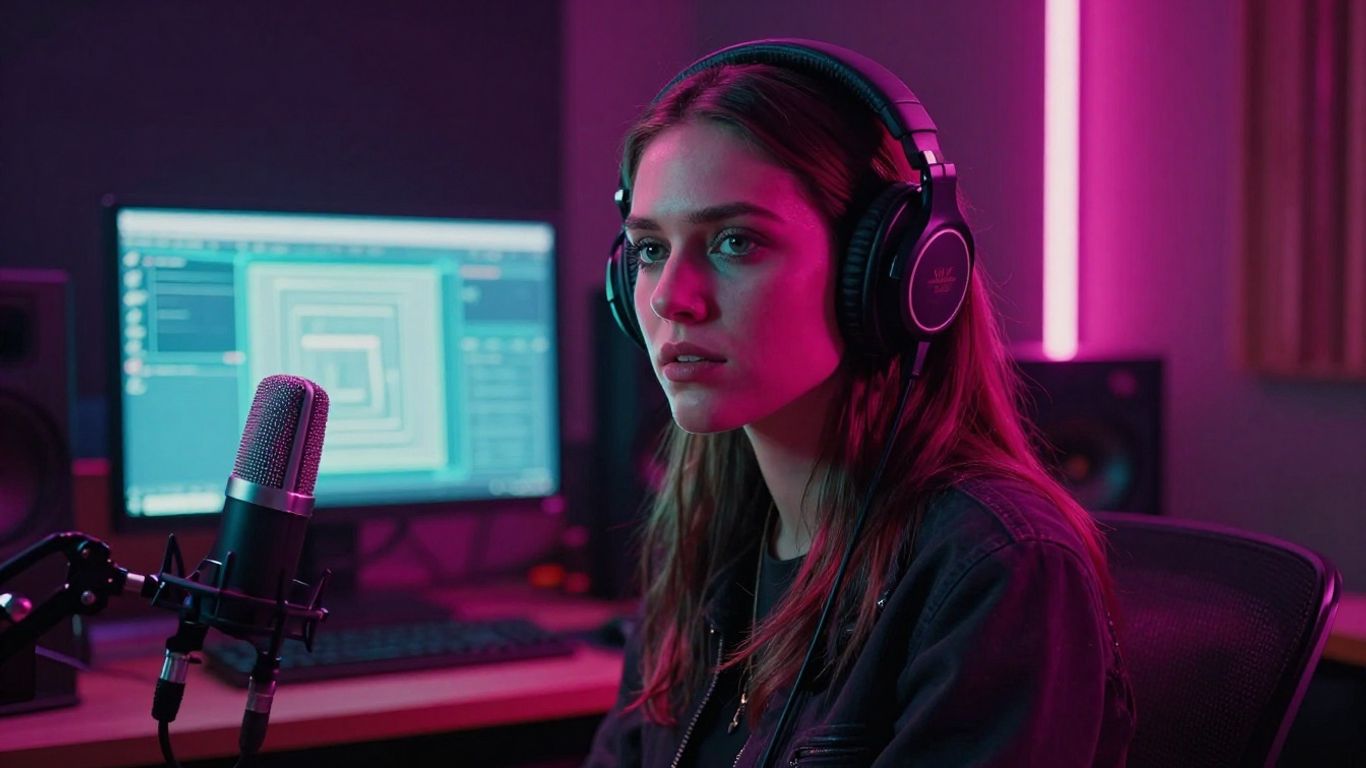
Exploring genres, moods, and visual directions
A single song can support several visual readings. You might test warm documentary lighting, stark monochrome performance shots, saturated animation, or a surreal sequence built around movement. Comparing these directions early helps you avoid spending hours refining a visual style that fights the music.
Write prompts with concrete details: location, time of day, lens feel, wardrobe, movement, and color. Words such as “sad” or “powerful” help set a mood, but physical details give the system more useful boundaries.
Building storyboards and shot concepts from prompts
Prompt-based storyboarding helps you turn a vague video idea into a sequence of shots. Ask for an opening image, a transition into the verse, a change for the chorus, and a final frame that leaves room for the track to end. You can then remove shots that repeat the same visual information.
A good storyboard does not need dozens of frames. It needs a clear relationship between the song structure and the visual changes. Keep the lead character, setting, and key props consistent whenever the story depends on them.
Creating alternate versions for different audiences
One song may need a full-length video, a short teaser, a lyric-focused edit, and a performance clip. AI makes it easier to test those versions without rebuilding every visual from zero. You can change the opening, duration, framing, or visual emphasis while keeping the central song intact.
Think about the viewer before you generate. A short vertical clip may need its main action immediately, while a longer horizontal version can take more time to establish a setting or character.
Balancing AI suggestions with an artist’s creative direction
AI often offers unexpected combinations, and some may improve your original plan. Your job is to judge whether an idea strengthens the song or merely looks unusual. A visual can be technically polished and still feel disconnected from the lyrics, performer, or intended audience.
The AI music video workflow guide is useful when you need a practical sequence from song idea to export. Keep a short creative brief beside you, including the song’s central feeling, visual limits, and three details that must remain consistent.
How AI is changing visual production and editing
Visual generation now handles more than isolated pictures. It can help create motion, arrange scenes, add lyrics, and respond to the structure of an audio file. You still need to inspect every version because timing, continuity, and believable movement can vary from shot to shot.
Matching visuals to tempo, energy, and song structure
A music video feels intentional when visual changes follow the track rather than appearing at arbitrary intervals. Audio analysis can identify shifts in tempo, energy, and structure, giving the video a basic rhythm. You can improve the result by choosing restrained motion for verses and reserving larger changes for choruses or drops.
Review the cut with the audio turned up and the screen small. If the visuals still feel connected at that scale, the timing is probably doing useful work rather than relying on visual detail alone.
Generating cinematic, animated, abstract, and performance styles
Different styles serve different songs. Cinematic scenes can support narrative tracks, animation can simplify impossible settings, abstract motion can keep an instrumental moving, and performance visuals can keep attention on a singer or character. Select the style based on the song’s job, not just on what looks impressive in a sample.
Research on generative AI for music videos treats the model as a probabilistic visual tool rather than a replacement for direct artistic decisions. That framing helps you test variations without giving up control of the final edit.
Creating lyric videos and audio-reactive effects
Lyric videos make the words easier to follow, while audio-reactive effects add motion that responds to sound. Both can work well for releases where a full narrative is unnecessary or where the lyrics carry most of the emotional weight. Keep typography readable and leave enough visual rest for viewers to follow the words.
Use effects selectively. If every beat triggers a flash, scale change, or color shift, the video becomes tiring and the important musical moments lose contrast.
Reviewing the limits of consistency, continuity, and realism
Generated footage can change faces, clothing, objects, or camera positions between shots. It may also produce movement that looks acceptable in a still frame but strange over time. Review repeated characters and locations carefully, especially when your concept depends on a continuous story.
You can reduce problems by using shorter shots, repeating strong reference images, and cutting around weak moments. Do not promise a seamless performance or realistic narrative until you have watched the complete render.
How AI makes music video production more accessible
AI lowers the practical barrier to making a music video. You do not need a full crew, expensive equipment, or advanced editing knowledge to produce a usable first cut. That access matters most when you have a strong song but limited time, money, or technical support.
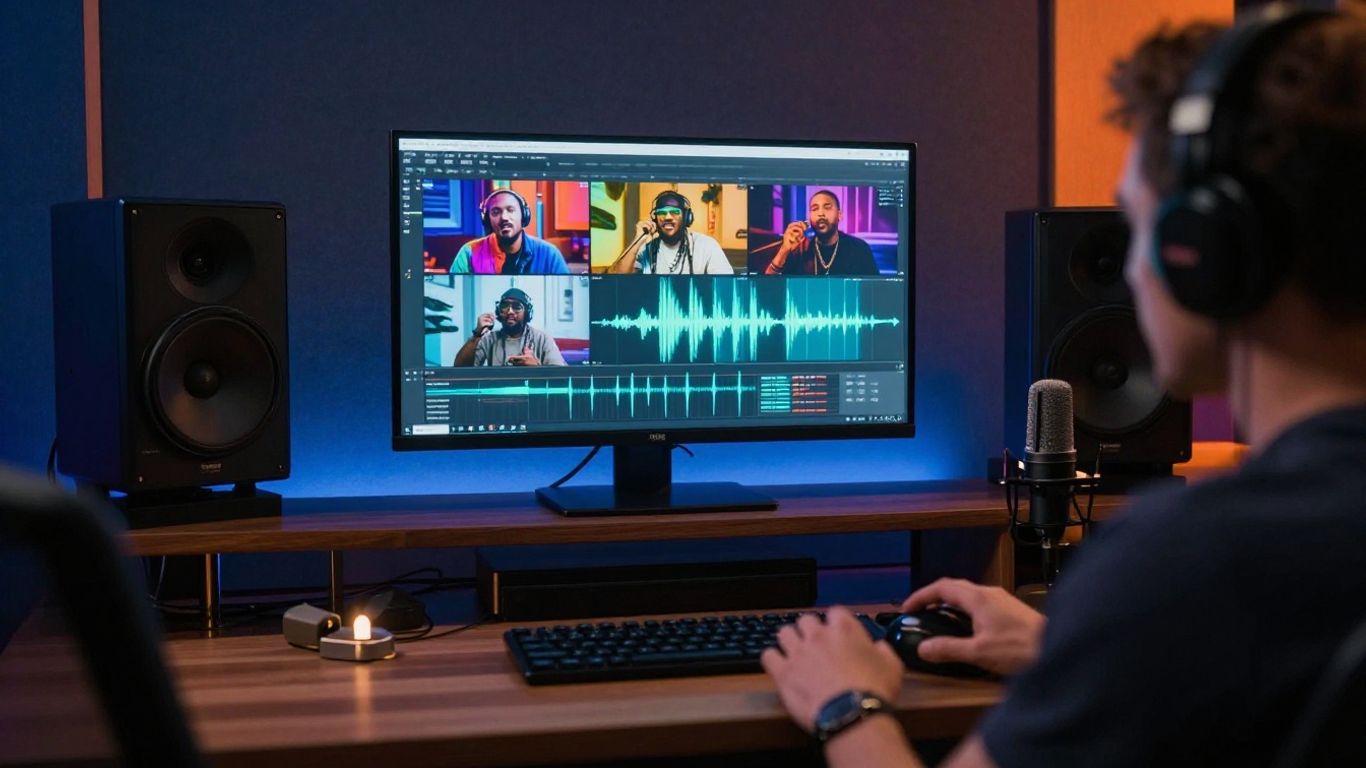
Lowering costs for independent musicians and creators
A smaller production budget can now cover more experiments. You can test visual concepts, generate promotional clips, and prepare multiple aspect ratios before deciding where professional help will have the greatest effect. The savings come from reducing manual work, not from removing the need for taste or review.
The cost comparison for AI music videos explains why automated synchronization and fewer production steps can make visual releases more practical for independent artists. Use that advantage to make better choices, not simply to produce more unused footage.
Producing videos without advanced editing or music skills
A guided workflow can take you from a text prompt or audio upload to a visual draft without requiring music production or video editing experience. That makes the format useful for beginners, beatmakers, and artists who have never worked with a timeline. You still benefit from learning basic structure, pacing, and export settings.
The most useful starting habits are simple:
- Keep the song structure and desired video length clear.
- Describe visual subjects with concrete physical details.
- Generate a short test before committing credits or time.
- Watch the full result before you publish it.
These steps keep convenience from turning into careless output. They also give you a repeatable process when you make the next video.
Supporting educators, podcasters, and e-commerce teams
Music video workflows can serve more than recording artists. Educators can pair lessons with original songs, podcasters can create visual intros and outros, and e-commerce teams can add custom music to product videos. In each case, the visual should support the message rather than compete with it.
Keep commercial use, consent, and brand requirements in view from the start. A fast generation process is helpful only when the final asset fits the channel and can be used lawfully.
Deciding when AI tools are enough and when professionals are needed
AI may be enough for a lyric video, social teaser, mood piece, or early concept. A major release may need a director, editor, choreographer, colorist, or performer when you require precise continuity and detailed creative control. Choosing a hybrid process is often more sensible than treating the decision as all or nothing.
The human role in AI music videos remains clear: you set the emotional aim, approve the performance, and decide what deserves to reach an audience. Bring in specialists when a weakness could affect the artist’s reputation or the release itself.
How to choose an AI music video production workflow
Choose your workflow by starting with the material you already have. If you only have a lyric idea, you need song generation; if you have a finished WAV file, you need reliable audio-to-video processing. Your preferred level of control matters just as much as speed.
Using text-to-song and audio-to-video in one platform
An integrated platform is useful when you want to write a song idea, generate a track with singing vocals, and turn that audio into a synchronized video without switching applications. The Creatus AI Music Video Generator supports text prompts and lyrics for song generation, as well as MP3 and WAV uploads for video generation.
This approach keeps the early creative loop compact. You can change the song and visual direction together, which is helpful when the music and video need to develop as one package.
Combining dedicated music and video tools
Separate tools can make sense when you already have a preferred music process or need a specialized visual editor. You may gain more control over one stage, but you also take on file transfers, subscriptions, compatibility checks, and a longer review process.
Write down what each tool must do before you choose it. Avoid paying for features that do not affect your actual release, and keep a backup of every source file you move between services.
Comparing control, speed, quality, and learning curve
No workflow wins on every measure. Faster generation may offer fewer controls, while detailed editing may take more time to learn. Compare tools against the demands of your song instead of relying on impressive demonstrations.
| Priority | What to check | Why it matters |
|---|---|---|
| Control | Prompt options and revision tools | Helps you preserve your direction |
| Speed | Generation and review time | Matters for frequent releases |
| Quality | Vocal, visual, and timing consistency | Affects viewer confidence |
| Learning curve | Clarity of the workflow | Determines how quickly you can work independently |
This comparison gives you a grounded way to test a workflow. Run the same short audio sample through your preferred process and judge the result at the point where you would actually publish it.
Evaluating formats, export options, integrations, and pricing
Check whether the workflow supports the dimensions, file types, and commercial terms you need. Also review watermarks, credit limits, upload rules, and how easily you can retrieve your original files. For a business team, privacy and integration requirements may matter as much as visual style.
A broader AI tools and business workflow guide can help you separate genuine time savings from simply moving more tasks into one account. Start with the release plan, then choose the smallest toolset that covers it.
How to create an AI music video from start to finish
A reliable process keeps the creative choices in order. Decide what the song should feel like, prepare the audio, select a visual direction, review the first output, and then make targeted changes. You will get better results from several focused revisions than from one oversized prompt.
Writing an effective song and visual prompt
Describe the song and video separately, even if the tool accepts one combined prompt. State the genre, mood, tempo, lyric subject, vocal character, setting, visual style, camera movement, and intended format. Concrete instructions give you more to evaluate than a string of broad adjectives.
For example, specify a slow electronic track with intimate vocals, then ask for a night performance in a small blue-lit room with close camera movement. Add only the details that serve the song, and leave space for useful variation.
Uploading existing audio or generating a new track
You can generate a new track from text or upload an existing MP3 or WAV file. Use generated audio when you are testing a concept or need a complete starting point. Use your own file when the recording, mix, or vocal performance already carries the identity you want viewers to hear.
Keep the cleanest available version of your file and check its length before upload. A clear source makes it easier to judge whether later visual problems come from the video process or the audio itself.
Selecting visuals and reviewing the first version
Choose a visual style that supports the song’s structure and audience. Then watch the first version from beginning to end before fixing individual shots. Look for repeated faces, awkward transitions, unreadable lyrics, weak openings, and moments where the image ignores the music.
Make one category of change at a time. Adjust pacing first, then style, then continuity, so you can tell which revision improved the result.
Exporting in 9:16, 1:1, and 16:9 formats
Vertical video suits TikTok, Reels, and Shorts, while square video works for many social feeds and horizontal video remains useful for YouTube. Generate or export each format with the subject placed safely inside the frame. A composition that works in 16:9 can crop the face or key action in 9:16.
Review every exported version on the device and platform where people will see it. Check cropping, audio, subtitles, and the first two seconds before you share anything publicly.
Refining the video for YouTube, TikTok, Reels, and Shorts
Each platform rewards a slightly different edit. A YouTube version may benefit from a slower opening and more complete structure, while a short-form version should reach its strongest visual or lyric quickly. You can also create several openings from the same song to test which one earns attention without changing the full release.
For a practical publishing sequence, the social music video guide covers short-form timing, synchronized lyrics, and platform-oriented visual choices. Keep your title, description, captions, and thumbnail consistent with the song’s actual promise.
The legal and ethical considerations of AI music videos
AI makes production faster, but it does not remove responsibility. You need to understand what you own, what you have permission to use, and what your audience may reasonably expect. Rules and platform policies can change, so keep records of your inputs, licenses, and final decisions.
Checking ownership and licensing for AI-generated music
Read the service terms before releasing generated music commercially. Check whether paid plans grant commercial rights, whether uploaded audio remains yours, and whether the provider places limits on distribution or monetization. Save a copy of the terms that applied when you created the work.
Do not assume that an AI output is automatically free of claims. Ownership, originality, and licensing can depend on your jurisdiction, your source material, and the service’s agreement.
Avoiding unauthorized voices, likenesses, and copyrighted styles
Do not imitate a living performer’s voice or likeness without permission. Avoid prompts that ask for a named artist’s exact style, and do not upload photographs or recordings you have no right to use. Use fictional characters, licensed references, or your own approved assets instead.
The same care applies to background material, logos, costumes, and recognizable locations. A generated frame can still create a problem if it copies protected or private elements too closely.
Disclosing AI use when transparency matters
Disclosure may be appropriate when AI materially shaped the music, vocals, performance, or visuals. Be clear without making the notice larger than the work itself. A short statement in the description or credits can help viewers understand how the piece was made.
You should also check the requirements of distributors, platforms, clients, and collaborators. Transparency protects trust when the method is relevant to the audience’s decision to listen or buy.
Protecting originality, audience trust, and artist identity
Your identity should guide the process from the first prompt to the final cut. Keep human-written lyrics, personal references, original recordings, and intentional visual limits in the work when they matter to your voice. AI can provide options, but your choices make the video yours.
A privacy and AI data policy is a useful reminder to review how services handle uploads and personal information. For practical ownership decisions, AI music production copyright guidance can help you identify questions to ask before release. If you need operational context, even a professional pest control decision guide illustrates the broader principle of knowing when a specialist is worth involving, though your music project deserves advice specific to its rights and risks.
Conclusion
AI is changing music video production by shortening the path from song idea to synchronized visual draft, not by removing the need for creative judgment. You can use integrated generation to test more ideas, publish in several formats, and work within a smaller budget, while still reviewing quality, continuity, rights, and audience trust. When you are ready to turn your next track into a video, get started with a workflow that keeps your direction at the center.
Frequently Asked Questions
Can AI create a complete music video from a song?
Yes. Some tools analyze an uploaded audio file and generate synchronized visuals in styles such as performance, animation, cinematic scenes, abstract motion, or lyric video formats. You still need to review and revise the result.
Do you need music production skills to use AI music tools?
No. Many tools accept a text description, lyrics, or an existing audio file. Basic knowledge of song structure and listening critically will still help you guide the output.
Can AI-generated music videos match the beat?
Audio-to-video systems can analyze tempo, energy, mood, and song structure to time visual changes. Beat matching may be useful, but it is not always exact, so you should check the complete edit.
What visual styles work well for AI music videos?
Cinematic, animated, abstract, performance, and lyric-focused styles can all work. Choose the style based on the song, audience, and message rather than selecting a style only because it looks impressive.
Can you make versions for different social platforms?
Yes. A single project can often be adapted into vertical, square, and horizontal versions. Review cropping, text placement, audio, and the opening seconds separately for each platform.
Are AI-generated songs automatically free to use commercially?
No. Commercial use depends on the service terms, your subscription, your inputs, and local law. Read the applicable license and keep records before monetizing or distributing the work.
Will AI replace music video professionals?
AI can reduce repetitive work and help with early concepts, but professionals remain valuable for direction, performance, storytelling, continuity, editing, and high-stakes releases. A hybrid workflow often gives you the best balance of speed and control.