Key Takeaways
Creating an AI-assisted wedding song and video helps you personalize your big day while skipping time-consuming production cycles. Here are the core concepts:
- Define your wedding vibe to set the tone for your song generation.
- Use AI tools to generate vocals and music from simple text descriptions.
- Match your video’s visual style to the emotional arc of your first dance.
- Bridge audio and visual work within a unified platform for better results.
- Optimize final files for social media and home viewing platforms.
Defining your wedding aesthetic for AI generation
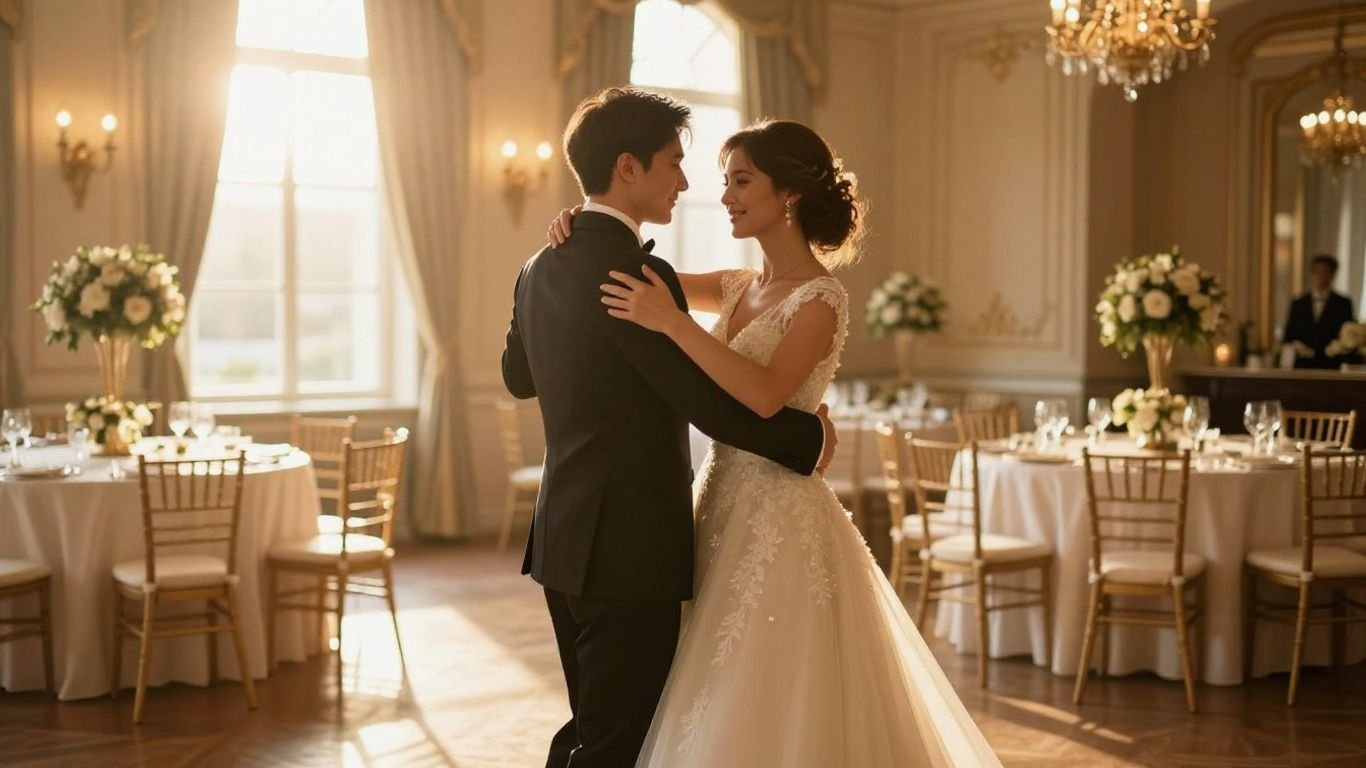
Your first dance song sets the mood for your entire reception. The right song makes the moment memorable, but it also reflects your specific tastes as a couple. You can use platforms like AI Music Video Generator to define the energy of your wedding through custom sounds and visuals. When you decide on your aesthetic, you clarify what kind of performance best suits your relationship.
Aligning song tone with your ceremony style
Consider whether you want an upbeat pop track or a slow, traditional ballad. Your ceremony style—whether it is a backyard gathering or a formal ballroom affair—dictates the musical mood. You might look for AI music video generators that allow you to specify instruments or tempo ranges to ensure your sound matches the day.
Drafting narrative prompts for romantic lyrics
Focus on the stories that define your bond. When drafting your prompts, include details like the location of your first date or shared nicknames to make the lyrics personal. Using AI song generation tools requires clear descriptive text about the narrative arc you want the AI to follow.
Determining the ideal tempo for a first dance
Choosing the right BPM is essential for comfort on the dance floor. A slower tempo often feels more intimate, while a faster pace might invite guests to join you sooner.
| Feature | Suggested Range | Wedding Context |
|---|---|---|
| Slow Ballad | 60-80 BPM | Intimate first dance |
| Mid-tempo Pop | 90-110 BPM | Joyful, romantic vibe |
| Upbeat Party | 120-130 BPM | High-energy finale |
You should adjust this tempo after testing it in a physical space with your shoes on.
Generating your custom wedding song
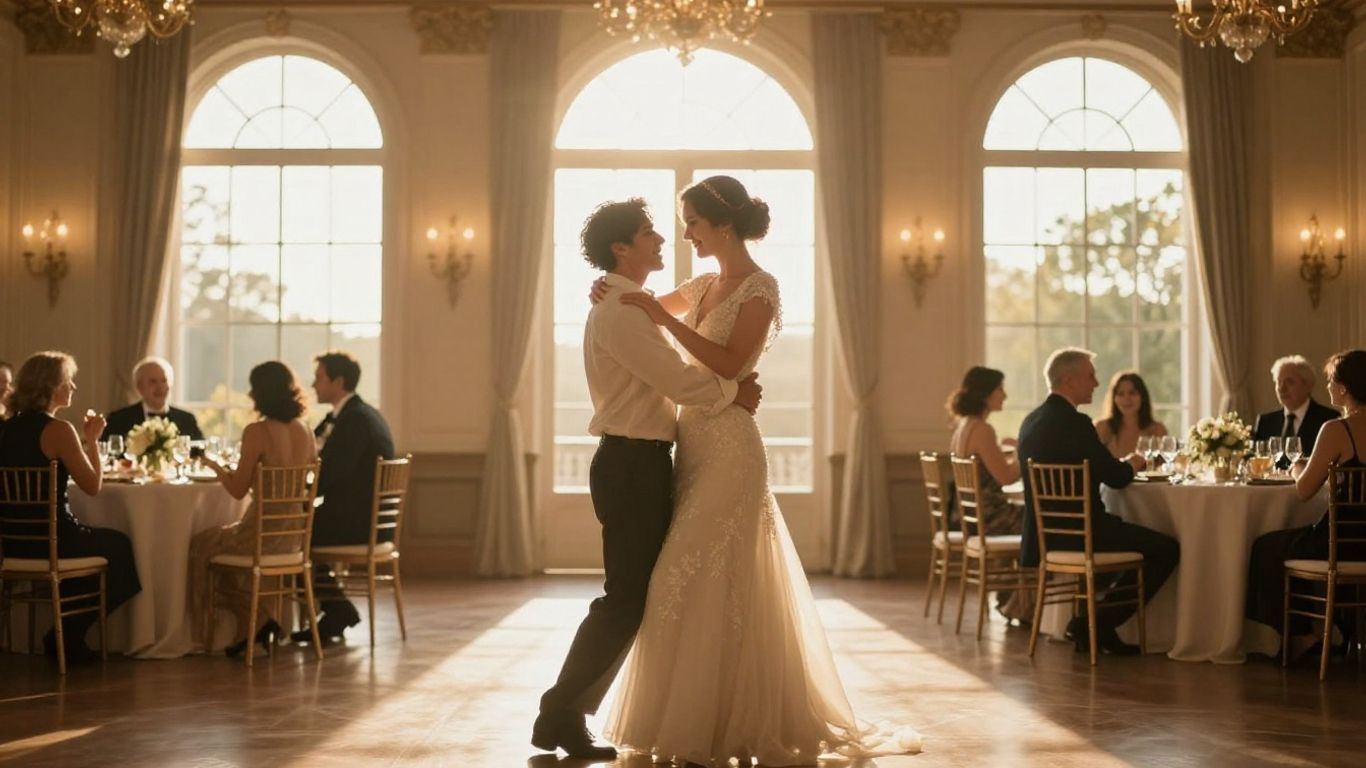
Turning your vision into an actual track is now possible without hiring a professional band. With tools like CREATUS.AI, you can generate a full song in about a minute. The system handles the composition so you can focus on the lyrical details.
Converting text descriptions into AI-generated vocals
Input your prompt focusing on specific vocal tones, like soulful or breathy styles. These tools translate text into surprisingly realistic singing, allowing you to hear your wedding song come to life instantly. You can easily find that AI music video creation platforms often include these vocal synthesis capabilities as standard.
Incorporating meaningful personal details into song structure
Avoid generic lyrics by feeding the AI your specific memories. Whether you mention your first vacation or a special song you both love, weaving these details into the verses makes the audio truly one of a kind. Don’t be afraid to experiment with different verse orders until it feels right.
Refining the arrangement for a professional sound
Look for tools that allow you to balance tracks or adjust the intensity of certain sections. Most modern platforms provide clear sound quality settings, and you can iterate quickly until the master track sounds like a polished studio recording.
Selecting the right visual style for your video

Your visual style acts as the backdrop for your audio, reinforcing the emotions tied to your wedding day. Once you have your audio, you will need to determine whether you want a photo-heavy montage or abstract artistic visuals.
Choosing between cinematic, abstract, or narrative themes
Cinematic styles often use rich, saturated colors for a grand feel. Abstract themes work better if you prefer focus on the lyrics rather than specific people. If you use a professional AI video guide, you can see how different filters change the perspective of the same audio file.
Matching visual energy to the song progression
Your video should shift in pace alongside the music. A slow, gentle verse requires steady, flowing visuals, while an upbeat chorus benefits from more dynamic cuts and lighting changes. This synchronization is key to ensuring the video never feels disjointed.
Applying cohesive color palettes for a polished look
Keep your colors consistent with your actual wedding theme. If your venue uses soft gold and white, use those colors as part of your visual prompt. Consistency helps the video feel like a natural part of your event planning.
Producing the video via an AI workflow
Production used to require expensive editing software and hours of work, but now you can streamline everything. By keeping your audio and visuals together, you minimize the risk of sync errors.
Bridging audio and visuals within a single workspace
When you use a single tool for your wedding music, you avoid exporting and importing giant files across different software. This saves time and ensures the rhythm remains tightly locked.
Utilizing automated synchronization features for rhythm matching
Most modern tools automatically detect the beat and adjust the video cuts accordingly. You do not need to manually line up every frame when the software handles the underlying tempo analysis.
Managing video composition without complex post-production skills
Keep your project simple by picking from existing visual patterns or predefined motion styles. You can achieve professional results by simply adjusting a few sliders, which is ideal if you are new to video editing.
- Upload your finished MP3 or WAV file.
- Select your preferred visual style from the library.
- Hit generate to let the platform composite the scene.
- Check the preview to see how the sync holds up.
This simple sequence allows you to finish your project without diving into complex layers or motion graphics.
Formatting for social media and wedding sharing
Sharing your video requires minor adjustments to handle various platforms. You want your family to view it clearly, whether they are on a phone screen or a home theater.
Adjusting aspect ratios for Instagram Reels and TikTok
Always use vertical sizing for social sharing to capture the full display area. It makes no sense to upload a horizontal-wide file when your social media audience expects vertical content.
Optimizing horizontal files for home digital displays
Export your video in landscape mode if you plan to play it on a flatscreen TV or a projector during the reception. Ensure that the source resolution settings are set to their maximum before you finalize the download.
Finalizing exports for high-definition playback quality
Always aim for 1080p or 4K to prevent pixelation during the big reveal. You can create your wedding keepsake with high-quality exports, ensuring your memories look clear on every device your guests use.
Conclusion
Creating a custom musical moment using AI transforms a standard tradition into a personal masterpiece that speaks specifically to your journey as a couple. By synthesizing your unique stories into music and visuals, you produce a Keepsake that reflects your love with precision and ease.
Frequently Asked Questions
How long does it usually take to create an AI wedding video?
Most users can complete the entire process in under an hour, depending on how much time you dedicate to crafting your specific text prompts and refining the initial visual generation.
Do I need to be a professional musician to create my first dance song?
Not at all, as the AI handles the musical composition, rhythm, and vocal synthesis, meaning your only responsibility is providing the descriptive prompts and lyrical inspiration.
Can I use my own songs instead of generating new music with AI?
Absolutely, most platforms allow you to upload your own MP3 or WAV files so you can transform existing sentimental tracks into synchronized visual experiences.
What if I am not happy with the first video result?
Most tools allow you to regenerate specific sections or select different visual themes until you achieve a version that perfectly matches your desired wedding vibe.
Is the AI music and video content copyright-free for my wedding?
Generally, the generated content is yours to use for personal celebrations, though you should always check the platform’s specific terms to confirm your rights for social media usage.
Will my personal data be secure during the creation process?
Reputable platforms employ standard security measures to protect your account and your creative uploads, ensuring your private wedding moments remain safe.
Can I share my AI-generated video on platforms other than Instagram and TikTok?
Yes, you can export your video in multiple aspect ratios to ensure it plays correctly on YouTube, venue projectors, or even directly within a shared digital photo frame.