Key Takeaways
- AI music tools now synthesize complex vocal performances including nuances like vibrato and breath control.
- Suno prioritizes rapid, polished song generation from simple text descriptions.
- Udio offers higher levels of control over musical arrangements and specific vocal textures.
- Creatus stands out as the only platform combining AI song composition with automated music video generation.
- Choosing the right tool depends on whether you value pure audio speed or a unified visual workflow.
Assessing vocal realism in generative AI
Artificial intelligence has fundamentally shifted how we create sung content. Achieving a natural sound involves complex layers of processing that mimic the biological realities of singing. You need to focus on how models handle the interplay between the backing track and the lead vocal.
Analyzing timbre and natural resonance
Natural resonance occurs when a digital model captures the unique harmonics of a human throat. When AI models successfully map these frequencies, they avoid the hollow tone common in early synthesis technology. You can distinguish high-quality output by the warmth and depth present in the mid-range frequencies of the voice.
The importance of pitch and vibrato modulation
Pitch stability determines how well an AI singer stays in tune during sustained notes and complex runs. Advanced systems now simulate the slight natural waver known as vibrato to add emotional weight. This modulation prevents the vocal from sounding flat or artificial, providing a more convincing performance that connects with the listener.
Evaluating lyrical clarity and diction in synthesized tracks
Clear diction remains one of the hardest challenges for current models. A high-quality tool ensures the consonants are crisp and independent of the melodic line, making lyrics legible even in fast tempos. Poor performance often results in slurred words that make it difficult for your audience to follow the narrative of the song.
Distinguishing between robotic artifacts and human-like inflection
The gap between a machine and a vocalist shows up in the small inconsistencies of inflection. Robotic artifacts sound like metallic clipping or repetitive, mechanical patterns throughout a track. In contrast, human-like inflection includes organic slips, slight breaths, and dynamic volume shifts that occur naturally during a passionate take.
Suno: performance standards for rapid song generation
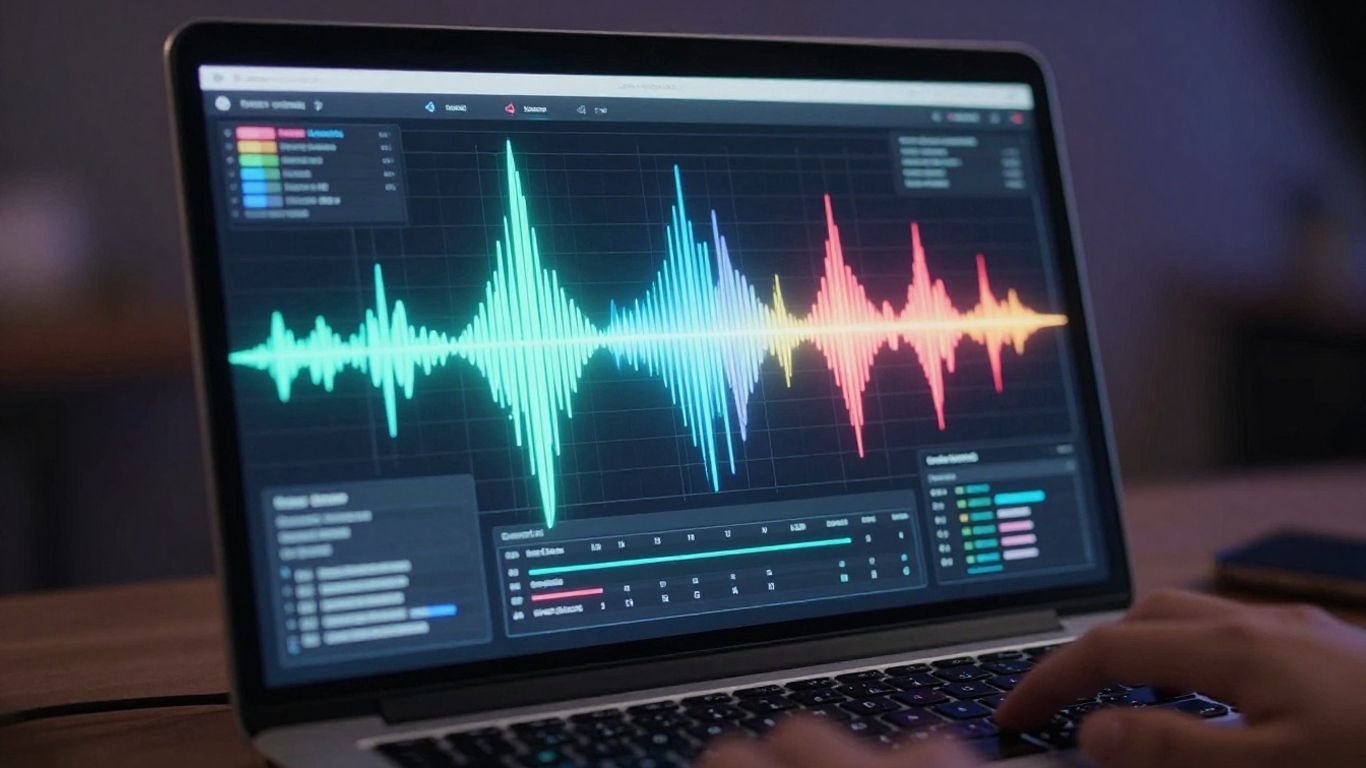
Suno represents a dominant force in the market for users who need results almost immediately after typing a prompt. The engine is tuned to understand genre requests and arrange them into structured songs with minimal user intervention. It remains a top choice for creators who want the speed of an AI song generator without needing deep production knowledge.
Strengths in genre versatility and melodic composition
The platform handles diverse styles from modern electronic beats to classic country ballads effortlessly. It builds melodies that typically follow standard song structures, providing a solid foundation for your creative project. You get a fully realized instrumental and vocal track without needing to layer separate stems.
Reliability of vocal delivery across varied prompts
The vocals produced are generally consistent and well-mixed relative to the background instruments. Whether you ask for an aggressive rock scream or a soft pop vocal, the delivery feels appropriate for the genre. This reliability makes the service predictable for your daily content needs.
Limitations regarding granular control over vocal expression
While the automation is fast, you lose fine-grained control over specific vocal tweaks after the initial generation. You cannot easily adjust a specific phrase or vibrato setting without regenerating the entire section. For creators who demand exact vocal placements, this represents a trade-off between speed and manual oversight.
Assessing consistent output in high-volume creative workflows
The engine is designed to pump out high-quality tracks consistently for users who have tight deadlines. You can rely on it to maintain a base level of quality across dozens of generations, keeping your creative momentum going. This makes it ideal for social media creators who need fresh content regularly.
Udio: precision and advanced vocal control
Udio operates differently by emphasizing structural depth and iterative refinement. It is built for the user who wants to influence the direction of the music through multiple generation steps. This platform provides a technical workspace where the vocal texture feels more customizable compared to simpler text-to-song alternatives.
Capabilities in melodic layering and complex arrangement
The software excels at managing distinct layers and complex harmonies that blend into a cohesive record. It allows you to build songs through sections, providing the room to develop a chorus or bridge as distinct parts of the arrangement. This modular approach leads to tracks that feel structurally more thoughtful.
Audio fidelity and dynamic range in generated vocals
The dynamic range of the vocals produced feels expansive, capturing the soft whispers and louder peaks of a performance. You will notice better clarity in the top-end, allowing the voice to cut through a busy mix without sounding crowded. This enhanced fidelity contributes significantly to the final emotional impact of your music.
Depth of customization for specific vocal tones and textures
You can tweak vocal traits to match a specific artistic vision, whether you want a gritty, vintage recording feel or a clean, modern pop studio sound. This flexibility is a prime reason professional producers integrate it into their workflow. It treats the voice like an instrument that requires careful calibration.
Balancing technical sophistication with ease of use
While the platform offers significant power, it remains accessible enough for hobbyists to start experimenting without long training sessions. The interface encourages you to dig deeper into its settings as you become more comfortable, creating a gentle learning curve. You balance between quick results and deeper artistic control depending on your needs.
Creatus: prioritizing integrated music and visual workflows
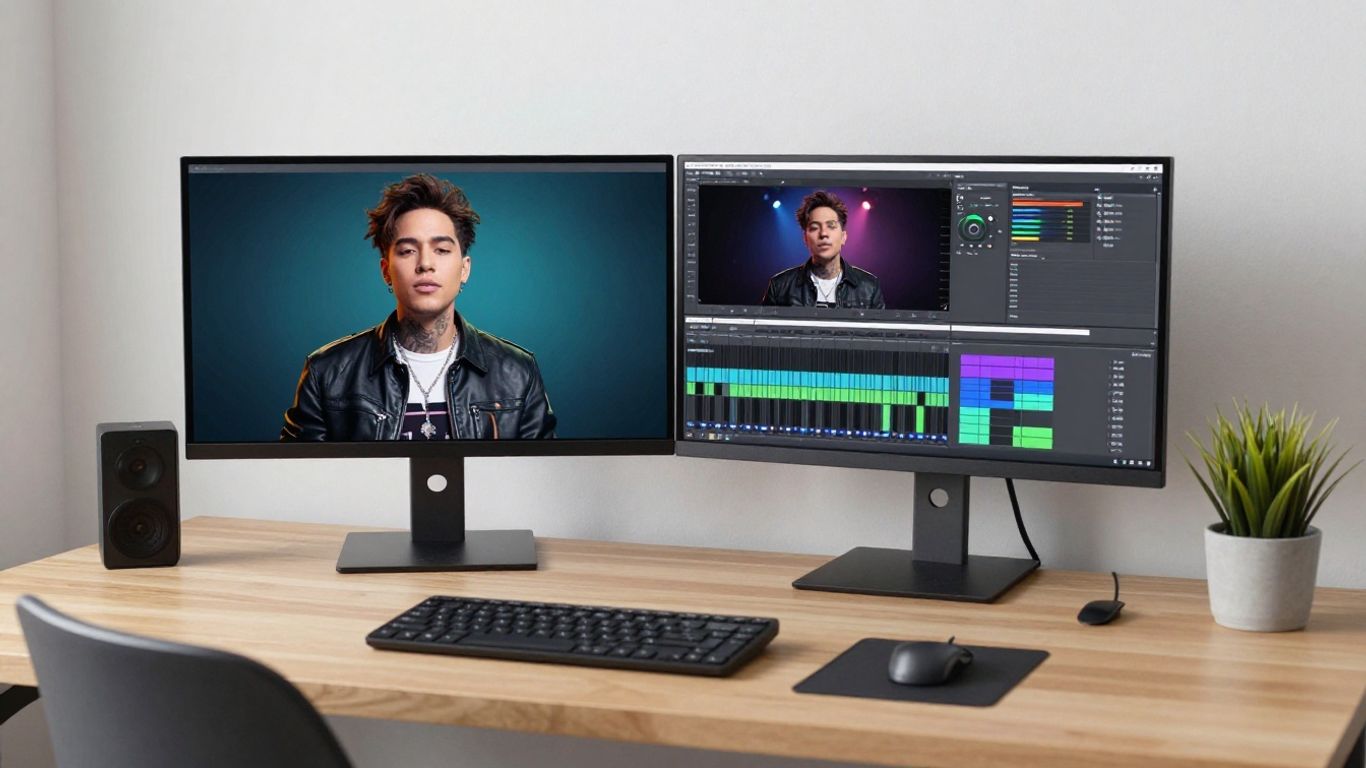
Creatus differentiates itself by bringing singing and video together into one workspace. By skipping the need to move files between different platforms, you maintain quality and speed. The tool is designed to help you generate a song and instantly pair it with visuals, making it a powerful AI music video generator for social media.
Balancing AI singing quality with native video generation
The platform ensures the voice retains its character while the system builds a synchronized video layer around it. You don’t have to sacrifice audio performance to get a video. It delivers a complete AI music solution that feels unified in both style and execution.
The efficiency of a unified design pipeline for social media
Having your audio and video tools in one window changes how you handle updates or changes. You can tweak a prompt and see both the song and video update in tandem. This efficiency is critical when you are producing short-form content daily.
Consistency in vocal output across multiple video formats
The system ensures that your vocal performance translates well regardless of the final aspect ratio, whether you are targeting TikTok or YouTube. This consistency maintains your brand look, ensuring that every format feels like it belongs to the same project. You move between 9:16 and 16:9 without any drop in output quality.
Benefits of combining audio generation with synchronized visuals
Combining these tools removes the friction of third-party video editors. Your visuals react to the tempo and mood of the song, creating a more immersion experience for the viewer. It is a highly effective way to create professional-looking music videos on a tight budget.
Optimizing prompts for higher vocal fidelity
Getting the most out of these AI models requires a strategy for defining your needs properly. You cannot just hope for a good result; you have to guide the engine with precise descriptors to ensure the vocal quality matches your expectations.
Techniques for defining vocal style, age, and emotion
When writing a prompt, include specific details about the singer you want to hear. Use descriptors such as these to improve your results:
- Specify the vocal genre like pop, folk, or theatrical.
- Add emotional modifiers such as melancholic, upbeat, or tense.
- Mention age markers like youthful, mature, or gravelly to shape the resonance.
- Include tempo information to guide the pacing of the singer.
Applying these labels helps the AI narrow down the thousands of possible vocal configurations to find one that fits your specific vision for the track.
Structural considerations for improving lyrical intelligibility
Keep your lyrics organized with clear labels like [Verse], [Chorus], and [Bridge] to tell the AI how the pacing should change. You should also maintain consistent rhyme schemes, as the model will struggle to inflect words if the structure feels messy or confusing to interpret.
Troubleshooting common vocal artifacts and clipping issues
Artifacts and clipping often occur when a prompt is too chaotic or the requested style is contradictory. Try to simplify the intensity and focus on a single dominant vocal trait rather than asking for too many conflicting styles. If you notice harsh metallic sounds, lower the intensity of the stylistic adjectives.
Strategies for iterative refinement of generation results
Treat the first result as a rough prototype rather than a finished product. You should run multiple versions with slight tweaks to the genre or tempo keywords until you land on the right texture. Continuous adjustment allows you to slowly guide the AI toward the exact sound you need.
Practical use cases for AI singing tools
Choosing the right environment for your music production depends on how you intent to distribute the track. Different tools excel at different stages of the production lifecycle, and understanding those strengths helps you pick the right music video AI setup.
Identifying the ideal tool for professional music production
You might look for a tool that offers stems or higher export bitrates if you plan to mix the result in professional software later on. Tools that support iterative editing are generally better for this task as they allow for more granular control over the final mix.
Streamlining content creation for short-form social media
For platform-based content, you need speed above all else. Use the following criteria for selecting a tool when your schedule depends on daily updates:
| Feature | Professional Choice | Social Media Choice |
|---|---|---|
| Speed | Medium | High |
| Customization | High | Low |
| Integration | Manual | Built-in |
| Format | Multi-track | Optimized (9:16) |
This table highlights why you should consider dedicated all-in-one solutions when your goal is rapid sharing and distribution.
Matching output platform requirements with tool capabilities
Always export in the native aspect ratio of your target platform to save editing time later. If a tool doesn’t support the right scale, you will spend unwanted time resizing assets. Selecting a tool that matches your distribution needs on day one simplifies the entire creative process.
Weighing the trade-offs between vocal nuance and workflow speed
If you prioritize raw vocal detail, be prepared to spend extra time in the generation phase tweaking parameters. If you prioritize speed, accept that you might need to settle for the default AI interpretation of your song. Finding your personal sweet spot is part of mastering the workflow.
Conclusion
The landscape of AI singing tools is dense, but your path forward depends entirely on your specific creative goal. Whether you need the rapid output of Suno, the deep control found in Udio, or the integrated visual power of Creatus, picking the right platform will significantly shift how you produce and share your audio content. Invest time in testing your prompt strategies, and you will eventually find the perfect balance between human-like inflection and technical efficiency that works for all your future productions.
Frequently Asked Questions
Can AI singing tools replicate original human vocal ranges perfectly?
Most current models are trained on vast datasets of human performances and can mimic typical professional vocal ranges with high accuracy. They are generally capable of hitting standard octaves, though extreme technical maneuvers occasionally cause artifacts.
Are there specific file formats that improve AI vocal fidelity?
Using high-quality source files when uploading audio leads to better vocal processing. While WAV and FLAC are ideal for maintaining sample depth, most platforms internally convert these into optimized formats suited for their generation algorithms.
Does the background instrumentation affect vocal clarity during generation?
Yes, the complexity of the backing track can potentially drown out the vocal if the mix settings are off. Experienced users often use simpler musical arrangements to highlight the vocal quality when generation stability is a priority.
How can I make an AI song sound less like a generic template?
You can reduce the generic feel by providing extremely detailed lyrical prompts and specific stylistic references. The more unique information you include about tempo, mood, and vocal tone, the less likely the model is to rely on its default training style.
Do AI singers struggle with specific types of genres or musical styles?
Genre challenges often arise in niche or highly experimental acoustic styles that have limited representation in training data. Standard pop, rock, and electronic styles are generally very well-supported, but complex jazz or world music timings can sometimes prove difficult.
Can I use AI vocals for commercial releases?
Many platforms offer plans that explicitly grant commercial rights for your generated content. You should always verify the terms of service for your chosen platform to ensure your project complies with their specific licensing agreements.
Will AI eventually replace professional studio vocalists?
AI is currently evolving into a collaborative tool for producers and songwriters rather than a direct replacement. Its real value lies in sketching out arrangements and experimenting with ideas that might otherwise take days of expensive studio time to record.