Key Takeaways
Creating music and visuals with AI requires understanding software strengths, from composition to video synchronization.
- Start with all-in-one tools to reduce your software subscription costs.
- Focus on text-to-song models if you need specific lyrics or vocal performances.
- Use audio-reactive visualizers to automate your music video editing process.
- Evaluate your license requirements before publishing content on main streaming platforms.
- Test free account tiers to find the workflow that fits your creative rhythm.
1. Creatus for unified music and video generation
If you want a single workspace for your creative needs, Creatus AI provides an integrated approach. Instead of juggling multiple subscriptions for audio and video, you get a platform that handles song generation and character-based video animation simultaneously. You simply input a prompt, and the internal models compose the track, record the vocals, and export a polished video file.
The system differentiates itself as a two-in-one tool, which simplifies your pipeline significantly. You can generate songs with lyrics in 35+ genres, upload your custom photos, or choose characters from their library for lip-syncing performance. This eliminates the need for separate video editing software often required to bring AI-generated tracks to life.
You retain control over the output through various export ratios, making it ready for social media platforms immediately. The service model works well for creators who need to generate content quickly without advanced music production skills. By keeping the song and video creation in one loop, you save time during the export and alignment phase.
2. Suno for high-quality text-to-song production
Suno leads the market in pure text-to-song performance. It focuses on the auditory output, delivering complete tracks with lyrics, instrumentation, and melodies from a single user prompt. You do not get video generation capabilities here, but the musicality remains a high benchmark for other platforms to follow.
When you need a professional-sounding track for your podcast or background content, this tool offers precise control over musical style and lyrical structure. It excels at maintaining vocal consistency, which serves as a foundation for projects requiring multiple tracks or consistent aesthetic vibes. You should plan to export these files to a separate visual generator to create your final music video asset.
Its interface remains accessible to beginners while providing nuances that experienced producers appreciate. If your primary goal involves high-quality music production without needing built-in visualizers, this platform provides reliable results. You can experiment with different tempos and moods extensively before moving your final mix to a video pipeline.
3. Udio for complex music composition and control
Udio provides deeper control for those who find standard generation tools too restrictive. The platform allows for more granular edits, letting you refine the arrangement and style as the track moves along. It serves those who want to steer the generative model rather than just taking the initial result.
You benefit from the model’s ability to interpret complex technical prompts regarding structure and instrumentation. Whether you are building a cinematic score or a specific electronic beat, the tool manages the complexity of professional music composition. This creates a superior starting point for detailed audio projects that require specific shifts in energy.
Since it does not offer video features, your workflow will rely on pairing these tracks with external imaging software. This creates a clear division of labor in your technical stack: use this for the best possible audio fidelity and source your visuals from specialized video-generation tools.
4. Neural Frames for audio-reactive visuals
Neural Frames provides the visual component your audio track needs to stand out. It specializes in audio-reactive animation, meaning the visual elements change and pulse based on your rhythm and loudness levels. You provide the audio file, and the software generates frame-by-frame sequences that follow your beat.
You control the transition states and visual themes to ensure the resulting video matches your brand identity. It supports various AI video models, allowing for high-end cinematic looks that would otherwise require tedious manual keyframing. This level of visual precision is ideal for artists who have their music finished and just need a strong accompanying video.
Because it does not generate its own songs, the tool remains distinct in its focus on rendering quality. You can export in 4K if your project demands professional standards, which helps when uploading to high-resolution display platforms. It fits well into a professional creative toolkit that prioritizes visual fidelity over song synthesis.
5. Freebeat for AI-directed music video production
Freebeat handles the directorial choices of your video production automatically. Instead of you manually scripting every scene, the AI plans the shot pacing and storyboard structure based on the emotional trajectory of your song. This makes it an efficient solution for social media creators who need to push out new content daily.
- Storyboard mode for narrative progression
- Automatic stage and performance cues
- Lip-sync alignment for singing characters
- Pacing control based on song BPM
Using these tools ensures your output feels deliberate even if you have no background in filmmaking. The automated director feature maintains consistency throughout your video, which is crucial for building a cohesive aesthetic across several different short-form clips. You spend less time correcting shot lists and more time refining the final aesthetic match.
Once the video is rendered, you can make adjustments to the visual style or scene framing if needed. This balance of automated logic and manual overrides provides a fast start for your project. As you get comfortable with the pacing, you can experiment more with how the tool responds to different genres of music.
6. AIVA for professional-level soundtracks and composition
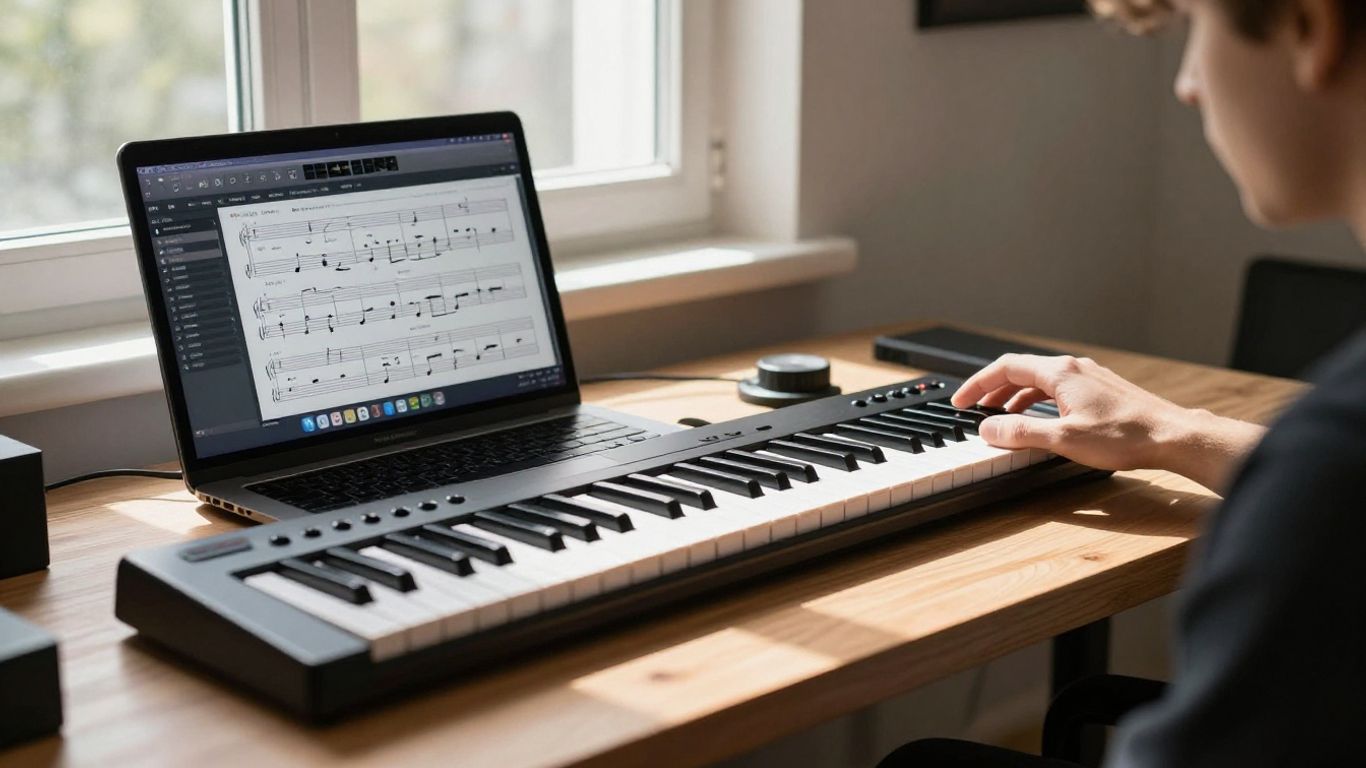
AIVA acts as an AI composer designed for professional soundtracks. It works perfectly for projects like indie commercial films, YouTube background scoring, or game development where unique thematic music is needed. The tool allows you to manipulate the MIDI data, which is a major advantage for creators who need to edit specific instrument tracks downstream.
You get extensive control over the composition style, from classical orchestral themes to modern electronic patterns. It is not designed to generate vocals or lyrics in the same way typical social media tools function; instead, it focuses on the structural integrity of the music. This makes it a serious choice for those who need high-performance background audio.
If you need custom audio that sounds expensive and composed, this is a top-tier option. The technical output provides room for further mixing and mastering in your standard digital audio workstation. It separates itself by focusing on the underlying musicology over consumer-grade text-to-song ease of use.
7. Boomy for fast song creation and streaming distribution
Boomy makes it easy to generate a song and push it out to streaming services in one go. You focus on selecting a general style or mood, and the app handles the arrangement quickly. It is ideal for hobbyists or creators wanting a quick creative outlet without needing to learn music engineering basics.
The simplicity of the interface allows for rapid iteration, where you can generate multiple ideas in a short amount of time. You don’t get advanced composition control, but you gain a direct route to distributing your music visually or auditorily. This makes it a functional tool for beginners who are just beginning their public release journey.
By prioritizing speed, you get a clear result for tests and proof-of-concept projects. Since the goal is distribution, the platform handles the basic tagging and metadata for you. It serves well as a sandbox for those who want their work hosted on platforms where people listen to music daily.
8. Revid.ai for short-form beat-synced video content
Revid.ai acts as a specialized engine for short-form content. You feed it your audio, and it creates a video that aligns with the rhythm of the beat. The tool is perfect for creating social media clips where attention spans are short and visual punch is expected.
| Feature | Revid.ai Capability | Best Use Case |
|---|---|---|
| Sync | Automatic Beat Detection | Fast Social Clips |
| Text | Lyric Captioning | Karaoke/Trending Reels |
| Export | Multiple Ratios | TikTok/Youtube Shorts |
Using this tool allows you to automate the tedious act of syncing visual changes to every drum hit or bass drop. You see in the table that the primary advantage remains the alignment speed, which keeps your production schedule tight for high-frequency posting. Simply upload, let the AI calculate the beat, and export the file for sharing.
Because it focuses on short-form content, you will not find cinematic narrative tools here. The simplicity is a feature, as it limits the time you spend on menus and settings. It provides exactly what is needed for viral potential without overcomplicating your technical workflow.
9. Plazmapunk for style-transfer and experimental visuals
Plazmapunk offers an experimental approach to your visual content. It uses various AI models to apply extreme style transfers to your video, allowing you to turn basic footage into abstract art or surreal dreamscapes. It works well if you want a look that feels distinct from mainstream influencer aesthetic.
You scripting specific triggers for your video to shift visual styles as the composition evolves. This requires a bit of experimentation to master, but the results look significantly more artisan than standard AI visuals. For creators building a unique visual portfolio, the extra time spent learning the model parameters pays off.
It is suitable for music videos where the track itself is experimental or genre-defying. The visual output matches the unpredictable nature of your sound, keeping the viewer engaged throughout the duration of the track. You can think of it as a generative filter that evolves into whatever dream-like state you desire.
10. Soundverse for copyright-safe creator audio
Soundverse allows you to generate music specifically for your content without worrying about copyright pitfalls. The interface is conversational, meaning you simply talk to the AI about the type of mood and genre you need, and it iterates on those suggestions. This gives you a natural way to communicate specific artistic requirements.
You retain control over the output through a variety of simple edit commands, helping you refine the music to match your specific video segment. This is crucial for creators who produce videos with voice-overs or commentary where you need background music that doesn’t overwhelm the speaker. YouTube video
By focusing on ease of use, you can get a final track in minutes that feels tailored to your message. The service aims to solve the problem of finding royalty-free tracks that actually feel custom to the specific segment you are editing. This utility makes it a reliable staple in your everyday video production setup.
Conclusion
Selecting the best tool depends on how much control you need and whether you require an all-in-one solution for your songs and videos. If you prefer to combine your entire production pipeline into one subscription, platforms like Creatus AI offer a streamlined path that merges technical generation with creative flexibility, whereas specialized standalone tools offer deeper precision for professional composition or visual effects. Regardless of your choice, the current AI landscape provides you with enough power to bring your musical and visual ideas to life without the need for expensive studio equipment or traditional animation teams.
Frequently Asked Questions
How does AI generate music from text?
AI models are trained on large datasets of existing audio, allowing them to identify patterns, tempos, and vocal characteristics. When you provide a text prompt, the tool uses these statistical relationships to synthesize new, original compositions that mimic the style or mood you requested.
Can I use AI-generated music commercially?
Commercial usage rights vary by platform and service plan, so you must always check the terms of service for the tool you use. Many professional tiers grant you full ownership of the tracks generated, while free tiers may restrict usage or require specific attribution to the platform.
Do I need to be a musician to use these tools?
No prior musical training is required for most of these tools, as they are designed to be intuitive for content creators. You can generate professional-sounding tracks by providing descriptive prompts about the mood, genre, and instruments you want to hear.
What happens to the copyright if I use AI music?
Copyright laws regarding AI-generated content are constantly evolving and vary by jurisdiction. Generally, you cannot copyright work that is purely machine-generated in many countries, though the specific output and your level of human intervention in the creative process can influence legal status.
Can I edit the audio after the AI generates it?
Some platforms offer features to change specific segments, while others provide standard audio files that you can edit in any digital audio workstation. If you need granular control, look for tools that support MIDI export or multi-track stem processing.
Are there free AI music video generators?
Many tools provide a limited free tier or account credits that allow you to test their generation engines before committing. These tiers usually come with limitations like watermarks, lower video resolution, or a cap on the number of songs you can generate per month.
How do I sync AI music with my videos?
Various AI tools offer built-in beat-synchronization features, which automatically align visual cuts or transitions to the rhythm of your audio. If your chosen video tool lacks this, you can manually align the files in any standard video editor using the waveforms as a visual guide.