So, you’ve got a killer track ready for Spotify, but what about the visuals? Gone are the days when you needed a huge budget and a film crew to get a music video. Now, you can actually make an ai music video for Spotify using tools that are pretty wild. We’re talking about turning your song into a video, or even making the song and video together, all with AI. It sounds like science fiction, but it’s happening now, and it’s changing how artists get their music seen.
Key Takeaways
- You can now create an ai music video for Spotify using tools that generate both the song and the video, or just the video from your existing audio.
- Many AI music video tools are designed for ease of use, meaning you don’t need prior music production or video editing skills to get started.
- These AI generators offer various styles and output formats, making them suitable for different platforms like TikTok, Instagram, and YouTube, as well as Spotify Canvas.
- The main advantage of these tools is their affordability and speed compared to traditional music video production methods.
- While some tools focus solely on video generation from audio, others offer a complete package, creating songs from text prompts and then turning those songs into music videos.
Understanding AI Music Video Generation for Spotify
The Evolving Landscape of Music Visuals
Music videos used to require big budgets and film crews. Now, AI changes that. You can create visuals for your songs without ever picking up a camera. This technology makes producing music videos more accessible than ever before. It’s a whole new way to bring your music to life visually.
AI’s Role in Democratizing Music Video Production
AI tools let anyone make music videos. You don’t need to be a filmmaker or animator. Tools analyze your song and generate matching visuals. This means independent artists, small labels, and even hobbyists can create professional-looking videos. It puts creative control directly into your hands.
Key Features of Modern AI Music Video Tools
Today’s AI video generators do more than just create pretty pictures. They sync visuals to your music’s beat and energy. Some can even generate lyrics or create consistent characters across scenes. You can often control the style, mood, and specific elements. The goal is to give you a finished video ready for platforms like Spotify Canvas, TikTok, or YouTube.
Core Functionality: From Song to Screen
Text-to-Song Creation with AI Vocals
This is where your musical idea takes shape. You can start with a simple text prompt, describing the genre, mood, tempo, or even just a lyrical concept. The AI then composes original music and adds singing vocals based on your input. You don’t need any music production experience to get a complete song with AI-generated singing.
Audio-to-Music Video Synchronization
Once you have your audio, the next step is turning it into a visual experience. You upload your song, and the AI analyzes its tempo, mood, energy, and structure. It then generates a synchronized music video where the visuals directly match the audio. You can often choose from multiple visual styles to fit your track.
Integrated Workflow for Efficiency
What makes these tools stand out is the combined workflow. You can go from a text idea to a finished music video without switching between different applications. This means you write a song idea, generate the song with AI vocals, select a visual style, and then export the video, all within one platform. This streamlines the entire creative process.
Choosing the Right AI Music Video Generator
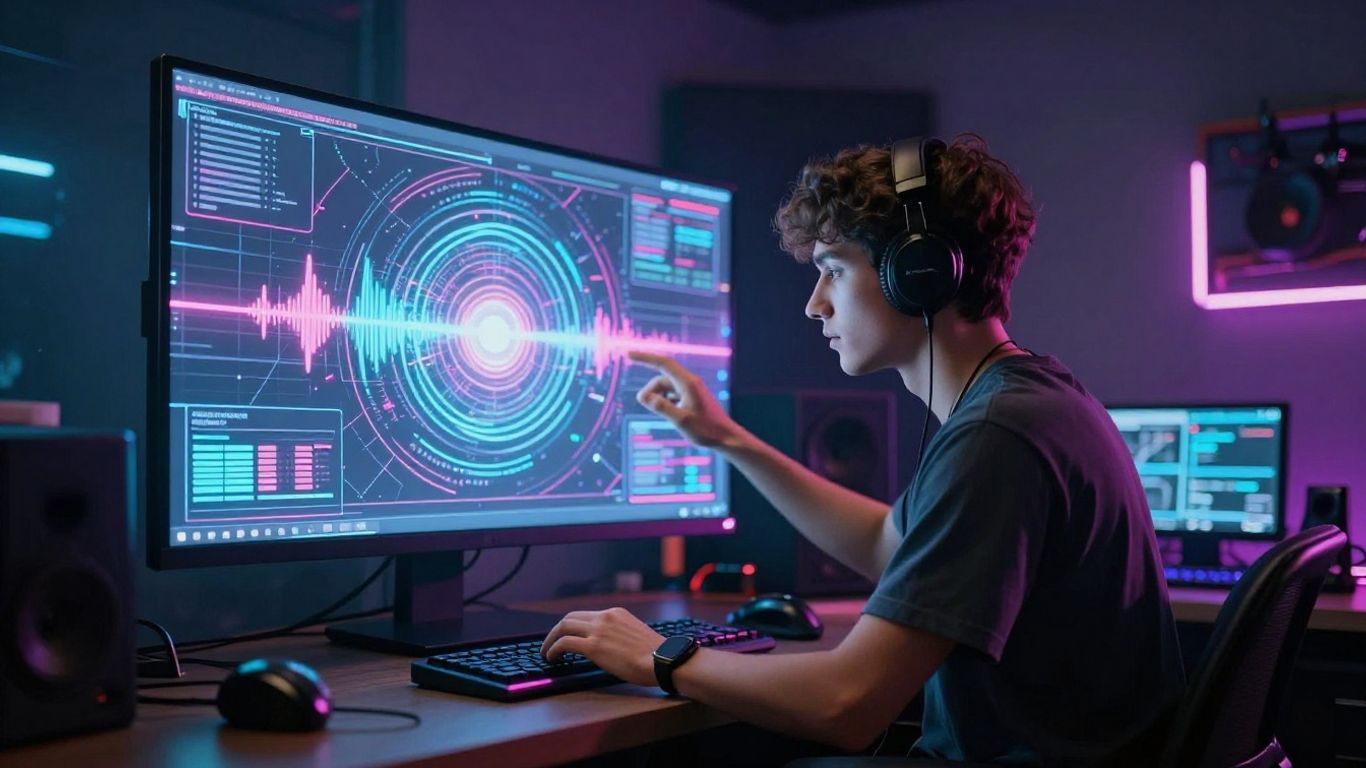
With so many AI music video tools popping up, picking the right one can feel overwhelming. You need to figure out what features matter most for your project and budget. Don’t just grab the first tool you see; take a moment to compare what they actually do.
Evaluating All-in-One Solutions
Some tools try to do everything, from writing the song to generating the video. These can be great if you want a single platform to handle your entire creative process. You upload your lyrics or a basic idea, and the AI spits out a song with vocals, then turns that song into a video. This simplifies your workflow by cutting out the need to switch between different apps. It’s ideal if you’re starting from scratch and want a streamlined experience.
Comparing Audio-to-Video Specialists
Other tools focus solely on turning your existing audio into visuals. They might not help you write the song, but they often offer more advanced control over the video generation itself. You can usually upload your finished track and get highly synchronized, dynamic visuals. These are good if you already have your music ready and want the best possible video sync and quality.
Considering Specialized Features and Models
Think about what specific features you need. Do you want lip-syncing for a performance feel? Or maybe abstract, beat-synced animations? Some generators use different AI models, which can affect the visual style and coherence. Look for tools that offer:
- Audio Reactivity: How well do the visuals match the rhythm and energy of your song?
- Style Control: Can you guide the AI towards a specific aesthetic (e.g., cinematic, abstract, animated)?
- Lip Sync Accuracy: If you need vocals to match the on-screen performance, how good is it?
- Storytelling Flow: Do the scenes transition smoothly, creating a cohesive narrative?
The best tool for you depends on your current music production stage and your desired output. If you’re a musician with a finished track, an audio-to-video specialist might be best. If you’re just starting and need both music and visuals, an all-in-one solution could save you a lot of hassle.
Practical Applications and Target Audiences
Empowering Independent Musicians
If you’re an independent artist, AI music video tools can be a game-changer. You can create professional-looking visuals without needing a big budget or a film crew. This means you can finally give your tracks the visual treatment they deserve. It’s about making your music accessible and engaging on platforms like Spotify, YouTube, and social media.
Supporting Content Creators and Social Media
Beyond musicians, content creators can use these tools to make their posts stand out. Think about making eye-catching visuals for TikTok, Instagram Reels, or YouTube Shorts. You can quickly generate videos that sync with trending audio or create unique background visuals for your streams. It’s a way to add a professional polish to your content with minimal effort.
Use Cases for Brands and Marketers
Brands and marketers can also find AI music video generators useful. You might need a quick promotional video for a new product or a unique visual for a social media campaign. These tools allow for rapid creation and customization, letting you match visuals to your brand’s specific aesthetic. You can even generate background music and visuals for presentations or internal communications.
Technical Considerations and Output Formats
Supported Input and Output Options
When you’re creating AI music videos, you’ll need to know what kind of files the tools accept and what they can give you back. Most platforms let you upload your audio as MP3 or WAV files. Some also let you generate the song directly within the tool, often starting from text prompts or lyrics. This means you can go from an idea to a finished song and video without leaving the app.
On the output side, you’ll want to consider where you plan to share your video. You can usually get your video in different aspect ratios. This is important for platforms like TikTok, Instagram Reels, and YouTube Shorts, which prefer vertical video (9:16). Standard YouTube uploads or website embeds often use horizontal video (16:9), and square video (1:1) is still common for social media feeds.
Ensuring Visual Quality and Sync
Getting the visuals to match your music is key. Many AI tools analyze your audio’s tempo, energy, and even specific frequencies to sync the visuals. Some offer more advanced analysis, breaking down your track into stems (like drums, bass, vocals) and mapping different visual elements to each part. This can make the video feel more dynamic and connected to the music.
The best tools will offer a high degree of synchronization, making it look like the visuals were made specifically for your song. You’ll also want to check the output resolution. Higher resolutions mean sharper, clearer video, which is important if you plan to display your video on larger screens or want a professional look. Frame rate also matters for smoothness; 25 or 30 frames per second (fps) is standard.
Exporting for Multiple Platforms
Think about where your video will live before you export. Most AI music video generators provide options for different aspect ratios, as mentioned. This is a big help for making sure your video looks good on any device or platform.
Here’s a quick look at common export options:
- 9:16 Vertical: Ideal for TikTok, Instagram Reels, YouTube Shorts.
- 1:1 Square: Good for Instagram feeds and other social media posts.
- 16:9 Horizontal: Standard for YouTube, websites, and traditional video players.
Some tools might also let you choose the video quality or file size, which can be useful if you have limited upload bandwidth or need to meet specific platform requirements. Always check the export settings to get the best results for your intended audience.
Navigating the Competitive AI Music Video Market
Key Differentiators in AI Video Tools
Each AI music video generator comes with unique strengths, and the differences really matter when you sit down to make a video. Some tools, like Freebeat, focus on audio-reactive video that genuinely listens to the song—syncing visuals to everything from BPM to verse/chorus changes. Others, like Neural Frames, put precision and frame-by-frame control at the front, which suits folks who want tons of customization.
Here are common distinguishing features:
- Song-to-video vs. audio-only generation
- Level of audio/beat sync (basic rhythm match vs. detailed structure-aware mapping)
- Video length support and export quality (short clips vs. full-length, 4K options)
- Integrated AI vocals and lip-sync capabilities
- Storytelling or animated performance options
You’ll also see tools focus either on instant autopilot results or on giving you DAW-style editing for professional tweaks.
Understanding Pricing and Accessibility
Prices and plans jump around quite a bit. Nearly all platforms have a free tier, but some lock important features—like full-length video export or high-res rendering—behind a subscription. Pay attention to clip lengths, monthly export limits, and watermarks on free plans. For quick social clips, even free tools might do the trick.
| Tool | Free Plan | Starting Paid Plan | Max Video Length (paid) | High-Res Export |
|---|---|---|---|---|
| Freebeat | Yes | $4.99/week | 6 minutes | Yes |
| Kaiber | Yes | $5/month | ~3 minutes | Yes |
| Neural Frames | Yes | $15/month | ~4 minutes | Yes (4K) |
| Revid.ai | Yes | $10/month | 2 minutes | Yes |
| TopMediai | Yes | $9.99/month | 5 minutes | Yes |
Subscription fatigue is real. If you want song generation, audio-to-video, and narration in one go, look for bundled tools—they cut down on app-hopping and extra fees.
The Rise of Integrated AI Workflows
A growing number of people want to start from scratch (or from a rough lyric), generate a song, and output a video without switching platforms. Tools like Creatus make this possible, combining text-to-song, AI singing vocals, and auto-synced visuals in one flow. Fewer exports, fewer compatibility headaches, and fewer subscriptions—just manage your project in a single place.
Big-picture, integration brings big advantages:
- No separate subscriptions for song and video tools
- Multi-format exports—canvas, vertical, square, full-length
- Ready-to-post videos for Spotify Canvas, TikTok, YouTube
- Fast workflows for content creators and brands
The real competition isn’t just about who has a shinier AI model—it’s about who can save you time, keep costs low, and let you actually finish and share your music video without a headache.
The world of AI music videos is getting crowded! Standing out takes smart moves. Want to make your music videos shine without breaking the bank? Learn how to use AI to create awesome videos that grab attention. Visit our website today to get started and see how easy it can be!
Wrapping It Up
So, you’ve seen how AI tools are changing the game for making music videos. Platforms like Creatus offer a neat all-in-one package, letting you go from a song idea to a finished video without bouncing between apps. This is a big deal if you’re an independent artist or creator trying to get your music out there without a huge budget. While some tools focus just on the song or just on the video, having both in one place simplifies things a lot. You can get decent results quickly, especially for social media or Spotify Canvas. It’s not about replacing human creativity, but giving you more options and making the process way more accessible. Give them a try and see what you can create.
Frequently Asked Questions
What exactly is an AI music video generator?
Think of it like a magic wand for your music! An AI music video generator is a cool tool that takes your song and turns it into a video, all by itself. You just give it your music and maybe tell it what kind of vibe you’re going for, and the AI does the rest, creating awesome visuals that match the beat and mood of your song. It’s like having a whole video production team, but it’s all done by smart computer programs.
Can I really make a whole song and video with AI?
You bet! Some AI tools, like Creatus AI, can actually help you create the song itself from just a text idea, complete with AI-sung vocals. Then, you can take that AI-made song (or a song you already have) and turn it into a video. It’s a super convenient way to get both the music and the visuals sorted without needing to be a pro musician or video editor.
Do I need to be a tech whiz to use these tools?
Nope, not at all! Most of these AI music video tools are designed to be super easy to use, even if you’re just starting out. You don’t need fancy skills. You can often just type in what you want, upload your song, and the AI handles the complicated stuff. It’s all about making cool stuff accessible to everyone.
What kind of videos can I make?
You can make all sorts of videos! Whether you want something that looks like a real performance, a cool animated style, abstract visuals that just pulse with the music, or even a video with lyrics popping up, AI can help. Plus, you can usually choose what size your video should be, perfect for sharing on TikTok, Instagram, YouTube, or Spotify.
Will my AI-generated music video get flagged for copyright?
Generally, no. The visuals themselves created by AI usually don’t cause copyright problems. The main thing to watch out for is the music. If you use a song you have the rights to, or one created by an AI tool that gives you permission, your video should be fine on platforms like YouTube and TikTok. They mostly flag issues with the audio, not the pictures.
Are there free options to try out AI music video creation?
Yes, definitely! Many of the AI music video tools offer a free version or a free trial. This is a great way for you to experiment and see what you like before committing to a paid plan. You can create some awesome videos without spending any money upfront, which is perfect for independent artists or just for fun.