Key Takeaways
AI music videos are changing how creators produce visual content, though they still require human oversight to reach pro standards.
- Consistency in character and environment remains the biggest hurdle for current models.
- Hybrid workflows combining AI clips with manual editing produce the most polished results.
- Modern tools now offer better control over camera movement and scene transitions.
- Achieving professional resolution requires high-end export settings and post-processing.
- Strategic planning replaces random generation as the primary way to maintain scene coherence.
Defining the "professional" threshold for AI music videos
Identifying the telltale signs of amateur AI video
Amateur work often betrays its origin through flickering light, morphing textures, or jerky movements that interrupt the viewing experience. You might spot inconsistent color grading or background elements shifting unpredictably between shots. These errors stand out immediately to a trained eye, signaling a lack of manual refinement.
The importance of narrative and structural coherence
Structural coherence involves holding a single visual theme or story arc from the first beat to the last. When scenes disconnect, the viewer loses the emotional thread of the music. Without a clear narrative sequence, a video ends up as a collection of random clips rather than a unified piece.
Meeting industry standards for resolution and frame rate
Professional output demands 4K resolution at 30 or 60 frames per second to play smoothly on modern screens. You need to verify your source files and output settings to ensure the final product does not suffer from compression artifacts. Lower resolutions or choppy playback immediately communicate that the production process was limited or unfinished.
Understanding the role of rhythmic pacing and beat syncing
Effective music videos cut on the beat or align major visual changes with energy shifts in the track. You can create stunning visuals by syncing key frames to instrumentals or vocal peaks. This level of intentionality transforms a sequence of images into a professional music piece.
Overcoming current technological bottlenecks
Managing visual drift and unwanted character changes
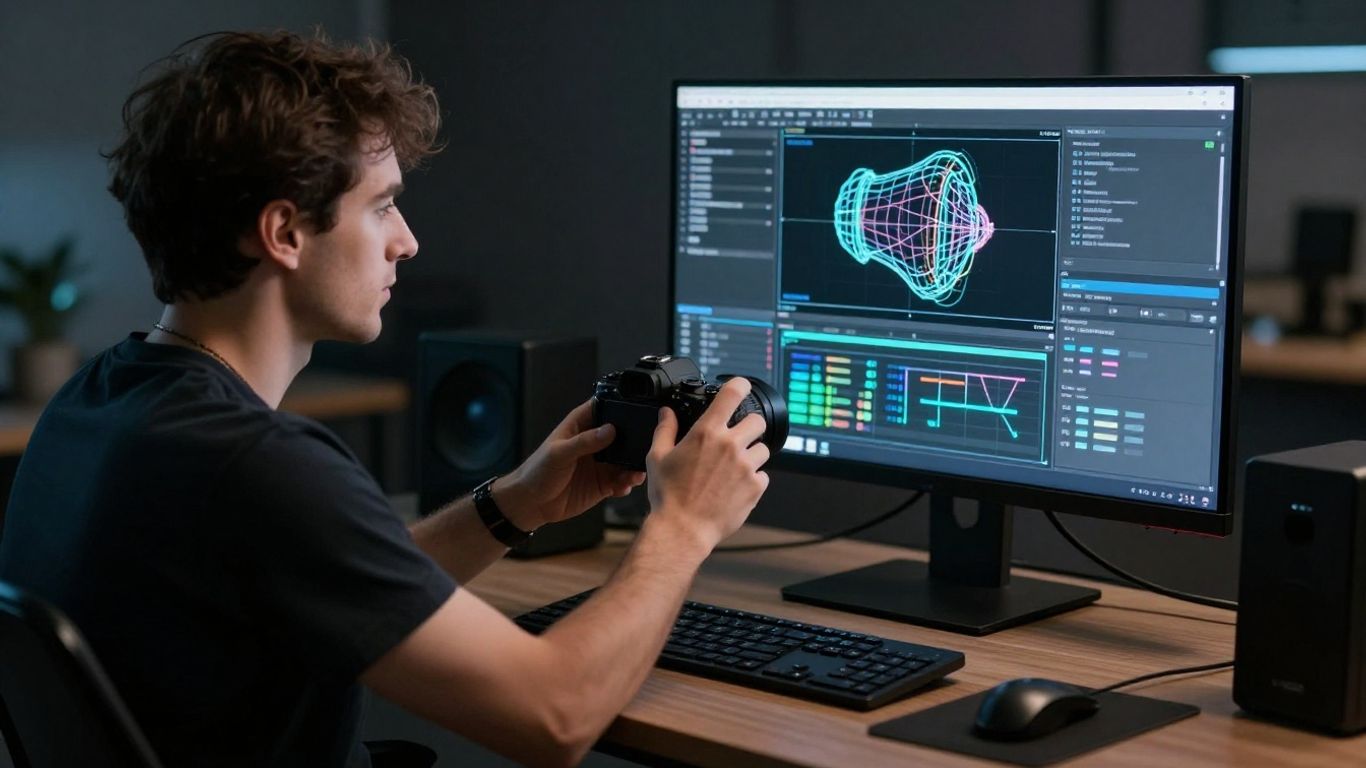
Visual drift occurs when the AI loses the specific identity of your subject or the established background. To stop this, you must rely on seed management and strong reference frames to anchor the visuals. By keeping reference imagery in the generation loop, you ensure your subject retains their specific look across every scene.
Solving the uncanny valley in motion and physics
Unnatural movement often breaks the viewer’s immersion because human eyes are conditioned to detect flawed biomechanics. You can mitigate this by choosing animation styles that lean into abstraction or stylized aesthetics rather than attempting hyper-realistic human motion. When realism is the goal, manual touch-ups in external video software become mandatory to fix joints and gait.
Balancing prompt precision with creative intent
Getting exactly what you want requires descriptive prompts that include camera angle, lighting, and mood. Simply asking for a video often leads to generic outputs that lack personality. By providing specific directions on framing and action, you force the AI to align with your creative goal rather than its own default tendencies.
Addressing the limitations of current temporal video consistency
Temporal consistency refers to the stable movement of objects over time. Current models struggle to hold complex long-form shots without degradation. Many pros work around this by planning short, punchy clips that limit the duration window for any single generation task.
Embracing a hybrid production workflow
Using AI for rapid concepting and supplementary B-roll
AI excels at generating quick background footage or mood variants for your project. You can use these clips to pad out sections of your video that need more visual texture without spending hours on bespoke filming. It is a complete workflow for those working with tight timelines and zero production budgets.
Integrating AI visuals with live-action performance footage
Blending real-world performance with generated backgrounds creates a professional aesthetic that feels grounded. You can use platforms like Animator Hub to generate the supporting elements while keeping your primary focus on the human element. This synergy prevents the video from feeling like an entirely artificial production.
Post-production techniques to mask generative artifacts
Even with high-quality clips, artifacts can persist in the shadows or edges. You should use standard editing software like Resolve or Premiere to apply masks, color correction, or slight grain to harmonize different generation styles. This step is about blending your AI assets into a single cohesive piece.
The necessity of manual editing and sound design synergy
| Process Step | Manual Tool Requirement | AI Contribution Level |
|---|---|---|
| Storyboarding | High (Sketching ideas) | Low (Visual mockup) |
| Generative Clips | Medium (Prompt writing) | High (Raw generation) |
| Final Edit | High (Choreographing cuts) | Zero |
Manual editing is the glue that holds your project together. When you synchronize visuals to music using professional editing suites, you ensure that the final result feels tight and deliberate.
The shift: from random generation to intentional direction
Moving beyond single-clip generation to sequenced storytelling
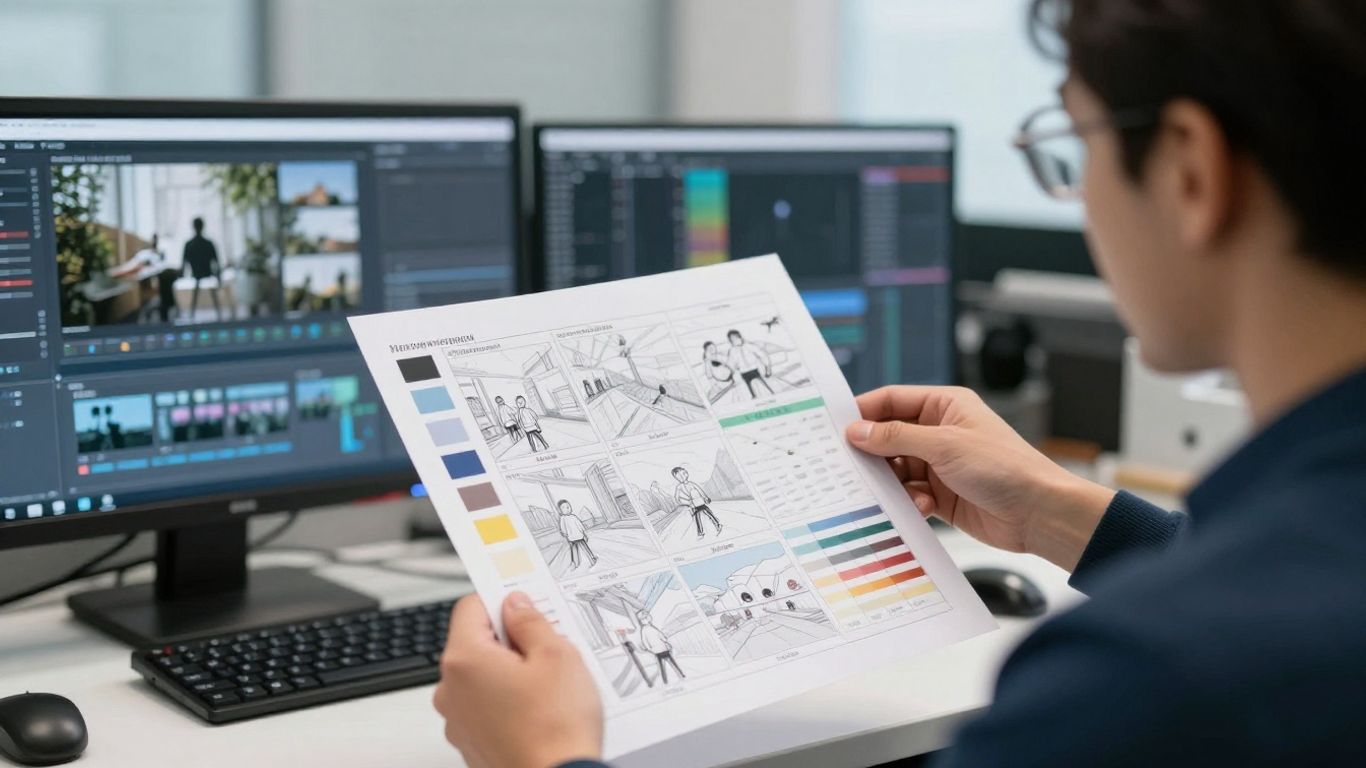
A professional approach means you are no longer just pushing a generate button and seeing what appears. You act as a director, using a storyboard to map out how each scene flows into the next. This shifts the process from chance-based outcomes to structured, deliberate storytelling.
Controlling specific camera movements and scene transitions
Modern tools allow you to suggest pan, tilt, or zoom, which adds a cinematic flair to any clip. If you ignore these controls, your video stays static and uninteresting. By specifying the camera movement in your prompts, you give your scenes the dynamic energy needed for visual impact.
Leveraging storyboard-based AI platforms for structured framing
Storyboard platforms allow for pre-visualizing your entire track by setting scenes in a grid before generating high-res versions. This prevents you from wasting credits on clips that do not match the song structure. It also gives you a bird’s-eye view of the video’s pacing.
How director-mode tools influence visual consistency across a track
Director modes or advanced generation settings force the AI to respect your previous aesthetic decisions. This is crucial when you need a persistent mood across several distinct scenes. With these tools, you can maintain a signature look that identifies the music video as a high-quality production.
Strategic use of professional-grade AI tools
Selecting specialized models based on the desired visual aesthetic
You should choose your AI tools based on their strengths rather than just their name. Some models produce better photorealistic skin, while others excel at abstract, artistic expression. Researching which model hits your required style is a sign of a professional creative process.
Scaling up to 4K output and optimized export formats for streaming
Always export at the highest quality the tool provides, even if your platform compresses it later. You want the sharpest source footage to avoid blocky artifacts in dark scenes during final streaming playback. Utilizing high bitrate settings ensures your 4K output remains crisp when uploaded to social platforms.
Utilizing advanced workflows for lip-sync and persistent persona stability
Lip-syncing is often the final hurdle in making a video feel professional. Using dedicated software to map AI-generated faces to real audio signals ensures that the character appears to sing naturally. This takes your video from a collection of images to a believable musical performance.
Workflow optimization for faster iteration cycles in multi-scene projects
If you are serious, you need to start your journey using modular projects where you can swap out individual clips without re-rendering the whole. This allows for quick, iterative changes based on feedback from test audiences. Efficiency in your production pipeline is just as important as the visual quality itself.
Outlook: When will AI reach the professional baseline?
The 2026–2028 trajectory for generative video maturity
By 2028, we expect to see far fewer technical errors in generated video, as models will better understand the laws of physics and object permanence. The progress seen in 2025 AI video shows how rapidly these systems are closing the gap. Professional results will likely stem from how well artists blend these tools into their manual workflows rather than the tools themselves doing all the work.
Why human creative direction remains the essential constant
AI produces content, but humans produce meaning. No algorithm currently understands the emotional nuance that dictates why a specific cut works at a specific moment. As long as viewers seek out emotional resonance, artists who curate and direct generative tools will always outperform those who let the system act alone.
Predicting the decline of the "obvious AI" aesthetic stigma
As tools become more adaptable, the glossy, surreal "AI look" will fade as a default setting. Creators will lean into styles that are purposefully crafted, using AI to mimic film stock or traditional animation techniques. When AI is used to emulate specific artistic aesthetics rather than just creating random spectacles, the stigma will disappear.
Preparing creative production to scale with AI-integrated tools
To prepare, you should become comfortable with a hybrid set of skills. Knowing how to write prompts is only step one; knowing how to layer, composite, and color-grade those outputs is where professional results begin. Scaling your production means having a set of tools you trust and a workflow you have mastered over months of trial and error.
Conclusion
Achieving pro-level results is less about technical perfection from the AI and more about your ability to direct, edit, and curate the output into a cohesive story. If you approach generative tools as a flexible medium rather than an autonomous creator, you can move past the current limitations and deliver high-quality music videos on any budget.
Frequently Asked Questions
How do I stop my AI music video from looking glitchy?
Keep your clips short and avoid complex character movements that the model might struggle to maintain, then edit those pieces together in exterior software.
Is it possible to get consistent characters across different clips?
Yes, by using fixed reference images and maintaining strict prompt consistency, you can keep the appearance of a character uniform across multiple shots.
Why does my AI music video lose resolution after uploading?
Platforms usually compress video files upon upload, so ensure your source file is high bitrate and matches the recommended settings for the specific platform.
Should I use AI for the music generation as well as the video?
Using AI to compose your track can simplify your workflow, especially if you need to align the tempo and energy patterns perfectly with your visual generation tools.
How much time should I expect to spend editing an AI video?
Professional results rarely happen in one click, so be prepared to spend at least half of your production time on manual editing and color synchronization.
Can I make a music video that doesn’t scream AI?
Choose distinct artistic styles, such as painterly or vintage film filters, rather than generic photorealism, and focus on human-centric storytelling rather than just visual effects.
What software do I need beyond the AI generator?
Most pros use an NLE like Premiere or DaVinci Resolve to handle the final cut, timing adjustments, sound design, and color grading for a professional polish.
Take the Next Step
Stop waiting for the right tools to fall into your lap and start building your own productions today. If you want a platform that gives you total control over both your music and your visuals in one place, start your project. The barrier to creating professional work is lower than it has ever been, so grab your ideas and see what you can create right now.