Key Takeaways
Writing instructions for an AI requires clarity, specificity, and a focus on the sonic elements that define your vision.
- Define genre and tempo first to set the broad musical foundation.
- Use specific imagery and narrative point of view for more original lyrics.
- Prioritize descriptive tags so the AI understands your primary aesthetic goals.
- Refine initial outputs by making iterative tweaks to instruments and arrangement.
- Integrate song and video generation tools for a unified creative workflow.
Defining the core musical identity
Starting with a clear sonic direction helps the machine grasp what kind of sound you want to build. You do not need to be a music producer to give the AI a strong starting point. By being deliberate about your initial requests, you ensure that the output feels intentional rather than random.
Specifying genre and sub-genre influences
Think about what kind of music gets your creative juices flowing and name those influences directly. If you want a specific vibe, mention the genre and a sub-genre to narrow the field. Using tools like Freshbots allows you to select from a vast library of established styles, which helps ground your prompt in familiar territory.
Setting the target tempo and rhythmic feel
Speed and rhythm drastically change how a song hits the listener. Give the system a beats-per-minute range or descriptive terms like "driving," "laid back," or "syncopated." This keeps the performance from feeling draggy or rushed.
Describing the emotional mood through descriptive adjectives
Emotional language bridges the gap between technical specs and the actual feeling of the song. Words like "melancholic," "energetic," "dark," or "hopeful" tell the system how to color the performance. While some sites like my song coach emphasize the importance of deep, personal writing, these descriptive tags provide the necessary context to ensure the AI matches that intended mood.
Identifying primary instruments and sonic textures
Deciding which instruments dominate the track dictates the overall texture of the composition. A piano-heavy ballad feels completely different from a track built on synthesized bass lines and metallic percussion.
| Instrument Group | Sonic Texture | Suggested Modifier |
|---|---|---|
| Strings | Acoustic and lush | Cinematic |
| Percussion | Sharp and punchy | Upbeat |
| Synths | Dark and analog | Atmospheric |
Using this table as a reference helps you choose the right blend for your track before you hit generate.
Crafting effective lyrical prompts
Great lyrics provide the soul of the track and give the singer a story to tell. Without clear direction, you might receive generic or clichéd output that does not reflect your vision.
Defining the narrative point of view
Decide if the song is addressed to a specific person or if it is a general reflection on your experiences. First-person perspectives often make the song feel more immediate and honest.
Setting the lyrical tone and rhyme scheme
Do you want the delivery to be casual and conversational or poetic and complex? Specifying whether the rhyme scheme follows a strict pattern helps keep the flow consistent throughout the performance.
Incorporating specific subject matter and imagery
Concrete nouns and vivid imagery create a lasting impression. When you ask the AI to include specific themes, use a clear list to keep your request organized:
- Add references to specific settings or times of day.
- Mention personal items or recurring objects that ground the story.
- Include specific conversational phrases to simulate natural speech.
- Use seasonal or weather-based imagery to evoke atmosphere.
This structured approach makes the narrative feel far more personal and intentional.
Dictating song structure like verse-chorus patterns
Tell the AI how you want the song to move from start to finish. Defining the structure as "verse, chorus, verse, chorus, bridge, chorus" provides the skeleton that holds your story together.
Structuring your prompt for the AI
Following a specific format minimizes confusion and helps the model prioritize your most important requirements. A messy or disorganized paragraph creates conflicting results that waste your time.
Utilizing a clear "master prompt" format for coherence
Group your instructions so the AI processes the most vital information first. Starting with a summary of the style and mood keeps the entire generation aligned with your original goals.
Ordering descriptive tags for priority processing
Place your non-negotiable details at the very beginning of the prompt. If you need a specific tempo, declare it before you suggest instruments or lyrics, as the structure carries more weight in the initial phase of generation.
Avoiding conflicting instructions during generation
Do not ask for a "minimalist acoustic folk song" while simultaneously requesting "heavy electronic bass drops." The mix of styles often leads to a result that lacks identity, even on platforms like Easy-Peasy.AI which provide excellent templates for these tasks.
Balancing prompt brevity with necessary granular detail
Keep your sentences direct so the instructions remain simple for the model to follow. While you should be specific, avoid over-explaining every second of the track to ensure the AI maintains its own creative flow.
Incorporating technical sonic references
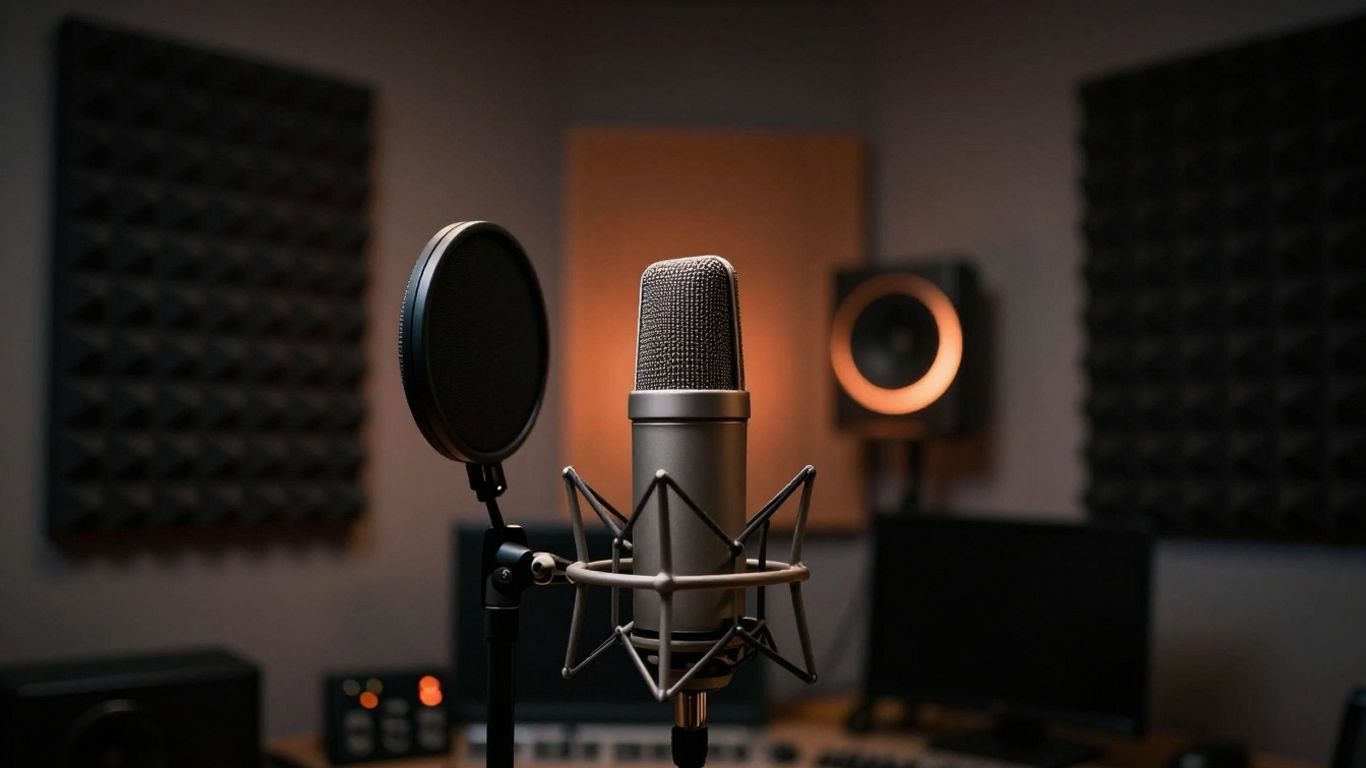
Technical details help the engine understand how the finished product should sound. Adding production cues defines the quality of the render.
Using comparative artist styles or production eras
Reference the sound of specific decades, like the 80s synth-wave or the 90s grunge aesthetic. You can also explore options through tools like NoteGPT to see how different styles are interpreted across various tracks.
Defining mix characteristics like "lo-fi" or "polished"
Deciding on the mix profile changes the clarity of the vocals versus the instrumentation. A "polished" mix creates a transparent, crisp listen, while a "lo-fi" mix adds character and warmth.
Detailing vocal qualities and performance styles
Describe if the singer should sound breathy, gritty, powerful, or detached. This gives the AI a clear target for the vocal delivery performance.
Setting parameters for audio complexity and density
Complex arrangements work better when they remain balanced across the frequency spectrum.
Avoid overcrowding the mix with too many high-frequency elements at once. Keeping the sonic density manageable ensures that the vocals remain clear and the arrangement feels dynamic throughout the song.
Refining and iterating on AI results
Most high-quality tracks come from several rounds of tweaking. If the initial output does not match your vision, adjust the weighting of your criteria.
Troubleshooting prompts that produce generic outputs
When the system produces something flat, rephrase your core adjectives or change the genre influences. Sometimes changing just one word in the master prompt can unlock a entirely different sonic range.
Making incremental tweaks to instrumentation and arrangement
If the drums feel too aggressive, add the word "softer" or "gentle" to the percussion tags. Adjusting these elements one at a time helps you identify which parts of the prompt are working correctly.
Re-generating sections to test structure variations
Use MusicAI to explore different compositional choices or structures. Testing out a faster bridge or a stripped-down chorus often provides the spark you need to fix a struggling draft.
Combining successful elements from multiple iterations
Take the vocal style from one version and the instrumentation from another. By layering your favorite parts, you can build a track that sounds far more comprehensive than any single generation attempt.
Transitioning from song idea to music video
Moving your song into a visual format takes the right toolset. You want the visual motion to match the energy of the final audio mix. Using an integrated platform makes this shift much more efficient than using separate apps.
Aligning song mood with visual style preferences
Choose visual styles, such as abstract or cinematic, that reinforce the emotional tone of the audio. If you used dark, atmospheric synths, pair them with equally mood-heavy imagery.
Preparing audio files for consistent video synchronization
Ensure your exported song file is clean and at the correct length before uploading it for video processing. A high-quality file helps the AI analyze the tempo more accurately for beat-matching.
Selecting appropriate export settings for platform-specific content
Different platforms need specific frame ratios. Whether you are aiming for vertical mobile content or horizontal widescreen, choose the export setting that fits your target destination.
Leveraging integrated workflows for a seamless production pipeline
You can use the Creatus AI Music Video Generator to handle both the audio and the video in one smooth session. Because it combines text-to-song and audio-to-video generation, you avoid having to switch between incompatible apps or worry about formatting issues.
Conclusion
Describing a song idea to AI is a process of learning to speak the language of the tool while maintaining your own musical intent. By focusing on specific genre, emotional, and structural tags, you gain more authority over the result. Iterate often, tweak your descriptions, and you will eventually find the perfect workflow that turns your concepts into finished, shareable creative work.
Frequently Asked Questions
Can I use AI to write lyrics in a foreign language?
Yes, many modern AI models support multiple languages for lyric generation. Simply specify the language in your prompt or include lyric lines in the desired language to guide the model.
Does my song prompt need to follow a specific format?
While there is no single mandatory format, using a structured "master prompt" that leads with genre and mood followed by narrative details is the most effective approach for consistent results.
How long should my song idea description be?
Aim for a balance where you provide enough detail to avoid generic output but keep instructions concise. A well-written paragraph containing core identifiers is usually sufficient for most generators.
What do I do if the AI output sounds repetitive?
If the composition feels redundant, vary your instruction by requesting specific structural changes like a bridge section or a change in rhythm. Sometimes narrowing the scope of your mood adjectives also helps.
Should I include technical production terms?
Including terms like "reverb," "compression," or "analog warmth" can help if you understand them, but focus primarily on describing the overall mood and style of the performance.
Can I use my own lyrics with an AI song maker?
Most platforms allow you to input your own lyrics. This is often the best way to ensure the narrative content matches your exact vision, leaving the AI to handle the melody and arrangement.
How do I troubleshoot a song that sounds too electronic?
If you prefer a more organic sound, explicitly request "acoustic instrumentation," "live-recorded feel," or specific non-electronic instruments like piano or strings in your prompt to steer the AI away from digital sounds.