Key Takeaways
Starting your creative journey requires understanding the balance between free software and subscription tools for music video generation. Here are five essential points to help you evaluate your equipment and workflow.
- Free plans often restrict visual fidelity through watermarks or lower output resolutions.
- Paid subscriptions typically remove usage caps and provide commercial use for your content.
- Dedicated all-in-one platforms save time by handling both audio and video tasks together.
- Look for tools that offer granular control over beat-synced visuals and multiple aspect ratios.
- Analyze your consistent volume needs before committing to high-tier subscription costs.
Understanding the trade-offs of free AI music video tools
Choosing a free platform allows you to test concepts without any immediate financial burden. You gain access to basic functionality where you can see if your song ideas translate effectively to screen, but you should expect limitations that impact how you share your work. Every creator starts somewhere, and free tiers act as a useful sandbox for those testing the waters of automated production.
Watermarks and branding limitations on free plans
Most free generators apply a visible tag or watermark to your final exports to promote their service. This branding often forces you to cover up or edit around the label, which steals focus from the actual beat-synced content you spent time crafting. For professional music creators, this compromise can feel unprofessional and may limit your options for distribution across social channels.
Resolution and export quality restrictions
Free accounts usually limit your output, capping files at 720p or lower-bitrate compression. You might find that the visual details seem blurry or lack the sharp clarity needed for high-definition platforms. This limitation often forces you to choose between lower quality or paying for high-resolution upgrades to make your videos stand out on modern displays.
Daily usage caps and rendering queue times
Platforms operating under a free model often implement strict limits on how many assets you can generate in a single 24-hour window. When servers are busy, your project often sits in a queue behind paying users for minutes or even hours. This delay makes it hard to maintain a steady production pace if you need to iterate on your edits quickly.
What paid subscription plans actually provide
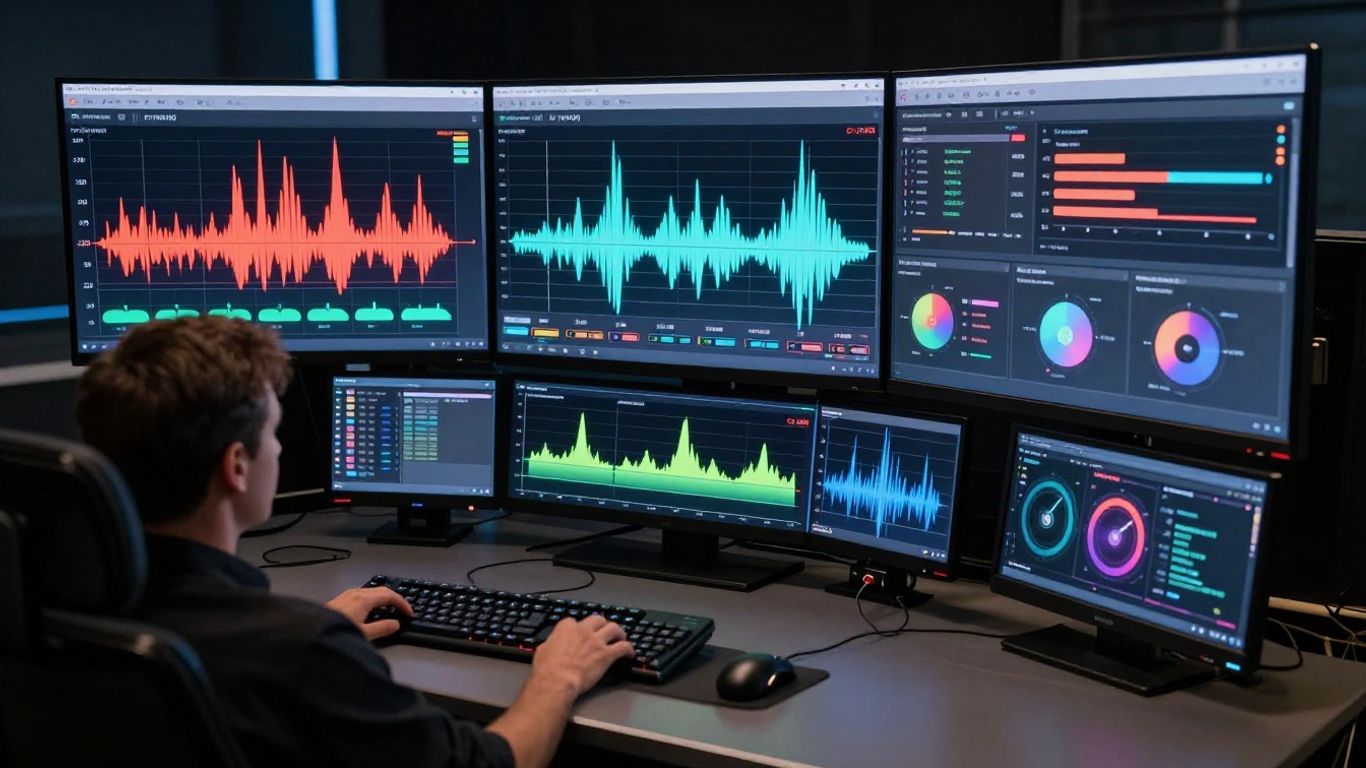
Investing in a subscription changes how you manage your production schedule. When you move to a paid tier, you remove the barriers typical of entry-level access, allowing you to scale your creative efforts without waiting for render queues or dealing with invasive watermarks. This transition separates hobbyist exploration from serious content production.
Enhanced generation models and higher visual fidelity
Premium plans usually provide access to the newest, most detailed video models that offer sophisticated textures and realistic movement. You get smoother motion and higher-quality frame generation compared to the standard models. The difference in results is often striking, especially when you require complex scenes or distinct artistic styles for a narrative project.
Commercial usage rights and ownership considerations
Paying for a subscription generally grants you the legal right to use your generated content for commercial purposes. Without these clear terms, you might face complications if you attempt to monetize your videos on platforms that require proof of ownership. Secure licensing is essential for creators who want to build a real brand and own their output completely.
Faster processing speeds and priority rendering queues
Your time remains your most valuable asset, and paid tiers prioritize your jobs in the server list. Instead of waiting for free slots, your assets process immediately, reducing your content creation workflow significantly. This speed helps you iterate on your vision without losing momentum during long editing sessions.
The efficiency of all-in-one versus modular workflows
Using separate tools for song generation and video creation creates fragmented file management. A unified approach allows you to keep your creative energy contained in one space while cutting down on subscription management headaches. Keeping your music video creation within a single ecosystem prevents compatibility issues across different file types.
Why specialized music video tools save development time
Specialized platforms handle the heavy lifting by syncing frame changes directly to your audio tracks automatically. You skip the manual alignment phase that usually consumes hours of editing time. By reducing the steps, you reach the final export phase much faster, allowing for more experimentation with song prompts.
The hidden management costs of juggling multiple subscriptions
Managing three different tools—one for music, one for imagery, and one for video—is expensive and disorganized. Tracking individual bill dates and account limits takes away time that should be spent on your actual project. It is better to pick one advanced video generator that covers most of your needs rather than maintaining several overlapping subscriptions.
Integrating AI song generation with video production pipelines
| Feature | Modular Tools | All-in-One Tools |
|---|---|---|
| Song Generation | Separate | Built-in |
| File Compatibility | Varies | Native Sync |
| Total Effort | High | Minimal |
The setup shown in the table above highlights how a consolidated flow cuts down on technical hurdles. Integrating your audio with your visual output in one place creates a much smoother experience. This helps you avoid exporting files across different software, which often results in issues with timing or resolution loss.
Key performance metrics for choosing an AI tool
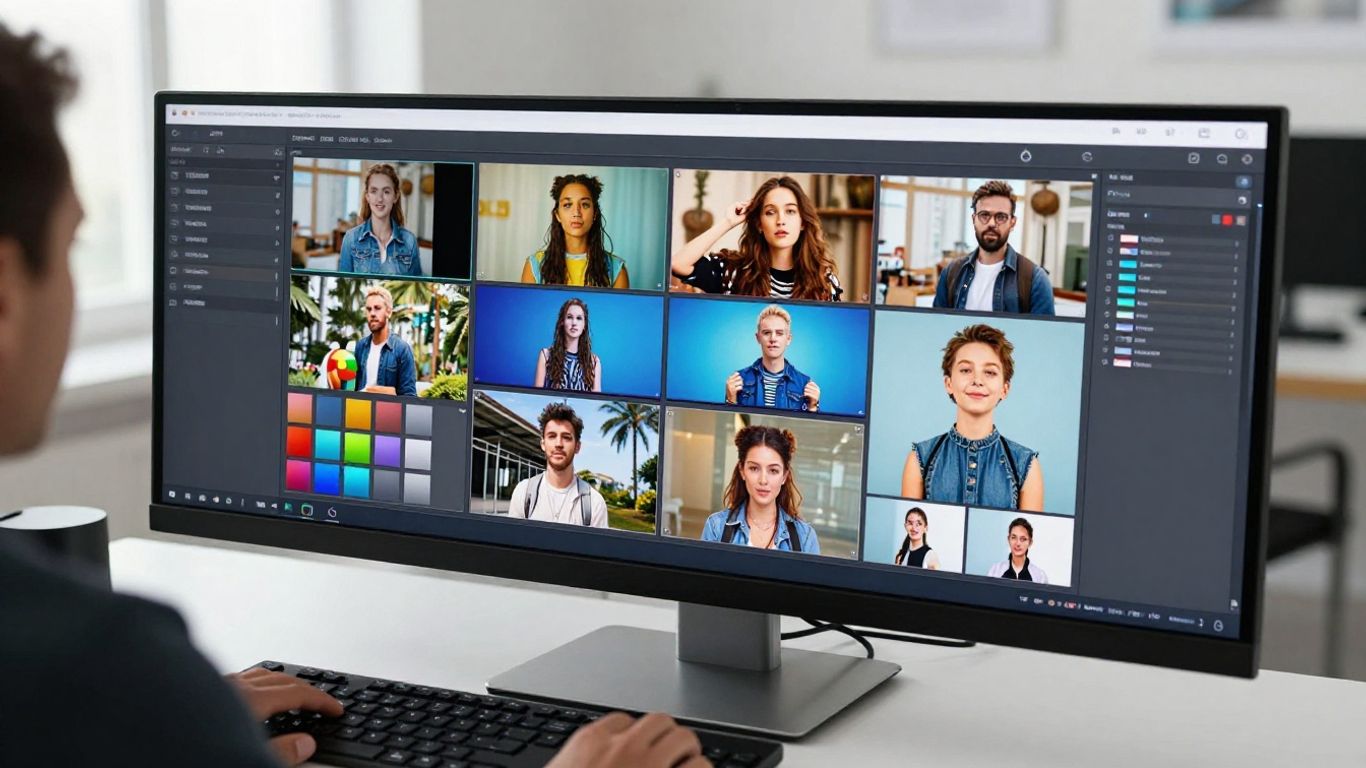
Before you select your tool, look at how it handles the specific technical needs of your social channels. A platform might look great but fail when it comes to the practical demands of formatting. Your final selection relies on these core performance indicators to ensure the video looks right regardless of where it is posted.
Audio responsiveness and beat synchronization accuracy
Look for evidence that the AI understands the structure of your track rather than just playing random visuals. Does it cut at the drop, or does it simply loop images randomly? True beat synchronization makes the difference between a professional-looking video and a disjointed slideshow.
Support for necessary aspect ratios and social media formats
Social platforms have distinct needs, ranging from the long 16:9 for YouTube to the strict 9:16 vertical ratio for Reels. Ensure your tool offers native support for generating these formats directly, so you don’t have to crop your final render later. High-quality output is pointless if it requires a second round of editing just to fit a smartphone screen.
Customization depth for visual styles and creative themes
Your video should reflect your own creative identity through distinct visual choices. Does the tool allow you to adjust frame-by-frame styles or enforce certain character motifs? You need deep customization to distinguish your work from the sea of generic AI-generated stock videos found online.
Evaluating the technical constraints of AI generators
Understanding the limitations prevents frustration when your project outcome differs from your mental plan. AI generation is a process involving specific model architectures, meaning it excels at certain tasks but will struggle with long-form sequences. You can maximize your results by acknowledging these barriers early and setting smaller, manageable goals for your clips.
The difference between text-to-video and audio-to-video models
Text-to-video models excel at brainstorming concepts, but they don’t "hear" your song the way purpose-built audio-to-video platforms do. If you want motion that matches your bassline or vocal shifts, choose tools designed specifically for audio integration. These models handle tempo data better than standard text-prompt models ever could.
Maintaining consistency in visual narratives and character stability
Maintaining the same visual elements across a full song is the hallmark of a high-quality platform. Many systems struggle to keep a character’s face or a specific scene layout stable over several seconds. To solve this, select systems that allow for custom prompt stability or reference image locking to guide the evolution of every visual frame.
Limitations of short-form generator outputs for long-form content
Most current AI platforms are physically built for generating short snippets—think 15 to 30 seconds. Trying to prompt a four-minute song all at once creates inconsistent results and often causes the system to hallucinate details. It is smarter to generate your video in segments and join them in a simple editor, ensuring every section maintains narrative focus.
Practical decision-making for your specific budget
Start your search by identifying exactly how much content you need to produce every month. If you are only creating the occasional clip for fun, entry-level tiers or free services likely meet your needs perfectly fine. If you manage a consistent release schedule, the efficiency of pay-as-you-go or monthly subscription models becomes the logical choice to keep your creative output moving steadily.
Assessing your volume and consistency requirements
Create a plan based on the number of songs you release to define the tier you need. If you are uploading twice a week, the time you save by having faster render queues will pay for itself in labor. High-volume, consistent output is the main factor that pushes creators toward premium pricing tiers.
Knowing when to stick with entry-level and free tiers
There is no shame in using free versions if your project is just a proof of concept or a bit of weekend fun. If your goal is just to learn the interface or show friends an interesting idea, save your money. Use the advanced uncensored video generation workflows only when the project reaches a point where you need tools to remove watermarks or claim total image control.
Identifying platforms that scale with your content strategy
Pick a partner platform that grows as your channel does. The best options offer a variety of tools under one roof, such as Animator Hub’s flexible workflow for NSFW content or character-based media. Look for a solution where you can buy extra credit packs instead of getting locked into high-cost plans you don’t always use, keeping your custom AI persona project affordable.
Conclusion
Selecting between free and paid AI music video tools is ultimately about finding the right balance between your budget and your production requirements. Free tiers work well for testing ideas, but paid plans win when you need professional quality and faster, distraction-free output. By focusing on essential features like beat-syncing and multi-format support, you can build a consistent workflow that scales as your audience grows. Think carefully about how many videos you need before moving to a paid model, and always prioritize tools that offer a stable environment for your ongoing creative work.
Frequently Asked Questions
Do free AI music video generators require a credit card?
Most platforms provide a free tier that allows access without payment information, though some will require an account registration via email. Always review the terms of service to see if they switch you to a paid plan automatically after a trial period.
Can I use music videos generated by AI for my own song?
Yes, AI tools are designed specifically for creators to visualize their tracks. Ensure you hold the commercial rights to the visual output if you plan to monetize the video on platforms like YouTube or Spotify.
How does AI know when to change visuals to match the music?
Platforms with audio-reactive technology analyze your uploaded file to identify structural changes like the bass drop, tempo changes, and vocal sections. This metadata helps the server choose which visual frames match the changing energy of your track perfectly.
Is it hard to learn how to make an AI music video?
Most modern tools use simple drag-and-drop interfaces that do not require any prior video editing skills. You can usually get a decent result by uploading an audio track and selecting a pre-made style from the menu.
Are the lyrics always visible in AI-generated videos?
Captions are not always included in every generator, though many dedicated tools offer automated lyric overlay features. Look for a tool that lists dynamic captions as a core capability if displaying your song lyrics is essential to your vision.
Why does my generated video look blurry at the edges?
Blurriness often stems from resolution limitations on free plans or high compression during the file loading stage. To fix this, look for platforms that allow high-resolution export or ensure you are using a source file that is at least studio-quality before uploading.
How many images are needed to make a music video?
For a full video, the AI typically generates dozens of unique frames per second or constant video streams from your audio input. You do not need to supply the images yourself; the system generates the visuals automatically based on your descriptive prompts.