Key Takeaways
Creating compelling music videos is more accessible than ever thanks to AI advancements that remove the need for massive budgets or physical film crews.
- Creatus provides an all-in-one platform for generating both original tracks and music videos in one workflow.
- Kaiber delivers specialized visual generation tools focused on frame-by-frame evolution and experimental styles.
- Most AI music video platforms offer free trial tiers, allowing you to test features before subscribing to pro plans.
- Automated audio-reactive visuals ensure your video matches the energy and structure of your music dynamically.
- Choosing between these tools depends on whether you value an integrated end-to-end process or granular control over experimental aesthetic styles.
The core workflow differences
Creatus as a comprehensive AI-native ecosystem
Creatus functions as your central hub, handling everything from initial song generation to final video rendering. By keeping your entire process within one interface, you avoid the complexity of moving assets between separate music and video applications. You can start by typing a simple text prompt to generate a song with vocals or upload your own audio for immediate visual synthesis.
Kaiber as a specialized visual generation platform
When you use Kaiber, you enter an environment designed specifically for artistic video experimentation. This tool uses a flipbook-style animation process that excels at creating surreal, dream-like sequences. It gives you the freedom to evolve visuals, making it a favorite for artists who want their music video to feel distinctively hand-crafted and experimental.
Streamlining the path from text prompt to final render
Choosing the right tools simplifies your production phase drastically. You can quickly compare your primary options using the data table below.
| Feature | Creatus | Kaiber |
|---|---|---|
| Song Generation | Yes | No |
| Visual Synthesis | Yes | Yes |
| Integration | Single Workflow | Specialized Tool |
| Learnability | Beginner Friendly | Moderate |
Using a platform that handles your needs from start to finish keeps your output consistent. By minimizing the time spent on administrative tasks, you free up energy to seamlessly integrate your creative vision into every frame.
Music and audio-reactive capabilities
Generating original songs with AI singing vocals
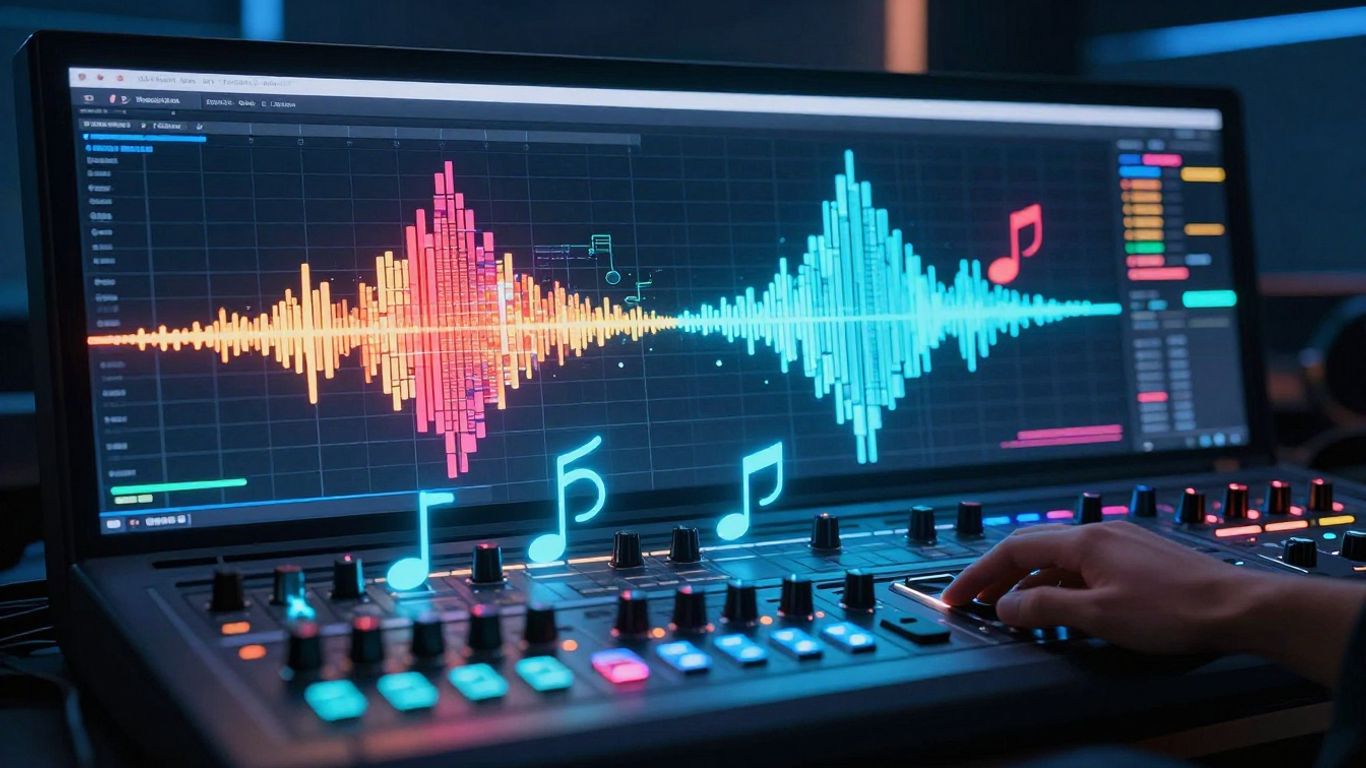
The ability to produce full songs with vocals directly from text prompts changes the game for independent musicians. Instead of hiring session singers or renting studios, you supply the lyrics and genre, and the AI handles the composition. This keeps your momentum going, letting you focus on the creative direction of your release.
Analyzing audio energy for visual synchronization
Modern AI music video generators track the tempo, beat, and mood of your uploaded files. When the music builds, the visual generation responds in kind, creating deeper engagement for your viewer. This automated synchronization ensures the video feels like an extension of the melody itself rather than a clip randomly placed over a track.
Managing input formats and audio file compatibility
Successful uploads require attention to your source files to ensure high-fidelity results. Stick to standard files like MP3 or WAV, which remain the most reliable formats for these tools. Organizing your library of audio assets before starting a project prevents technical headaches when you move into the synthesis phase.
Visual style and creative parameters
Cinematic and narrative storytelling features
Cinematic modes help you develop a cohesive look throughout your music video projects. By selecting specific narrative presets, you ensure each scene connects to the previous one in a way that respects your overall theme. Strong visuals tell as much of the story as your lyrics, so focus on selecting styles that mirror the emotional weight of your track.
Customizing aesthetic presets for brand consistency
Maintaining a recognizable look across your video releases builds your professional presence. You want to prioritize consistency with features like these:
- Preset style libraries that keep your color grading stable.
- Consistent character models for performance-oriented videos.
- Standardized lighting effects across different scene generation passes.
- Global saturation settings to ensure your output matches your brand identity.
These adjustments guarantee that your audience immediately recognizes your style, turning casual viewers into loyal followers.
Controlling visual evolution during the generation process
Intermediate steps allow you to steer the creative direction by adjusting how much the AI relies on your provided references. Too little change keeps the visuals stagnant, while too much movement might lose the connection to your original scene. Experimenting with these variables helps you strike a balance between creative spontaneity and visual logic.
User experience for musicians and creators
Lowering technical barriers for video production
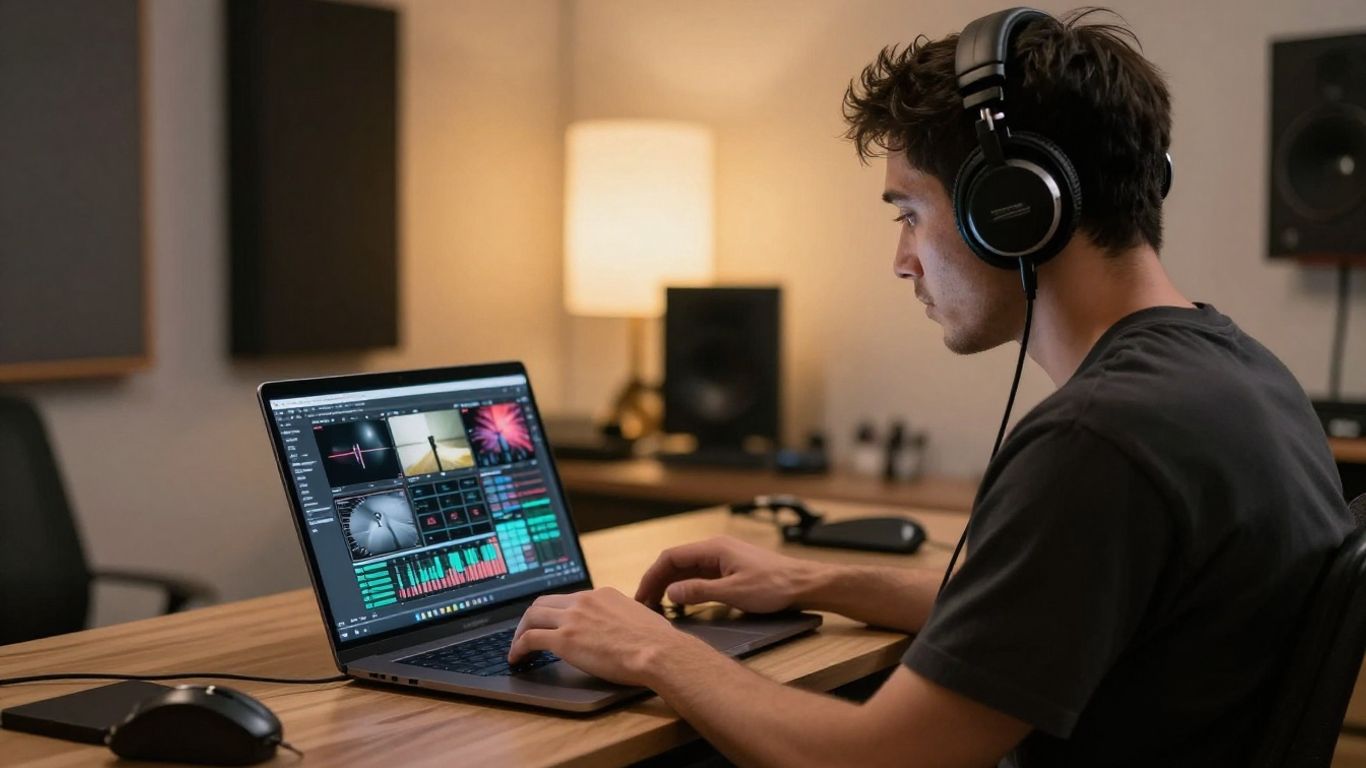
Removing the need for professional video editing suites or high-end gear means you spend less time configuring software. Platforms like Creatus emphasize a simplified interface, letting you focus on your output rather than technical hurdles. This shift ensures you can produce professional-looking promotional content even if you lack an editing background.
Evaluating learning curves for beginners and pros
Beginners often find success with automated platforms that prioritize presets over manual settings. Pros usually lean toward tools that provide additional control, though this often comes with a longer learning process. Always match your tool choice to your current comfort level with design software to maintain consistent progress.
Efficiency in creating content for social media
Creating videos for social media requires speed and adaptability to keep up with trends. Using efficient music video tools helps you cycle through drafts and finalize content before an audience loses interest. This speed is essential for independent artists who need to maintain an active presence across multiple platforms without overwhelming their schedules.
Platform export and format flexibility
Multi-format support for TikTok, Reels, and Shorts
Vertical video remains the standard for mobile-first audiences, making 9:16 export support vital. These formats demand punchy, visual, and highly dynamic imagery to stop users from scrolling past your content. Verify that your platform supports these resolutions to ensure your brand content looks sharp on every screen.
Optimal resolution settings for YouTube and streaming
Standard horizontal formats are still the primary home for long-form music content. Ensuring your final exports for these platforms are optimized allows your viewers to see nuances in your cinematic visuals without quality compression issues. High resolution output keeps your professional image intact for streaming platforms.
Exporting files for professional video editing pipelines
Sometimes, you may want to port your AI assets into a standard non-linear editor for final touches. When you choose an AI music video maker, ensure it allows high-quality file exports that play nice with external software. This integration gives you the middle ground of AI-led production and manual editorial finesse.
Pricing and accessibility considerations
Comparing free tier offerings and limitations
Free tiers serve as an excellent entry point, letting you stress-test the features without an upfront investment. Note that these plans often come with watermarks or lower resolution caps. These limitations help you determine if the specific tool’s workflow genuinely solves your daily production needs before you commit financially.
Subscription models for recurring content production
When you move from occasional clips to a high-volume release cycle, subscriptions provide cost-effective access to premium features. Look for plans that remove branding and allow for faster rendering queues, which typically pay for themselves through increased content frequency and improved production quality.
Balancing individual tool costs against suite value
Investing in a tool that covers two or more steps of your workflow often makes more financial sense than juggling several subscriptions. Review your overall budget and verify that you aren’t paying for overlapping features. A professional AI solution that serves your entire music video lifecycle is almost always the smarter fiscal move.
Conclusion
Finding the right rhythm for your music video production requires selecting a platform that aligns with your creative goals and technical proficiency. Whether you prefer the simplicity of an all-in-one ecosystem or the artistic freedom of experimental visual generators, AI allows you to present your audio with professional-grade imagery today. Take your time to test your options, verify your output quality, and start sharing your work with the world.
Frequently Asked Questions
Do I need to know how to edit videos to use these AI tools?
No prior video editing knowledge is required to produce high-quality music videos with現代 AI platforms. Most interfaces are designed to handle the post-production work automatically, transforming your text or audio into a finished product.
How does AI know what visuals match my music?
These systems analyze audio files for tempo, rhythm, mood, and energy levels to mirror the song structure with visual changes. This synchronization happens through automated beat analysis and style-matching presets inherent in the platform’s code.
Can I use these generated videos for commercial purposes?
Most platforms provide license rights for commercial use, but these are typically unlocked through paid subscription plans or specific account tiers. Always check the terms of service for the tool you select to confirm your commercial usage rights.
Which video format should I prioritize for social media?
Priorize 9:16 vertical video formats for TikTok, Reels, and YouTube Shorts to match mobile viewing habits. Square video (1:1) is also recommended for standard social media feeds like Instagram.
How do text-to-song features work in video generators?
These tools use generative language models and musical composition AI to interpret your provided prompts, lyrics, or genre descriptions. The AI then synthesizes a original musical track and assigns singing vocal profiles to the output.
Can I upload my own music instead of making it with AI?
Yes, most professional AI visual platforms support manual uploads of your original MP3 or WAV files. This allows you to combine your pre-recorded studio audio with AI-generated visuals for a synchronized music video.
Are the visual styles customizable for my brand?
Yes, many platforms offer style presets, color adjustment tools, and character continuity features to ensure your output looks consistent. This ability to tailor the aesthetic allows you to build a unique visual identity across multiple releases.