Key Takeaways
A text idea can become a song, then a shareable music video, if you give each stage a clear job.
- Start with a specific song idea, lyric direction, or mood.
- Use text-to-song generation or upload an MP3 or WAV file.
- Match the visual style and aspect ratio to the music and platform.
- Review synchronization, vocals, lyrics, scenes, and usage terms before publishing.
- Keep prompts focused so each revision gives you useful feedback.
What CREATUS.AI videos can do
A music video starts with a strong audio concept, but you do not need to build every part by hand. You can describe the song, provide lyrics, or bring your own track, then shape the visual direction around the finished audio. The result should feel like one connected piece rather than a song with unrelated footage attached.
Generate songs from text prompts
CREATUS.AI can compose original music from a text description that includes a genre, mood, tempo, lyrics, or rough idea. The output is a complete song with AI-generated singing vocals, so you can move from a written starting point to an audio draft without music production experience.
A useful prompt gives the system enough direction without trying to control every second. State the emotional tone and musical identity first, then add details that affect the performance, such as a restrained verse or a larger chorus.
Add AI singing vocals to original tracks
AI singing vocals make a lyric-led idea easier to evaluate because you can hear how words sit inside a melody. If your starting point is a short lyric or a rough concept, listen for pronunciation, phrasing, and whether the vocal character fits the subject.
You can also treat the first vocal pass as a reference rather than a final take. Mark the lines that need a different mood or clearer delivery, then revise the prompt instead of changing unrelated parts of the song.
Turn audio into synchronized music videos
The audio-to-video stage uses an uploaded MP3 or WAV file, or a song generated in the same workflow. The system analyzes tempo, mood, energy, and song structure to produce a synchronized music video with visuals that match the audio.
That connection matters when the track changes pace. A quiet opening can support slower movement and wider compositions, while a dense chorus can carry faster cuts, stronger motion, or more active performance scenes. For a practical walkthrough of the full process, see this music video workflow guide.
Create visuals in multiple styles
You can choose from visual directions such as cinematic, animated, abstract, lyric video, and performance. Pick the style that serves the song instead of selecting the most dramatic option by default.
A soft acoustic track may benefit from restrained movement and spacious scenes. A high-energy track can support bolder color, stronger motion, and more frequent visual changes. The CREATUS.AI music video tool is built around connecting the song and visual stages in one process.
How the CREATUS.AI music video workflow works
The workflow has four practical decisions: define the audio, choose the visual treatment, select an output format, and review the result. You can start from a text idea or existing audio, so the process works for both new songs and tracks you already own. Keeping these decisions in order helps you avoid fixing visual details before the audio direction is settled.
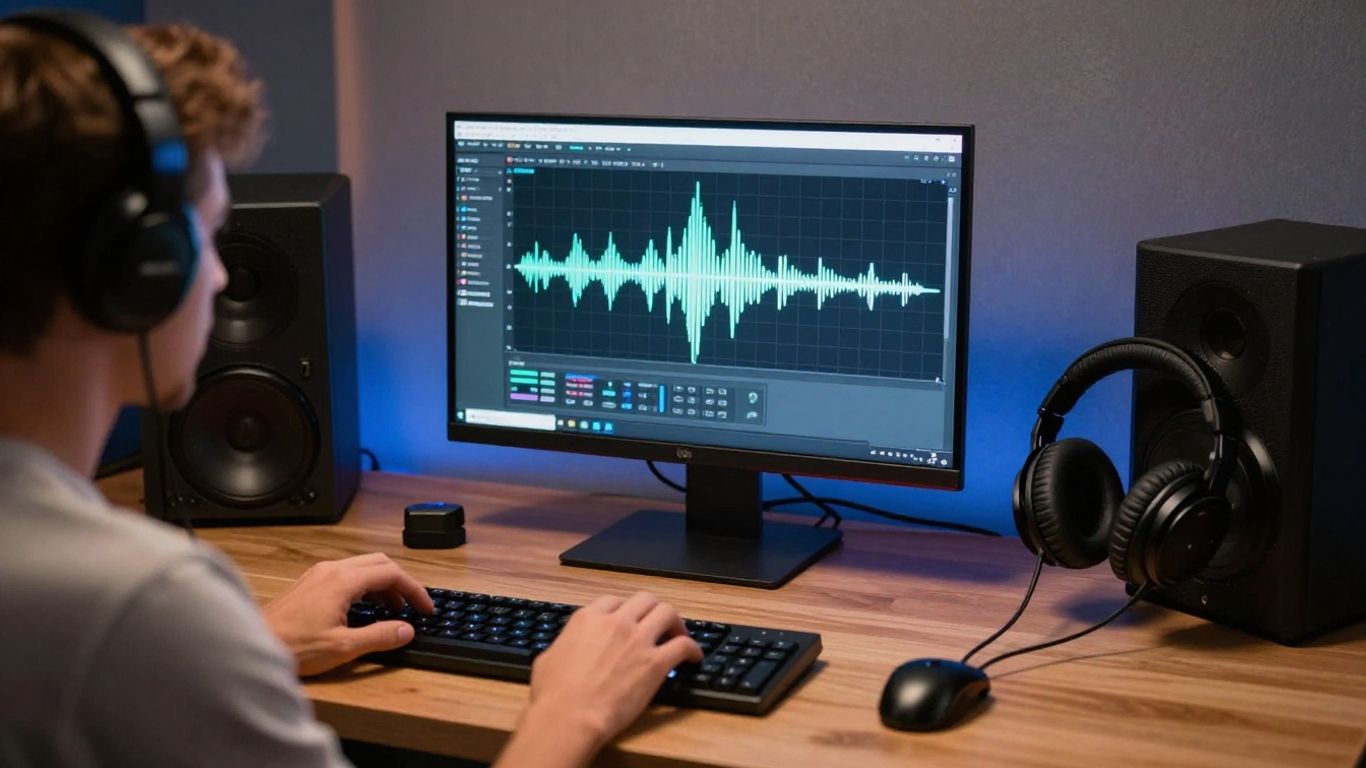
Start with a song idea, lyrics, or mood
Begin with the smallest useful description of the song. A sentence about the genre and mood may be enough for an early test, while lyrics give the system more information about vocal delivery and structure.
Write down the intended listener experience before you add decorative details. “Low-tempo electronic track with an intimate vocal and a tense final chorus” gives you a clearer starting point than a long paragraph filled with disconnected references.
Generate a song or upload existing audio
You can generate a song with AI singing vocals or upload an existing MP3 or WAV file for video generation. This makes the workflow useful when you are testing a new idea, presenting an instrumental, or preparing visuals for a finished track.
The choice depends on what you already have. If the audio is settled, upload it and spend your attention on pacing and visual direction. If the audio is still open, generate a draft first and use the video as a way to assess the complete concept.
Choose a visual direction for the video
Select a style that agrees with the track’s pace, emotional tone, and subject. A performance approach puts attention on the singing character, while an abstract or animated treatment can leave more room for atmosphere and color.
Keep the visual idea simple enough to repeat. One clear setting, character direction, or color family usually creates a stronger through-line than several unrelated scenes competing for attention.
Review the result and prepare the final export
Watch the entire video before you judge individual frames. Check whether the strongest visual moments arrive with the song’s changes, whether the vocal performance feels connected to the audio, and whether the ending feels intentional.
When the structure works, choose the output format for the platform where you plan to share it. You can then download the result and prepare any final caption, cover image, or content warning outside the generation workflow.
How to write better prompts for CREATUS.AI videos
Good prompts reduce guesswork. They tell the system what the song should feel like, how it should move, and what kind of visual treatment belongs beside it. You do not need elaborate wording, but you do need consistent priorities.
Specify genre, mood, tempo, and instrumentation
Name the musical foundation before adding visual detail. Include the genre, emotional tone, approximate tempo, and a few instruments that should shape the arrangement.
For example, you might ask for a mid-tempo alternative pop song with muted guitar, warm synth pads, restrained drums, and a reflective vocal. Specific musical anchors improve consistency because they give the generation a clear center.
Use lyrics and structure to guide the song
Lyrics help define the vocal content, while structural terms help organize the performance. Mark sections such as verse, pre-chorus, chorus, bridge, and outro when those changes matter to the song.
You can also describe the delivery. Words like intimate, conversational, urgent, or spacious point toward performance choices without forcing you to prescribe every note. Keep the lyric structure readable so the system can follow the movement of the song.
Match the visual style to the music
Treat the visual prompt as an extension of the audio prompt. A slow, intimate song may call for gentle camera movement and a limited palette, while a rhythmic track can support sharper transitions and more active scenes.
Avoid combining styles that pull in opposite directions unless that contrast is deliberate. A clear visual direction gives the generated scenes a better chance of feeling like parts of one video.
Refine results through focused prompt changes
Change one major variable at a time when you revise. If you alter the genre, vocal mood, tempo, instrumentation, and visual style together, you will not know which change improved the result.
A simple revision cycle works well:
- Keep the song concept and change only the mood.
- Keep the mood and adjust the tempo or instrumentation.
- Keep the audio direction and revise the visual style.
- Compare the new result with the previous version from start to finish.
This approach makes each generation easier to assess. It also helps you keep the parts that already work instead of replacing the whole concept after one weak section.
How to choose the right format for each platform
Aspect ratio affects composition, not just export settings. A subject that looks balanced in a wide frame may feel cramped in a vertical crop, and small lyric elements can become difficult to read in a square post. Choose the destination early enough to guide your visual decisions.
Use 9:16 for TikTok, Reels, and Shorts
The 9:16 format fills a phone screen and gives vertical subjects room to occupy the frame. Keep important faces, characters, and lyric elements away from the extreme top and bottom edges, where platform controls may cover them.
Vertical video also rewards a strong opening. Put the clearest visual or performance moment near the beginning so the viewer understands the premise before the song develops.
Use 1:1 for square social media posts
A square frame works well when you want a balanced composition that can sit naturally in a social feed. It gives you less vertical height than 9:16 but more flexibility than a wide frame for centered subjects.
Use a simple focal point and avoid placing several small details at the edges. The format is especially useful for short promotional clips, cover-style posts, and visual loops.
Use 16:9 for YouTube and standard video
The 16:9 format suits wider compositions, group scenes, and settings where the background needs room. It also works naturally for standard video players and longer presentations.
Use the extra width to support the story rather than filling every area with motion. A calm frame can make a chorus feel larger when the music finally changes.
Plan one concept for multiple aspect ratios
If you need several formats, design the central subject so it can survive different crops. Test the vertical, square, and horizontal versions before you commit to detailed visual placement.
| Format | Best fit | Composition priority |
|---|---|---|
| 9:16 | TikTok, Reels, Shorts | Keep the main subject centered vertically |
| 1:1 | Social media feeds | Use a compact, balanced focal point |
| 16:9 | YouTube and standard video | Give wider scenes room to breathe |
The table is a planning shortcut, not a substitute for watching each export. Check every version on the device and platform where people will see it, because cropping and interface elements can change the effective frame.
Practical use cases for CREATUS.AI videos
A finished music video does not have to be a major production. It can be a release visual, a short social clip, a campaign asset, or a way to give audio content a stronger presence. Start with the audience and the job the video needs to perform.
Create release visuals for independent musicians
An independent musician can use a generated video to give a new song a visual identity without assembling a full production crew. Build the visual direction around the track’s strongest emotional shift, then export a format that supports the release plan.
You can also create a short excerpt for promotion and keep the longer version for a channel or profile. The visual does not need to explain every lyric. It needs to make the song easier to recognize and remember.
Produce short-form content for social media
Short-form clips work best when they focus on one idea. Use a memorable lyric, a clear performance moment, or a visual change that lands with the beat rather than trying to summarize the entire song.
Plan the first few seconds carefully. A direct opening gives the viewer a reason to continue, while a clean ending makes the clip easier to reuse in a series of posts.
Build promotional videos for brands and campaigns
A campaign video needs a clear relationship between the music, visual tone, and audience. Start by setting boundaries for the mood, pace, and visual palette so the result supports the campaign rather than competing with it.
Review the output with the same care you would give any branded asset. Check names, product details, visual consistency, and the rights attached to every audio and image element before publishing.
Add visuals to podcasts, beats, and educational content
Audio-first projects can gain reach when you give listeners a visual reason to stop and watch. A beat can use synchronized movement, a podcast can use a branded visual loop, and an educational track can pair sections of the audio with simple supporting scenes.
Keep the visuals subordinate to the information when clarity matters. If you need extra motion from still assets, an image animation tool can be useful for preparing supporting material before you assemble the final piece.
What to evaluate before publishing CREATUS.AI videos
Generation is only the first review point. Before you share a video, watch it as a viewer who has no context for the prompt, then listen with your attention on the audio rather than the novelty of the visuals. Small errors become more visible when you stop judging the idea and start checking the file.
Check audio and visual synchronization
Listen for moments where the visual rhythm drifts from the track. Scene changes, character movement, and performance gestures should feel connected to the song’s tempo and structure, especially around the chorus or other major transitions.
Watch the opening and ending separately as well. A strong middle cannot fully rescue a video that begins late, cuts awkwardly, or ends before the musical phrase resolves.
Review vocal, lyric, and scene accuracy
Check every visible lyric, vocal phrase, and major scene detail. AI-generated content can contain pronunciation issues, unexpected wording, odd gestures, or continuity changes that were not obvious during a quick preview.
If a detail changes the meaning of the song or campaign, revise it before publishing. A clean, simpler scene is usually preferable to one that looks ambitious but distracts from an error.
Confirm that the video fits the platform
Verify the aspect ratio, crop, duration, sound level, and safe placement of important content. Preview the actual export on a phone for vertical content and on a larger screen for wide content.
Also check the platform’s current upload rules before release. Requirements can change, and a technically correct video may still need a different duration or caption treatment for a particular feed.
Consider usage rights and content ownership
Keep records of the audio you uploaded, the lyrics you supplied, and any outside images or samples used in the process. Read the applicable service terms and confirm whether your intended commercial use is covered by your plan.
Do not assume that generation alone settles every rights question. Your own source materials, third-party assets, and distribution plans can each carry separate obligations.
Decide when a separate editing tool is useful
A separate editor can help when you need frame-accurate cuts, detailed captions, color adjustments, layered branding, or several versions with different timing. It is also useful when a client needs a precise change that generation cannot reliably repeat.
You may not need another tool for a first draft or a straightforward shareable video. Use one when it solves a defined finishing problem, not because every project needs a longer post-production chain.
Try the music video tool
When you have a song idea, lyrics, or an existing track, start creating and test one focused concept from audio through export.
Conclusion
CREATUS.AI videos work best when you treat the process as a sequence of clear creative decisions: define the audio, choose a matching visual direction, select the right format, and review the finished file carefully before sharing it.
Frequently Asked Questions
Can a text idea become a complete music video?
Yes. A text idea can guide song creation, vocal direction, and visual choices, giving you a starting point for a complete audio-visual piece.
Should you write lyrics before generating the song?
Write lyrics first when the words carry the main message or story. If mood matters more than exact wording, begin with a shorter description and develop the lyric direction after hearing an early draft.
What makes a music video prompt effective?
An effective prompt states the genre, mood, tempo, instrumentation, lyric direction, and visual treatment clearly. It avoids unrelated details that make the intended result harder to follow.
Which aspect ratio should you choose for short-form video?
Use 9:16 for most vertical short-form platforms. Keep the main subject near the center and review the crop before publishing.
Can you use an existing song for a generated video?
Yes. You can use an existing audio file as the foundation for synchronized visuals, provided you have the necessary permission to use and share the track.
How do you check whether a generated video is ready?
Watch it from beginning to end, then inspect synchronization, vocals, lyrics, scene continuity, crop, audio quality, and the platform’s upload requirements.
When should you edit a generated video separately?
Use a separate editor when you need exact cuts, detailed captions, layered branding, color correction, or multiple precise versions. A generated export may be enough when your project only needs a straightforward shareable result.