Key Takeaways
Students can produce high-quality media assignments by integrating automated audio and visual generation tools into their creative process.
- Define your project scope early to match the right AI tools to your specific assignment requirements.
- Use AI for both music generation and visual synchronization to save hours of manual production time.
- Check institutional policies regarding academic integrity and attribution before using AI tools for any graded project.
- Select platforms that allow for easy export in multiple aspect ratios to ensure your work looks professional on any screen.
- Optimize your visual output by using clear language in your prompts to maintain consistency throughout your final video.
Choosing the right AI music video tools for student projects
Selecting the correct software determines how smoothly your academic projects proceed from concept to final export. You must decide whether you need an all-in-one suite or a set of modular tools that perform different tasks like editing or animation. Your workflow depends on these decisions, so pick something that matches your technical ability and project goals.
Evaluating all-in-one versus modular toolchains
All-in-one tools provide everything from audio to video in a single interface, which simplifies your setup. You can create a song with lyrics and generate accompanying visuals without leaving the browser, as seen with CREATUS.AI. Modular systems require you to use separate platforms for music production, visual generation, and video editing, which offers more control but demands more time to bridge your work between those services.
Assessing technical and software requirements for academic work
You might find that certain projects require high-speed internet or specific system resources if you choose platforms that perform heavy local rendering. Educational institutions often limit access to high-end hardware, making cloud-based apps necessary for finishing your output on campus. Always check the file requirements for your professor’s submission portal before you select your final toolset to avoid last-minute format issues.
Identifying user-friendly platforms for rapid project turnaround
Speed is a factor when your semester deadlines loom closely, so lean toward intuitive interfaces that minimize your learning curve. Many web-based platforms offer drag-and-drop features or text-based commands that allow you to generate visual sequences in minutes. Pick services that prioritize simple workflows so you focus on the creative story instead of fighting with complex software settings.
Budget considerations for students and educational institutions
| Feature | Free Basic Tier | Monthly Cost | Commercial Rights |
|---|---|---|---|
| Entry Tools | Limited Credits | $9 | Included |
| Advanced AI | Limited Exports | $25 | Included |
| Full Suite | No | $50 | Included |
Budgeting for these tools often involves weighing free trial credits against the needs of longer, more complex class projects. Many services provide enough initial credits for you to complete a basic assignment without paying, but check if those plans keep your visuals clean of watermarks. Look for educational discounts that might provide lower rates for students who generate high volumes of content throughout a term.
Workflow for creating original music and visuals from text
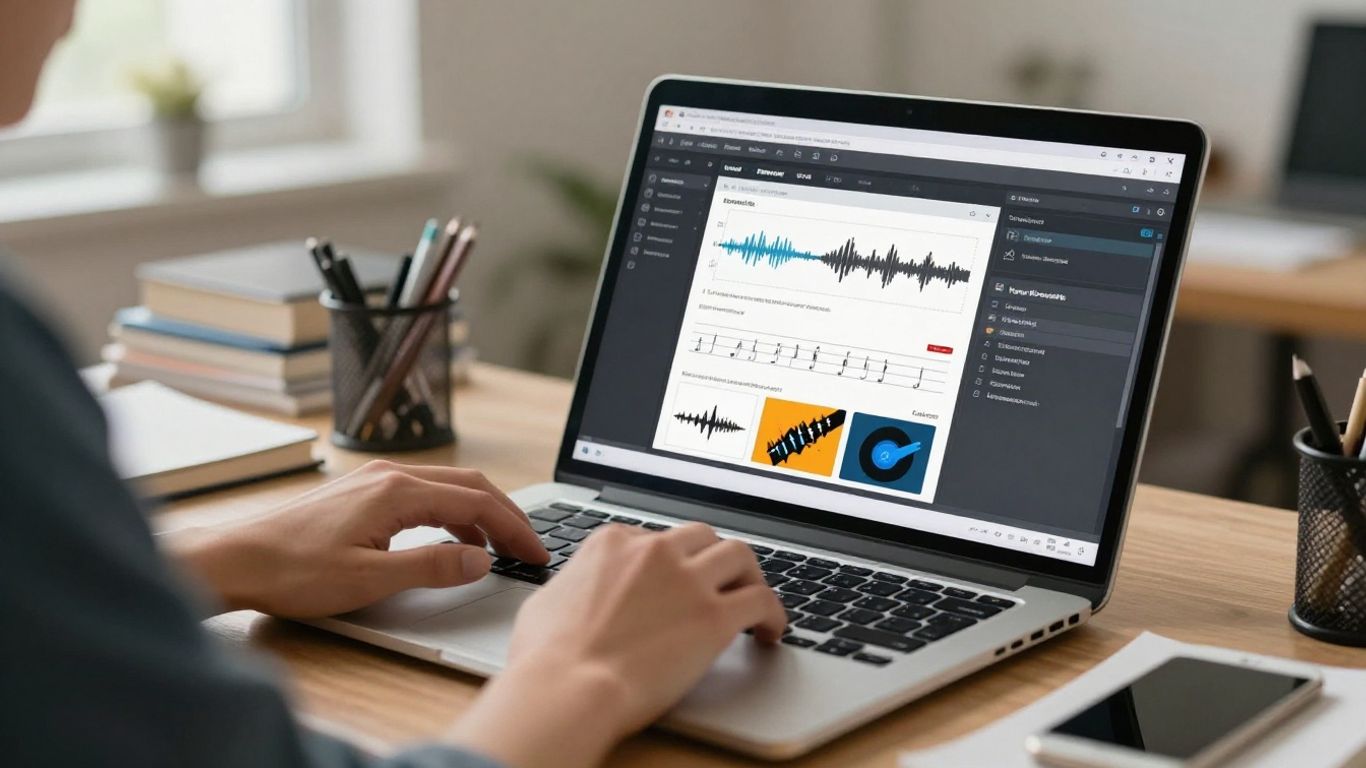
Following a structured path ensures that your music video stays on track from the opening lyric to the final beat. You start by defining your concept before moving into generation phases, where you translate your written ideas into audio and visual assets. This step-by-step method helps you avoid getting lost in the details and keeps your project aligned with academic rubrics.
Establishing the conceptual brief for creative assignments
Before you type a single prompt, write down your narrative theme and the desired aesthetic of your video. Think about the mood of your music and how it aligns with your research topic or presentation theme. Having a clear brief allows you to write precise prompts that yield better images and audio on the first attempt.
Generating original tracks including AI singing vocals
Generate your track by inputting the genre, mood, and lyrics into your chosen tool. You can create full songs with singing voices, which provides the foundation for the visual synchronization later. This approach removes the need for traditional recording equipment or studio time, making it a fast way to get high-quality audio.
Synchronizing AI-powered visuals with specific audio beats
Load your generated audio file into a video generator that creates visuals synced to your track’s rhythm. The software analyzes the energy of your song and matches the image transitions to the tempo, which helps you produce a dynamic result for your class. This alignment is vital for maintaining viewer interest and professional quality in your video assignments.
Refining project outputs to meet strict deadline requirements
Edit your clips or adjust your prompt language if the software generates visuals that fail to match your specific narrative vision. You can often trim clips or regenerate specific sections to fix minor errors in sequence or pacing. Quick iterations help you meet tight deadlines without sacrificing the overall quality of your work.
Applying AI music videos to diverse academic subjects
Using media in your work changes how your peers and professors interact with your research material. You can turn a flat text presentation into an audio-visual narrative that keeps audiences attentive while they learn from your topic. This method works across various disciplines by providing a modern format for your analysis and academic submissions.
Enhancing classroom presentations with original thematic content
Use original songs to underscore the points in your slides, especially during group presentations. You can match the music to the tempo of your spoken report, making the whole event feel like a cohesive documentary rather than just a set of slides. It is a way to leave a lasting impact during your turn at the whiteboard or projector.
Using music videos for historical or linguistic research explorations
Visualize historical narratives or demonstrate language learning through song and video, which brings abstract data to life. Students often use these tools to show how specific time periods or cultural dialect themes look in modern stylistic interpretations. This approach encourages you to think critically about how sound and image influence how history gets interpreted by the public.
Creating media assets for film, music, and communications coursework
When you study communication or media arts, producing these videos allows you to explore the intersection of technology and art as part of your major. You learn to handle Generative Engine Optimisation logic when you consider how social platforms display your work to different audiences. It provides practical lessons in creative production that translate directly to your career training.
Incorporating audio-visual elements into collaborative group projects
Shared Google Documents allow group members to work on prompts together while distributing tasks for different video segments. You can divide the labor based on who handles the music generation and who manages the visual style selection to stay efficient. Combining your efforts into a final product shows how teams manage workflows in technical environments.
Overcoming technical challenges in student productions
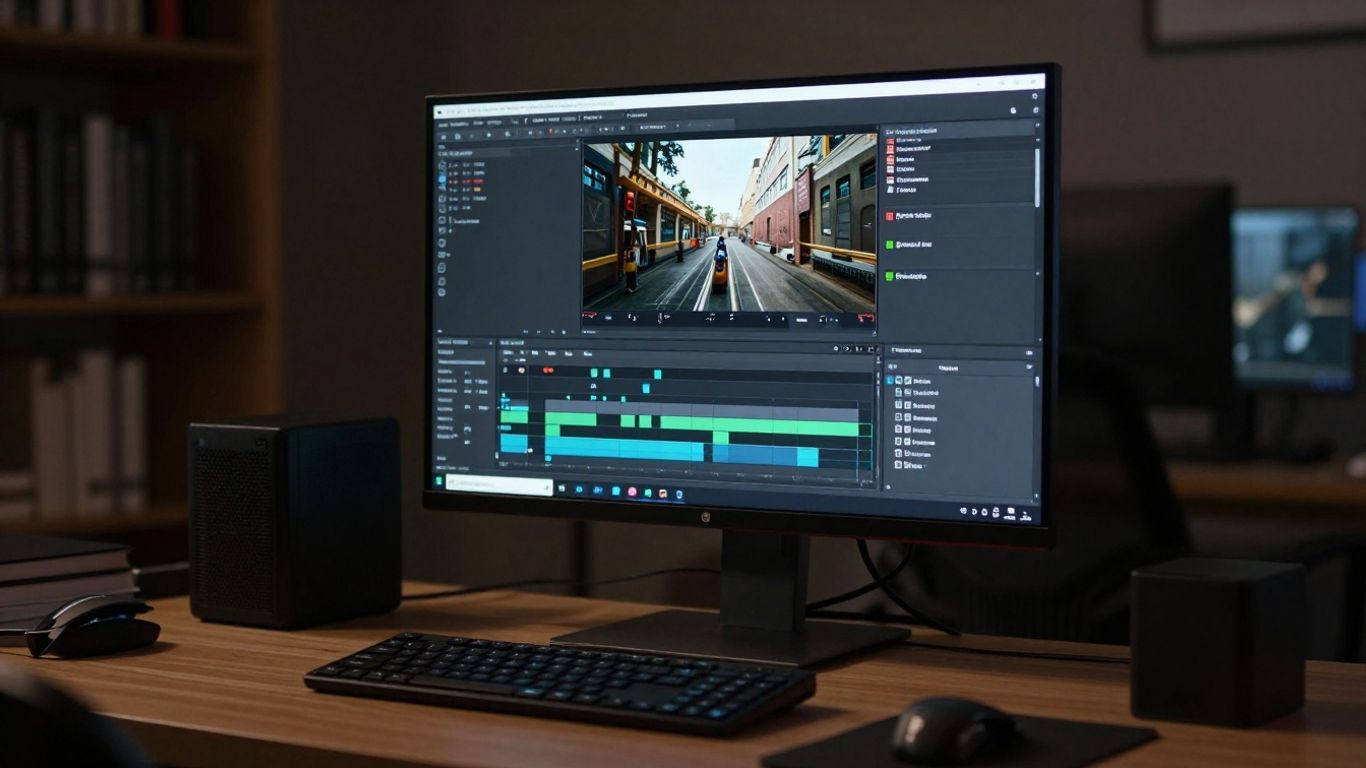
Technical glitches occur, but learning to handle them is part of your academic growth in digital production. Most issues involve simple format mismatches or synchronization errors that you can resolve with basic troubleshooting. Being patient with these software limitations allows you to find workarounds that still look great for your final grading.
Troubleshooting synchronization issues between audio and video
If your beat-sync feels off, check your upload format to make sure the software reads the file correctly. Some platforms require specific bitrate settings or file types to analyze the song structure effectively. You might also try re-uploading the audio with slightly different length parameters to capture the timing correctly.
Managing export formats for YouTube, social media, and campus servers
- Ensure you export in 16:9 for large projector displays during in-person presentations
- Use 9:16 vertical video for your social media portfolio projects
- Limit file sizes during exports if your campus server has a low upload cap
- Opt for standard MP4 files to ensure your project plays on any student computer
These adjustments ensure your project looks clean when you present it, regardless of the display environment. Checking your resolution and file type before you finish final renders saves you from re-exporting your work on the day of your deadline.
Balancing generative tool limitations with creative artistic control
AI software occasionally produces random visuals that may not align with your specific creative aims. Treat these outputs as suggestions, and use your own prompts to steer the direction of the media. You remain the director of your project by selecting the best versions and leaving out the content that misses the point of your essay.
Scaling prompt engineering techniques for consistent visual identity
Use the same descriptive style for your visual prompts throughout a single project to keep the aesthetic uniform. If your characters keep changing their appearance between shots, add more specific details to every prompt you write. This consistency makes your video project seem professional and well-planned.
Navigating ethics and academic integrity
Working with AI tools requires you to understand the rules regarding ownership and proper usage in your schoolwork. You must distinguish between the assistance you receive from a program and the actual original work you compose for an assignment. Being honest about where AI helped you creates trust with your faculty and sets a standard for your professional life.
Understanding copyright and ownership of AI-generated assets
Read the terms of your AI platform carefully to ensure you own your output for academic submissions. Most services grant you rights to the content, but you should verify this to avoid any liability issues later. Knowing who owns the media helps you stay clear of plagiarism policies in your institutional catalog.
Establishing proper transparency and citation for AI tools
Cite your software tools in the same place you list your data sources to keep your report transparent. Mention the specific prompts you used, as this illustrates your role in the generation process. Professors value knowing the origin of your media, so explain your methodology as part of your project documentation.
Developing an ethical framework for using generative media in reports
Think about how your media reflects reality and be honest about the limitations of the technology in your paper. You should clearly indicate which parts of your project originated from AI and which parts represent your original analysis. A solid ethical framework shows that you engage with these tools responsibly while maintaining academic standards.
Distinguishing between AI assistance and original academic composition
Your paper or final essay should always stem from your own research, with AI music videos serving as supporting media assets. Ensure that the text and thematic arguments remain clearly yours, as these are the main markers of your effort. The goal is to use media to clarify your research rather than replace your own critical thinking.
Preparing content for project grading and presentation
Finalizing your presentation materials requires a bit of polish to make them ready for a grade. You need to ensure your media fits the display, that you have a clear plan for your portfolio, and that you have shared enough information for your professors to review. This final phase turns a good project into a grade-winning submission.
Adapting aspect ratios for varied display environments
Check if your classroom projector supports widescreen or standard settings before you finalize your clips. You should also consider keeping a copy in a square ratio for your digital portfolio or social media sharing later. Having multiple versions ready saves you from needing to re-edit your project after your final presentation.
Integrating music video assets into digital portfolios and slide decks
Embed your videos directly into your presentation slides to ensure smooth transitions between your talk and your visuals. You can also upload your work to a private platform as a link that you can share with your professor for a cleaner look. Keep your media easily accessible within your portfolio so you have a record of your work for future needs.
Documenting the production process for professor rubrics
Keep a simple notebook or a log that outlines the steps you took to generate your video and music. Mention your prompt choices and how you refined your output to meet the requirements of the task. Proving your direct involvement in the workflow helps professors appreciate the effort you put into the assignment.
Communicating the role of AI in the creative process clearly
Briefly summarize how you used AI to solve specific problems in your project during your presentation or in your report. You can show the shift from your initial idea to the final media output to explain your process. Being clear and confident about your workflow reflects positively on your maturity as a student.
Conclusion
Students who learn to integrate these media tools today establish a head start on the technical skills required for future creative careers. By focusing on smart prompt choices and clear documentation, you produce work that serves your academic goals while showcasing your original creative ideas. Make your final projects stand out by using AI as a tool that supports your narrative rather than replacing your personal analysis.
Frequently Asked Questions
Are there free AI platforms for school projects?
Yes, many services offer free credit tiers that allow students to complete short assignments at no cost. Always check if these plans include visible watermarks before you submit your file for grading.
How does video generation affect my project grade?
Your grade usually rests on the quality of your analysis and how well the media supports your message. Use the video as a way to clarify complex themes, which often earns higher marks for creative engagement.
Can I use AI music for artistic assignments?
Educational settings often allow the use of generated assets if you cite the tools correctly. Ensure you align with your school’s usage policy regarding original student composition and media production.
Does the AI handle lyric generation?
Many tools now allow you to input your lyrics or describe the topic so the AI generates relevant words. The accuracy often depends on how specific you are with your prompts, so try to provide clear themes.
Can I edit the video after it is generated?
Some platforms include basic editing tools, while others allow you to import your video into external software for further changes. Look for platforms that support high-resolution exports to maintain clear quality during later edits.
How long should an AI music video be for a presentation?
Keep your project within the time limits prescribed by your professor, which usually fall between one to three minutes. Short videos that keep the pace moving are often more effective for classroom engagement.
Can I choose my own visual style?
Most modern tools let you pick from several visual themes or even upload reference images to influence the content. Select a style that matches the tone of your research to ensure your presentation feels consistent.