Key Takeaways
You can turn a short idea into a song and then prepare matching visuals without a studio setup. The strongest results come from clear prompts, deliberate review, and careful checks on usage rights.
- Start with a defined genre, mood, tempo, and vocal direction.
- Use lyrics or describe the vocal style you want to hear.
- Review the song before spending time on video scenes.
- Choose the video aspect ratio before exporting.
- Check free-tier limits, rights, and disclosure expectations.
Choose the right AI music workflow
You have two separate jobs: making the audio and building visuals around it. Some workflows begin with a text description, while others start with an MP3 or WAV file you already own. Decide which one fits your project before you write a prompt or upload anything.
Song generation versus audio-to-video creation
Song generation turns a text idea into music, often with arrangement and vocals included. Audio-to-video creation takes an existing track and builds scenes, characters, motion, or reactive visuals around its timing. If your song already exists, skip song generation and focus on the visual brief.
A clear handoff between the two stages helps. Save the final audio file, note its length, and identify the moments that need visual changes, such as an intro, chorus, bridge, or instrumental break.
When a two-in-one tool saves time
A combined workflow is useful when you want to go from a prompt to a full track and then to a shareable video without switching between separate subscriptions. The CREATUS.AI AI Music Video Generator is documented as a two-in-one tool for text-to-song generation with AI singing vocals and audio-to-music-video production.
That setup can reduce file handling and repeated uploads. It also lets you test the relationship between a song idea and its visual direction while both are still easy to change.
What you need before you start
Prepare a short song concept, a preferred genre, a mood, a rough tempo, and either lyrics or vocal guidance. For an existing track, keep an MP3 or WAV version ready and confirm that you have permission to use it.
You should also decide where the video will appear. A vertical social clip, square post, and standard YouTube upload need different framing, so choosing the destination early prevents awkward crops later.
Write a prompt that produces a usable song
A good prompt gives the generator enough direction without turning into a pile of competing demands. Start with the musical identity, then add the emotional tone and performance details. You can learn the free AI music workflow for more examples of prompts, visual planning, and export choices.
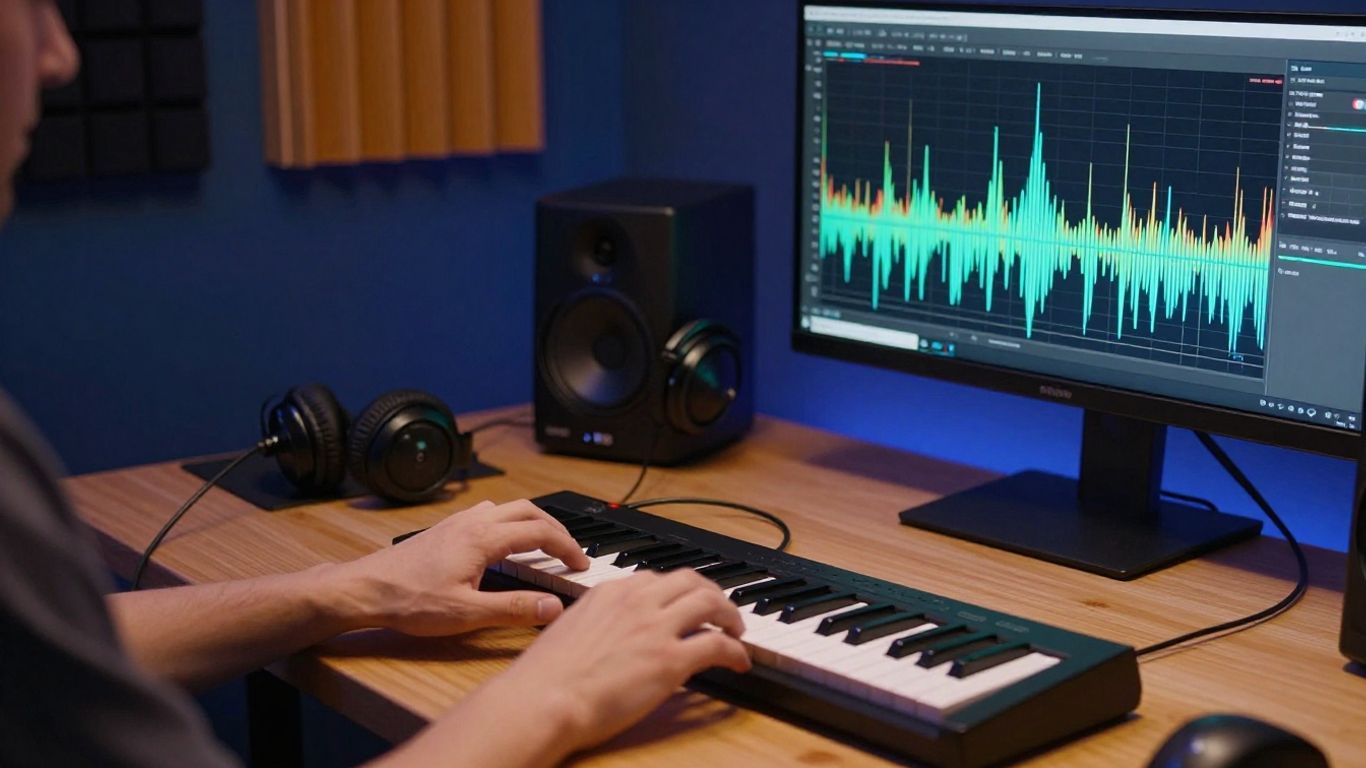
Define the genre, mood, and tempo
Name one primary genre first, then add a compatible mood and tempo. For example, ask for a warm indie-pop song at a medium tempo with clean guitar, restrained drums, and a hopeful chorus.
Specific sensory details work better than broad praise. Mention instruments, energy, vocal intensity, and the kind of movement you want in the arrangement. If tempo matters, give an approximate BPM or use a plain description such as slow, mid-tempo, or fast.
Add lyrics or describe the vocal style
If you have lyrics, separate verses, pre-choruses, choruses, and bridges with clear labels. Keep each section readable, because dense blocks of text can make structure harder to control.
If you do not have lyrics, describe the vocal performance instead. You might request a low, intimate lead vocal, bright layered harmonies in the chorus, or a conversational delivery with a short instrumental opening.
Avoid vague prompts and conflicting instructions
A prompt that asks for a quiet acoustic ballad, a heavy club beat, a punk vocal, and a cinematic orchestra at once gives the system too many directions. Pick a main identity and add only details that support it. Clear constraints save revisions because you can tell which part of the result missed the brief.
Use a small revision plan rather than rewriting everything after every attempt:
- Change one musical variable at a time.
- Keep the lyric structure stable while testing sound.
- Compare vocal delivery separately from the arrangement.
- Save the strongest version before trying a risky variation.
After each generation, write down what worked. That record becomes a practical prompt template for the next song instead of a vague memory of what you liked.
Generate a complete song with AI vocals
Once your prompt is ready, generate a full track rather than judging the idea from a short opening. Listen for whether the vocal supports the lyrics, whether the arrangement develops, and whether the ending feels intentional. A complete song gives you a better base for later visual timing.
Enter your idea in Creatus AI Music Video Generator
Open the Creatus AI Music Video Generator and enter the song idea, genre, mood, tempo, lyrics, or rough concept you want to use. The documented workflow composes original music and adds singing vocals, producing a complete song without requiring music production experience.
Keep the first prompt focused. You can ask for a full vocal performance and a defined structure, then reserve detailed scene instructions for the video stage.
Review the arrangement, vocals, and song structure
Listen from the first second to the final fade. Check whether the intro takes too long, whether the chorus arrives with enough contrast, and whether the vocal pronunciation makes the lyrics understandable.
Mark useful timestamps as you listen. Note the first chorus, the biggest instrumental change, and any section that might need a visual shift. Those notes will help you match scenes to the audio instead of cutting visuals at random.
Regenerate or refine weak sections
Regeneration works best when you identify one clear problem. If the vocal is too soft, revise the vocal direction. If the song feels flat, ask for more contrast between the verse and chorus rather than adding several unrelated genres.
Keep the versions that have strong parts, even when the whole track is not ready. A later attempt may fix the weak section while losing a vocal phrase or rhythm that worked in the earlier file.
Turn your song into an AI music video
Your visuals should follow the music rather than compete with it. Decide whether the video needs a performing character, a sequence of scenes, abstract movement, or a simpler audio-led treatment. The free music video guide offers a useful reference for thinking about existing tracks, free tiers, and synchronized visuals.
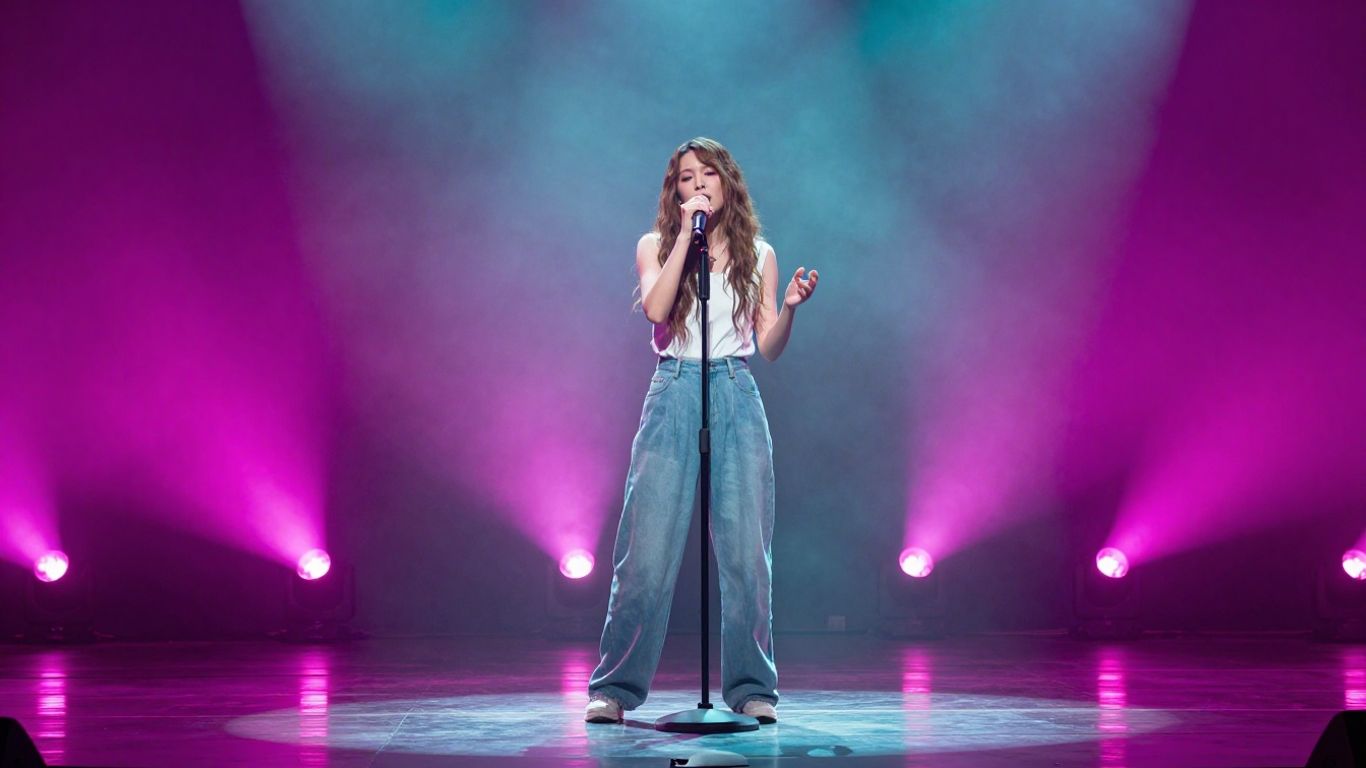
Upload an MP3 or WAV file
Use a clean export with the beginning and ending trimmed as you want them to appear. The documented workflow supports MP3 and WAV uploads, so check that the file opens correctly and contains the intended mix before sending it through the video process.
Avoid changing the audio after the video is generated unless you plan to rebuild the timing. Even a small edit to the opening silence or song length can shift scene changes away from the beat.
Match visual style to the song’s mood
Choose visual elements that agree with the sound. A soft ballad may suit gentle camera movement, close portraits, and muted colors, while a high-energy track can support sharper cuts, stronger contrast, and fuller motion.
Give the visual direction a few stable ingredients: setting, performer, lighting, color range, and camera behavior. Repeating those choices across scenes helps the video feel like one piece instead of unrelated clips.
Use synchronized visuals for stronger results
Timing matters most at structural moments. Let scene changes follow the chorus, drum entrance, lyric turn, or instrumental break, and leave quieter sections room to breathe.
A simple timing map can keep the visual plan manageable:
| Song moment | Visual focus | Editing intention |
|---|---|---|
| Intro | Establishing shot or character entrance | Set the place and tone |
| Verse | Closer performance or story detail | Keep movement controlled |
| Chorus | Wider action or stronger color | Increase visual energy |
| Bridge | New angle, setting, or lighting | Create contrast before the final chorus |
This structure gives you a starting point, not a strict formula. After the first render, watch the video with the sound on and move only the scenes that feel late, early, or visually repetitive.
Prepare videos for different platforms
One export rarely looks equally good everywhere. Aspect ratio changes the subject’s size, the amount of background you can show, and where captions or interface controls may sit. Set the format before you build a detailed visual composition.
Choose 9:16 for TikTok, Reels, and Shorts
Vertical video suits mobile feeds and keeps the performer large on screen. Place faces and key action near the center, while leaving some open space near the top and bottom for platform controls and captions.
Review the full frame on a phone-sized preview. A scene that looks balanced on a wide monitor may crop the performer or hide an important gesture in a vertical feed.
Use 1:1 for square social posts
Square video gives you a middle ground between portrait and landscape. It works well when the main subject stays centered and the scene does not depend on wide environmental detail.
Keep the visual hierarchy simple. One performer, one main action, and a restrained background usually read more clearly than a crowded composition squeezed into a square.
Export 16:9 for YouTube and standard video
Widescreen gives you room for landscapes, group performance, and side-to-side movement. It also fits standard YouTube viewing more naturally than a vertical crop.
The documented product workflow supports 9:16, 1:1, and 16:9 output. Before export, check resolution, audio sync, the first frame, and the final second so the file is ready for its intended destination.
Improve the final track and video
The first render is a draft, not a verdict. Watch it once for the song, once for the visuals, and once for the connection between them. Small timing fixes often matter more than adding another effect.
Check timing, pacing, and visual continuity
Look for cuts that arrive after the musical event, scenes that linger after their idea is finished, and changes in character appearance between shots. A consistent subject, lighting approach, and camera rhythm can make a basic sequence feel much more deliberate.
Use headphones for the audio check and a larger screen for the visual check. If the vocal is buried, fix the mix or regenerate the track before trying to solve the problem with visual effects.
Pair lyrics and scenes with the song’s structure
Treat lyrics as part of the edit. A repeated chorus can support a recurring visual motif, while a new verse can introduce a different location, gesture, or camera distance.
For broader content work, a marketing video planning guide can help you think about consistency, publishing speed, and the difference between generating footage and preparing a finished piece. Keep the music video’s own identity intact rather than forcing it into a generic promotional format.
Decide when to use a separate editing tool
A separate editor makes sense when you need frame-level cuts, precise caption placement, layered audio, color correction, or several versions from the same source. You may not need one for a simple generated clip, but it gives you more control when the project has a tight brief.
Export a clean master first. Then make platform versions from that file so each crop, caption, and timing change stays traceable.
Publish AI-generated music responsibly
Free creation does not automatically mean unrestricted publication. Before you post, check the terms that apply to the account, the generated audio, uploaded material, and final video. Keep a copy of the prompt and export details in case you need to explain how the work was made.
Review free-tier limits and export conditions
Check how many credits you receive, whether credits renew, and whether free exports include restrictions. Watermarks, duration limits, resolution limits, and download conditions can affect where you can use the result.
A guide to AI monetization compliance is useful when your work involves subscriptions, international customers, taxes, or paid digital distribution. Treat the free tier as a testing stage until you confirm the conditions for your intended use.
Check commercial-use and copyright terms
Read the current terms before placing a generated song in an advertisement, paid channel, client project, or store listing. Also confirm that your lyrics, samples, portrait uploads, and reference material are yours to use.
AI output can raise copyright questions that vary by location and by the amount of human contribution. A general AI and Texas real estate guide is not a music-rights source, but it illustrates a broader rule: specialized legal decisions need context, not a generic assumption about what AI can do.
Credit or disclose AI-generated content when appropriate
A short disclosure can make your process clear to listeners, clients, and platforms. Follow any platform policy, client agreement, or local rule that applies, and do not imply that a human singer or producer performed work that was generated by software.
If you create work for a nonprofit, an AI nonprofit management guide may help you think through responsible use, transparency, and internal review. For your own music, keep the disclosure simple and factual.
Publish AI-generated music responsibly
A finished song is only useful when it reaches the right audience in the right format. Prepare a clean title, description, thumbnail, and short note about the process. Then upload the version that matches the platform instead of asking one file to do every job.
Review free-tier limits and export conditions
Before publishing, confirm that the plan you used permits the export and intended audience. Check credits, watermark rules, maximum duration, file quality, and whether the terms have changed since you generated the track.
Keep your source files and notes together. That makes it easier to recreate a version if a platform rejects a file or you later need a different aspect ratio.
Check commercial-use and copyright terms
Read the applicable license for both the audio and video. Commercial permission, ownership language, and copyright protection are separate questions, so do not treat one favorable clause as a guarantee that every use is covered.
If you work with clients, put responsibility for prompts, source material, approvals, and disclosures in writing. A search visibility guide can help with the publishing side, but it does not replace a rights review.
Credit or disclose AI-generated content when appropriate
Tell your audience when disclosure is required or when it would prevent confusion. A plain statement such as “Audio and visuals generated with AI, edited by me” is often clearer than a vague claim about the production.
For paid campaigns or high-volume publishing, review the relevant AI content policy guidance before release. Keep the final description accurate, especially when the track includes AI vocals or a generated performer.
Try the full workflow
If you want to move from a written idea to a vocal track and then into a music video, start with the AI music video workflow. Test one focused prompt, review the result, and use the free starting option to learn what suits your sound before committing to a larger project.
Conclusion
To Generate AI Music for free, keep the process simple: define the sound, generate a complete vocal track, match visuals to its structure, export for the right platform, and check the terms before publishing. Clear choices at each stage give you more control than a long prompt or a crowded edit.
Frequently Asked Questions
Can you generate a full song with AI for free?
Many services offer free credits or limited free plans, but the available length, quality, exports, and usage rights vary. Check the current terms before publishing or monetizing the result.
What should you include in an AI music prompt?
Include the genre, mood, approximate tempo, instruments, vocal direction, and song structure. Add lyrics when you have them, and keep the instructions compatible with one another.
Can AI music include singing vocals?
Some music generators produce complete songs with AI-generated singing vocals. Results can vary, so listen for pronunciation, phrasing, tone, and whether the vocal fits the lyrics.
What audio files work for an AI music video?
MP3 and WAV are common choices for audio-to-video workflows. Use a clean file with the final length and opening silence you want reflected in the video.
Which aspect ratio should you use for a music video?
Use 9:16 for vertical short-form platforms, 1:1 for square social posts, and 16:9 for YouTube or standard widescreen viewing. Choose the ratio before composing important visual action.
Does AI-generated music have copyright protection?
Copyright treatment depends on local law, the service terms, and the amount of human contribution. Keep records of your lyrics, prompts, edits, and source materials, and seek legal advice for commercial work.
Should you disclose that a song was generated with AI?
Disclose AI involvement when a platform, client, law, or audience expectation makes it appropriate. A short, accurate statement helps avoid confusion about who performed or produced the work.