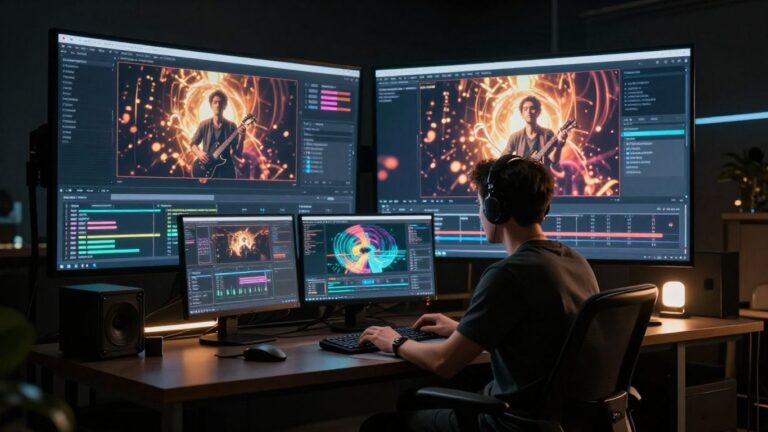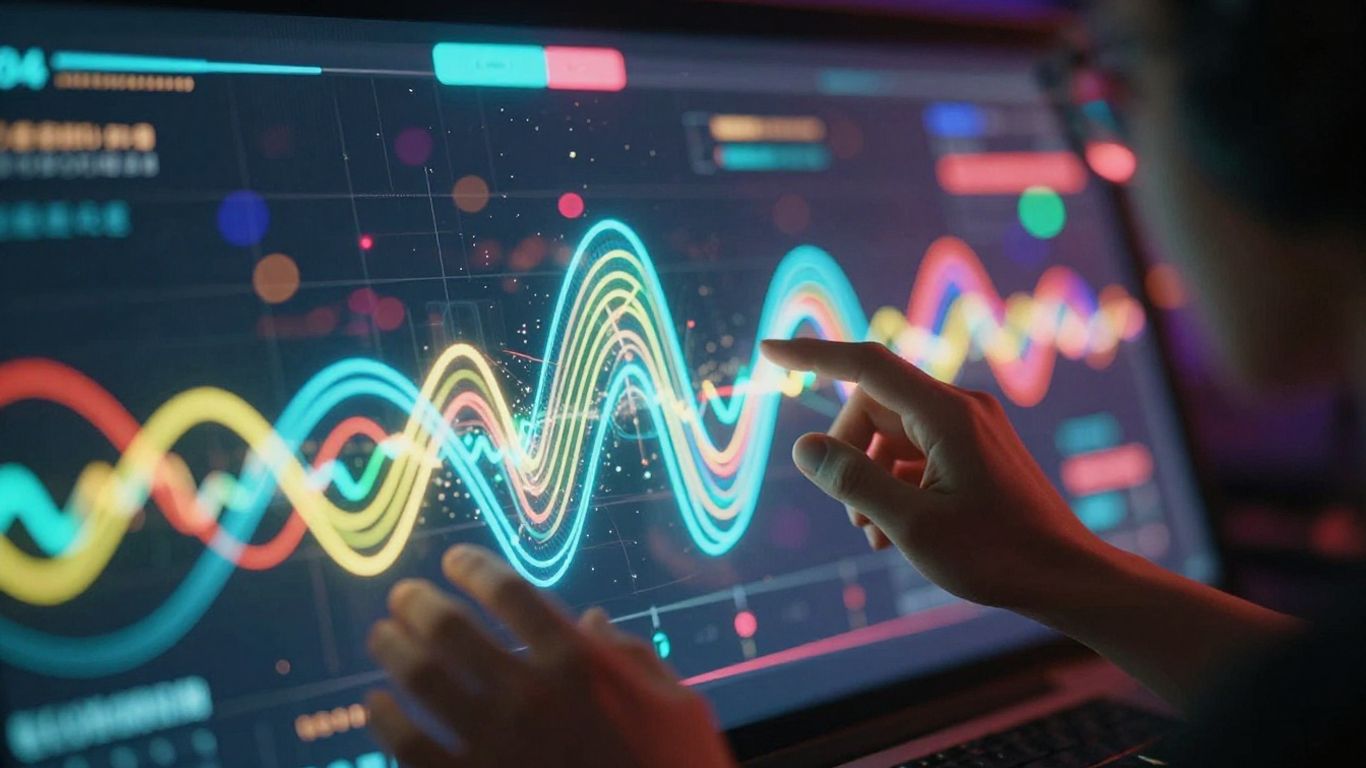
So, you want to make a music video but don’t want to mess around with expensive gear or spend hours editing? You’re not alone. These days, there’s a whole bunch of AI music video maker apps that take your song (or even just your idea) and spit out a full video—no film crew required. Whether you’re a musician, a content creator, or just someone who wants cool visuals for TikTok, these tools make it way easier to get your music out there with video to match. Let’s check out the top picks and see which one might fit your style (and your budget).
Key Takeaways
- AI music video maker apps let you create videos without needing editing or music production skills.
- Some tools (like Creatus) handle both song creation and video generation in one place, while others focus on just video or just music.
- Most top apps offer free versions, but you’ll often need to pay for longer videos, no watermarks, or higher quality exports.
- You can make videos for any platform—YouTube, TikTok, Instagram—since most apps support different video formats.
- Each app has its own strengths: some are better for quick social clips, others for full-length music videos, and a few offer detailed customization if you want more control.
1. Creatus AI Music Video Generator
Creatus AI Music Video Generator offers a unique two-in-one solution for creators. It lets you generate a song with AI vocals from a text prompt, and then turn that audio into a music video. This integrated workflow means you don’t need separate tools for music creation and video production.
This platform is built for efficiency. You can start by typing in your song idea, including genre, mood, and lyrics. The AI then composes the music and adds singing vocals. Once you have your track, you can upload it or use the AI-generated song to create a music video. The AI analyzes the audio’s tempo and energy to match the visuals.
Creatus provides multiple visual styles, from cinematic to animated and lyric videos. You can export your final music video in formats suitable for any platform, including vertical for TikTok and Reels, square for Instagram, and horizontal for YouTube. This makes it easy to create once and publish everywhere.
The platform aims to simplify the entire process, removing the need for technical skills in either music production or video editing. It’s designed to be accessible for independent musicians, producers, and content creators who need professional-looking visuals without the high cost and complexity of traditional methods. You can explore their AI music video generation capabilities to see how it fits your workflow.
Key features include:
- Text-to-song generation with AI singing vocals
- Audio-to-music-video production
- Multiple visual styles and export formats
- A unified workflow within the broader Creatus.AI ecosystem
- A free tier to get you started
2. Neural Frames
Neural Frames lets you turn any audio track into a fully-synced, pro-looking music video in about 10 to 15 minutes. It’s the only app built entirely around audio-reactive visuals, so what you see always matches what you hear. That means your drops, kicks, and vocals trigger visual effects automatically—no video editing skills needed. If you want, just use Autopilot: upload your song, pick a model, and wait for the AI to finish the video.
Here’s what makes Neural Frames practical:
- Flexible: Make lyric videos, lip-sync animation, or wild abstract visuals—just pick a model.
- Fast workflow: Build a full-length music video or visualizer in one sitting. You can save your favorite styles and batch-create content for each song.
- Pricing fits different needs: from a quick, free 20-second test clip all the way up to 2 hours of 4K video on big plans.
| Plan | Price | Max Video Time | Audio-reactive | 4K Quality |
|---|---|---|---|---|
| Neural Navigator | $19/mo | 16 minutes | No | 1080p |
| Neural Knight | $39/mo | 40 minutes | Yes | 1080p |
| Neural Ninja | $99/mo | 2 hours | Yes | 4K |
| Neural Nirvana | $299/mo | 7 hours | Yes | 4K |
With Neural Frames, you don’t waste hours tweaking timelines. Just upload a track, set your visuals, and let the tool do the rest.
If you’re a musician or a creator who wants a streamlined workflow, start with the 20-second free trial and see how quickly you can produce quality audio-synced visuals. Especially if you’re new, the best AI music video generator for beginners title is well earned here.
3. Freebeat
Freebeat is built specifically for turning your music into videos. You can upload your own audio files or link tracks from places like YouTube or TikTok. The AI analyzes your song first, then creates visuals that actually match the music’s rhythm and structure.
This tool is great if you’re a musician who wants to get visuals done fast without losing creative control. It offers beat-aware visuals, lyric video options, and performance-style scenes that sync up with your track. Whether it’s a demo or a finished song, Freebeat can handle your music-to-video workflow.
You don’t need any video editing skills to use Freebeat. The AI handles storyboards, shot planning, and timing automatically. Beginners can get a video in minutes, and if you want more control, you can tweak the prompts.
Here’s a quick look at what Freebeat offers:
- Music Input: Upload MP3s or link from YouTube, TikTok, Suno, Udio, and more.
- Video Styles: Choose from Story Video, Stage Performance, or create Lyric Videos.
- Output Formats: Get videos in 16:9 (horizontal), 9:16 (vertical), and 1:1 (square) aspect ratios.
- Video Quality: Exports in HD 720p and Full HD 1080p.
Freebeat focuses on music-first video generation. It’s not just a generic text-to-video tool. It understands your song’s tempo, structure, and mood to create visuals that fit, rather than just applying random motion.
Freebeat has a free plan so you can try it out. If you need more features or faster generation, they offer paid plans starting around $4.99 per week.
4. Shai Creative
Shai Creative is your go-to for making AI music videos that feel structured and professional. It gives you a lot of control, letting you storyboard scenes, pick specific shots, and even edit in real-time. This means you’re not just getting random AI visuals; you’re crafting a visual story that matches your song.
You get precise control over camera angles, shot types, and scene composition. This level of detail helps ensure character consistency and fine-tune the pacing of your video. It’s designed for creators who want a cinematic look without the traditional production hassle.
Here’s a quick look at how you can use Shai Creative:
- Upload Your Music and Concept: Give the AI your song and a description of the visuals you’re aiming for.
- Generate AI Storyboards: Shai will create scene-by-scene visuals that sync up with your music.
- Edit and Refine: Tweak camera angles, scene layouts, and shot timing as needed.
- Export Your Video: Download the finished, structured AI music video.
Shai Creative stands out because it focuses on visual storytelling rather than just generating animations. You can build a coherent narrative that truly complements your music.
5. Kaiber
Kaiber is a solid choice if you’re looking for creative AI animation and video effects. It’s particularly good for transforming existing images or videos into something new with AI.
You can turn text prompts, images, or even other videos into unique visuals. Kaiber also offers audio-reactive features, though they might not be as precise as some other tools.
This platform is great for artists who want abstract, surreal, or experimental visuals. It supports both frame-by-frame animation and more fluid motion. Plus, you can upscale your AI-generated videos up to 4K quality.
Kaiber’s Superstudio provides an infinite canvas where you can organize your entire project. It integrates several top-tier AI models for both video and image generation, giving you a lot of creative freedom. You can experiment with different styles and blend them using reference images.
Here’s a quick look at how Kaiber compares:
| Feature | Kaiber (Superstudio) | Neural Frames | RunwayML | Pika |
|---|---|---|---|---|
| Ease of Use | Easy to Moderate | Moderate | Moderate to Complex | Easy |
| Output Quality | High (Up to 4K) | High (Up to 4K) | High (1080p) | High (1080p) |
| Customization | Extensive | Extensive | Extensive | Basic |
| Pricing | From $15/month | From $19/month | From $0/month | Free (Paid plans from $8/month) |
| Unique Features | Superstudio, Collections, Canvases | Audio-Reactiveness & Adaptive Visuals | Multi-Modal AI Creativity, Ownership Rights | Instant Animation |
| Best For | Artists, Musicians, Creators | Musicians, Producers | Content Creators, Filmmakers, Designers | Hobbyists, Beginners |
If you’re aiming for a more artistic and experimental look, Kaiber is definitely worth checking out. You can explore its capabilities with a free trial to see if it fits your workflow.
6. Vidnoz
Vidnoz is a solid choice if you’re looking for a free AI music video generator. It offers a straightforward way to turn your audio into visuals, with a few neat options to play with.
You can pick from different singer avatars and styles to give your video a unique look. It’s designed to be user-friendly, so you don’t need a lot of technical know-how to get started. The platform aims to make music video creation accessible to everyone.
Keep in mind that the free plan has a one-minute clip limit and includes a watermark on exported videos. If you need longer videos or want to remove the watermark, you’ll have to look into their paid options. It’s a good starting point for quick projects or testing out ideas without any cost.
Vidnoz focuses on making the process simple and quick, which is great for creators who want to get their content out fast. You get multiple avatar choices and style selections to customize your video.
While it might not have all the advanced features of some paid tools, Vidnoz provides a decent set of capabilities for free. You can explore different looks for your music videos and see what works best for your track. It’s a practical tool for creators on a budget or those just starting out in making music videos.
7. TopMediai
TopMediai is a straightforward option if you want to turn your photos into a music video. You upload your pictures and your audio track, and the AI does the rest. It’s pretty good at matching visuals to the mood of the music.
This tool focuses on the photo-to-video aspect, making it simple to animate still images. You can preview storyboards before committing, which is helpful. It’s a solid choice for creators who have their photos ready and just need them brought to life with music.
While TopMediai offers a good starting point for visualizers, it might not give you the deep control some other platforms provide. If you’re looking for complex animations or narrative-driven videos, you might need to explore other options. However, for quick, engaging visualizers from your existing photos, it gets the job done efficiently. You can check out other AI music video generators like MusicCreator.ai for similar photo-to-video features.
8. Revid.ai
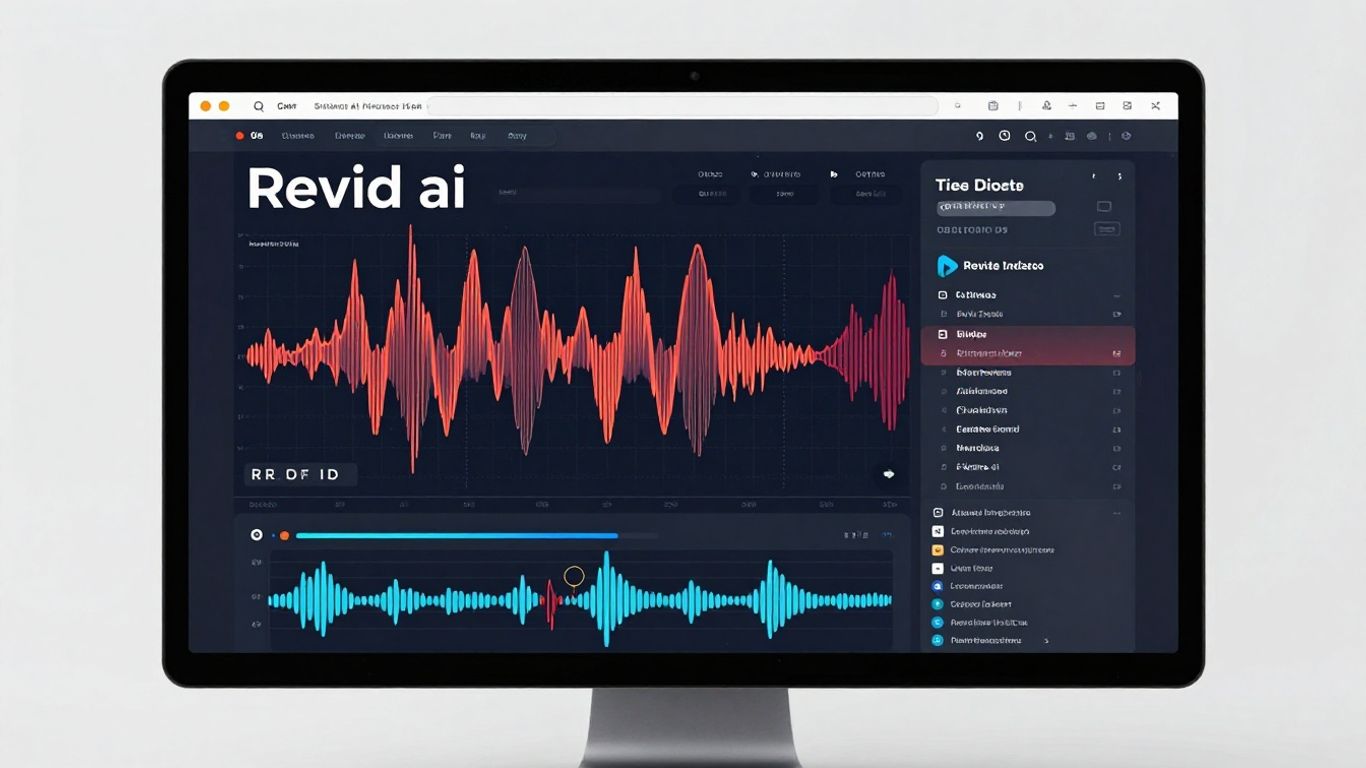
Revid.ai makes music video creation simple and fast. If you want to turn your audio tracks into synced, catchy music videos, you won’t waste hours with manual editing. Just upload your song, pick a style, and let the AI do the heavy lifting.
With Revid.ai, you’ll find multiple template options and production presets. You can create lyric videos, beat-synced visuals, and even experiment with short viral-style edits. Export your project in different formats—great for sharing on TikTok, YouTube Shorts, or Instagram.
Here’s what you’ll find handy about Revid.ai:
- Lightning-fast video creation (usually just a few minutes)
- Auto-lyric captioning for extra engagement
- Exports for all standard aspect ratios (vertical, square, horizontal)
- Free and paid plans based on your needs
Pricing is flexible. The free plan gives you limited AI credits and lets you try out most tools, while paid tiers unlock higher output and a bigger content library. For a quick breakdown:
| Plan | Price | Key Features |
|---|---|---|
| Free | $0 | Limited credits, no exports |
| Hobby | $39/month | Full editor access, 2000 AI credits |
It’s honestly a relief not having to fuss with a timeline editor—just upload, select, and publish. With AI video generator tools, you can consistently push out new content, keeping your feed fresh without feeling buried in work.
Real talk: sometimes the creative results will surprise you (for better or worse), so it’s worth playing around with styles before you settle. For quick music promos, social shareables, and lyric videos, Revid.ai can cover most of the heavy lifting for you.
9. RunwayML
RunwayML is a professional-grade AI video generator that gives you a lot of control over your projects. It’s evolved significantly, especially with its Gen-4.5 update, which brings better consistency for characters and environments across different scenes. This means you can create a more cohesive visual story.
You can generate videos with realistic motion and physics, which is great for adding dynamic elements to your music videos. The platform also offers advanced camera controls, letting you pan, tilt, and orbit just like you would with professional equipment. This level of detail helps you achieve a cinematic look.
While RunwayML doesn’t directly sync to audio, you’ll need to generate your video clips separately and then edit them together with your music in another program. This approach gives you flexibility but requires an extra step. You can explore different visual styles and even train custom styles if you have specific aesthetic needs.
RunwayML offers a free tier with limited credits, making it accessible to try out. Paid plans unlock more advanced features and higher export quality. If you’re looking to transform existing footage or create complex visual narratives, learning to transform videos with Runway Aleph could be a good starting point.
10. Pika
Pika is made for creators who want to turn their ideas into animated videos fast. The interface is simple and web-based—no downloads or complicated setup. You can choose from a bunch of tools like scene building, image transitions, or quirky effects, then describe the vibe and let the AI generate short, video clips.
Here’s what you can expect with Pika:
- Free plan available, but finished clips max out at 480p quality (paid plans go up to 1080p, with 4K in the works)
- Most generations are 5-10 seconds per clip, so if you need longer videos, you’ll stitch several together
- Handy presets for tasks like morphing between frames, swapping objects or characters, or adding new elements to your scene
- Aspect ratios for any platform—TikTok, Instagram, YouTube, whatever fits your need
- No timeline editor, so you keep things lightweight and basic
| Plan | Price | Max Resolution | Clip Length |
|---|---|---|---|
| Free | $0 | 480p | 5-10 seconds |
| Basic | $8/month | 1080p | 5-10 seconds |
| Pro | $35/month | 1080p | 10 seconds |
If you want something quick and smooth, Pika is a solid pick. It’s not made for "cinematic masterpieces," but it does handle short, fun, and flexible clips really well. The lip-sync and face animation tools put high-fidelity effects at your fingertips, making it easy to match video to your music.
For brand-new creators, Pika’s no-frills setup is a relief—you don’t need editing experience to try out special effects, transitions, or facial animations synced to your music.
If you’re looking for more options, here’s a look at some other free AI music video generators recommended on Reddit that keep things easy, especially for beginners or anyone just testing the waters.
Pikas are small, fluffy animals that live in the mountains. They’re related to rabbits and are known for their cute chirping sounds. These little guys are super busy, gathering plants to eat during the winter. Want to learn more about these adorable creatures and how they survive? Visit our website for fun facts and amazing pictures!
Wrapping Up Your AI Music Video Journey
So, you’ve looked at a bunch of these AI music video tools. It’s pretty clear that making visuals for your music doesn’t have to be a huge headache or cost a fortune anymore. Whether you’re just starting out and need something simple, or you’re looking for more control over the final look, there’s an app out there for you. Tools like Creatus AI offer a neat all-in-one package for making both the song and the video, which is pretty handy. Others focus more on making the visuals react perfectly to your audio. Take some time, try out a few free versions, and see which one clicks with how you like to create. You’ll likely find a way to get your music seen and heard with visuals that fit your style and budget.
Frequently Asked Questions
What exactly is an AI music video maker?
Think of an AI music video maker as a super-smart assistant for creating visuals for your songs. You give it your music, maybe a few ideas or lyrics, and it uses artificial intelligence to whip up a video that matches the vibe and beat of your track. It’s like magic for making your music look as good as it sounds, without needing to be a pro video editor.
Do I need to be a tech wizard to use these apps?
Nope! Most of these tools are designed to be super easy to use, even if you’re not great with computers. They often have simple drag-and-drop features or clear instructions. Some are so simple you can just upload your song and let the AI do all the heavy lifting. You don’t need fancy editing skills to get awesome results.
Can I make a video for any kind of music?
Absolutely! Whether you’re into rock, pop, hip-hop, electronic, or even classical music, these AI tools can handle it. They analyze the rhythm, mood, and energy of your song to create visuals that fit. Some even let you pick specific styles or themes to make sure the video perfectly matches your genre.
Will the videos look professional?
You’d be surprised! Many of these AI generators can create really polished and professional-looking videos. They can sync visuals to the beat, create cool animations, and offer different styles that look like they were made by a professional team. For many creators, it’s a huge step up from just posting a static image with their music.
Are there free options available?
Yes, you’re in luck! Most of the best AI music video makers offer a free trial or a limited free version. This lets you test them out and see which one works best for you before you commit to paying. You can often create short clips or use basic features without spending any money.
Can I use these videos on social media?
Definitely! These tools usually let you export your videos in different sizes, like vertical for TikTok and Instagram Reels, square for Instagram posts, or widescreen for YouTube. This means you can easily share your awesome new music videos across all your favorite platforms without any hassle.