Key Takeaways
AI can now generate songs, turn audio into synchronized visuals, and export videos for the main social formats. That makes it useful for fast releases, early concepts, and frequent promotional content, but it does not remove the need for human direction on every project.
- AI music videos can reduce the time and cost of producing a usable first draft.
- Text-to-song and audio-to-video tools let you move from an idea to visuals in one workflow.
- Traditional crews still offer stronger control over performance, continuity, and physical detail.
- A hybrid process often gives you the best balance between speed and creative judgment.
- Rights, consent, disclosure, and audience expectations should shape your production choice.
What AI music video production can do today
AI music video production now covers more than animated equalizers or generic stock footage. You can start with a text idea, an existing track, or lyrics, then produce a visual draft that follows the audio’s mood and structure. The result may not be ready for every official release, but it can be useful well before a camera crew arrives.
The practical question is not whether AI can make a video at all. It is whether the output gives you enough control, quality, and permission for the way you plan to publish it.
Generate complete songs from text prompts and lyrics
Some tools can turn a text description, genre, mood, tempo, or lyrics into a complete song with singing vocals. That changes the starting point for a creator who has an idea but no producer, vocalist, or recording setup. You can test several directions quickly instead of paying for a full session before you know which concept works.
CREATUS.AI combines text-to-song generation with audio-to-music-video production in one workflow. Its documented song workflow accepts text prompts and lyrics, then produces original music with AI-generated singing vocals.
Turn MP3 and WAV files into synchronized visuals
You can also begin with a finished track. Audio-to-video systems accept common files such as MP3 and WAV, analyze elements including tempo, mood, energy, and song structure, and generate visuals intended to follow the music.
That is useful when your song already exists and you only need a visual layer. The output can serve as a performance-style clip, an abstract video, a lyric treatment, or a rough visual direction for a later production.
Adapt one video for vertical, square, and widescreen formats
A single release rarely lives in one frame shape. You may need a vertical cut for short-form feeds, a square version for a social post, and a widescreen version for a standard video page.
Multi-format export makes that repeat work less painful. With CREATUS.AI, the documented output formats are 9:16, 1:1, and 16:9, so you can prepare versions for TikTok, Reels, Shorts, social feeds, and YouTube from the same general workflow.
Reduce the need for specialized music and video skills
AI lowers the technical threshold for a first pass. You do not need music production experience to test a song idea, and you do not need video editing skills to turn supported audio into a synchronized music video in the documented workflow.
That does not make creative judgment unnecessary. You still need to choose the right mood, reject weak generations, check the lyrics, and decide whether the video fits your audience.
How AI compares with traditional music video production
Traditional production gives you a chain of human decisions: a director shapes the concept, performers control the delivery, a crew manages light and movement, and editors refine every cut. AI compresses many of those steps into prompts, settings, and revisions. The comparison depends on what you value most in the finished piece.
If you need a fast draft or a steady stream of social assets, AI may be the practical choice. If the video depends on a specific location, a nuanced performance, or a tightly controlled narrative, a conventional shoot may still justify its cost.
Production speed from concept to finished draft
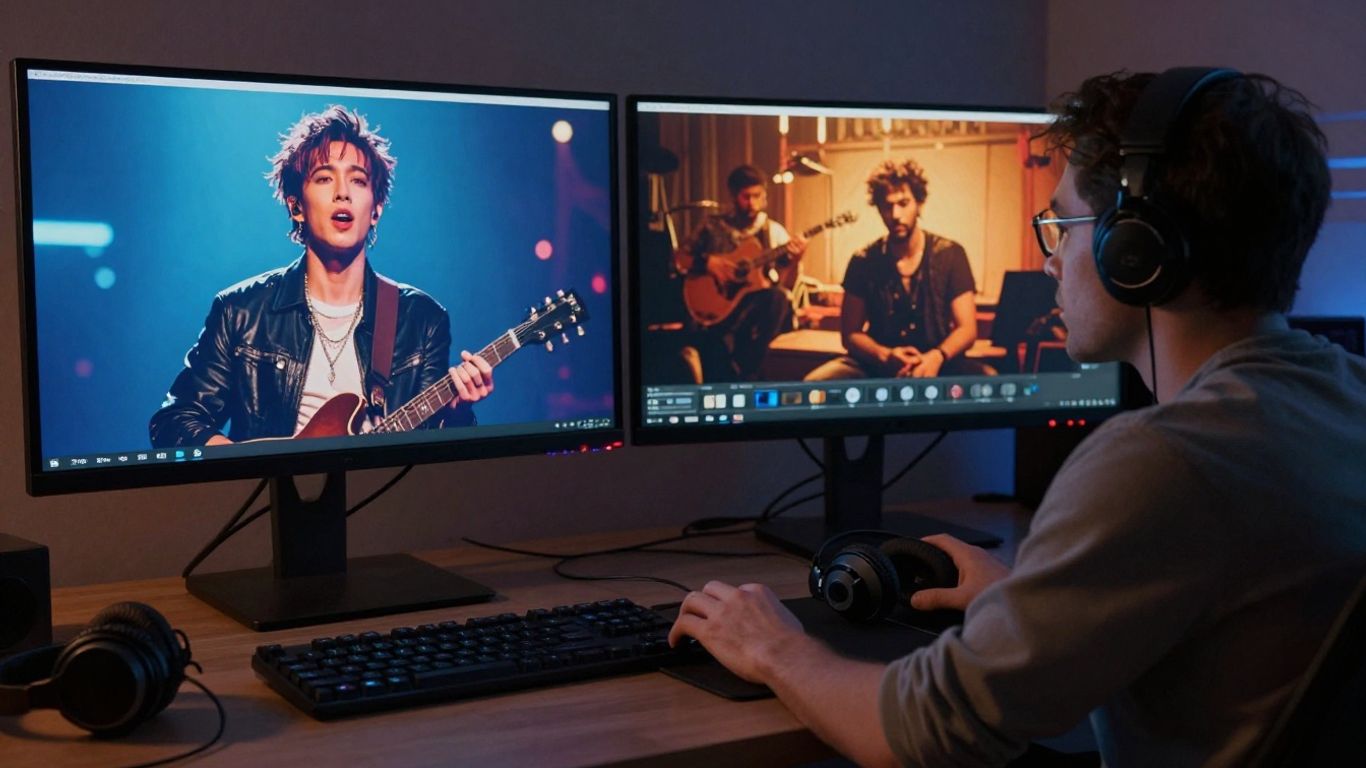
AI can produce a visual direction in minutes or hours rather than waiting for scouting, casting, shooting, and post-production. You can test color, pacing, character ideas, and scene types before committing to a larger budget.
The speed advantage is strongest during early development and short-form production. A finished draft still needs review, and repeated generations can consume time when you are chasing continuity or a very specific shot.
Differences in creative control and visual consistency
A traditional set gives you direct control over the performer, lens, lighting, props, blocking, and timing. AI gives you fast variation, but a small change in one prompt can alter a face, costume, setting, or camera relationship.
You should treat the first output as material to assess, not as a final decision made for you. Human taste remains the filter that turns several plausible images into one coherent visual identity.
Budget trade-offs for independent artists and brands
AI can lower expenses by reducing the need for crews, rentals, locations, and long editing sessions. That matters when you are an independent artist releasing often, or when a brand needs several music-led assets for a campaign.
A simple comparison helps you choose based on the actual deliverable rather than the novelty of the tool:
| Production need | AI workflow | Traditional workflow | Best fit |
|---|---|---|---|
| Early visual concept | Fast variations | Paid pre-production | Testing ideas |
| Short promotional clip | Low overhead | Crew and edit time | Frequent social posts |
| Controlled live performance | Limited physical control | Direct performer and camera control | Artist-led storytelling |
| Complex narrative | Revision may be uneven | Precise scene planning | High-stakes releases |
The table points to a useful rule: compare the cost of correction, not only the cost of generation. A cheap first draft can become expensive if every scene needs manual repair.
When crews, locations, and practical effects still matter
A real location carries texture that is difficult to fake consistently. A crew can respond to an unexpected gesture, adjust a light between takes, and capture physical effects with exact timing.
Choose traditional production when the environment, performer, or practical action is the main attraction. AI can still support that project during storyboarding and visual testing, but it does not need to replace the shoot.
Where AI music videos deliver the most value
AI works best when the goal is speed, volume, and a clear visual response to audio. It lets you make more than one asset from a release without treating every post as a separate film project. That is especially useful when your audience meets a song through short clips before hearing the full track.
The strongest use cases are usually practical rather than grand. You want something shareable, on-brand, and ready for a particular channel.
Promotional clips for TikTok, Reels, and Shorts
Short-form platforms reward a strong opening and frequent testing. AI lets you try several visual hooks for the same song, then cut the most effective ideas into vertical clips.
You can also adapt a longer concept into multiple moments: an opening beat, a chorus performance, a lyric fragment, or a visual transition. The goal is not to make every clip feel like a full music video. It is to give the song more chances to reach the right viewer.
Visualizers and lyric videos for new releases
A visualizer does not need a complex plot to serve a release. Color, movement, typography, abstract forms, and audio-responsive changes can keep the track visually active while leaving attention on the music.
Lyric videos can be useful when you want listeners to follow a chorus or share a memorable line. Review generated text carefully, because on-screen wording and timing often need human correction even when the broader visual treatment works.
Demo content for producers, bands, and labels
A producer can use a quick video to present an instrumental, while a band can give an unreleased song a visual identity before planning a larger shoot. Labels can also use drafts to compare possible directions internally.
These demos make decisions easier because people respond to a concrete sequence rather than a paragraph describing a mood. Keep the status clear, especially when the video is a concept rather than the official release asset.
Branded music content for campaigns and product launches
Brands can use music-led visuals for launch teasers, product clips, and campaign variations. AI is most helpful when the campaign needs several sizes or frequent revisions and does not depend on a single celebrity performance or physical location.
Start with the audience and channel, then set the visual boundaries. A product video still needs accurate product details, readable copy, and a review process that protects the brand from accidental claims.
A broad look at AI music video production can help you see where synchronized visuals fit within a larger release plan. Use the video as background, then judge each proposed workflow against your own song, schedule, budget, and rights position.
The limitations that prevent full replacement
AI can make a convincing sequence without understanding why the song matters to you. It can follow broad signals such as energy and mood, but it may miss the personal event, cultural reference, or relationship behind the lyrics.
That gap becomes visible when the project depends on a recognizable performer, exact continuity, or a carefully edited story. The more specific your intent, the more review and correction you should plan for.
Character continuity and lip-sync accuracy
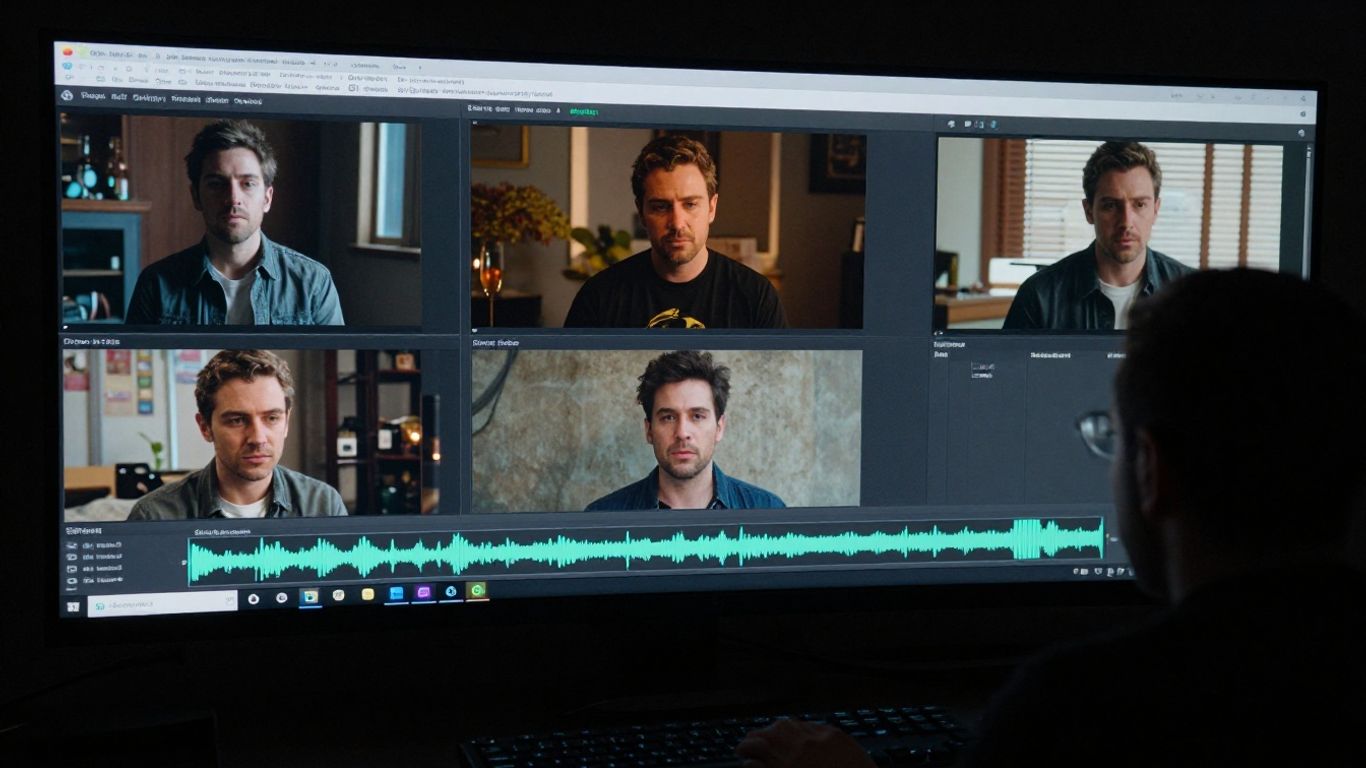
Generated characters may change facial features, clothing, body proportions, or accessories between shots. Lip-sync can also drift during fast vocals, unusual mouth shapes, layered harmonies, or expressive movement.
For a simple performance clip, small errors may be acceptable. For a close-up narrative with repeated characters, you should test several scenes before promising a polished result.
Original artistic direction and emotional performance
A prompt can describe sadness, tension, intimacy, or celebration, but description is not the same as lived performance. Human artists bring intention through breath, hesitation, posture, eye movement, and small choices that are difficult to specify in a short instruction.
You can use AI to explore a visual mood, then let a director, performer, or editor decide what the song actually needs. That division keeps the tool useful without asking it to supply the meaning.
Editing precision for complex narratives and live-action footage
AI generation is not a substitute for frame-level editorial control. Narrative videos may require precise eyelines, matched action, continuity across locations, clean transitions, and exact timing between dialogue, movement, and music.
The same applies when you mix generated scenes with live footage. Differences in grain, lighting, motion, and facial detail can make the join obvious unless an experienced editor checks the full sequence.
Rights, consent, and the risk of unintended similarities
You need permission for the audio, images, voices, portraits, and other references you provide. You should also review the terms attached to the generation service and confirm whether your intended commercial use is covered.
Copyright questions remain unsettled in many parts of AI music and video. For a useful general view of authorship and AI composition, read this copyright discussion, then keep records of your prompts, source files, licenses, and human edits.
Choosing between an AI, traditional, or hybrid workflow
The right choice follows the stakes of the project. Ask what must be exact, what can change, how quickly you need a draft, and how much the audience expects to see a real person or place.
You do not have to choose one method for every release. A solo artist may use AI for weekly clips and hire a crew for one major single, while a brand may use generated concepts before approving a controlled shoot.
Use AI for rapid concepts and low-budget releases
AI fits projects where a useful visual matters more than a fully controlled set. It can help you test a song idea, make a first promotional asset, or publish a simple visualizer without hiring a full production team.
This is also where the cost difference can matter most. A low-budget workflow gives you room to release consistently, provided you review the result and do not present a rough generation as something it is not.
Use traditional production for high-stakes artist storytelling
Choose a conventional shoot when the artist’s physical performance carries the message. A director and crew can work with subtle emotion, exact choreography, real chemistry, and a location that has meaning.
You also gain a clearer chain of responsibility. Everyone knows who controls the image, who approves the edit, and who handles changes when the concept becomes more specific.
Combine AI previsualization with human-led filming
A hybrid workflow can start with generated references for color, framing, wardrobe, and scene rhythm. You can use those references to communicate with a director and crew before spending money on a shoot.
This approach keeps the human-led parts where they matter most. AI handles quick visual tests, while people control performance, location, cinematography, and the final edit.
Match the workflow to audience expectations and campaign goals
Your audience may accept abstract generated visuals for a beat-driven single but expect a real artist for a personal song. Campaign goals matter too: a high-volume social rollout has different requirements from a flagship video attached to a major release.
Use this production comparison when you need to weigh speed, cost, quality, and output formats. The final decision should reflect the promise you make to viewers, not only what the software can generate.
How an AI music video workflow works in practice
A workable process keeps the music, visual direction, and distribution plan connected from the start. You do not need a long technical brief, but you do need a clear idea of what the viewer should see and where the video will appear.
Save your source audio and keep notes on every major revision. That makes it easier to compare outputs and explain how the final version was made.
Start with an original song or upload existing audio
Begin with a song you have permission to use. Depending on the tool, you can enter a text prompt or lyrics for song generation, or upload an MP3 or WAV file for video generation.
CREATUS.AI documents both paths in its two-in-one workflow: you can generate a full track with AI singing vocals or use existing audio as the source for synchronized visuals. This gives you one starting point for original song development and another for finished tracks.
Define the genre, mood, pacing, and visual direction
A useful brief names the genre, emotional temperature, pacing, color, setting, performer type, and visual style. Keep the direction concrete enough to guide scenes, but leave room for variation during the first pass.
You should also state what must not change. A fixed palette, recurring wardrobe, limited location set, or simple camera plan can make later review easier.
Generate scenes that follow the track’s structure and energy
Let the song’s sections guide the visual rhythm. A restrained verse may need fewer cuts, while a chorus can support wider movement, stronger color, or a more active performance.
Generate several options for the key moments instead of accepting the first sequence. A practical guide to scene planning can help you connect tempo, rhythm, and performance choices without turning the process into a large production meeting.
Review, revise, and export for each distribution channel
Watch the full video with the audio, not only individual frames. Check sync, faces, hands, text, transitions, visual continuity, and whether the opening earns attention on the intended platform.
Then export the needed aspect ratios and label each file clearly. For production planning, even unrelated operational choices benefit from a basic quality checklist focused on source records, approvals, and final files.
What the future of music video production is likely to look like
AI will likely change who can produce a first draft and how many versions a team can test. It is less likely to remove directors, performers, editors, and producers from projects where taste and accountability matter.
As tools improve, the important question will shift from whether a video used AI to how well the creator controlled the result. You will need both technical fluency and a clear point of view.
Human creators directing AI-assisted production
A director can use AI to test shots, moods, and transitions before giving the team a final brief. That shortens the distance between an idea and something everyone can evaluate.
The director still decides what belongs in the story. A useful overview of AI-assisted directing explains why visual effects and rapid prototyping can support, rather than remove, human creative work.
More control over scenes, performers, and visual continuity
Future tools are likely to offer stronger controls for recurring characters, camera paths, environments, and performance timing. Better controls would reduce the number of unusable generations and make longer sequences easier to manage.
More control will not remove taste from the process. It will give you a better way to express taste through repeatable choices.
New expectations for ownership and copyright-safe content
Creators will need clearer answers about training data, source material, commercial rights, likeness, and disclosure. Platforms and audiences may also expect you to identify generated or substantially altered content.
Keep your records from the first prompt to the final export. For a broader view of AI music’s effect on human musicians and authorship, see this human creativity debate.
Why AI is more likely to reshape production than eliminate it
Production methods tend to change first at the edges: demos, social clips, internal pitches, and low-budget releases. If AI proves useful there, teams learn where it saves time and where human work still protects quality.
That is why the answer to “will ai music videos replace traditional production” is probably no, at least not as a complete replacement. AI will give you faster options, while traditional production will remain valuable when performance, place, continuity, and accountability carry the project.
Conclusion
AI music videos will not replace traditional production across the board. They give you a faster route to songs, synchronized visuals, social versions, and early concepts, while human-led production remains stronger for controlled performances and emotionally specific stories. The most practical choice is often a hybrid workflow that uses AI where speed helps and people where judgment matters.
Try AI Music Video Creation
If you want to test that workflow, start creating with the product described in this guide and compare its output with the needs of your next release.
Frequently Asked Questions
Will AI music videos replace traditional production?
No. AI can replace parts of a workflow, especially early concepts, visualizers, short clips, and format adaptation, but traditional production still offers stronger control over performance, location, continuity, and physical detail.
Can AI make a full music video from a song?
Yes, many tools can analyze an audio file and generate synchronized visuals. The level of control, scene consistency, lip-sync quality, and editing precision varies, so you should review the complete result before publishing.
Are AI music videos cheaper than traditional videos?
They can be, particularly when you need a quick draft or several short social assets. Costs still depend on revisions, subscriptions, editing, rights checks, and the quality standard you need.
Can you use an existing MP3 or WAV file?
Many audio-to-video tools support MP3 and WAV uploads. Check the specific service’s input rules and make sure you have permission to use the recording.
Which music video format should you export?
Use 9:16 for vertical short-form platforms, 1:1 for square social placements, and 16:9 for standard widescreen video. If you plan to publish widely, prepare more than one version rather than forcing one crop everywhere.
What are the biggest weaknesses of AI music videos?
Character continuity, lip-sync, emotional subtlety, precise storytelling, on-screen text, and rights management remain common concerns. Human review is especially important when the video represents a real person or a commercial campaign.
When is a hybrid workflow the best option?
A hybrid workflow works well when you want AI for rapid visual testing or social content but need human control for the main performance, narrative scenes, cinematography, or final edit. It lets you spend production resources where viewers will notice them most.