Key Takeaways
AI music generation and the creator economy now meet in practical, repeatable workflows. You can move from an idea to a publishable song and video faster, but your taste, rights checks, and audience relationship still do the heavy work.
- Use AI to shorten production cycles, not to remove creative direction.
- Match your workflow to the kind of audio and video you publish.
- Write prompts that define sound, structure, mood, and vocal style.
- Treat licensing, ownership, and disclosure as part of production.
- Measure the value of each project by audience response and repeatability.
How AI music generation is changing the creator economy
AI music generation and the creator economy are becoming closely connected because creators need more output without building a large studio operation. A song can now become a set of clips, a visual release, an intro, or a campaign asset. The useful shift is not simply that software can make audio. It is that you can test more ideas, publish more often, and keep your attention on decisions only you can make.
Lower production costs and faster publishing cycles
A shorter path from idea to draft changes what you can afford to publish. You may be able to test a hook for a short video, make a temporary score for a lesson, or produce a visual version of a track before committing to a full production budget. The savings come from reducing setup time and repeated technical steps, not from assuming every result is ready without review.
You still need to listen closely, check timing, and remove versions that do not serve the project. Human review remains non-negotiable when your name, client, or audience is attached to the result.
The shift from one-off content to repeatable content systems
The strongest workflow turns one release into several useful pieces. You can plan a full song, a thirty-second excerpt, a vertical performance clip, a lyric-focused version, and a behind-the-scenes post from the same creative direction. This makes your publishing schedule more predictable without forcing every post to sound identical.
A simple content system usually includes a source track, a visual concept, several aspect ratios, and a list of moments worth clipping. The creator economy report offers useful context for why recurring creator output matters alongside traditional music releases.
Why customization matters more than generic AI output
Generic output can fill a gap, but it rarely gives your project a clear identity. Your prompt should define the genre, emotional temperature, tempo, vocal approach, song structure, and intended listener. Reference details such as a stripped-back verse, a dense chorus, or a spoken bridge give you more useful material to review.
Customization also means adapting the same idea to a specific audience. A soundtrack for a gaming stream needs a different pace and arrangement from an educational audio lesson or a product launch video.
Where human creative direction remains essential
AI can offer variations, but it does not know why one line fits your story or why a pause makes a chorus land. You choose the theme, reject weak takes, protect your voice, and decide what deserves publication. That judgment becomes more valuable as generation gets easier.
Use the technology as a fast partner for options, then make the final call yourself. The human role in AI music is not a side issue. It is the part that gives an otherwise efficient process a point of view.
Which creators benefit most from AI-generated music
AI-generated music is most useful when you have a clear publishing need and limited time for production. You might be releasing music independently, posting daily short-form work, or making recurring audio for a show. The right workflow depends less on your label and more on how often you need fresh material.
Independent musicians and producers building visual identities
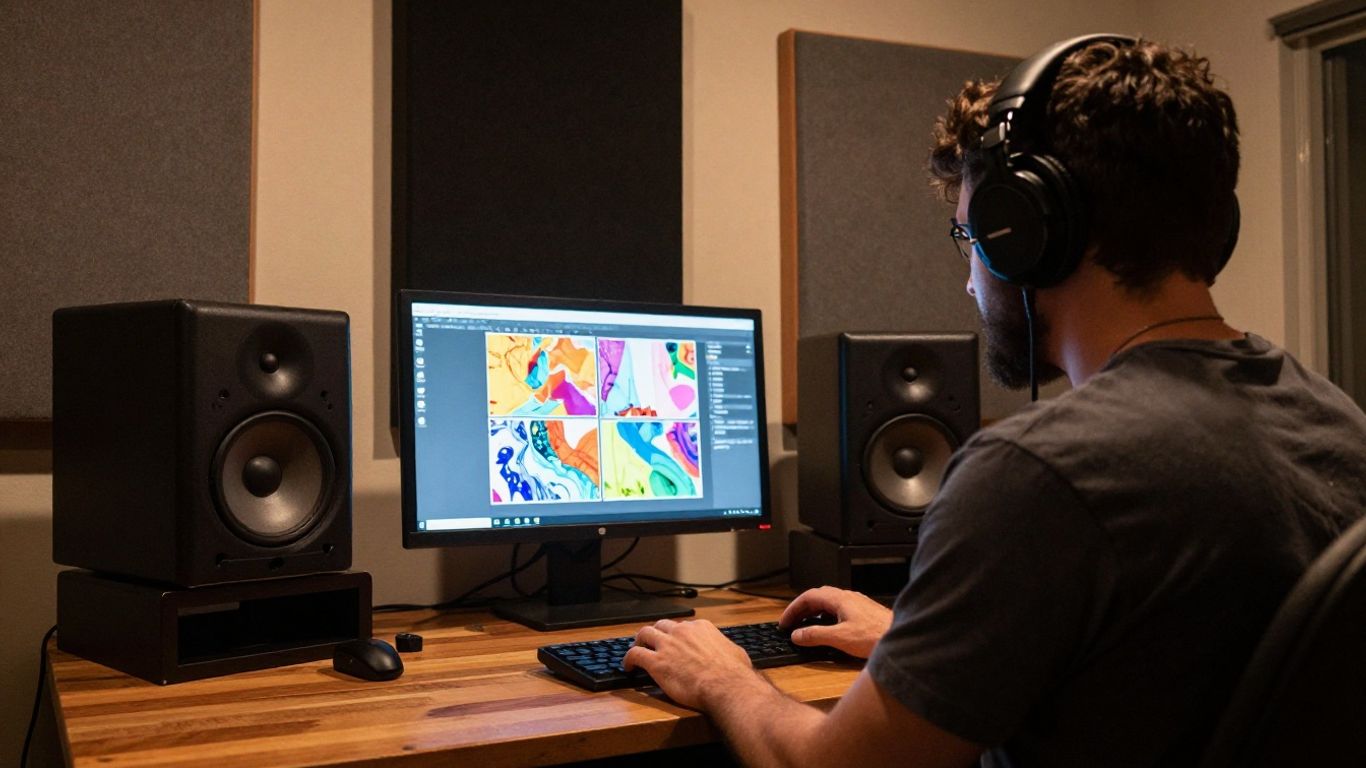
If you release your own music, visuals can help listeners recognize a project before they know every song. You can test a character, color palette, motion style, or recurring scene around a track without hiring a full crew for every release. Keep the visual language consistent so the speed of production does not dilute your identity.
Short-form creators making platform-specific content
Short-form creators need openings that arrive quickly and edits that respect each platform’s viewing habits. AI-generated music can give you alternate hooks, loops, and moods for different clips, while a visual version can help a song function as content rather than only as background audio.
Plan the first few seconds before you generate. A strong clip has a clear entry point, one memorable musical event, and a visual change that gives viewers a reason to continue.
Podcasters, educators, and streamers producing recurring audio
Recurring formats benefit from dependable audio cues. You can use distinct intros, transitions, stings, or short themes for episodes, lessons, and live segments. The goal is not to make every piece elaborate. It is to create a familiar audio structure that supports the information or conversation.
For spoken-content workflows, audio learning tools can also help you think about how audiences consume material while commuting, working, or doing chores. Music should support that use rather than compete with speech.
Brands and agencies developing custom campaign soundtracks
A brand can use custom music to give a campaign a consistent emotional tone across video, social posts, and presentations. Agencies can test several directions early, then present a smaller set of polished options to a client. Keep the brief specific, especially when the soundtrack must work under dialogue or product footage.
A campaign track also needs a clear rights record. Save prompts, source files, revisions, approvals, and the terms that apply to the final export.
How to choose an AI music generation workflow
Start with the output you need, not the tool category you saw in a headline. A song-first workflow suits original tracks, while an audio-first workflow suits an existing recording that needs visuals. Some platforms connect both steps, which can reduce handoffs when you need a complete release quickly.
Compare the practical details before you commit. The AI music video overview is a useful starting point for thinking about synchronized audio, visual production, and creator use cases.
Text-to-song tools for original tracks with vocals
Text-to-song tools work well when you have a concept, lyric direction, or rough musical brief but no finished recording. Describe the genre, mood, tempo, structure, lyrics, and vocal presence. Then listen for phrasing, repetition, pronunciation, and whether the arrangement supports the intended use.
If your project needs a full track with singing vocals, confirm that the service actually provides vocal performance rather than only an instrumental bed. Also check whether the plan you choose permits the way you intend to publish or license the result.
Audio-to-video tools for turning existing music into content
Audio-to-video tools begin with a track you already own or have permission to use. They can help you turn a release, demo, podcast theme, or client recording into a visual asset. Before uploading, confirm that the audio is cleared and that any portraits, characters, or reference material are yours to use.
Think in sections rather than one uninterrupted sequence. A verse, chorus, bridge, and ending can each have a visual role, even when the final video stays simple.
Two-in-one platforms that reduce tool switching
A connected workflow can save time when you need both a song and a video. Creatus AI combines text-to-song generation with AI singing vocals and audio-to-music-video production in one workflow. That documented scope makes it relevant when you want to begin with a text idea, produce a complete vocal track, and continue into a music video without moving between separate tools.
The benefit is process continuity, not a promise that every generated result will fit your taste. You still need to review the song, direct the visual concept, and decide whether the finished piece is suitable for publication.
Comparing control, export formats, speed, and licensing terms
A good comparison sheet keeps attractive demos from making the decision for you. Record what each workflow accepts, how much control it gives you, what it exports, how long review takes, and which rights apply to your plan.
| Decision area | Question to ask | Why it matters |
|---|---|---|
| Creative control | Can you guide genre, lyrics, mood, and structure? | Your identity depends on more than a generic prompt. |
| Input support | Can you start with text, audio, or both? | The right starting point changes project speed. |
| Export | Which aspect ratios and file types are available? | Each channel has different publishing needs. |
| Rights | What can you publish, sell, or license? | Commercial plans and terms may differ. |
After the comparison, run one small test project. A practical trial reveals more about editing friction and review time than a feature list does.
How to create and publish an AI music project
Treat the project like a small production, even when generation is fast. Begin with a brief, keep versions organized, and decide where the song will appear before you choose its final length. This gives every generation a job instead of producing a pile of disconnected experiments.
Writing prompts that define genre, mood, structure, and vocals
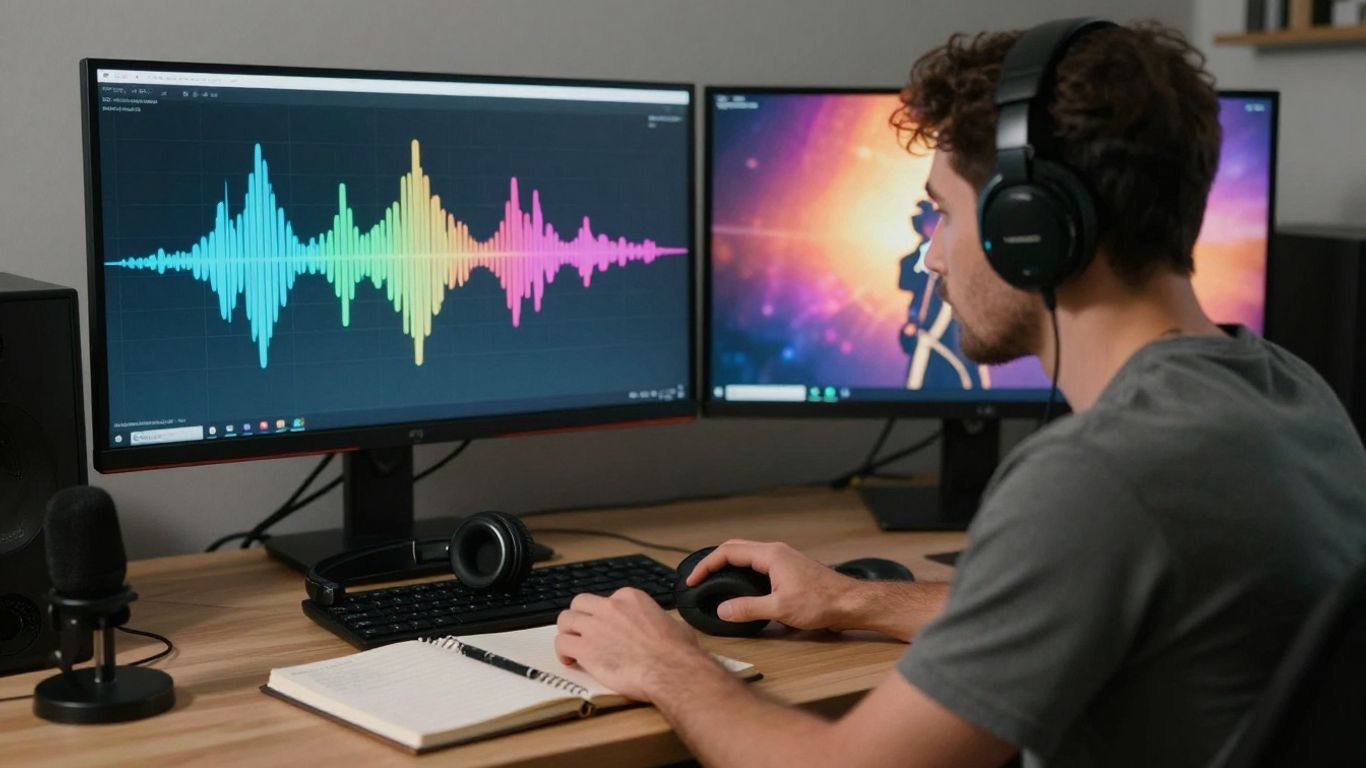
A useful prompt gives the system boundaries without trying to dictate every second. State the genre, mood, approximate tempo, vocal type, lyrical subject, structure, and intended audience. You can also describe what should not dominate, such as heavy percussion under spoken narration.
Write one prompt for the core track and a second note for revision goals. That separation makes it easier to tell whether a change improved the song or simply made it different.
Generating, reviewing, and refining the first song version
The first version is a diagnostic pass. Listen once for the overall feeling, again for the vocal and lyric details, and once more for moments that could work in a short clip. Keep a short written record of what to change so revisions stay focused.
A useful review pass checks four things:
- Does the opening arrive quickly enough for the intended channel?
- Do the lyrics sound clear at ordinary listening volume?
- Does the chorus feel distinct from the verse?
- Can the track support the visual idea without excessive repetition?
After that pass, make one or two targeted revisions. Too many changes at once make it difficult to know which decision helped.
Matching visuals to tempo, energy, lyrics, and audience
Visuals should follow the music’s structure rather than decorate it at random. Faster sections can support quicker scene changes, while a sparse verse may need a steadier frame or a closer character performance. If the lyrics tell a story, let the visual sequence add context without making literal repetition the only idea.
Audience also affects the level of visual intensity. A music fan may want performance and atmosphere, while a brand audience may need the product or message to remain easy to follow.
Exporting for TikTok, Reels, Shorts, YouTube, and other platforms
Export decisions should happen before the final render. Vertical video suits mobile-first short-form channels, square video can fit social feeds, and widescreen video generally gives longer-form viewing more room. Keep safe areas in mind if you plan to add captions or platform controls.
Review the exported file on the device where people will watch it. Check the opening frame, audio level, captions, crop, and thumbnail before you publish the same project in several places.
How Creators can use tools such as Creatus AI Music Video Generator
A two-step music workflow becomes easier to assess when you separate documented capabilities from your own creative choices. A platform may take a text prompt or uploaded audio and produce a music video, but you still decide the song idea, character, pacing, and release plan. That division keeps expectations realistic.
Combining text-to-song and audio-to-video in one workflow
Creatus AI Music Video Generator is documented as a two-in-one tool for generating songs from text with AI singing vocals and turning audio into music videos. You can begin with a song idea, review the resulting track, and then use that audio as the source for the visual step.
This setup can reduce tool switching when one project needs both original music and a video. It does not remove the need to review lyrics, timing, visual continuity, or rights before you publish.
Using MP3 and WAV uploads for existing tracks
If you already have a track, an upload workflow lets you start from the audio rather than generate a new song. MP3 and WAV support can suit different stages of a release, from a compressed demo to a higher-quality working file. Confirm that your file is final enough for visual timing and that you have permission to use every element in it.
Keep a clean master separate from versions made for social platforms. That small habit prevents accidental quality loss when you make several exports.
Selecting 9:16, 1:1, and 16:9 outputs for different channels
Aspect ratio should follow the viewing context. The documented output options are 9:16, 1:1, and 16:9, giving you formats for vertical, square, and widescreen publishing. Choose the frame before you plan the main action so the character or focal subject does not sit outside the crop.
Make a platform checklist for each ratio. A vertical clip may need larger captions and a faster opening, while widescreen footage can carry a broader scene.
Deciding when an integrated workspace is more efficient than separate tools
An integrated workspace helps when you are making frequent song-and-video projects and want fewer handoffs. It is less useful when your main need is detailed manual control over one narrow production stage. Judge the choice by revision time, file movement, output needs, and the clarity of the terms.
You can also consider whether related work belongs in the same workspace. For example, a practical sound environment can inform the mood of hospitality, lifestyle, or brand content, while a separate audio file may be all you need for a focused release.
How to monetize AI-assisted music content
Monetization starts with a useful offer, not with the fact that AI was involved. You can sell a commissioned song, a branded video package, recurring content support, or access to a membership library. Each offer needs a defined deliverable, revision boundary, deadline, and rights arrangement.
Building revenue around commissioned songs and branded videos
A commissioned project works best when you sell a result the client understands. That might be a short campaign soundtrack, an artist visual, or a set of social clips built around an approved track. Ask where the work will run, how long it will be used, and whether the client expects exclusivity.
Show process samples, but do not promise outcomes you cannot control. Audience response depends on the brief, distribution, creative quality, and the client’s wider campaign.
Using music and visuals to grow memberships, products, and services
Your own music content can support a larger business. A recurring series may lead people toward memberships, lessons, commissions, merchandise, or consulting. The music attracts attention, while the surrounding offer gives that attention somewhere useful to go.
Do not turn every post into a sales pitch. Build a recognizable format first, then place a clear next step where it fits the viewer’s intent.
Creating reusable content packages for clients and campaigns
Package the work around repeatable needs. A client may want one main video, several vertical excerpts, a square feed version, a clean audio file, and a thumbnail concept. List exactly what the client receives and how many revision rounds are included.
One way to keep the package organized is to separate the source track, visual master, short clips, captions, and rights notes. This also makes later campaign updates easier.
Measuring production costs, audience response, and return on effort
Track time as carefully as direct spend. A project that costs little money can still be unprofitable if review and revision take too long. Compare production hours with watch time, saves, comments, inquiries, sales, or client renewals, depending on your goal.
A small scorecard helps you decide what to repeat:
- Hours spent from brief to approved export.
- Number of usable assets from one source project.
- Audience actions that match your objective.
- Revenue or qualified leads connected to the release.
Use the results to adjust your brief and package, not just to chase a higher view count.
How to manage copyright, ownership, and audience trust
Rights work belongs in the first project conversation, not after a post receives attention. AI output can raise questions about source material, commercial use, voice imitation, and ownership. Your records should make it clear what you supplied, what the system generated, and which terms applied at the time.
Reviewing commercial-use rights before publishing or licensing
Read the plan terms before you sell, advertise, distribute, or license a track. Check whether commercial rights depend on a paid tier, whether downloads remain covered after cancellation, and whether client transfer is allowed. Keep a dated copy of the terms and your receipts with the project files.
For broader market context, the AI music video market overview is useful when you are comparing pricing, licensing, and workflow considerations.
Avoiding unauthorized imitation of artists, voices, and copyrighted works
Do not ask a system to reproduce a living artist’s recognizable voice or signature style. Avoid uploading music, lyrics, portraits, or samples unless you have the necessary permission. A prompt that names a famous artist is not a substitute for a legitimate license.
Use descriptive musical qualities instead: vocal range, tempo, instrumentation, mood, and arrangement. That gives you direction without asking for a close imitation.
Disclosing meaningful AI involvement without weakening the content
A brief, clear disclosure can build trust. Explain whether AI helped generate the song, vocals, visuals, or only an early draft. You do not need to turn every caption into a technical statement, but you should answer honestly when the method affects how people understand the work.
Your disclosure should match the project. A fully generated vocal track calls for more detail than a minor cleanup pass.
Maintaining human review, brand consistency, and platform compliance
Before publishing, check the audio, visuals, captions, metadata, and rights record together. Make sure the work fits the platform’s rules and your own audience standards. If a client is involved, get written approval for the final version rather than assuming silence means acceptance.
For unrelated operational tasks, even something as basic as rainwater protection or adhesive supplies can remind you of the same principle: define the use case first, then select the right material and record what you used. In music projects, that means keeping creative choices and compliance checks in the same workflow.
Get Your First Project Moving
Choose one song idea, one audience, and one publishing destination. Then try a focused music workflow and judge the result by how clearly it helps you move from brief to approved asset.
Conclusion
AI music generation can make the creator economy more accessible and more repeatable, but speed alone is not a strategy. You get better results when you pair clear prompts, human review, suitable formats, careful rights checks, and a publishing plan that turns one project into useful content across several channels.
Frequently Asked Questions
What is AI music generation?
AI music generation uses software to create or develop musical material from instructions, lyrics, audio references, or other inputs. Depending on the tool, the result may include instrumentation, vocals, arrangement, or a complete track.
How does AI music affect independent creators?
It can reduce setup time and help independent creators test more ideas with smaller budgets. You still need musical judgment, audience knowledge, rights checks, and a consistent release plan.
Can AI-generated music be monetized?
It can be monetized when the applicable terms allow commercial use and you have permission for every source element. Review the service agreement and keep records before selling, licensing, or using the work in advertising.
Should you disclose AI involvement in a music project?
Disclose meaningful AI involvement when it affects how listeners would understand the work. A short, accurate explanation is usually better than hiding the method or overstating what the system did.
How do you write a useful music prompt?
Specify the genre, mood, tempo, vocal approach, lyrical subject, structure, and intended audience. Add revision notes separately so you can evaluate each change rather than changing everything at once.
What should you check before publishing an AI music video?
Review the audio, lyrics, visuals, crop, captions, export format, source permissions, and commercial-use terms. Also check the destination platform’s current rules for synthetic media and copyrighted material.
Is human creativity still necessary when AI can make songs?
Yes. Human direction determines the subject, taste, context, revisions, audience fit, and final decision to publish. AI can provide options quickly, but it does not replace responsibility for the finished work.