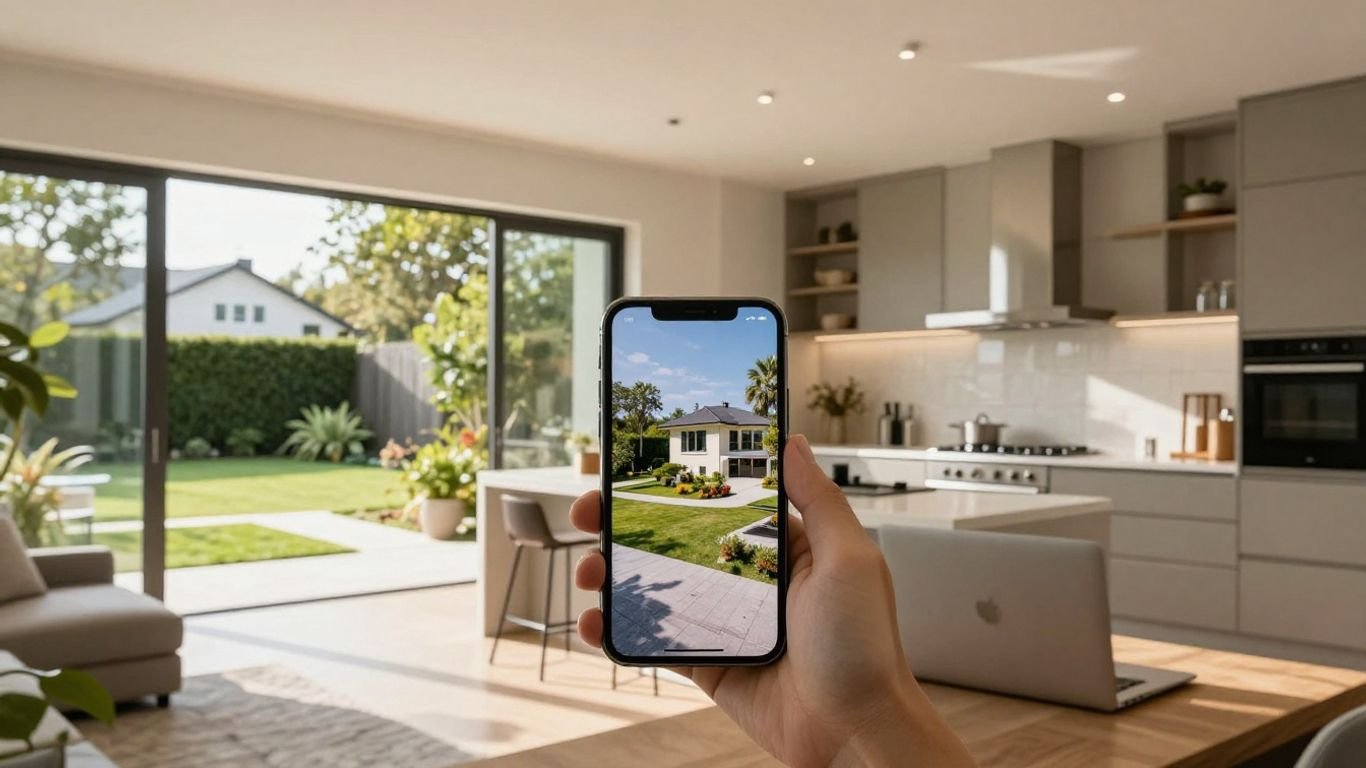
Key Takeaways
A music-led listing video can give your property content a stronger sense of movement and mood. Use it as a focused marketing asset, not as a substitute for accurate listing information.
- Match the song, pace, and visual treatment to the property.
- Plan the listing facts and video purpose before generating scenes.
- Export versions that suit vertical, square, and widescreen channels.
- Check every visual, claim, logo, and music asset before publishing.
- Track attention and inquiries so you can improve future listing videos.
Why real estate agents should use music videos for listings
AI music videos for real estate agents can turn a set of listing assets into a more watchable story. Music gives the viewer a reason to stay with the sequence while the property details appear at a measured pace. You still need accurate photos and clear facts, but the presentation can feel less static.
The best result is not the loudest or most elaborate video. It is a short piece that helps a potential buyer understand the feeling, layout, and standout features of the home.
Turn static property photos into more engaging content
A photo gallery asks viewers to do all the work. A music video can arrange exterior views, room details, and lifestyle moments into a simple beginning, middle, and end. Use gentle movement and sensible timing so the home remains the subject rather than becoming a backdrop for effects.
Open with the strongest exterior or room, then move through the property in an order that feels natural. Leave enough time for viewers to read the frame and notice proportions, finishes, and light.
Use original music to reinforce a listing’s mood
Music affects how a viewer reads the same image. A warm acoustic arrangement may suit a welcoming family home, while restrained electronic music may fit a clean city apartment. Keep the sound supportive, with a tempo that gives each room space to register.
If you generate a song, write down the mood before you write the words. A clear mood brief makes it easier to keep the audio, images, and intended audience moving in the same direction.
Adapt one property video for multiple social platforms
You can plan one central concept and adjust its framing for each channel. A vertical teaser may focus on the kitchen and primary suite, while a widescreen version can give an exterior approach or full room sequence more breathing room.
For practical guidance on social exports, review this social format guide before you start. It can help you plan the same idea across short-form and longer placements instead of rebuilding every version from scratch.
Set realistic expectations for AI-generated visuals
AI can help you produce a strong concept quickly, but it may alter room geometry, fixtures, textures, or small architectural details. Treat generated scenes as supporting material unless you have checked them against the actual property. For a listing, accuracy matters more than visual novelty.
Keep original photos or verified footage in the workflow whenever possible. A polished video that shows a room incorrectly can create confusion, weaken trust, and lead to poor expectations at a showing.
Match the music video style to the property
The property should set the creative direction. Start with its architecture, price point, location, and likely audience, then select sound and movement that feel consistent with those traits. A single template rarely suits a historic cottage, a downtown condo, and a large suburban home equally well.
You can also vary the opening hook. Lead with a view, amenity, or transition that gives viewers a quick sense of why this listing is worth their attention.
Choose tempo and genre based on the home’s character
Think of tempo as part of the tour plan. Faster music can support a brisk sequence of contemporary finishes, while slower music can give a spacious property, garden, or water view a calmer rhythm. Avoid choosing a genre only because it is popular.
Write a short brief that names the home’s character, the audience, and two or three visual ideas. That keeps the music connected to the listing instead of making it feel like a separate social post.
Use cinematic visuals for luxury and high-end listings
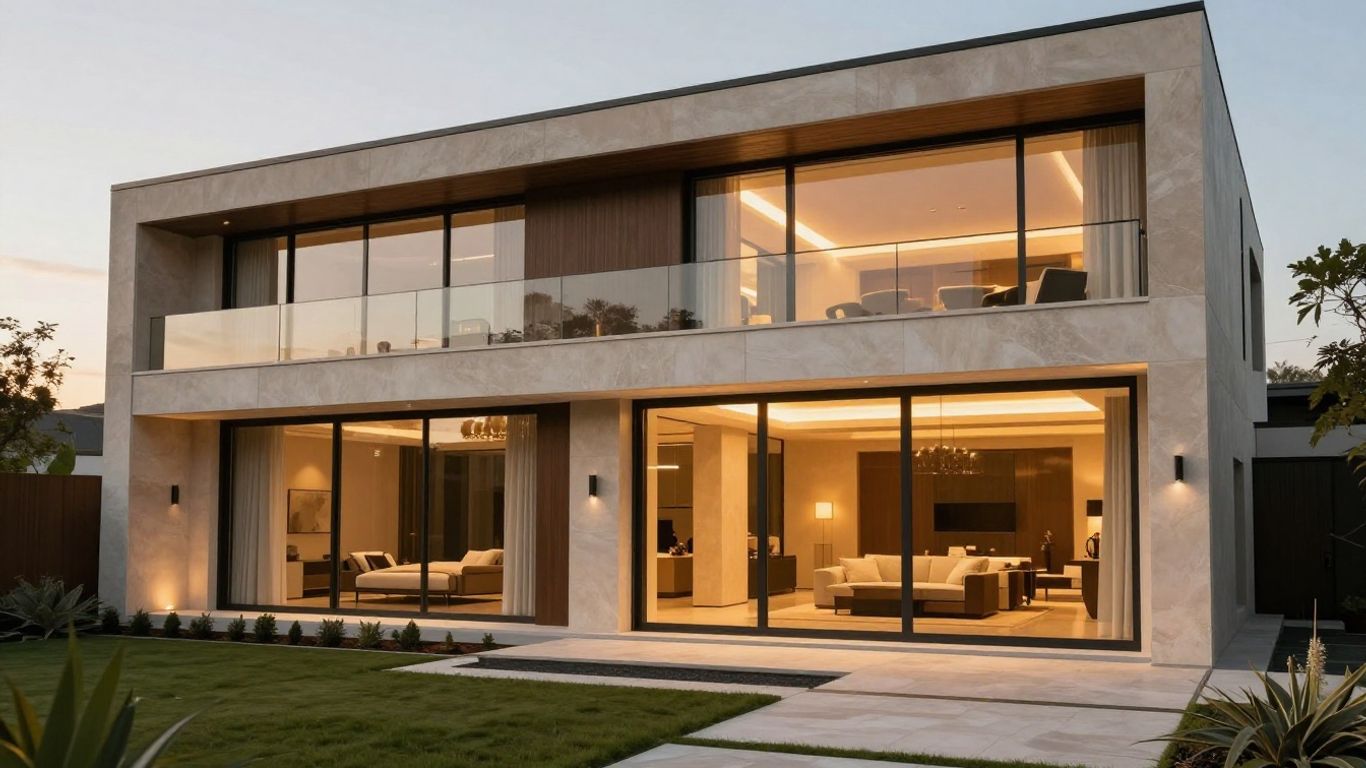
Luxury content benefits from restraint. Use wider compositions, slow transitions, and close details of stone, wood, lighting, landscaping, or views. A cinematic treatment should make the property feel considered without adding features that are not present.
Use the first seconds to establish scale, then let the sequence move through the most persuasive spaces. A quiet instrumental passage can work well when the visuals already carry strong detail.
Use upbeat formats for modern condos and starter homes
A compact property often benefits from a quicker edit and a direct opening. Show the exterior, living area, kitchen, storage, and nearby selling points in a sequence that respects the viewer’s limited attention.
Keep movement clean and text brief. The goal is to make the home easy to understand, not to hide its size behind rapid cuts.
Create calm, welcoming content for family properties
Family listings need warmth without making promises about the people who may live there. Use natural light, comfortable room transitions, outdoor space, and practical features such as storage or a flexible room when those details are verified.
Choose music with a gentle pulse and leave room for captions. A calm pace can help viewers picture the flow of the home while keeping the presentation factual.
Plan the listing content before generating anything
Good preparation prevents most avoidable revisions. Gather the approved assets, decide what the video needs to accomplish, and write down only the facts you are allowed to publish. This also gives you a reference when generated scenes need review.
A useful plan can be short. You need a clear audience, a defined video purpose, a song direction, and a fact sheet that stays close to the listing.
Gather photos, walkthrough clips, branding assets, and property details
Collect the strongest exterior and interior images first, then add walkthrough clips if you have them. Include the approved logo, agent colors, contact details, address, price, room counts, and feature notes in one working folder.
Name files clearly and remove outdated assets. The real estate video workflow is a useful reference for thinking through property photos, music, captions, and publishing steps.
Decide whether the video is a teaser, tour, or feature highlight
A teaser should create interest in a short time. A tour should establish a logical path through the property. A feature highlight should focus on one or two reasons to care, such as a renovated kitchen, a view, a pool, or a flexible office.
Choose one purpose for each export. When a short video tries to be a full tour, a neighborhood guide, and a brand advertisement at once, every message becomes harder to follow.
Write a song brief with the location, mood, and selling points
Give the song direction without stuffing it with every listing fact. Name the setting, emotional tone, pace, audience, and a few verified features. For example, a brief might call for warm vocals, a relaxed tempo, and imagery related to natural light, an open kitchen, and a private garden.
A focused brief also makes revisions easier. You can change one element at a time rather than guessing why the first version feels wrong.
Avoid including unverified claims or details that are not in the listing
Do not add school ratings, commute times, room dimensions, renovation claims, or neighborhood language unless the information has been approved. Generated lyrics and visuals can introduce details that sound plausible but are not documented.
Keep a final fact check beside the video as you review it. If a detail cannot be confirmed, remove it or replace it with a neutral visual treatment.
Create an AI music video with Creatus
Creatus combines text-to-song generation with audio-to-music-video production in one workflow. You can start with a written song idea or use an existing audio file, then develop the visual treatment around the resulting track. That can reduce the number of separate handoffs in a listing-content process.
The tool is best used with a clear property brief and carefully selected assets. It can help you move from a concept to a shareable draft, while you remain responsible for checking the result against the listing.

Generate a song from a text prompt or upload existing audio
With CREATUS.AI, you can type a song description and receive a full track with AI-generated singing vocals, or upload your own audio for video production. For a listing, describe the mood, tempo, setting, and approved selling points rather than asking the song to make unsupported promises.
If you already have licensed audio that fits the property, uploading it can keep the process closer to your established brand sound. Save the source file and note its usage terms before publication.
Select visual direction for the property and target audience
Choose a visual direction that matches the home and the people you want to reach. Specify realistic interiors, natural lighting, clean transitions, and the kinds of rooms or details that should receive attention.
Avoid vague instructions such as “make it luxurious” without visual guidance. Describe materials, camera distance, time of day, and pacing in plain language, then compare the draft with the approved property media.
Align scenes with rooms, amenities, and key moments
Build a simple sequence before generating the full video. Exterior arrival, entry, main living space, kitchen, primary suite, outdoor area, and call to action can form a useful path, though the order should follow the property.
Use a scene list to prevent repetition and omissions. Your source media should decide what appears, while the generated rhythm supports the tour rather than changing its facts.
Review the first version for timing, accuracy, and brand fit
Watch the draft once for overall flow and again with the listing sheet beside you. Check whether rooms appear in a sensible order, whether captions remain readable, and whether the music leaves enough space for important information.
Pay close attention to altered windows, doors, appliances, landscaping, and room proportions. A second pass is often where you catch small errors that could distract a buyer.
Choose the right format for each real estate channel
The frame changes how viewers experience the same property. Vertical video gives you a narrow path through the home, square video needs strong central composition, and widescreen video gives larger rooms and exteriors more room to breathe.
Plan the crop before you generate or edit. Important architectural details and text should remain inside a safe central area when you expect to reuse the concept.
Use 9:16 for Instagram Reels, TikTok, and YouTube Shorts
Vertical framing works well for mobile-first viewing. Put the main subject near the center, use short captions, and open with a strong visual within the first few seconds. A vertical teaser should not simply be a cropped widescreen tour.
Keep faces, fixtures, and important room features away from the extreme edges. Review the export on a phone before posting.
Use 1:1 for social feeds and property promotion posts
Square video can work for feed posts where the viewer may see the entire frame at once. Use a centered composition and keep the text hierarchy simple, with the property fact and visual feature supporting each other.
This format suits a short highlight sequence or an announcement. It usually needs fewer scenes than a full tour, so choose one clear reason for the viewer to continue.
Use 16:9 for YouTube tours, websites, and presentations
Widescreen gives you more flexibility for room layouts, exterior approaches, and presentation screens. It can also make a longer tour easier to follow when the viewer is watching from a desktop or a website page.
Use measured transitions and a clear opening card. The video should still work without relying on tiny text or a soundtrack that overwhelms the property narrative.
Repurpose the same listing concept across multiple exports
Reuse the central song idea and approved property facts, but rebuild the framing for each channel. This is more reliable than forcing one crop to serve every placement.
A simple export plan keeps production organized:
- Vertical teaser for short-form discovery.
- Square highlight for feed posts.
- Widescreen tour for YouTube or a property page.
- Short feature cut for email or direct follow-up.
After each export, check the crop, captions, logo placement, and call to action. Reuse saves time only when every version still feels intentional.
Add listing information without overwhelming the video
Music should support the information, not compete with it. Give viewers the facts they need to decide whether to learn more, then direct them to the next step. A listing video often works better with a few well-timed overlays than with a dense block of text.
Use the same information hierarchy in every version. Lead with the property identity, follow with the strongest facts, and finish with a clear contact path.
Highlight the address, price, bedrooms, bathrooms, and standout features
Show the address and price only when they are current and approved. Room counts and standout features should match the listing exactly, including wording that may affect how viewers interpret the property.
Place facts during relevant scenes. For example, show a kitchen feature while the kitchen is visible instead of presenting every detail at the opening.
Use captions and text overlays for viewers watching without sound
Captions make the video understandable when audio is muted. Keep each overlay short, use strong contrast, and leave it on screen long enough to read without pausing.
Do not let text cover architectural details. A clean frame with one useful caption usually works better than a full list of amenities.
Include a clear call to action for showings or inquiries
Tell viewers what to do next. You might invite them to request a showing, message the agent, visit the property page, or ask for the full details, depending on your sales process.
Use a direct final frame and repeat the contact path in the post copy. If you want a simple next step for your production workflow, start a draft after your listing brief is approved.
Keep agent branding consistent across every version
Use the same approved logo treatment, colors, contact details, and tone across each export. Consistency helps viewers connect a short clip with your broader listing presence.
Check brand placement on every crop. A logo that looks balanced in widescreen may crowd the frame in a vertical version.
Evaluate quality, compliance, and performance
A finished file is not automatically a publishable listing asset. Review it for visual truth, rights, advertising rules, accessibility, and measurable business value. This final check protects the property, the agent, and the viewer.
Keep the review practical and repeatable. One checklist can cover every version while a small set of performance measures shows which choices deserve another test.
Check that visuals accurately represent the property
Compare every room, exterior, fixture, and amenity with approved source material. Remove scenes that invent renovations, change room proportions, add furniture that affects perception, or imply a view the property does not have.
If you use generated motion, inspect transitions frame by frame when necessary. Accuracy should take priority over a smoother or more dramatic sequence.
Review music, images, and logos for usage rights
Confirm that you have permission to use every uploaded track, photograph, logo, portrait, and third-party asset. Keep records of licenses and approvals with the project files.
AI output does not remove your responsibility to check the materials you provide or the terms attached to any asset. Ask for legal guidance when your brokerage or jurisdiction requires it.
Follow fair housing and local advertising requirements
Avoid language or imagery that suggests a preferred type of resident or excludes protected groups. Use neutral property facts and approved descriptions, and follow the rules set by your brokerage, MLS, and local authorities.
Review overlays, lyrics, captions, and visuals together. A compliant caption can still be undermined by an image or line of music that implies a restricted audience.
Track views, watch time, clicks, inquiries, and showing requests
Choose measures that match the video’s purpose. A teaser may be judged by retention and profile visits, while a full tour may be judged by clicks, inquiries, and showing requests.
Record results by channel and format. Over time, the pattern can tell you whether the opening, duration, music style, or call to action needs adjustment.
A disciplined workflow also helps you avoid confusing creative experimentation with factual marketing. For unrelated projects, the same habit of checking source details appears in this proposal song guide, therapy cost guide, prop firm scam guide, China sourcing guide, and Camunda migration guide. The subjects differ, but the practical lesson is the same: verify the inputs before you publish the output.
Start With One Listing
Choose one property with strong approved media, write a short music brief, and produce a focused teaser before building a larger series. Then use the results to refine your format, review process, and call to action.
Conclusion
AI music videos can give your listing content a clearer mood and more flexible format, but the strongest work still begins with accurate property media, a defined purpose, and careful review. Plan the facts first, match the sound to the home, and publish only versions that represent the property honestly.
Frequently Asked Questions
What is an AI music video for a real estate listing?
It is a property marketing video that combines listing visuals with generated or supplied music, often using timed scenes, captions, and a call to action.
Can a listing video replace professional property photography?
No. It should normally build on approved photography or video. The music and editing add presentation, but they do not replace accurate source media.
What type of music suits a real estate video?
Choose music based on the property’s character, audience, and pacing. Calm sounds can suit a family home, while a brighter tempo may fit a modern condo.
How long should a real estate music video be?
Keep it as long as needed to communicate one clear purpose. A teaser may be brief, while a full tour can take longer if each scene adds useful information.
Which aspect ratio should you use for listing content?
Use vertical for mobile short-form channels, square for many social feed placements, and widescreen for websites, presentations, and longer video tours.
Should you add captions to a property music video?
Yes. Captions and concise overlays help viewers understand key facts when they watch without sound, provided the text remains readable and accurate.
How do you measure whether a listing video worked?
Track views, watch time, retention, clicks, inquiries, and showing requests, then compare results by channel and format against the video’s original purpose.