Key Takeaways
Finding the right tools to produce musical content is easier when you understand the specific limitations of each platform’s free entry point. These insights help you match your creative needs with the right workflow.
- Some platforms combine full song generation with video syncing in one pass.
- Most free tiers impose significant restrictions on resolution and clip duration.
- Audio-reactive tools perform best when you input well-structured audio files.
- Many free plans require you to export projects containing visible watermarks.
- You can choose between text-prompt-based workflows and specialized visualizer tools.
1. Creatus.ai: The two-in-one AI song and video workflow
Creatus.ai integrates song production and video generation into one continuous flow, removing the need to bounce files between different applications. When you use Creatus.ai, you start by describing your musical vision or uploading existing tracks, which the platform then transforms into vocal-led songs and synchronized music videos. The service is built for creators who want to produce professional music videos from scratch without needing formal training or complex editing equipment.
You access the standard workflow by identifying a theme and letting the platform generate lyrics and audio, followed by a selection of visual styles. Because the system maps song structure to visual changes automatically, you save time that would otherwise be spent manually timing transitions. This integrated music and video approach serves as a notable departure from tools that force users to treat audio creation and video rendering as separate tasks.
Account holders begin with a set of starting credits, allowing them to test the platform before committing to a paid plan. You can earn additional credits daily by interacting with the public feed, making it a viable option for consistent content creation on a budget. The platform handles multiple aspect ratios, ensuring your final output looks natural on mobile feeds or standard displays.
2. TopMediai: Photo-to-video and storyboard customization
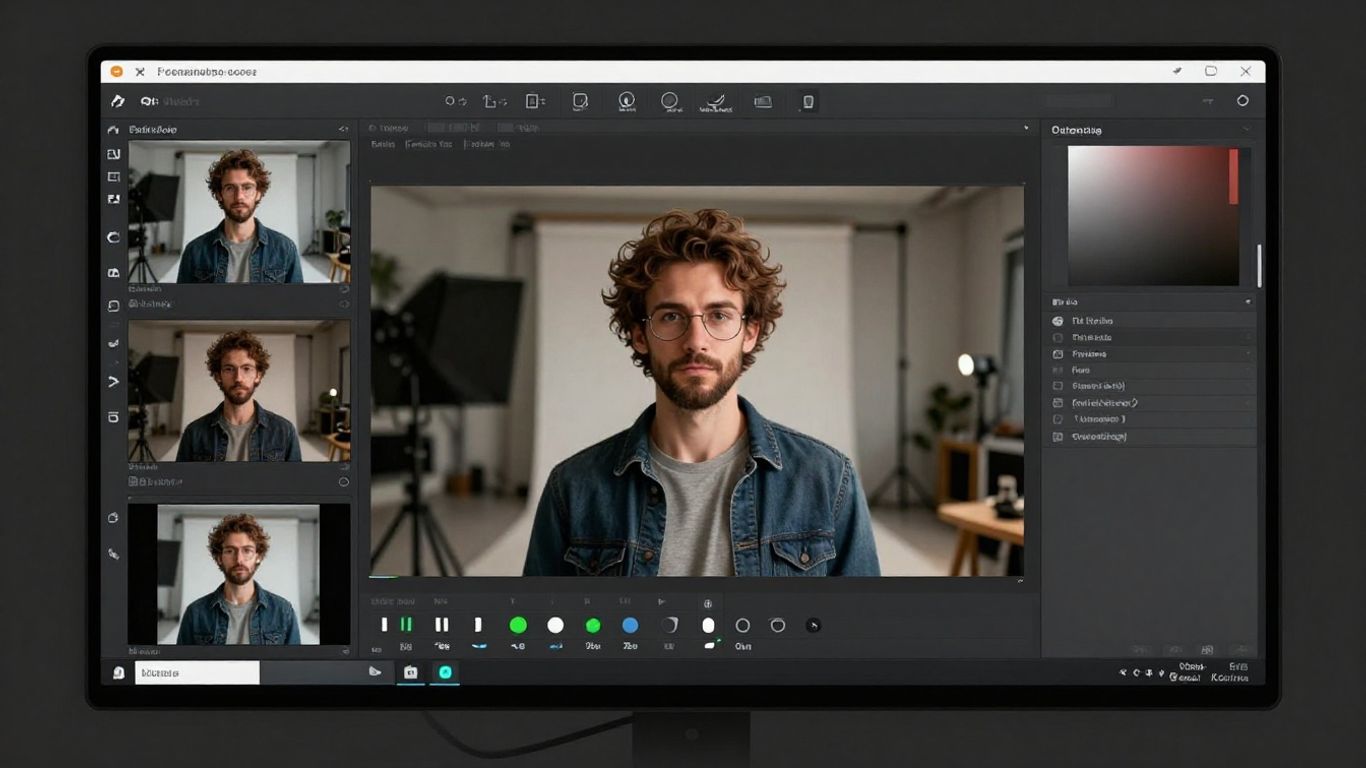
TopMediai provides a platform where you can transform static images into motion video by applying various animation themes. This is a practical choice if you already have a set of promotional stills or album art that you want to animate to match your audio tracks. The platform emphasizes storyboard customization, giving you visibility into the generated sequence before you commit to a final export.
When working with their tools, you upload your assets and select a transition style that fits the mood of your music. The system works as an intermediary between your source files and a finished clip, prioritizing visual consistency over complex character generation. This makes it a straightforward option for creators who need a fast way to animate existing brand assets.
Your results generally depend on the quality of the source photos you provide at the start of the project. While it excels at static-to-motion transitions, it does not offer native song generation, which implies you will need to prepare your audio externally. The feature set balances ease of use with enough control to keep your visual branding coherent across different tracks.
3. Vidnoz: Multimodal avatar options and quick generation
Vidnoz provides a selection of AI-driven avatar options that assist in the visual representation of your song’s lyrics. You can pick from various digital characters to act as the focal point of your music video, providing a human-like anchor that performs on command. This functionality is useful for creators aiming to produce content that relies on lip-syncing or direct address.
The generation speed is a major benefit, allowing for rapid iterations if you are working against a deadline. You spend less time waiting for long clips to process, which is helpful when batching content for a release. The platform includes a set of tools to customize the avatar’s appearance to better align with the theme of your project.
Free tier usage involves specific constraints, such as standard clip duration limits or the presence of a watermark on your exports. If you are creating social media clips, the platform offers enough variety to keep your videos distinguishable from one another. Scaling up to a paid tier removes these limitations, which allows you to move into more professional territory as your audience grows.
4. MakeSong: Integrated lip-sync and narrative video
MakeSong combines an AI music generator with tools for creating narrative-driven videos, including features like dancing characters. This setup serves musicians who want their content to follow a consistent storyline rather than just displaying abstract visuals. You can use their system to sync your audio directly to the character performance, which often produces a more engaging result for viewers.
The platform positions itself toward those creating catchy, lyric-focused content where the performance matters as much as the track itself. By utilizing their lip-sync technology, you avoid the manual labor of matching phonemes to video frames after the song is rendered. This is an efficient way to publish narrative content on platforms that favor high-energy, personality-driven clips.
While the platform is newer, it offers a specific set of tools that streamline the bridge between audio and performance. You get the most value here when your project relies heavily on the character’s presence rather than abstract visuals. It stands as a reliable bridge if you find other complex compositing tools too difficult to integrate into your current hobbyist or small-scale workflow.
5. MusicCreator.ai: Audio-to-video visualizer focus
MusicCreator.ai focuses primarily on the visualization of audio through dynamic patterns and text-based prompts. You upload your audio tracks, and the engine generates visuals that respond to the energy and tempo of the music, which is helpful if you are producing instrumental tracks or podcasts. This approach ensures your visual output is directly tied to the pulse of your specific audio file.
The platform allows for logo watermarking, which is useful when you want to protect your branding across various platforms. You can tweak your visual output by providing customized prompts, giving you a degree of control over the color palette and motion style. It feels less like a full-scale video production suite and more like a specialized utility for creating high-quality accompaniments for existing music.
Practical application suggests this tool wins when your goal is to push out quick, visually appealing content that doesn’t need to be highly narrative. If your audio has a strong rhythm, the visualizer maps it efficiently to ensure the movement feels natural and not repetitive. You can use it as a simple supplement to your existing web presence without needing extensive video production knowledge.
6. Neural Frames: Frame-by-Frame audio-reactive video
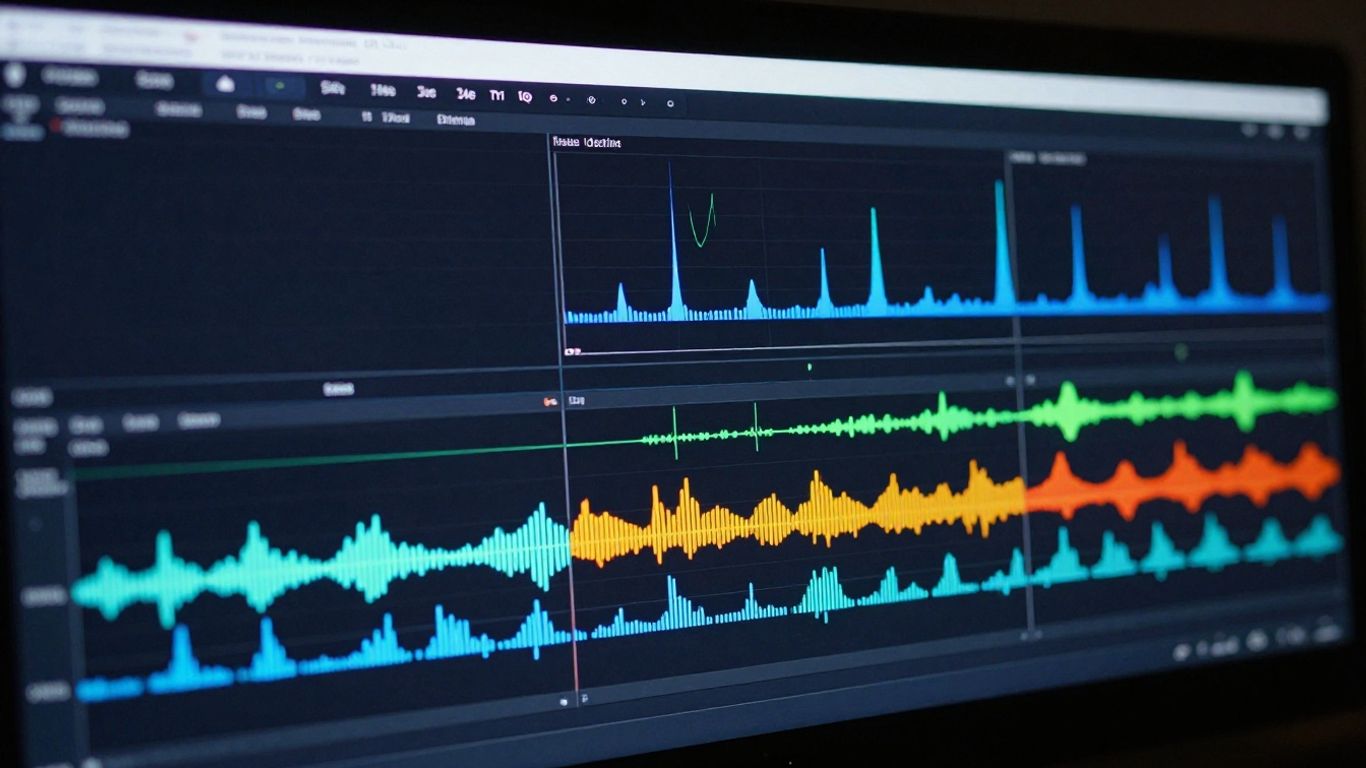
Neural Frames operates with a focus on granular control, allowing for frame-by-frame edits that respond to your music. This tool is for creators who want to influence the visual environment closely, leveraging specific AI models to yield highly stylistic results. You can manipulate the timeline to ensure that critical visual changes correlate exactly with specific lyrics or tempo shifts.
Because the platform relies on external models like Kling or Runway, you gain access to a larger output variety than you would get with a single-purpose generator. The learning curve is steeper here, as you must spend time defining your settings to avoid inconsistent results between shots. This type of workflow is best suited for artistic projects where the individual look of every 10-second sequence is paramount.
| Feature | Capability | Control Level |
|---|---|---|
| Audio Sync | High | Manual Fine-Tuning |
| Asset Support | External Models | High Complexity |
| Export Options | 4K Resolution | Professional Grade |
The table demonstrates that while complexity is higher, the control you have over the end product is far more substantial than simpler one-click generators. This platform remains a staple for those who view video generation as a collaborative process with AI software. Users who take the time to master these AI music video generators often find the results possess a unique, polished depth that automated tools struggle to match.
7. Freebeat: AI-directed storytelling and lip-sync
Freebeat functions as a dedicated AI director that automates the planning and pacing of your music videos. The system analyzes your track’s structure, recognizing intro, verse, and chorus segments to help distribute your visual shots appropriately. This takes the guesswork out of pacing, which is often the biggest hurdle for new content producers.
You benefit from the platform’s ability to handle complex tasks like lip-syncing and story-based scene planning in one interface. By choosing to let the AI director handle the creative heavy lifting, you can produce content that feels structured and intentional. It works well for those who have a finished song but lack the directorial experience to translate that audio into a compelling visual story.
- Automatically maps video cuts to song structure
- Supports synchronized lip-syncing for characters
- Offers various storyboard modes for different genres
- Provides export formats optimized for short-form platforms
The list above highlights how the platform simplifies the director’s role by providing built-in assistance for structure and pacing. You can combine these features with your uploaded tracks to create a video that effectively conveys your message. It remains an ideal choice for creators who want to maintain professional structure while working within the convenience of a modern generation tool.
8. Revid.ai: Beat-synced short-form content optimization
Revid.ai prioritizes the speed and pacing required for short-form video platforms like TikTok or Reels. When you process your audio, the system focuses on beat synchronization, ensuring the visuals change at exactly the right moments to keep the viewer attentive. The platform helps you generate lyric captions automatically, which is a significant time-saver for creators who need to make their content accessible.
You use this tool best when you have an existing song and want to push it toward a social media audience quickly. It does not generate music from scratch, but it excels at turning instrumental or vocal tracks into clips that look built for mobile scrolling. The speed of the workflow is its strongest attribute compared to more traditional, heavy-hitting visual production software.
Content creators who need to maintain a high volume of output find this balance of synchronization and captioning very useful. You spend your energy on the music or the performance, letting the platform take care of the heavy video formatting. It is a streamlined experience that helps your audio reach its audience without forcing you to spend hours on manual cut timings.
9. Plazmapunk: Multi-model visual environments
Plazmapunk offers a variety of AI models to create complex visual environments for your music. You can use these environments to build abstract sequences or even cinematic displays that shift based on your song’s energy. Its strength lies in the flexibility of the visual style, allowing you to move away from standard templates and into more experimental territory.
The platform includes scene scripting tools that give you extra influence over how the visuals evolve throughout the track. While it is more experimental, this flexibility provides a distinct advantage if you want your video to stand out from generic AI-generated content. You can experiment with different models to see how they interpret your specific audio frequencies.
Because the platform maintains a smaller user base, you often find more community-driven techniques and unique styles available to test. It requires a slightly more hands-on approach than a typical all-in-one generator, but the payoff is a much higher degree of visual style control. You can think of it as a sandbox for those who want their technical skills in AI to influence the aesthetic results of their music videos.
10. InVideo: Broad templates for social media music videos
InVideo provides a broad set of templates that work well for social media music videos if you have a wide range of promotional needs. You can use their tools to add text, stock footage, and unique audio layers to build professional-looking content without starting from scratch. It is highly versatile, meaning you can pivot between making a music video, a business promo, or a personal vlog using similar features.
When you use their Magic Box, you can make edits through simple text instructions, allowing for quick adjustments that would normally require dragging and dropping in a traditional editor. This speed is vital when you are managing a social calendar or trying to stay responsive to current trends. You save resources while maintaining a clean, effective visual output that works across all standard screen formats.
Even though it is not a niche music video tool, its capacity to handle audio synchronization means it fits perfectly into an indie creator’s workflow. You can easily drag your exported audio into one of their templates, add video layers, and generate a polished final file. It is a broad solution that is consistent across different types of visual storytelling, making it a staple for creators who want maximum utility from their tools.
Conclusion
Choosing an AI music video generator depends entirely on your need for integrated song creation versus visual-only editors. If you need a single-stop shop, Creatus.ai provides a cohesive experience that bridges the gap between text-to-song and video generation, making it a highly practical choice for independent creators. For those requiring specific frame-by-frame control or specialized visualizer animations, dedicated tools like Neural Frames offer more depth at the cost of complexity. Regardless of your choice, free plans offer enough functionality to conduct your own trials and ensure your final output meets your project’s quality standards before you commit to a subscription.
Frequently Asked Questions
Do AI music video generators require previous editing skills?
Most modern platforms are specifically designed to abstract away traditional editing workflows, meaning you do not need knowledge of layer management or motion graphics to produce effective results.
Can I use these generated videos for commercial projects?
Policy varies significantly by platform, but most require a paid subscription to unlock commercial rights, and you should always verify the terms of service regarding ownership of the final file.
How does the lip-syncing feature actually work?
These automated systems analyze the audio’s phonetic structure and map the facial movements of a digital character or avatar to match the duration of the spoken or sung words.
Does the audio quality affect the quality of the video?
Yes, because the AI relies on the data points within your audio file to synchronize transitions and effects, higher-quality, well-structured audio often leads to better-synced visuals.
Are these AI generators suitable for long-form content?
These tools are currently optimized for short-to-mid-form content like Shorts, Reels, and YouTube clips, as longer videos often run into memory and consistency limitations during the generation process.
What do I do if I exceed my daily credit limit?
Many platforms provide the option to either purchase additional one-off credit packs or wait for your balance to reset based on the standard refresh schedule of your account type.
Are there specific file formats I need to provide for best results?
MP3 and WAV are generally the most widely supported formats, providing the clearest audio data for the AI to analyze, which helps improve the synchronization accuracy of your final video.