Key Takeaways
Creating music videos in 2026 relies on automated AI tools that sync visuals to audio waveforms, beats, and lyrical structure. These platforms help you produce professional content without needing expensive camera gear or deep editing expertise.
- CREATUS.AI provides an all-in-one solution for generating both songs and videos.
- Audio-reactive tools prioritize frame-by-frame synchronization to match your tracks.
- Social media formats like 9:16 are standard for modern short-form video exports.
- Many platforms allow you to upload your own audio alongside text-to-video generation.
- Built-in editors often automate shot planning to save you hours of post-production time.
1. Creatus.ai
When you need to turn a concept into a finalized music video, CREATUS.AI offers a unique workspace that combines song generation with visual production. You can input text prompts or upload your own audio files to initiate the process effortlessly. It manages the full lifecycle of the project from the initial musical arrangement to the final video export.
This platform stands out because it solves the common challenge of disparate tools for music and video. You get access to over 35 genres and can define the mood or tempo before the system starts rendering. The singing character animations adapt to your lyrics, providing a polished look that fits various social media aspect ratios such as 9:16 or 16:9.
Most users appreciate that the system removes the need for technical sound engineering or advanced animation skills. You retain the rights to the content you generate while leveraging a wide range of integrated AI models. Because it handles the entire workflow under one roof, you spend less time managing files and more time refining your artistic direction.
2. Neural Frames
If your goal is precise control over the visual rhythm in your music, this tool provides advanced settings for audio-reactive outputs. You can influence how the imagery shifts in response to specific sound frequencies without losing your desired aesthetic style. It excels when you want to create consistent visuals that mirror complex musical structures.
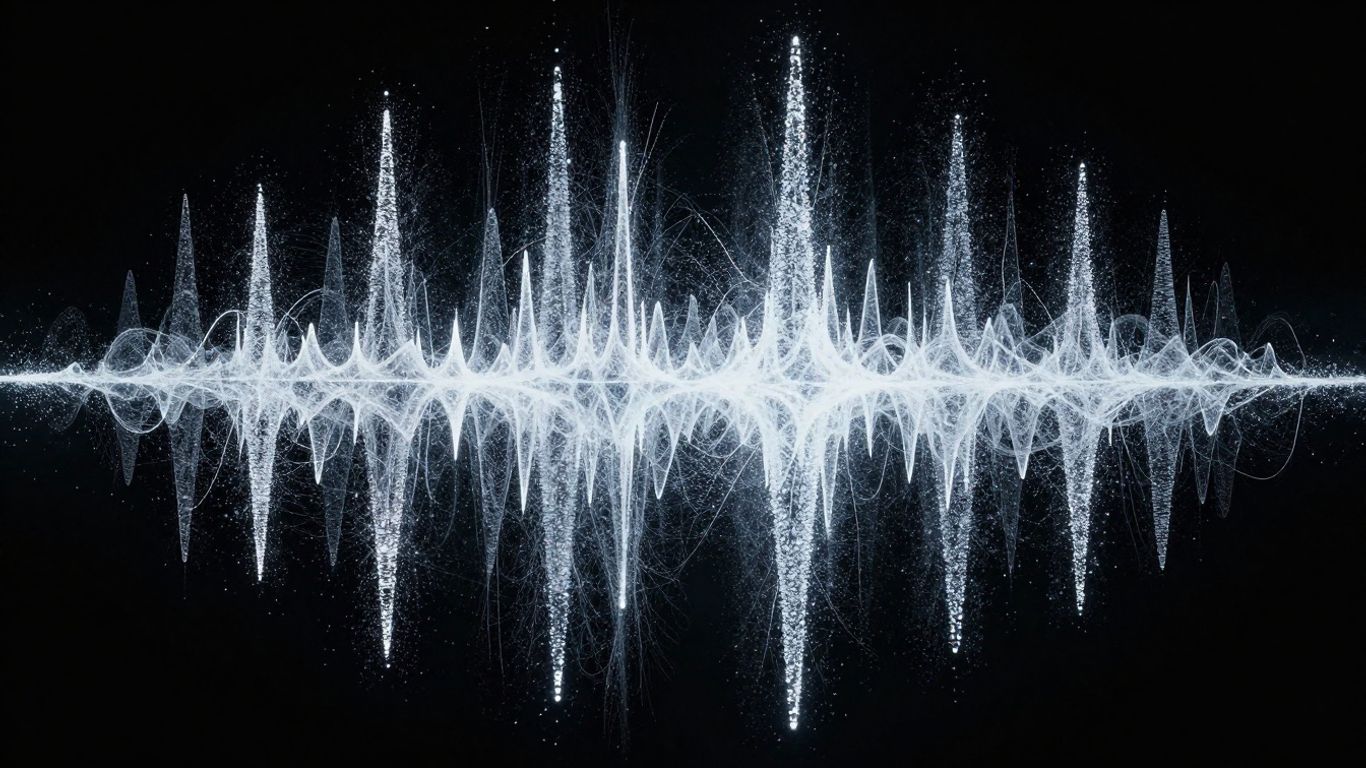
Many creators use this platform because of its deep timeline control functions. You can manipulate how the frame-by-frame animation behaves during specific sections of your song like the bridge or chorus. It supports high-quality exports that allow you to maintain visual clarity throughout your project duration.
Artists seeking a specific look for their official releases often turn to these tools for their versatility. While the learning curve is steeper than basic text-to-video generators, the ability to fine-tune every transition pays off in the final result. You end up with a high-fidelity video that feels custom-tailored to the energy of your track.
3. Freebeat
For those who prefer a hands-off approach to shot planning, Freebeat uses an intelligent director model that scans your audio. It identifies the beats and song sections automatically so your edits align perfectly with the pace of your music. The platform simplifies the production of sync-heavy content like dance or energetic pop videos.
To effectively use this tool for your projects, consider these primary features that help streamline your workflow:
- Automatic bar and beat detection for perfect timing.
- Storyboard editing modes to adjust camera angles.
- One-click integration with external song links.
- Multi-stage performance presets for different genres.
Once the system processes your audio, you can review the generated shots in the editor interface to ensure they match your creative vision. It creates a cohesive narrative without requiring you to manually place clips on a timeline. The result is a professional appearance that keeps your audience engaged while minimizing your time spent on technical adjustments.
4. Revid.ai
When you need to push content to platforms like TikTok in a hurry, this interface focuses on high-speed generation of short-form videos. It is specifically designed to handle lyric captioning and rapid visuals that pop on small screens. You can take your existing track and generate a corresponding file in minutes rather than hours.
Many creators find that the speed of this platform outweighs the need for long-form narrative production. To give you an idea of how this compares to other platforms for quick social updates, look at the capabilities below:
| Tool Feature | Speed | Format focus | Best Usage |
|---|---|---|---|
| Revid.ai | Very High | 9:16 | Social Clips |
| Neural Frames | Moderate | 16:9 | Cinematic |
| Creatus | Medium | Versatile | Full Music |
This tool allows you to maintain a consistent output of social content regardless of your prior experience with video production. You simply upload your audio, select a style, and let the generation process take hold. The output is ready for immediate distribution, which helps you maintain your channel consistency without needing a massive production budget.
5. Plazmapunk
This platform specializes in distinct visual experiences that react dynamically to your soundscape. If you want your video to move in a liquid, surreal, or sci-fi manner, the underlying models are well-suited for these creative outputs. You can influence the scene scripting to ensure the imagery feels aligned with your song’s themes.
Artists who thrive in the fringe or electronic music scenes will appreciate how well this works with deep bass and high-tempo sequences. Because the system can handle detailed scene scripting, you can dictate the evolution of the visual elements throughout the track. This prevents the visuals from becoming repetitive or losing energy at the wrong moment.
Successful use relies on balancing your visual prompts with the reactivity settings in the workspace. You can test various models to find which one captures the tone of your composition best. By aligning these artistic parameters with your audio structure, you create an immersive video that captures listener attention immediately.
6. LTX Studio
When you want to maintain cinematic quality throughout your work, this platform serves as an enterprise-grade production environment. It provides extensive control over the narrative and visual composition, making it ideal for longer musical projects. You can manage multiple project assets and export them in high resolution for professional presentations.
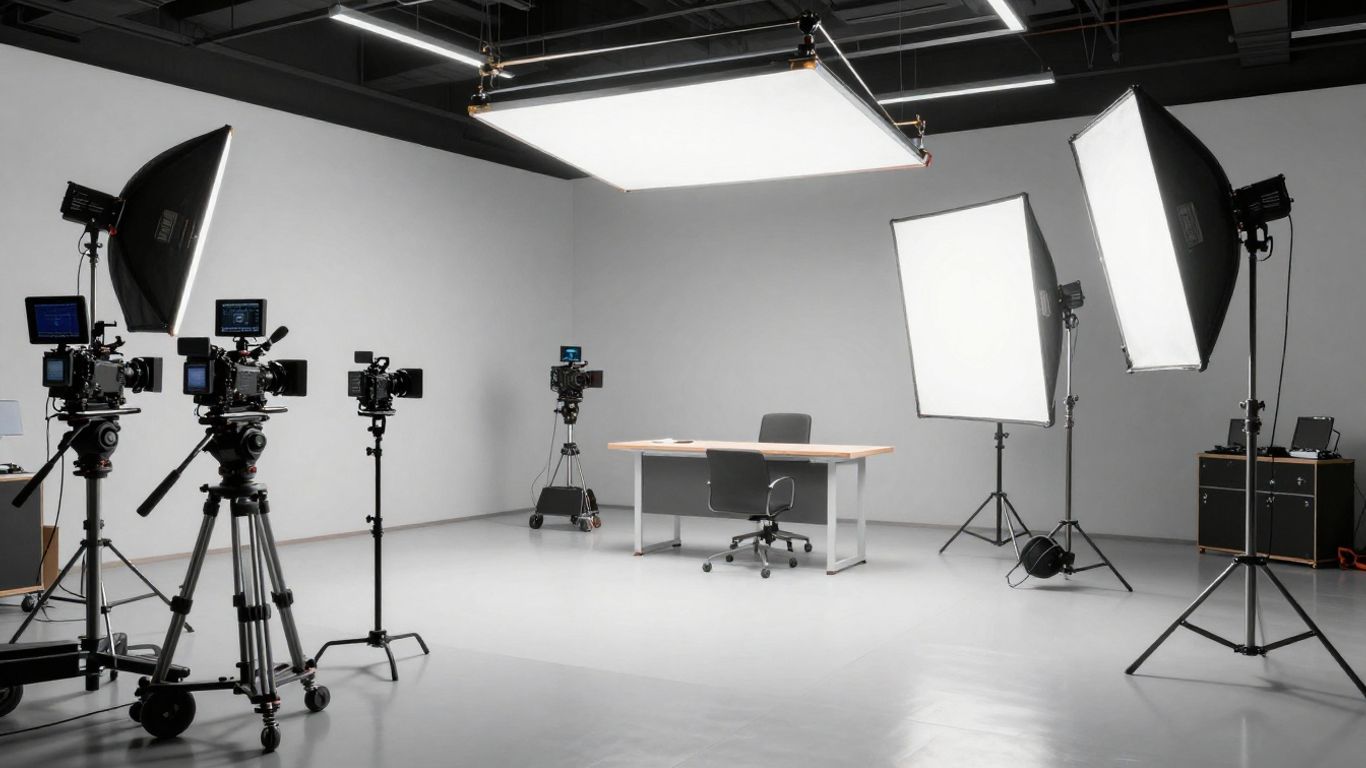
Using this tool effectively involves prepping your assets so the generation engine has clear input. You get access to sophisticated scene editors that allow for camera adjustments and pacing changes across your timeline. This is a solid choice when you need a polished, film-like aesthetic for a formal video launch.
While the platform is broad enough for general video production, it remains a powerhouse for music-related projects. Because it treats your video as a connected production rather than a series of disconnected images, the flow remains logical from start to finish. You spend your energy focusing on creative choices rather than technical limitations.
7. InVideo
If you prefer a familiar editor interface with smart features added on, this tool provides a robust environment for broad video creation. It includes a invideo AI component that simplifies the editing process through text prompts and predefined templates. You can find layouts specifically designed for music-focused content that work well for basic visualization.
This is a good bridge for creators who feel comfortable with standard video editing programs but want the speed of automation. You can drag and drop your own footage or let the system generate new clips to flesh out your timeline. It adapts well to various formats, so you can export one project for multiple social media channels easily.
Many users choose this because it serves as an all-purpose creation suite. You have the flexibility to edit manually when you want precision, while utilizing the automated features for rapid scene generation. This hybrid approach ensures you are never stuck waiting on the system to finish every piece of your work.
8. TopMediai
When you have static assets like photos that you want to animate to a beat, this tool bridges the gap effectively. It focuses on taking your input media and applying motion techniques that sync with the rhythm of your provided audio track. This is especially useful for album covers or artistic stills that need to stand out on streaming platforms.
Storyboarding becomes easier because you can visualize the timeline before committing to the full rendering process. You set the theme, adjust the visual intensity, and let the tool calculate how the movement should follow your song’s energy. It is an approachable option for those without massive project requirements.
Maintaining visual unity is simple when you start with a set look for your images. You can iterate through different animation styles to see which one creates the right pulse for your specific track. The output is efficient, saving you the time of building every scene from scratch using more frame-heavy animation software.
9. Vidnoz
If you want to use digital avatars to represent your presence in a music video, Vidnoz provides an accessible path. You can select from various character models that match your brand identity and set them to perform within a video environment. This works well for musicians who want to create video content without appearing on camera themselves.
Setting up your project is straightforward since the platform offers a selection of pre-made templates and styles. You simply apply the chosen avatar and sync the vocal patterns to your track, creating a believable performance. The interface is clean, allowing you to focus on the performance elements rather than the software architecture.
Because the system is efficient with resources, you can produce content quickly for regular posting. It effectively automates the lip-syncing and movement logistics of your chosen character. You keep control over the style settings, ensuring the aesthetic matches your music’s identity and professional goals.
10. MakeSong
This newer platform aims to simplify the generation of narrative-focused music videos by integrating music creation with visual animation. It offers specific features for children’s songs and dance routines where the character’s movement matches the playful energy of the lyrics. You describe your idea and let the system build the output in one go.
For those who want to create character-based stories without animating individually, this platform offers a streamlined experience. You select the narrative arc or dance style, and the system handles the synchronization between your lyrics and the visual playback. This allows you to produce lighthearted or storytelling content that is instantly sharable.
Your production time shrinks significantly since you do not need to stitch together disparate music and video files. The tool handles the heavy lifting of aligning the audio vocal tracks with the onscreen activity. It is a practical tool for creators looking to experiment with short, character-led music videos that capture attention through humor or rhythm.
Conclusion
Choosing the right AI video tool in 2026 depends on whether you value all-in-one automation, like that offered by integrated platforms, or specialized controls found in audio-reactive editors; regardless of your preference, your ability to bring music to life visually has never been more accessible or efficient.
Frequently Asked Questions
How does AI handle the beat sync in music videos?
Most modern tools scan your audio file to detect transient peaks and BPM data, which they then use to trigger visual changes or scene shifts in total alignment with the underlying rhythm.
Can I use these platforms for professional client projects?
Many tools offer commercial licenses on their paid tiers that allow you to use the output for professional work, though you should always check the specific terms to confirm the rights provided.
Do I need to know how to edit videos to use AI music video generators?
These automated platforms are designed specifically to remove the need for manual editing by handling scene generation, clip arrangement and timing updates within a single user interface.
What are the main limitations of using AI for music videos?
While AI is incredibly fast, it currently struggles with complex, multi-person narrative interactions that require exact historical consistency between shots though this is improving rapidly every quarter.
How long does it usually take to generate a full music video?
Simple projects can often be generated in minutes, while more detailed cinematic outputs might take longer depending on the length of the track and the complexity of the visual style chosen.
Can I upload my own characters into these music video tools?
Many platforms support custom uploads where you can use your own portrait or reference image as a base, allowing you to maintain a consistent persona throughout your creative work.
Are there free versions of these AI tools available?
Most platforms provide a free tier that allows you to experiment with limited credits, enabling you to test the output quality before committing to a paid subscription plan for advanced features.