Key Takeaways
Creating music videos using artificial intelligence requires a basic understanding of your project requirements and the right synthesis of audio and visual elements. This guide explores the process of creating professional content from simple inputs.
- Start by selecting your primary AI music video creator platform.
- Utilize text prompts to define the core mood and structure of your audio.
- Prepare your audio files by choosing consistent formats for the best synchronization.
- Align visual themes and animation speeds with the energy of your track.
- Export your final project in specific aspect ratios to maximize engagement on social media platforms.
Choosing the right AI music video tools
Selecting the right software is the first step to ensuring your production process runs smoothly. You want to avoid platforms that split your audio and video management into two disjointed systems, as this slows down your creative output.
Understanding the two-in-one generator model
A two-in-one generator model allows you to create your music and your footage in a single platform. The Creatus.AI Music Video Generator exemplifies this by combining text-to-song technology with automated visual production, saving you time. By keeping these tasks in one place, you prevent the friction of switching between multiple standalone apps.
Identifying features for automatic synchronization
When evaluating potential tools, look for features that analyze your audio in advance to match visual cuts with beats. The software should recognize structure, tempo, and energy to ensure visuals feel natural. Many creators favor Neural Frames for its specialized ability to sync visuals directly to audio stems and rhythmic intensity.
Evaluating cost vs. workflow efficiency
Efficiency matters as much as the initial price, because saving five hours is often worth more than saving ten dollars. Consider what the Creatus.AI Music Video Generator offers regarding its free tiers and integrated feature set. When you look at your budget, calculate the value of automated features, like beat detection, against the manual editing time they replace.
Checking compatibility with existing music files
Ensure that the software you choose supports the file types you already have on hand. Most platforms expect standard formats like MP3 or WAV, but you should verify this before starting your upload.
| Feature | Supported File Types | Best For |
|---|---|---|
| Basic Tools | MP3 Only | Quick, low-res social posts |
| Pro Platforms | MP3, WAV, AIFF | High-fidelity music videos |
| AI Generators | Text, MP3, WAV | Creative content production |
Using compatible files prevents format conversion errors and ensures the AI processes your audio accurately for synchronization.
Generating your original audio track
Writing text prompts is the most effective way to guide the AI toward the sound you want. Instead of vague descriptions, specify your goals to get highly consistent audio output for your project. You can generate professional tracks using the Creatus.AI Music Video Generator without needing music production skills.
Crafting effective text prompts for song creation
Focus on defining the core elements early, such as instrument choices and vocal style. A specific prompt helps the AI narrow down hundreds of possibilities into one cohesive track. Treat your prompt like a brief for a session musician, including as many descriptors as necessary to capture your vision.
Defining genre, mood, and tempo parameters
Setting these parameters early helps the AI understand the pacing of your song before it begins generating chords or melodies. You can mention specific BPM or genre tags that align with the visual story you want to tell. This gives the resulting music a character that mirrors your intended video aesthetic.
Incorporating AI-generated vocals into the song
Many tools today provide integrated vocal synthesis, allowing you to add a human-like singing performance to your track immediately. This functionality is part of the Creatus.AI Music Video Generator workflow, which handles the blending of voice and music for you. You don’t need a studio to get a polished, radio-ready vocal capture.
Finalizing audio assets for video conversion
Once the audio is generated, go through a quick review of the mix for clarity. If the arrangement works well, save the asset in the required format for your video generation stage. This final check ensures that your transition from audio creator to visual artist is seamless.
Preparing audio files for animation
Selecting optimal file formats (MP3 versus WAV)
WAV files are the industry standard for production because they preserve original sound depth without data loss, unlike MP3. If you want your visual effects to react to fine details in the audio, always provide the highest quality source file you can obtain. Clear audio ensures the AI has enough information to identify complex rhythmic patterns.
Analyzing song structure for visual rhythm
Look at your song from a structural perspective, identifying intro, chorus, and bridge sections. The InVideo AI platform provides tools that help you visualize these cuts, making it easier to see where the transitions happen. By planning your visual shifts to align with these song sections, you create a more engaging experience for your viewers.
Ensuring audio quality for accurate synchronization
High-quality audio reduces the chances of algorithmic confusion when the software tries to map visual triggers to specific frequencies. If the audio is muddy, it can lead to erratic visual changes that don’t match the beat. Clean audio provides a sharp, rhythmic signal that makes automated synchronization much more precise.
Managing input constraints for consistent results
Many platforms have specific duration or file size limits for uploaded tracks, so keep an eye on these during the preparation stage. Breaking your track into shorter, manageable segments can sometimes improve the stability of the final render. If you face constant errors, try trimming the file to remove silence at the beginning or end.
Configuring visual styles and animation
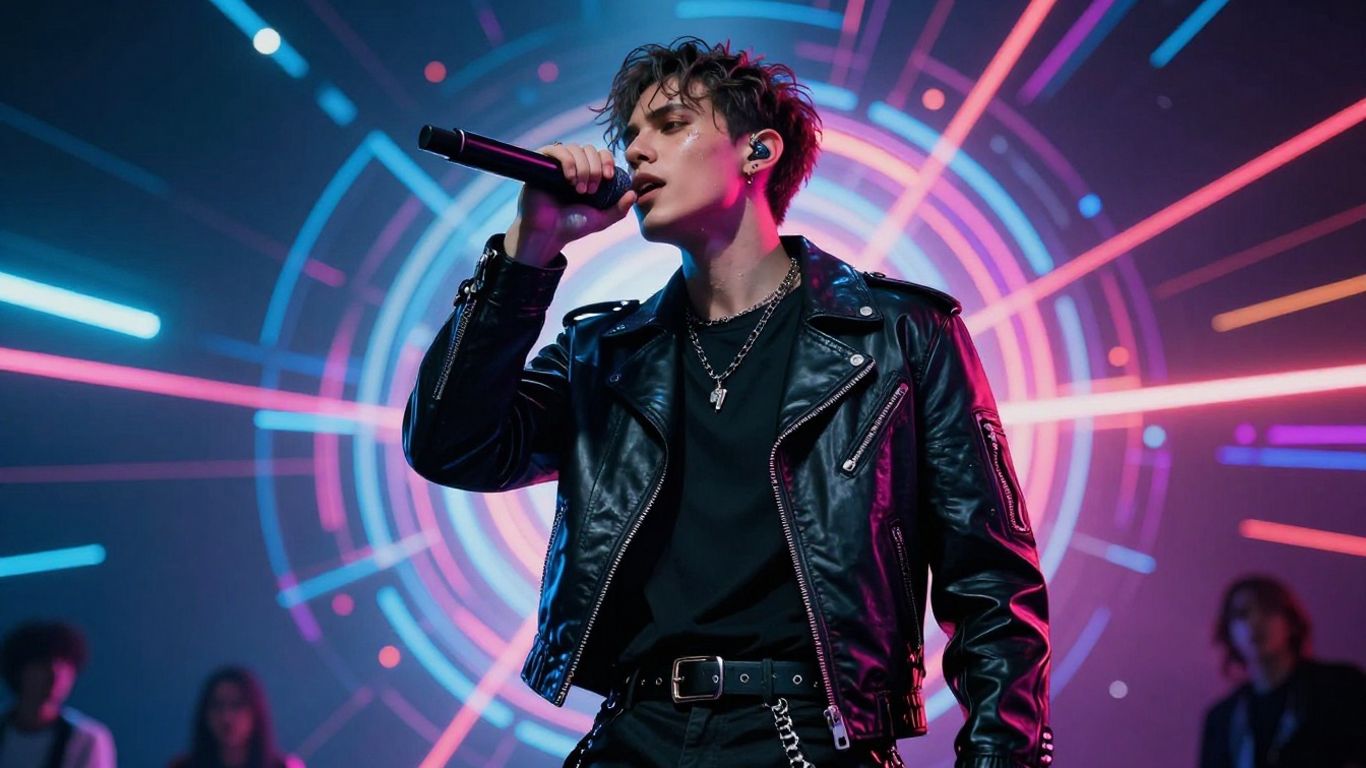
Personalizing the visual identity of your content allows you to stand out in crowded social feeds. You want to choose a theme that aligns with your musical genre to keep the viewer invested in the experience.
Selecting visual themes based on musical genre
Your theme should communicate the "vibe" of the song before the beat even drops. Artists using Plazmapunk often select themes that match their genre, like gritty urban textures for hip-hop or soft, dreamlike filters for ambient tracks. This consistency between sound and sight is essential for a professional look.
Customizing visual triggers to match the track energy
Visual triggers determine how the effects change during drops, transitions, or vocal hooks. You want these to be aggressive enough to feel intentional but not so busy that they cause fatigue. A simple list of standard visual triggers includes:
- Color shifts during the chorus
- Particle dispersal on high-frequency snare hits
- Zoom-ins synchronized with vocal peaks
- Flash cuts during rapid percussive segments
If the effects don’t hit correctly, adjust your trigger sensitivity until the timing feels intuitive rather than chaotic.
Balancing animation speed with song flow
Animation speed should maintain visual interest without distorting the core scene information. Slow, sweeping motions work well for ballads, while high-velocity cuts serve faster electronic tracks. You can usually override default presets to better match the specific pace of your chosen music.
Leveraging automated direction for visual cohesion
Automated direction features handle frame composition and shot selection, allowing you to focus on the overall story. This keeps the look consistent throughout the video despite the changes in animation. For an effective video, you can explore the guide for managing complex assets if your scenes involve multiple characters.
Optimizing exports for social platforms
Platforms have distinct requirements for resolution and aspect ratios, and satisfying these is essential for platform-wide distribution. You must prioritize clarity in your rendering settings.
Choosing aspect ratios for TikTok, Reels, and Shorts
Vertical video is non-negotiable for short-form platforms, requiring a 9:16 aspect ratio. If you record in 16:9, you will lose significant visual information when attempting to rotate or crop the footage. It is better to generate content in native vertical dimensions from the start.
Configuring 1:1 format options for Instagram feeds
Square formatting remains a valuable, stable option for feed-based content where you want the video to occupy an equal amount of user screen space. This is a safe fallback when you need a universal format that works across desktop and mobile versions of your profile. Check your platform settings to see how you can set this up as a default render preference.
Preparing 16:9 exports for YouTube uploads
Horizontal 16:9 remains the standard for long-form video, providing the best resolution for larger monitor displays. When rendering for YouTube, prioritize the highest bitrate supported by your editor to ensure cinematic quality. You might consider this expert guide for managing marketing strategies when promoting these videos.
Reviewing synchronization accuracy before final output
Always watch your completed render one last time at full speed to check for any drift in the sync. Even a millisecond of lag can be noticeable to an audience accustomed to tight, professional edits. Catching these inaccuracies now prevents negative viewer feedback later.
Streamlining the end-to-end production workflow
Maintaining a fast workflow keeps your creative momentum alive and reduces the chance of losing focus. You want a system where each stage of the process naturally leads into the next.
Eliminating tool switching between audio and video
Using a single ecosystem reduces file transfer times and eliminates version control issues. You save hours every week by staying inside one interface for both audio generation and video creation. This single-platform approach is the best way to maintain consistency.
Integrating music generation with visual creation
When your generation model understands the context of the audio, it makes smarter decisions about the visual sequence. The integration allows you to adjust the music and have your video update in real-time. This saves you from having to start over whenever a change is needed.
Scaling content output for consistent publishing
Consistent publishing builds an audience, and scalable automation is the only way to manage a heavy content schedule. By saving your successful prompt templates, you can repeat the process with new tracks in minutes. This turns a one-off project into a reliable creation pipeline.
Refining prompt engineering for professional visual results
Refining your prompts is a skill that evolves with experience as you learn exactly how the models interpret your descriptors. Use specific technical terms and descriptive adjectives to guide the visual outcome toward your unique stylistic intent. When you get a result you like, log the prompt structure so you can reuse it in future projects.
Conclusion
Mastering the art of digital music video production is about selecting the right tools and fine-tuning your automated workflows. Once you establish a consistent pace between audio generation and video rendering, you can efficiently scale your output for your audience. Stay curious during the prompt engineering stage and never stop iterating on your visual styles to keep your content fresh, engaging, and professional.
Frequently Asked Questions
How long does it usually take to generate a standard music video?
The generation time depends on the complexity of your visual prompts and the length of the track, but most projects complete in just a few minutes once the inputs are provided.
Do I need to be a professional video editor to use these AI tools?
No manual editing skills are required, as modern AI platforms handle complex tasks like scene cutting, rhythm alignment, and visual synchronization automatically for you.
Can I upload my own music if I have already created it?
Yes, most AI video generators allow you to upload your own MP3 or WAV files to be used as the rhythmic base for the synchronized visuals.
What should I do if the visuals do not match the song tempo?
You can often adjust the sensitivity or re-run the animation cycle with a refined prompt to get a better alignment between the visual triggers and the song rhythm.
Is it better to create the music or the video first?
It is better to finalize your audio first, as the video generation software needs to analyze the tempo and structure of your track to produce a synchronized result.
Can AI voiceovers be used instead of singing vocals?
While some tools focus on singing, you can often experiment with different audio assets or voice tracks depending on the capabilities of the specific generation model you choose.
How can I ensure my videos reach the right audience?
Optimize your exports by selecting the correct aspect ratios for each platform, such as vertical formats for mobile apps and horizontal for desktop platforms, to maximize your engagement.