Key Takeaways
Learning to generate music with AI saves significant production time while keeping your creative control intact. You can go from a simple text description to a finished, high-quality song and video without traditional studio equipment.
- Write clear, descriptive prompts identifying genre, mood, and tempo.
- Use specific lyric structures to guide the AI vocal performance.
- Upload audio files to automate video generation for social sharing.
- Optimize export formats to match platform requirements like TikTok or YouTube.
- Maintain high quality by checking for phase issues and synchronization errors.
Understanding the AI music generation workflow
The shift from traditional production to generative AI
Technology has changed music creation by allowing computers to compose tracks through data patterns rather than manual arrangement. You no longer need to learn music theory or purchase expensive software to make a professional track. This shift allows you to focus solely on your creative vision while letting models handle the technical heavy lifting.
How text-to-song models interpret user descriptions
Models process your written input by cross-referencing your requests against massive datasets of existing musical compositions. When you provide details, the generator maps out tempo, key, and instrumentation based on your specific requirements. This process translates your intent into an audible format within seconds.
Distinguishing between instrumental and vocal-focused AI
Not every generator creates lyrics. Some platforms prioritize lush, instrumental soundscapes, while others focus on synthetic vocal performances that mimic human singers. Choosing the right tool depends on whether you need a background track or a lead pop-style song performance.
The benefits of an integrated song-to-video workflow
Combining audio production with visual output saves you hours of video editing labor. Instead of pairing music with footage manually, an integrated system syncs visual cues to the beat of your song automatically. Using the Creatus AI Music Video Generator simplifies this process by keeping everything in one place.
Crafting effective prompts for AI music
Defining genre, mood, and tempo in your description
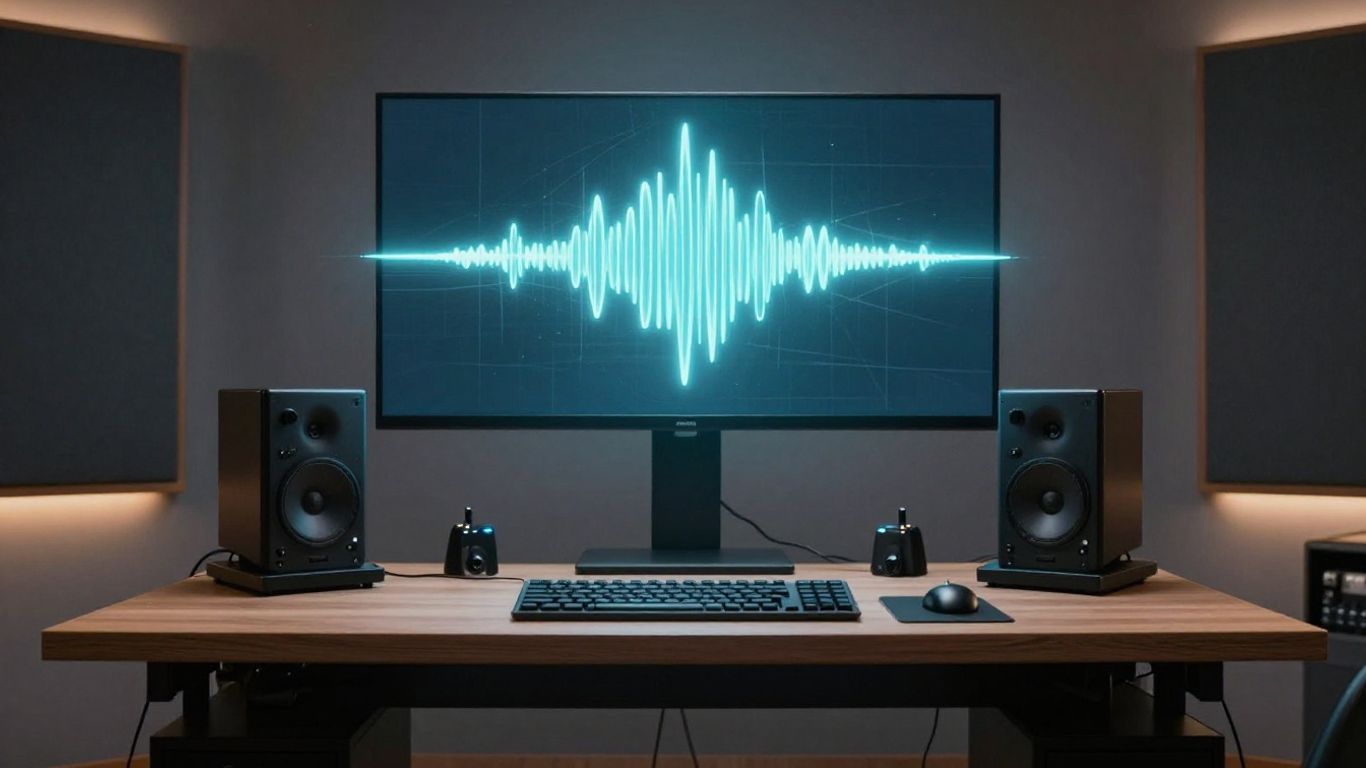
Your prompt works best when it identifies clear stylistic boundaries. Mention the specific genre, such as lo-fi hip hop or dark trap, to set the foundation. Including the mood—like energetic or melancholic—and the tempo in BPM helps the AI establish the right atmosphere from the start.
Formatting lyrics to guide vocal performance
Organize your lyrics with clear labels like [Verse], [Chorus], and [Bridge]. This structure informs the generator on how to pace the rhythm and intensity of the vocal delivery. Consistent tagging helps the model produce a song that feels professional rather than chaotic.
Utilizing stylistic descriptors for professional output
Adding adjectives like cinematic, distorted, or acoustic provides the necessary detail for nuanced results. You can find many tools like AI Song Maker that follow these text inputs by analyzing your word choices carefully to build a unique composition.
Striking a balance between creative input and AI autonomy
Too much detail might limit the model, while too little leads to generic output. Keep your prompt concise yet descriptive to allow the tool to fill in the gaps without losing your distinct style. Experimenting with different levels of specific instruction is the best way to determine what works for your needs.
Generating the song with AI
Entering your text prompt into the generator
Input your formatted lyrics and style descriptors into the dashboard and hit create. Most platforms will provide several variations for you to audition after the first pass is finished. This initial generation should be treated as a rough draft rather than the final copy.
Evaluating the initial composition and arrangement
Listen to the output multiple times to see if the chord progression fits your vision. You need to verify if the vocals sit well in the mix, specifically checking that the lead vocal is not buried under the instrumental tracks. If the structure is off, adjust your prompt and try again rather than accepting the first result.
Refining parameters for better vocal quality
Try altering the tempo or adding emotional qualifiers to influence the singer’s tone. If you are using a tool like TextSong.ai, you can toggle between different voice profiles to suit the genre. Small adjustments here prevent the synthetic voice from sounding robotic or flat.
Downloading your generated MP3 or WAV file
Once the composition meets your standards, save the file directly to your workstation. WAV files are superior for post-production editing because they maintain higher audio fidelity compared to MP3 versions. Always keep a backup of the original version in case you decide to re-edit later.
Transforming your song into a music video
Uploading your audio file to the generator
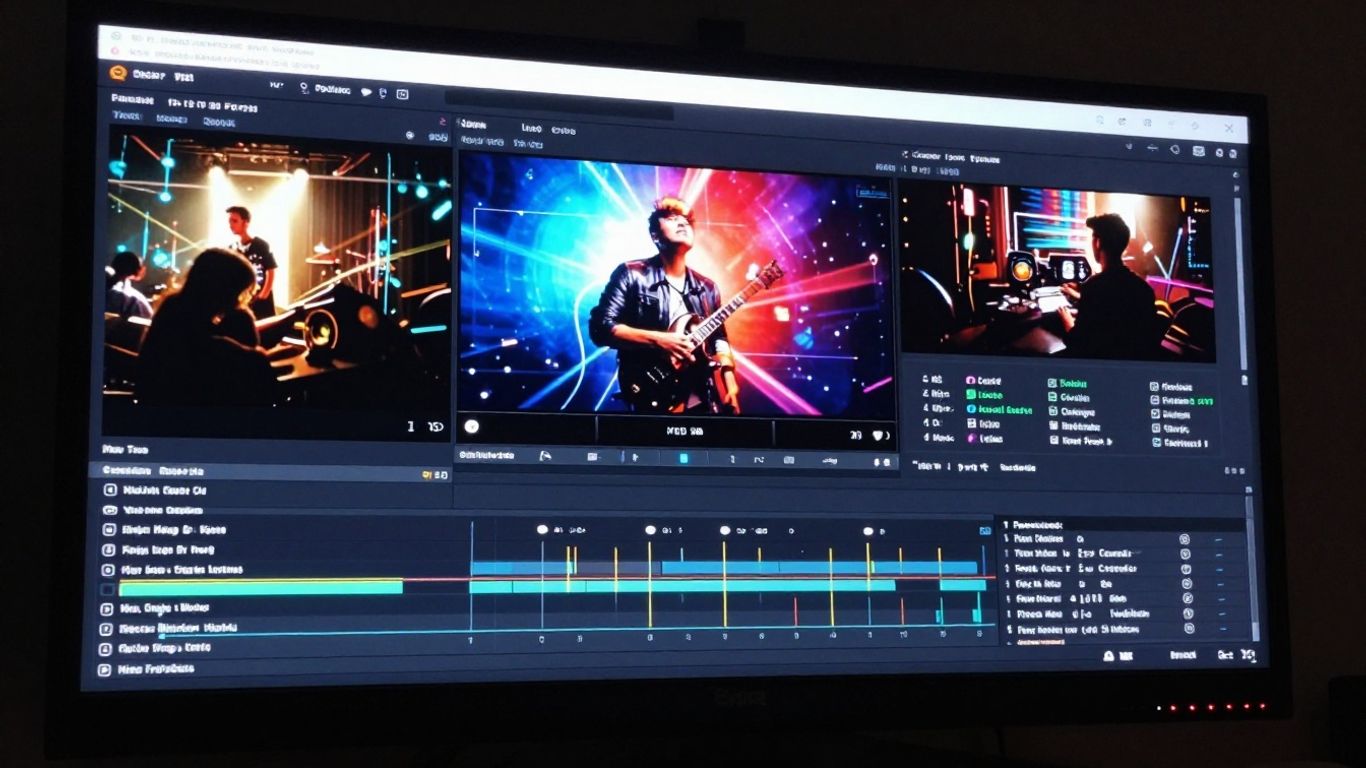
Locate the upload interface to insert your finished song file. The system scans the audio frequency to understand the energy spikes and drops in the track. This mapping determines where video scene changes should occur for the best visual flow.
Selecting visual styles that complement musical mood
Choose a visual theme that mirrors the story or vibe of your lyrics. If the song is fast-paced and upbeat, pick a style that features quick cuts and vibrant color palettes. For slower, acoustic tracks, opt for calmer, flowing visual transitions that match the relaxed pace of the song.
Achieving audio-visual synchronization
Your video should reflect the emotional intensity of the audio track throughout the entire duration. Review the following guide to see how different visual elements align with your audio settings:
| Style Feature | Effect on Pacing | Recommended Genre |
|---|---|---|
| High energy cuts | Faster motion | Techno, Hip Hop |
| Slow transitions | Moody atmosphere | Ambient, Jazz |
| Lyric overlays | Narrative focus | Folk, Pop |
Adjusting visual narrative pacing for audience retention
Control the timing of specific image changes to keep viewers interested until the end. You want to make sure the transition points coincide with major musical beats. If the visual pace lags, the audience might lose interest, so adjust the sync points until the motion feels natural.
Optimizing exports for different social platforms
Choosing the right aspect ratio for TikTok and Shorts
Vertical video is mandatory for mobile-first apps like TikTok. Use a 9:16 ratio to fill the screen and prevent wasted space on the sides. This ensures your content looks professional and fits naturally within the typical user feed.
Preparing 1:1 format for Instagram and social feeds
Square video works perfectly for static social media feeds where a centralized focus is preferred. This aspect ratio keeps the viewer’s eyes directed at the center of the frame. Consider the items in this list to optimize your general distribution strategy:
- Export clips in 1080p to maintain clarity on mobile devices.
- Use hardware encoding for faster processing times during upload.
- Include subtitles to reach viewers who watch without audio.
- Test different thumbnails to see what results in higher hits.
Configuring 16:9 for YouTube and long-form distribution
Standard landscape orientation remains the top choice for desktop browsing and television viewing. This size provides enough room for cinematic visual elements to shine without being cramped. Always double-check your resolution settings before final export to avoid stretching or black bars.
Managing file quality for streaming and sharing
Keep your export bitrates high enough to prevent compression artifacts that appear during social media uploads. High-resolution files require more bandwidth, but they keep your visual quality intact. Balance the file size against the platform’s limit to maintain the original look.
Best practices for high-quality production
Iterating on your prompts to improve output
Keep your language precise by focusing on nouns and adjectives rather than complex sentence structures. Simple prompts consistently deliver more predictable results across different musical models.
Do not get discouraged if your first attempt misses the mark, as iteration is a core part of the process. Each version helps you understand how the AI responds to your specific stylistic requests. Keeping a log of prompts that produce high-quality results creates a useful library for future work.
Using the AI ecosystem to expand your creative toolkit
Combine different models to achieve results that a single tool cannot produce alone. By treating the generator as a starting point, you can apply your own finishing touches during the editing phase. This hybrid approach lets you control the quality while letting the automation handle the base layer.
Maintaining copyright awareness when using AI-generated tracks
Always review the terms of service for the platform you select to use. Some models offer commercial usage rights, while others restrict the output to personal content. Being aware of these rules ensures you stay safe regardless of where you decide to distribute your project.
Troubleshooting common synchronization or audio issues
If the visuals and audio feel disconnected, check for latency between the uploaded track and the video renderer. Often, simply re-hosting the asset or using a different export format fixes common playback bugs. Keep your software updated to ensure you access the latest improvements and performance fixes.
Conclusion
Creating music and video content using AI removes technical barriers, letting you focus on the creative aspects of your brand work. By following these steps through the generation and refinement process, you will produce unique, professional-grade media that stands out on any platform.
Frequently Asked Questions
Can AI-generated music be used for commercial projects?
Most platforms provide specific licenses for commercial use, but it is necessary to check the individual terms of service for your selected generator to ensure you adhere to their guidelines.
How long does it take to produce a music video with AI?
You can finish a track and a synchronized video in less than ten minutes depending on the length of the song and your computer connection speed.
Do I need to be a musician to generate high-quality audio?
No special musical training is required because the AI model handles the arrangement, chord progression, and instrumentation based on your provided text description.
Can I edit the song after it has been generated?
Yes, you can import your downloaded MP3 or WAV file into any standard audio editing program to trim sections or adjust the volume balance yourself.
What file formats are supported for video output?
Most platforms allow you to download in standard formats like MP4, which are compatible with nearly every social media platform, website, and personal playback device.
How do I ensure my lyrics sound natural?
Using clear structure formatting and simple, rhythmic word choices helps the vocal engine pronounce lyrics more accurately throughout the song.
Are there free options for generating music?
Several platforms offer free tiers, often provide a limited number of daily credits, allowing you to create and download tracks without an initial financial commitment.