Key Takeaways
Creating music videos longer than three minutes requires specific workflows. Here are five ways to extend your AI-generated projects:
- Use modular generation for scene control.
- Rely on timeline editors for seamless transitions.
- Batch your audio tracks into logical segments.
- Maintain consistent visual prompts for characters.
- Apply hybrid workflows combining AI and manual edits.
The current reality of AI music video duration
Most AI generators default to short bursts of animation, making longer projects difficult to manage. You might notice your tool cuts off at fifteen or thirty seconds, leaving you with incomplete sequences for a full song. This creates a barrier for artists who need a standard three-minute runtime for their track. Understanding the limits of your software helps you plan effectively, as you cannot simply hit a one-button render for a five-minute piece.
Limitations of short-form AI generation
AI models focus on short, high-fidelity clips to save computing power. Most platforms process motion by predicting the next few seconds, which forces them to reset after a brief window of movement.
Evolving standards for long-form content
Developers now realize that song-length output is a priority for serious creators. You see updates allowing for scene chaining and extended video generation, though these still require manual oversight to hold the story together.
Why three minutes remains the industry benchmark
Three minutes represents the average pop song length, making it the primary target for developers. Creating media matches this expectation, but platforms often sacrifice narrative complexity to hit that duration without crashing.
Navigating platform-specific file size and length limits
Every generator has a maximum capacity for upload and output files. Check your specific platform limits, as you might find that while you can generate five minutes of video, your export settings might force a compressed quality or a mid-way break in playback.
Understanding the technical constraints of AI video
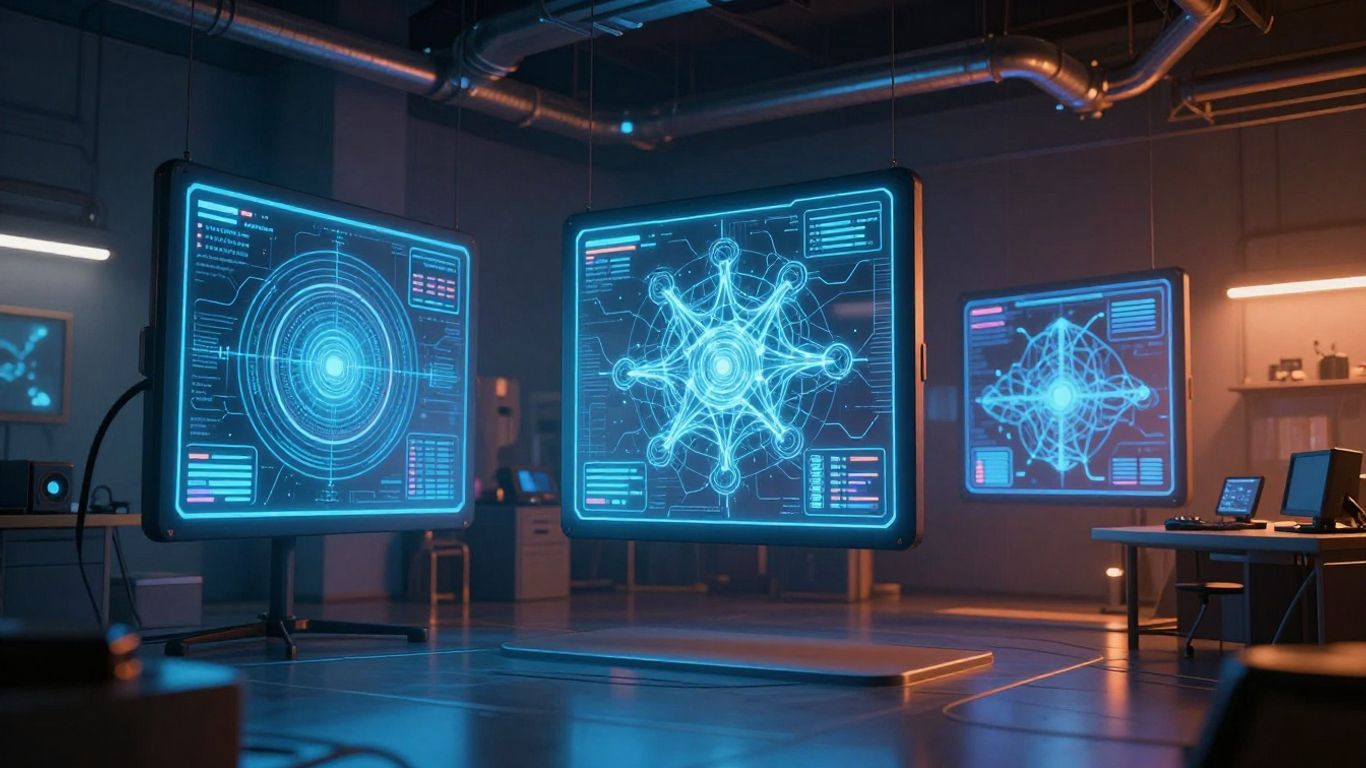
Running high-resolution animation consumes massive hardware resources. Your machine or the cloud server must maintain memory for every pixel through each frame, which gets harder as the duration increases. You find that long-form generation causes noticeable quality loss if the AI is not optimized for temporal stability.
Processing power and compute memory requirements
High-end models require dedicated server memory. When you demand a five-minute animation, the system struggles to retain every previous visual detail unless it uses specific caching techniques.
Balancing consistent visual output against generation time
Generating a long clip at once usually leads to errors or style shifts. You must split the load, as keeping the same aesthetic for an entire project requires more stability than most single-pass models offer.
Render latency for complex, multi-minute narratives
Complexity adds weight to your render task. The system calculates light, texture, and motion pathing, and for a long video, the time required for this calculation increases exponentially.
Understanding the trade-offs between speed and length
| Feature | Short Clip | Long Composition |
|---|---|---|
| Render Speed | High | Low |
| Visual Quality | Stable | Variable |
| Memory Usage | Low | Very High |
| Consistency | Easy | Difficult |
Selecting your target length forces you to pick your priorities. A high-quality long video takes more time, while a faster generation approach risks lowering the visual resolution of your final output.
Strategies for creating extended music videos with AI
To answer if you can ai make a music video longer than 3 minutes, you must look beyond one-shot generation. The best approach involves building your project piece by piece, treating the video like a collection of smaller, linked segments. This gives you full control over the pacing without losing quality.
The modular approach to scene-by-scene generation
Generate your video in 10-second blocks. This keeps the AI focused on specific motions and reduces the chance of visual glitches or style drift during the final playback.
Chaining AI sequences through timeline-based editing
Use your favorite video editor to stack these segments. By crossfading or matching cuts with your beat, you create a polished final product that looks like a single continuous shot despite being generated in parts.
Batch processing for long-form audio tracks
- Split your song into verse and chorus sections.
- Generate visuals for each section independently.
- Export segments in a consistent resolution.
- Stitch the files using frame-accurate software.
- Perform color correction to match the tones.
Following this list ensures your final export feels unified. Treat your song as a script and visualize each stanza with a unique prompt set, which keeps the energy high while the video progresses.
Managing file synchronization over extended durations
Audio latency often messes with your visual alignment. Always verify your sync in a non-linear editor to ensure the music and video match at every critical transition.
Overcoming visual consistency challenges at scale
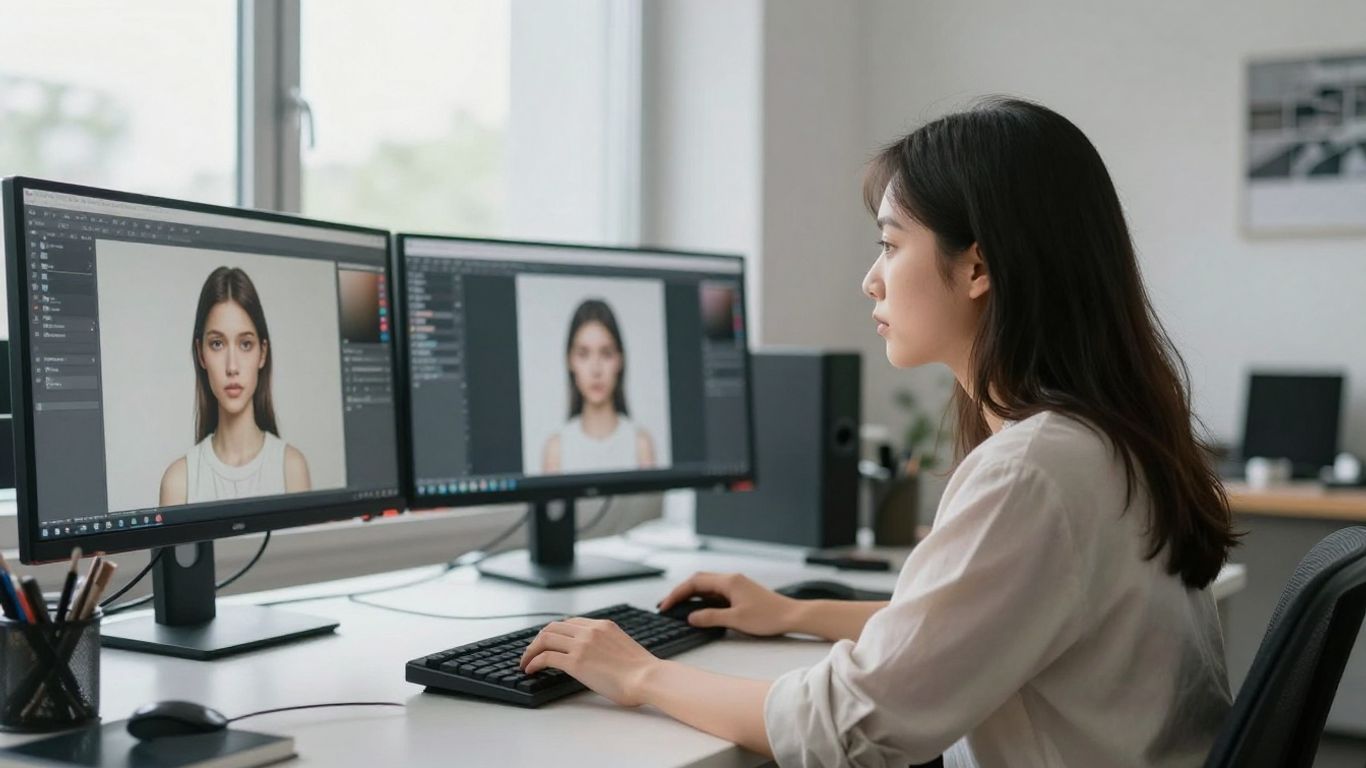
Maintaining a look across multiple minutes challenges even the best tools. You face the risk of your main character changing clothes, facial features shifting, or the lighting style drifting away from your initial vision.
Maintaining prompt structure for long narrative arcs
Keep a strict style guide for your prompts. Reusing the exact same descriptive keywords for light, lens type, and color palette ensures that each batch generated feels like part of the same film.
Ensuring character persistence throughout the video
Using stable reference frames helps the model remember who your character is. Even when the AI forgets a minor detail, updating your prompt with specific character traits helps keep the visual identity firm.
Preventing visual drift in multi-minute AI compositions
Drift happens when the AI loses the thread of your initial intent. To avoid this, force a reset by providing a fresh scene description every minute while keeping the subject parameters the same.
Techniques for managing stylistic coherence between segments
Consistent stylistic markers like film grain or specific color grades act as a glue for otherwise separate AI-generated sequences.
Applying these markers in post-production hides the seams where one AI-generated block ends and the next begins.
Implementing a professional hybrid workflow
Do not rely entirely on the generator to do everything correctly. By using Animator Hub tools alongside traditional editing, you bridge the gap between creative impulse and final output. This method makes it easier to keep the visual flow locked to your track.
Combining AI-generated assets with traditional editing
Import your clips into professional software. Add text overlays, motion graphics, or simple cuts to add variety that keeps viewers engaged even during slower parts of the song.
Layering multiple AI-driven inputs for dynamic pacing
Overlay different AI styles. You could mix abstract patterns with clean performance clips to simulate camera angles, which adds a layer of depth that single-source generation cannot provide.
Refinement techniques for long-form AI animations
Clean up individual frames where the AI stuttered. Small manual adjustments allow you to keep the clip without re-generating the entire five minutes, saving hours of render time.
Bridging gaps between generative clips to ensure continuity
Use transitions in your editor to smooth out skips. A simple dissolve or a subtle match cut can hide inconsistencies in motion between your generated segments.
Evaluating tool capabilities for long-form projects
Not every platform supports the same production volume. You need to check for export reliability and audio duration limits before committing your workflow to a specific site. Explore options like Kling AI if you need higher motion realism, or look for platforms that allow AI Music Video Generator workflows that fit your music production goals.
Assessing support for long-duration audio input
Many tools cap audio files at 60 seconds. You must find a service that handles full-length tracks or be prepared to use Long Video Generator if you need extreme durations.
Analyzing export quality for extended video files
Watch out for compression artifacts. Long videos suffer from bit-rate reduction on some platforms, leading to muddy pixels when playing back at high resolutions.
Managing workflow efficiency in all-in-one AI platforms
If you prefer One More Shot AI for ease of use, stick to the features that allow you to layer songs and videos. This prevents the need for manual stitching later.
Scaling production for music beyond standard broadcast lengths
When your track hits the five-minute mark, your biggest ally is freebeat.ai for rapid scene generation. Plan for enough buffer time and expect to do a fair amount of manual review.
Conclusion
You can pull off a music video stretching past the three-minute threshold by breaking the project down, keeping your prompts stable, and using traditional editing for the finish. It takes more work than a short clip, but proper segment management turns a technical wall into a smooth creative process.
Frequently Asked Questions
Can I generate an entire music video in one click?
Most current tools struggle to produce a perfect three-minute video from one single prompt without significant loss of quality or narrative flow.
Will my character look the same after three minutes?
Character persistence is difficult, so using reference frames or consistent style prompts is mandatory to stop your subject from morphing over time.
Does high resolution require more generation time?
Yes, higher pixel counts place a significantly larger load on the processing server, leading to longer wait times and higher risk of errors in long clips.
Are there music video tools without duration limits?
While some platforms offer extended generation, they often use segmented rendering in the background which still requires you to manage the stitches.
How do I keep the beat in sync over a long video?
Edit your video in a professional non-linear editor to manually align visual cuts with the transients of your exported audio file.
Should I generate the video as a single piece or in parts?
Segmented generation into small, manageable clips is the professional standard for avoiding glitches and maintaining visual high quality.
Will the video quality degrade in longer projects?
Potential quality loss depends on your export settings and the model’s temporal stability, but using controlled batches mitigates this risk significantly.