You’ve learned about a bunch of ways to create AI music videos without spending money. Here are the main things to remember:
Key Takeaways
- Several platforms combine AI song creation and music video generation in one place.
- Other tools specialize in turning your existing audio into music videos.
- Many services offer free tiers, letting you create videos without initial costs.
- Look for features like automatic lip-syncing, customizable styles, and beat syncing.
- Understanding the limits of free plans helps you make the most of your creations.
Integrated AI Music and Video Creation Platforms
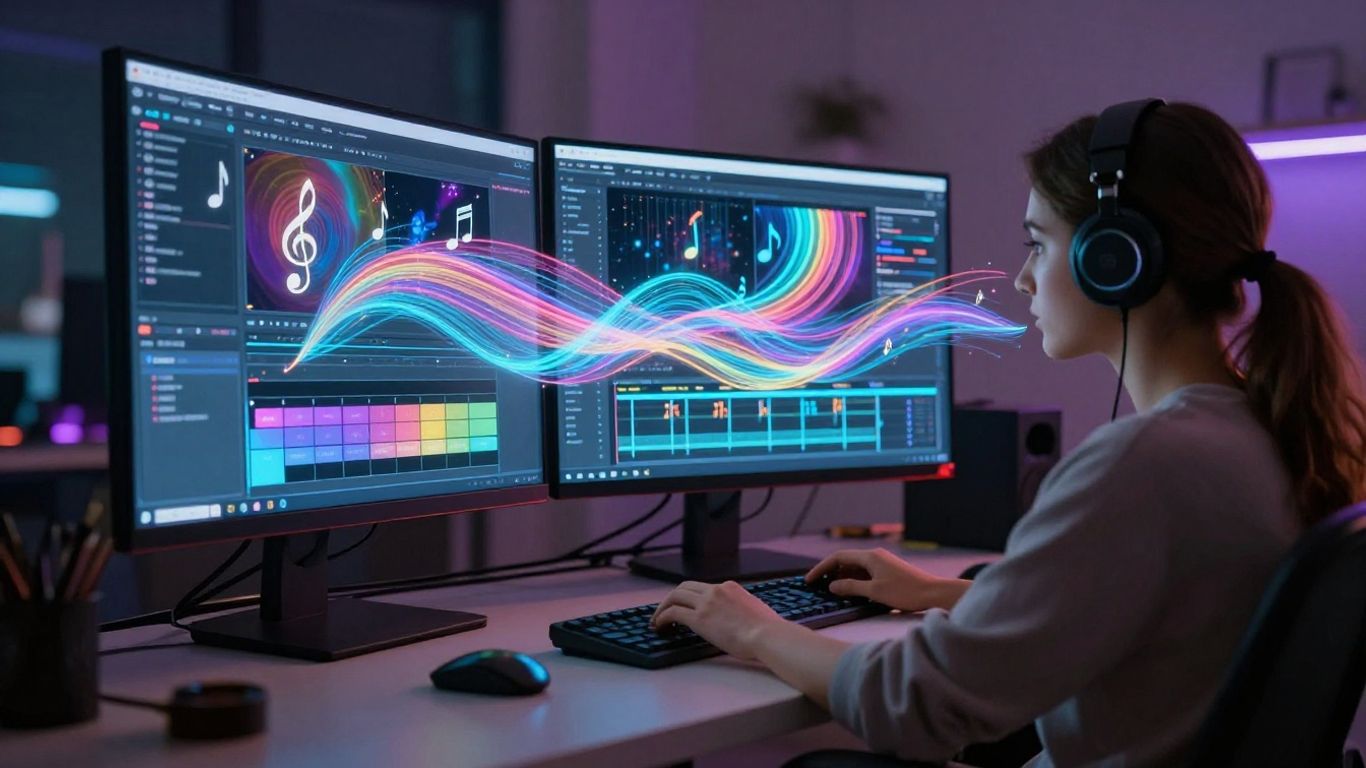
Some tools aim to do it all, combining music generation with video creation in a single package. This means you can go from a simple idea to a finished music video without jumping between different apps. It streamlines the whole process, which is great when you’re trying to get content out quickly.
Creatus AI: Songwriting and Visuals in One Workflow
Creatus AI offers a unique two-in-one approach. You can start by typing in a description for a song, and the AI will generate the music with vocals. Then, you can take that song, or any audio file you have, and turn it into a music video. This eliminates the need to switch between separate music-making and video-editing software. It’s designed for creators who want a unified workflow.
Freebeat: AI Director for Music Videos
Freebeat acts like an AI director for your music videos. You upload your track, and it helps plan shots and pacing automatically. It’s known for its ability to create rhythm-perfect AI dance videos that sync well with the beat. You can also use it to generate visuals for existing songs, making it a solid choice for artists looking to visualize their music.
MakeSong: Comprehensive Music Video Generation
MakeSong focuses on creating music videos from your audio, with options for lip-syncing and even dance sequences. You can upload a photo and your song, and it will generate a fully lip-synced music video in minutes. It supports videos up to 10 minutes long, making it suitable for platforms like YouTube and TikTok.
Specialized AI Music Video Generators
Sometimes, you need tools that are laser-focused on making music videos, not just general video content. These platforms are built with musicians and visualizers in mind, offering specific features to bring your audio to life.
Neural Frames: Audio-to-Video Focus
Neural Frames is all about turning your sound into visuals. It doesn’t generate the music itself, but it excels at creating dynamic video from your existing audio files. You get fine-grained control over how the visuals react to your music, frame by frame. This tool supports various AI models and offers a free tier to get you started.
Freebeat: AI Director for Music Videos
Think of Freebeat as your AI director. You upload your song, and it handles the shot selection, pacing, and editing to create a music video. It’s designed to sync visuals tightly with the beat and can even generate lip-synced performances. This platform is great for independent artists who need polished videos without a big production crew. You can explore their AI music video maker to see how it works.
Revid.ai: Beat-Synced Short-Form Content
Revid.ai is a solid choice if you’re focused on short-form content like TikToks or Reels. It’s built to quickly generate beat-synced videos from your audio. You can add lyric captions and export in various formats, making it easy to get your music out there. It’s a straightforward way to create engaging clips that match the rhythm of your track.
TopMediai: Photo and Audio to Video
TopMediai offers a unique approach by letting you create music videos from photos and audio. You can upload your track and images, and the AI will generate a video with a storyboard preview. It’s a good option if you have existing photos you want to incorporate into your music video. This tool can help you create visuals without needing complex editing skills.
AI Tools for Visualizing Existing Music
Sometimes you’ve already got the perfect track and just need to give it some visuals. These tools focus on taking your audio and turning it into a video, often with impressive results.
Vidnoz: Free AI Music Video Creation
Vidnoz offers a straightforward way to create music videos without needing complex software. You can upload your song and choose from various options to generate visuals. It’s a good starting point if you’re new to AI video generation. The free plan does have some limitations, like a one-minute clip limit and watermarks, but it’s great for testing the waters.
MusicCreator.ai: Custom Prompts for Visualizers
If you want more control over the look and feel, MusicCreator.ai lets you use custom prompts. This means you can guide the AI to create specific types of visuals for your music. You can even upload a logo to add a watermark. It’s more focused on creating visualizers than full narrative music videos, but it’s a solid option for dynamic, audio-reactive content. You can generate captivating music visualizations online for free.
Plazmapunk: Audio-Reactive Visual Experiences
Plazmapunk is built for creating immersive, audio-reactive visuals. You upload your track, pick a visual style, and the AI generates a video that syncs with your music. They support various AI models and offer scene scripting for more control. It’s a powerful tool for artists who want their visuals to truly pulse with their sound. You can generate a free AI music visualizer by uploading your audio file.
General AI Video Platforms with Music Video Capabilities
Some AI video platforms aren’t built solely for music videos, but they can still produce great results. These tools offer broader video creation features, and you can adapt them for your music projects. They often come with extensive libraries and editing tools.
InVideo: AI Video Generation with Music Video Features
InVideo provides a robust AI video generator that you can use for music videos. Its "Magic Box" feature helps streamline the creation process. You can input a prompt, select your audience and desired style, and let the AI do the heavy lifting.
This platform offers a free plan, which is a good starting point. You can explore its vast template library and stock media to build your video. While not exclusively for music, its flexibility makes it a solid choice for creating engaging visuals to accompany your tracks. You can even use AI to generate video from text prompts.
LTX Studio: Enterprise-Grade Video Production
LTX Studio is positioned as an enterprise-grade platform, meaning it’s built for more complex productions. It supports various audio formats, including MP3 and OGG, making it compatible with most music files. The AI here focuses on generating cinematic output, which can give your music videos a professional polish.
While it’s not specifically designed for music videos, its advanced capabilities mean you can achieve high-quality results. You might need to spend a bit more time experimenting to get the exact look and feel you want for your music. It’s a powerful option if you’re aiming for a more polished, film-like aesthetic for your music.
Understanding AI Music Video Generation Features
AI music video tools can do a lot more than just slap some random clips together. They’re built with specific features to help you create professional-looking content without the usual hassle. You’ll want to know what these tools can actually do before you start.
Lip-Syncing and Vocal Performance
Many AI video generators can make a virtual artist or even your own uploaded photo appear to sing along to your track. This auto lip-sync feature matches mouth movements to the vocals, whether you’re singing, rapping, or speaking fast. It’s a big step up from static images or generic animations, making your music video feel more like a live performance. This is great for making your songs pop on platforms like TikTok or YouTube Shorts.
Automatic Storyboarding and Editing
Some platforms act like an AI director, planning out shots and pacing for you. They analyze your song’s rhythm, energy, and structure to create visuals that fit. You can often get a basic storyboard or scene sequence automatically generated. This means you spend less time figuring out transitions and more time refining the overall look. Tools like Freebeat can help plan shots automatically.
Customizable Visual Styles and Characters
You’re not usually stuck with just one look. AI music video tools offer various visual styles, from cinematic and animated to abstract or lyric-focused. You can often choose or create custom characters and avatars to perform in your video. Some even let you upload your own photos to animate. This flexibility lets you match the visuals to your music’s genre and mood. Understanding how the AI analyzes your song’s musical characteristics is key to getting the best results.
The goal is to make your music look as good as it sounds. These features help bridge the gap between audio creation and visual production, making it accessible for anyone to create engaging music videos.
Leveraging Free Tiers for AI Music Videos
Getting started with AI music video creation doesn’t have to cost you anything. Many platforms offer free tiers that let you experiment and produce content. You can explore different tools and find what works best for your style without any financial commitment.
Exploring Free AI Music Video Generators
Several platforms provide free access to their AI music video tools. These often include features like automatic video generation from audio, lyric syncing, and various visual styles. You can turn your songs into music videos quickly. Some tools even let you generate the music itself, like Suno.
Understanding Free Tier Limitations
While free tiers are great, they usually come with restrictions. You might face limits on video length, export quality, or the number of videos you can create per month. Watermarks are also common on free exports. For example, Vidnoz limits free exports to 1-minute clips and includes a watermark. Always check the specific limitations before you start a project.
Maximizing Free Resources for Content Creation
To make the most of free tiers, plan your projects carefully. Focus on creating shorter clips or promotional content that fits within the limits. You can also use free tools for different stages of production, like generating visuals with one tool and then editing them with another. Some platforms, like freebeat.ai, offer a good balance of features even in their free version, allowing for beat-synced videos and lyric generation.
Be strategic with your free resources. Understand what each platform excels at and use that to your advantage. Sometimes, combining the strengths of multiple free tools can yield surprisingly professional results. Don’t be afraid to experiment; that’s what the free tiers are for.
Want to make cool music videos with AI without spending a dime? You can totally do that by using the free options available. It’s a smart way to get started and see what’s possible. Ready to try it out? Visit our website to learn more and start creating your own awesome videos today!
Conclusion
Making AI music videos for free is totally doable now. You’ve got tools that can make the song and the video all in one go, or ones that focus just on making cool visuals for music you already have. Don’t forget to check out the free plans these services offer. They’re a great way to test things out and get started without spending any cash. With these options, you can start creating your own music videos right away.
Frequently Asked Questions
What’s the easiest way to make an AI music video for free?
Tools like Creatus AI or Freebeat are pretty straightforward. You usually just type in what you want, and the AI does the heavy lifting to create both the song and the video.
Can I really make a whole music video without paying anything?
Yes, many platforms have free versions. They might limit how long your videos can be or add a watermark, but you can definitely make complete music videos without paying upfront.
Do I need to be good at music or video editing?
Nope, that’s the best part! These AI tools are designed so you don’t need any special skills. They handle the music making and video editing for you.
Can I use my own song with these AI video makers?
Absolutely. Many tools let you upload your own music file, like an MP3, and then they’ll create visuals to go along with it. Some even let you upload photos to use in the video.
What kind of videos can I make?
You can make all sorts of videos! Some tools are great for lyric videos, others can create animated performances, dance videos, or even tell a story with visuals that match the music.
Where can I share the videos I make?
Once you’ve made your AI music video, you can share it pretty much anywhere you’d share other videos. Think YouTube, TikTok, Instagram, and other social media sites.