So, you’re thinking about making a music video with AI, huh? It sounds pretty cool, right? You type in some ideas, and poof, you get a video. But there’s a catch, and it’s a big one: do AI music video generators add watermarks? It’s something you definitely need to figure out before you get too deep into creating your masterpiece. Let’s break down what you need to know.
Key Takeaways
- Many AI music video tools put watermarks on videos made with their free plans. This is a common way they encourage users to upgrade.
- If you want to avoid watermarks, you’ll likely need to pay for a subscription or a higher-tier plan with the service.
- Some platforms offer watermark-free exports even on free tiers, but you have to check each one carefully, as policies can change.
- For commercial use, watermarks are usually a no-go. You’ll need to make sure your chosen tool’s terms of service allow for commercial use without branding.
- It’s smart to combine different tools, like a song generator and a video maker, and then use editing software to put it all together and manage watermarks.
Understanding AI Music Video Generator Watermark Policies
Defining "Free" in AI Music Video Generation
When a tool says it’s "free," it often comes with strings attached. You might get to generate some content, but the best features are usually behind a paywall. It’s important to know what "free" really means for each service you consider. This often translates to limitations on export quality, duration, or the inclusion of watermarks.
Common Limitations of Free Tiers
Free plans are great for trying things out, but they rarely give you the full package. You’ll often find that video length is restricted, export resolution is lower, or you can only generate a limited number of clips. Sometimes, the most useful features, like commercial use rights or advanced editing options, are reserved for paid users. This means you might create something cool, but you can’t use it professionally without upgrading.
Evaluating Watermark Policies Across Platforms
Watermarks are a common way for free AI music video generators to promote their service or encourage upgrades. Some platforms are upfront about their watermarking policy on free plans, while others might be less clear until you try to export. Always check the terms of service or the pricing page before you invest time into creating a video. You don’t want to be surprised by a prominent logo on your final output. Some free AI music video generators might offer watermark-free exports, but these policies can change frequently, so verify before you commit.
Before you commit to a workflow, verify export behavior. A tool may let you preview for free but watermark the final output.
Here’s a general idea of what you might encounter:
- Explicit Watermarking: Many free tools will place a visible watermark on all exported videos. This is often a logo or text indicating the platform used. Vidnoz is an example of a tool that typically watermarks free exports.
- Limited Watermark-Free Exports: Some services might offer a limited number of watermark-free exports per month or a one-time watermark-free download. This is a way to let you test the premium experience.
- Watermark-Free on Paid Plans: The most common scenario is that watermark-free exports are exclusively available to subscribers of paid tiers. This is the primary incentive for upgrading.
It’s also worth noting that some platforms, like BeatViz, are protected by copyright, which influences their watermark policies and terms of service.
Identifying Tools That Add Watermarks
Platforms with Explicit Watermarking on Free Plans
Many AI music video generators will put a watermark on videos created with their free plans. This is a common way for them to encourage users to upgrade to a paid subscription. You’ll often see a small logo or text overlay on the final output. Always check the platform’s terms or FAQ before you start generating.
Some tools are upfront about this. For example, Vidnoz has a free tier that includes a watermark on exports. They also limit free exports to 1-minute clips. It’s good to know these limitations upfront so you aren’t surprised later.
Tools Offering Watermark-Free Exports
Not all free options come with watermarks. Some platforms offer watermark-free exports even on their free tiers, though these might have other limitations. Luma Dream Machine, for instance, usually doesn’t watermark standard outputs on its free plan. This can be a big plus if you need clean footage.
Other tools might offer a limited number of watermark-free exports as part of a free trial or a set of credits. Pika and Freebeat AI are examples where the policy might vary, but often allow for watermark-free content under certain conditions. Always verify the current policy on their site.
Assessing Watermark Behavior for Different Plans
It’s smart to look at how watermarking changes across different plans. A tool might offer a free plan with a watermark, but a basic paid plan might remove it entirely. This is a standard freemium model. You get a taste for free, then pay for the full experience.
Consider what you need the video for. If it’s just for personal use or testing, a watermark might be fine. But if you plan to use it for a business or a serious project, you’ll likely want to avoid watermarks. This often means looking at paid options or tools that specifically offer watermark-free free exports. You can find a list of tools and their free usage limits here.
Strategies for Avoiding Watermarks
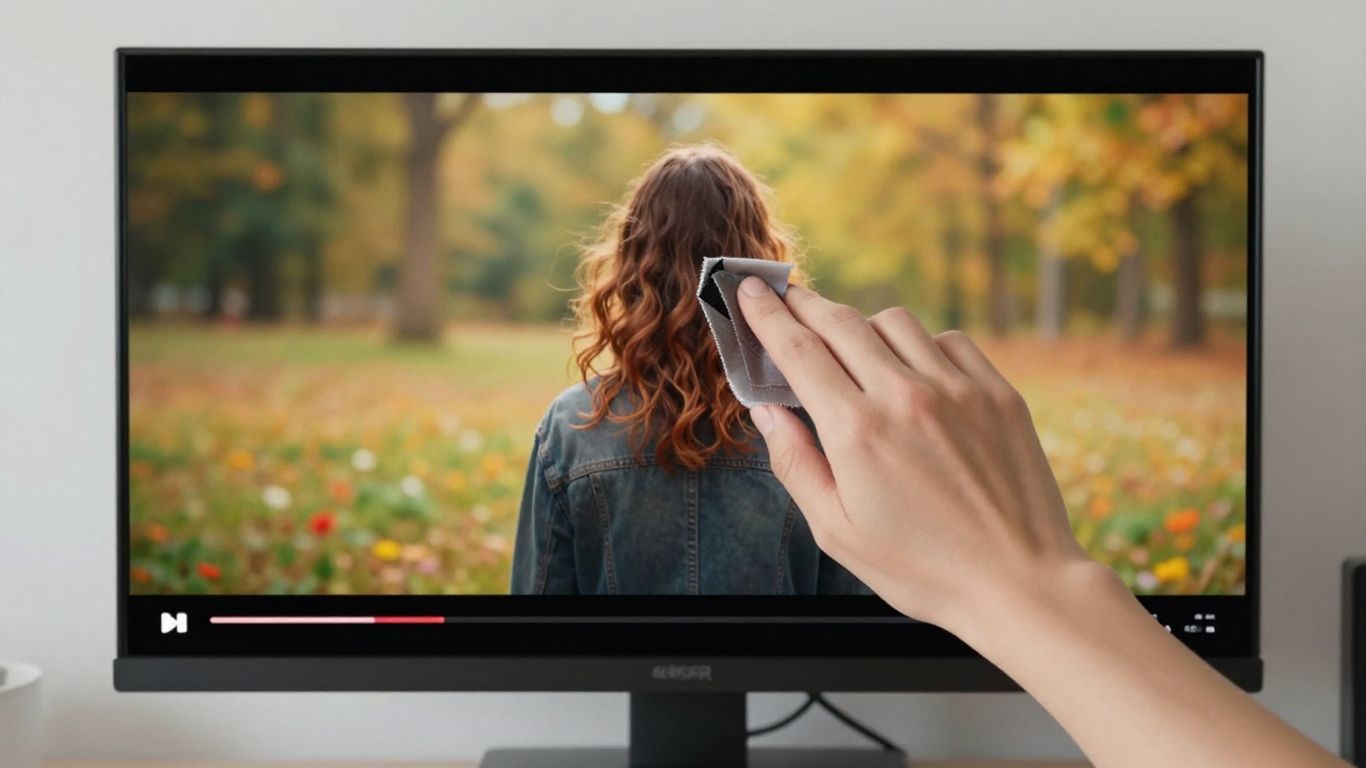
Watermarks can be a real buzzkill when you’re trying to create a professional-looking music video. Luckily, there are ways to get around them, especially if you’re working with free tools.
Leveraging Paid Plans for Unwatermarked Exports
This is often the most straightforward solution. Many AI music video generators offer a paid tier that removes watermarks entirely. If you plan on using the generated videos regularly or for commercial purposes, the subscription cost might be well worth it. You’ll usually get higher resolution exports and more features too.
Combining Multiple Tools in a Workflow
Don’t feel like you have to rely on just one tool. You can create a workflow that uses different platforms for different stages. For example, use one generator for your main scenes and another for background elements. This can help you avoid limitations, including watermarks, imposed by a single service. Spreading your work across tools can also help you manage free credit limits.
Utilizing Editing Software for Watermark Removal
Sometimes, even with free tools, you might end up with a watermark. If the watermark is small and in a corner, you might be able to crop it out during the editing process. For more stubborn watermarks, there are online tools that can help remove them. Some of these are free, like this AI-powered tool that processes videos quickly. Just be sure to check the terms of service for both the generator and the removal tool.
Always verify the current export terms before building your full workflow around one platform. Policies can change quickly, and what’s watermark-free today might have a watermark tomorrow.
Commercial Use and Watermark Implications
Watermarks and Commercial Licensing
When you plan to use AI-generated music videos for commercial purposes, you absolutely need to check the licensing terms. Many tools that offer free generation will put a watermark on the final output. This watermark can look unprofessional if you’re trying to promote a business or a product.
Always read the terms of service carefully before you start. Some platforms might allow commercial use but still require you to keep their watermark. Others might restrict commercial use entirely on their free plans. You might need to pay for a license or a subscription to get a clean, unwatermarked video for your business needs. This is especially true if you’re using generated music alongside the video.
Terms of Service for AI-Generated Content
Every AI music video generator has its own set of rules, or Terms of Service (ToS). These documents explain what you can and cannot do with the content you create. For commercial use, you’ll want to look for specific clauses about licensing and ownership. Some services grant you full commercial rights upon payment, while others might have limitations.
It’s also worth noting that the legal landscape around AI-generated content is still developing. You might find that some platforms allow commercial use but don’t offer explicit copyright protection for the output. You may need to combine multiple tools, each with its own terms, to build your final video. Always verify the commercial use policies of each tool you use.
Ensuring Brand Integrity with Watermark-Free Output
If you’re using AI-generated videos for your brand, a watermark can really hurt your image. It looks amateurish and can distract viewers from your message. To maintain a professional appearance, you’ll likely need to opt for a paid plan or a service that specifically offers watermark-free exports on certain tiers.
Consider the overall impression you want to give. A clean, unbranded video looks more polished and trustworthy. If a tool’s free version adds a watermark, you have a few options: look for another tool, use editing software to try and remove it (though this is often difficult and may violate terms), or pay for the premium version. Your brand’s reputation is on the line, so make sure your visuals reflect that.
Key Considerations for AI Music Video Creation
Watermark Policies and Export Quality
Before you get too deep into making your music video, check how each tool handles exports. Some free AI music video generators will add a watermark to your final video. This can look unprofessional, especially if you plan to share your work widely. Always verify the export behavior before you spend a lot of time creating content.
The Role of Watermarks in Free vs. Paid Services
Free tiers often come with limitations, and watermarks are a common one. This is how the companies encourage you to upgrade to a paid plan. Paid plans usually offer unwatermarked exports, higher resolution options, and sometimes faster processing times. Think about your budget and how important a clean export is for your project.
Verifying Current Export Terms Before Committing
AI tools change their policies and features regularly. What’s true today might not be true next month. Always double-check the terms of service and export options for any tool you plan to use, especially if you’re relying on a free version. This prevents surprises down the line. You can often find this information in the FAQ or pricing sections of their websites. For example, some platforms might offer a limited number of free watermarked exports, while others might restrict commercial use entirely on free plans. It’s smart to look at what AI video tools offer in terms of export quality and licensing before you commit to a workflow.
Thinking about making an AI music video? It’s easier than you might think! Consider what kind of mood you want your video to have and what story you want to tell. These simple steps can make a big difference in the final look. Want to see how it’s done? Visit our website to learn more and start creating your own amazing AI music videos today!
So, Do AI Music Video Generators Add Watermarks?
Alright, let’s wrap this up. When it comes to AI music video generators, the answer about watermarks isn’t a simple yes or no. It really depends on the specific tool and the plan you’re using. Some offer free tiers with watermarks, while others might give you watermark-free exports on paid plans. Tools like Creatus aim to provide a full workflow, and their specific policies on watermarks would be detailed in their terms. Always double-check the platform’s current policies before you commit, especially if you’re planning to use the videos commercially. It’s about knowing the deal before you start creating.
Frequently Asked Questions
Do all AI music video generators put watermarks on free exports?
No, not every AI music video generator adds a watermark to free exports, but many do. Some tools let you export without a watermark, while others only offer that if you pay. Always check the export rules before you start.
How can I get rid of watermarks on my AI music videos?
The easiest way is to upgrade to a paid plan, since most platforms remove watermarks for paying users. If you want to stay free, you can try using video editing software to crop or blur the watermark, but this might lower your video quality or break the look.
Can I use AI music videos with watermarks for commercial projects?
Usually, no. Most platforms say you can’t use watermarked videos for business or ads, and some even block commercial use on free plans completely. Always read the terms of service to be sure.
Which AI music video generator lets me export videos without a watermark for free?
Some tools, like Luma Dream Machine or Freebeat AI, sometimes allow watermark-free exports on their free plans, but this can change. You should always check the latest info on their websites before you depend on it.
Why do AI music video tools add watermarks to free plans?
Watermarks are a way for companies to protect their work and encourage you to buy a paid plan. They help stop people from using the tool’s videos for free in big projects or on social media without giving credit or paying.
What should I check before picking an AI music video generator?
Look at if you can export videos without paying, if there’s a watermark, how long the free videos can be, and if you can use them for your needs (like school, fun, or business). Always check the export and copyright info before you start your project.