So, you’re thinking about making an ai music video with custom visuals? It’s not as complicated as it might sound. You can get some pretty cool results without needing to be a video editing wizard. This article is going to break down what you can actually control when you’re using AI to make your music video, from the song itself to the final look. We’ll cover what you can tweak, what the tools can do, and how you can make the AI work for your artistic vision.
Key Takeaways
- You can get an ai music video with custom visuals by using tools that combine song creation and video generation in one place, saving you from switching between different apps.
- While AI can generate a lot, you still have control over the visual style, how the video reacts to the music, and keeping characters consistent throughout.
- The process often involves generating short clips and then refining them, meaning you’ll be doing some editing and polishing to make the AI’s output fit your idea.
- You can upload your own audio files or let the AI create a song for you, and then export your finished video in different sizes for platforms like TikTok, Instagram, or YouTube.
- Think of AI as a creative assistant; the best results come when you combine its capabilities with your own ideas and direction, especially through good ‘prompt engineering’.
Understanding AI Music Video Generation Control
The Core Concept: Text to Song to Video
Creating an AI music video starts with your idea. You typically begin by providing text prompts, which can include lyrics, genre, mood, or a general concept. The AI then uses this input to generate the music, often including vocals. After the song is created, you feed it into a video generation tool. This tool analyzes the audio’s rhythm, tempo, and feel to produce synchronized visuals. It’s a layered process, moving from abstract ideas to concrete audio and then to visual representation.
Beyond Basic Generation: Customization Options
While AI can generate content automatically, you have more control than you might think. Many platforms allow you to select specific visual styles, from cinematic looks to abstract animations. You can also influence the mood and pacing of the video by adjusting parameters or providing more detailed prompts. Some tools even let you guide the narrative or specify elements you want to see. This level of input helps ensure the visuals align with your artistic vision.
The Role of Human Input in AI Video
AI is a powerful tool, but it’s not a replacement for human creativity. You are the director. Your prompts, your choices in style, and your feedback during the process shape the final output. AI can handle the heavy lifting of generating pixels, but you provide the artistic direction and the emotional core. Think of the AI as a highly skilled but literal assistant; it needs your guidance to achieve a specific outcome. This collaboration is key to making a compelling music video.
The process often feels like a back-and-forth. You generate something, review it, and then refine your instructions. This iterative cycle is where you truly mold the AI’s output to match your creative goals. It requires patience and a willingness to experiment with different prompts and settings.
Key Features for Custom Visuals in AI Music Videos
Visual Style Selection
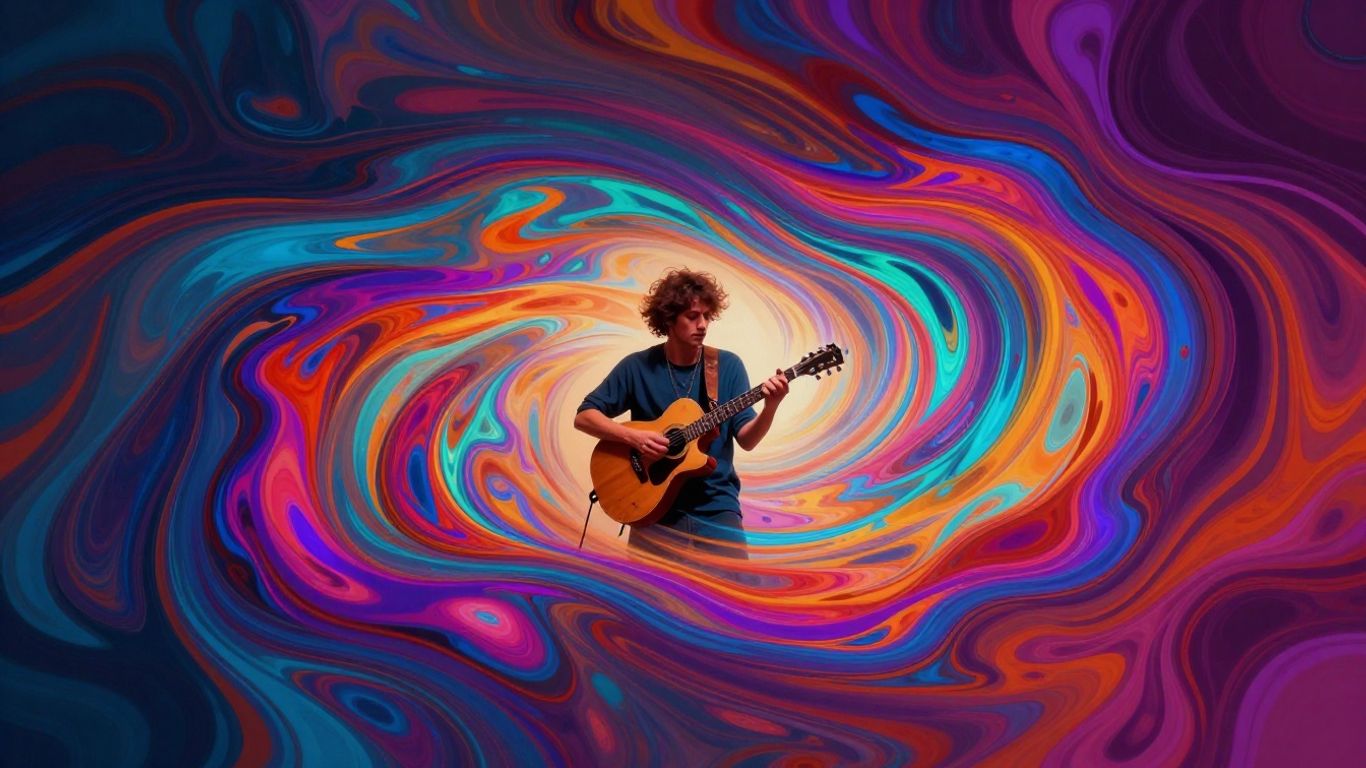
AI music video tools offer a range of visual styles, letting you pick the overall look and feel for your video. You can often choose from categories like cinematic, animated, abstract, or even lyric video styles. This selection is your first step in guiding the AI to match your song’s mood.
Audio-Reactive Elements
Many platforms allow visuals to react directly to your music. This means elements in the video can pulse, change color, or move in sync with the beat, tempo, or energy of your track. This audio-reactivity makes your music video feel alive and connected to the sound. It’s a powerful way to add dynamism without manual editing.
Character and Scene Consistency
Maintaining consistency for characters and scenes is a common challenge with AI generation. Some tools offer features to help keep your main subjects looking the same across different shots. This is vital for storytelling, preventing jarring changes that can pull viewers out of the experience. You might need to use specific prompts or iterative generation to achieve this level of uniformity.
Keeping your visuals consistent is key. If your singer suddenly changes appearance between scenes, it breaks the illusion. Look for tools that offer ways to lock in character details or provide tools for refining generated shots to ensure a cohesive look throughout your video. This human touch is what separates a polished video from a collection of random clips.
Here’s a look at how different features can be managed:
- Visual Style: Choose from presets like ‘cinematic’, ‘animated’, ‘abstract’, ‘performance’, or ‘lyric video’.
- Audio Sync: Options for beat-syncing, tempo matching, and energy-based visual changes.
- Character Control: Features for maintaining consistent character appearance across multiple scenes, often through prompt refinement or specific model settings.
When you’re looking at different AI music video generators, pay attention to how they handle these core features. Tools like Freebeat often highlight these capabilities as central to their offering, aiming to give you more creative command over the final output.
Workflow and Control Over Your AI Music Video
Iterative Generation and Refinement
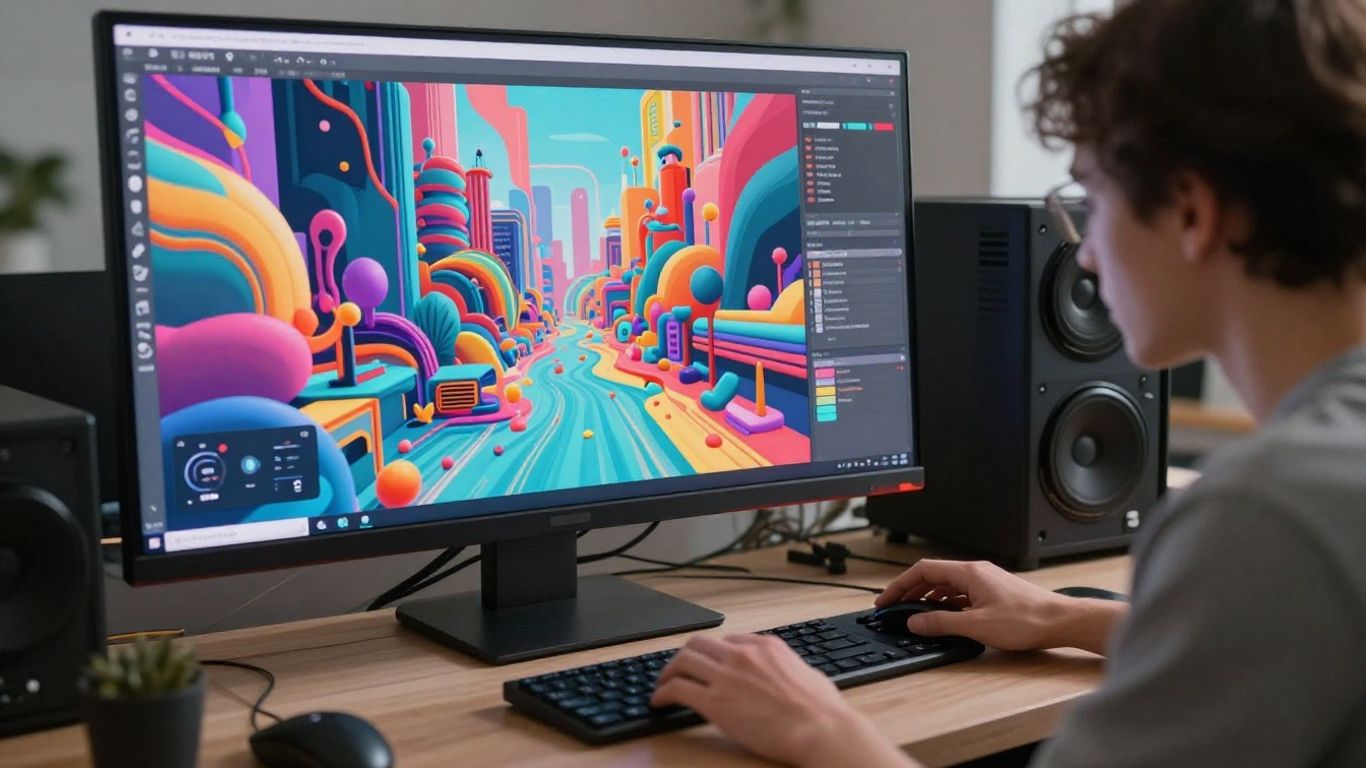
Creating an AI music video isn’t a one-and-done process. You’ll likely generate many short clips, picking the best ones. Think of it like a digital sculptor chipping away at a block of marble. You keep refining, regenerating, and selecting until the visuals match your vision. This back-and-forth is key to getting results that don’t look like random noise.
It’s common to hit a
Input and Output Control for AI Music Videos
Supported Input Formats for Creation
When you start making your AI music video, you’ll need to feed the system some information. Most tools accept text prompts, which are your main way to describe the song and the visuals you want. You can also often upload lyrics directly if you’ve already written them.
For the video part, you’ll typically upload your audio file. Common formats like MP3 and WAV are widely supported. This allows you to use either an AI-generated song or your own recorded track. The flexibility in input formats means you can integrate your existing creative assets.
Exporting for Various Platforms
Once your video is ready, you need to consider where you’ll share it. AI music video tools usually offer multiple export options to fit different platforms. You can typically choose between vertical (9:16) for TikTok and Reels, square (1:1) for Instagram feeds, and standard horizontal (16:9) for YouTube.
This multi-format export is a big time-saver. It means you don’t have to reformat your video manually after it’s generated. You get versions ready for all the major social media sites straight from the AI tool. This makes distributing your work much simpler.
Controlling Video Resolution and Quality
High-quality output is important for making your music video look professional. You’ll often have control over the video’s resolution, with options like 1080p (Full HD) and sometimes even 4K available. Higher resolutions mean sharper, more detailed visuals.
Beyond resolution, some platforms let you adjust other quality settings. You might be able to select different AI models or fine-tune parameters that affect the final look. If you’re not sure where to start, many tools provide a default setting that balances quality and generation speed. You can always experiment with different settings to see what works best for your project. For example, using the same seed with identical input parameters can help you achieve consistent results if you need to regenerate a scene. This helps with consistency.
The ability to control output formats and quality directly impacts how your final video is perceived. Ensuring your video looks good on any screen, from a phone to a large monitor, is key to reaching your audience effectively. Don’t underestimate the difference good resolution makes.
Navigating the AI Music Video Landscape
Integrated Song and Video Platforms
Some platforms aim to simplify your workflow by combining song creation and video generation into one place. This means you can write a song idea, generate the music with AI vocals, and then create the video, all without switching between different tools. It’s a streamlined approach for independent musicians or anyone looking to cut down on production time and costs. These all-in-one solutions are becoming more common, making the process more accessible.
Specialized AI Video Tools
Beyond the integrated platforms, you’ll find tools that focus specifically on video generation from audio. These might offer more advanced control over visual elements, beat synchronization, or specific stylistic choices. You might use these if you’ve already created your song elsewhere or if you need more granular control over the visual output. Tools like Freebeat can help you generate compelling music videos in minutes.
Understanding Competitor Strengths
When looking at different AI music video tools, consider what each one does best. Some excel at creating realistic visuals, while others might be better for abstract or animated styles. Some platforms focus on audio-reactive elements, making sure every visual pulse matches your track. Understanding these strengths helps you pick the right tool for your specific project and artistic vision. You can find platforms that offer customizable visuals and adaptable export choices.
The AI music video space is evolving rapidly. What seems cutting-edge today might be standard tomorrow. Staying aware of new features and tools is key to making the most of this technology for your music.
Here’s a quick look at what some tools offer:
- Integrated Platforms: Combine song and video creation.
- Specialized Video Tools: Focus on generating visuals from existing audio.
- AI Song Generators: Create music and vocals, requiring separate video tools.
Choosing the right combination of tools depends on your budget, technical skill, and the exact look and feel you want for your music video. Many platforms offer free trials, so you can experiment before committing. You can even generate AI-powered music videos that synchronize visuals to your audio’s beat.
Achieving Professional AI Music Videos
Balancing AI Capabilities with Artistic Vision
AI tools can generate impressive visuals, but they don’t inherently understand your artistic intent. You need to guide the AI, treating it like a skilled assistant rather than a fully autonomous creator. Think of the AI as your digital VFX team; it handles the heavy lifting of pixel generation, but you provide the creative direction and refine the output. This partnership is key to making videos that feel personal and impactful.
The Importance of Prompt Engineering
Your prompts are the instructions you give the AI. Vague prompts lead to generic results, often called "slop" in the industry. To get specific looks and maintain consistency, you’ll need to learn how to write detailed prompts. This involves describing styles, moods, actions, and even camera angles. Mastering prompt engineering is how you translate your creative ideas into tangible AI-generated footage.
Leveraging AI as a Creative Assistant
Don’t expect a one-click solution for a professional music video. The process is iterative. You’ll generate clips, review them, adjust your prompts, and regenerate. This cycle of creation and refinement is where you inject your artistic vision. Consider using AI tools as part of a larger workflow, potentially integrating them with traditional editing software for final touches. This approach allows you to create AI music videos that truly reflect your unique style.
The most compelling AI music videos aren’t just algorithmic outputs; they are carefully crafted pieces where human direction shapes the digital generation. It’s about blending the AI’s capabilities with your artistic goals to tell a story that resonates.
Want to make awesome AI music videos that look super professional? It’s easier than you think! You can learn all the cool tricks and tips to create amazing visuals that will wow your audience. Ready to start making your own AI music videos? Visit our website today to discover how!
Wrapping It Up: Your AI Music Video Journey
So, what’s the takeaway here? You’ve seen that creating AI music videos isn’t just a one-click magic trick. While tools are getting smarter, you still have a good amount of say in the final product. Whether you’re using a platform that handles both song and video generation, like Creatus, or piecing things together with separate tools, your input matters. Think of it like this: the AI gives you the paint and the canvas, but you’re the one deciding what goes where. You can guide the visuals, tweak the styles, and make sure the final video actually fits the vibe of your music. It takes some effort, sure, but the control you get is real. You can make something that looks and sounds like you, without needing a massive budget or a film crew. It’s about using these new tools to bring your specific vision to life.
Frequently Asked Questions
Can I really make a whole song and music video with AI?
Yep! Tools like Creatus AI let you type in your song idea, and the AI writes and sings it for you. Then, it can take that song and turn it into a music video. It’s like having a whole music studio and video crew in one app, without needing any special skills.
How much control do I get over the video’s look?
You get a good amount of control! You can usually pick different visual styles, like cinematic, cartoonish, or abstract. Some tools let you guide the AI with specific descriptions for scenes and characters, but it’s more about directing the AI than drawing every frame yourself.
Will my character look the same in every scene?
That can be tricky! Sometimes the AI might change how a character looks between shots. To fix this, you can use reference photos or special AI models that help the AI remember the character’s appearance. Some newer tools also have a ‘memory’ feature to help with this.
Can the video match the beat of the music automatically?
Totally! Many AI video tools can sync with your music’s rhythm. They can make visuals pulse, speed up camera movements, or change scenes based on the song’s energy. This is awesome for making sure your video feels perfectly in tune with your track.
Is it okay to use AI if it learned from other artists’ work?
That’s a big question right now! Many artists use AI like a tool, similar to how a painter uses brushes. It’s best to use AI tools that are clear about their training data or offer ways for artists to opt-out. Using AI to enhance your own footage or ideas is generally seen as more ethical.
What if the AI video looks messy or weird?
Don’t worry, that happens! AI isn’t perfect. If the result is messy, it might be because the instructions (prompts) weren’t clear enough, or you only generated a few clips. Making a great AI music video often involves creating many short clips, picking the best ones, and then editing them together to make a smooth, professional-looking final product.