So, you’re looking to make an ai music video with subtitles, huh? It sounds pretty high-tech, but honestly, it’s getting easier for anyone to jump in. Forget spending weeks editing or hiring a whole crew. These new AI tools can actually whip up a song and a video, complete with lyrics, pretty quickly. It’s a game-changer for getting your music out there, especially on places like TikTok or Instagram. Let’s break down how you can get started without pulling your hair out.
Key Takeaways
- You can now create an ai music video with subtitles using tools that generate both the song and the video from simple prompts or audio files.
- Many AI tools combine song creation and video production, meaning you don’t need separate software for each step.
- Automatic caption generation is a big deal for social media, helping people watch your videos even with the sound off.
- These AI tools often support various video formats and aspect ratios, making them perfect for platforms like TikTok, Reels, and YouTube Shorts.
- Using AI for music videos is way faster and cheaper than traditional methods, opening up promotion for independent artists and small projects.
Creating AI Music Videos With Subtitles: A Practical Guide
Getting started with AI music videos that include subtitles might seem complex, but it’s more straightforward than you think. You’ll be working with tools that automate much of the heavy lifting. This guide breaks down the process so you can create your own.
Understanding the AI Music Video Workflow
The typical workflow involves a few key stages. First, you’ll usually provide your audio track and some visual elements, like a photo or a short video clip. Then, the AI takes over to generate the video content, often synchronizing it with the music. Finally, you’ll add or refine the subtitles to make sure they’re accurate and well-timed. It’s a streamlined process designed to get you from idea to finished product quickly.
Key Features of AI Music Video Generators
Modern AI music video tools come with a range of helpful features. Many can automatically generate lyrics and synchronize them to the music, which is a huge time-saver. Some platforms also offer AI-powered lip-syncing, making a static image appear to sing along. You’ll also find options for customizing the visual style and exporting in various formats suitable for different social media platforms. The ability to generate captions automatically is a standout feature for many.
Choosing the Right AI Tool for Your Needs
When selecting a tool, consider what’s most important for your project. Do you need a platform that handles both song and video creation, or are you just looking to add subtitles to an existing track? Look at the user interface – is it intuitive for you? Check if the tool supports the file formats you use and if it offers the specific features you need, like beat-aware caption timing. Some platforms offer free trials, which are great for testing before committing.
- Integrated Song and Video Creation: Some tools let you generate the music and video in one go.
- Subtitle Generation: Look for automatic captioning and editing capabilities.
- Visual Customization: Options for image input, style, and animation.
- Export Options: Support for various aspect ratios (9:16, 1:1, 16:9) for different platforms.
When evaluating AI music video tools, pay close attention to how well they handle automatic captioning for music. Many tools are built for spoken word and struggle with the rhythm and speed of lyrics. A good music-focused generator will sync captions to the beat and allow for quick edits without a full re-render. This makes a big difference in the final quality and your workflow efficiency.
For example, platforms like TextSong.ai focus on turning lyrics into songs and then creating videos with auto-captions. They aim to keep the entire process within a single workflow, which can simplify things considerably. You upload your audio and a photo, add a prompt, and the AI handles the rest, including generating lyric videos with auto captions.
Other tools might focus more on the video generation side, taking your existing audio and creating visuals. It’s about finding the best fit for your specific needs and technical comfort level. Remember to check if the tool can add AI-powered subtitles to your videos easily.
Generating Music and Video in One Seamless Process
From Text Prompt to Full Song
Forget needing to be a musician or producer. You can start with just a simple text prompt. Describe the genre, mood, or even a specific idea you have for a song. The AI then takes that description and composes original music, complete with AI-generated vocals. It’s a straightforward way to get a full song without any prior music-making experience.
Automated Video Synchronization
Once you have your audio, the next step is creating the video. Many tools now automate the synchronization of visuals with your music. This means the video elements will match the beat, tempo, and overall feel of the song. This automatic syncing saves you a lot of time and effort. You don’t have to manually align every visual cue to the audio track. Tools like Freebeat simplify this by aligning visuals to music first, which helps captions fall into place more easily later.
Integrated Song and Video Creation Platforms
Some platforms offer a complete, all-in-one solution. You can generate your song and then immediately create the music video, all within the same application. This integrated workflow means you don’t have to switch between different software or services. You can go from a text idea to a finished music video without leaving the platform. This approach is great for independent artists or creators who want a fast production pipeline. Platforms like Creatus.AI combine text-to-song and audio-to-video generation in a single workflow.
Leveraging AI for Lyric Videos and Captions
The Importance of Lyric Captions on Social Media
Lyric captions are more than just an accessibility option these days. On platforms like TikTok and Instagram, they directly impact how long people watch your videos and whether they get discovered. Many users scroll through feeds with the sound off or very low. This means on-screen lyrics are pretty much required if you want your music content to connect.
From what I’ve seen, videos with clear lyric captions just perform better than those without. Captions help keep viewers focused, especially during the catchy parts of a song. They also give the platform’s algorithms clues about what your video is about, which can help with visibility. Good captions make your music accessible and understandable, even without audio.
AI-Powered Automatic Caption Generation
Creating captions manually can take a lot of time. AI tools can now generate these captions automatically from your audio. This process usually involves analyzing the song’s rhythm and vocals to place the text correctly. Some tools are better than others, especially when dealing with fast verses or layered vocals. You’ll often need to do some quick edits to get them perfect.
When looking for a tool, check how well it syncs lyrics to the beat. You want captions that feel natural and on-time with the music. A good AI caption generator should also let you make fast edits without having to start the whole process over. This saves you a lot of hassle. For social media, tools that can auto-sync lyrics to the beat are a big help.
Ensuring Caption Readability and Timing
Even with AI doing the heavy lifting, you still need to check the captions. A common mistake is putting too many words on one line, making it hard to read quickly. Another issue is when captions lag behind the music. This can be really distracting for viewers.
Here are a few tips for making sure your captions work well:
- Review with sound off: See if the text makes sense and flows logically on its own.
- Review with sound on: Check that the timing feels right with the music. Are the words appearing as they are sung?
- Keep lines short: Aim for one to two beats per line, depending on the song’s tempo.
- Use clear fonts: Pick a font and color that stands out against your video background.
Good captions feel almost invisible because they move so smoothly with the music. They don’t pull your attention away from the song; they support it. If you have to constantly adjust timing or readability, the tool might not be the best fit for music. Look for platforms that are built with music structure in mind, not just general speech.
For quick social media clips, using a service that offers ready-to-download lyric videos can be a real time-saver. They often handle the formatting for mobile screens automatically.
Technical Aspects of AI Music Video Production
Supported Audio and Image File Formats
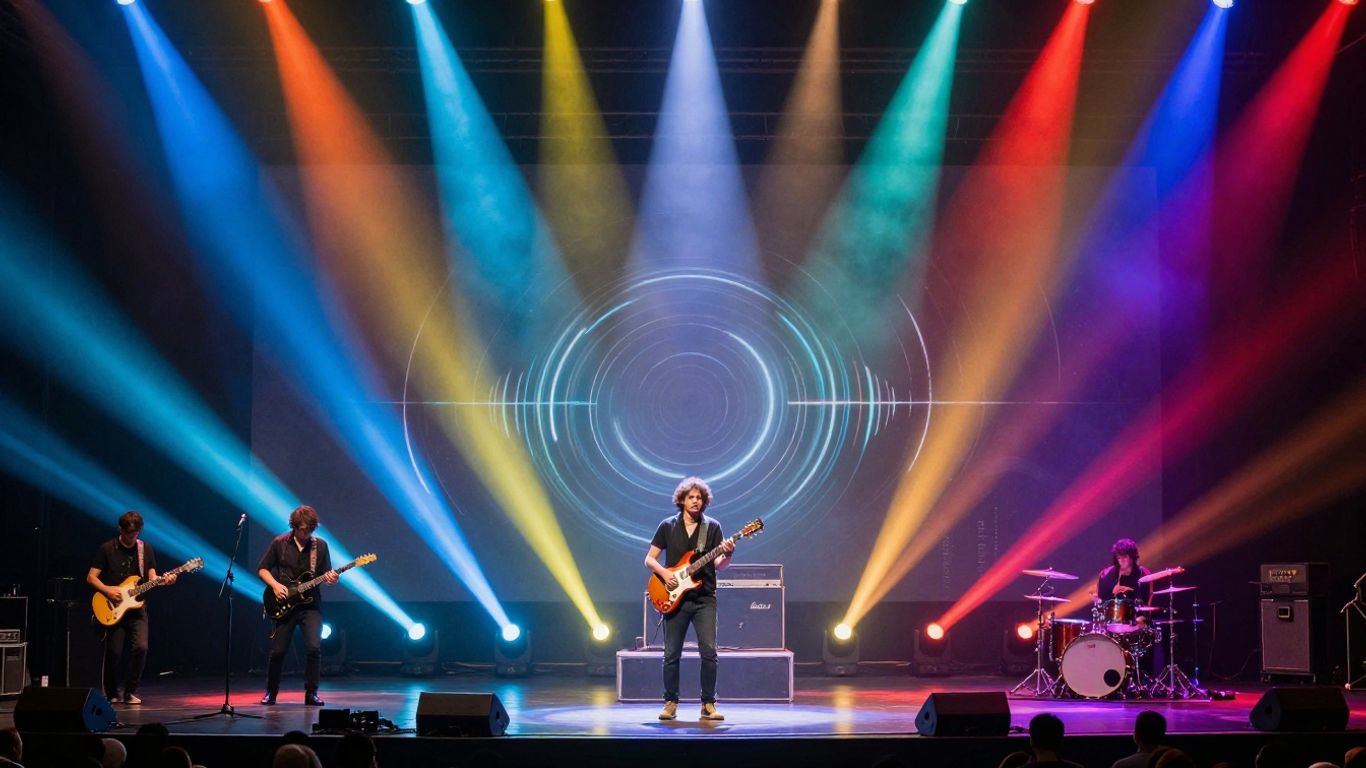
When you’re ready to create your AI music video, you’ll need to consider the file types your chosen tool accepts. Most generators work with common audio formats like MP3 and WAV. For images, you’ll typically upload JPEGs or PNGs. It’s best to use high-resolution images for a clearer final video.
Video Export Options and Aspect Ratios
Think about where you plan to share your video. Different platforms have different needs. You can usually export your AI music video in standard aspect ratios like 16:9 (for YouTube), 1:1 (for Instagram feeds), or 9:16 (for TikTok and Reels). This flexibility means your video is ready for any social media channel.
Understanding AI Lipsync Technology
AI lipsync technology is what makes your character or image appear to sing your song. The AI analyzes the audio track, matching the timing, rhythm, and pronunciation of the lyrics to the on-screen mouth movements. This engine works with singing, rap, and even spoken word, creating a more engaging visual experience. Some tools even add subtle head and body movements to make the performance feel more natural. This technology is key to making AI music videos feel alive and connected to the audio.
Competitive Landscape of AI Music Video Tools
Dedicated AI Music Video Generators
When you’re looking for tools that focus solely on turning your audio into visuals, you’ll find a few key players. These platforms often excel at creating dynamic, beat-synced videos directly from your music files. They might not help you write the song, but they’re built to make the video part as smooth as possible. Think of them as specialized visual artists for your tracks. Some even offer advanced editing features for fine-tuning the output. You can explore options like Neural Frames for its frame-by-frame control or Revid.ai for quick, beat-synced generation suitable for social media. These tools are great if you already have your music ready to go and just need the visuals to match. Many of these platforms are constantly updating their AI models to produce more engaging and creative video content, aiming to stand out in a crowded market. You can find a good overview of these AI video generators available to see which fits your needs best.
Platforms Offering Both Song and Video Creation
Some services aim to be your one-stop shop, handling both the music and the video creation. This integrated approach means you can go from a text prompt to a finished music video without switching between different software. It simplifies the workflow significantly, especially if you’re an independent artist or creator. Platforms like Creatus.AI are designed with this dual capability in mind, allowing you to generate a song and then immediately produce a music video for it. This can save you a lot of time and hassle. The main advantage here is keeping everything within a single ecosystem. This often means less complexity and a more streamlined production process from start to finish.
Comparison with Traditional Video Editing
Compared to traditional video editing, AI tools are incredibly fast. You can generate a music video in minutes or hours, rather than the days or weeks it might take with manual editing. Traditional methods require significant technical skill, time, and often a team of editors. AI simplifies this by automating many complex processes, like lip-syncing and beat synchronization. While AI tools are powerful, they might offer less granular control than professional editing software. However, for many creators, the speed and ease of use make AI the clear choice. You can achieve impressive results without needing to master intricate editing timelines. The focus has shifted from the technicalities of editing to the creative vision, making AI music video generation more accessible than ever before.
Practical Applications and Use Cases
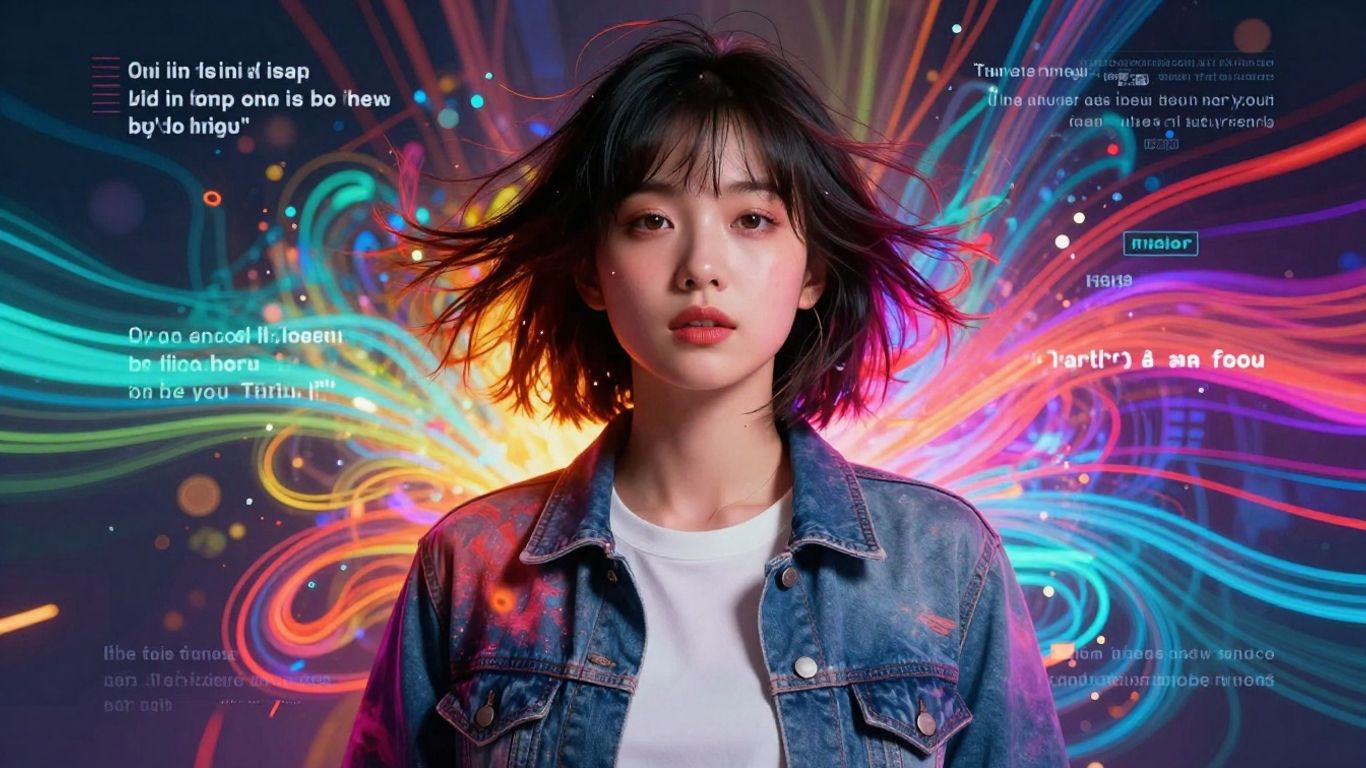
AI music video generators aren’t just for big studios anymore. You can use them for all sorts of projects, big and small. Think about how much time and money you save compared to traditional methods.
Short-Form Content for Social Media
Short-form video is king on platforms like TikTok, Instagram Reels, and YouTube Shorts. These tools let you turn your lyrics and a single image into a ready-to-post video in minutes. This speed is a game-changer for creators who need to post frequently. You get synced lyrics and visuals that grab attention quickly, perfect for the fast-paced social media feed. It’s a simple way to get your music in front of more eyes.
Independent Artist Music Promotion
As an independent artist, you often have a limited budget for promotion. AI music video generators offer a cost-effective solution. You can create professional-looking lyric videos or visualizers without hiring a crew or expensive equipment. This allows you to focus your resources on other aspects of your music career. You can easily create content for social media discovery and keep your audience engaged between releases.
Commercial Projects and Branding
Beyond music promotion, these tools have commercial applications. Businesses can use them for branded content, advertisements, or internal communications. Imagine creating a jingle and a quick video for a product launch. You can even use AI to generate background music and visuals for podcasts or explainer videos. The flexibility means you can tailor content to specific brand needs and platforms.
Optimizing Your AI Music Video for Reach
Platform-Specific Video Requirements
Different platforms have different needs. YouTube Shorts, TikTok, and Instagram Reels all favor vertical video. Make sure your AI tool exports in the correct aspect ratio, usually 9:16. Check the recommended resolution and frame rate for each platform you plan to use. This simple step prevents your video from being cropped or stretched awkwardly.
The Role of Captions in Discoverability
Captions are more than just an accessibility feature. They help viewers who watch with the sound off, which is common on social media. Algorithms also use the text in captions to understand your video’s content. This can improve your video’s visibility in search results and recommendations. Using tools that generate accurate, beat-synced captions is a smart move.
Copyright and Usage Rights Considerations
Always understand the terms of service for the AI tools you use. Some tools grant you full ownership of the generated content, while others may have restrictions. Be mindful of any music or image assets you upload. Ensure you have the rights to use any material incorporated into your AI music video. This protects you from potential copyright issues down the line.
When you create your AI music video, think about where it will live. A video optimized for TikTok might not perform as well on YouTube if the format or caption style is wrong. Tailoring your output to each platform’s strengths is key to getting your music seen and heard by more people.
Want more people to see your AI music video? Making it easy for others to find and share is key. Think about using popular tags and sharing it on different social media spots. The better you make it for sharing, the more eyes will be on your awesome creation. Ready to make your next AI music video a hit? Visit our website to learn more and get started!
Wrapping Up
So, you’ve seen how AI can really simplify making music videos with lyrics and subtitles. Tools like Creatus, TextSong.ai, and others let you go from a song idea or an audio file to a finished video without needing to be a pro editor. You can get those lyric videos with auto-captions done in minutes, perfect for social media platforms like TikTok and Reels. It’s a practical way to get your music out there visually, especially if you’re on a budget or just want to speed up your content creation. Give one of these tools a try and see how much time and effort you can save.
Frequently Asked Questions
How do I make a music video with AI?
It’s pretty simple! Many AI tools let you type in an idea for a song, and they’ll create the music and even sing it for you. Then, you can often turn that song into a music video using the same tool. You might upload a photo or a short video clip, and the AI will make it move and sync with your music, adding lyrics as captions automatically.
Can AI create both the song and the video?
Yes, absolutely! Some newer AI tools are designed to do both things in one go. You give them a text idea, and they generate the full song, complete with AI vocals. Right after that, they can create a music video that matches the song. It’s like having a complete music production studio in one app.
What are AI lyrics videos and why do I need them?
AI lyric videos are music videos that show the words of your song on screen as they are sung. They’re super important for social media like TikTok and Instagram because many people watch videos with the sound off or low. Having lyrics pop up makes sure everyone can follow along, which helps more people watch your video and share it.
How does AI make the video sync with the song?
AI uses something called ‘lipsync technology’. It analyzes your song’s audio, figuring out the timing and pronunciation of every word. Then, it makes a character’s mouth and face in your video move to match what’s being sung or said. It’s like the AI is teaching the character to sing along perfectly!
Are there free AI tools for making music videos?
You’re in luck! Many AI music video tools offer a free version or a free trial. These usually let you create shorter videos or might add a small watermark. It’s a great way to try out the technology and see if it works for you before you decide to pay for more features.
What makes a good AI music video generator for social media?
For social media, you want a tool that makes vertical videos (like for TikTok or Reels) quickly. It’s also really helpful if it automatically adds clear, easy-to-read captions that sync well with the music’s beat. Being able to export in the right sizes for different platforms is a big plus too!